Are vendor evaluations slipping through emails, sticky notes, and scattered spreadsheets?
If your team struggles with missed review deadlines, unclear responsibilities, and inconsistent supplier assessments, it’s time to upgrade your process.
The Vendor Evaluation Planner Checklist in Excel is a powerful, ready-to-use task management template designed to help procurement teams, supply chain managers, and business owners evaluate vendors systematically and professionally.
Instead of managing vendor reviews manually, this structured Excel checklist gives you clarity, accountability, and visual progress tracking — all in one place.
No complicated software. No learning curve. Just open, update, and manage.
Key Features of Vendor Evaluation Planner Checklist in Excel ✅
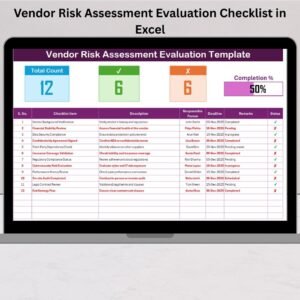
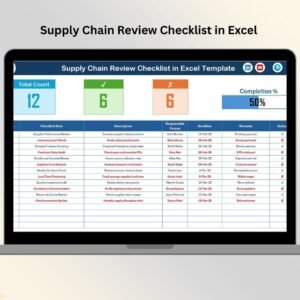
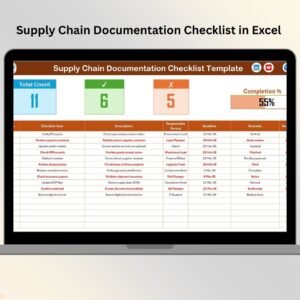
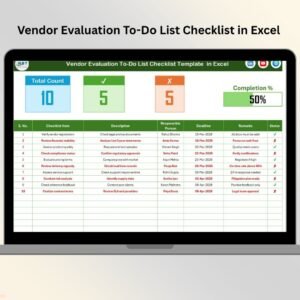
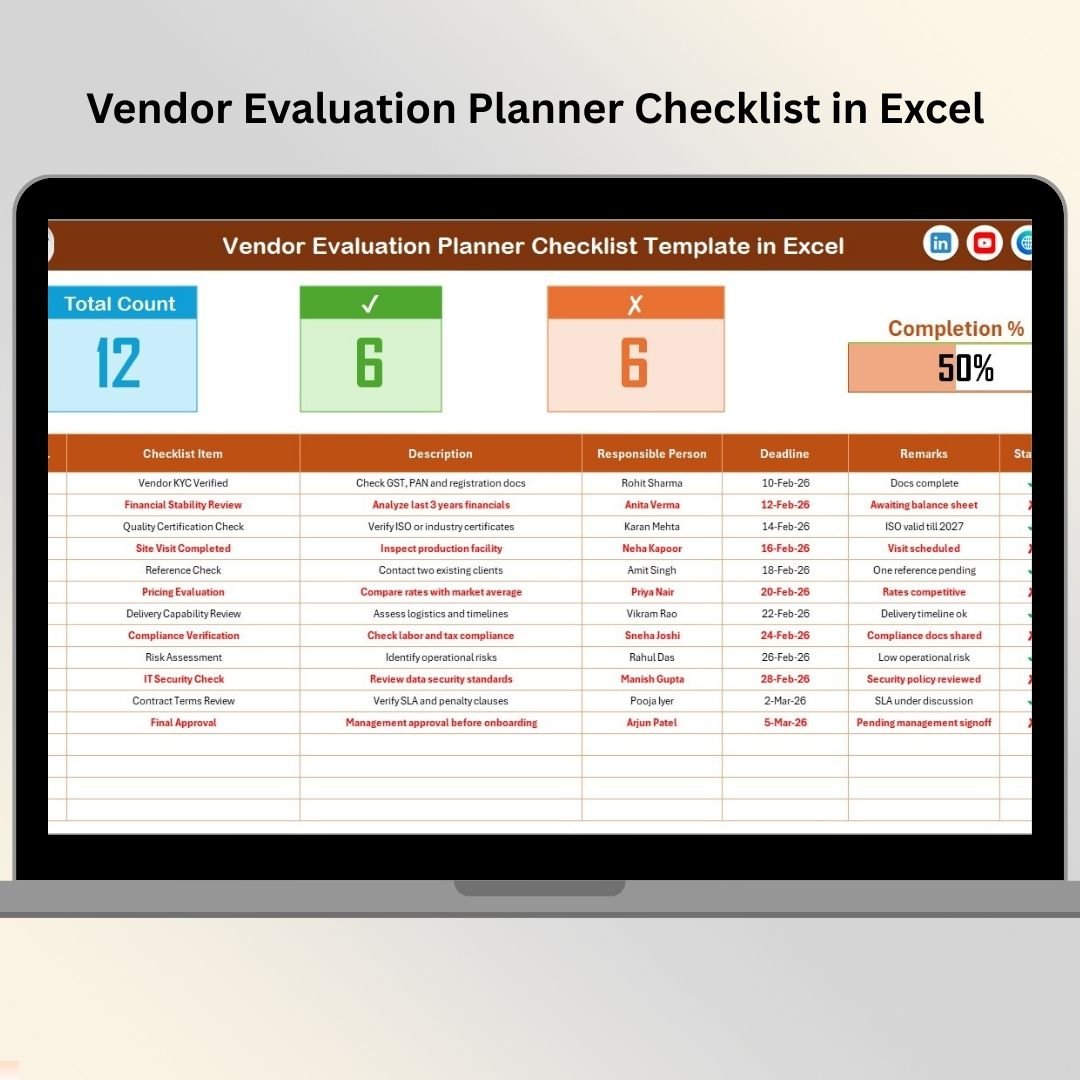
📊 Built-in Summary Dashboard – Instantly view Total Tasks, completed (✔), Pending (✘), and overall progress percentage.
📈 Automatic Progress Bar – Visual completion indicator that updates as soon as you change status.
👤 Responsible Person Assignment – Assign clear accountability for each checklist item.
📅 Deadline Tracking – Set due dates to prevent vendor evaluation delays.
✔️ Simple Status Control – Just select ✔ for completed or ✘ for pending.
📋 Structured Checklist Table – Organized columns for task clarity and documentation.
🔽 Drop-down Validation List – Avoid typing errors with controlled responsible person selection.
⚙️ Fully Customizable Design – Modify checklist items based on your business needs.
Because of this structured design, your vendor evaluation process becomes consistent, measurable, and transparent.
What’s Inside the Vendor Evaluation Planner Checklist in Excel 📂
This template includes 2 well-organized worksheets:
1️⃣ Vendor Evaluation Planner Checklist (Main Sheet)
This is your working sheet where all evaluation activities are recorded.
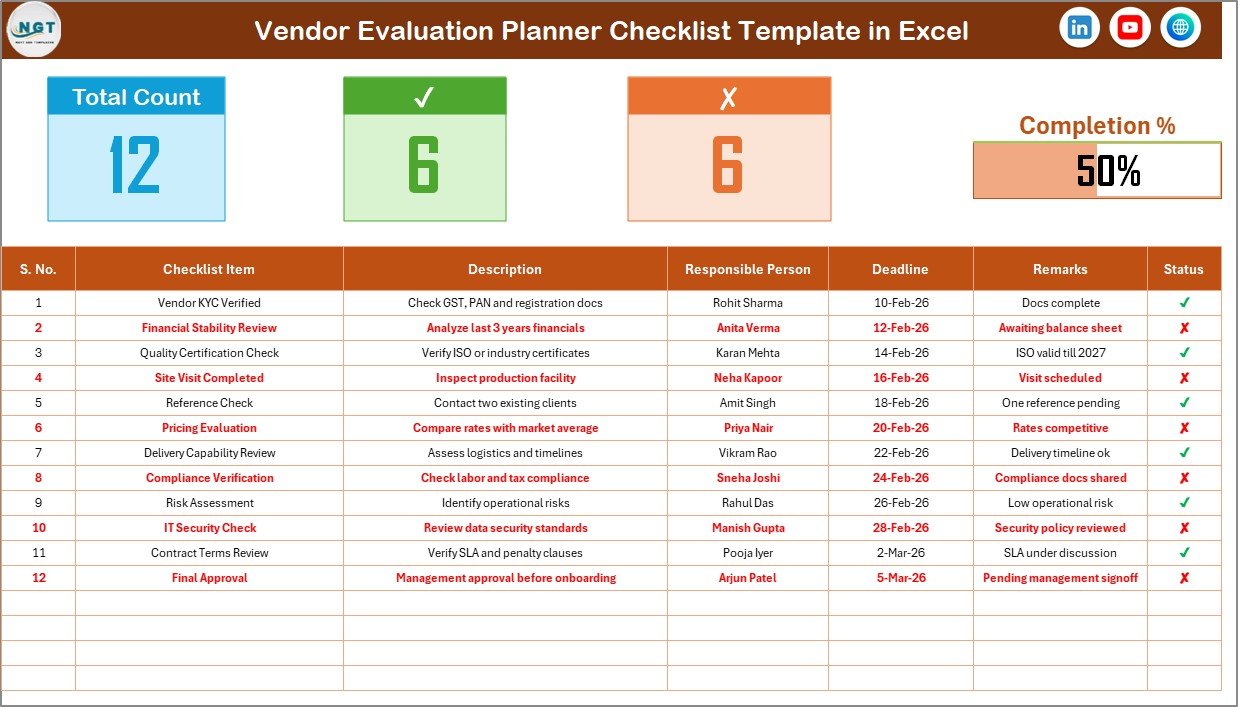
At the top, you’ll find a summary section displaying:
-
Total Checklist Items
-
Checked Count (✔)
-
Crossed Count (✘)
-
Completion Percentage
-
Visual Progress Bar
Below that, the main checklist table includes:
-
Serial Number
-
Checklist Item
-
Description
-
Responsible Person
-
Deadline
-
Remarks
-
Status (✔ / ✘)
As soon as you update the status column, the dashboard summary adjusts automatically.
For example:
If 20 tasks exist and 15 are marked ✔, the progress bar instantly shows 75% completion.
This keeps your team focused and accountable.
2️⃣ List Sheet
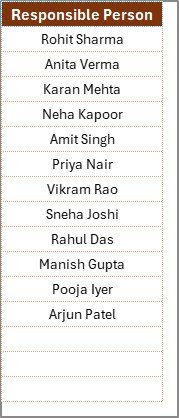
This sheet stores the unique list of responsible team members.
It powers the drop-down menu in the main sheet, ensuring:
✔ No duplicate names
✔ No spelling mistakes
✔ Standardized input
Simply add a new team member’s name here — and the drop-down updates automatically.
How to Use the Vendor Evaluation Planner Checklist in Excel ⚙️
Using this checklist is extremely simple:
1️⃣ Open the Checklist Sheet.
2️⃣ Enter vendor evaluation tasks in the Checklist Item column.
3️⃣ Select a Responsible Person from the drop-down list.
4️⃣ Assign a realistic Deadline.
5️⃣ Update the Status as ✔ when completed or ✘ when pending.
That’s it.
The progress bar updates automatically based on:
Completed Tasks ÷ Total Tasks
This visual system keeps teams motivated and ensures evaluation stages remain visible.
You can customize checklist items such as:
-
Contract compliance verification
-
Delivery performance review
-
Quality inspection check
-
Pricing competitiveness analysis
-
Financial stability review
-
Regulatory compliance validation
-
Communication assessment
Because industries vary, you can adapt the checklist according to your company policy.
Who Can Benefit from This Vendor Evaluation Planner Checklist in Excel 🎯
This template is ideal for:
✔ Procurement Managers
✔ Supply Chain Teams
✔ Operations Managers
✔ Quality Control Departments
✔ Finance Teams
✔ Small Business Owners
Whether you manage five vendors or fifty, this checklist helps maintain structured supplier evaluation.
Instead of informal reviews, your team follows a standardized system.
Instead of guessing progress, you see it visually.
Instead of unclear accountability, responsibilities are assigned clearly.
The result?
Better supplier performance reduced operational risk, and stronger vendor relationships.
The Vendor Evaluation Planner Checklist in Excel transforms vendor management into a measurable and accountable process.
If you want to streamline supplier evaluations, reduce delays, and improve procurement transparency — this template gives you the structure you need.
Click here to read the Detailed blog post
Visit our YouTube channel to learn step-by-step video tutorials:
👉 https://www.youtube.com/@PKAnExcelExpert