

Key Features of Training and Onboarding Calendar in Excel
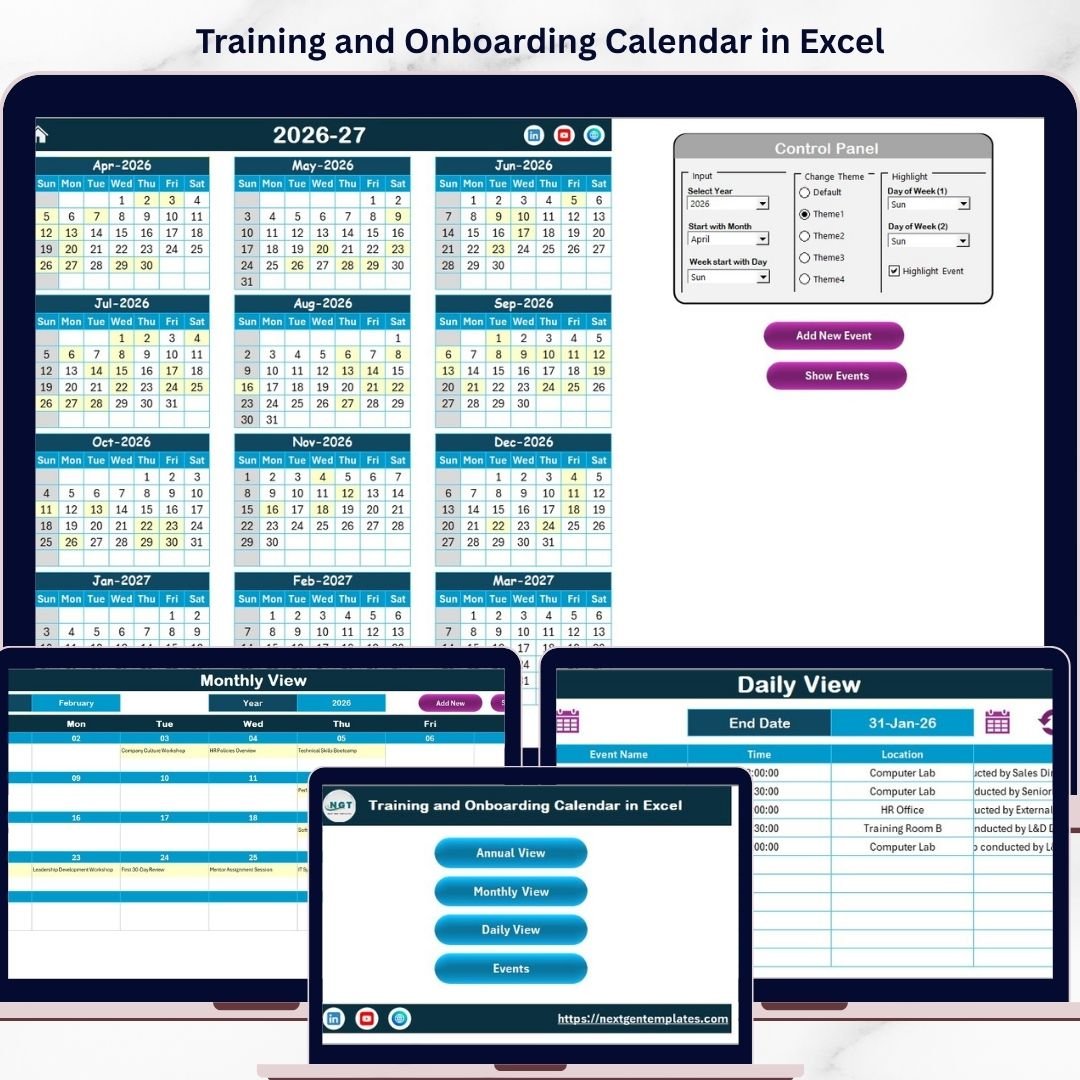
Introducing the ultimate Training and Onboarding Calendar in Excel – a fully customizable, ready-to-use digital calendar template designed to streamline your training schedules and onboarding processes effortlessly. This powerful Excel workbook features 5 intuitive worksheets that provide multiple calendar views and a robust event management system, making it the perfect tool to organize, track, and highlight your corporate training and onboarding events.
Here’s what makes this calendar stand out:
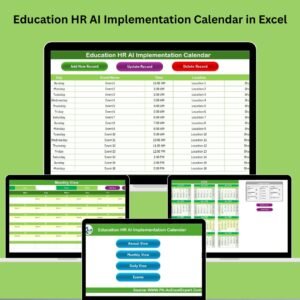
- 📅 Home Sheet Tab: An easy-to-navigate index page with four clickable buttons that instantly take you to Annual View, Monthly View, Daily View, or Events sheets for quick access.
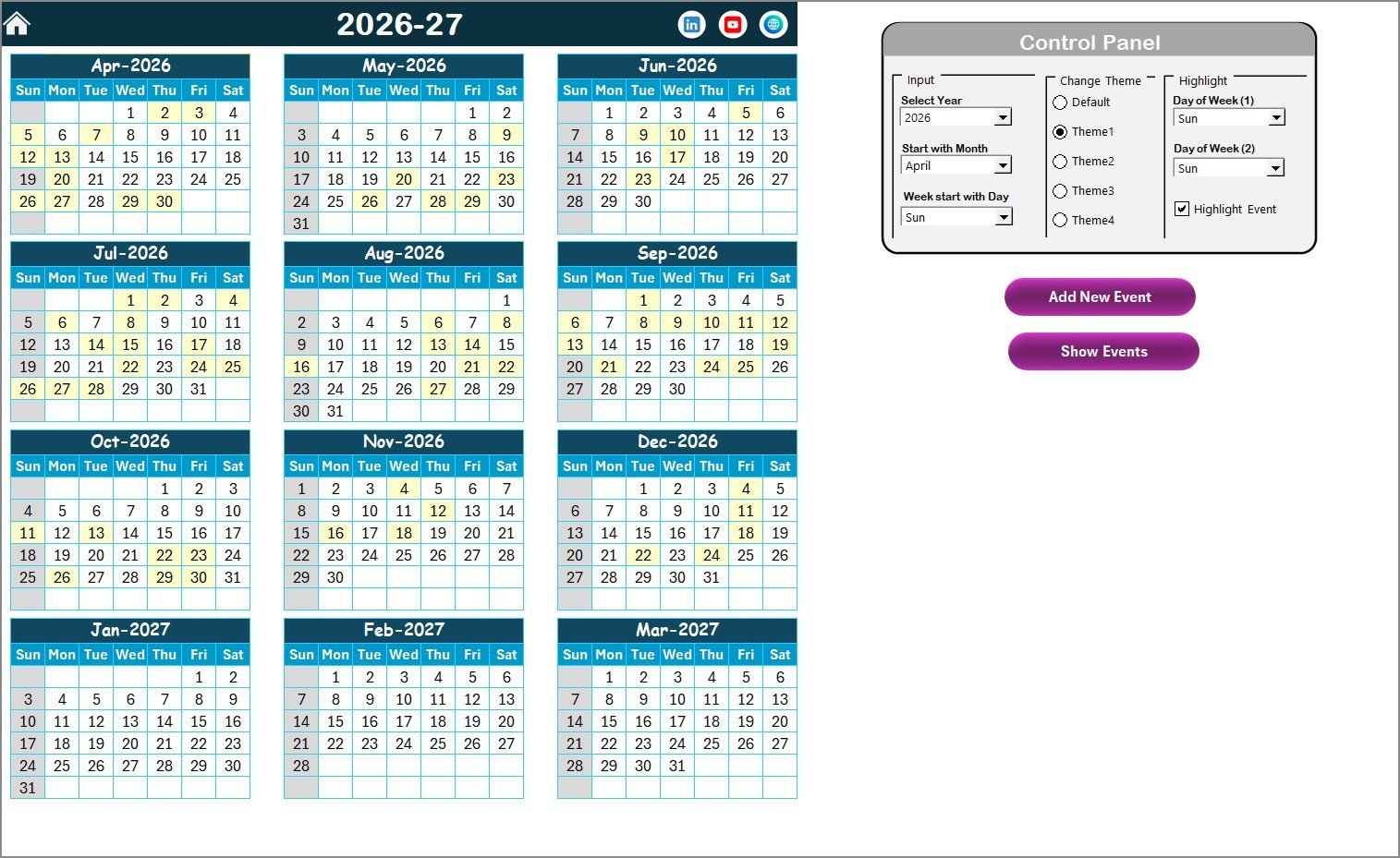
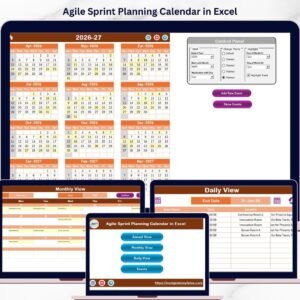
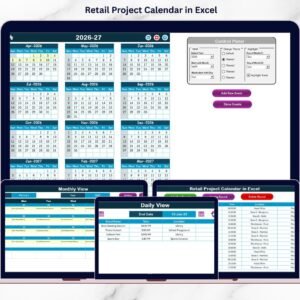
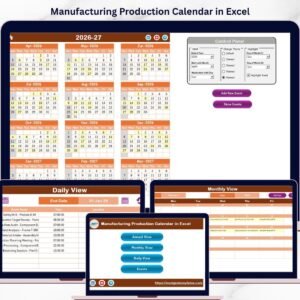
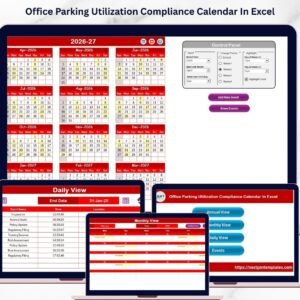
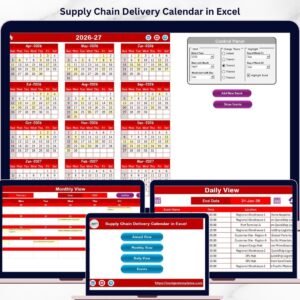
- 🗓️ Annual View Sheet Tab: Displays all 12 months of the year in one place with a dynamic control panel that lets you select the year, starting month, and starting day of the week. Customize your calendar’s look with 5 built-in color themes and highlight specific weekdays or events for better visibility.
- ➕ Add & Show Event Buttons: Seamlessly add new events by selecting a date and filling out a simple form, or view detailed event lists with a single click on both Annual and Monthly views.
- 📆 Monthly View Sheet Tab: Focus on a single month and year of your choice. This view highlights events within that month and intelligently shows if multiple events occur on the same date.
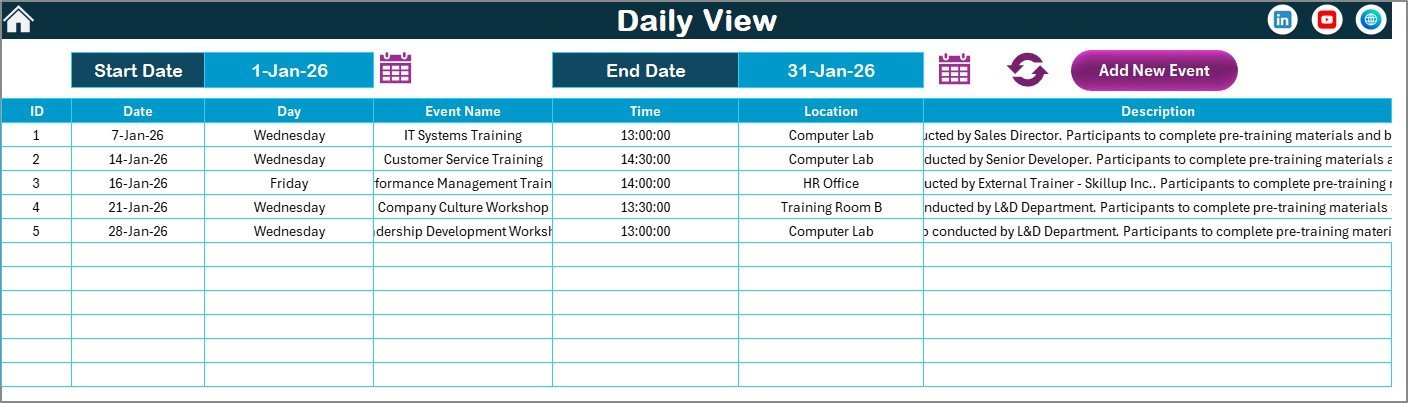
- 📋 Daily View Sheet Tab: Get a detailed list of events within a user-defined date range. Easily refresh data to keep your schedule up to date and add new events directly from this view.
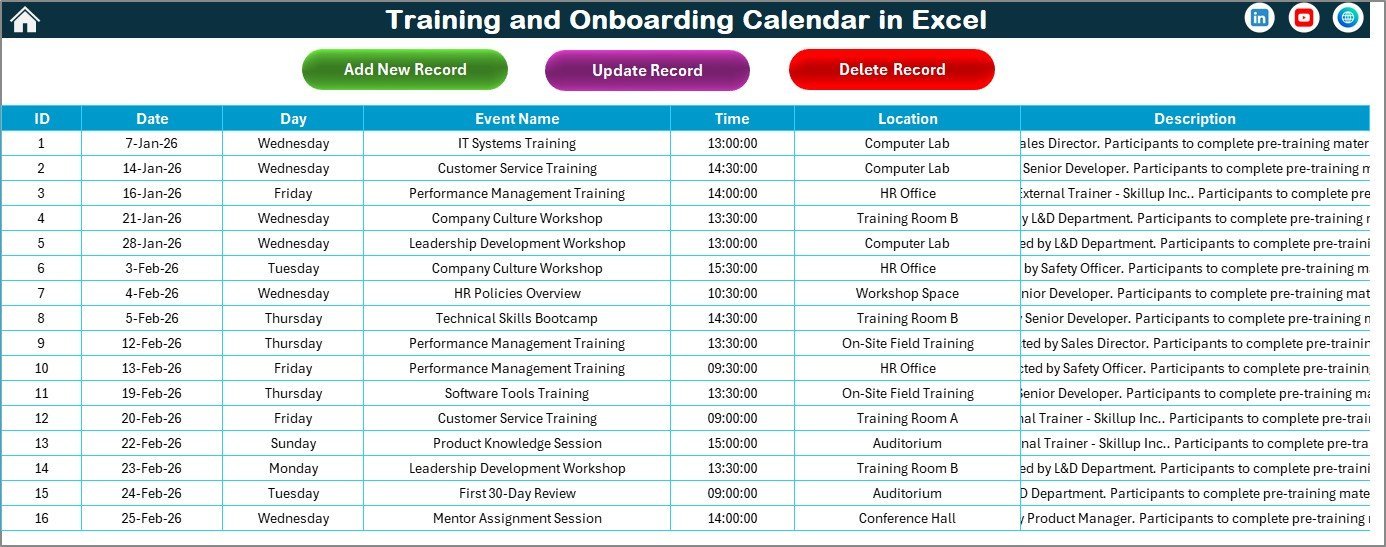
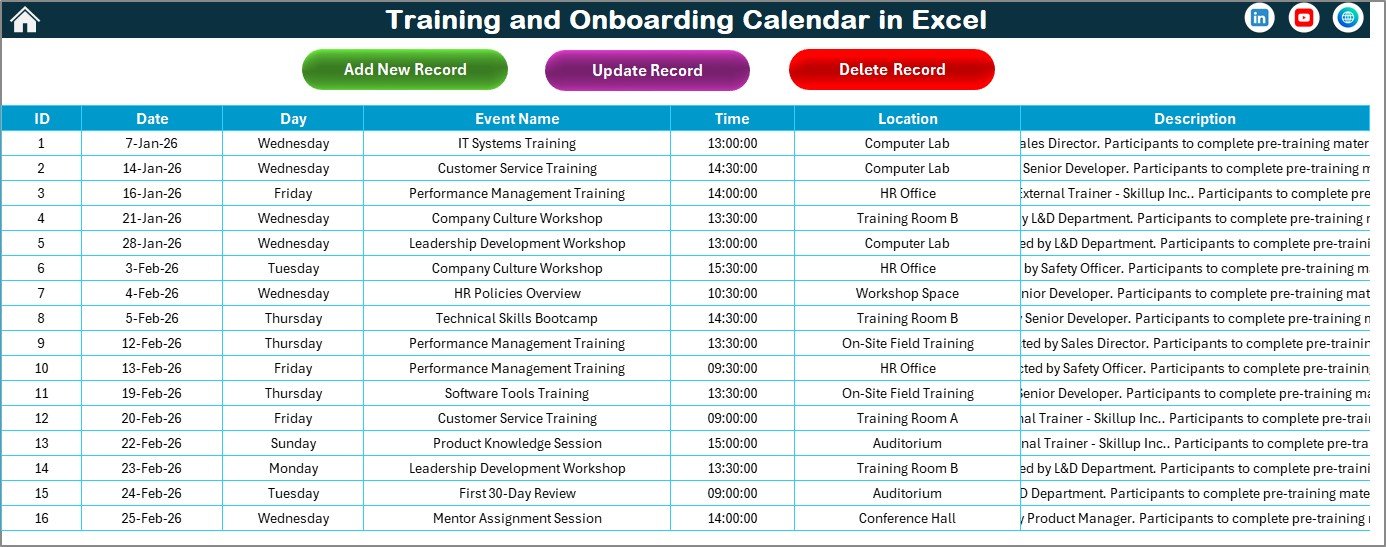
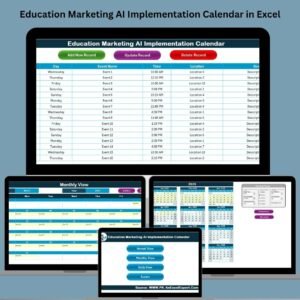
- 📊 Events Sheet Tab: Acts as the main database storing all event details like ID, date, day, event name, time, location, and descriptions. Manage your events effortlessly with Add, Update, and Delete record buttons.
What’s Inside the Training and Onboarding Calendar in Excel
This comprehensive Excel template includes 5 well-organized sheets designed to meet all your scheduling needs:
- 🏠 Home: Central navigation hub with buttons to jump to other sheets.
- 📅 Annual View: Full-year calendar with interactive controls for year, start month, theme selection, and event highlighting.
- 🗓️ Monthly View: Single-month calendar with event summaries and quick add/show event features.
- 📋 Daily View: Event details displayed for any selected date range, with a refresh option for updated info.
- 📂 Events Database: All events stored with comprehensive details, editable and manageable directly from the sheet.
How to Use the Training and Onboarding Calendar in Excel
Using this calendar template is straightforward and user-friendly, designed for efficiency and customization:
- 🔹 Start at the Home Sheet to quickly jump to your preferred calendar view.
- 🔹 In the Annual View, select your desired year, starting month, and week day to automatically update the calendar.
- 🔹 Customize the calendar theme by choosing from five vibrant color options to match your branding or preference.
- 🔹 Highlight weekends or specific weekdays to easily identify important dates.
- 🔹 Add new events by selecting dates and filling out the pop-up form, including event name, time, location, and description.
- 🔹 View scheduled events by clicking the Show Event button on Annual or Monthly views.
- 🔹 Use the Monthly View to focus on detailed scheduling for a particular month with event counts clearly indicated.
- 🔹 In Daily View, set your date range to display all events within that period and refresh the data as needed.
- 🔹 Manage your event database easily in the Events Sheet by adding, updating, or deleting records with simple button controls.
- 🔹 Save your workbook regularly to keep all updates intact and share your calendar with your team digitally.
Who Can Benefit from This Training and Onboarding Calendar in Excel
This versatile calendar is perfect for a wide range of users who want to optimize their training and onboarding schedules:
- 🏢 HR Professionals: Manage employee training sessions and onboarding timelines efficiently.
- 👩🏫 Training Managers: Plan and track multiple training events across various departments.
- 📈 Project Coordinators: Organize team onboarding and training activities seamlessly.
- 💼 Small to Medium Businesses: Keep all training and onboarding events centralized in one easy-to-use file.
- 👥 Team Leads: Monitor upcoming training events and ensure team members are aligned.
- 🏫 Educational Institutions: Schedule orientation and training sessions for staff and students.
- 📊 Consultants & Freelancers: Track client onboarding and training schedules professionally.
- 🖥️ Anyone Looking for an Organized Training Schedule: Simplify the complexity of managing multiple events with a smart calendar.
Click here to read the Detailed blog post.
Visit our YouTube channel to learn step-by-step video tutorials
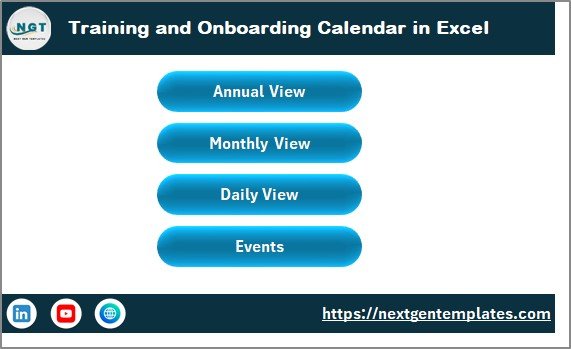
Training and Onboarding Calendar in Excel
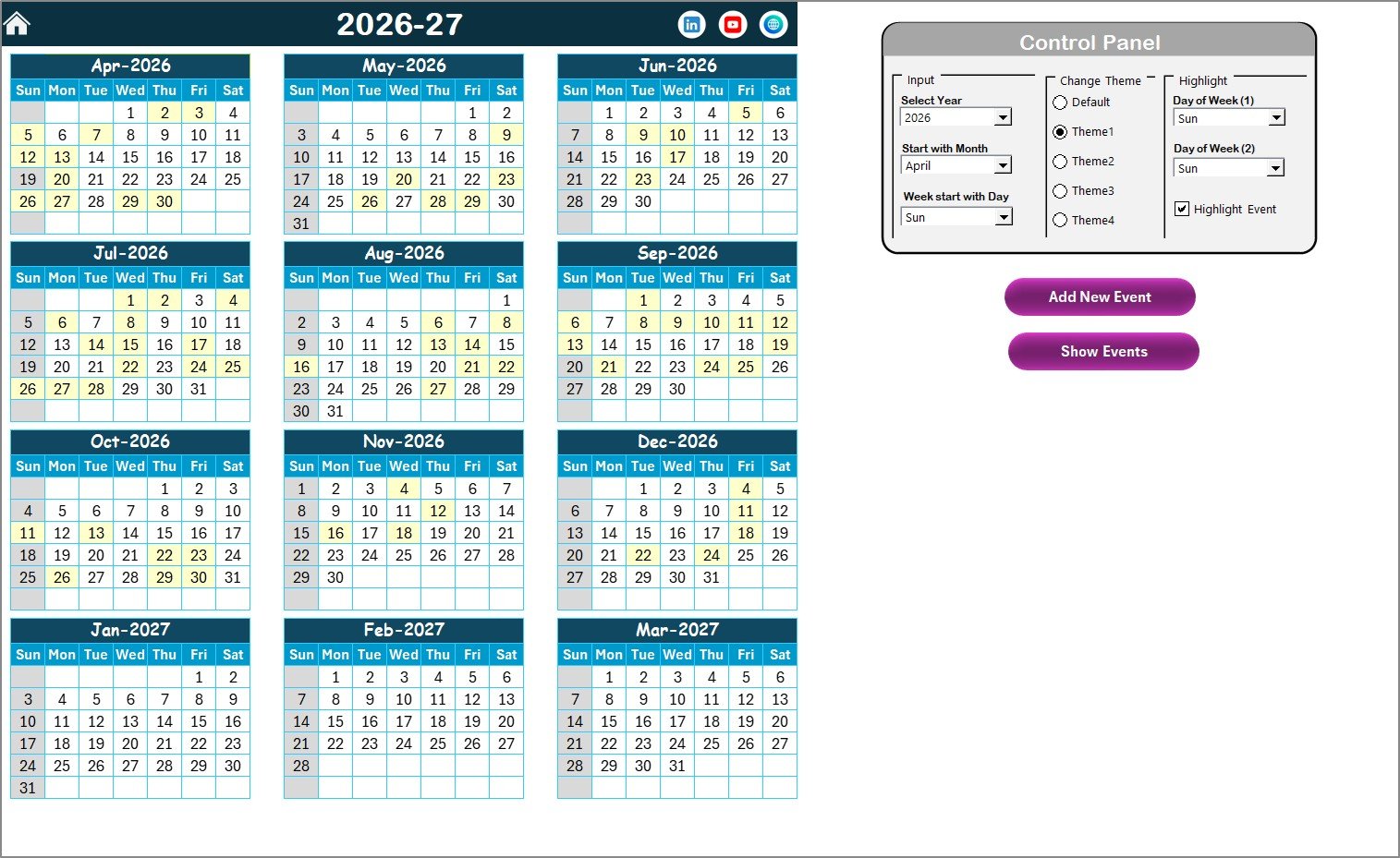
Annual View Sheet tab
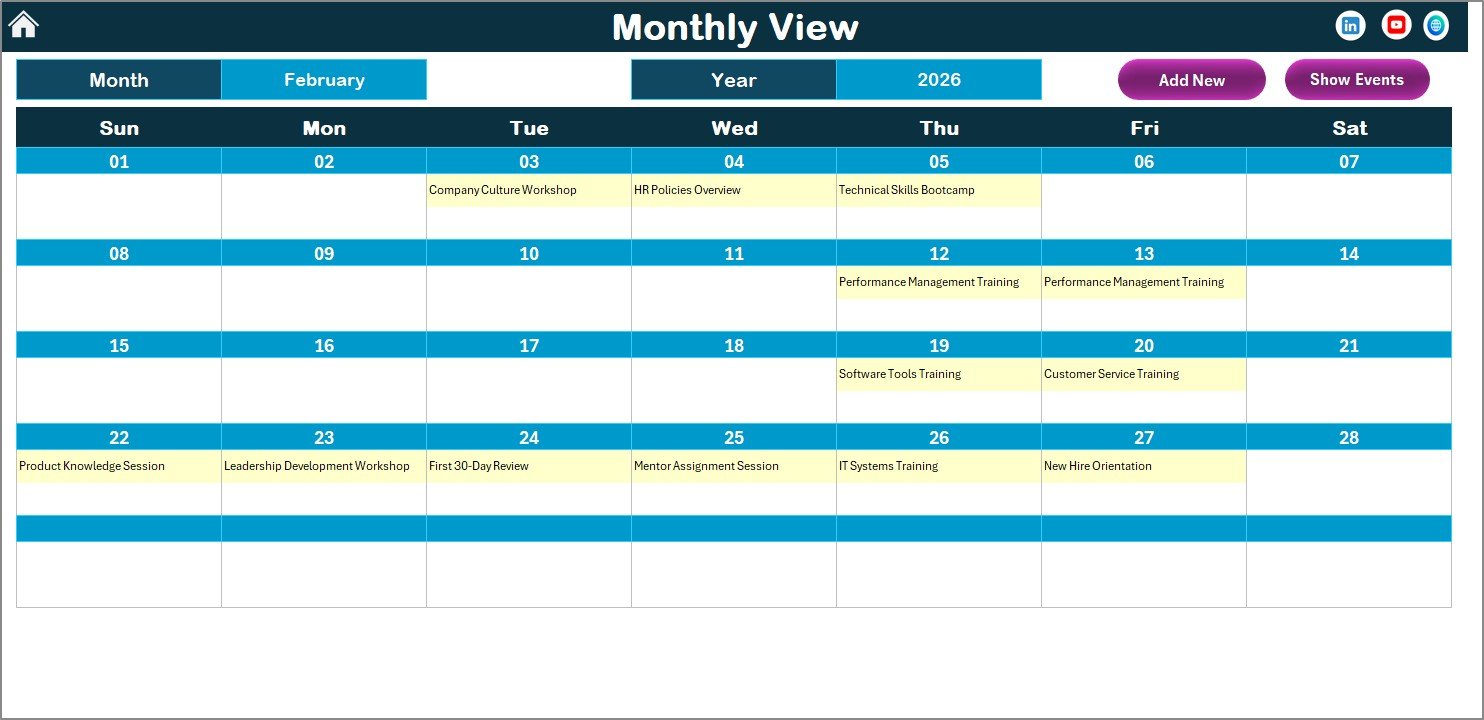
Monthly View Sheet tab
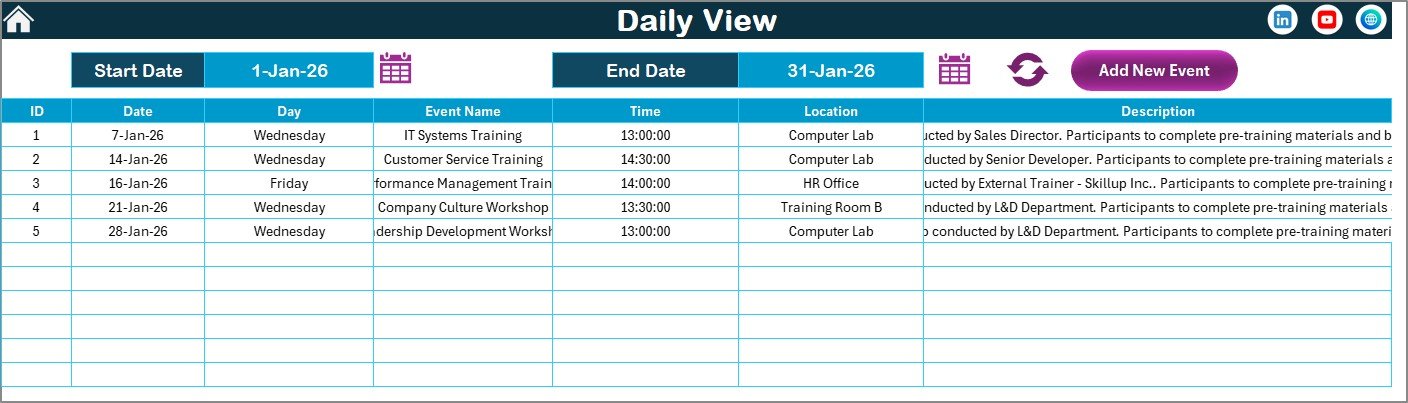
Daily View Sheet tab
Events Sheet tab










Reviews
There are no reviews yet.