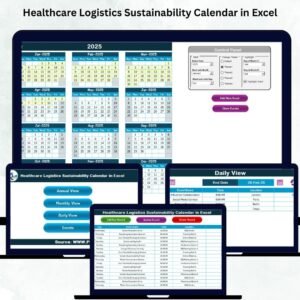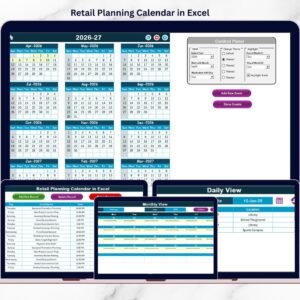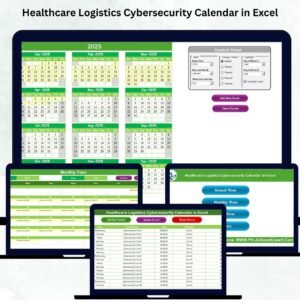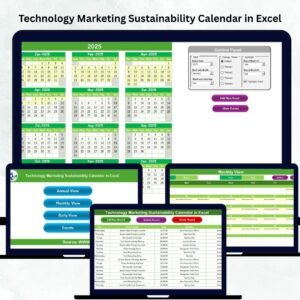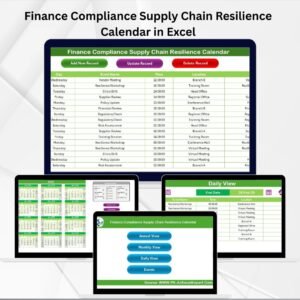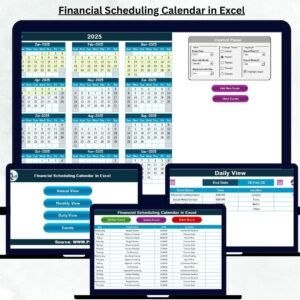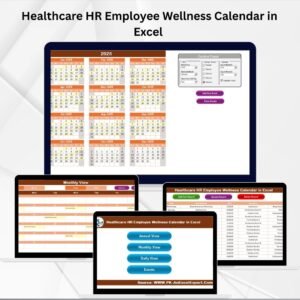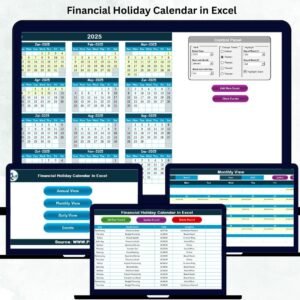
Retail success depends heavily on perfect timing. Sales campaigns, festive promotions, product launches, store activities, and seasonal offers must be planned and executed without delays. However, when retail teams track events through emails, notes, or scattered Excel files, they often miss deadlines, create overlaps, and lose visibility. That is exactly why the Retail Event Calendar in Excel is an essential planning tool for modern retail businesses.
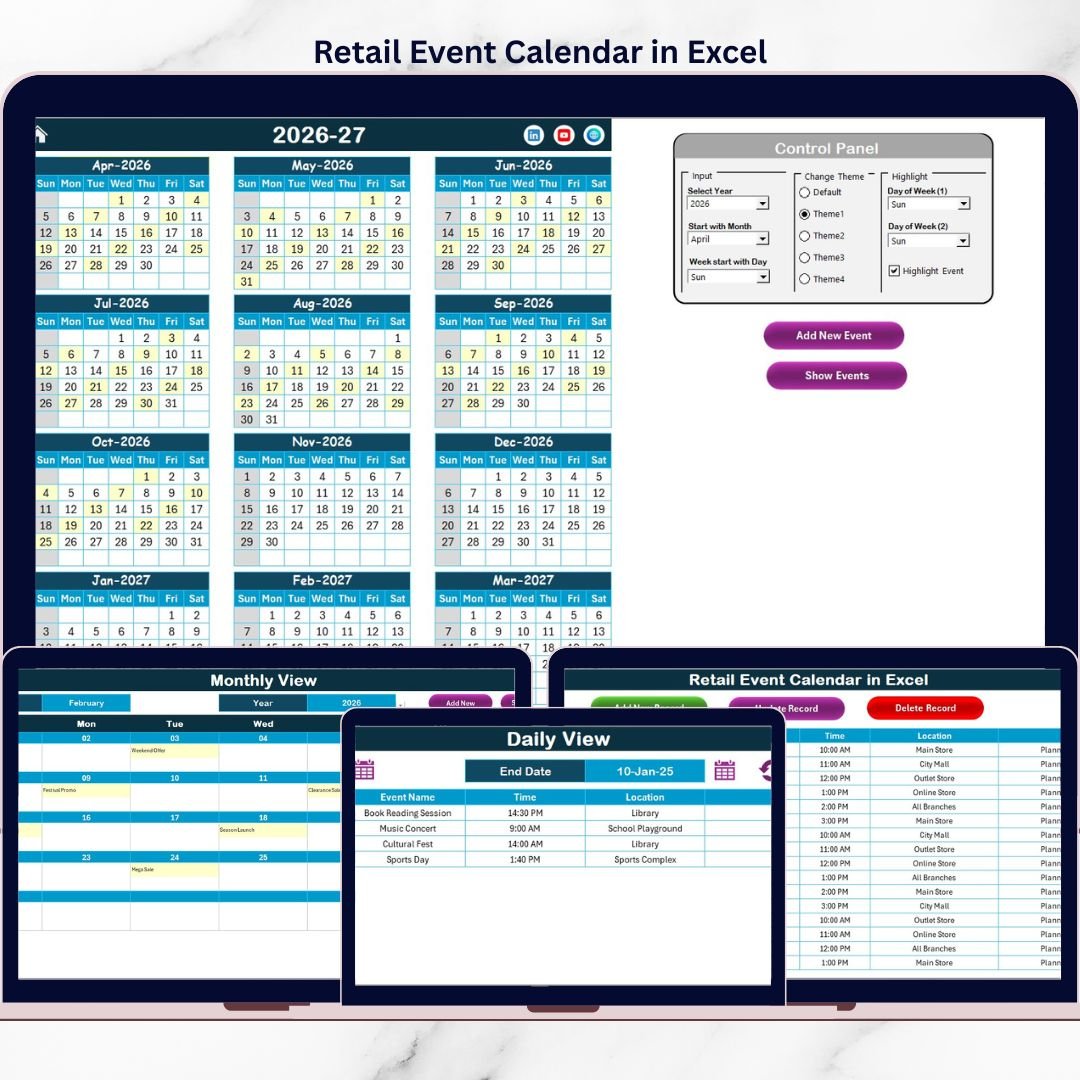
The Retail Event Calendar in Excel is a ready-to-use, visually rich, and structured calendar solution that helps retailers plan, manage, and track all retail events in one centralized workbook 📅. Instead of juggling multiple tools, teams can rely on a single Excel file that provides annual, monthly, and daily views, along with a powerful event database.
Because Excel is familiar and flexible, teams adopt this calendar quickly without training or additional software costs. As a result, retailers gain clarity, coordination, and confidence in their event planning process.
✅ Key Features of Retail Event Calendar in Excel
The Retail Event Calendar in Excel is designed to simplify complex retail planning and improve visibility across timelines 🚀.
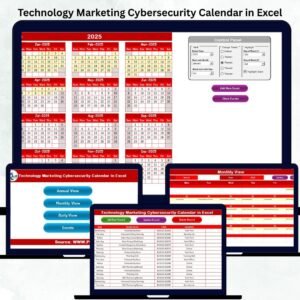
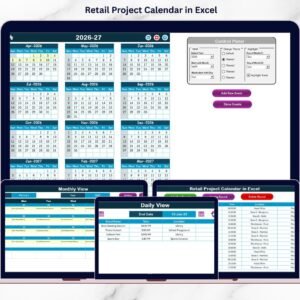
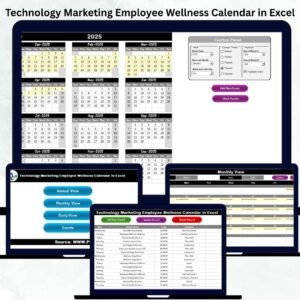
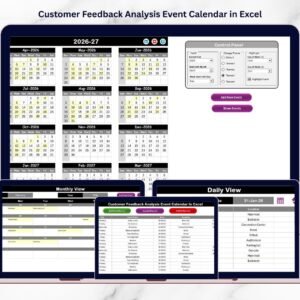
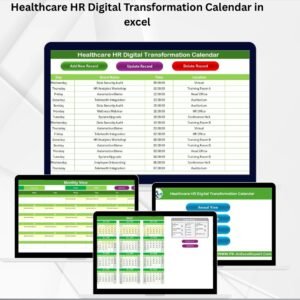
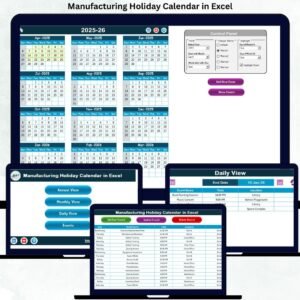
It provides multiple calendar views—Annual, Monthly, and Daily—allowing users to plan both high-level strategies and day-to-day activities. Events added through user-friendly forms automatically reflect across all calendar views.
The calendar includes:
-
Interactive navigation buttons for quick access
-
Visual event highlights on calendar dates
-
Color themes for better readability and branding
-
Automated event updates across views
With built-in controls for year, starting month, and week layout, this calendar adapts easily to different retail planning needs.
📦 What’s Inside the Retail Event Calendar in Excel
This product includes five well-structured Excel worksheets; each designed for a specific role in event planning:
1️⃣ Home Sheet
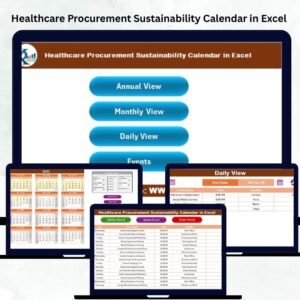
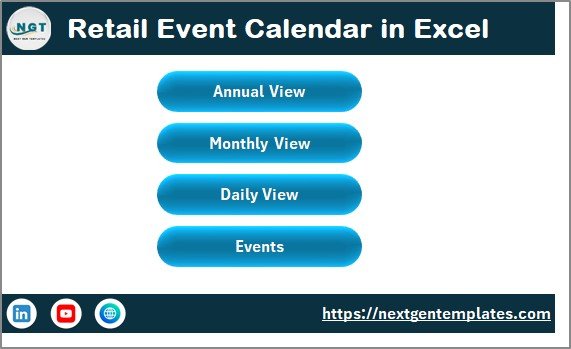
The Home sheet acts as the index page of the workbook 🧭. It includes navigation buttons to:
-
Annual View
-
Monthly View
-
Daily View
-
Events
This makes movement across the calendar fast, simple, and intuitive.
2️⃣ Annual View Sheet
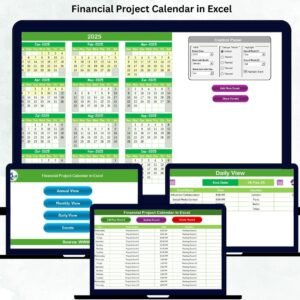
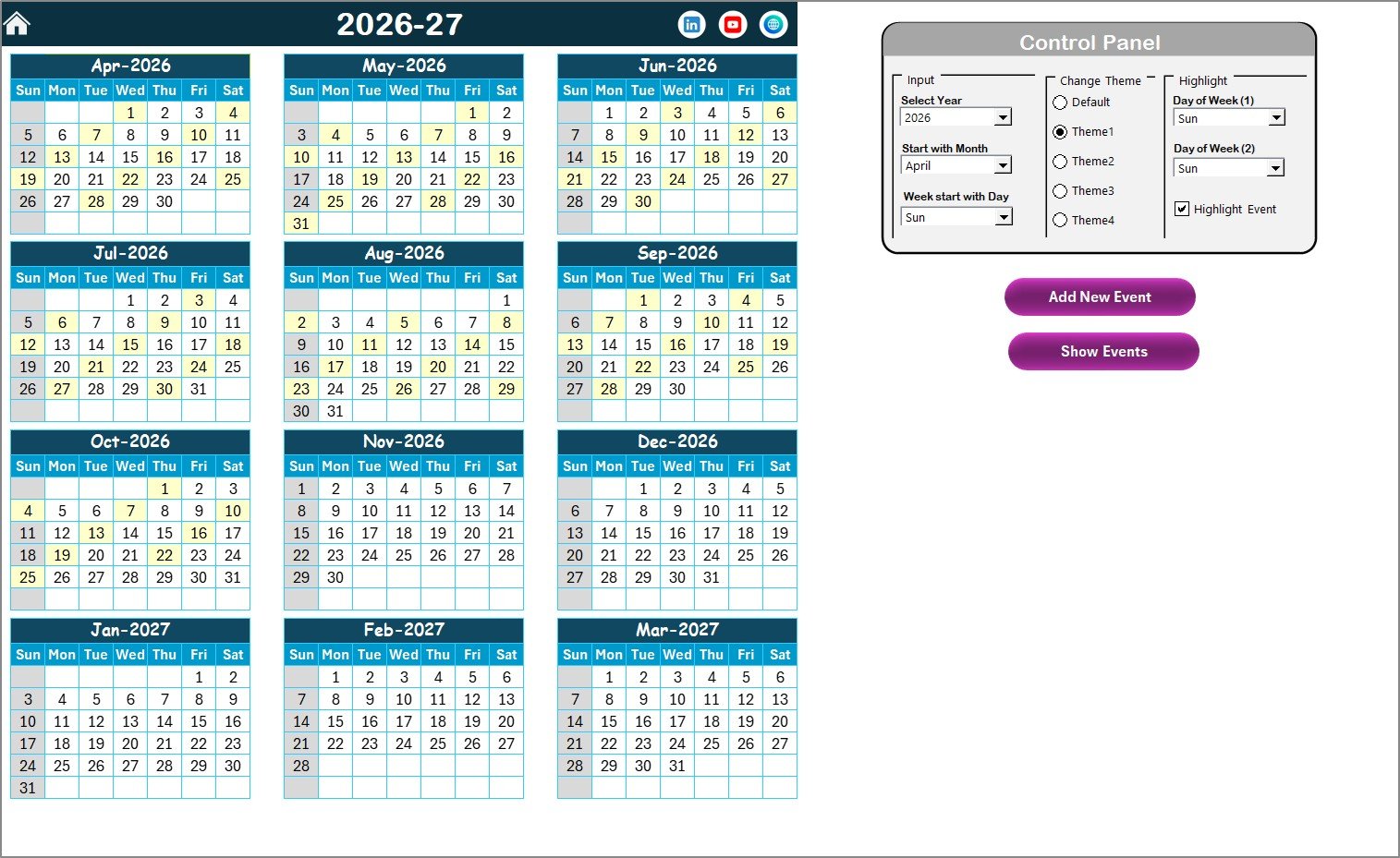
The Annual View displays all 12 months in a single screen, helping retailers visualize the entire year at a glance.
It includes a Control Panel where users can:
-
Select the year
-
Change the starting month
-
Choose the starting day of the week
A theme selector allows users to apply one of five color themes. The Highlight section lets users highlight weekends and event dates automatically for better visibility.
3️⃣ Monthly View Sheet
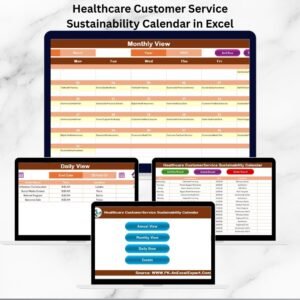
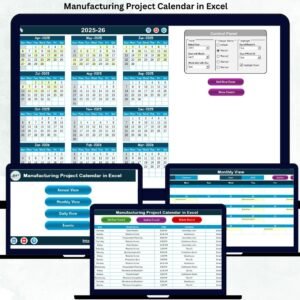
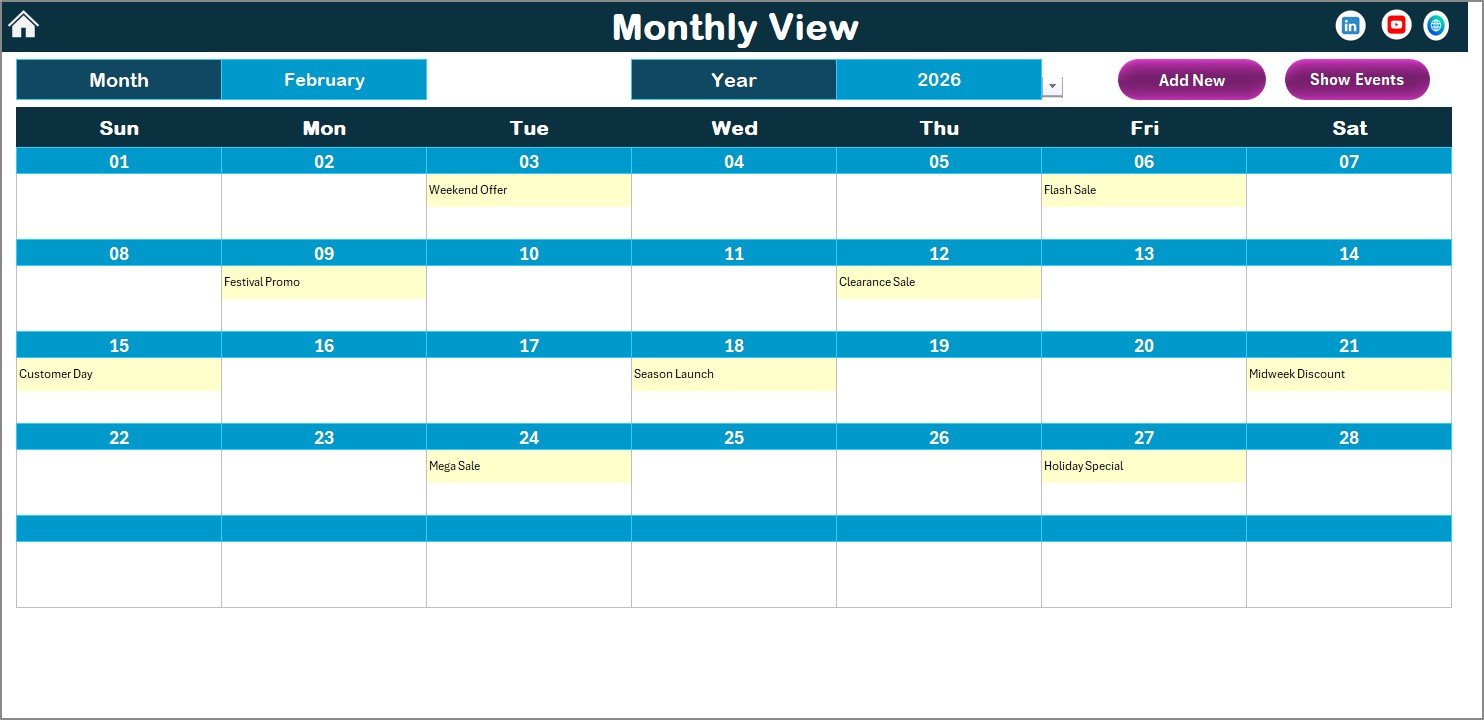
The Monthly View focuses on a single month and year. It displays:
-
A clean monthly calendar layout
-
Event indicators on relevant dates
-
“More than 1…” labels when multiple events exist
Action buttons allow users to add new events or view events directly from the calendar.
4️⃣ Daily View Sheet
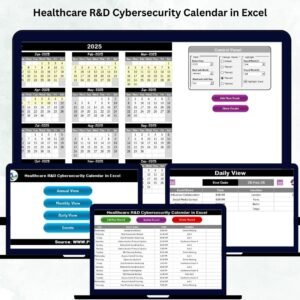
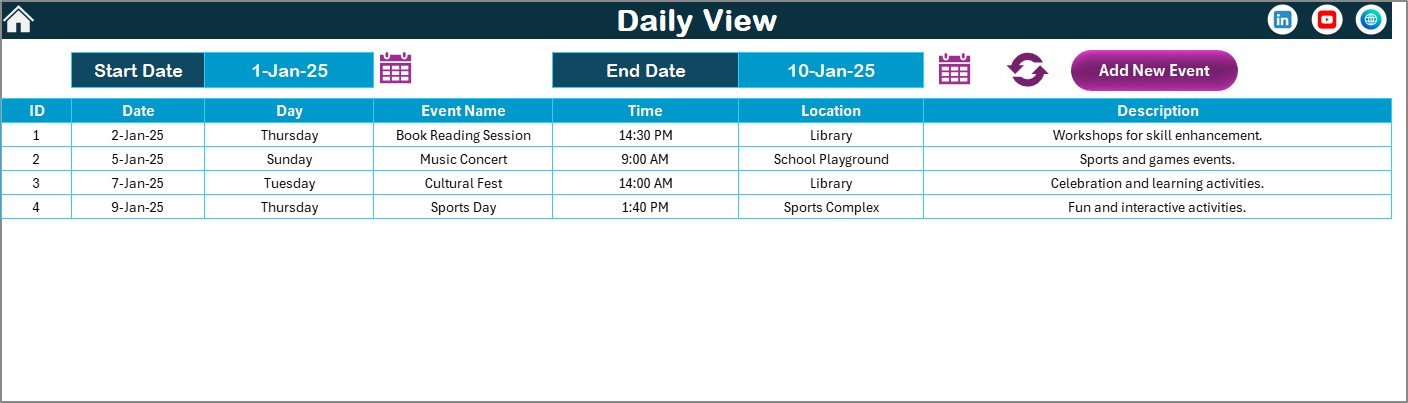
The Daily View displays events within a selected date range 📋.
Users can:
-
Select start and end dates
-
Refresh the event list instantly
-
Add new events directly from this view
This view is ideal for operational planning and daily coordination.
5️⃣ Events Sheet
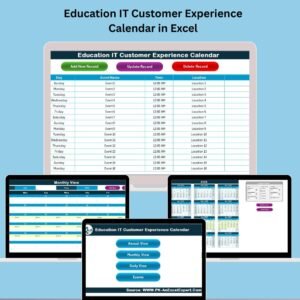
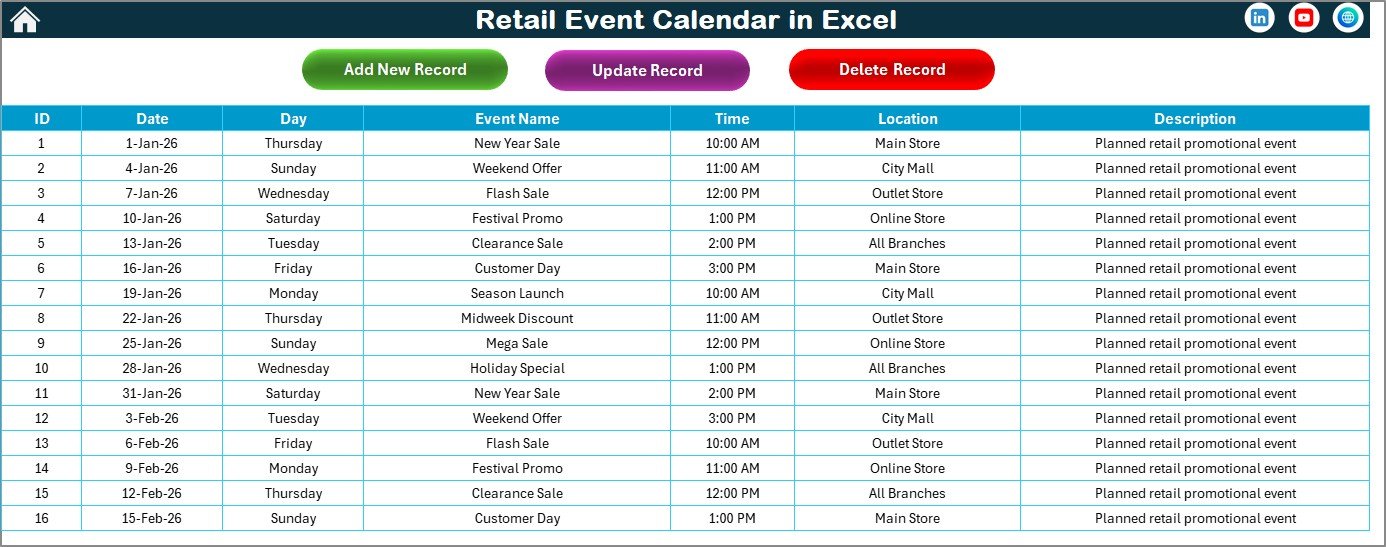
The Events sheet acts as the central database for all retail events.
It captures:
-
Auto-generated Event ID
-
Event date and day
-
Event name
-
Time and location
-
Short description
Buttons allow users to add, update, or delete events easily, giving complete control over event data.
🛠️ How to Use the Retail Event Calendar in Excel
Using the calendar is simple and intuitive 👍.
First, navigate to any view using the Home page.
Next, click Add New Event, fill in event details, and submit.
Then, review events across Annual, Monthly, or Daily views.
Finally, update or delete events anytime using the Events sheet.
Because all views update automatically, teams always work with the latest information.
👥 Who Can Benefit from This Retail Event Calendar
This calendar is ideal for:
-
Retail Managers
-
Store Operations Teams
-
Marketing & Promotion Teams
-
Merchandising Teams
-
Franchise Managers
-
Retail Analysts
It works perfectly for both small retail stores and large retail chains.
🔗 Click here to read the Detailed blog post
🎥 Visit our YouTube channel to learn step-by-step video tutorials
👉 https://www.youtube.com/@PKAnExcelExpert