


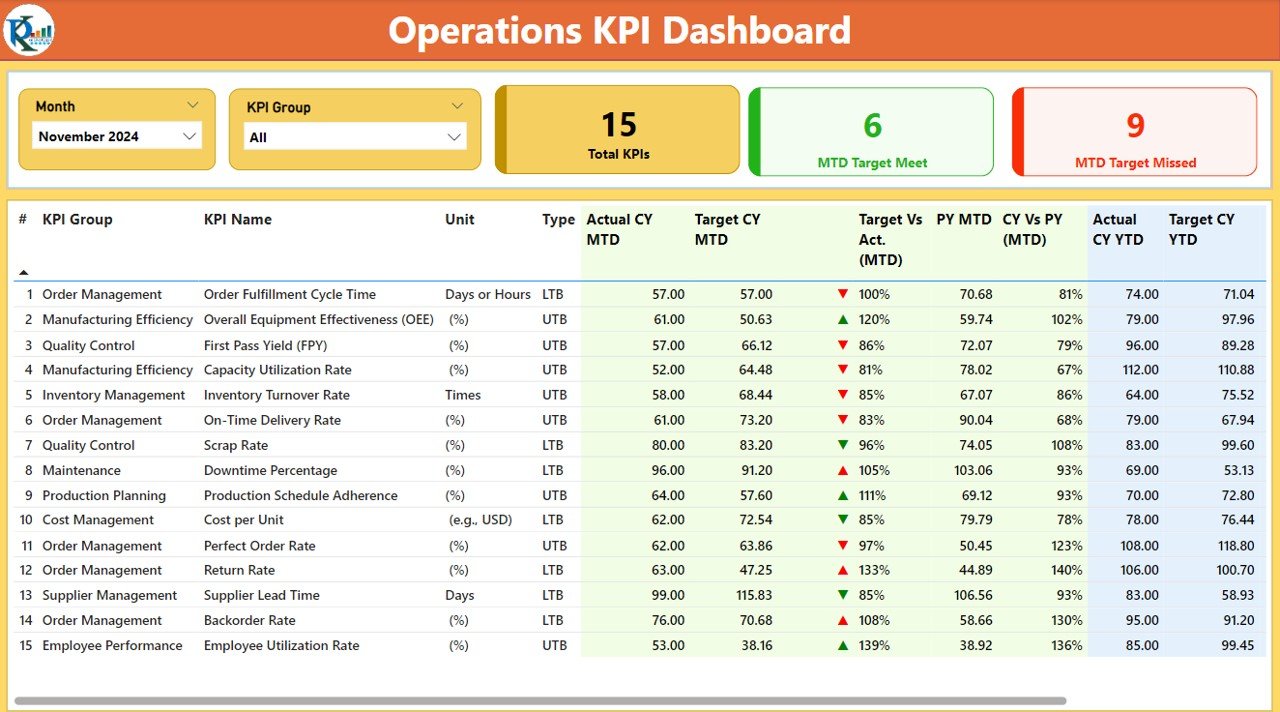




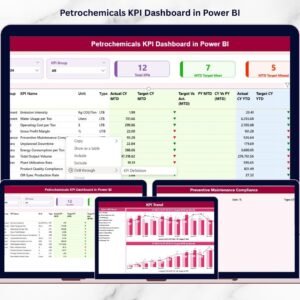
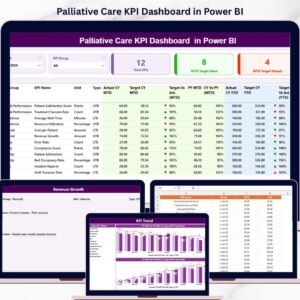
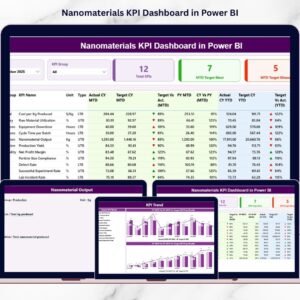
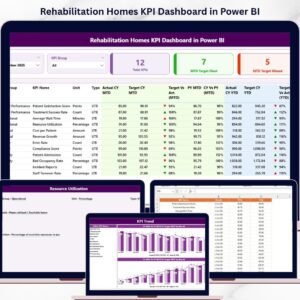
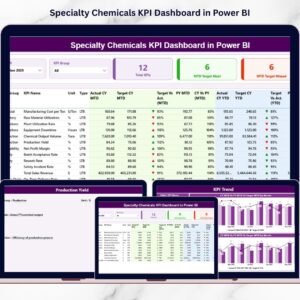
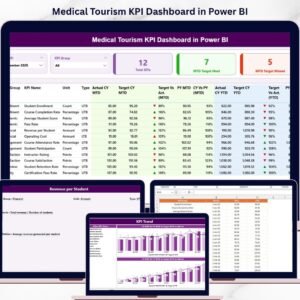
The Operations KPI Dashboard in Power BI is a ready-made, customizable Power BI dashboard that helps businesses track and analyze their operational performance in one place. It is built for operations managers, analysts and leadership teams who need a real-time overview of efficiency, productivity, cost management and resource utilization. The main outcome: faster identification of trends, bottlenecks and improvement areas, so you can make confident, data-driven decisions.
Built on Power BI’s data visualization capabilities, this operations KPI dashboard turns complex operational data into interactive visuals that are easy to read. Managers and decision-makers can quickly see overall operational health, drill into specific data points and act on clear, actionable insights to drive growth and efficiency.

Key Features of the Operations KPI Dashboard in Power BI
- Real-time data visualization: View real-time data with interactive charts and KPIs, making complex information easy to understand.
- Customizable KPIs: Tailor the dashboard to track the operational metrics that matter most to your business.
- Performance analysis: Analyze operational efficiency, productivity and resource utilization to identify trends and bottlenecks.
- Time-based tracking: Monitor performance over daily, weekly, monthly or yearly periods for accurate trend analysis.
- Comparative data: Compare KPIs across departments, locations or teams to assess performance and spot opportunities.
- Interactive dashboard: Click and interact with visuals to drill down into specific data points for deeper analysis.
- User-friendly interface: An easy-to-navigate design makes the dashboard accessible to everyone, regardless of technical expertise.
Why You’ll Love This KPI Dashboard
- Streamlined operations monitoring: Monitor multiple KPIs from different areas of your business in one centralized location.
- Data-driven decision making: Make more informed decisions by visualizing real-time data and analyzing operational trends.
- Increased efficiency: Identify inefficiencies in processes and quickly implement corrective actions to improve operations.
- Customizable for your business: Adapt the dashboard to your industry-specific needs, whether you work in manufacturing, logistics or retail.
- Interactive features: Engage with your data and uncover actionable insights with interactive filtering and drill-down features.
What’s Inside the Operations KPI Dashboard in Power BI?
| Component | What it does |
|---|---|
| Visual KPI displays | Track key metrics such as sales, production efficiency, resource utilization and cost management. |
| Trend and performance analysis | Visualize trends over time and compare performance across different time periods. |
| Customizable filters | Focus on specific teams, departments or business units. |
| Time-based data insights | Analyze KPIs over daily, weekly, monthly or yearly timelines. |
| Interactive charts | Click on visuals for deeper insights into specific metrics. |
Who Can Benefit from This Power BI Dashboard?
This dashboard suits anyone responsible for monitoring or improving operational performance, including:
- Operations Managers
- Business Analysts
- Supply Chain Managers
- Manufacturing Managers
- HR Managers
- Executive Leadership Teams
- Retail Operations Teams
Whether you run a manufacturing plant, a logistics network or retail operations, the customizable KPIs let you shape the dashboard around the metrics your team actually uses.
How to Use the Operations KPI Dashboard in Power BI
- Download the dashboard template: Get immediate access to the Power BI file upon purchase.
- Customize the KPIs: Tailor the dashboard to track your business-specific KPIs for a more personalized experience.
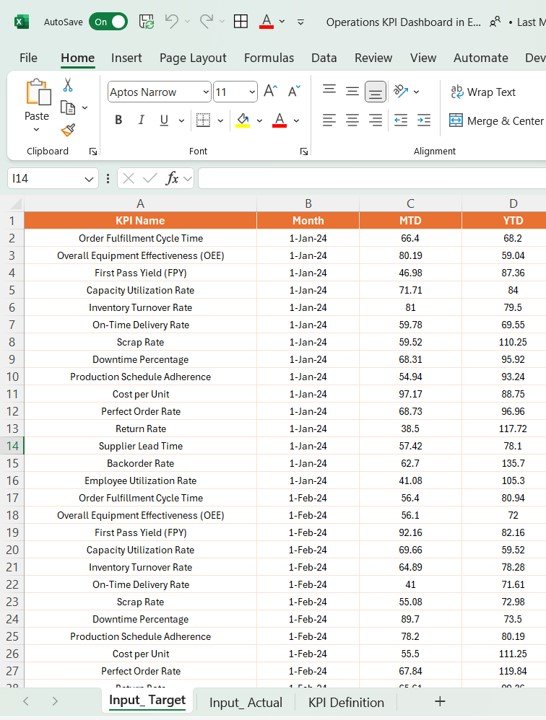
- Input your data: Connect your data sources to Power BI and start visualizing your operations performance.
- Monitor and analyze: Use the interactive features to track and analyze key metrics in real time.
- Generate reports: Create reports based on selected KPIs to share with stakeholders or use in performance reviews.
Click here to read the detailed blog post
Visit our YouTube channel to learn step-by-step video tutorials.
Frequently Asked Questions
What does the Operations KPI Dashboard in Power BI track?
It tracks critical operational KPIs such as efficiency, productivity, cost management, resource utilization, sales and production efficiency, with trend and comparative views.
Can I customize the KPIs?
Yes. The KPIs are customizable, so you can tailor the dashboard to the operational metrics specific to your business and industry, such as manufacturing, logistics or retail.
Can I compare performance across teams or locations?
Yes. The dashboard lets you compare KPIs across departments, locations or teams, and customizable filters let you focus on specific teams, departments or business units.
What time periods can I analyze?
You can analyze KPIs over daily, weekly, monthly or yearly timelines to spot trends and compare performance across periods.
How do I get my own data into the dashboard?
After downloading the Power BI file, connect your data sources to Power BI and the visuals will reflect your operations performance.
Do I need technical expertise to use it?
No. The user-friendly, easy-to-navigate interface is designed to be accessible to everyone, regardless of technical expertise.
Transform the way you monitor and manage operations with this advanced and easy-to-use KPI dashboard in Power BI.
Also check our Expense Tracking Dashboard in Power BI
Last updated: October 2026
Compatibility and Requirements
- Opens in Power BI Desktop, which is free from Microsoft. See Get Power BI Desktop.
- Connect your own data sources in Power BI to replace the sample data.
Related Operations Templates
- Operations KPI Dashboard in Excel: the Excel edition
- Operations KPI Dashboard in Google Sheets: the Google Sheets edition
- Operations KPI Scorecard in Excel: a scorecard view of operations KPIs
- Supply Chain Management Dashboard in Power BI: for supply chain operations
- Power BI Dashboard Mega Collection: 15 premium Power BI templates in one bundle
Browse all Power BI KPI dashboards or the Power BI templates.



Reviews
There are no reviews yet.