
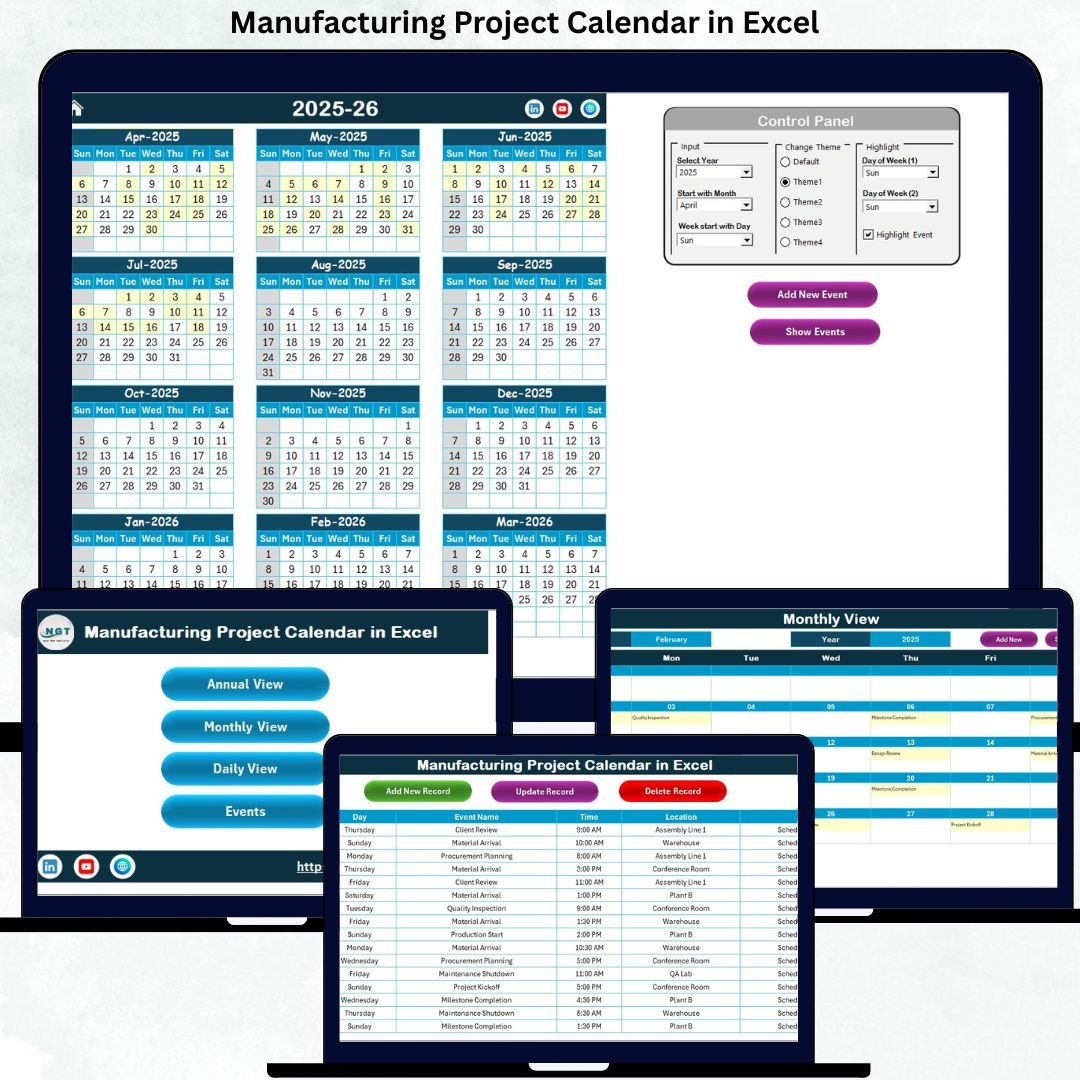
In today’s competitive manufacturing environment, project delays are costly, coordination gaps are risky, and missed milestones directly impact productivity. Managing production schedules, maintenance activities, audits, and project events using scattered spreadsheets or emails often leads to confusion and errors. That is exactly why the Manufacturing Project Calendar in Excel is a must-have planning tool for modern manufacturing teams 🚀.
This ready-to-use Excel calendar is designed to help you plan, schedule, track, and manage manufacturing projects in one centralized file. Instead of juggling multiple documents, this powerful template gives you clear visibility, structured workflows, and automated updates—all inside Excel, without any extra software cost.
Whether you manage a single plant or multiple manufacturing projects, this calendar brings clarity, control, and confidence to your planning process.
⭐ Key Feature of Manufacturing Project Calendar in Excel
📅 Multi-Level Calendar Views
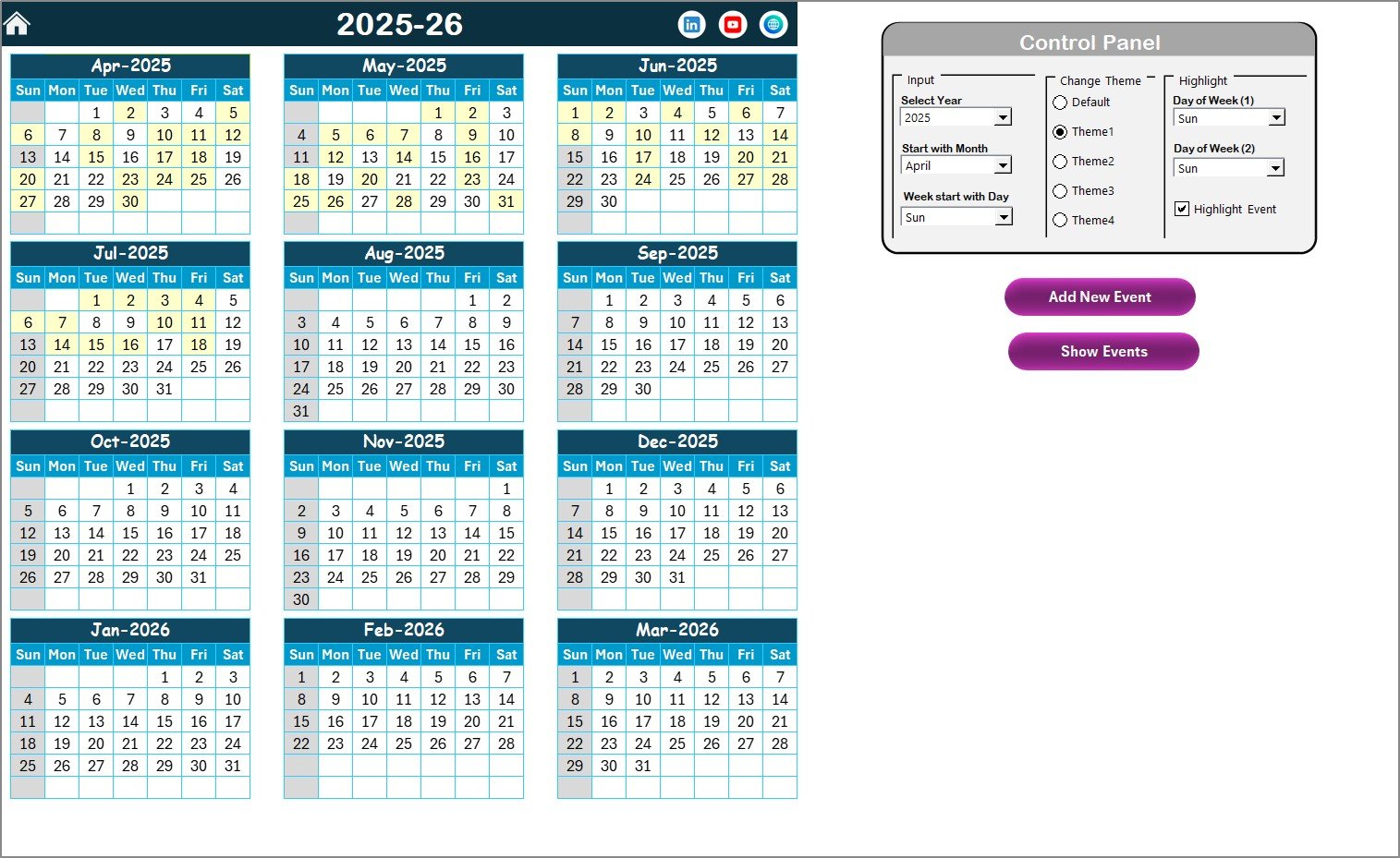
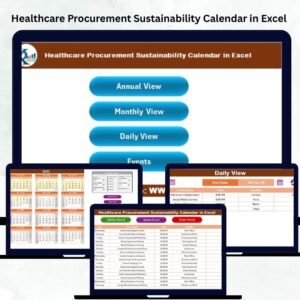
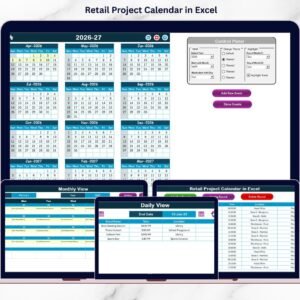
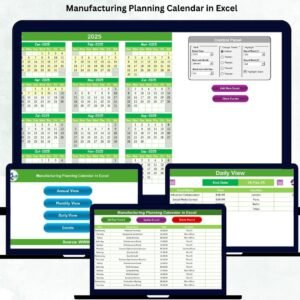
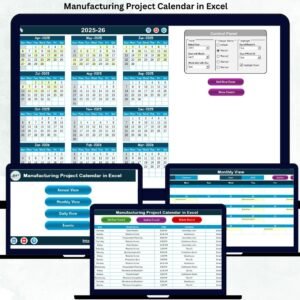
Get a complete Annual View, focused Monthly View, and detailed Daily View to manage long-term strategy and daily operations seamlessly.
🎛️ Dynamic Control Panel
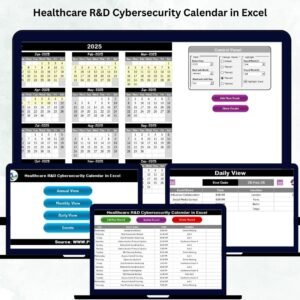
Change the year, starting month, and starting day of the week instantly—no manual adjustments required.
🎨 Five Built-in Color Themes
Apply professional color themes across the entire workbook to match branding or improve visual clarity.
🖱️ Button-Based Navigation
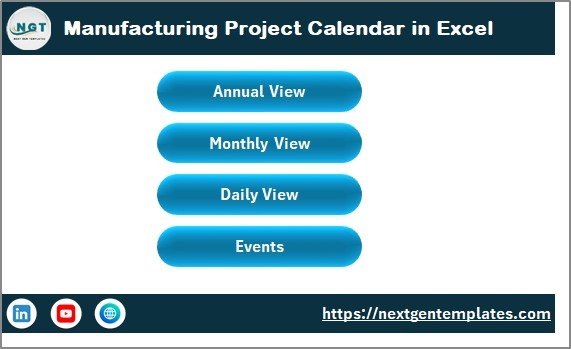
Easily move between Home, Annual, Monthly, Daily, and Events sheets using intuitive buttons.
📝 Smart Event Forms
Add, update, or delete events using guided forms instead of manual data entry, ensuring accuracy.
🔍 Automatic Event Highlighting
Highlight weekends, shutdown days, or important milestones so nothing gets overlooked.
📂 What’s Inside the Manufacturing Project Calendar in Excel
📌 Home Sheet
A clean index page with buttons for quick navigation to all calendar views and the events database.
📌 Annual View Sheet
View all 12 months at once to identify busy periods, major milestones, and resource-heavy phases.
📌 Monthly View Sheet
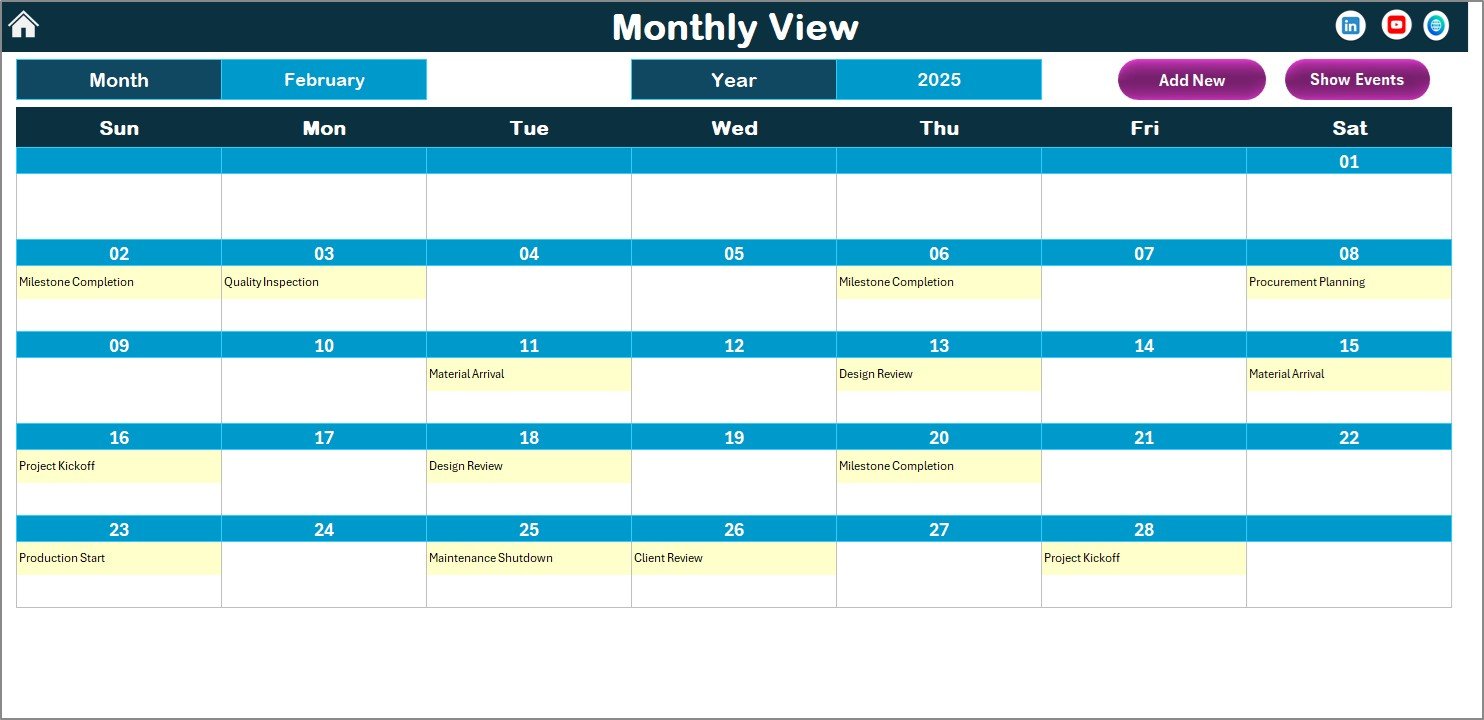
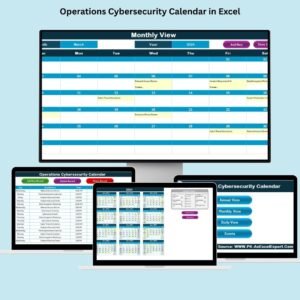
Focus on a single month to manage short-term schedules, production planning, and operational tasks.
📌 Daily View Sheet
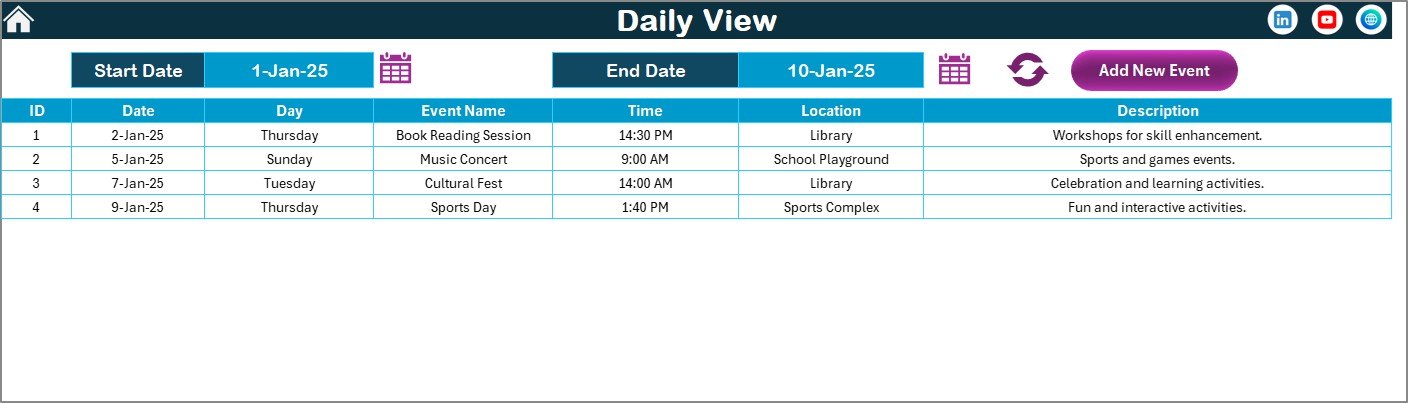
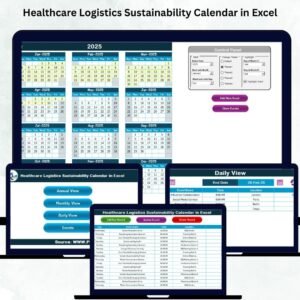
Track events across selected date ranges with full details for audits, inspections, and daily activities.
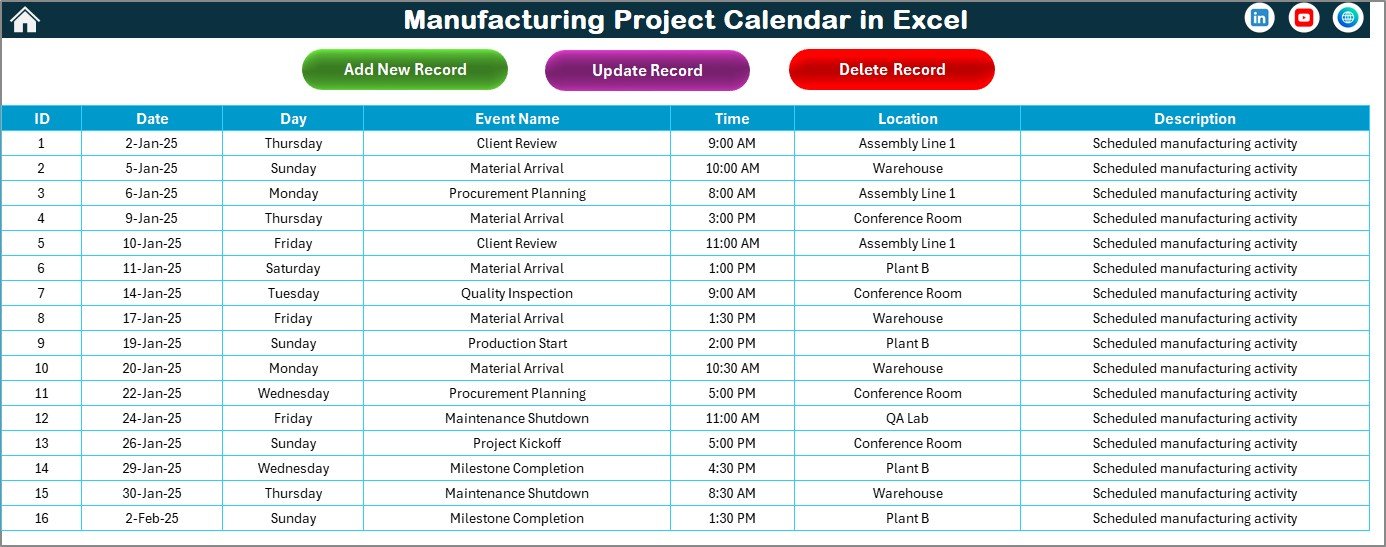
📌 Events Sheet (Backend Database)
A structured event table capturing:
-
Event ID
-
Date & Day
-
Event Name
-
Time
-
Location
-
Description
All calendar views pull data from this sheet automatically, ensuring consistency.
🛠️ How to Use the Manufacturing Project Calendar in Excel
1️⃣ Open the Home Sheet and choose your desired calendar view
2️⃣ Use the Control Panel to set the year, month, and week format
3️⃣ Click Add New Event, fill in the event form, and submit
4️⃣ View events instantly across Annual, Monthly, and Daily views
5️⃣ Update or delete events using dedicated buttons—no risk of errors
Because everything is button-driven, no advanced Excel skills are required.
👥 Who Can Benefit from This Manufacturing Project Calendar in Excel
🏭 Manufacturing Project Managers
📊 Production Planners
🏗️ Plant & Factory Managers
🔧 Maintenance & Engineering Teams
🧪 Quality, Audit & Compliance Teams
📈 Operations & Supply Chain Leaders
Any team that needs clear timelines, better coordination, and reliable scheduling will benefit from this tool.
Click here to read the Detailed blog post
Watch the step-by-step video tutorial:
Visit our YouTube channel to learn step-by-step video tutorials










Reviews
There are no reviews yet.