
Key Features of Leave and Vacation Tracker Calendar in Excel
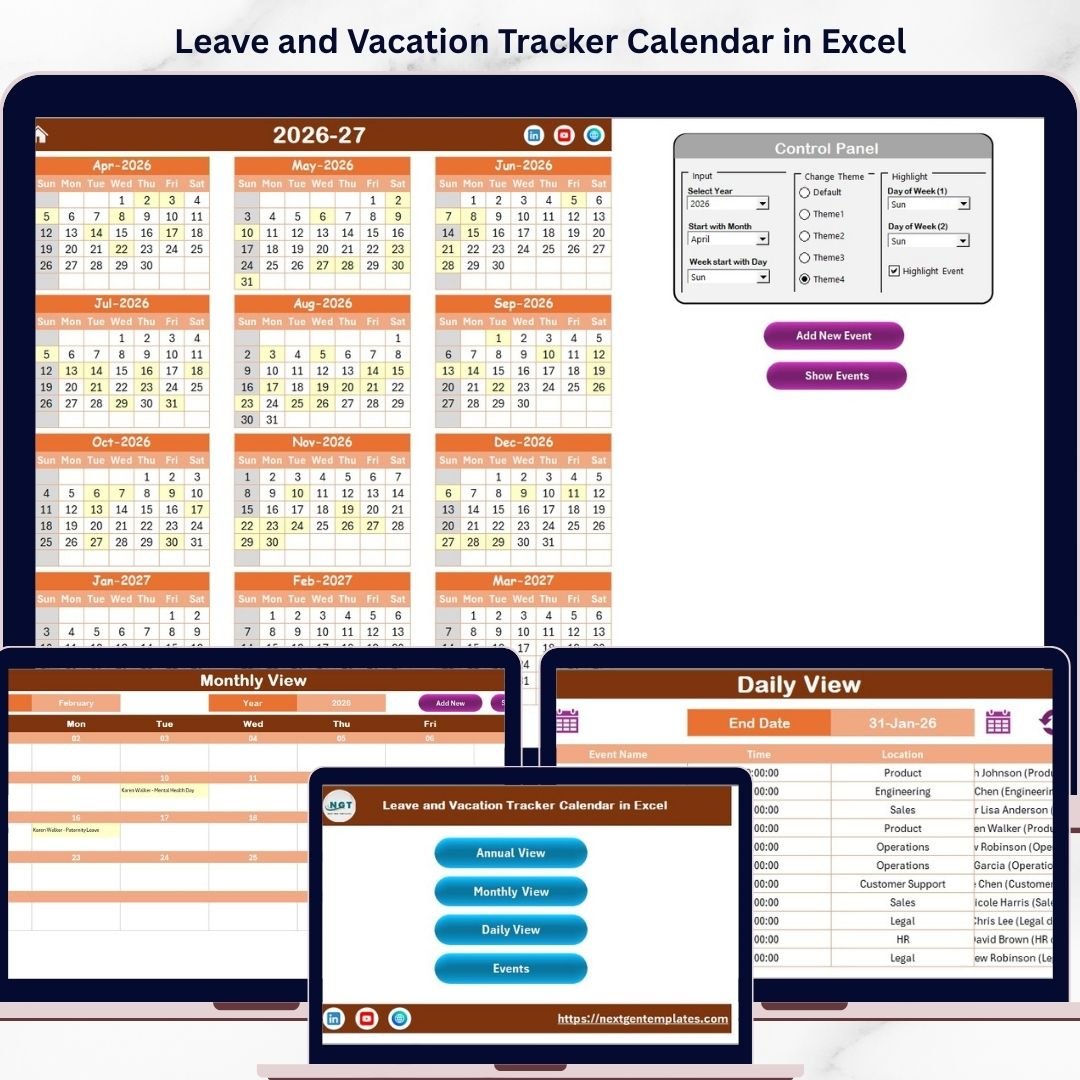
Manage your leave and vacation schedules effortlessly with our Leave and Vacation Tracker Calendar in Excel! This ready-to-use Excel template is designed to simplify tracking leaves, vacations, and events for individuals and teams alike. The calendar features five dynamic worksheets that offer multiple views to suit your preferences: Annual, Monthly, Daily, and an Events database. Navigate easily using the Home sheet’s intuitive button interface.
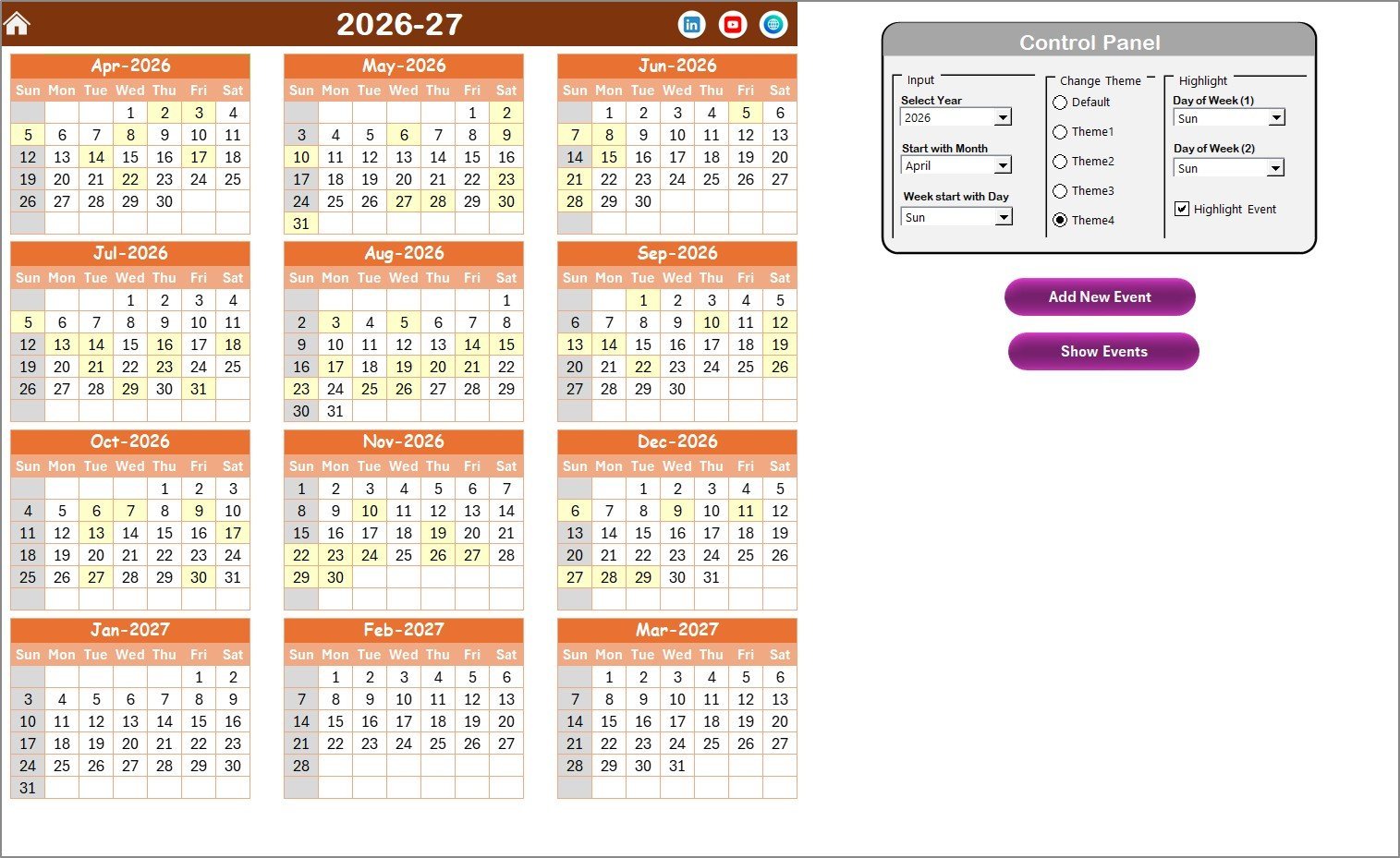
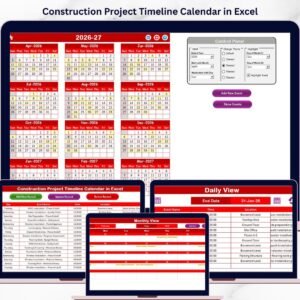
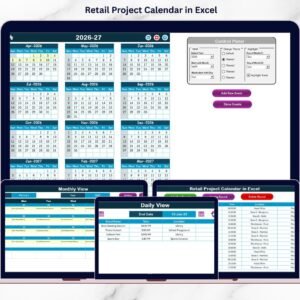
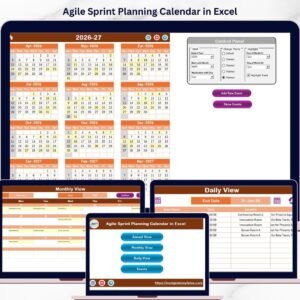
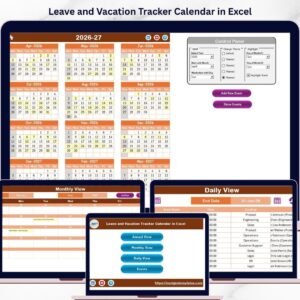
On the Annual View Sheet, you can see all 12 months at a glance. Customize the calendar by selecting the year, starting month, and even the starting day of the week. Choose from 5 beautiful color themes to personalize your calendar’s look and highlight important days such as weekends or special events. Use the control panel to add new events or view existing ones quickly.
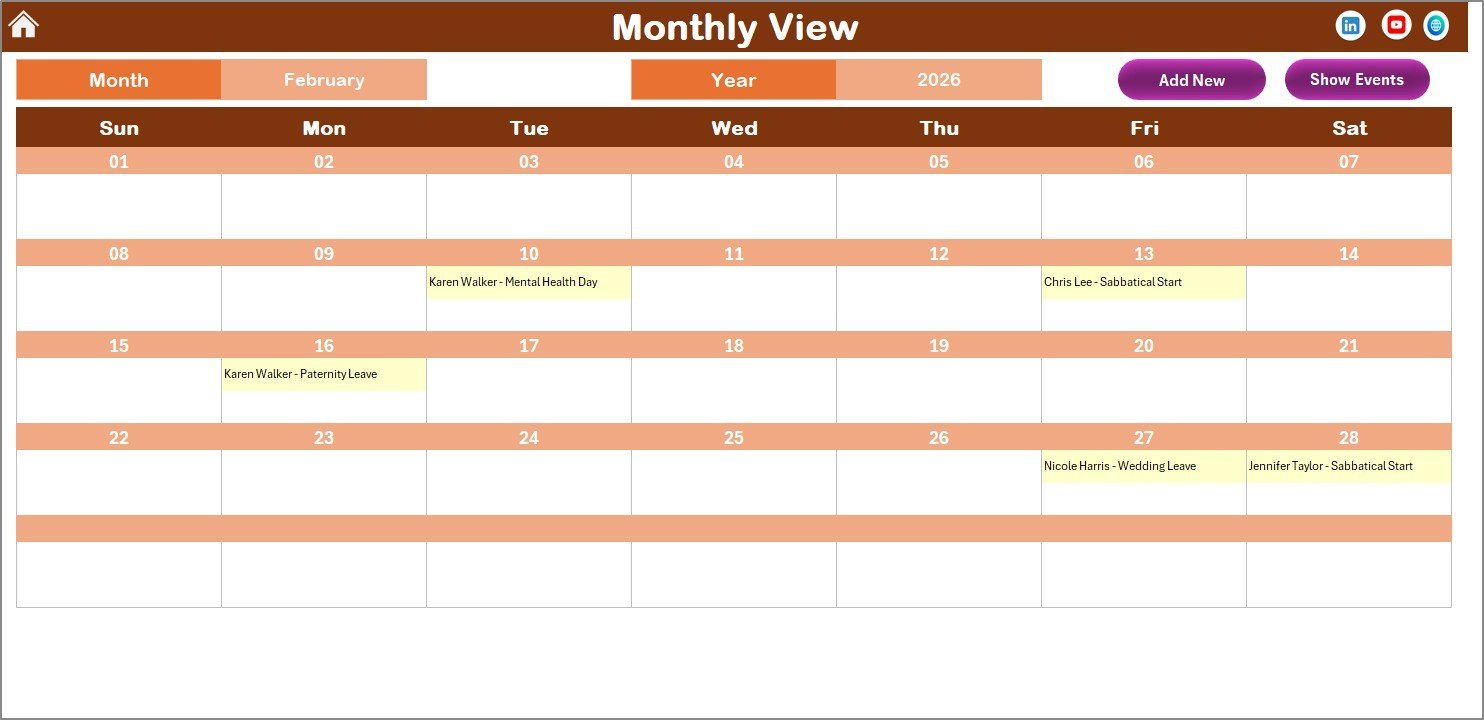
The Monthly View Sheet focuses on a single month, allowing you to select any month and year to display. It shows events concisely, indicating if multiple events occur on the same day. Adding or viewing events is just a click away through handy buttons at the top.
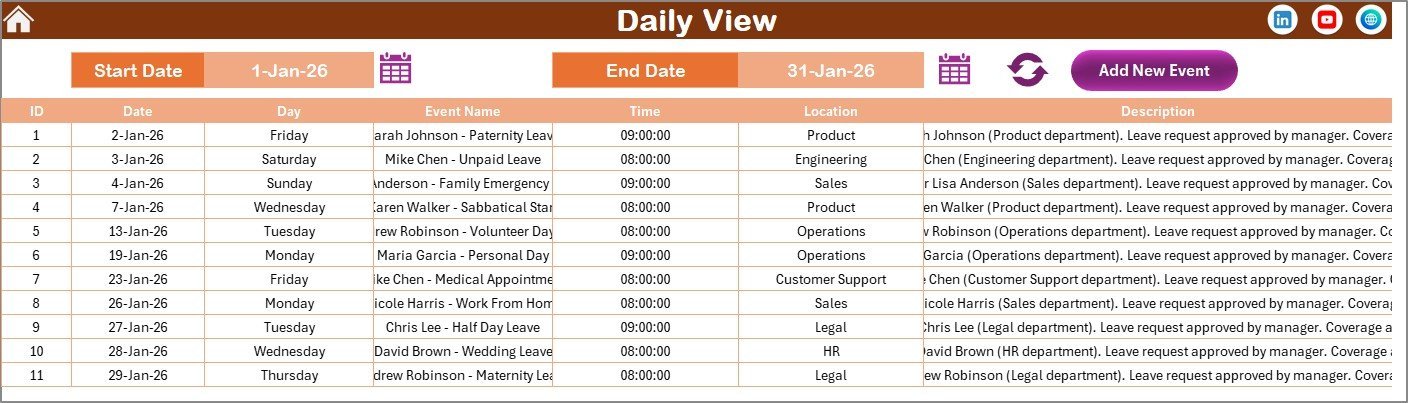
Our Daily View Sheet offers detailed insights into your events over a selected date range. Easily filter by start and end dates, then refresh to see the latest updates. This sheet also features a quick add event button for hassle-free scheduling.
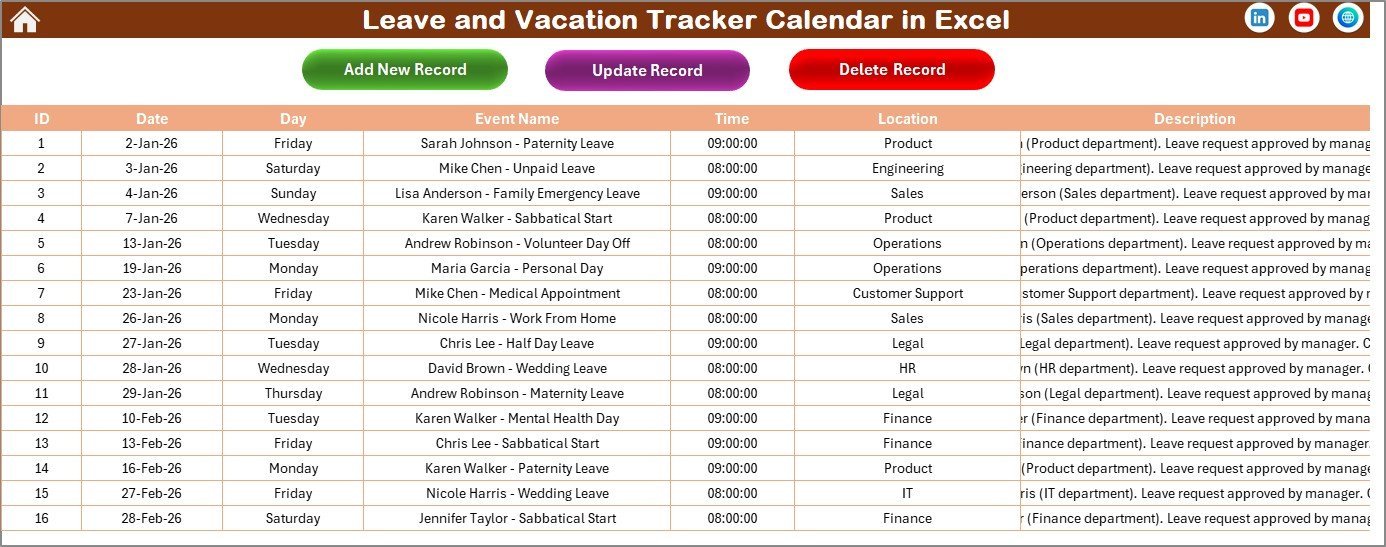
The Events Sheet acts as your comprehensive event database. Each event is recorded with essential details such as ID, Date, Day, Event Name, Time, Location, and Description. Manage your records efficiently with options to add, update, or delete events directly within the sheet.
What’s Inside the Leave and Vacation Tracker Calendar in Excel
Our digital download includes a fully functional Excel workbook with the following tabs:
- 🏠 Home Sheet: Index page with navigation buttons to all sheets.
- 📅 Annual View Sheet: Displays 12 months calendar with theme and highlight controls.
- 🗓️ Monthly View Sheet: Single-month calendar with event indicators.
- 📋 Daily View Sheet: Detailed event listing within a specified date range.
- 🗃️ Events Sheet: Centralized database for event management with add, update, and delete functions.
Each sheet is designed to make leave and vacation tracking intuitive, visually appealing, and highly customizable to fit your unique requirements.
How to Use the Leave and Vacation Tracker Calendar in Excel
Getting started is simple! Open the Excel file and navigate to the Home Sheet. Use the buttons to jump between Annual, Monthly, Daily, or Events sheets based on your need.
In the Annual View, select the year, starting month, and start day of the week from the control panel. Pick your preferred color theme for a personalized experience. Highlight weekends or important days effortlessly.
To add a new event, select the date on any calendar view and click the Add New Event button. Fill out the event details in the pop-up form and submit. To review events on any date, simply use the Show Event button.
Use the Monthly View to focus on one month at a time, ideal for detailed planning. The Daily View lets you filter events by date range for a comprehensive overview. The Events Sheet provides full control over your event records with options to add, update, or delete entries.
This template requires no advanced Excel skills, making it perfect for everyone from HR managers to freelancers.
Who Can Benefit from This Leave and Vacation Tracker Calendar in Excel
- 👩💼 HR Professionals: Simplify employee leave management and vacation tracking.
- 🏢 Team Managers: Keep track of team availability and plan projects efficiently.
- 👨💻 Freelancers & Entrepreneurs: Organize personal and business schedules in one place.
- 🏫 Educational Institutions: Track holidays, events, and staff leaves with ease.
- 👨👩👧👦 Families: Manage vacation plans and special events for all family members.
- 📅 Event Planners: Stay on top of multiple events with detailed tracking and reminders.
- 🗓️ Anyone looking for organized scheduling: This calendar helps you stay proactive and avoid conflicts.
Take control of your time and leave management with this all-in-one Excel tracker. Its user-friendly interface and powerful features guarantee you never miss an important date or event again.
Click here to read the Detailed blog post.
Visit our YouTube channel to learn step-by-step video tutorials.










Reviews
There are no reviews yet.