
Inventory accuracy is essential for smooth business operations. Whether in manufacturing, retail, logistics, or warehousing, organizations must regularly verify stock records to prevent losses, ensure compliance, and maintain operational efficiency. However, many businesses still manage audit activities using manual notes, emails, or scattered spreadsheets. As a result, audit tasks are missed, accountability becomes unclear, and discrepancies remain unresolved.
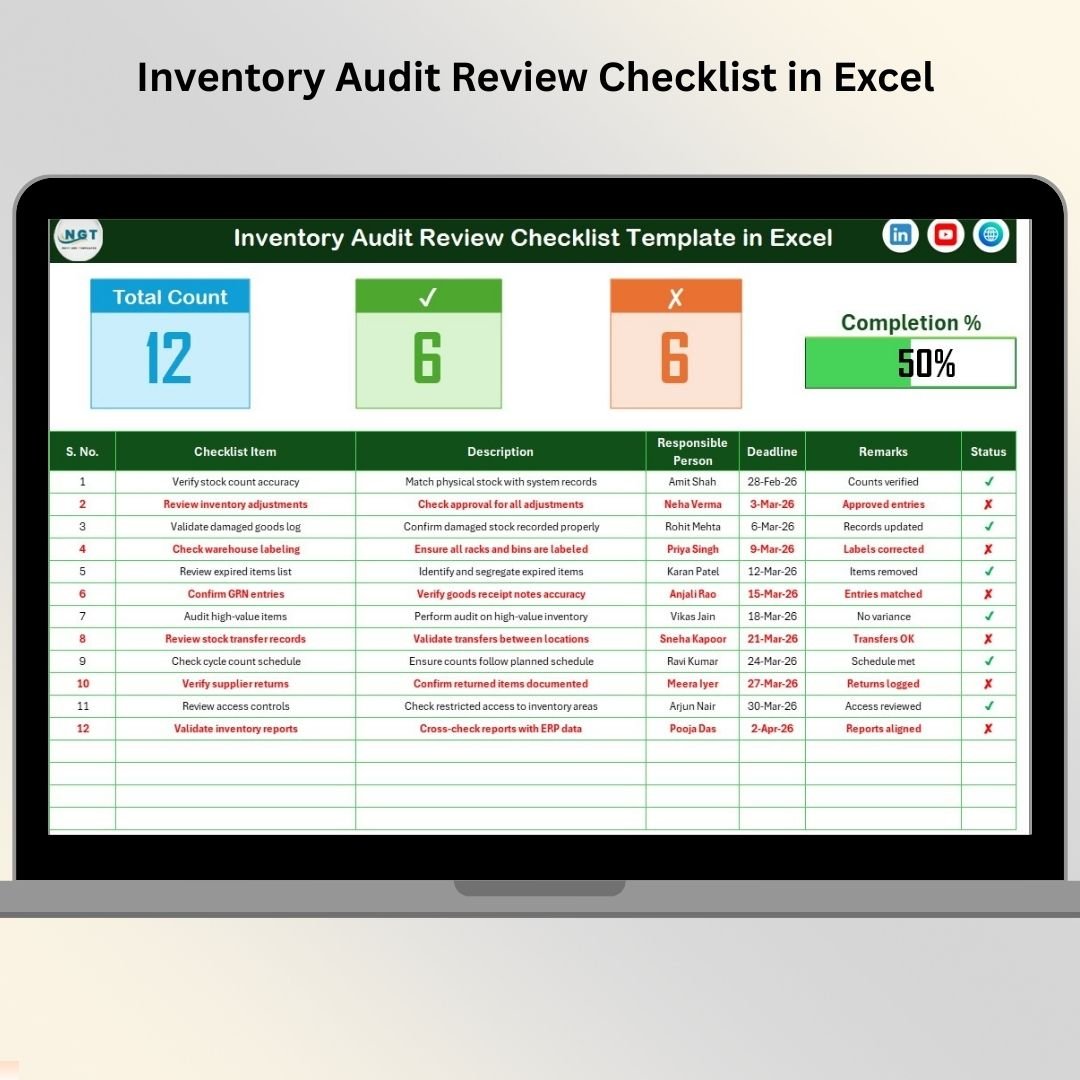
The Inventory Audit Review Checklist in Excel is a smart, ready-to-use solution designed to simplify inventory audit management through a structured and automated checklist system. Built entirely in Microsoft Excel, this template enables organizations to plan, track, and monitor audit activities in one centralized location.
Instead of juggling multiple files or relying on manual tracking, teams can manage all audit tasks within a single workbook. The checklist automatically calculates completion progress, updates summary metrics, and provides instant visibility into audit status. 📋📦
Designed for simplicity and efficiency, the template requires no advanced technical skills. Users only need to update task status, and the dashboard instantly reflects audit progress. This helps managers identify pending activities quickly and ensure audits are completed on time.
Whether conducting warehouse inspections, compliance audits, or periodic inventory reviews, this checklist helps organizations stay organized, improve accountability, and strengthen inventory control processes.
## Key Features of Inventory Audit Review Checklist in Excel
✅ Automated Audit Progress Dashboard – Instantly monitor completion status using summary metrics and progress bars.
📋 Structured Checklist Table – Track audit tasks with clearly defined fields and responsibilities.
📊 Real-Time Status Updates – Progress automatically updates when tasks are marked completed or pending.
👨💼 Task Ownership Assignment – Assign responsible persons to improve accountability.
📅 Deadline Tracking – Monitor due dates to ensure timely audit completion.
⚡ Dropdown-Based Data Entry – Standardized inputs reduce manual errors.
📂 Centralized Audit Management – Store all audit activities in one organized file.
🎯 Beginner-Friendly Design – Easy to use without technical expertise.
These features transform Excel into a practical inventory audit monitoring system.
## What’s Inside the Inventory Audit Review Checklist in Excel
The template includes two professionally structured worksheets:
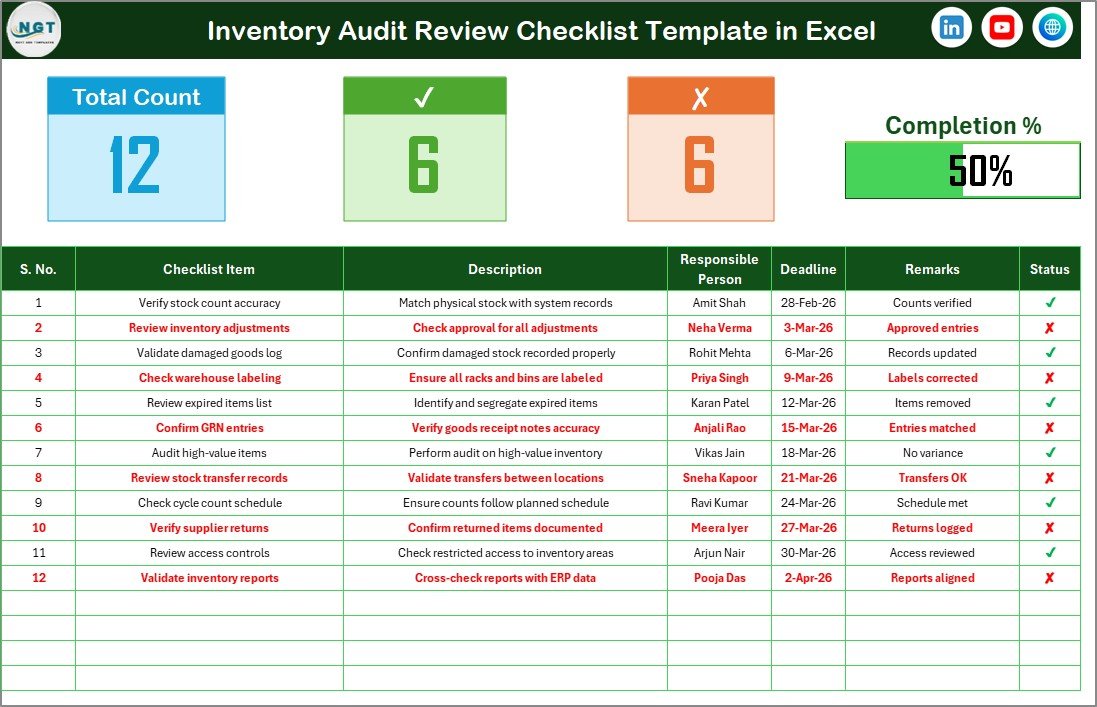
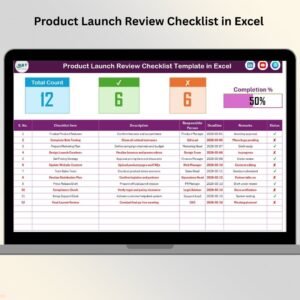
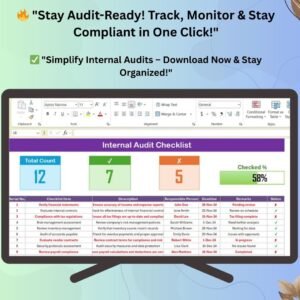
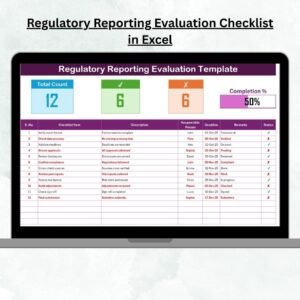
✅ Inventory Audit Review Checklist Sheet – Main working area containing audit dashboard, checklist table, and progress tracking indicators.
✅ List Sheet – Backend sheet managing dropdown values for responsible persons and standardized data entry.
Checklist table columns include:
-
Serial Number
-
Checklist Item
-
Description
-
Responsible Person
-
Deadline
-
Remarks
-
Status (✔ Completed / ✘ Pending)
Together, these components create a complete audit tracking environment.
## How to Use the Inventory Audit Review Checklist in Excel
Using the checklist is simple and efficient:
1️⃣ Enter audit tasks and descriptions.
2️⃣ Assign responsible persons using dropdown selections.
3️⃣ Set deadlines for each activity.
4️⃣ Update task status as ✔ or ✘.
5️⃣ Monitor audit progress using summary metrics.
6️⃣ Add remarks for observations and findings.
Within minutes, teams can organize audits professionally and monitor progress effectively.
## Who Can Benefit from This Inventory Audit Review Checklist in Excel
This template is ideal for:
🏭 Warehouse managers
📦 Inventory controllers
🧾 Internal audit teams
🏪 Retail operations managers
🚚 Supply chain professionals
🏢 Manufacturing supervisors
From small businesses to large enterprises, any organization managing inventory audits can benefit from this structured checklist.
A well-organized audit process improves operational control and reduces inventory risks. By centralizing audit activities and automating progress tracking, the Inventory Audit Review Checklist in Excel helps teams complete audits faster while maintaining accuracy and accountability.
Instead of reacting to inventory discrepancies, organizations gain proactive control over audit workflows and compliance monitoring. The result is improved efficiency, better reporting, and stronger inventory management practices. ✅
### Click here to read the Detailed blog post
Visit our YouTube channel to learn step-by-step video tutorials:
👉 YouTube.com/@PKAnExcelExpert