



Financial audits are critical for ensuring transparency, compliance, and accountability in every organization. But without a structured approach, audit preparation can feel overwhelming—deadlines get missed, responsibilities become unclear, and crucial steps may be overlooked.
The Financial Audit Evaluation Checklist in Excel solves these challenges by providing a ready-to-use, interactive template designed to guide businesses through the audit process step by step. Built entirely in Excel, this tool simplifies audit planning, task tracking, and responsibility management—without the need for complex or expensive audit software.
With features like a visual progress bar, dropdown assignments, and automated status updates, this checklist ensures every audit task is captured, tracked, and completed on time. Whether you’re preparing for an internal audit, an external audit, or a compliance check, this tool is designed to make the process smooth, reliable, and stress-free.
✨ Key Features of Financial Audit Evaluation Checklist
✅ Audit Checklist Sheet Tab
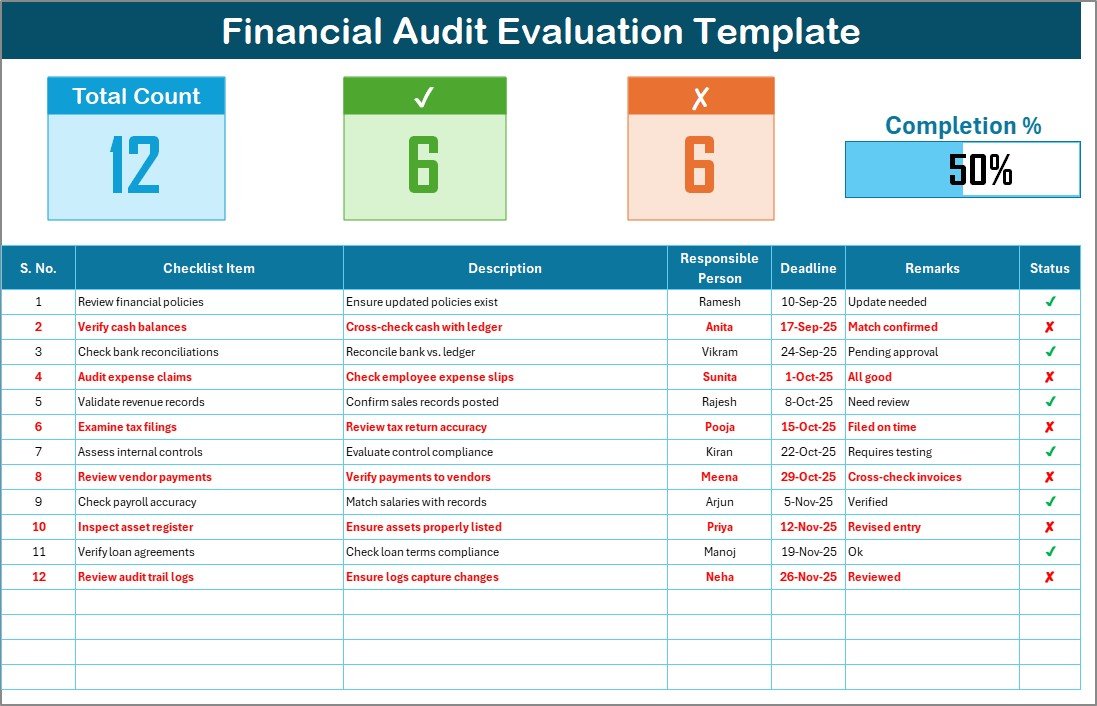
Central hub for recording and tracking audit tasks.
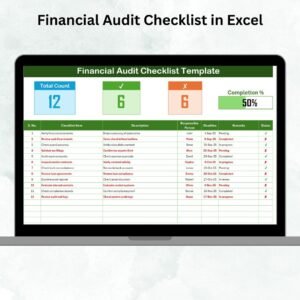
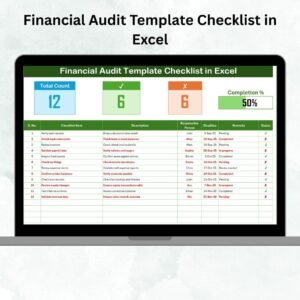
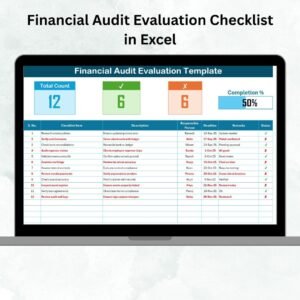
Top Section Overview with total items, completed tasks, pending tasks, and a progress bar.
Structured table with columns for:
Serial No.
Checklist Item
Description
Responsible Person (via dropdown)
Deadline
Remarks
Status (✔ or ✘).
✅ List Sheet Tab
Stores a unique list of responsible persons.
Automatically populates dropdowns in the checklist for quick and consistent task assignment.
✅ Visual Progress Tracking
Built-in bar chart automatically updates completion percentage.
Helps managers see audit readiness at a glance.
✅ Interactive Status Updates
Mark tasks with a ✔ for completed or ✘ for pending.
Progress bar and task count update instantly.
✅ Customizable Structure
Add, edit, or remove tasks based on audit requirements.
Adaptable to industries including finance, manufacturing, healthcare, retail, and nonprofits.
📦 What’s Inside the Financial Audit Evaluation Checklist
When you download this template, you’ll get:
Audit Checklist Sheet Tab – Main working space with progress tracking.
List Sheet Tab – For managing responsible persons and assignments.
Sample Audit Items – Preloaded examples like:
Verify bank reconciliations.
Review accounts payable and receivable.
Confirm compliance with tax regulations.
Validate payroll accuracy.
Review asset depreciation records.
This ensures you can start using the template right away, with the flexibility to expand it for your specific needs.
🛠️ How to Use the Financial Audit Evaluation Checklist
Download & Open – Get the file and review the sample checklist.
Customize Checklist Items – Add financial audit tasks relevant to your organization.
Assign Responsibilities – Use dropdowns to allocate tasks to team members.
Set Deadlines – Enter realistic due dates to keep progress on track.
Update Status – Mark each task ✔ or ✘ as the audit progresses.
Monitor Progress – Use the progress bar and counts at the top for an instant overview.
Review Weekly – Use the checklist as a discussion tool during team meetings.
No advanced Excel knowledge is required—everything is prebuilt and ready to use.
👩💼 Who Can Benefit from This Checklist?
Finance Managers – Ensure audit readiness across departments.
Internal Auditors – Track tasks and responsibilities systematically.
External Auditors – Use it as a structured checklist during evaluations.
Business Owners – Maintain financial transparency without costly tools.
Nonprofits – Demonstrate accountability to donors and regulators.
SMEs & Enterprises – Scale the checklist for businesses of any size.
👉 Click here to read the Detailed blog post
Visit our YouTube channel to learn step-by-step video tutorials
Watch the step-by-step video tutorial:
Compatibility and Requirements
- Works in Microsoft Excel desktop (Excel 2016 or later, or Microsoft 365).
- You pick the responsible person for each task from a dropdown on the Audit Checklist sheet. Microsoft explains dropdowns in Create a drop-down list.
More Questions About This Template
Which sheets are included?
Two sheets: Audit Checklist and List. The Audit Checklist sheet holds the tasks, the overview counts and the progress bar. The List sheet holds the names of responsible persons.
How do I assign a task to someone?
Add the person’s name to the List sheet. It then appears in the Responsible Person dropdown on the Audit Checklist sheet.
How is progress shown?
Mark each task with a ✔ or ✘ in the Status column. The total items, completed tasks, pending tasks and the progress bar at the top update right away.
Can I add my own audit tasks?
Yes. You can add, edit or remove checklist items to match your audit. The file comes with sample items such as verifying bank reconciliations and reviewing accounts payable and receivable.
Is there a Google Sheets version?
There is a Google Sheets edition of the preparation checklist: Financial Audit Preparation Checklist in Google Sheets.
Related Audit Templates
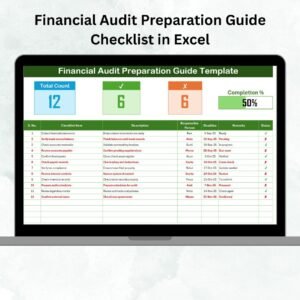
- Financial Audit Preparation Checklist in Excel: a checklist for the lead-up to an audit
- Internal Audit Checklist in Excel: a checklist for internal audits
- Financial Audit Action Plan Checklist in Excel: a checklist for follow-up actions
- Financial Audit Calendar in Excel: a calendar for audit dates
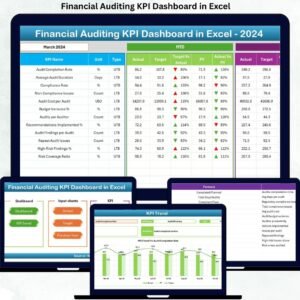
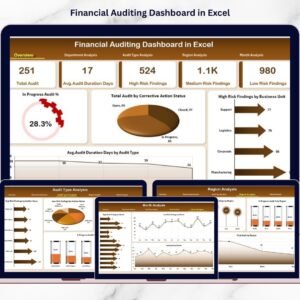
- Financial Auditing KPI Dashboard in Excel: a dashboard view of audit KPIs
Browse all Excel checklist templates.



























Reviews
There are no reviews yet.