

Employee Exit Management System V1.0 – Excel & VBA Based HR Solution
Managing employee exits manually can be time-consuming, error-prone, and difficult to track. HR teams often struggle with scattered files, missing records, and lack of proper access control. Employee Exit Management System V1.0 solves this problem with a fully automated Excel VBA–based application that streamlines the entire employee exit lifecycle.
This is a ready-to-use digital product, specially designed for organizations that want a simple, offline, and cost-effective exit management system without investing in expensive HR software.
🔐 Secure Login & Role-Based Access
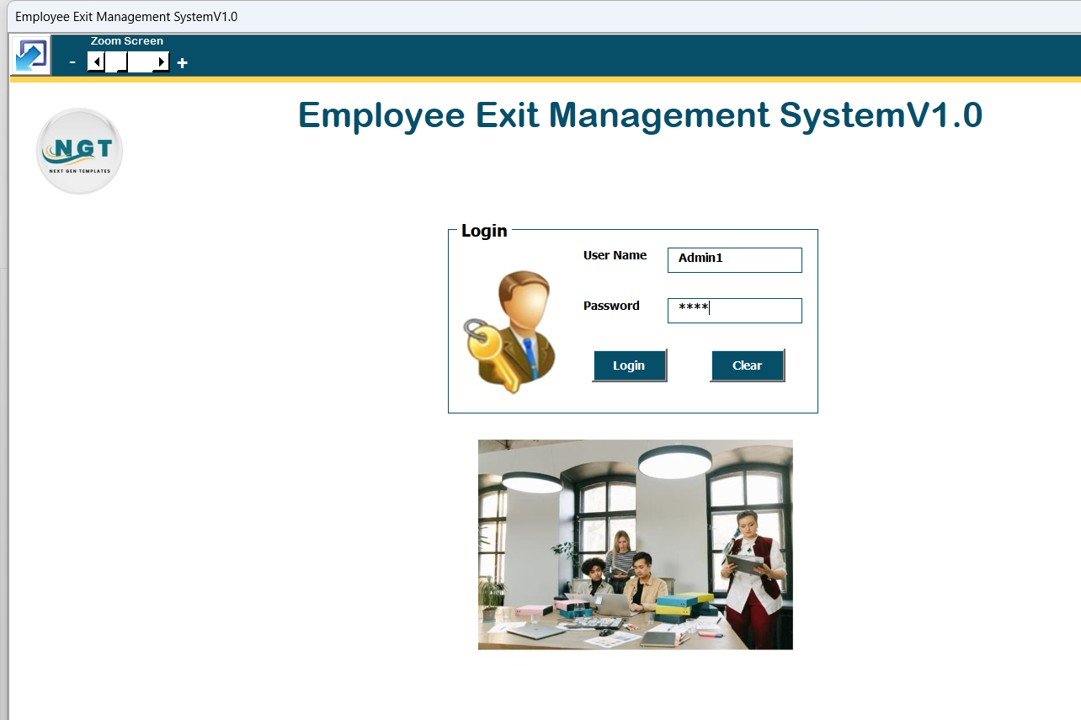
The system starts with a secure login form to control access.
Default Login Credentials
-
Admin Role
-
Username:
Admin1 -
Password:
abcd
-
-
User Role
-
Username:
User1 -
Password:
abcd
-
Based on the role, users get access to only the features assigned to them, ensuring data security and proper control.
🖥️ Main Dashboard – Central Control Panel
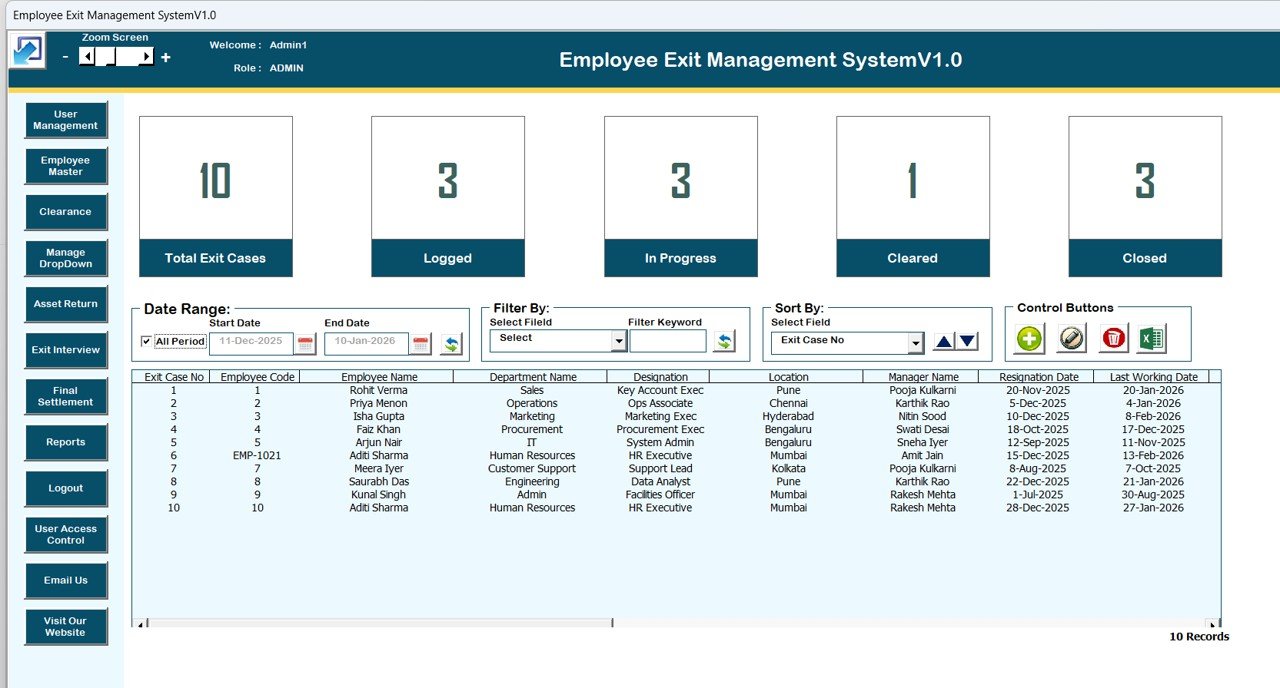
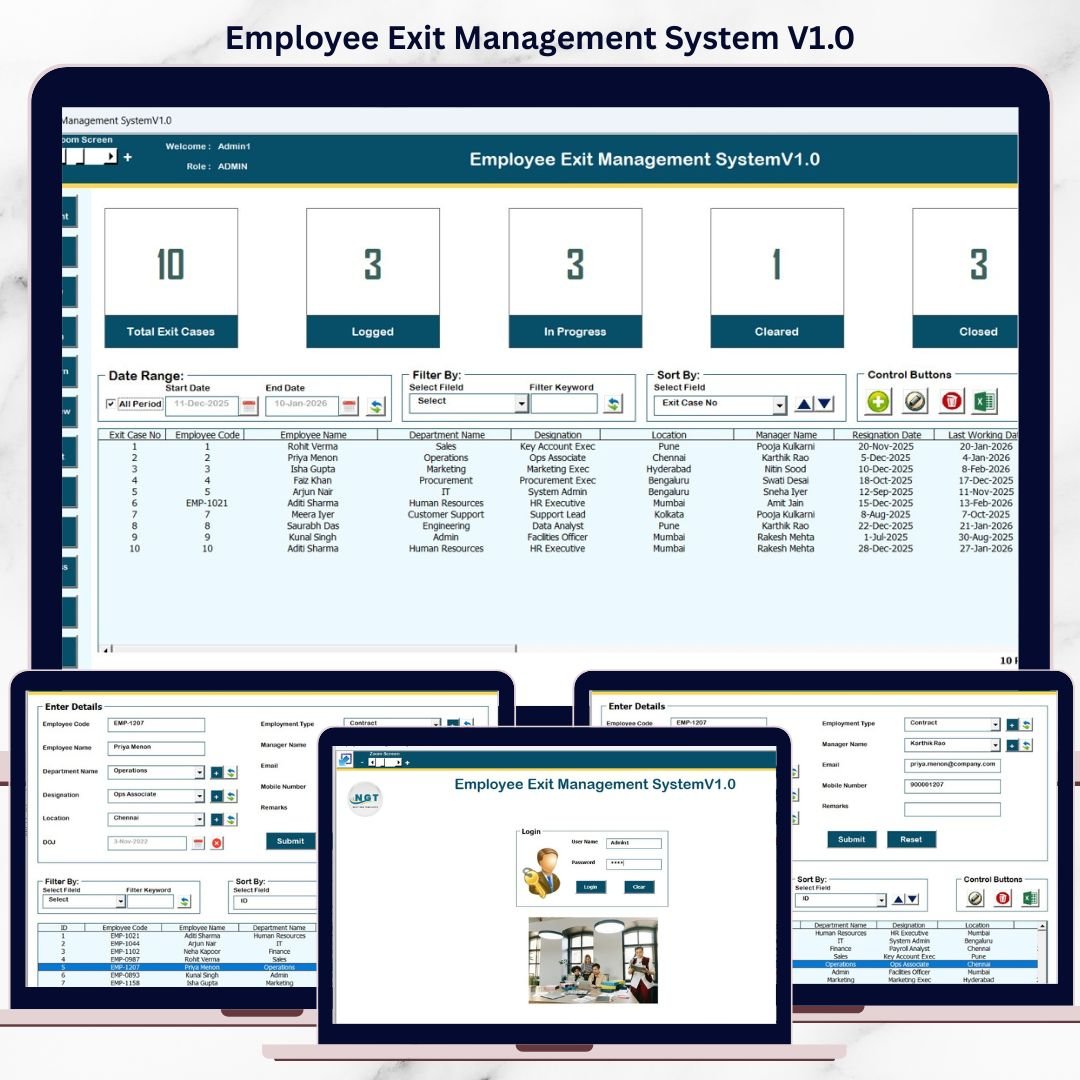
After login, users land on the Main Form, which acts as the control center of the system.
Key Features of Main Form
-
Central List Box to display all relevant exit records
-
Smart Filters to filter data by date or selected columns
-
Sort Options to organize records easily
-
Double-click or button-based record editing
⚙️ Control Buttons for Easy Management
The main form includes powerful control buttons:
-
Add New Record – Add a new employee exit record instantly
-
Update Existing Record – Edit selected records via button or double-click
-
Delete Record – Remove unwanted records securely
-
Export to Excel – Export filtered data to a new Excel file for sharing or reporting
📋 Exit Case Management
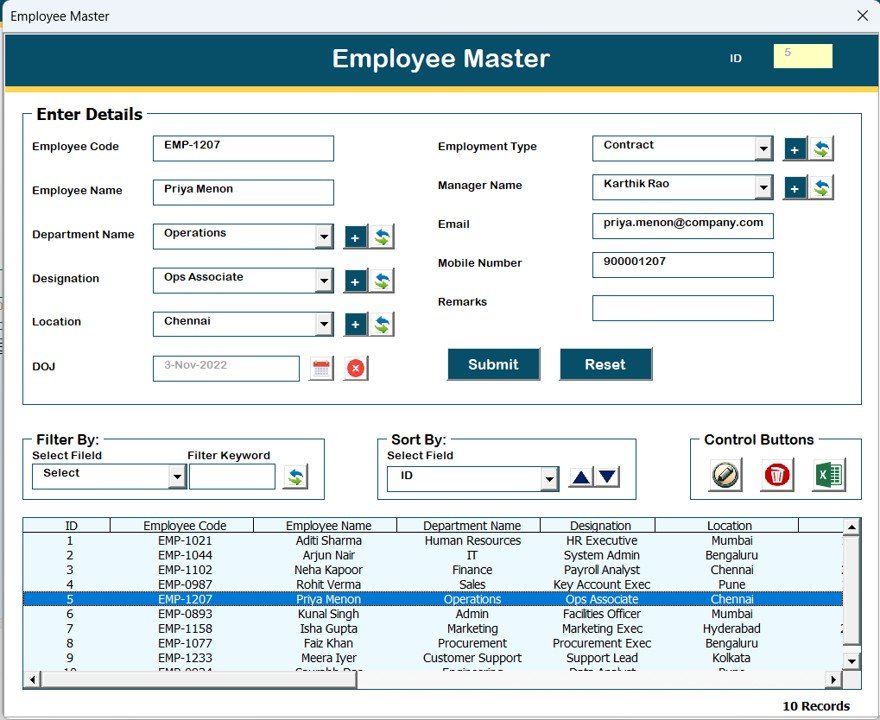
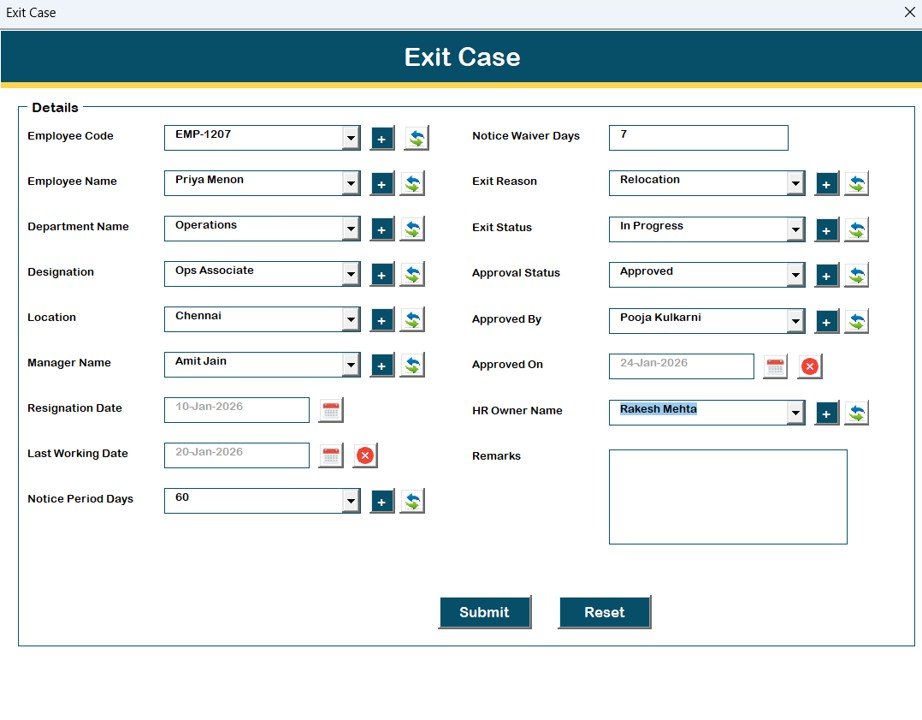
The Exit Case Form allows HR teams to:
-
Add new exit details
-
Update existing exit cases
-
Maintain accurate and structured employee exit data
This ensures that every exit process is properly documented and traceable.
📂 Navigation Menu – Complete HR Exit Workflow
The left-side navigation menu provides access to all major modules:
1️⃣ Firm Information
Update and manage company details from a dedicated form.
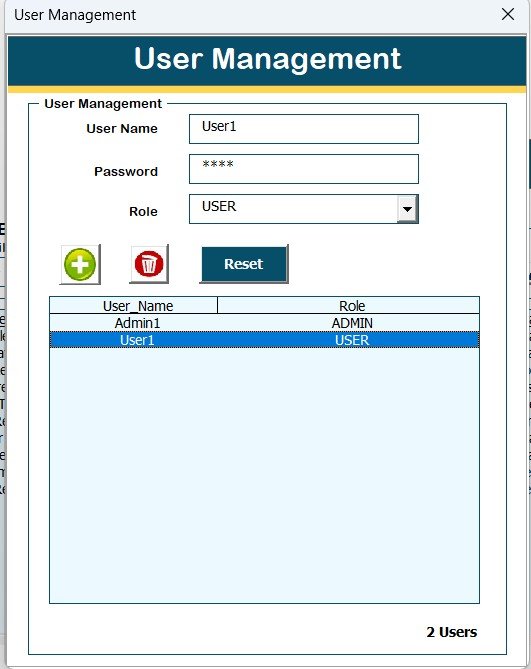
2️⃣ User Management
Add, update, delete users, reset passwords, and manage user credentials.
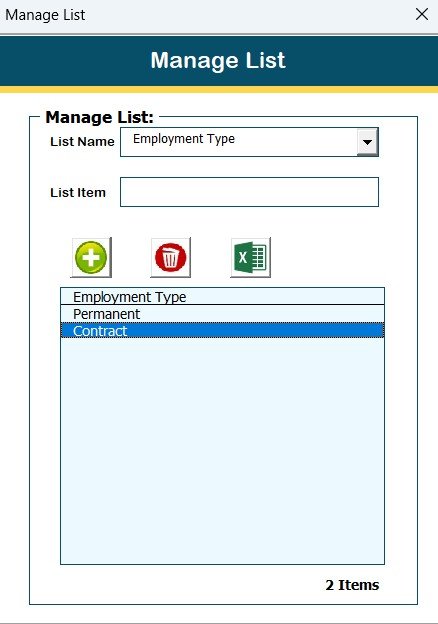
3️⃣ Manage Lists
Maintain master lists used across the system (add or delete values easily).
4️⃣ Employee Exit Modules
-
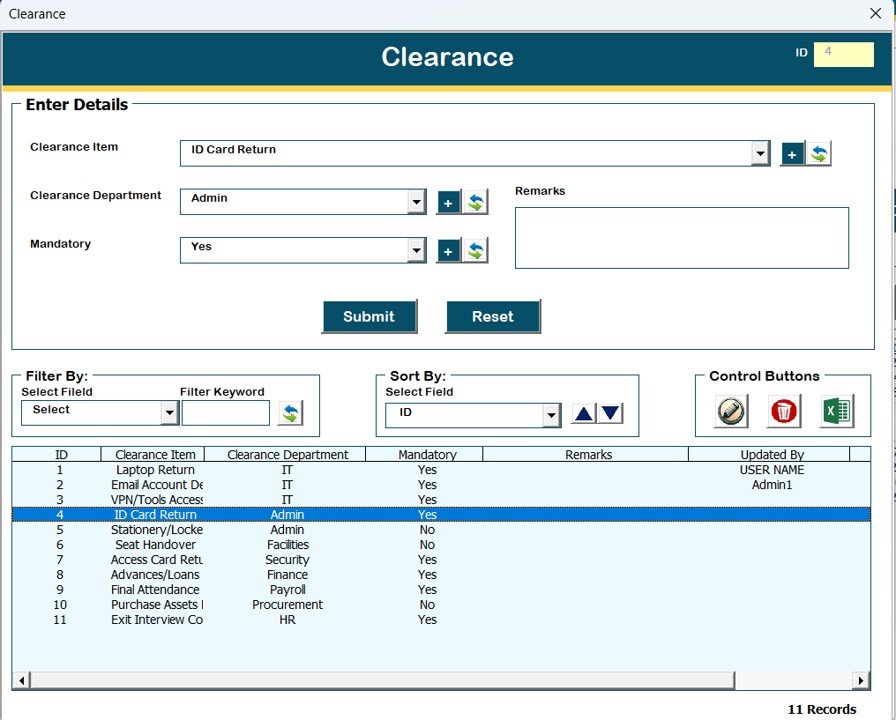
Clearance
-
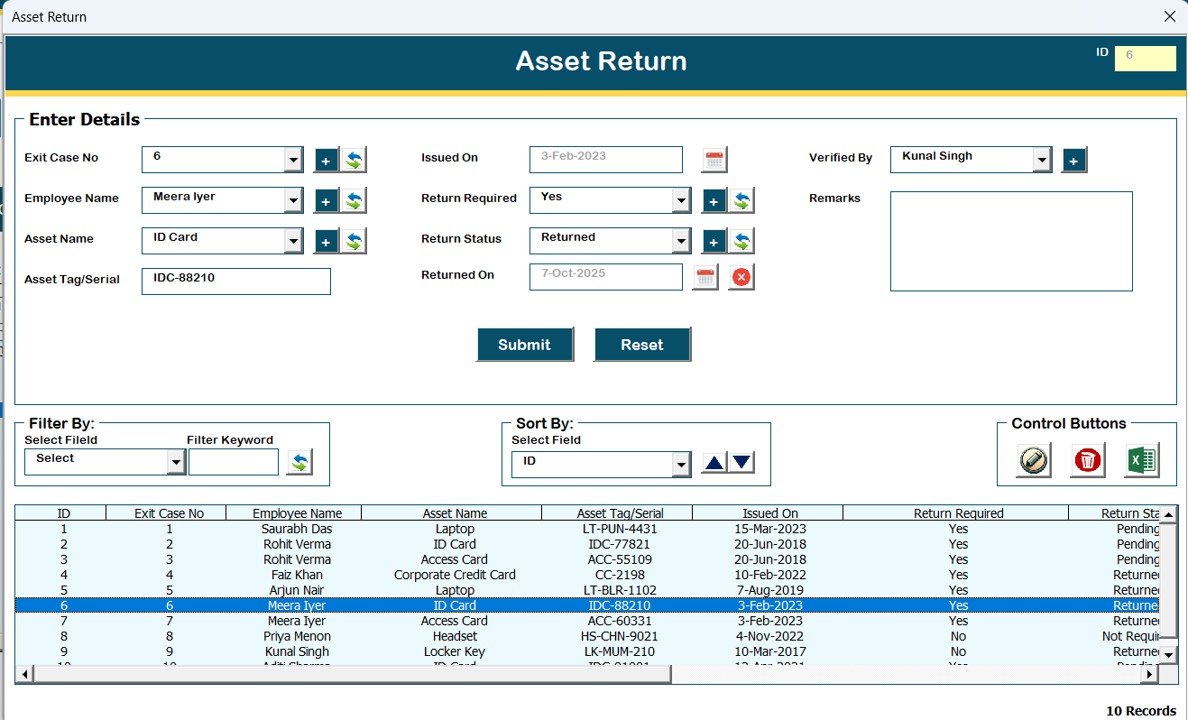
Asset Return
-
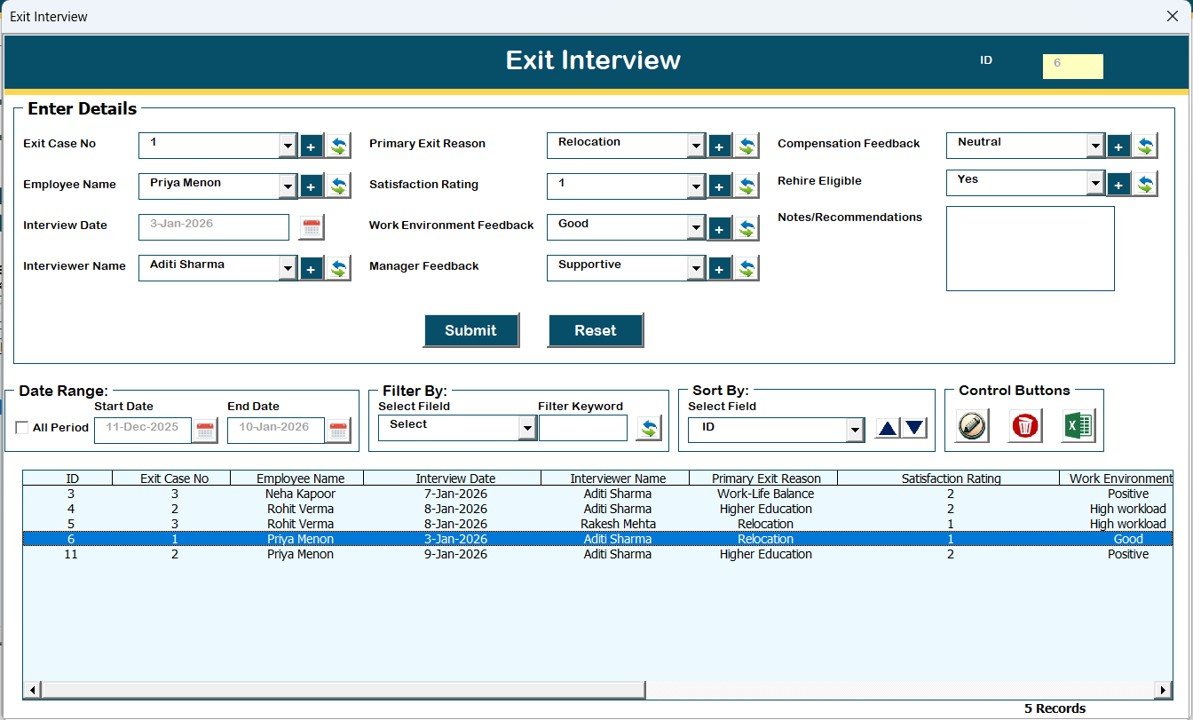
Exit Interview
-
Final Settlement
These modules ensure a complete and structured exit process from start to finish.
5️⃣ Reports
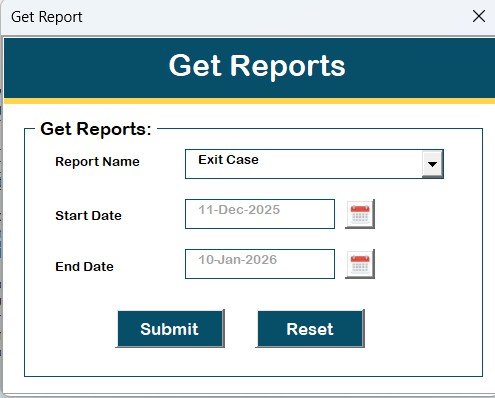
Generate and export exit reports in Excel format for a selected date range.
6️⃣ User Access Control
(Admin Only)
Define what each user role can access using checkbox-based controls.
7️⃣ Logout
Safely saves data and closes all forms and the Excel file.
8️⃣ Email Us
Quickly access support email for help or customization requests.
9️⃣ Visit Our Website
Explore and purchase more Excel & VBA-based tools and templates.
⭐ Key Highlights & Compatibility
✅ Compatible with Windows 10 and above
✅ Works with Microsoft Excel 2010 and later versions
✅ Designed for Microsoft Excel Desktop application only
❌ Not supported on Mobile or Tablet devices
❌ Not compatible with Mac OS
🎯 Who Should Use This Tool?
-
HR Managers
-
HR Executives
-
Small & Medium Businesses
-
Consultants & Admin Teams
-
Organizations looking for an offline exit management solution
🚀 Why Choose Employee Exit Management System V1.0?
-
No external database required
-
Fully offline & secure
-
Easy-to-use VBA forms
-
Structured HR exit workflow
-
One-time purchase, lifetime usage
If you are looking for a simple, powerful, and ready-to-deploy Employee Exit Management System, this Excel VBA tool is the perfect choice for your organization.
Visit our YouTube channel to learn step-by-step video tutorials









Reviews
There are no reviews yet.