Managing employee skills and competencies is essential for building a strong and productive workforce. Organizations must continuously evaluate employee performance, identify skill gaps, and plan training programs to maintain operational excellence. However, many companies still rely on scattered spreadsheets or manual evaluation records. As a result, HR managers often struggle to track employee competencies, analyze skill development, and manage training requirements effectively.
That is where the Employee Competency Assessment Tracker in Excel becomes an extremely powerful solution.
This ready-to-use Excel and VBA-based competency management tool helps organizations monitor employee skills, evaluate competency levels, and manage training requirements from one centralized system. Instead of maintaining multiple spreadsheets, HR teams can track competency assessments, analyze department performance, and generate visual reports through interactive dashboards.
Because this tracker combines Excel dashboards, VBA automation, login security, and user-friendly forms, organizations can streamline competency tracking and make better workforce development decisions.
If your organization wants a structured and efficient system to evaluate employee competencies, this Excel tracker offers the perfect solution.
👩💼 Key Feature of Employee Competency Assessment Tracker in Excel
This advanced competency tracker includes powerful features designed to simplify HR skill management.
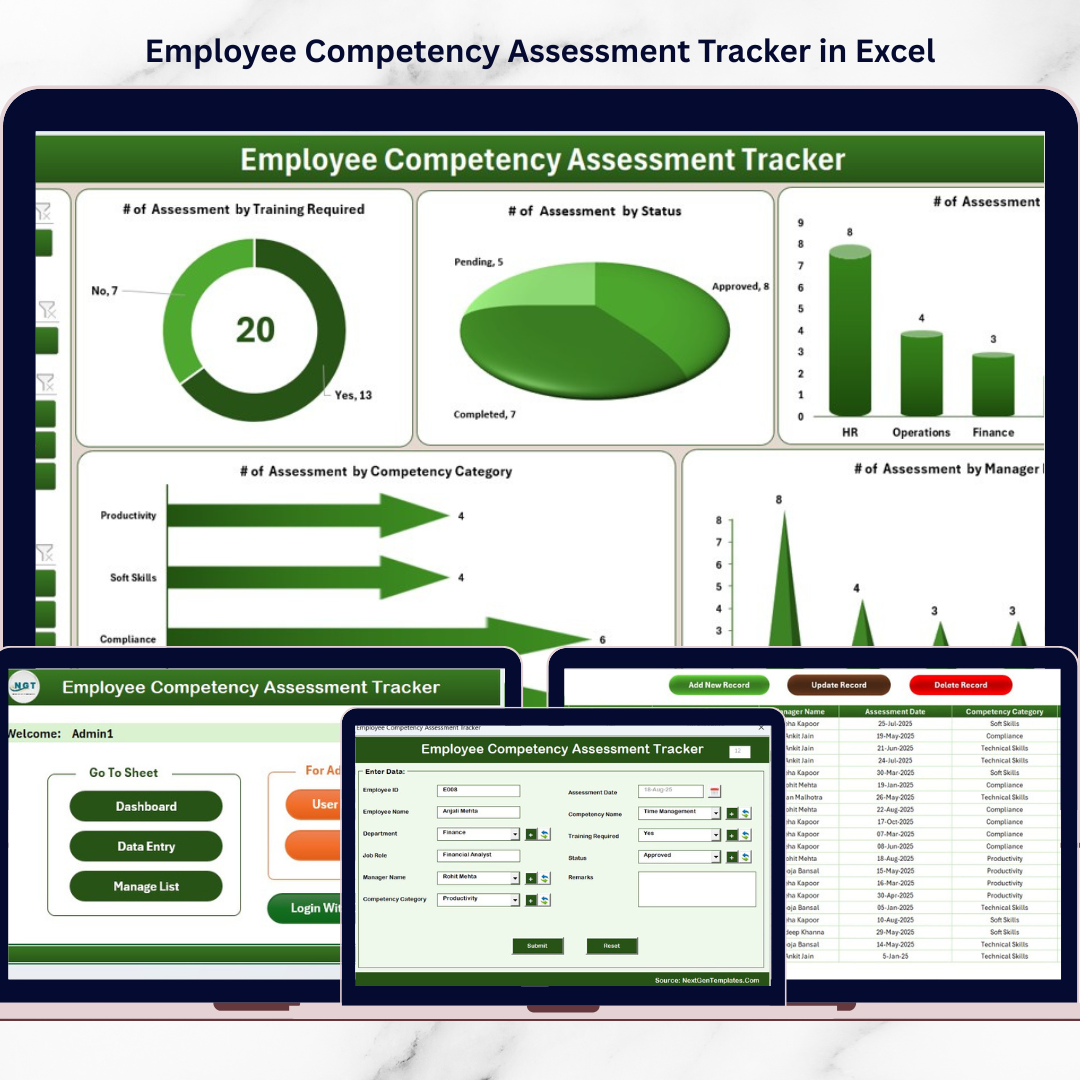
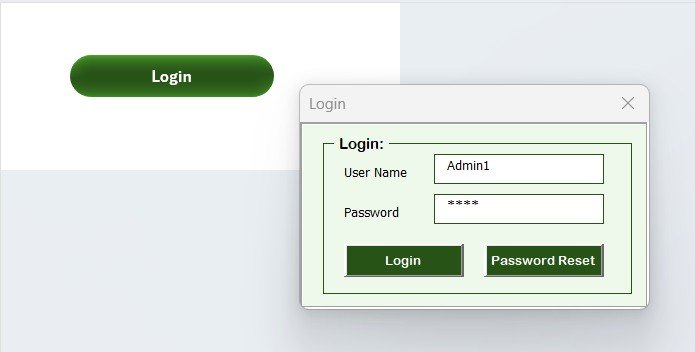
🔐 Secure Login System – Protect sensitive employee competency data using a login authentication form.
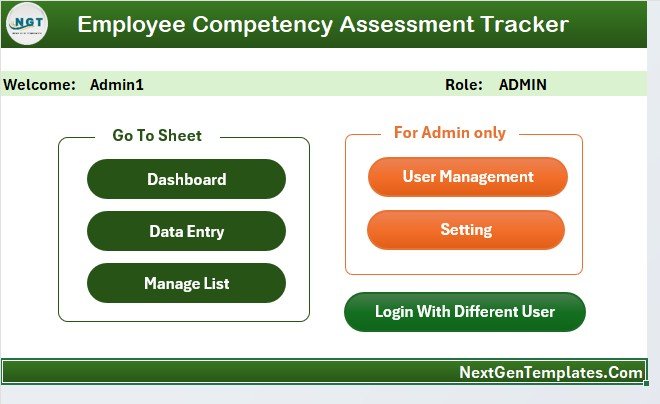
🖥 Central Control Panel (Main Form) – A user-friendly interface that allows HR teams to access all major system functions.
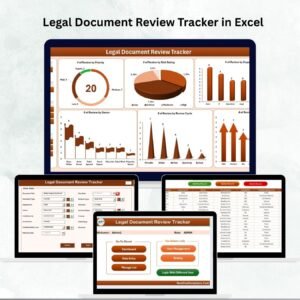
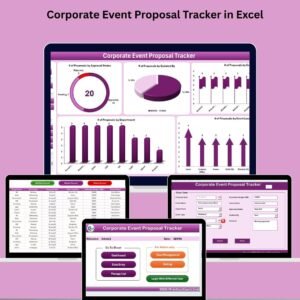
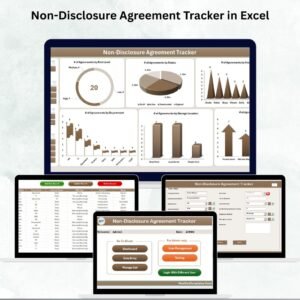
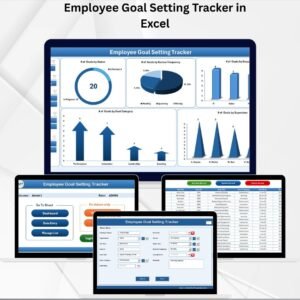
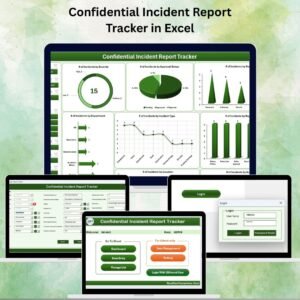
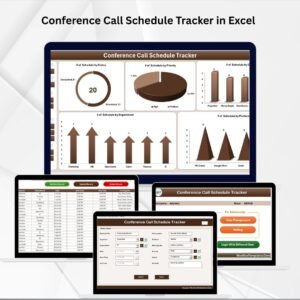
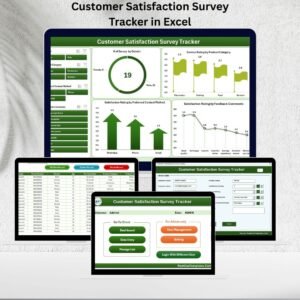
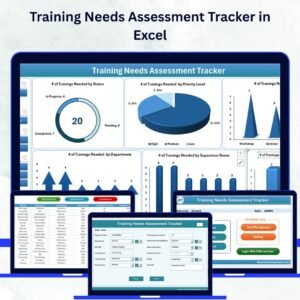
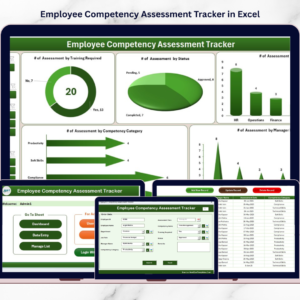
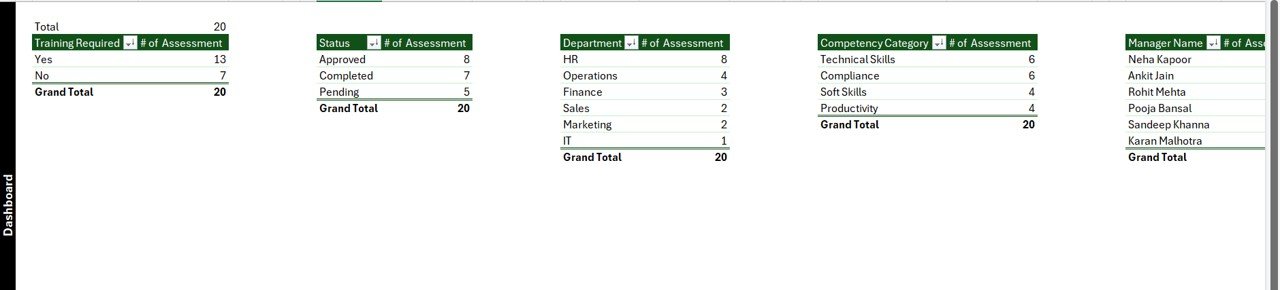
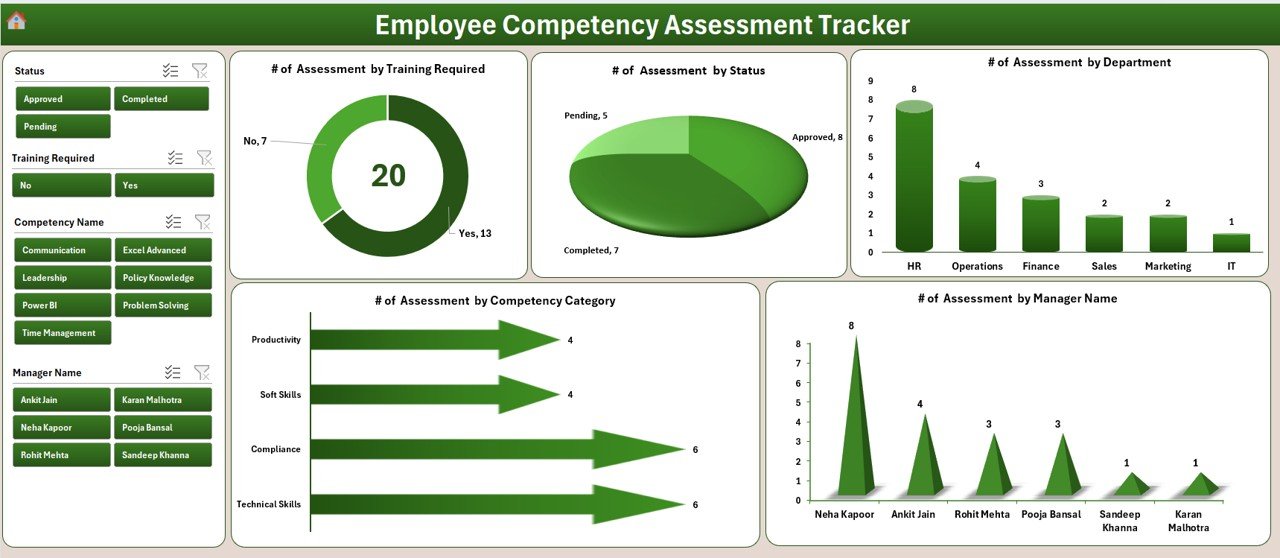
📊 Interactive Competency Dashboard – Visual charts and slicers provide insights into competency performance across departments and managers.
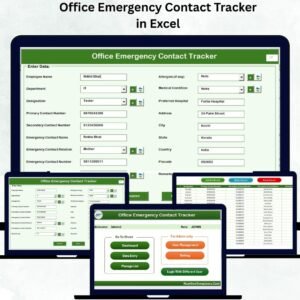
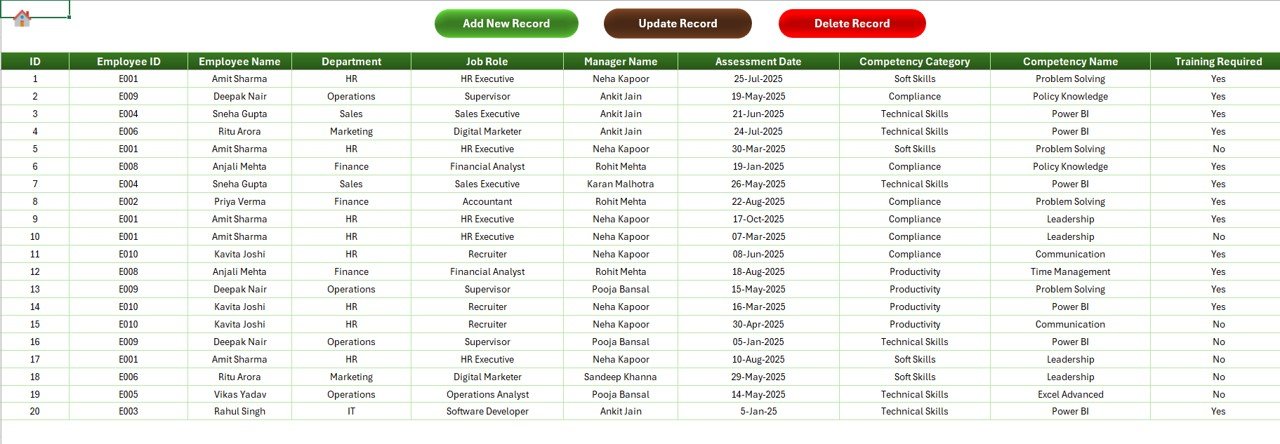
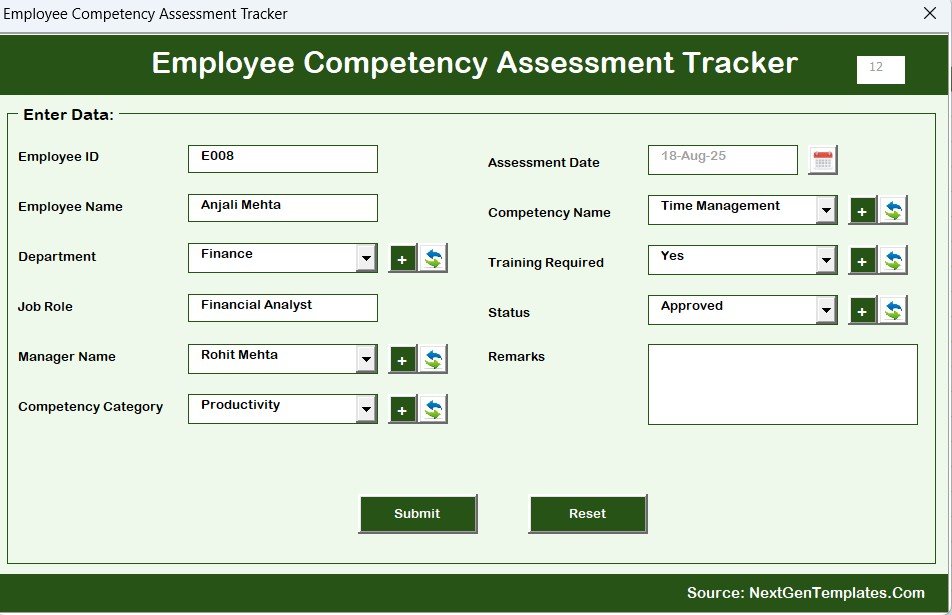
📝 Automated Data Entry Forms – Easily add, update, or delete competency assessment records using VBA-powered forms.
🏢 Department-Based Competency Analysis – Evaluate competency performance across different departments.
👨💼 Manager-Based Assessment Tracking – Track competency assessments performed by managers.
🎯 Training Requirement Monitoring – Identify employees who require training or skill development.
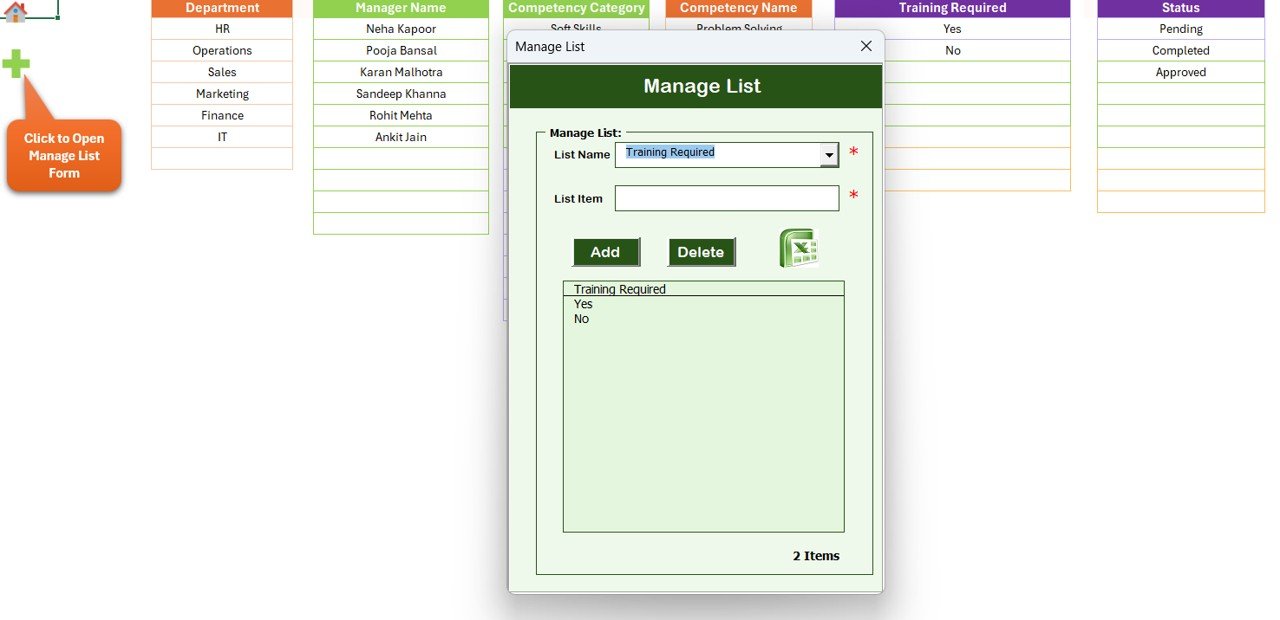
📂 Customizable Dropdown Lists – Manage departments, managers, competency categories, and training programs easily.
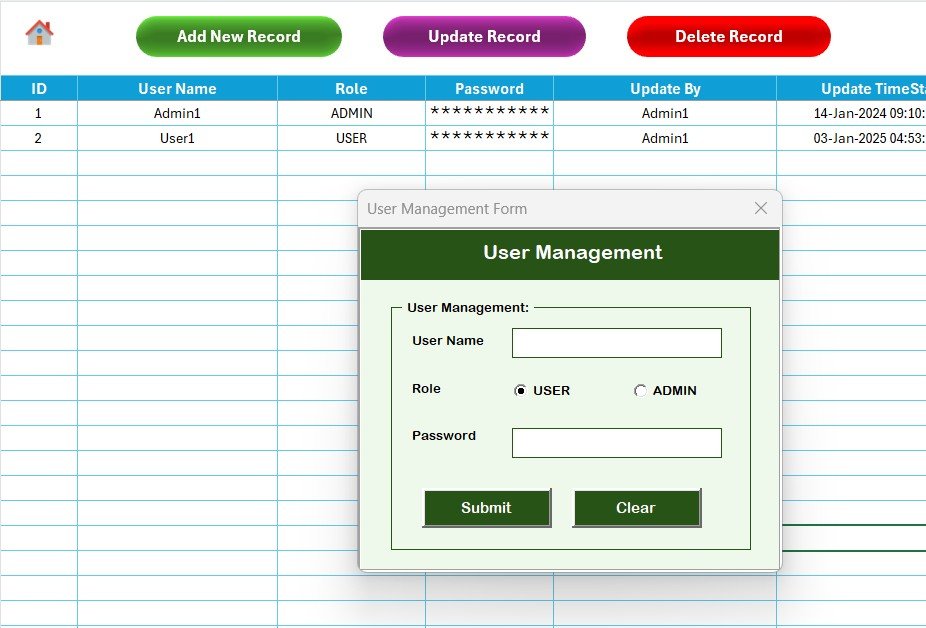
👥 User Management System – Add, update, or remove users while maintaining proper access control.
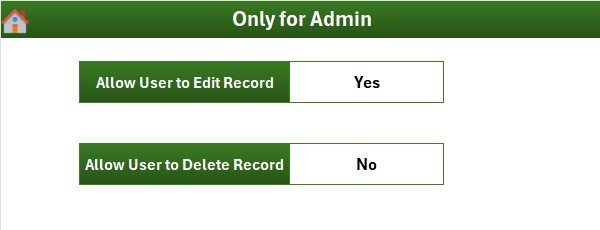
⚙️ Configurable Settings Panel – Administrators can manage system preferences and dashboard settings.
Because of these features, HR professionals gain clear visibility into employee competencies and training needs.
📦 What’s Inside the Employee Competency Assessment Tracker in Excel
This Excel-based competency tracker includes several structured components that make competency management simple and efficient.
Inside the tool you will find:
✅ Login Form – Secure access for authorized users
✅ Main Control Panel (Main Form) – Central navigation interface
✅ Interactive Dashboard Sheet – Visual competency analysis
✅ Data Entry Sheet – Manage employee competency records
✅ Manage List Sheet – Customize dropdown lists and reference data
✅ Support Sheet – Backend pivot tables and calculations
✅ User Management System – Manage system users
✅ Settings Sheet – Configure system parameters
The system tracks key competency information such as:
Employee Name
Department
Manager Name
Competency Category
Assessment Status
Training Requirement
Assessment Score
Assessment Records
Because the system stores all competency data in a structured Excel file, HR teams can analyze performance quickly and generate meaningful reports.
⚙️ How to Use the Employee Competency Assessment Tracker in Excel
Using this competency tracker is simple and efficient.
1️⃣ Log in using the secure login form.
2️⃣ Access the Main Form control panel.
3️⃣ Add new competency assessment records using the Add Record form.
4️⃣ Update or delete records using the available buttons.
5️⃣ Use the interactive dashboard to analyze competency trends.
6️⃣ Manage departments, competency categories, and training programs through the Manage List sheet.
Within seconds, HR teams can analyze competency performance across employees, managers, and departments.
Because the system uses VBA automation and interactive dashboards, competency tracking becomes faster and more reliable.
👥 Who Can Benefit from This Employee Competency Assessment Tracker
This competency tracker is ideal for organizations that want structured workforce development and performance monitoring.
It is especially useful for:
👩💼 HR Managers
🏢 Department Managers
📊 HR Analysts
🎓 Training Coordinators
👔 Business Leaders
📈 Workforce Development Teams
Because the tracker combines competency assessments, dashboards, and automation, multiple departments can benefit from the tool simultaneously.
💡 Why Organizations Use This Competency Tracker
✔ Centralized employee competency management
✔ Quick identification of skill gaps
✔ Better training planning and workforce development
✔ Faster HR decision-making
✔ Improved employee performance monitoring
✔ Clear department and manager performance analysis
✔ Secure and structured competency data management
✔ Automated reporting and visual dashboards
Instead of managing competency evaluations manually, organizations gain a structured and automated competency management system.
This Excel-based tracker converts employee assessment data into actionable insights that help organizations build stronger teams and improve workforce productivity.
### Click here to read the Detailed blog post
Visit our YouTube channel to learn step-by-step video tutorials
Youtube.com/@PKAnExcelExpert