

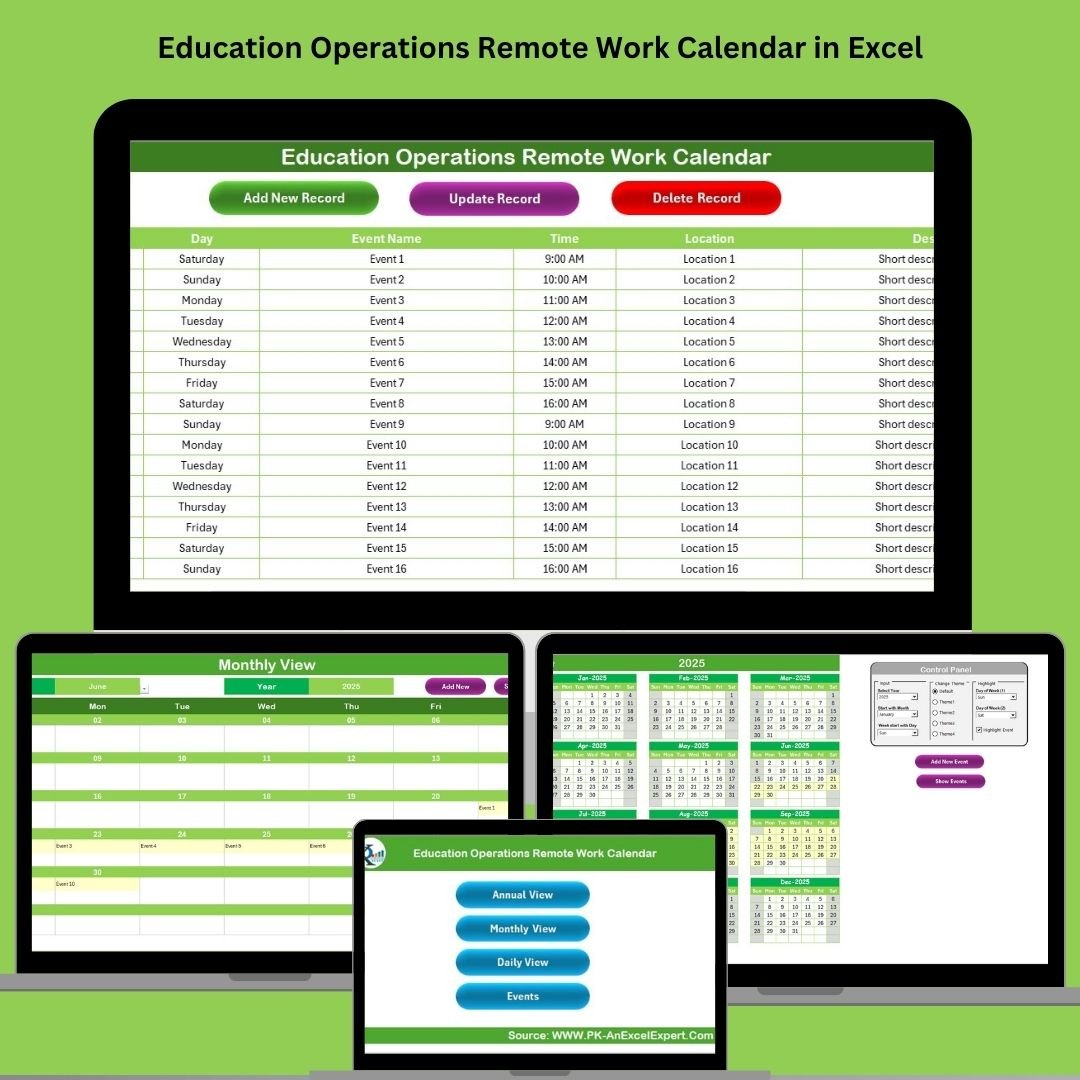


Managing remote work across educational institutions has never been easier! 🎓 Whether it’s faculty working from home, administrative tasks done remotely, or coordinating events for dispersed teams, the Education Operations Remote Work Calendar in Excel is your all-in-one tool for keeping everything on track. 🧑🏫💼
This ready-to-use Excel calendar template gives schools, colleges, and universities the structure they need to organize schedules, track activities, and communicate clearly—all without any coding or complicated systems.
🔧 Key Features of the Remote Work Calendar
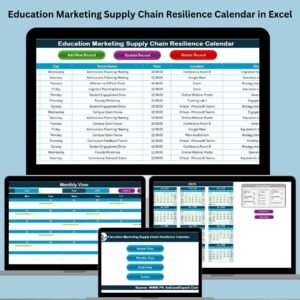
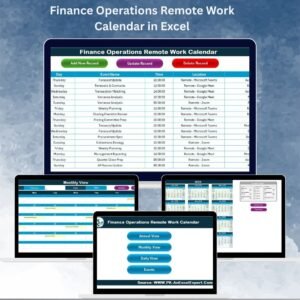
🏠 Home Sheet – Command Center
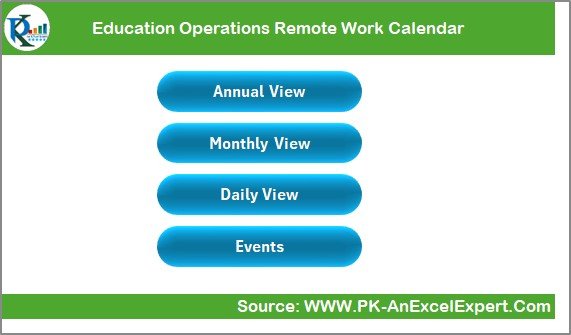
Start with a clean, clickable Home tab. With 4 quick-access buttons, you can jump to:
-
Annual View
-
Monthly View
-
Daily View
-
Events Database
No scrolling, no clutter—just instant navigation for anyone using the calendar.
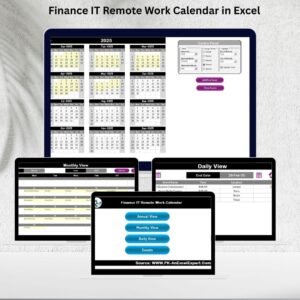
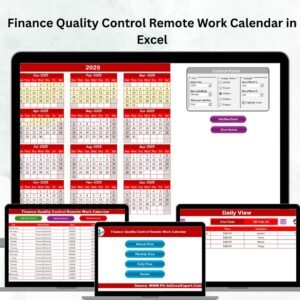
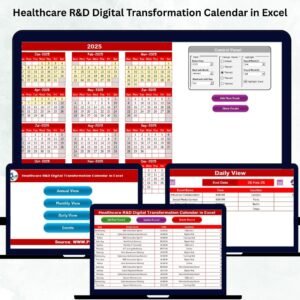
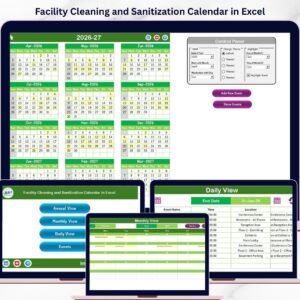
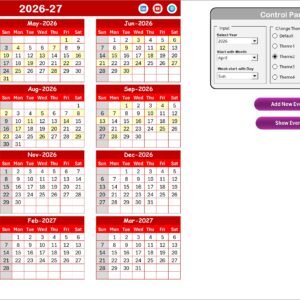
📆 Annual View – Year at a Glance
Plan your year with ease:
-
See all 12 months in one place
-
Customize the start month, first weekday, and calendar theme
-
Highlight weekends, holidays, or any important day with a color of your choice
-
Add events with a single click and view what’s happening across the year
📅 Monthly View – Focus on One Month
Need a detailed breakdown for the current month? This view shows:
-
All scheduled events per day
-
“More than 1…” indicator when multiple events are scheduled
-
Buttons to add or show event details with a pop-up entry form
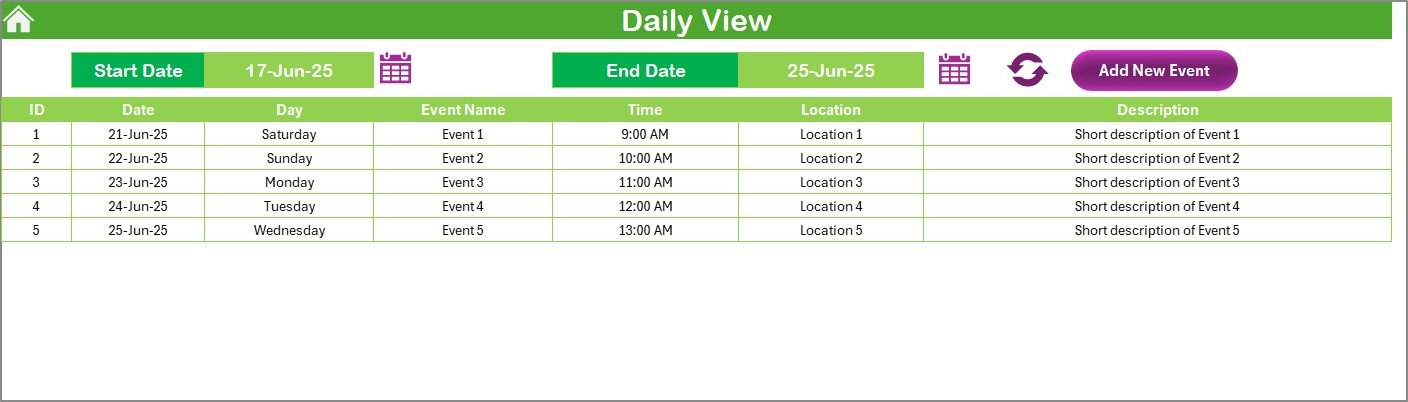
📋 Daily View – For Specific Date Ranges
Track activities over any custom period. Filter by start and end dates to:
-
Display all events in that time frame
-
Add new events or edit them directly
-
Use this for weekly planning or short-term campaign tracking
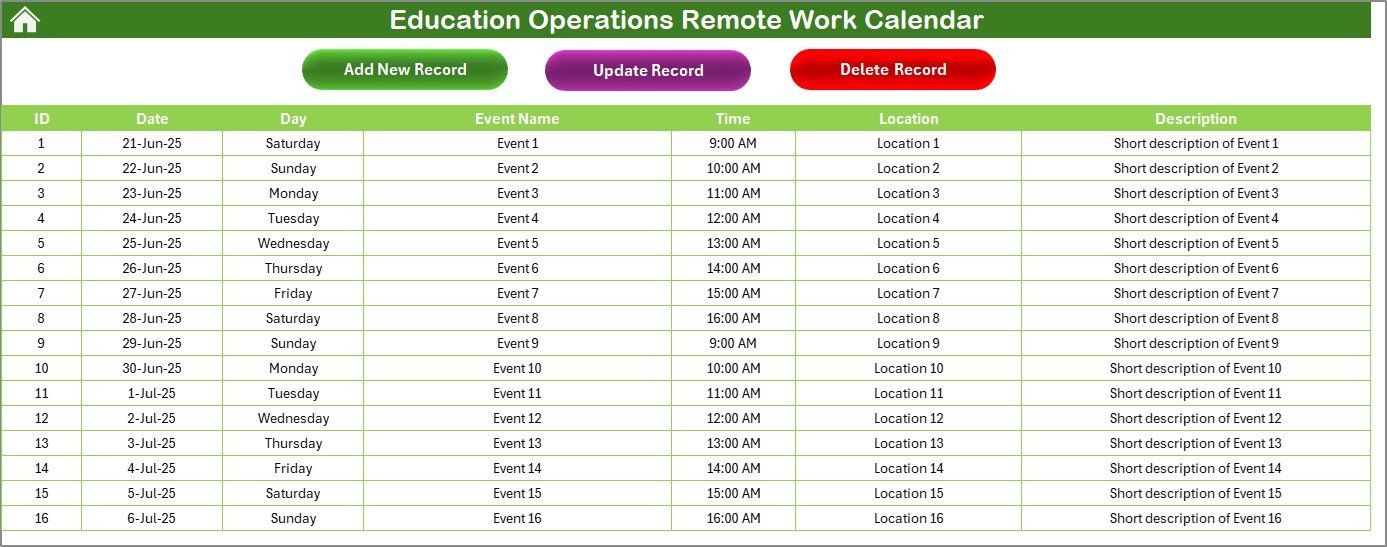
📂 Events Sheet – Your Scheduling Database
This is where all event details live:
-
Auto-generated event IDs
-
Date, day, event name, time, and location
-
Description and quick-edit buttons to update or delete any record
📂 What’s Inside the Education Remote Work Calendar
Here’s what you’ll get in the download:
✅ Fully formatted Excel workbook
✅ 5 connected worksheets (Home, Annual, Monthly, Daily, Events)
✅ Color-coded highlighting system
✅ Event database with easy data entry
✅ Buttons to add, update, or delete events
✅ Year and theme selector for customization
✅ No VBA coding needed—just Excel functionality!
🛠️ How to Use the Education Remote Work Calendar
📌 Step 1: Open the Template
Launch the Excel file and head to the Home sheet to begin.
📅 Step 2: Set Calendar Options
In the Annual View, choose your academic year, preferred start month, and highlight preferences.
🖊️ Step 3: Add Events
Use any sheet to input events via the Add Event button. Each entry is stored automatically in the Events database.
📆 Step 4: View Events by Period
Navigate to Monthly or Daily View for focused event management.
🧽 Step 5: Update or Delete as Needed
Click Update or Delete on the Events sheet to revise your schedule anytime.
🎨 Step 6: Customize Look & Feel
Apply your institution’s preferred color theme for consistency and readability.
👥 Who Can Benefit from This Calendar?
This template is built for:
🏫 School and College Administrators – Coordinate between departments and faculty
📚 Faculty & Staff – Track meetings, office hours, and remote work schedules
🧑💼 Operations Teams – Manage logistical planning and deadlines
🖥️ Remote Work Coordinators – Keep track of virtual tasks and teams
👩🏫 Education Leaders – Align schedules with strategic plans and academic calendars
If your institution is running remote, hybrid, or multi-location work, this tool will keep everything aligned!
✅ Click here to read the Detailed blog post
🔗 Visit our YouTube channel to learn step-by-step video tutorials








Reviews
There are no reviews yet.