
Customer feedback is powerful—but only when it is handled on time. Unfortunately, many teams struggle to manage feedback schedules properly. Follow-ups remain scattered across emails, notebooks, or informal spreadsheets. As a result, deadlines get missed, accountability weakens, and customer experience improvements slow down.
That is exactly why the Customer Feedback Schedule Checklist in Excel is a smart and practical solution.
This ready-to-use Excel checklist helps businesses schedule, track, and complete customer feedback activities in a clear, structured, and visual way. Instead of reacting late, teams can plan feedback actions proactively and ensure nothing slips through the cracks.
🔑 Key Features of Customer Feedback Schedule Checklist in Excel
The Customer Feedback Schedule Checklist in Excel is designed to bring structure and discipline to feedback timelines—without complexity.
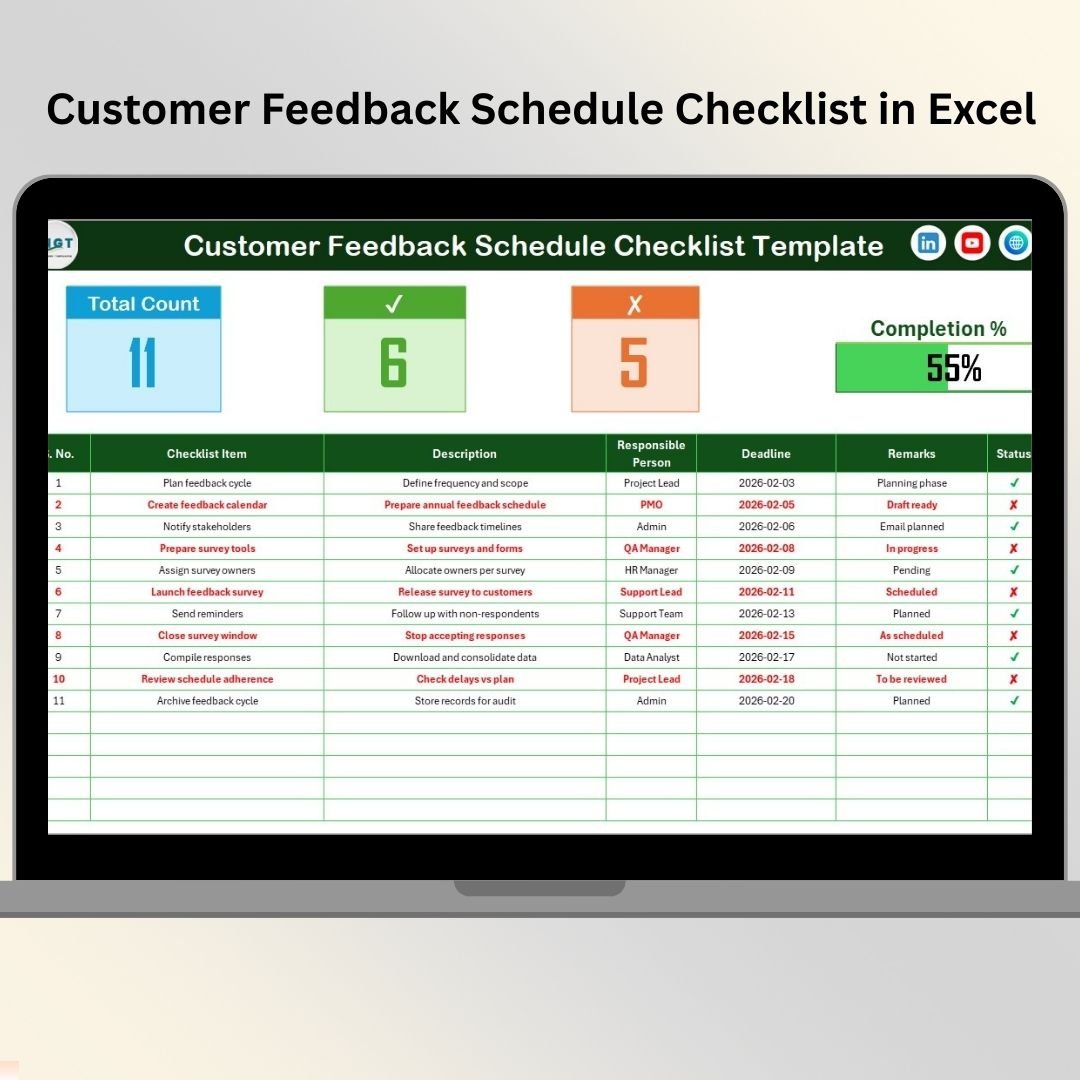
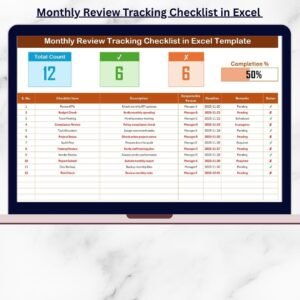
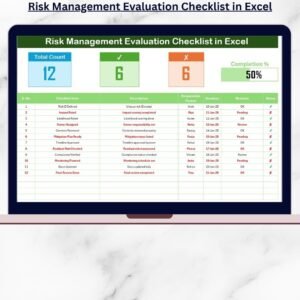
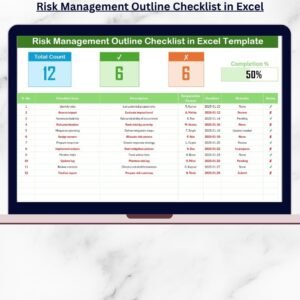
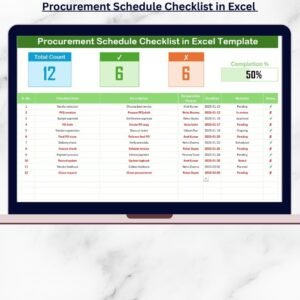
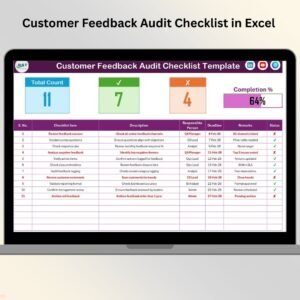
It includes a dynamic summary section at the top that instantly shows total scheduled tasks, completed tasks, pending or missed tasks, and overall progress. A visual progress bar updates automatically based on task status, helping teams stay focused and managers spot delays instantly.
The checklist table allows users to clearly schedule feedback activities with assigned owners, deadlines, remarks, and completion status. By using simple ✔ (completed) and ✘ (pending or missed) symbols, the entire dashboard updates automatically.
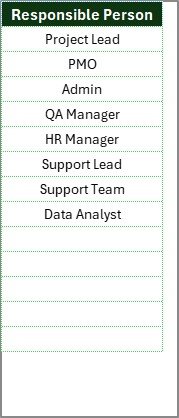
Additionally, built-in drop-down lists for responsible persons ensure clean data entry and consistent ownership across all feedback tasks.
Everything works seamlessly inside Excel—no extra tools, no subscriptions, no learning curve.
📦 What’s Inside the Customer Feedback Schedule Checklist in Excel
This digital product includes two well-organized worksheets; each created for a specific role.
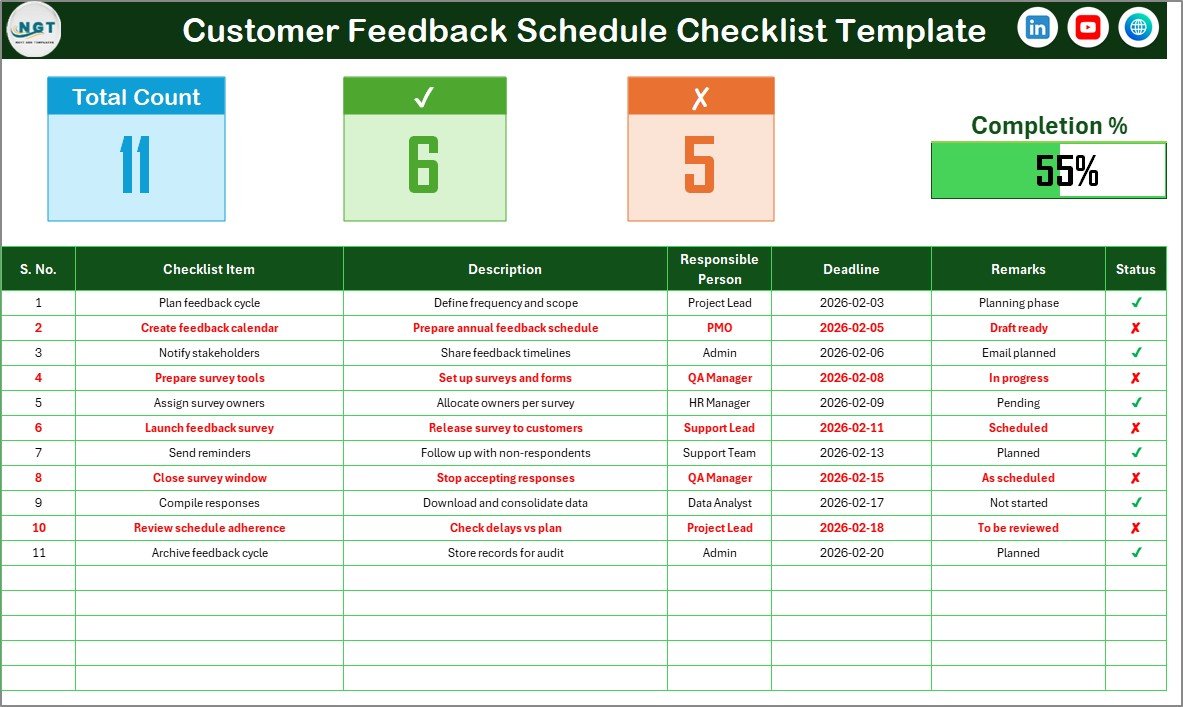
The Customer Feedback Schedule Checklist Sheet is the main working sheet. It contains:
-
A top summary section with total count, checked count, crossed count, and progress bar
-
A detailed checklist table to schedule and track feedback activities
The checklist table includes:
-
Serial No.
-
Checklist Item
-
Description
-
Responsible Person
-
Deadline
-
Remarks
-
Status (✔ / ✘)
The List Sheet works in the background and stores a clean list of responsible persons. This list feeds the drop-down menu in the main checklist, ensuring consistency and faster task assignment.
Together, these sheets create a smooth and reliable feedback scheduling system.
🚀 How to Use the Customer Feedback Schedule Checklist in Excel
Using this checklist is simple and intuitive.
Start by listing all scheduled feedback activities—such as follow-ups, surveys, reviews, or complaint resolutions. Assign one responsible person to each task and define a clear deadline.
Next, update the Status column using ✔ for completed tasks and ✘ for pending or missed tasks. As soon as you update the status, the summary metrics and progress bar update automatically.
You can also add remarks to capture follow-up notes or explanations. By reviewing the checklist regularly, teams can identify delays early and take action before deadlines slip.
No advanced Excel knowledge is required—basic Excel skills are enough.
👥 Who Can Benefit from This Customer Feedback Schedule Checklist in Excel
This checklist is ideal for a wide range of teams and organizations.
Customer support and customer success teams can manage follow-ups efficiently. Quality assurance teams can schedule feedback reviews. Operations managers can ensure accountability. Small and medium businesses can manage feedback timelines professionally without expensive software.
If your goal is to improve customer satisfaction through timely feedback actions, this checklist is built for you.
📌 Why This Excel Checklist Is a Smart Choice
The Customer Feedback Schedule Checklist in Excel helps you stay ahead of deadlines, improve accountability, and execute feedback actions consistently. Because it runs in Excel, it is cost-effective, flexible, and easy to adopt.
Instead of chasing feedback manually, your team works with a clear schedule and visible progress—every single time.
📖 Click here to read the Detailed blog post
🎥 Visit our YouTube channel to learn step-by-step video tutorials
👉 https://youtube.com/@PKAnExcelExpert

























Reviews
There are no reviews yet.