
Customer feedback is one of the most valuable business assets. However, collecting feedback alone does not improve customer experience. Organizations must audit how feedback is collected, analyzed, acted upon, and closed. Customer Feedback Audit Checklist in Excel Without a structured audit system, feedback insights remain unused, issues repeat, and customer trust slowly erodes.
That is exactly where the Customer Feedback Audit Checklist in Excel becomes a powerful and practical solution.
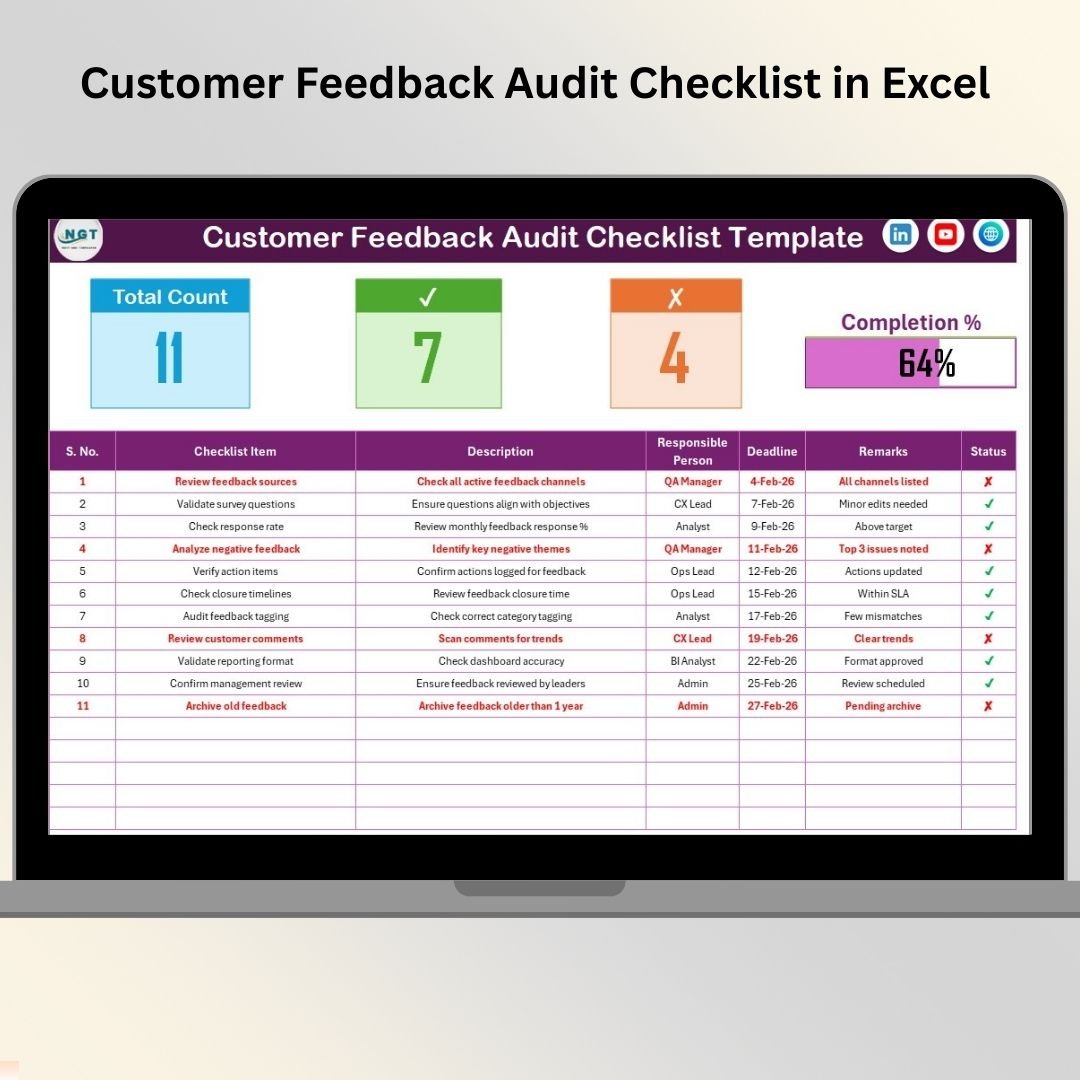
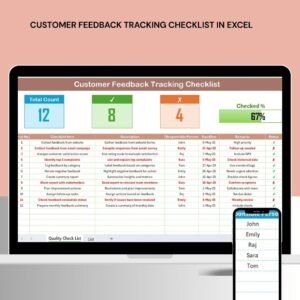
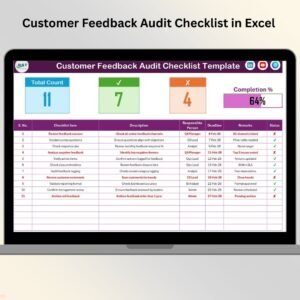
Customer Feedback Audit Checklist in Excel This ready-to-use Excel checklist helps organizations audit customer feedback processes step by step, assign ownership, track deadlines, and monitor audit progress visually. Instead of scattered notes, emails, or informal reviews, teams gain a clear, transparent, and accountable feedback audit system—all inside Excel.
Simple, flexible, and cost-effective, this checklist helps turn customer feedback into continuous improvement.
✅ Key Features of Customer Feedback Audit Checklist in Excel
-
💬 Structured Feedback Audit Framework – Review feedback processes consistently
-
👤 Clear Ownership Assignment – Assign responsible persons to audit items
-
⏰ Deadline Tracking – Ensure timely audit closure
-
✔️✘ Simple Status Updates – Mark audit items as completed or pending
-
📊 Automatic Progress Summary – Instantly view audit completion
-
📈 Visual Progress Bar – Understand audit progress at a glance
-
🔽 Drop-Down Based Inputs – Reduce errors and improve consistency
-
⚙️ 100% Excel-Based – No additional software required
📦 What’s Inside the Customer Feedback Audit Checklist in Excel
This ready-to-use template includes two structured worksheets, designed for clarity and audit execution.
📄 Customer Feedback Audit Checklist Sheet – Main Audit Sheet
This is the core working sheet where all audit items are captured and tracked.
🔹 Top Summary Section
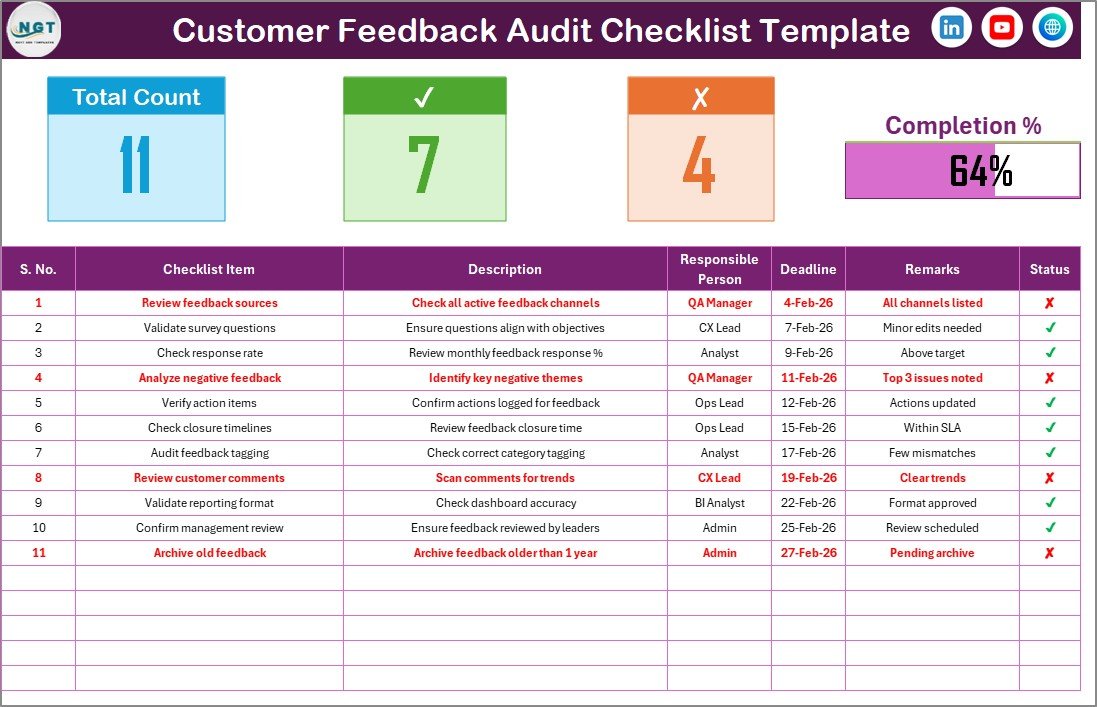
At the top of the sheet, you get an instant snapshot of audit status:
-
Total Count – Total audit checklist items
-
Checked Count – Completed audit items (✔)
-
Crossed Count – Pending or non-compliant items (✘)
-
Progress Bar – Visual indicator of audit completion percentage
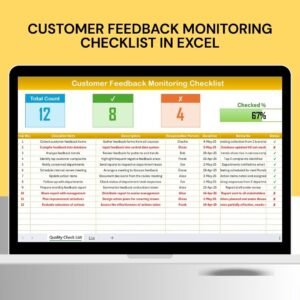
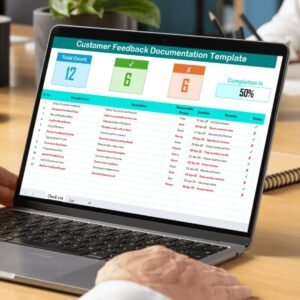
This summary allows managers to understand audit progress instantly—without scanning the full table.
🔹 Audit Checklist Table
Below the summary, the main table captures detailed audit information:
-
Serial No. – Unique audit item number
-
Checklist Item – Customer feedback audit requirement
-
Description – Short explanation of the audit point
-
Responsible Person – Audit owner (drop-down based)
-
Deadline – Target completion date
-
Remarks – Observations, gaps, or improvement notes
-
Status – ✔ (Completed) or ✘ (Pending)
Once the Status column is updated, Excel automatically updates counts and the progress bar.
📄 List Sheet – Data Validation & Consistency
The List sheet ensures clean and standardized data entry.
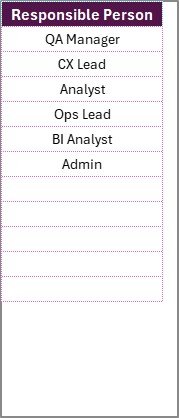
It stores:
-
A unique list of Responsible Persons
This list feeds drop-down menus in the main checklist, which:
-
Reduces typing errors
-
Improves accountability
-
Keeps audit data consistent
-
Simplifies reporting
🛠️ How to Use the Customer Feedback Audit Checklist in Excel
Using this checklist is simple and requires only basic Excel knowledge:
1️⃣ Open the Excel template
2️⃣ Update the List sheet with responsible person names
3️⃣ Define customer feedback audit checklist items
4️⃣ Assign owners and deadlines using dropdowns
5️⃣ Update status using ✔ or ✘
6️⃣ Monitor audit progress using summary counts and progress bar
No setup, no formulas, no learning curve.
👥 Who Can Benefit from This Customer Feedback Audit Checklist
This Excel checklist is ideal for:
-
💬 Customer Experience (CX) Teams
-
🧪 Quality Assurance Teams
-
📋 Internal Audit Teams
-
🎧 Customer Support Leaders
-
🏢 Operations Managers
-
🏭 Small & Medium Businesses
-
🏦 Large Enterprises
It works across surveys, complaints, NPS programs, service reviews, and feedback improvement initiatives.
🚀 Why This Checklist Improves Customer Experience
✔ Ensures feedback processes are audited consistently
✔ Improves accountability for follow-up actions
✔ Prevents feedback gaps from repeating
✔ Centralizes audit evidence
✔ Speeds up audit closure
✔ Supports continuous improvement
Instead of collecting feedback passively, organizations act on insights systematically.
📖 Click here to read the Detailed blog post
🎥 Visit our YouTube channel to learn step-by-step video tutorials
👉 https://youtube.com/@PKAnExcelExpert























Reviews
There are no reviews yet.