

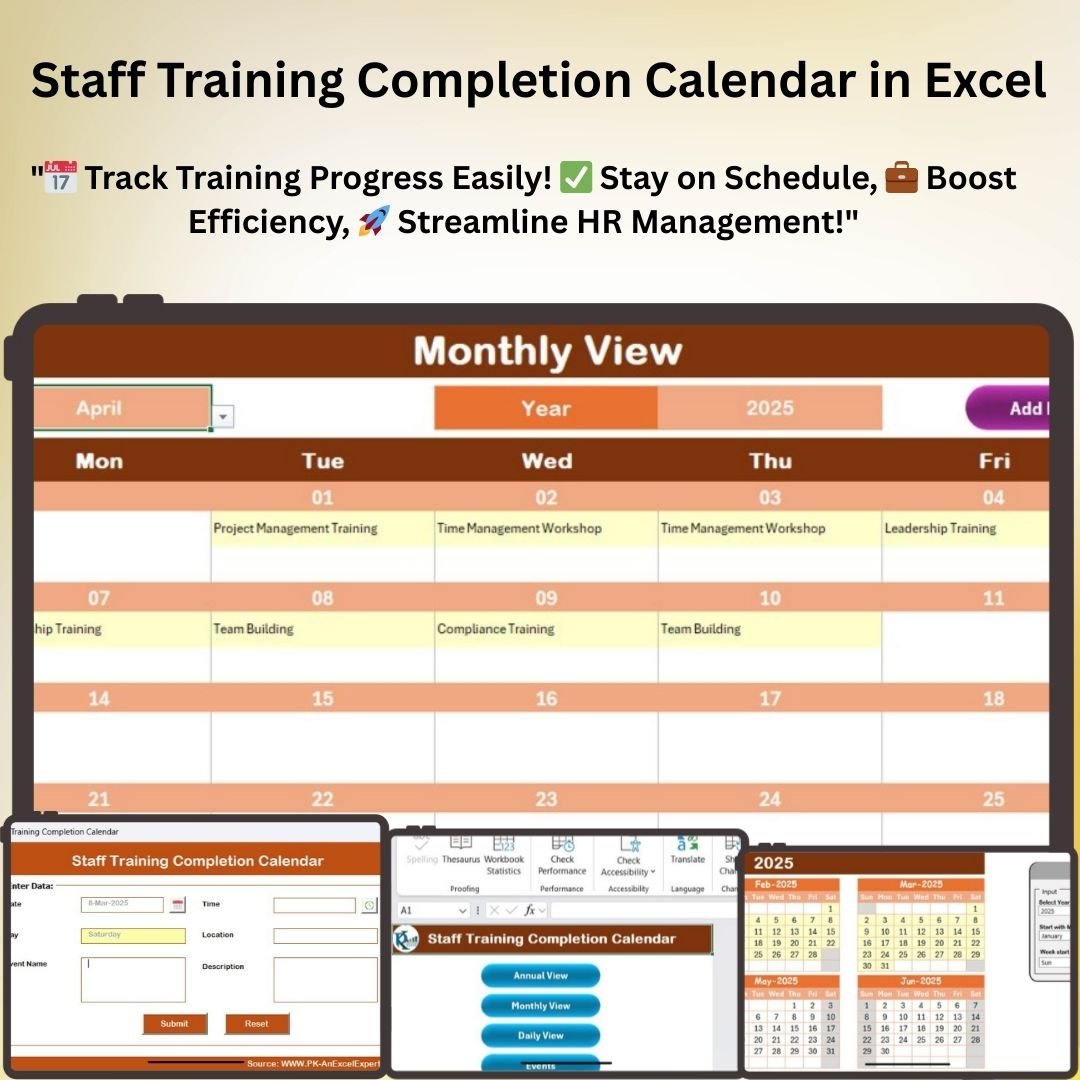
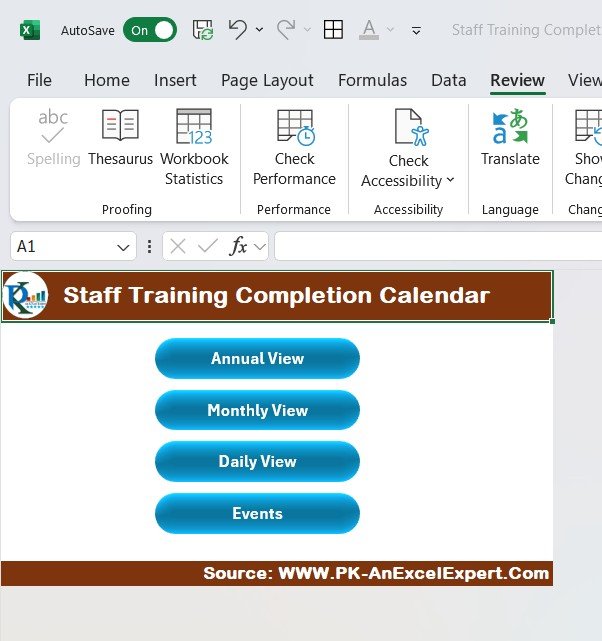
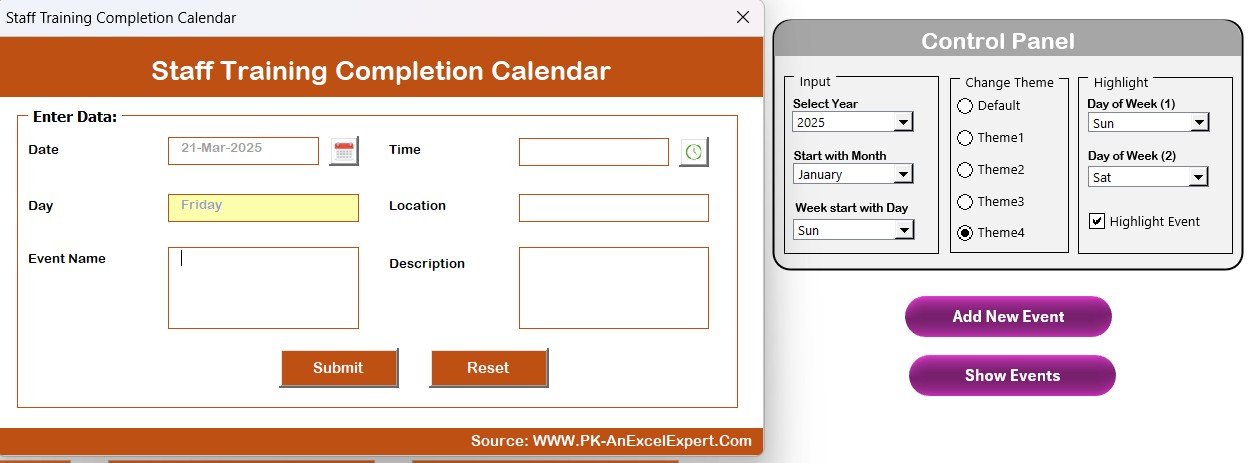
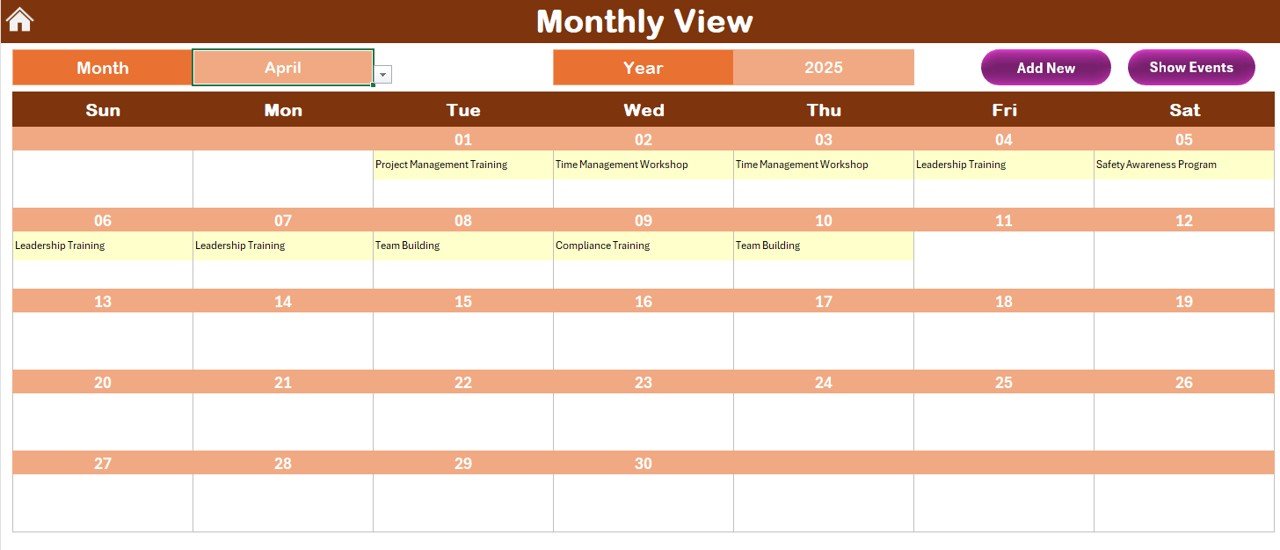
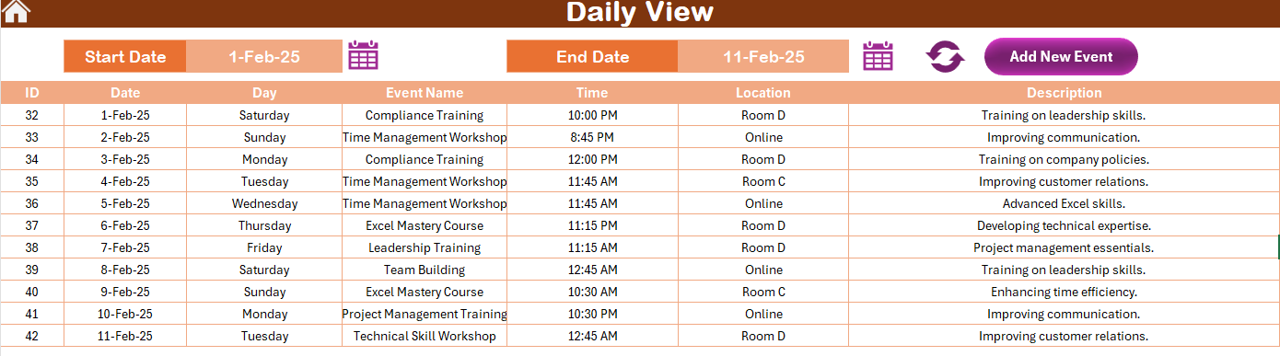
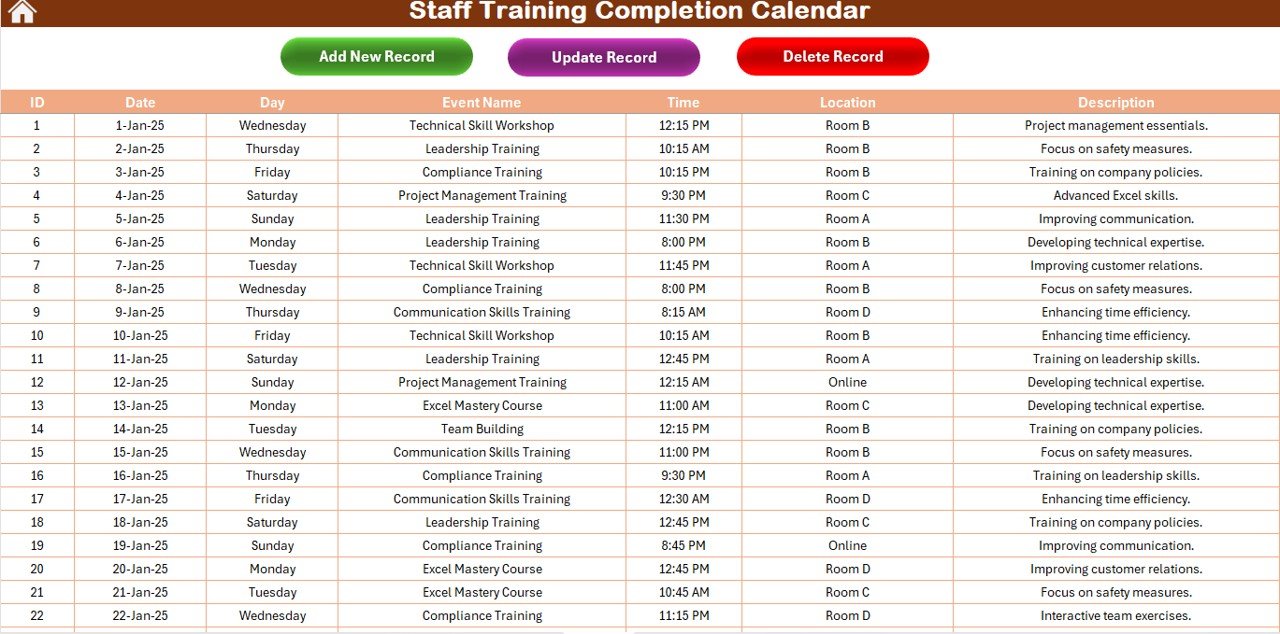
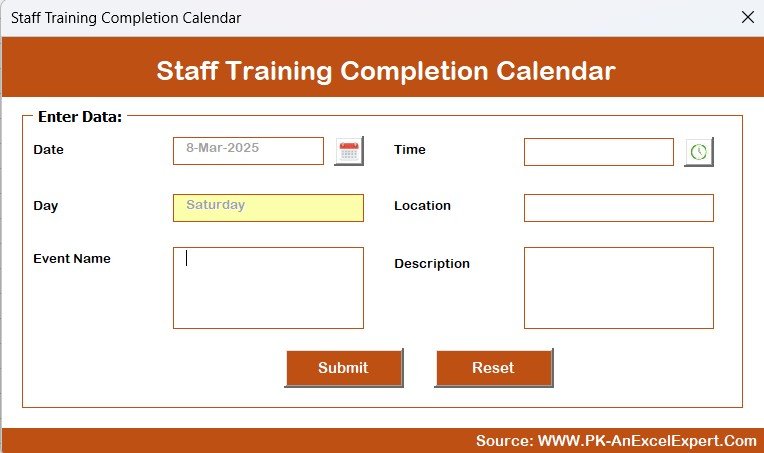
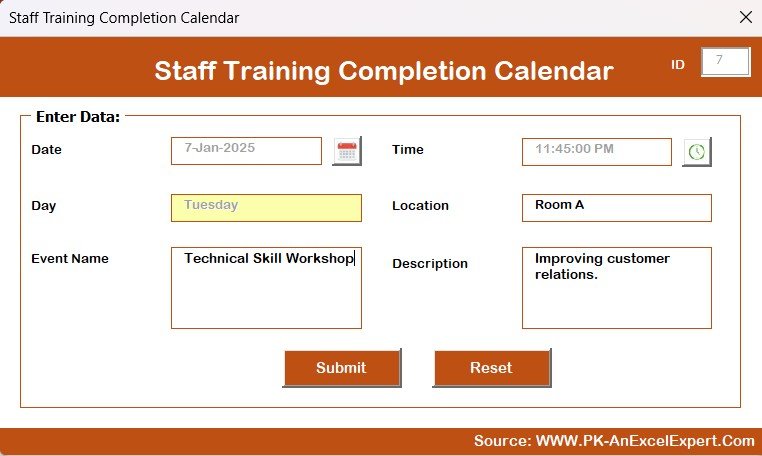

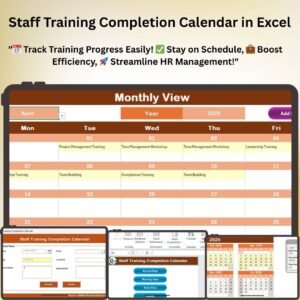
The Staff Training Completion Calendar in Excel is a comprehensive tool designed to help organizations efficiently manage and track employee training progress. Whether you’re a Human Resources manager, training coordinator, or team leader, this Excel-based calendar ensures that all your staff training sessions are scheduled, tracked, and completed on time.
This tool simplifies the management of training programs by organizing the training schedule, tracking the completion status, and offering a clear overview of training progress for every employee. With visual reminders, automated tracking, and a user-friendly interface, this calendar will keep your training program running smoothly and help your team stay compliant with internal development goals.
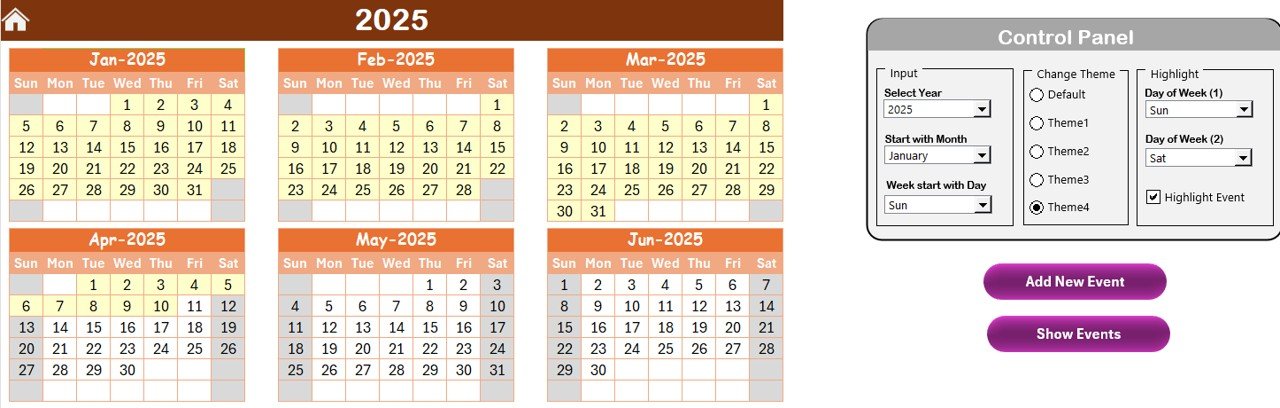
Key Features of the Staff Training Completion Calendar:
📅 Easy-to-Use Calendar Interface
The calendar is organized into clear, easy-to-navigate sections that allow you to input training sessions, set dates, and monitor completion status. The structure ensures that you can manage multiple training programs across different teams with minimal effort.
🔄 Track Training Progress Automatically
Each employee’s training progress is tracked automatically within the system. You can easily see which trainings are completed, pending, or overdue using color-coded indicators that provide a quick overview.
🗂️ Organize Training Sessions
Group and categorize training sessions by department, team, or training type. This feature makes it easy to track and manage different training programs across various teams within the organization.
📈 Performance Dashboards
Monitor overall training completion rates and individual employee progress with dynamic visual dashboards. The performance dashboards give you a real-time snapshot of your team’s training activities, making it easy to spot gaps or areas that need improvement.
⏰ Set and Track Deadlines
Set specific deadlines for each training session and track the completion of each task on time. The calendar automatically highlights overdue tasks, ensuring nothing is missed and keeping you on top of deadlines.
Why You’ll Love This Staff Training Completion Calendar:
✅ Simplifies Training Management – With an organized calendar, you can easily manage training schedules, monitor deadlines, and ensure timely completion for all employees. ✅ Improves Accountability – Assign specific tasks to employees, track their progress, and ensure full participation in training programs. ✅ Enhances Training Efficiency – Avoid delays and missed deadlines with automated tracking and visual reminders for training completion. ✅ Customizable for Your Organization – Tailor the calendar to fit your unique training needs, department structures, and employee roles. ✅ Streamlined Reporting – Quickly generate training reports to evaluate the effectiveness of your programs and spot areas for improvement.
What’s Inside the Staff Training Completion Calendar:
- Employee Overview – Track training completion for all employees in one centralized location.
- Training Scheduling – Plan training dates, duration, and type for each employee.
- Training Progress Tracker – Visualize completion status and overdue tasks.
- Departmental Breakdown – Group training sessions by department or team for easy tracking.
- Performance Dashboards – Analyze training completion trends across the entire organization.
- Customizable Templates – Modify the calendar to fit your company’s unique training needs.
How to Use the Staff Training Completion Calendar:
1️⃣ Download the Template – Instant access to your Excel file upon purchase. 2️⃣ Customize the Calendar – Add or modify training sessions and employee details. 3️⃣ Track Progress – Use the built-in color-coded system to monitor training completion in real time. 4️⃣ Generate Reports – Easily create reports to evaluate training performance and adjust as needed.
Who Can Benefit from This Staff Training Completion Calendar?
- Human Resources Managers
- Training Coordinators
- Team Leaders and Managers
- Learning and Development Professionals
- Corporate Training Departments
- Small and Medium Enterprises (SMEs)
- Large Corporations with Multiple Training Programs
Ensure your employees complete their training on time and stay up to date with required skills by using this professional and effective training completion calendar.
Click here to read the Detailed blog post
https://www.pk-anexcelexpert.com/staff-training-completion-calendar-in-excel/
Visit our YouTube channel to learn step-by-step video tutorials
Compatibility and Requirements
- Works in Microsoft Excel desktop (Excel 2016 or later, or Microsoft 365).
- Charts and dashboards are standard Excel features. Microsoft explains charts in Create a chart from start to finish.
Frequently Asked Questions
What can I plan in the calendar?
You can plan training dates, duration and type for each employee, and group sessions by department, team or training type.
How do I see overdue training?
Set a deadline for each session. The calendar highlights overdue tasks so you can follow up.
Does it show completion rates?
Yes. The performance dashboards show overall completion rates and each employee’s progress.
Can I change the calendar?
Yes. You can add or change training sessions and employee details to fit your training program.
Related Training Templates
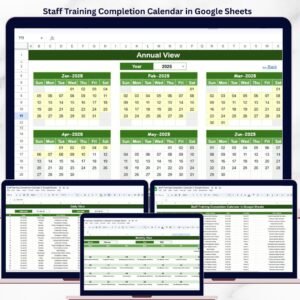
- Staff Training Completion Calendar in Google Sheets: the same calendar in Google Sheets
- Training Completion Certification Tracker in Excel: track certificates earned
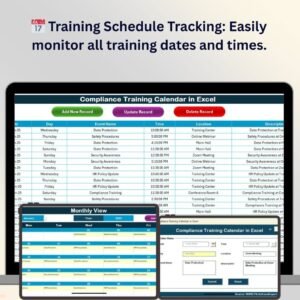
- Compliance Training Calendar in Excel: plan mandatory compliance training
- Training Matrix Data Entry System in Excel: map skills and training by employee
- HR Director Toolkit: 10 premium HR templates in Excel and Google Sheets
Browse all Excel calendars or the Excel HR and payroll templates.






























Reviews
There are no reviews yet.