

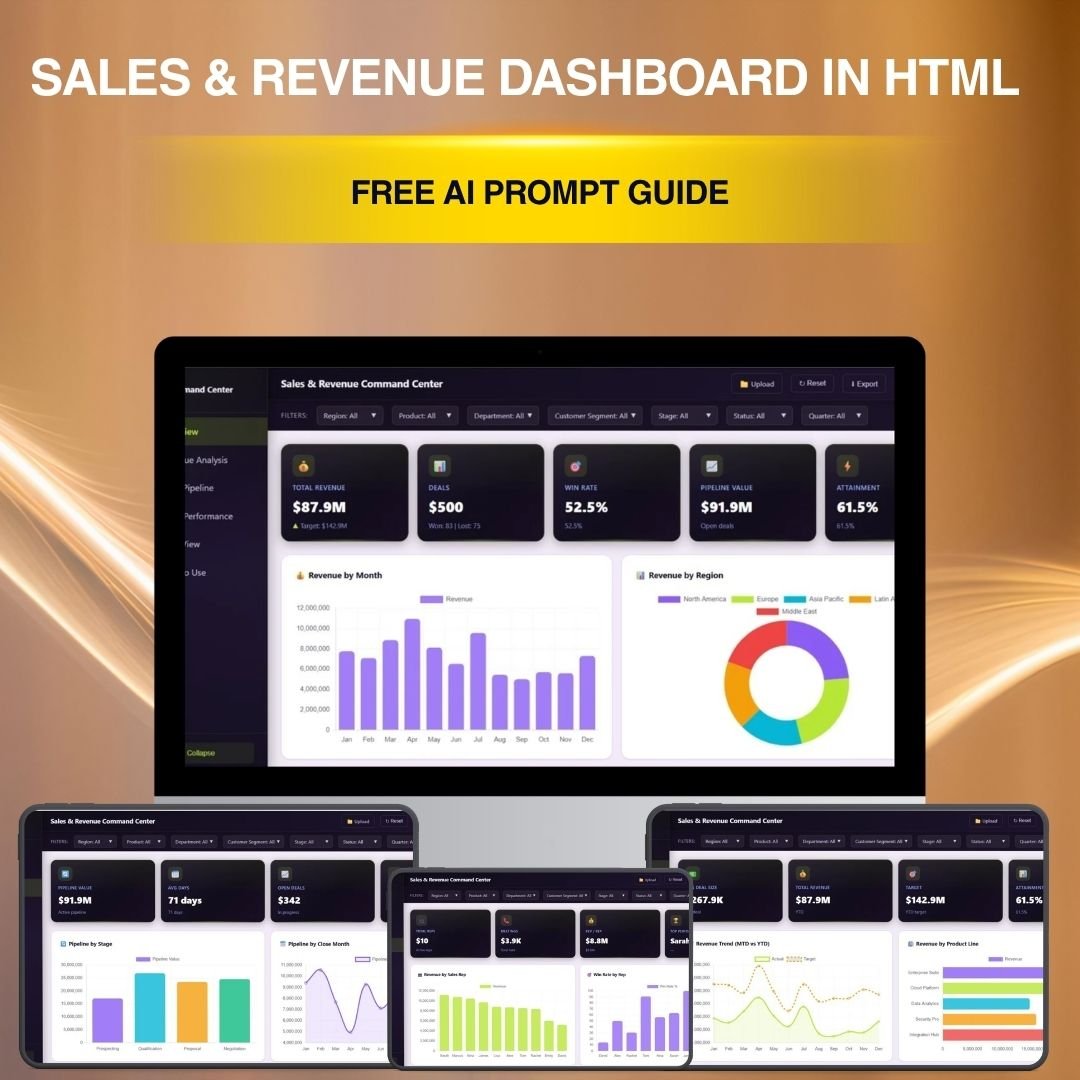

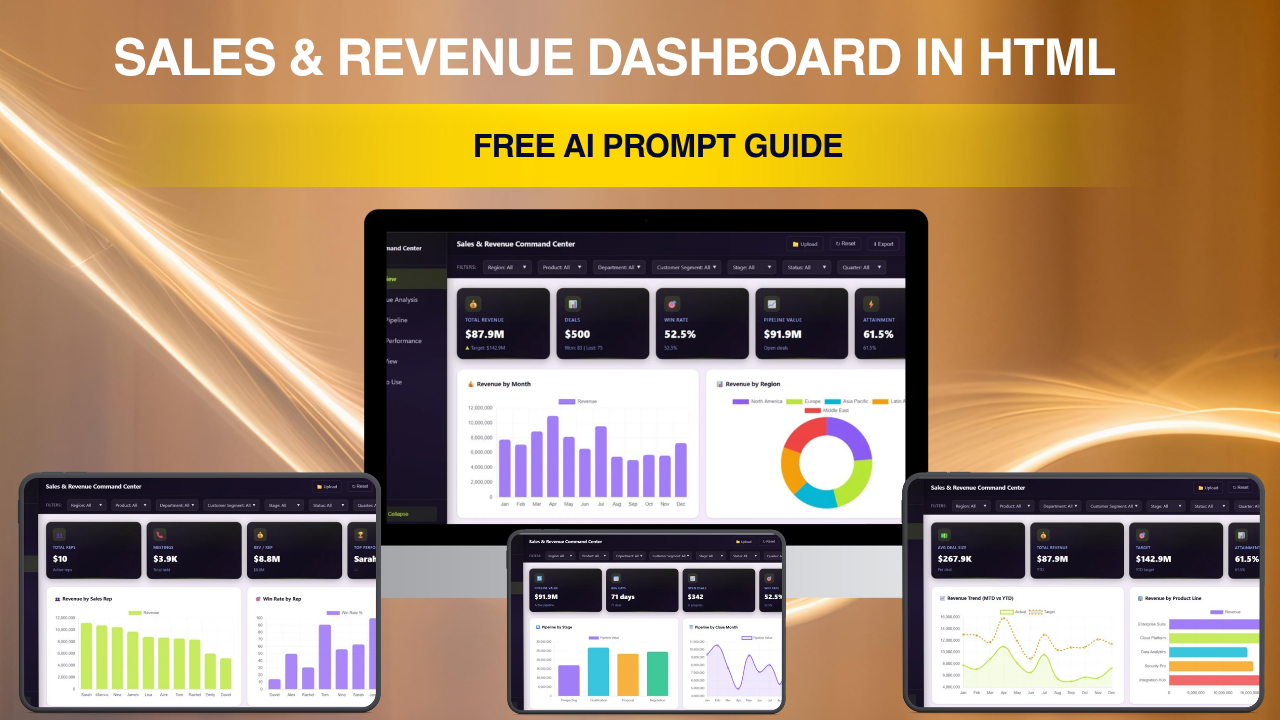
🔑 Sales and Revenue Command Center Dashboard – Free AI Prompt Guide
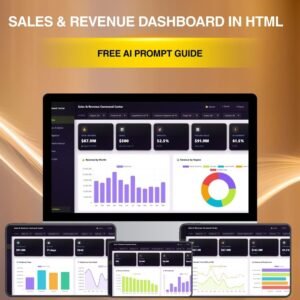
This Sales and Revenue Command Center Dashboard AI Prompt Guide is a free downloadable Word document that teaches you exactly how to create an interactive HTML sales dashboard using AI tools like ChatGPT or Claude. This guide was featured in our YouTube tutorial where we demonstrated the entire process of building a multi-tab HTML dashboard from a single AI prompt. If you are looking for a free resource to learn how to build an HTML dashboard with AI, this prompt guide gives you the complete blueprint for the Sales and Revenue Command Center Dashboard.
This document includes the exact prompt structure, color theme specifications, sample data schema, tab-by-tab layout instructions, and UI/UX rules needed to generate a working Sales and Revenue Command Center Dashboard in HTML. The prompt is specifically designed for this dashboard type and includes hardcoded KPI definitions for Total Revenue, Total Deals, Win Rate, Pipeline Value, and Attainment across 5 interactive tabs: Overview, Revenue Analysis, Sales Pipeline, Team Performance, and Data View.
👉 Get the Premium Production-Ready Version Here
📦 What’s Inside the AI Prompt Guide
🔹 Complete AI Prompt – A structured, copy-paste-ready prompt that tells ChatGPT or Claude exactly what to build, including page layout, chart types, data fields, and color scheme
🔹 5-Tab Dashboard Blueprint – Detailed instructions for Overview, Revenue Analysis, Sales Pipeline, Team Performance, and Data View tabs with specific KPI cards and chart configurations
🔹 Color Theme Specification – Exact CSS custom properties for the purple-and-lime color palette with both light and dark mode definitions
🔹 Sample Data Schema – Complete field definitions including deal_id, sales_rep, department, region, product_line, stage, deal_value, probability, and customer_segment with realistic enum values
🔹 UI/UX Rules – Sidebar navigation, theme toggle, filter bar, responsive design, and interactivity instructions
🔹 Troubleshooting Guide – Common fixes for Chart.js rendering, filter bugs, dark mode issues, and CSV export errors
🔹 Comparison Table – Side-by-side comparison of AI-generated output vs the premium version available on NextGenTemplates.com
⚙️ How to Use This Prompt Guide
1️⃣ Download the free Word document from this product page
2️⃣ Open the document and copy the complete AI prompt
3️⃣ Paste the prompt into ChatGPT (GPT-4 recommended) or Claude
4️⃣ Save the generated HTML output as a .html file
5️⃣ Open the file in any modern browser to view your dashboard
6️⃣ Debug any issues using the troubleshooting section in the guide
👥 Who Can Benefit from This Prompt Guide
🔹 Sales Managers – Learn how AI can create executive sales dashboards instantly
🔹 Business Analysts – Understand structured prompt engineering for data visualization
🔹 Students and Learners – Practice building HTML dashboards using AI tools
🔹 Content Creators – Follow along with our YouTube tutorial for hands-on learning
🔹 Entrepreneurs – Build quick sales dashboard prototypes using AI before investing in premium solutions
Explore our full collection of HTML Dashboard Templates and Sales Dashboard Templates for production-ready alternatives.
❓ Frequently Asked Questions
What is the Sales and Revenue Command Center Dashboard AI Prompt Guide?
It is a free downloadable Word document that contains a structured AI prompt specifically designed to generate the Sales and Revenue Command Center Dashboard in HTML. The prompt includes 5-tab layout instructions, KPI definitions, color themes, data schema, and UI/UX specifications that you can paste into ChatGPT or Claude to generate a working dashboard.
Can I use this prompt to create other types of dashboards?
No. This prompt is specifically engineered for the Sales and Revenue Command Center Dashboard. It contains hardcoded sales KPIs, deal pipeline stages, sales rep names, and revenue-specific data fields. Creating a different dashboard type like HR, Finance, or Marketing would require a completely different prompt with different metrics, data models, and page structures.
What is the difference between the free AI prompt and the premium dashboard?
The free AI prompt generates a basic version with approximately 50 sample records and may require debugging. The premium Sales and Revenue Command Center Dashboard on NextGenTemplates.com includes 500+ realistic records, pixel-perfect design, fully tested filters, print-optimized CSS, smooth animations, and cross-browser compatibility — ready to use instantly.
Do I need coding skills to use this prompt guide?
No coding skills are required. You simply copy the prompt from the Word document, paste it into an AI tool like ChatGPT, and save the generated output as an HTML file. The troubleshooting section helps you fix common issues without writing any code yourself.
Which AI tool works best with this prompt?
ChatGPT with GPT-4 or GPT-4o produces the best results. Claude from Anthropic also works well. The prompt is optimized for these AI models and may produce varying results with other tools.
🔗 Explore Related Templates
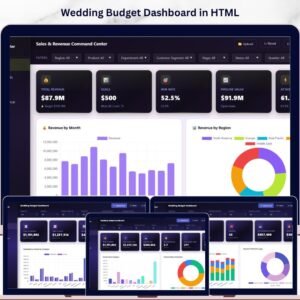
🔹 Sales and Revenue Command Center Dashboard in HTML (Premium) – The production-ready version with 500+ records, polished design, and fully tested interactivity
🔹 Digital Marketing Campaign Dashboard in HTML – Track marketing campaigns with interactive HTML charts
🔹 Amazon FBA Seller Dashboard in HTML – Monitor Amazon FBA performance in your browser
























Reviews
There are no reviews yet.