

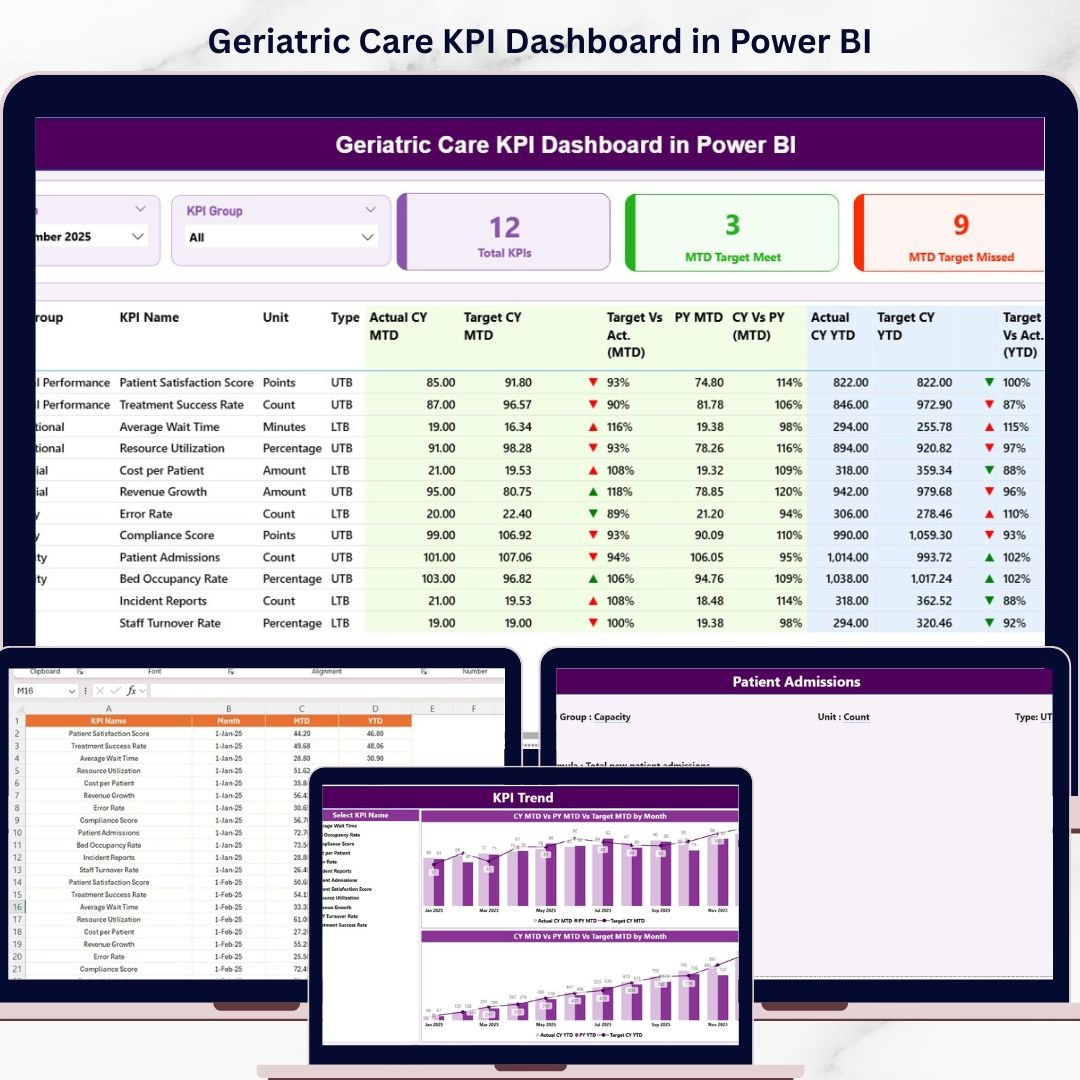
Are you struggling to track geriatric care performance across multiple systems? Finding it difficult to monitor patient outcomes, treatment efficiency, and healthcare KPIs in one place?
Geriatric Care KPI Dashboard in Power BI!
This powerful, ready-to-use Power BI dashboard is designed specifically for hospitals, clinics, and geriatric care centers that want to improve patient care and operational efficiency. Instead of relying on scattered data and manual reports, this dashboard centralizes all your key performance indicators into one interactive and visually rich platform.
With real-time insights, dynamic visuals, and automated calculations, you can instantly evaluate performance, compare targets, and identify trends. As a result, healthcare providers can make faster, data-driven decisions and deliver better care to elderly patients.
🔑 Key Features of Geriatric Care KPI Dashboard in Power BI
✨ 🏥 Real-Time KPI Monitoring – Track patient care performance instantly with interactive visuals.
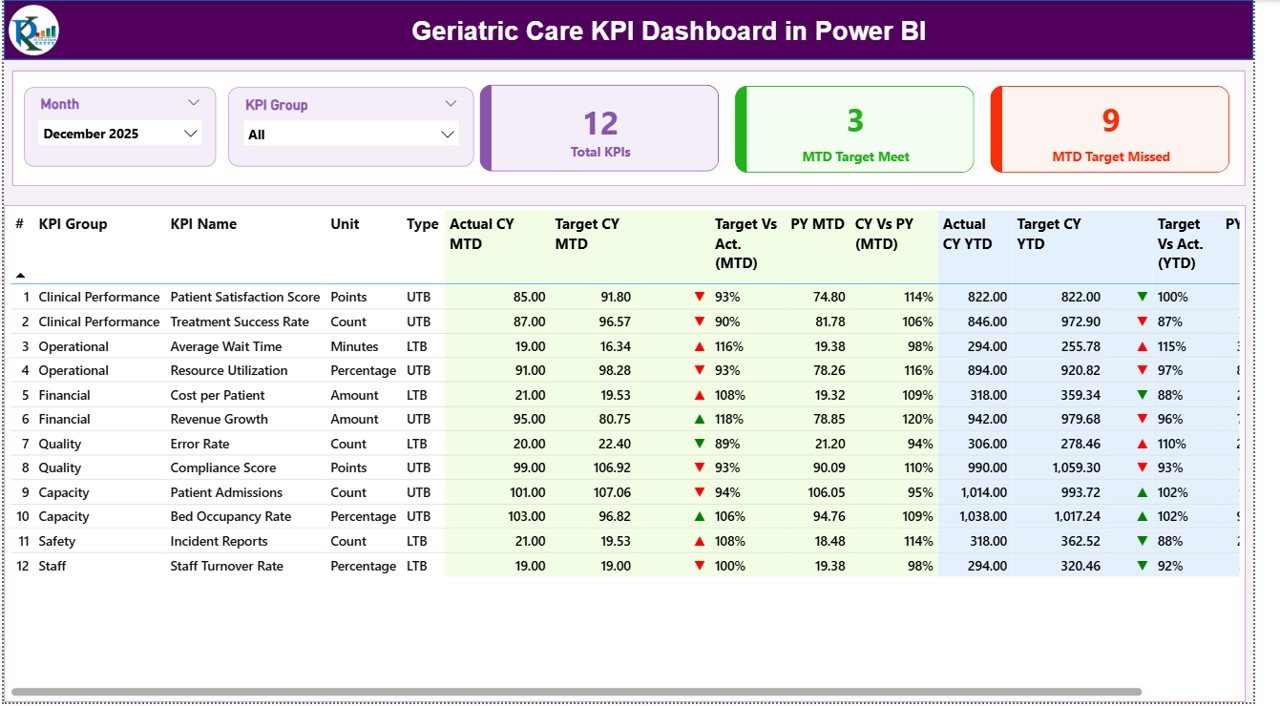
✨ 🎯 Target vs Actual Comparison – Compare actual performance against targets using MTD and YTD metrics.
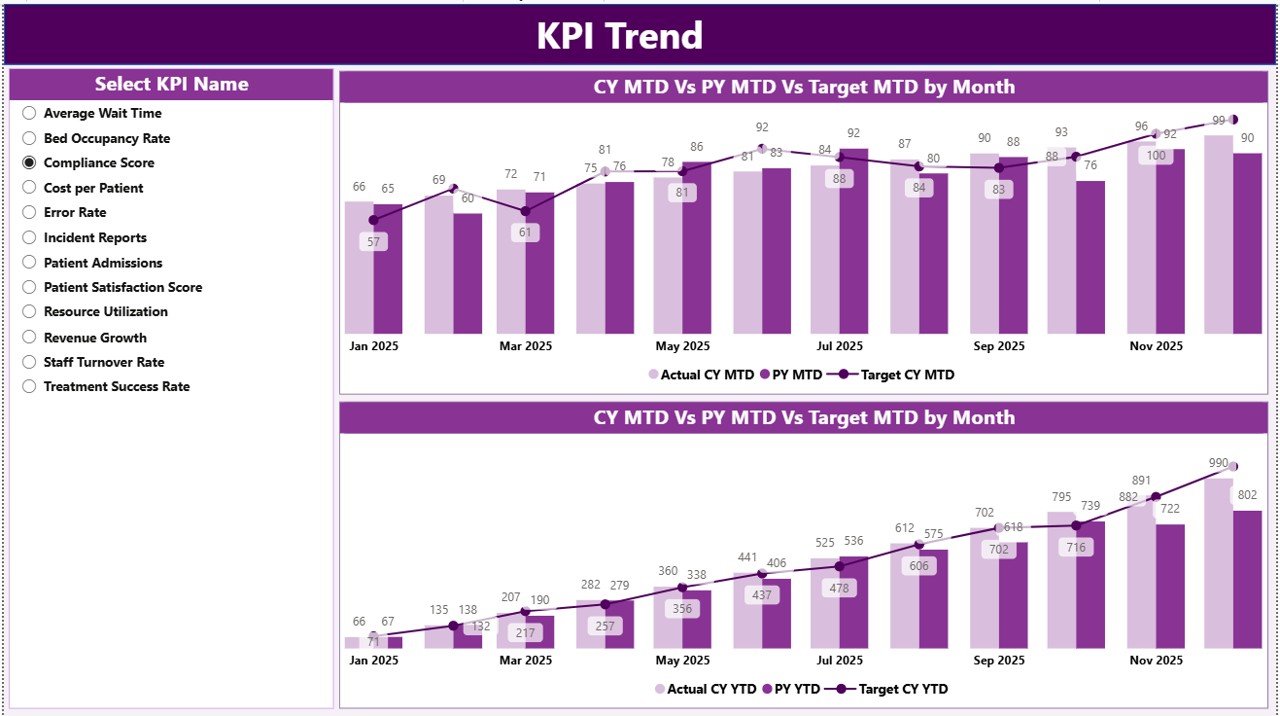
✨ 📊 KPI Trend Analysis – Analyze performance trends over time and compare with previous year data.
✨ 📋 Detailed KPI Table – Access complete KPI information including type, unit, and performance indicators.
✨ 🎛️ Interactive Slicers – Filter data by Month and KPI Group for deeper insights.
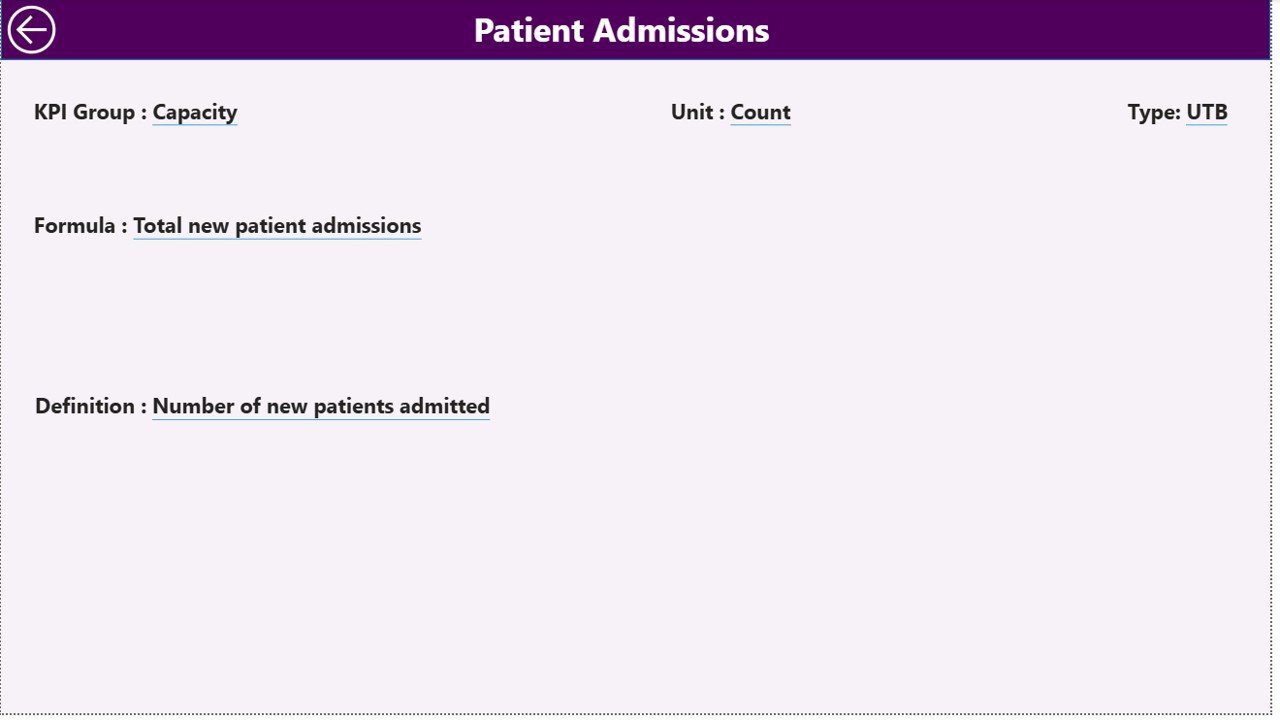
✨ 📘 KPI Definition Page – Understand KPI formulas and definitions with a dedicated drill-through page.
✨ ⚡ Automated Reporting – Eliminate manual reporting with auto-updating dashboards.
📂 What’s Inside the Geriatric Care KPI Dashboard in Power BI
📁 Summary Page – Central dashboard with KPI cards, slicers, and detailed KPI performance table.
📁 KPI Trend Page – Visualize MTD and YTD trends with combo charts (Actual vs Target vs Previous Year).
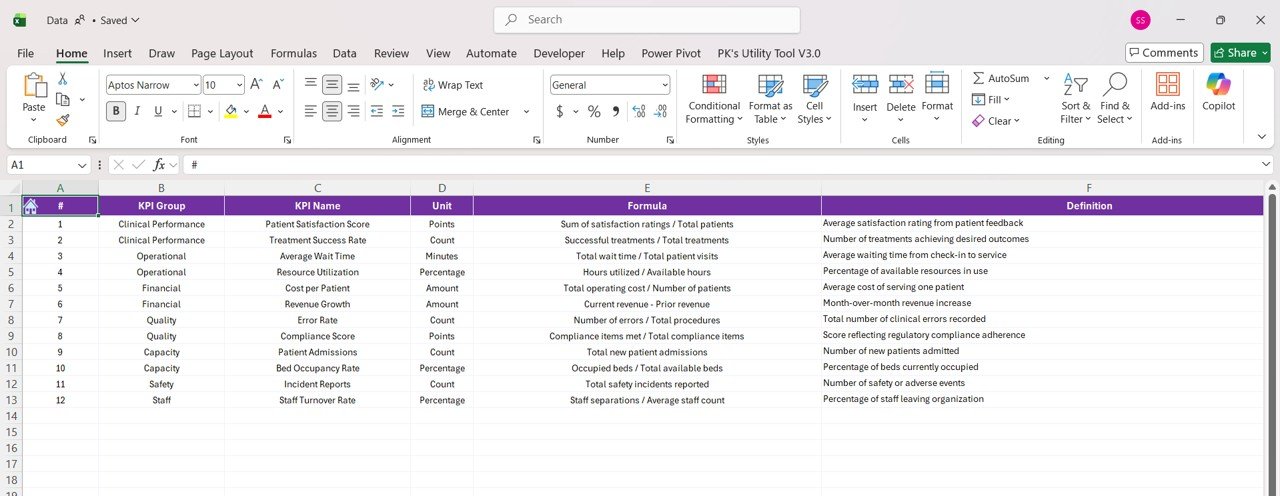
📁 KPI Definition Page – Drill-through page explaining KPI logic, formulas, and definitions.
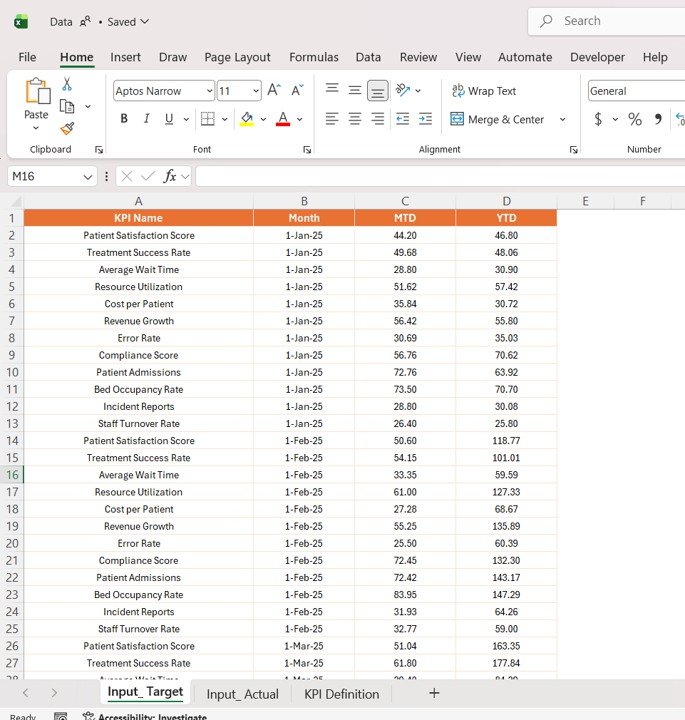
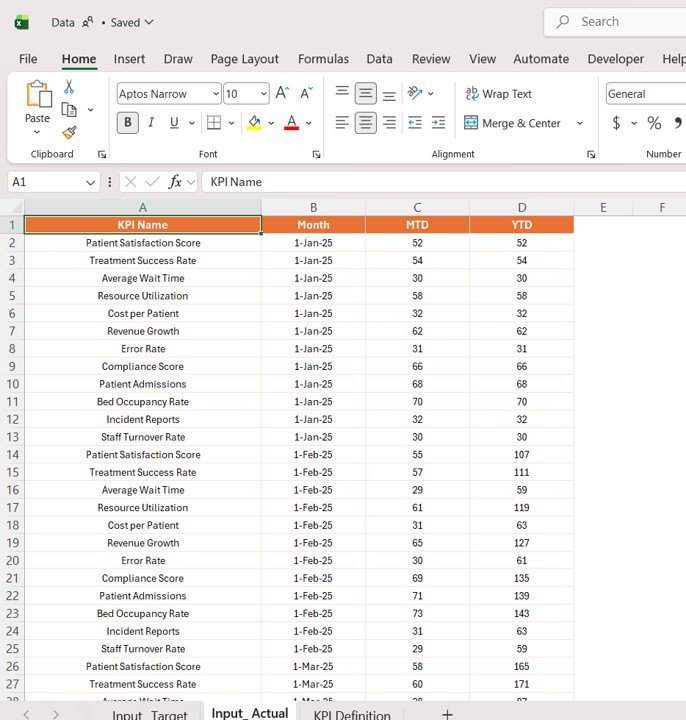
📁 Excel Data Source Files – Structured sheets for Actual, Target, and KPI Definitions.
📁 Dynamic Power BI Visuals – Fully automated charts and indicators for real-time insights.
🛠️ How to Use the Geriatric Care KPI Dashboard in Power BI
👉 Step 1: Enter KPI data into Excel input sheets (Actual & Target)
👉 Step 2: Define KPIs in the KPI Definition sheet
👉 Step 3: Load or refresh data in Power BI
👉 Step 4: Use slicers to filter KPIs by Month or Group
👉 Step 5: Analyze trends, performance, and care outcomes
💡 No advanced Power BI expertise required—simple, efficient, and powerful!
👥 Who Can Benefit from This Geriatric Care KPI Dashboard in Power BI
✔️ Hospitals & Clinics – Monitor geriatric care performance effectively
✔️ Healthcare Providers – Improve patient outcomes and service quality
✔️ Healthcare Analysts – Analyze complex healthcare data easily
✔️ Administrators – Enhance operational efficiency and reporting
✔️ Compliance Teams – Track KPIs and ensure healthcare standards
This dashboard is more than just a reporting tool—it’s a complete healthcare performance management solution. It helps you identify gaps in care, track improvements, and ensure high-quality services for elderly patients.
If you want to improve patient outcomes, enhance efficiency, and make smarter healthcare decisions, this dashboard is the perfect solution.






























