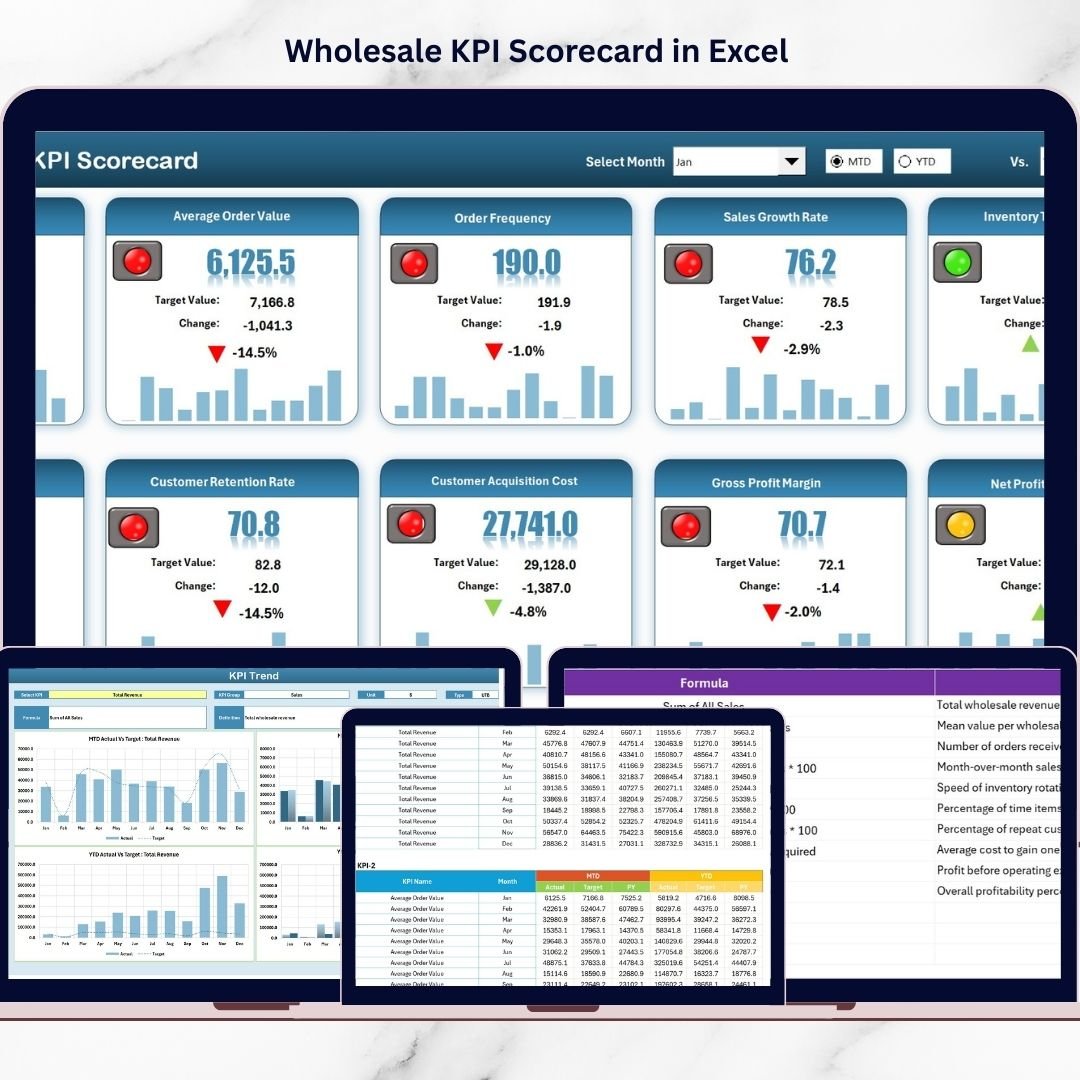

Take control of your wholesale business performance with our Wholesale KPI Scorecard in Excel — a powerful, ready-to-use Excel template designed to help you track the numbers that matter most. In wholesale, every day brings new challenges like managing bulk orders, monitoring margins, tracking delivery performance, controlling stock movement, and retaining valuable customers. When all this data sits in different files and reports, it becomes difficult to make quick and smart decisions. That is where this Excel KPI scorecard can completely change the game.
This professionally designed template helps you monitor key wholesale KPIs in one centralized place. Instead of wasting time searching through multiple sheets, you can instantly compare actual results with targets, review MTD (Month-to-Date) and YTD (Year-to-Date) performance, and identify weak areas before they become costly problems. It is simple, practical, flexible, and built for real business use.
Key Feature of Wholesale KPI Scorecard in Excel
📊 Ready-to-use KPI scorecard that helps wholesale businesses monitor performance in a structured and professional way.
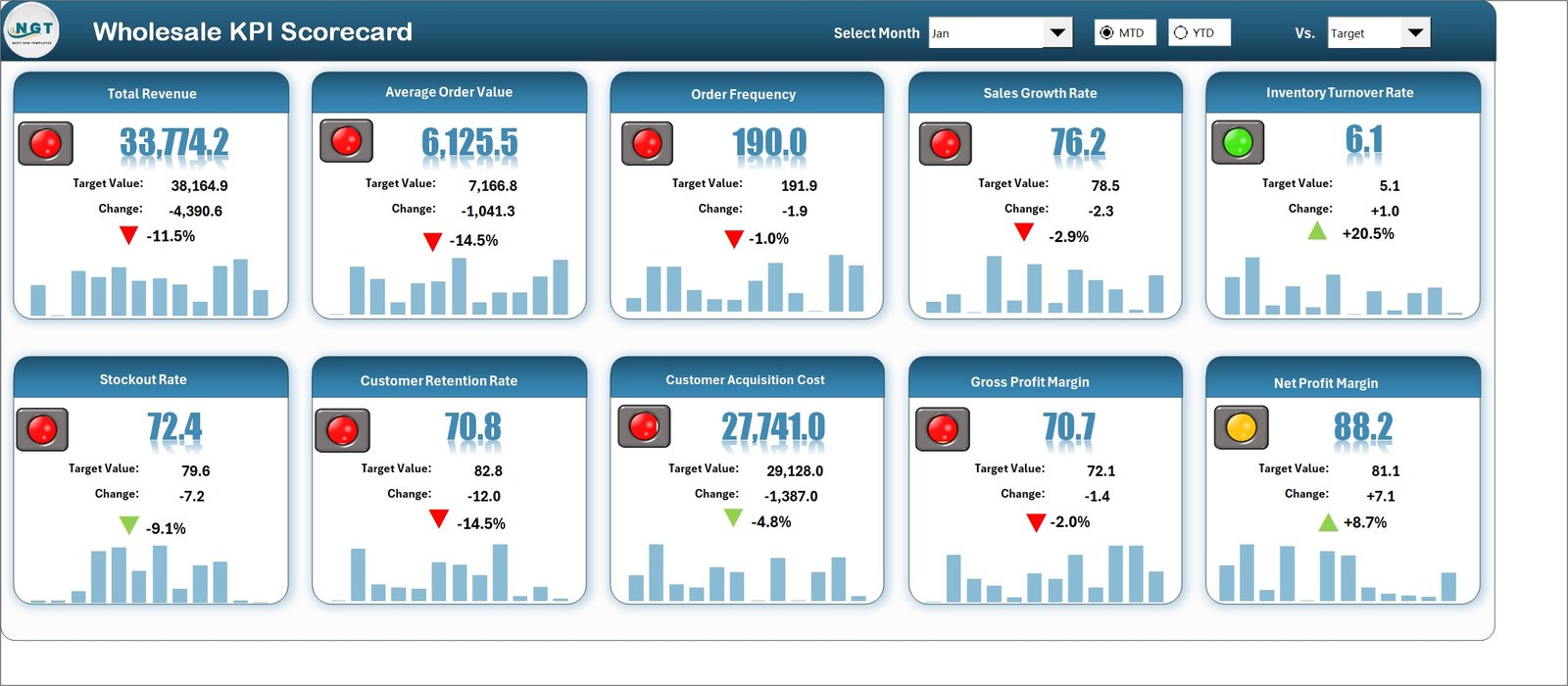
🎯 Actual vs Target comparison so you can quickly see whether business goals are being achieved or missed.
📅 MTD and YTD analysis options that allow you to review both short-term and long-term performance with ease.
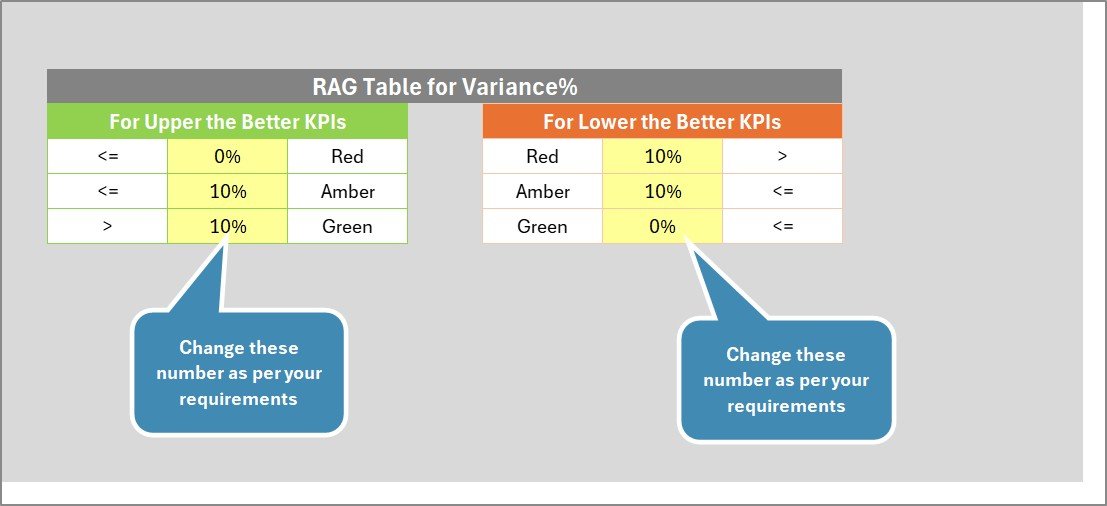
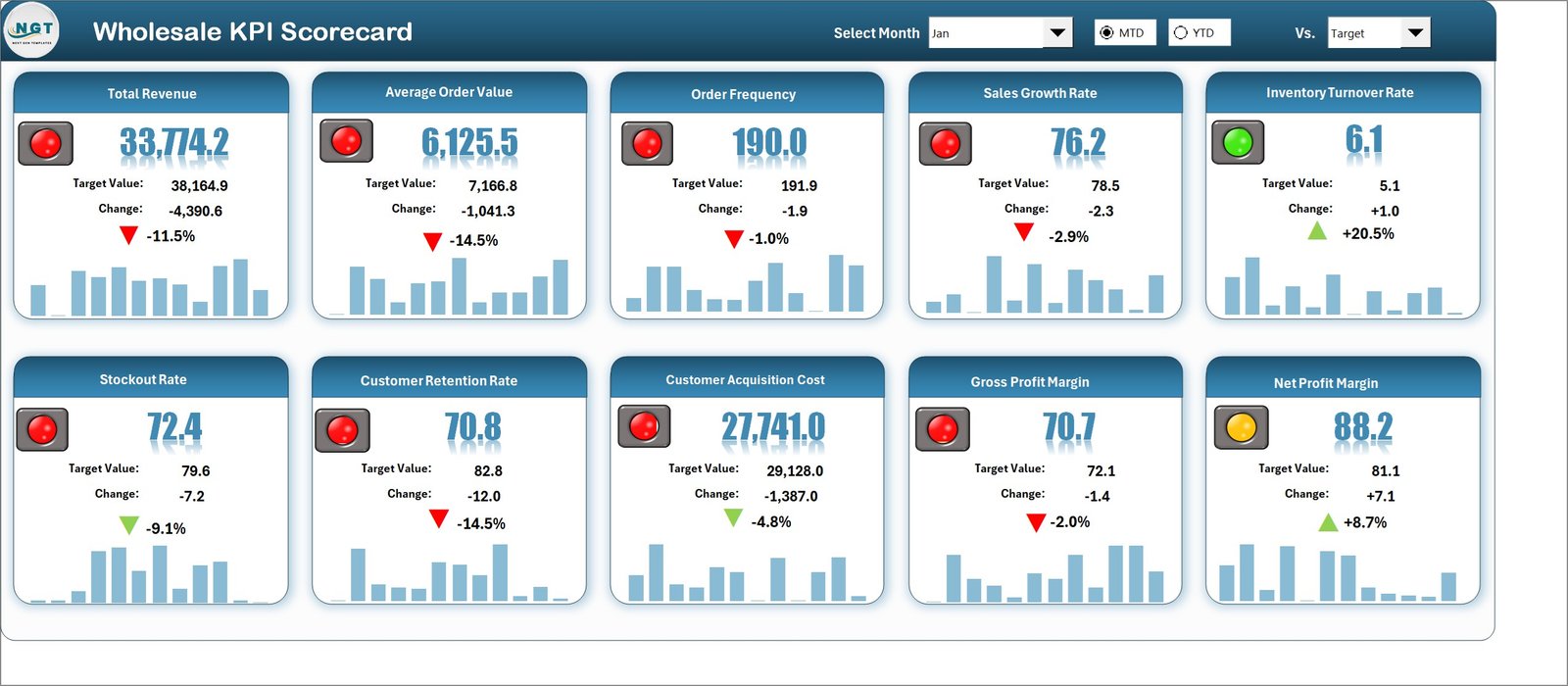
🚦 Visual performance indicators with color-coded signals that make weak and strong KPIs easy to identify.
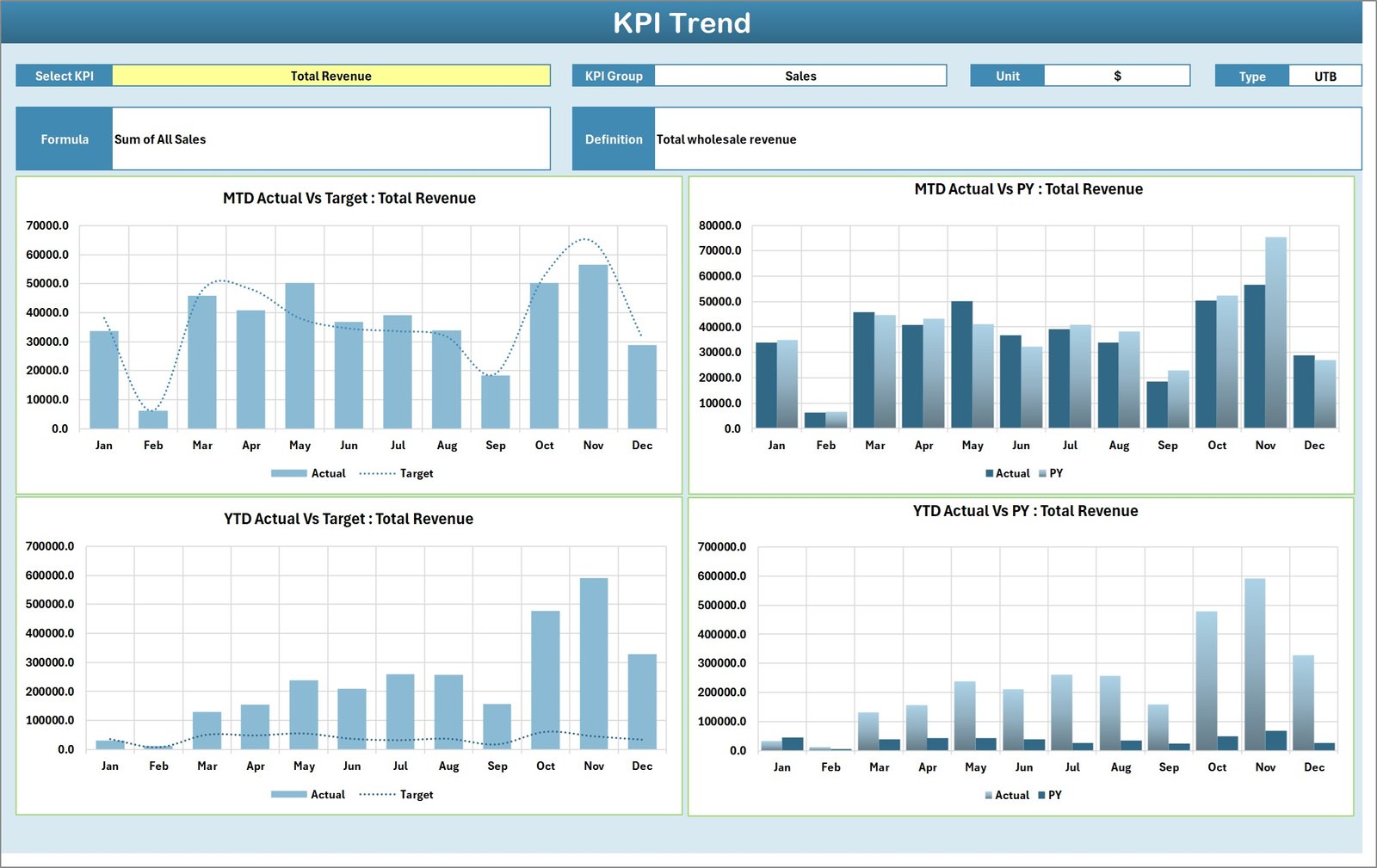
📈 Dedicated KPI Trend Sheet where you can analyze one KPI in detail and compare Actual, Target, and Previous Year values.
🧾 KPI Definition Sheet included to keep formulas, KPI groups, units, and definitions clear for every user.
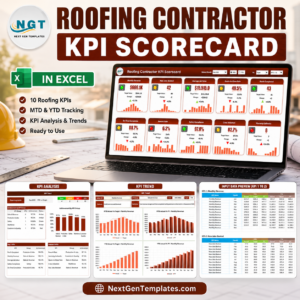
🖥️ 10 KPIs in one view on the main scorecard sheet for fast management review and quick decision-making.
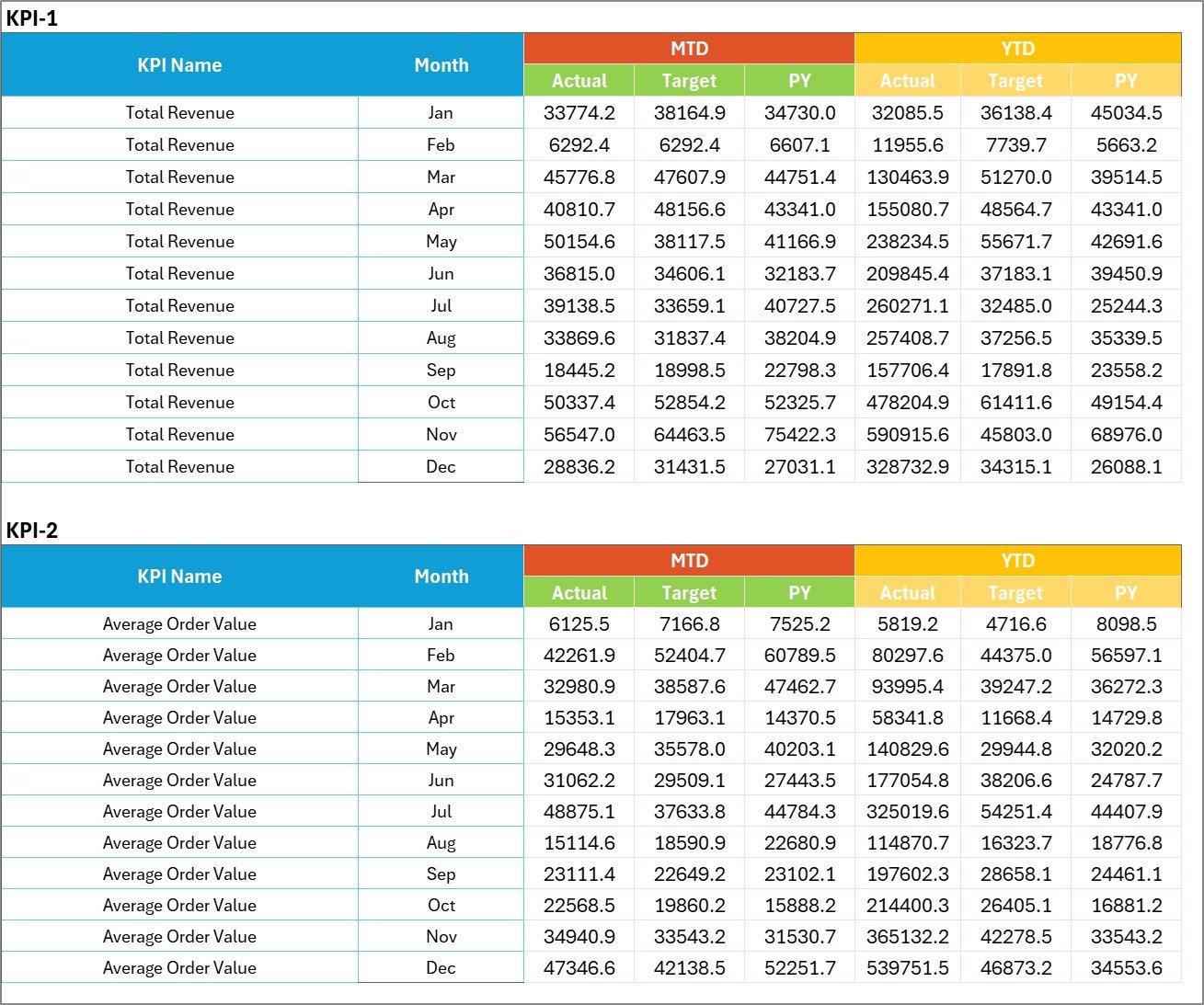
🔄 Easy data updates through the Input Data Sheet so the workbook stays current and accurate.
💼 Business-friendly Excel design that works well for managers, analysts, business owners, and reporting teams.
What’s Inside the Wholesale KPI Scorecard in Excel
This Excel template includes 4 well-structured worksheets, each designed for a specific purpose.
1. Scorecard Sheet
This is the main dashboard-style interface of the workbook. Here, users can select the month and switch between MTD and YTD views. It shows actual vs target values, visual indicators, and a complete KPI summary in one place. You can review up to 10 KPIs on one screen, which makes reporting simple and fast.
2. KPI Trend Sheet
This sheet helps users analyze a selected KPI in more detail. By using the dropdown in cell C3, you can choose a KPI and review its group, unit, type, formula, and definition. It also includes trend charts to compare Actual, Target, and Previous Year data over time.
3. Input Data Sheet
This is the data entry area of the workbook. Users can enter actual values, target values, and period-wise KPI data here. Once updated, the scorecard reflects the latest business performance instantly.
4. KPI Definition Sheet
This sheet acts like a KPI library. It stores important information such as KPI Name, KPI Group, Unit, Formula, and KPI Definition. This improves consistency and reduces reporting confusion across the team.
How to Use the Wholesale KPI Scorecard in Excel
Using this template is simple and practical.
✅ Enter your KPI data in the Input Data Sheet
✅ Update actual and target values based on your reporting period
✅ Open the Scorecard Sheet to review summary performance
✅ Use the dropdown to switch between MTD and YTD analysis
✅ Visit the KPI Trend Sheet for detailed KPI movement and yearly comparison
✅ Refer to the KPI Definition Sheet for KPI logic and clarity
✅ Use the scorecard in weekly, monthly, or quarterly review meetings
This easy workflow helps your team spend less time preparing reports and more time improving results.
Who Can Benefit from This Wholesale KPI Scorecard in Excel
👨💼 Wholesale Business Owners who want better control over sales, profit, and operations.
📦 Operations Managers who need to track fulfillment, delivery, stock flow, and process efficiency.
💰 Finance Teams who want visibility into margins, receivables, and target achievement.
📊 Reporting Analysts who need a structured and user-friendly KPI reporting tool in Excel.
🤝 Sales Managers who want to monitor customer performance, order value, retention, and growth trends.
🏢 Small and Medium Wholesale Companies looking for an affordable and flexible KPI tracking solution without expensive software.
This template is ideal for businesses that want to move from reactive reporting to proactive performance management. It helps highlight business problems early, supports faster decisions, and keeps teams focused on the goals that matter most.
With this Wholesale KPI Scorecard in Excel, you get more than just a spreadsheet. You get a complete performance monitoring system that helps you improve visibility, strengthen accountability, and make smarter business decisions with confidence.
Click hare to read the Detailed blog post
Watch the step-by-step video tutorial: