
Managing finances during events can feel overwhelming when tasks, approvals, payments, and deadlines are scattered across emails and multiple files. One missed activity can lead to delayed payments, compliance risks, or financial confusion. That’s why organizations today need a structured and reliable system to manage financial responsibilities efficiently.
The Financial Event Checklist in Excel is a ready-to-use, professionally designed template that helps businesses organize, track, and monitor every financial activity related to events from a single centralized workspace. Whether you are planning a corporate event, investor meeting, audit preparation, fundraising program, or annual conference, this template ensures nothing slips through the cracks.
Instead of manually following up on tasks, teams gain real-time visibility into progress, responsibilities, and deadlines. With automated tracking indicators and a simple checklist structure, this Excel tool transforms complex financial coordination into a smooth and controlled workflow.
Designed with simplicity and practicality in mind, the template works perfectly for both beginners and professionals without requiring advanced Excel knowledge.
⭐ Key Features of Financial Event Checklist in Excel
✅ Centralized checklist to manage all financial event tasks in one place
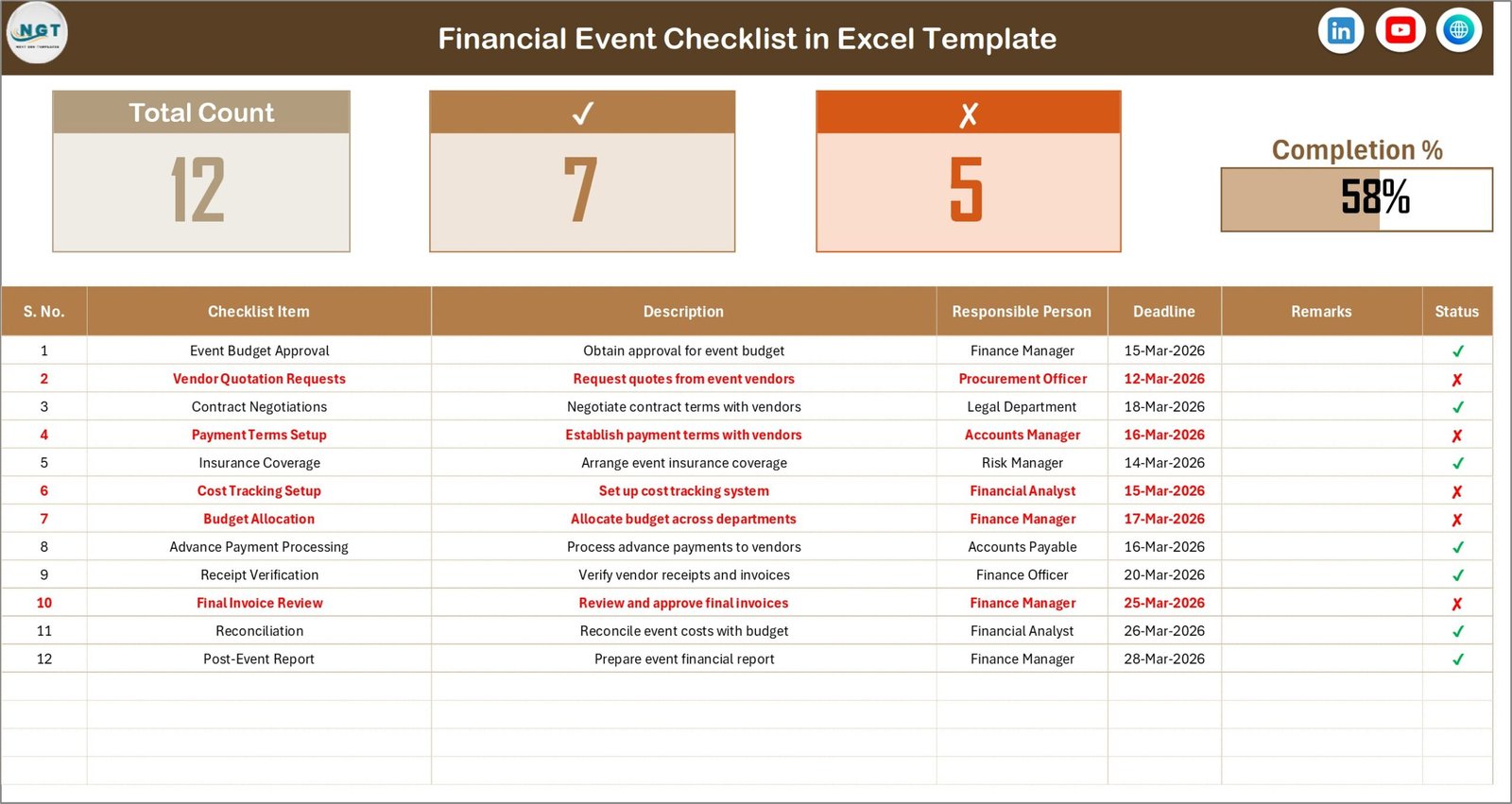
📊 Automated progress tracking with completion percentage bar
👤 Responsible person assignment using dropdown lists
⏰ Deadline tracking to prevent missed financial activities
✔ Simple status update system (Completed ✔ / Pending ✘)
📁 Structured workbook with automation support sheets
🔍 Easy filtering and sorting for quick task monitoring
⚡ Ready-to-use format — no complex setup required
💼 Professional layout suitable for corporate environments
These features help managers instantly understand event readiness without reviewing individual tasks manually.
📦 What’s Inside the Financial Event Checklist in Excel
This template includes a clean and structured Excel workbook designed for efficiency:
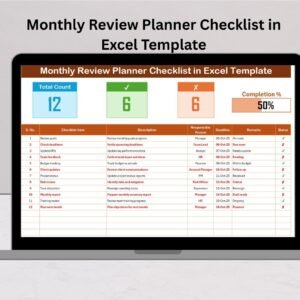
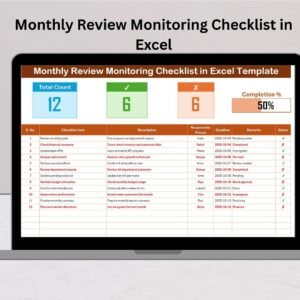
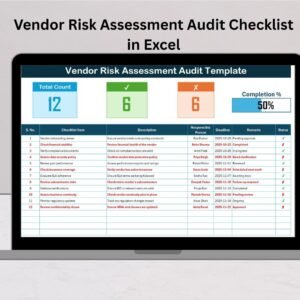
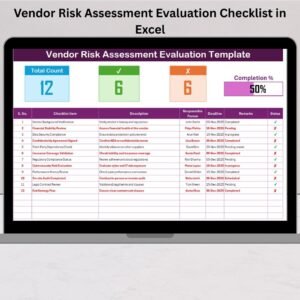
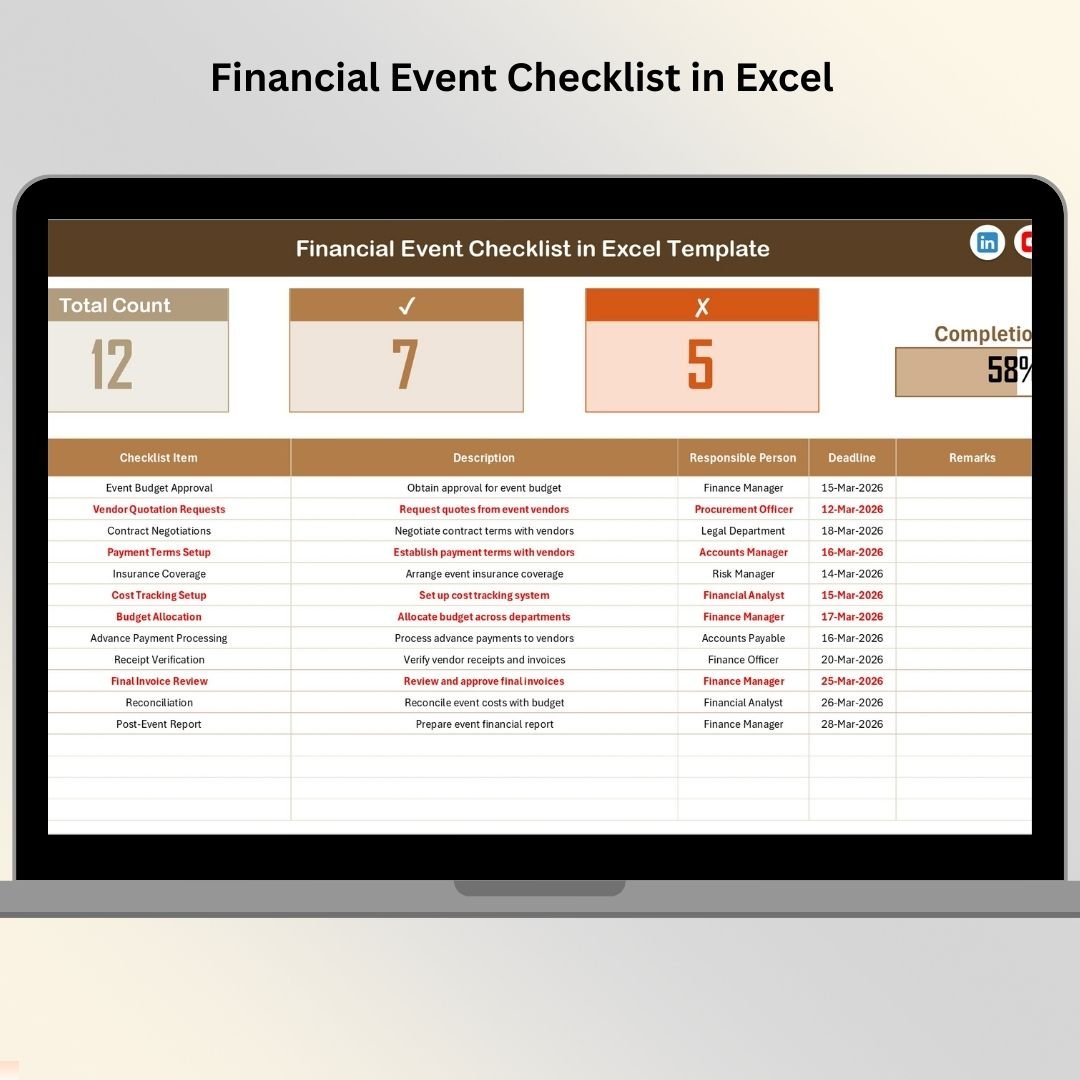
1️⃣ Financial Event Checklist Sheet (Main Dashboard)
Task tracking table
Total task count indicator
Completed and pending task counters
Automated progress bar visualization
Remarks and deadline monitoring
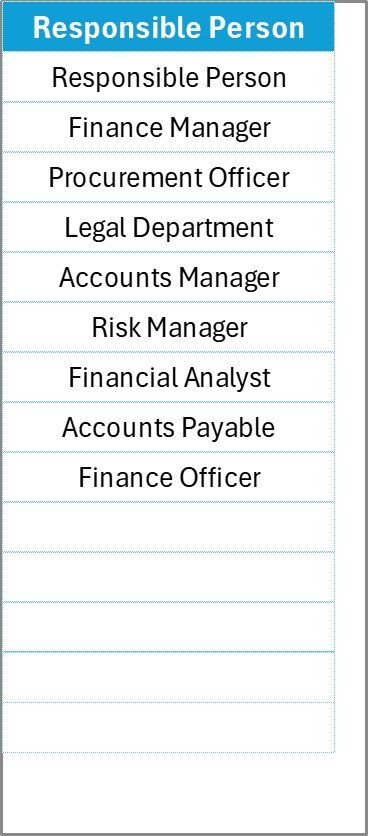
2️⃣ List Sheet (Automation Support Sheet)
Stores unique responsible persons
Creates dropdown selections automatically
Maintains standardized data entry
Reduces typing errors and inconsistencies
Together, these sheets create a powerful yet simple financial task management system.
🛠️ How to Use the Financial Event Checklist in Excel
Using the template is straightforward and requires only a few steps:
Enter financial tasks related to your event.
Assign responsible team members using dropdown selections.
Set deadlines for each activity.
Add remarks or updates when needed.
Mark task status as ✔ or ✘.
Monitor progress automatically from the summary section.
As updates happen, the progress bar instantly reflects completion status, giving managers real-time control over financial readiness.
👥 Who Can Benefit from This Financial Event Checklist
This template is ideal for professionals and organizations managing event finances, including:
Finance departments
Corporate organizations
Event management teams
Non-profit organizations
Educational institutions
Audit and compliance teams
Startup founders
Project managers
Conference organizers
Because every event involves financial coordination, this checklist adapts easily across industries and event types.
By organizing responsibilities, tracking deadlines, and improving accountability, the Financial Event Checklist helps teams reduce financial risks while improving collaboration. Everyone works from the same file, updates remain transparent, and managers gain instant clarity without constant meetings or follow-ups.
Unlike expensive event management software, this Excel-based solution is cost-effective, customizable, and easy to implement immediately. You can even expand it by adding priority levels, budget tracking columns, approval stages, or department classifications to match your workflow.
If you want a smarter, simpler way to manage financial event operations, this checklist provides the perfect starting point for structured financial control and successful event execution.
Click here to read the Detailed blog post
Watch the step-by-step video tutorial: