
In today’s performance-driven business world, organizations must consistently monitor goals to achieve sustainable success. Businesses define Key Performance Indicators (KPIs) to measure progress, improve accountability, and align teams with strategic objectives. KPI Tracking Planner Checklist in Excel However, many companies still struggle to manage KPI activities effectively because they rely on scattered notes, emails, or unstructured spreadsheets.
As a result, deadlines get missed, responsibilities become unclear, and performance tracking loses effectiveness. To overcome these challenges, organizations need a structured and easy-to-use planning system that ensures every KPI activity is monitored properly.
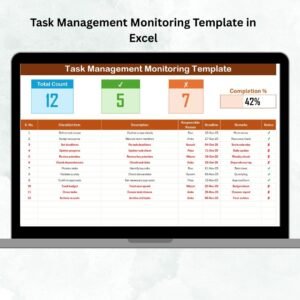
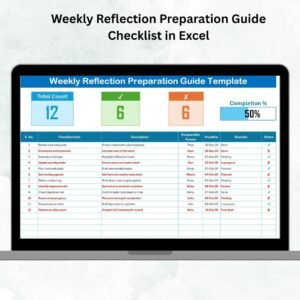
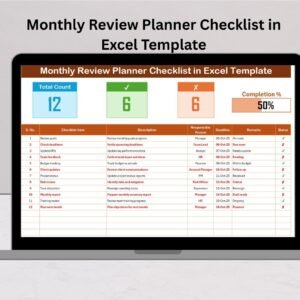
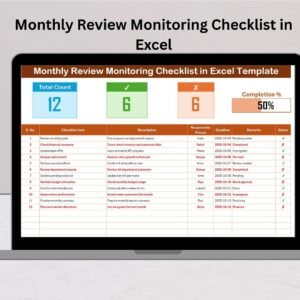
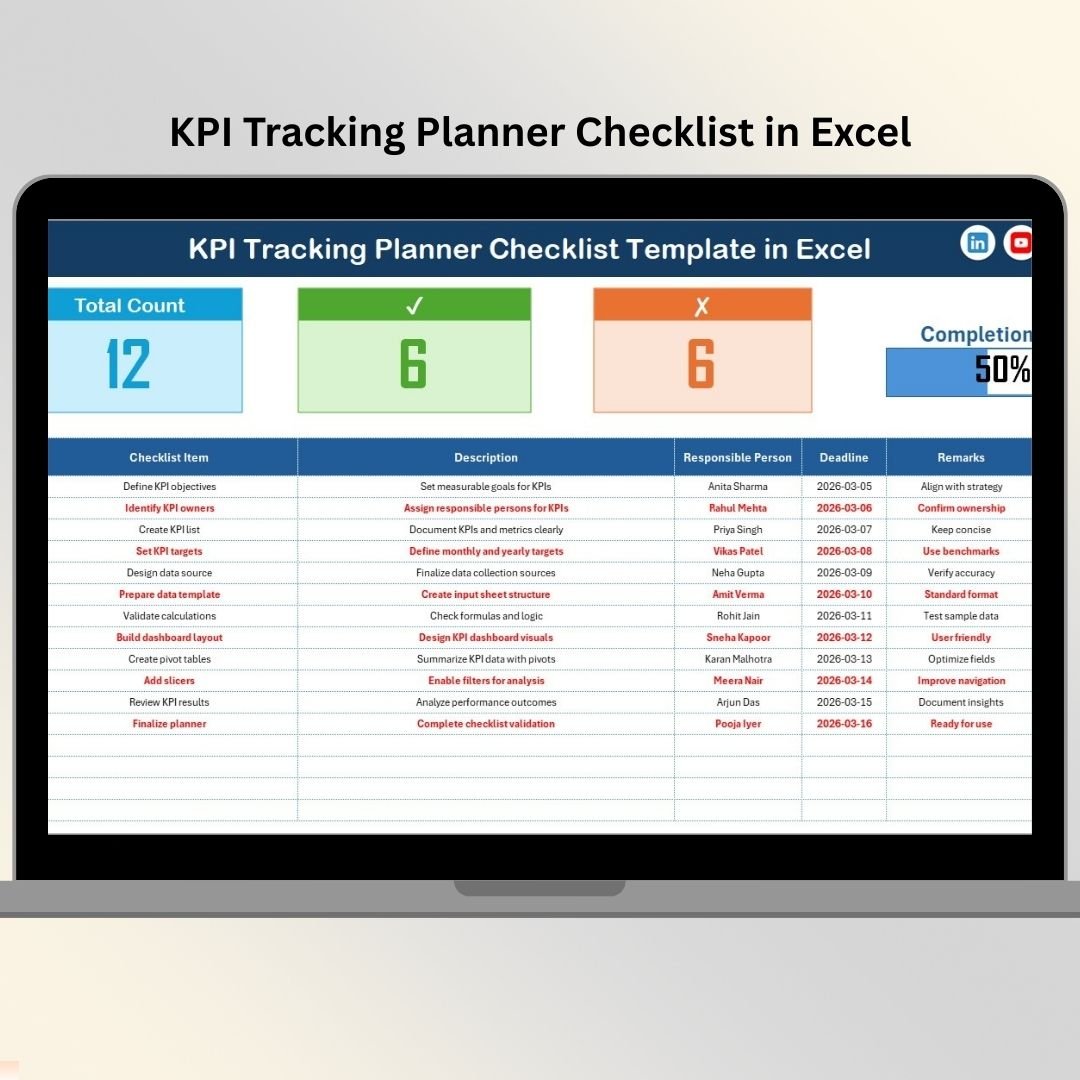
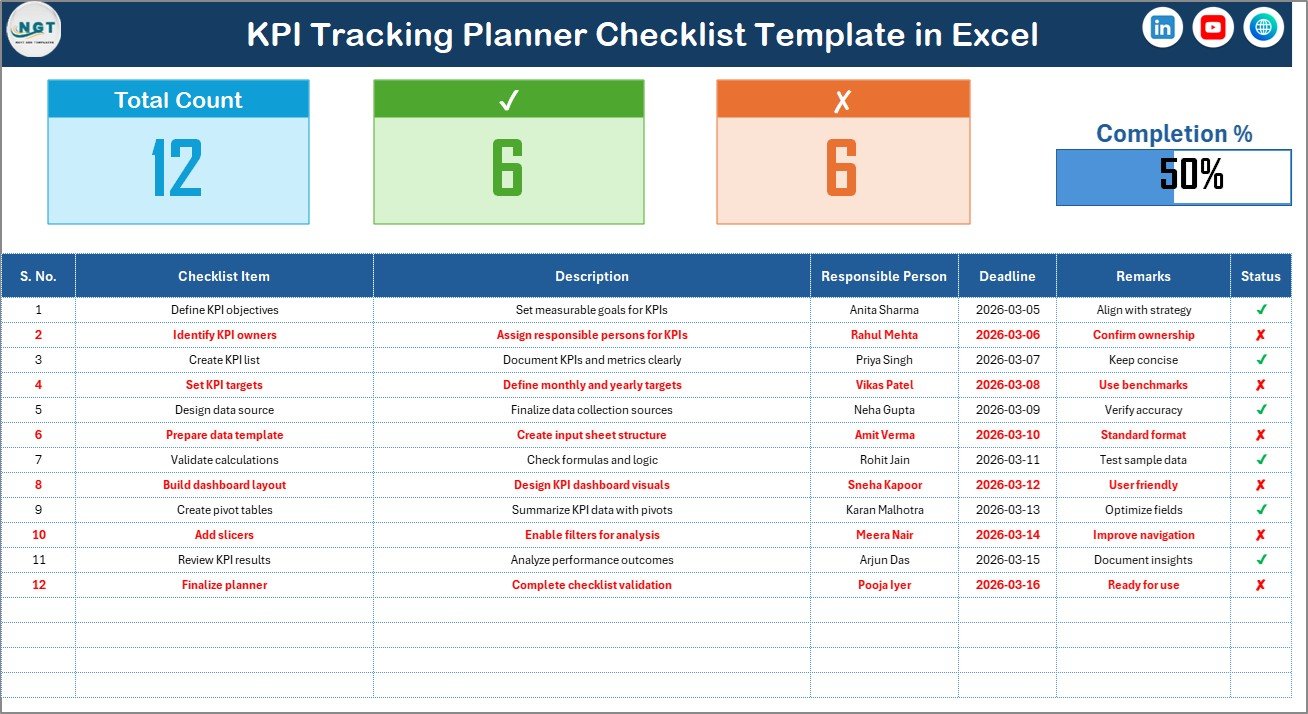
The KPI Tracking Planner Checklist in Excel is a ready-to-use, professionally designed template that helps businesses organize KPI tasks, assign responsibilities, track deadlines, and monitor completion progress in a clear and visual checklist format.
Instead of using complicated software systems, this Excel-based planner provides a simple yet powerful way to manage KPI execution. With automated calculations and visual progress indicators, teams instantly understand task status and overall completion performance.
KPI Tracking Planner Checklist in Excel Whether you are managing performance reviews, monitoring operational KPIs, or coordinating reporting activities, this planner ensures nothing gets overlooked.
🚀 Key Features of KPI Tracking Planner Checklist in Excel
✅ Structured KPI checklist for organized task tracking
✅ Automated progress summary with completion indicators
✅ Visual progress bar for instant performance overview
✅ Status tracking using ✔ Completed and ✘ Pending symbols
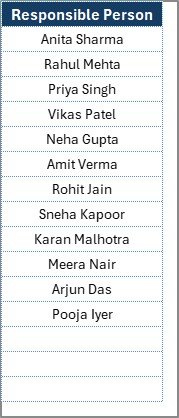
✅ Responsibility assignment with dropdown selection
✅ Deadline tracking for better accountability
✅ Automated counts for total, completed, and pending tasks
✅ Clean and user-friendly layout
✅ Easy customization based on organizational needs
✅ No advanced Excel skills required
These features help organizations shift from manual follow-ups to structured KPI execution.
📦 What’s Inside the KPI Tracking Planner Checklist in Excel
This template includes two professionally structured worksheets designed for efficient KPI planning and monitoring:
📋 KPI Tracking Planner Checklist Sheet – The main working area where users manage checklist activities and monitor progress through automated summaries and visual indicators.
📚 List Sheet – A supporting sheet that stores responsible person names and creates dropdown lists for standardized data entry.
Inside the checklist table, you will find essential tracking columns:
Serial Number
Checklist Item
Description
Responsible Person
Deadline
Remarks
Status (✔ / ✘)
Together, these elements create a complete KPI task management system.
⚙️ How to Use the KPI Tracking Planner Checklist in Excel
Using this planner is simple and requires minimal setup:
1️⃣ Add KPI-related activities to the checklist table.
2️⃣ Assign responsible persons using dropdown lists.
3️⃣ Set deadlines for each task.
4️⃣ Update the status using ✔ or ✘ symbols.
5️⃣ Monitor progress automatically through summary metrics and progress bars.
Because calculations update instantly, managers always see real-time completion status without manual tracking.
👥 Who Can Benefit from This KPI Tracking Planner Checklist in Excel
This template is suitable for professionals across industries:
📊 Business managers and team leaders
👨💼 HR and operations departments
📈 Performance management teams
🗂 Project coordinators and administrators
🏢 Small and medium businesses
🚀 Startups implementing KPI systems
💼 Consultants managing performance tracking
Any organization looking for structured KPI execution and accountability can benefit from this planner.
A structured KPI checklist does more than track tasks — it builds discipline, improves transparency, and encourages collaboration across teams. By clearly assigning ownership and deadlines, organizations ensure KPI activities are completed on time.
Excel’s familiar interface makes adoption easy for all users, while automated counts and visual progress tracking eliminate manual monitoring effort. Instead of chasing updates, managers gain instant visibility into progress.
The KPI Tracking Planner Checklist in Excel empowers teams to stay organized, focused, and aligned with performance goals. By implementing this template, organizations create a reliable system that improves accountability, productivity, and operational efficiency.
Click here to read the Detailed blog post
Visit our YouTube channel to learn step-by-step video tutorials
👉 Youtube.com/@PKAnExcelExpert