

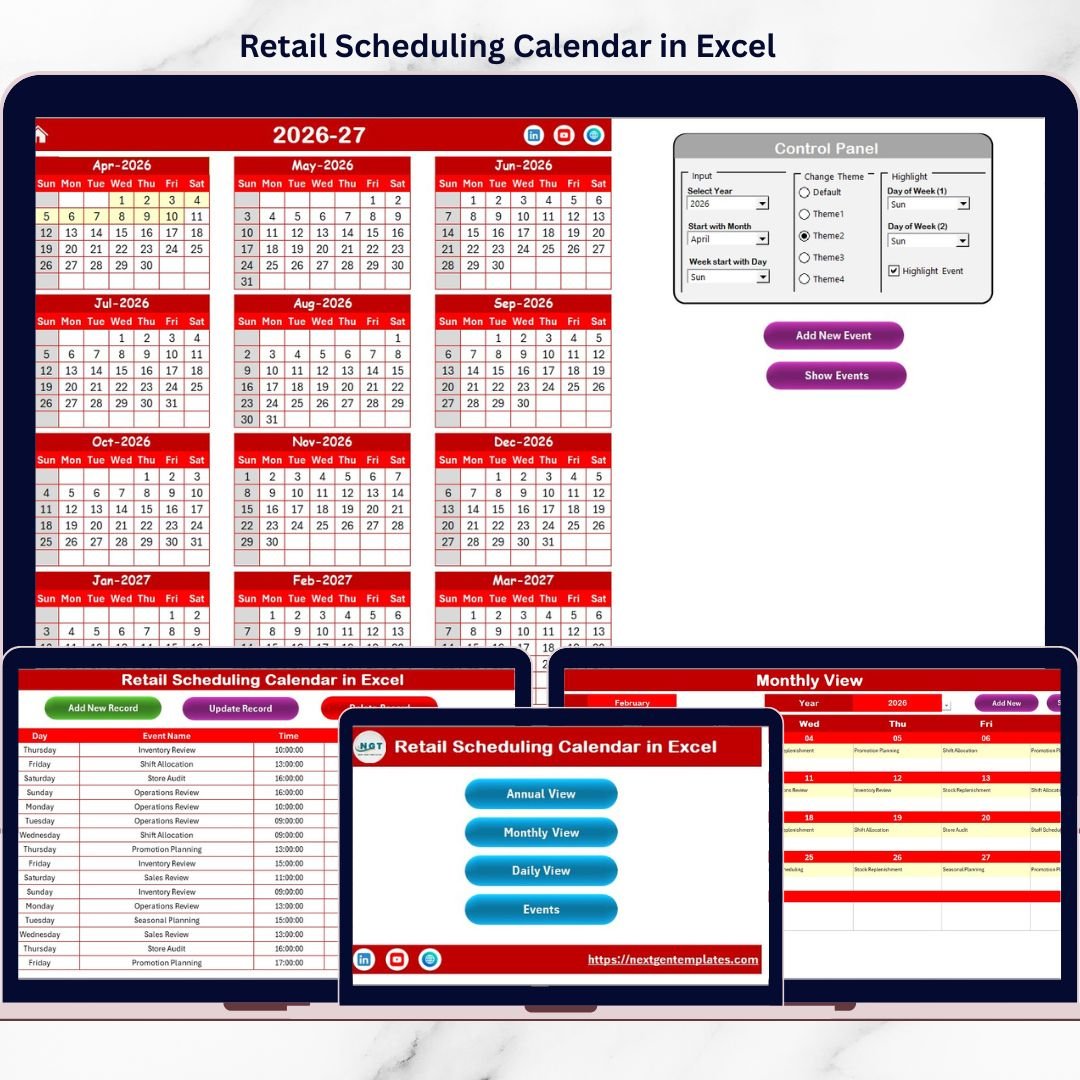
Managing schedules in retail does not have to be chaotic anymore. Long store hours, frequent promotions, staff coordination, and daily events can quickly become overwhelming when managed through emails or scattered files. That is why the Retail Scheduling Calendar in Excel is designed to give you total control, clarity, and confidence—all inside Microsoft Excel.
This ready-to-use Excel calendar helps retail businesses plan, track, and manage events effortlessly using a single, interactive workbook. Whether you manage one store or multiple locations, this tool simplifies scheduling and improves operational efficiency instantly.
🔑 Key Features of Retail Scheduling Calendar in Excel
The Retail Scheduling Calendar in Excel is packed with powerful yet easy-to-use features that simplify retail planning.
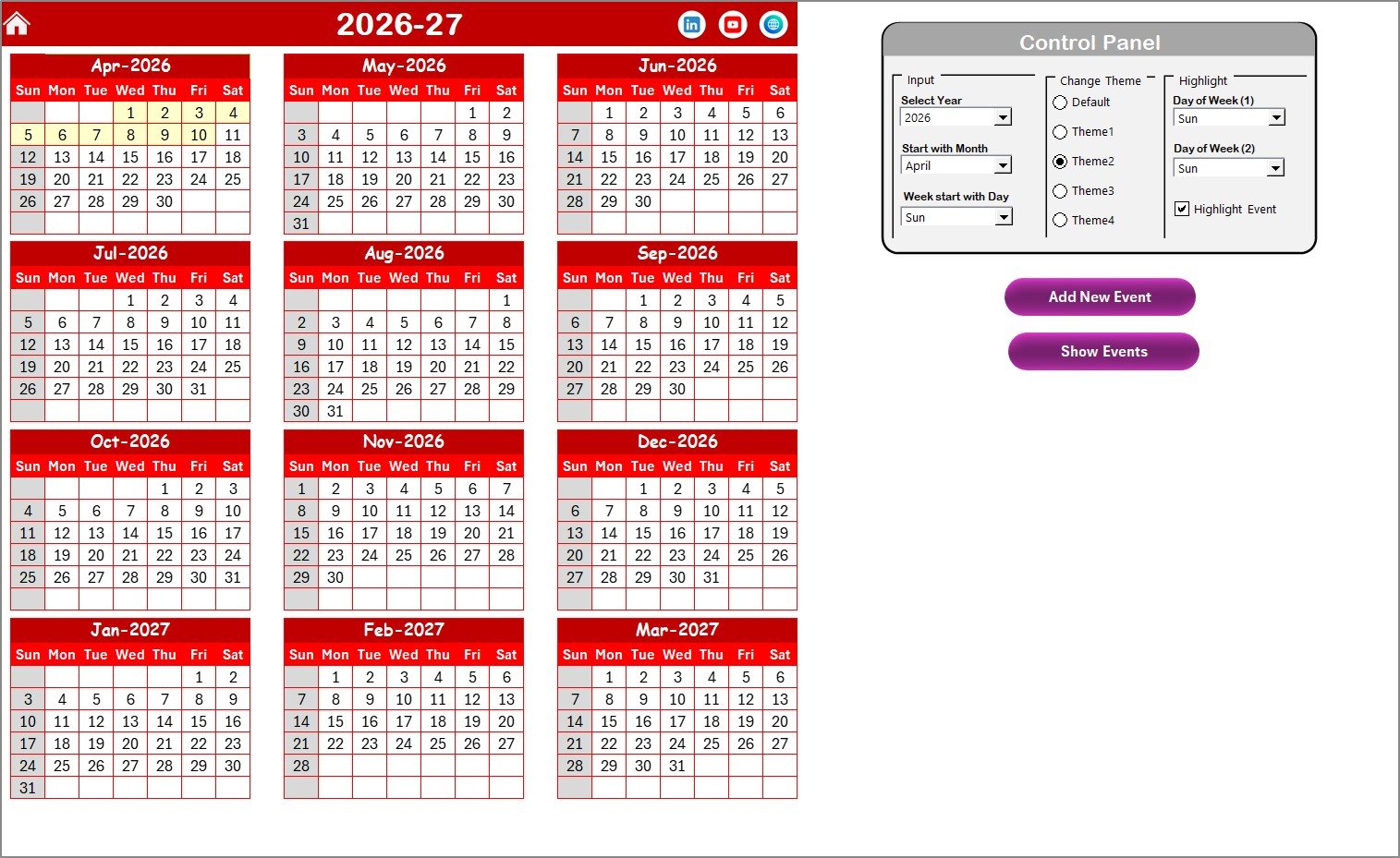
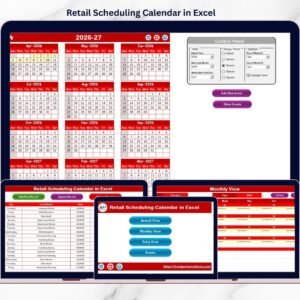
You get Annual, Monthly, and Daily Views that help you see the big picture as well as fine details. The calendar updates dynamically based on year, month, and date selections, so planning stays accurate at all times.
Built-in navigation buttons allow you to jump between views instantly. Additionally, smart highlight options help you mark weekends, holidays, or high-priority event days for quick visibility.
You can add, update, and delete events directly using simple forms—no advanced Excel skills required. The entire system works smoothly without macros complexity or external software.
📦 What’s Inside the Retail Scheduling Calendar in Excel
This digital product includes five well-structured worksheets; each designed for a specific planning need.
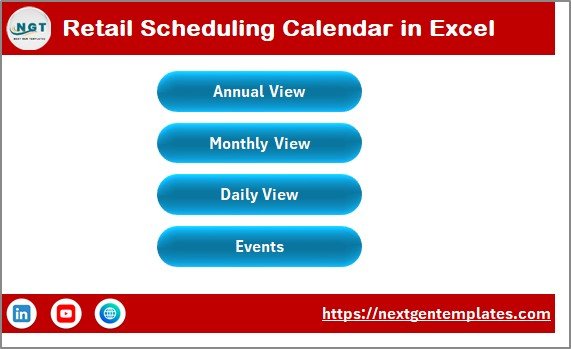
The Home Sheet works as a central dashboard with navigation buttons for quick access to all sections.
The Annual View Sheet displays all 12 months in one screen, helping you plan promotions, holidays, and campaigns across the year.
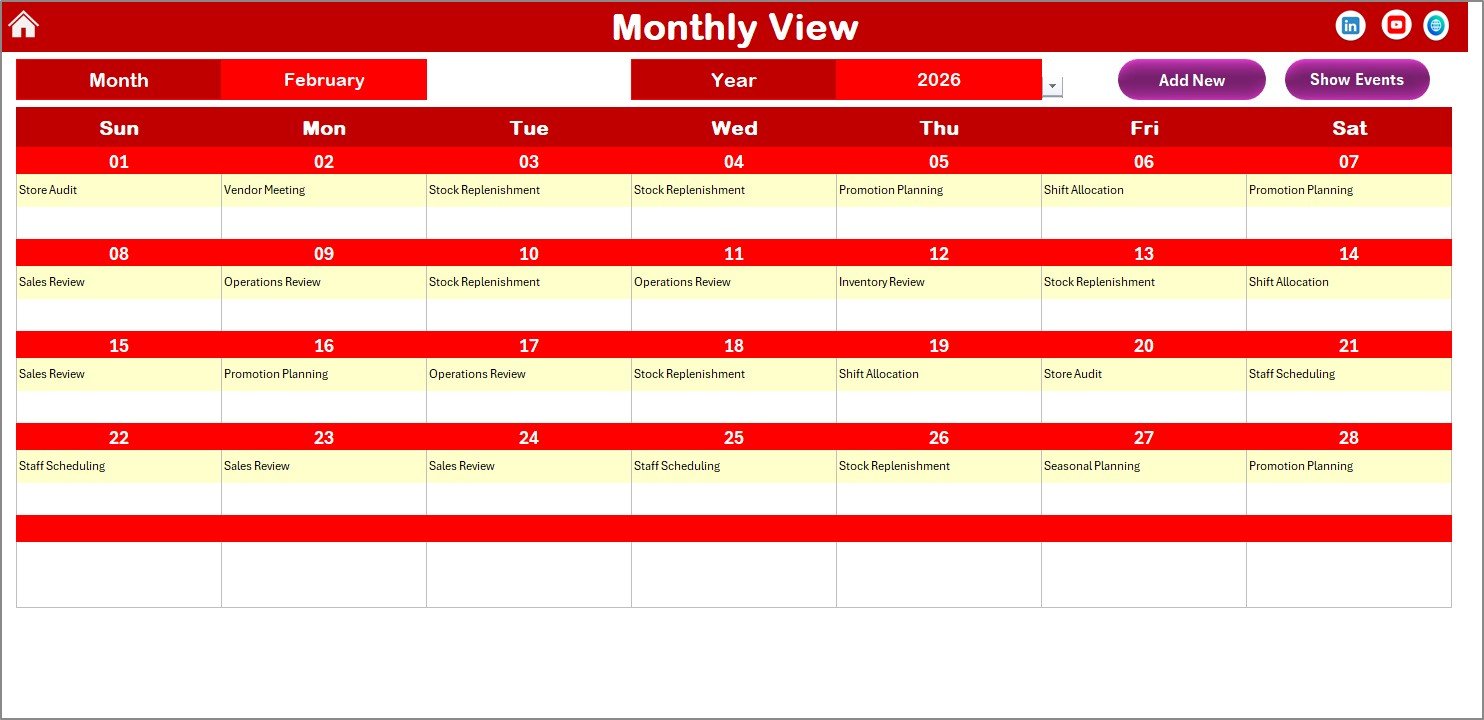
The Monthly View Sheet focuses on a single month, allowing detailed planning and execution without clutter.
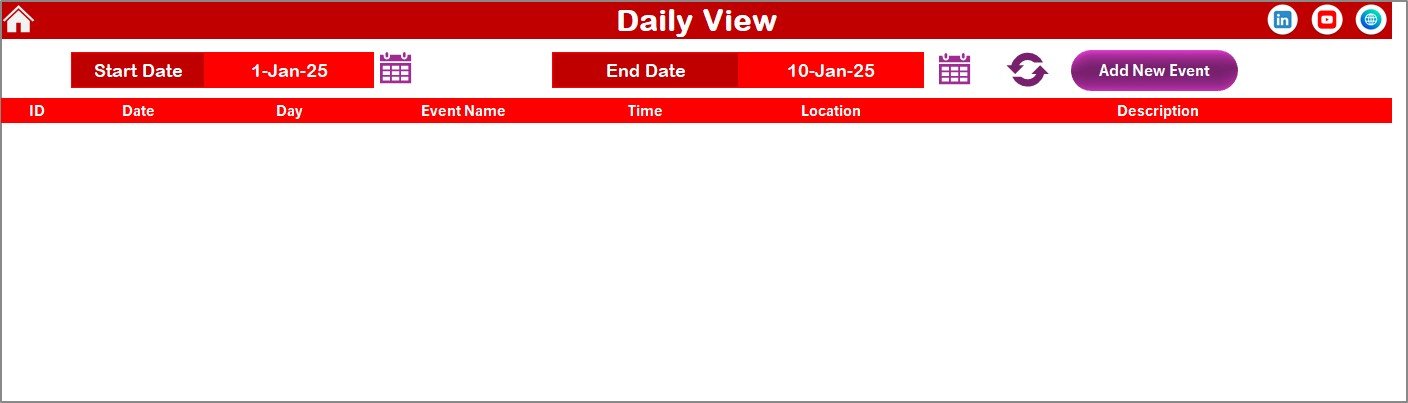
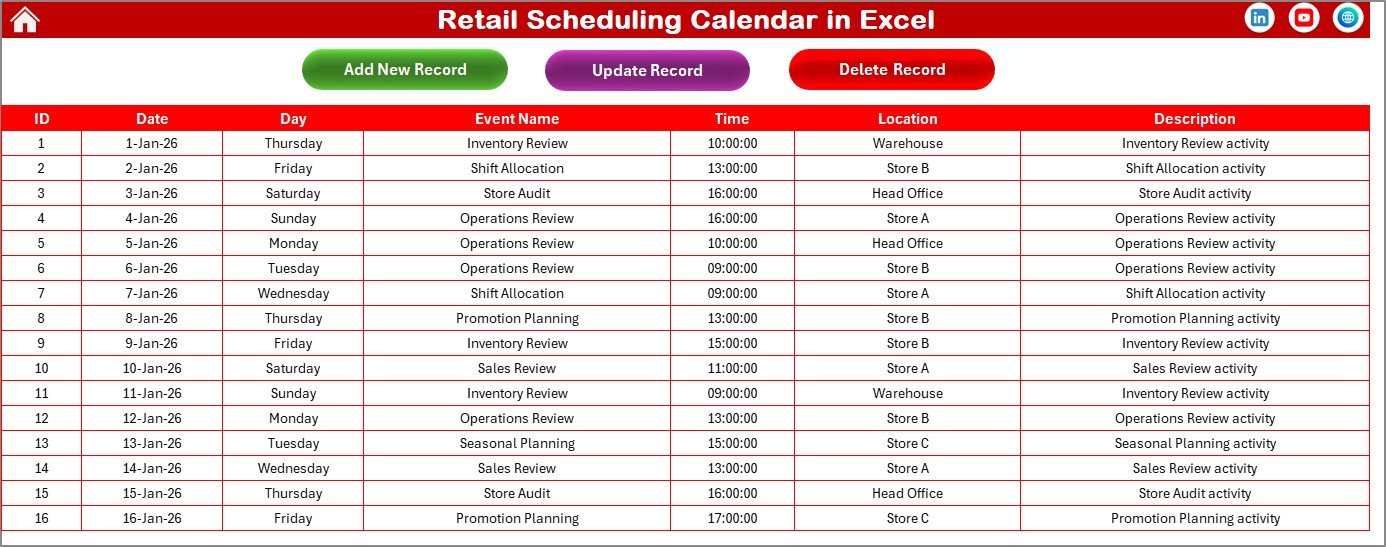
The Daily View Sheet lets you select a date range and view all events in detail, perfect for supervisors and store managers.
Finally, the Events Sheet acts as a backend database where all event records are stored automatically with details like date, time, location, and description.
🚀 How to Use the Retail Scheduling Calendar in Excel
Using this calendar is extremely simple and intuitive.
First, open the Excel file and go to the Home Sheet. Choose where you want to work—Annual, Monthly, or Daily View.
To add an event, simply select a date and click Add New Event. Fill in the form and submit. The event instantly appears in all relevant views.
To review events, select any date and click Show Event. For updates or deletions, use the buttons available in the Events Sheet.
Everything updates automatically, saving you time and reducing errors.
👥 Who Can Benefit from This Retail Scheduling Calendar in Excel
This product is ideal for a wide range of users in the retail industry.
Retail store managers can plan promotions and daily activities smoothly. Operations teams can coordinate schedules with clarity. Franchise owners can maintain consistency across locations. Small and medium retail businesses can manage events professionally without expensive software.
If you want better planning, fewer mistakes, and smoother retail operations, this calendar is built for you.
📌 Why This Excel Calendar Is a Smart Investment
This Retail Scheduling Calendar in Excel helps you reduce scheduling conflicts, improve team coordination, and save hours of manual work every month. Since it works in Excel, there are no recurring costs, no learning curve, and no dependency on third-party tools.
It is a practical, flexible, and cost-effective solution designed for real retail challenges.
📖 Click here to read the Detailed blog post
🎥 Visit our YouTube channel to learn step-by-step video tutorials
👉 https://youtube.com/@PKAnExcelExpert























Reviews
There are no reviews yet.