

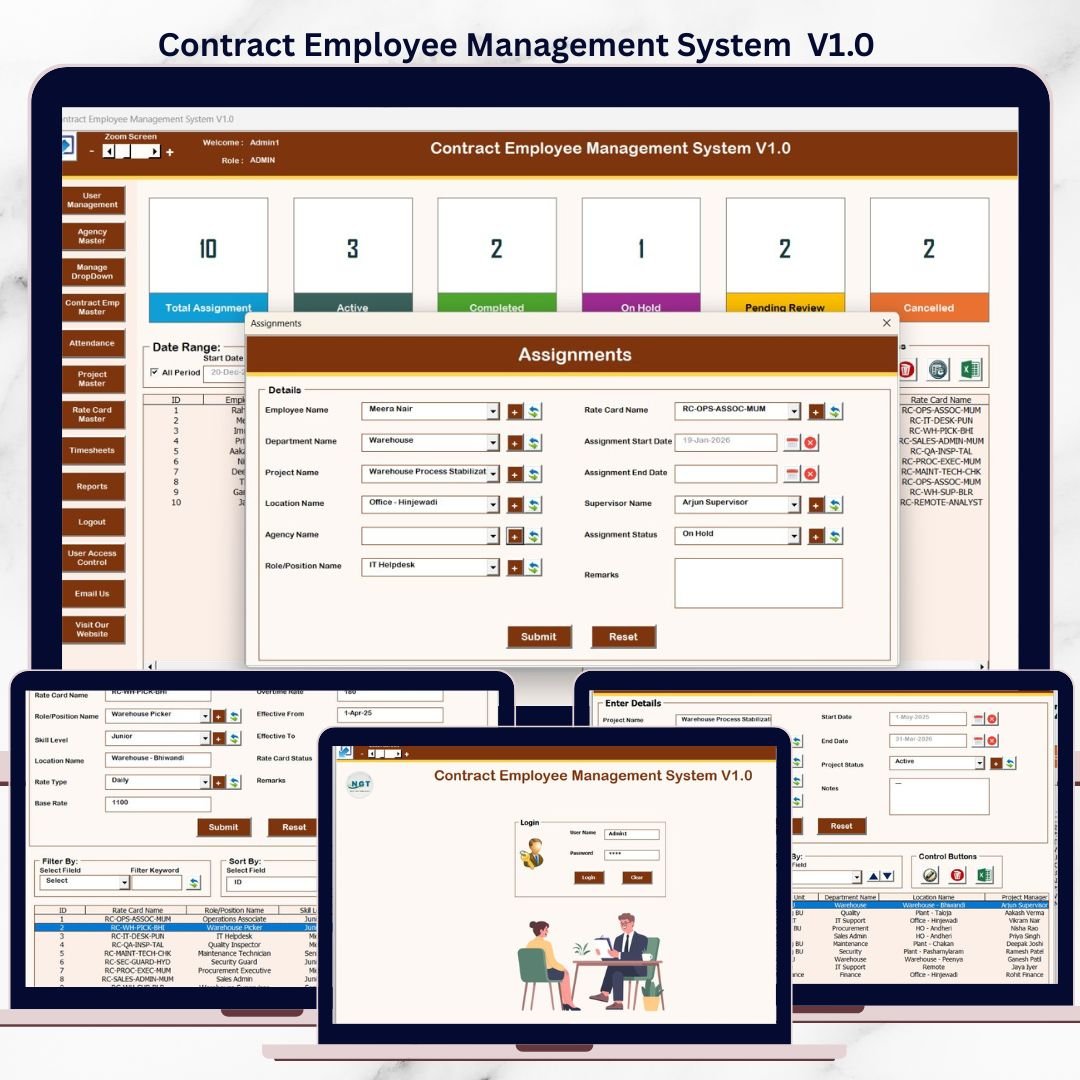
Managing contract employees using scattered Excel files often creates confusion, manual errors, duplicate data, and poor visibility. Tracking attendance, timesheets, projects, agencies, and payments separately wastes time and increases operational risk. As organizations grow, these challenges multiply and manual tracking becomes unsustainable.
That is exactly why Contract Employee Management System V1.0 was built.
This is a ready-to-use Excel Desktop application powered by VBA, designed to manage the complete lifecycle of contract employees from a single, secure, and offline system. Instead of juggling multiple spreadsheets, this system brings employees, agencies, projects, attendance, timesheets, rate cards, and reports into one structured solution.
Because it runs entirely inside Microsoft Excel Desktop, organizations avoid expensive HR software while still gaining a professional, role-based management system.
🚀 Key Features of Contract Employee Management System V1.0
🔐 Secure Login with Role-Based Access
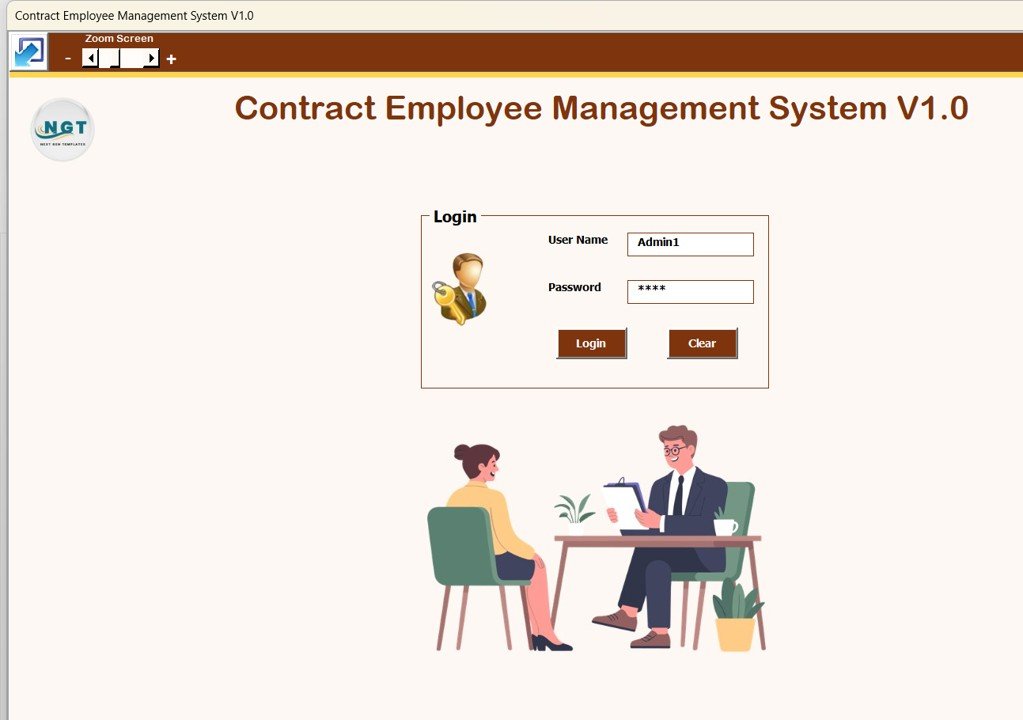
The system starts with a Login Form that ensures data security.
Admin Login
Username: Admin1
Password: abcd
User Login
Username: User1
Password: abcd
Admins control users and permissions, while regular users access only assigned modules.
🧭 Main Dashboard Form – Central Control Panel
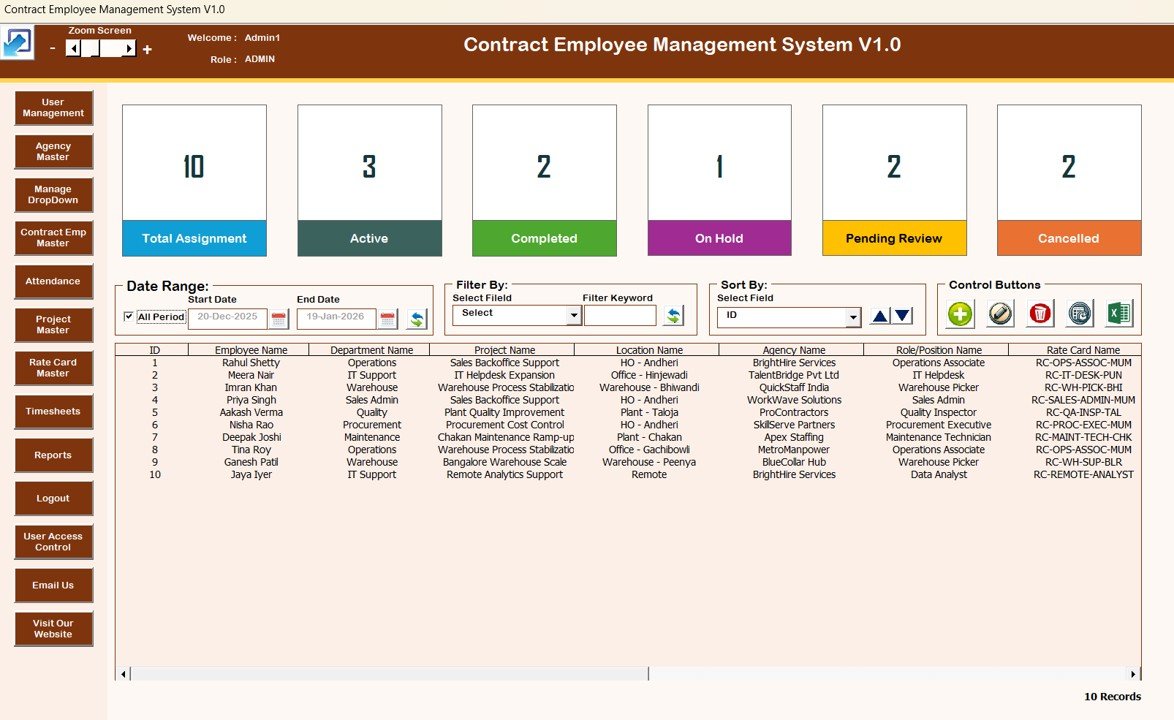
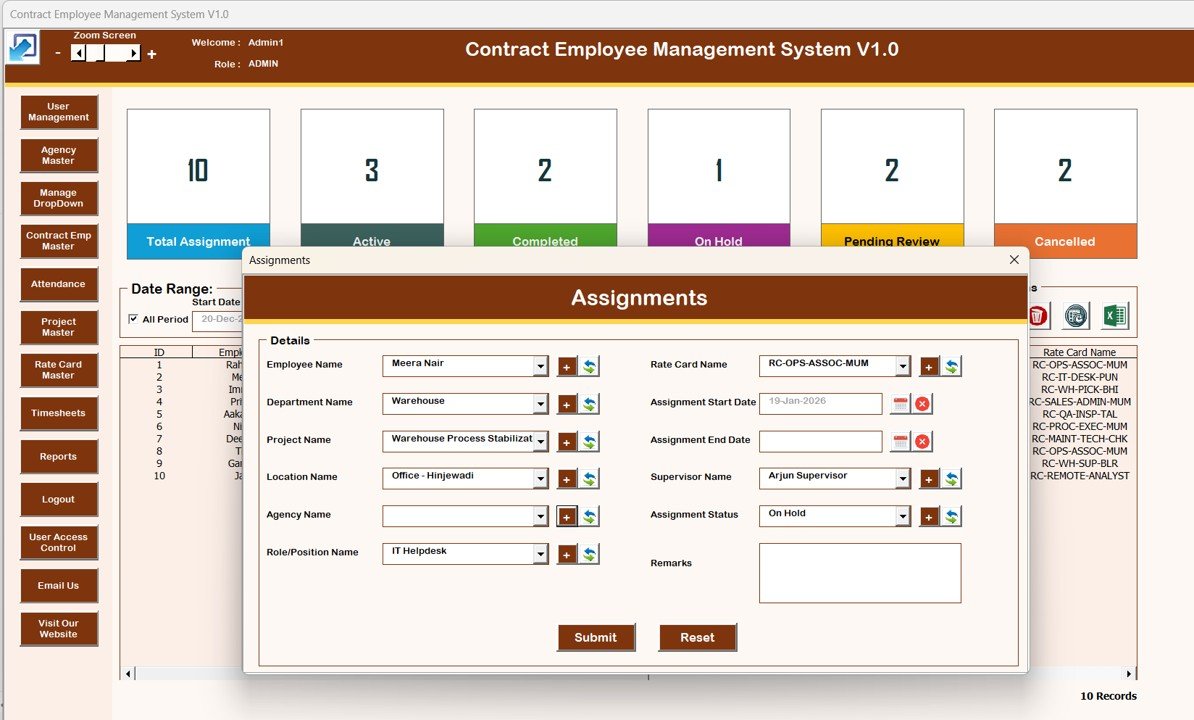
After login, users land on the Main Form, the heart of the system.
Here you can:
View all contract employee records in a dynamic list box
Apply date filters and column-based filters
Sort data instantly for faster reviews
🎛 Powerful Action Buttons
➕ Add New Record
✏️ Update Existing Record (single click or double click)
🗑 Delete Record safely
🕒 View Record History (audit trail)
📤 Export data to Excel
This dashboard replaces hours of manual tracking with instant control.
📦 What’s Inside the Contract Employee Management System
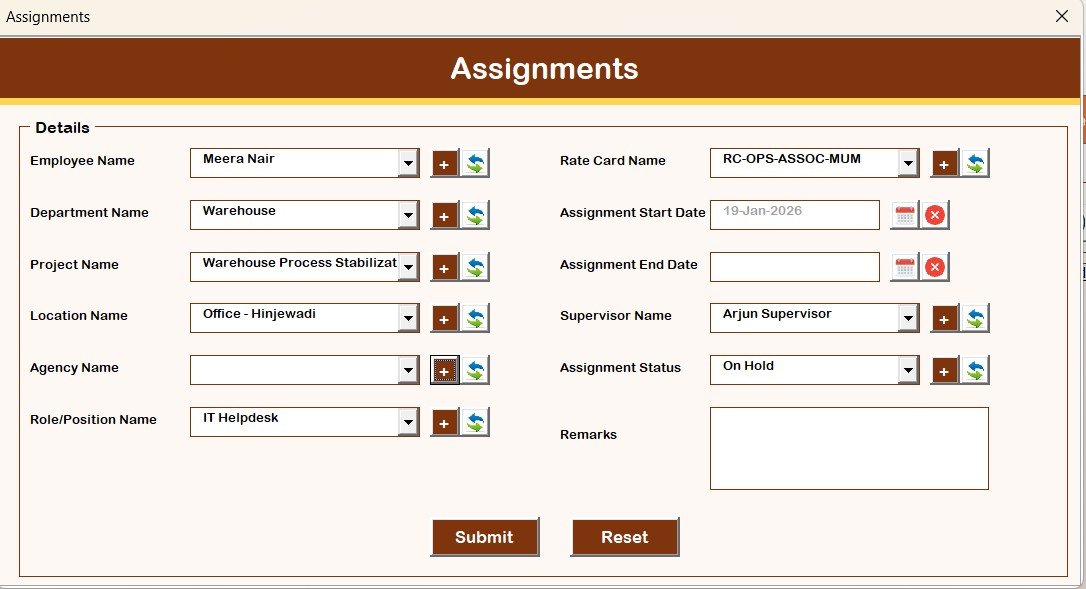
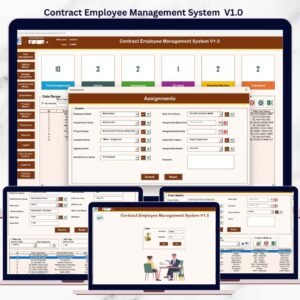
📝 Assignment Form (Data Entry Form)
This form captures complete contract details.
Opens when adding or updating records
Stores structured employee, project, and agency data
Automatically refreshes the main dashboard
No advanced Excel knowledge required.
🗂 Navigation Menu – Complete Workforce Modules
The left-side navigation panel gives quick access to all modules:
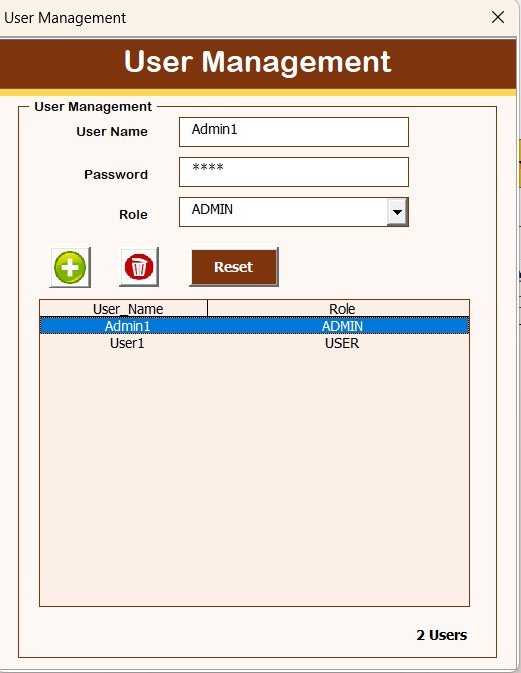
👤 User Management – Add, update, delete users and reset passwords
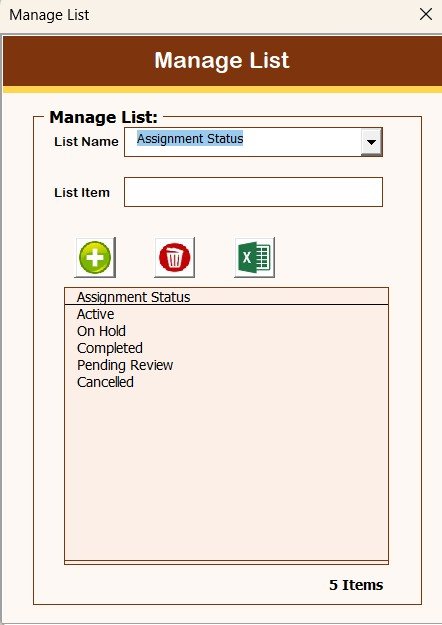
📋 Manage List – Maintain dropdown values and master lists
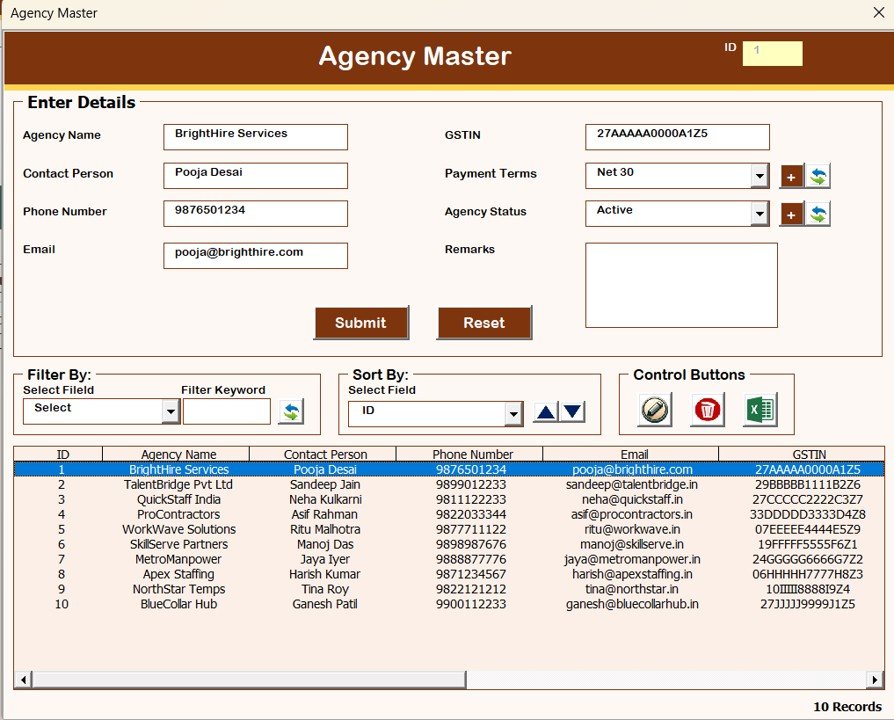
🏢 Agency Master – Store agency details
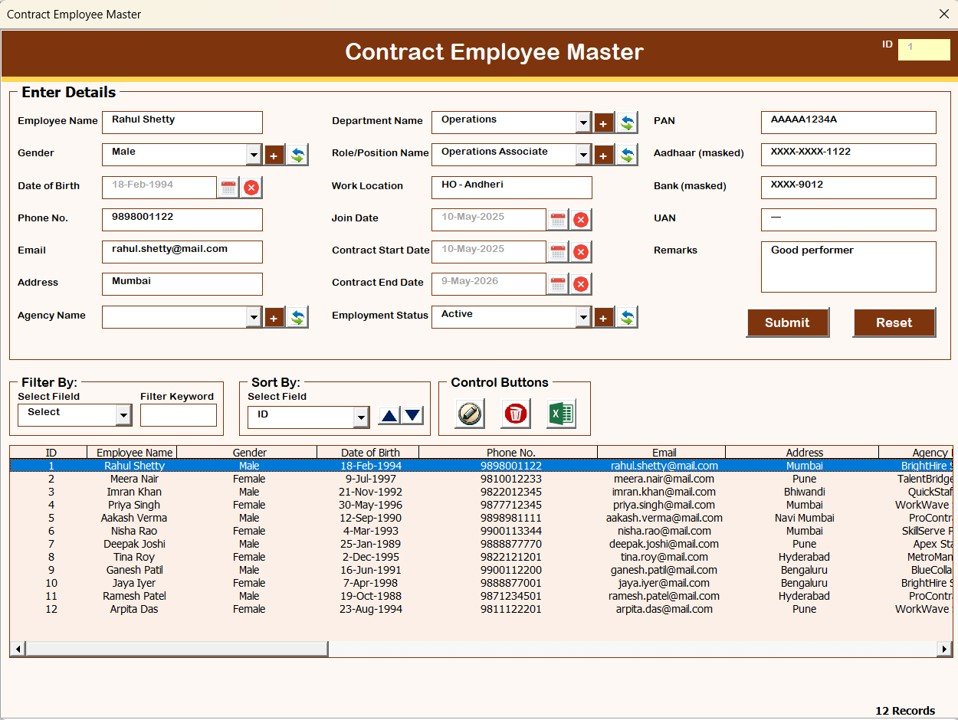
👷 Contract Employee Master – Employee profiles
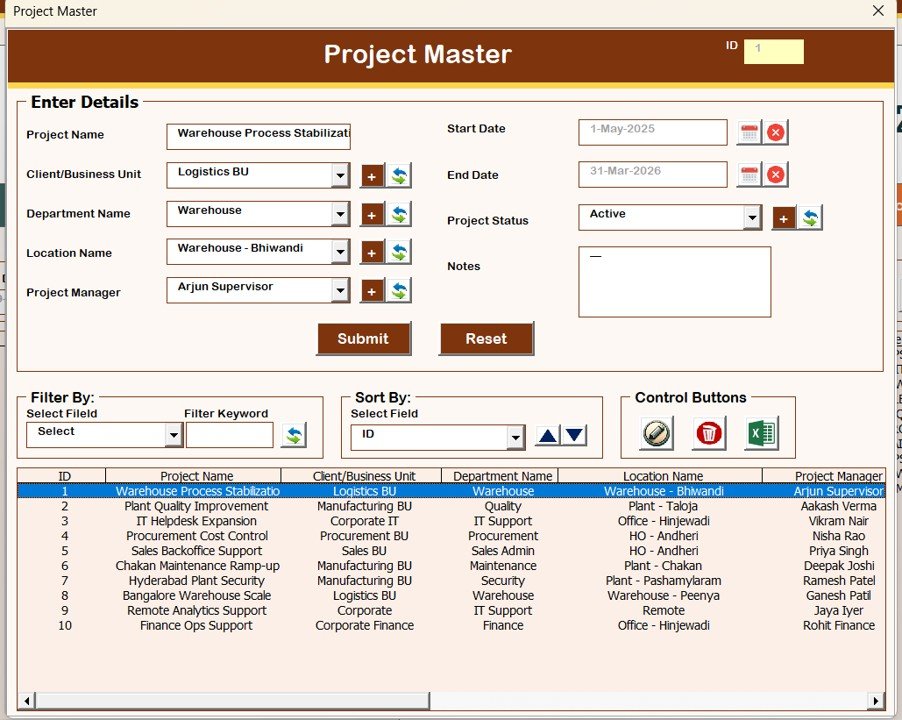
📁 Project Master – Project tracking
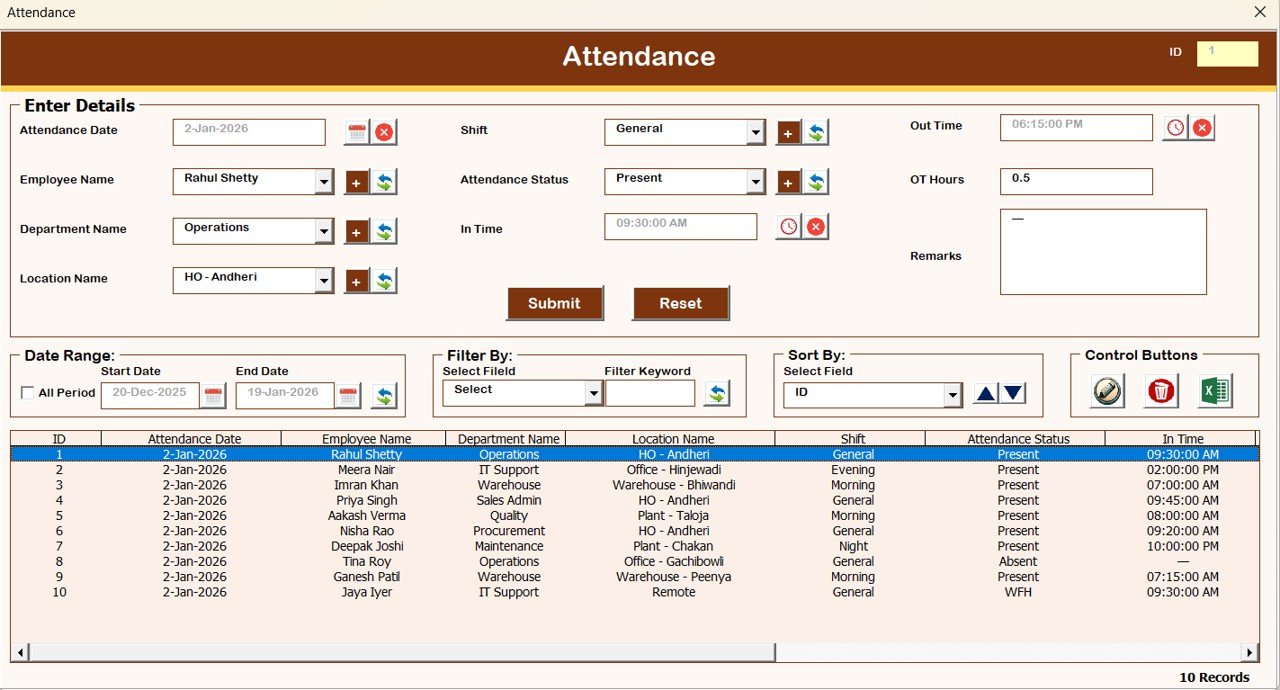
🗓 Attendance – Daily attendance records
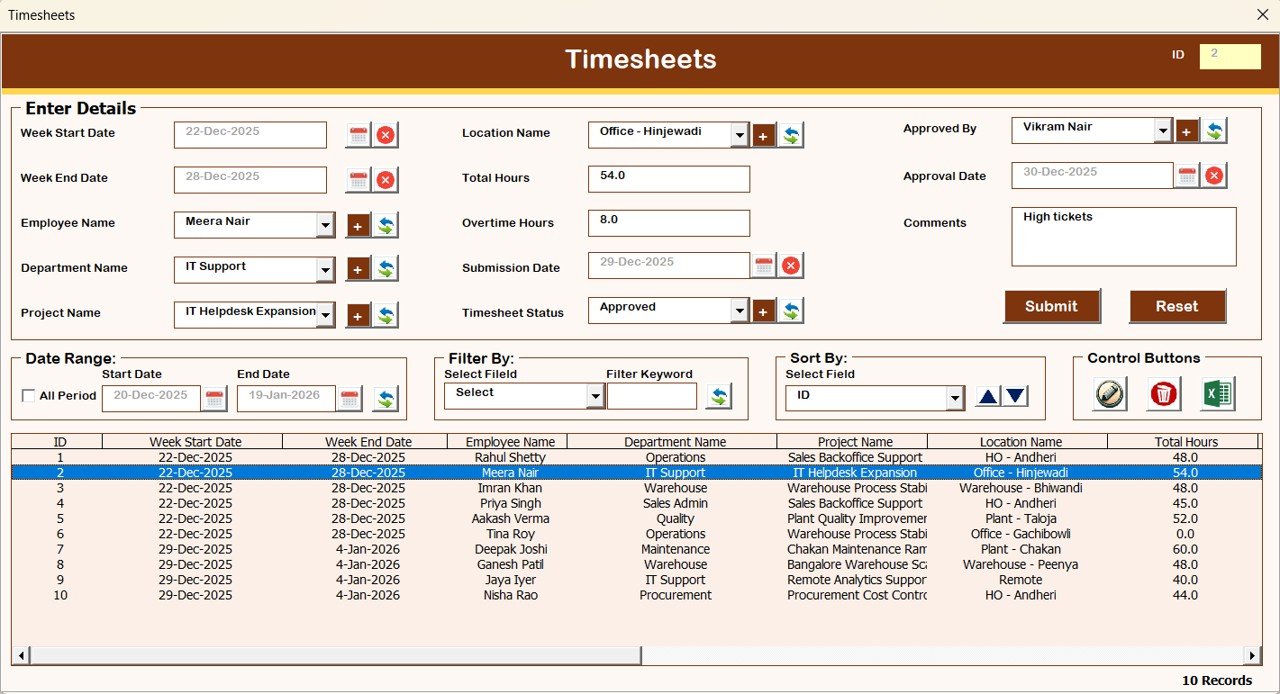
⏱ Timesheet – Working hours and utilization
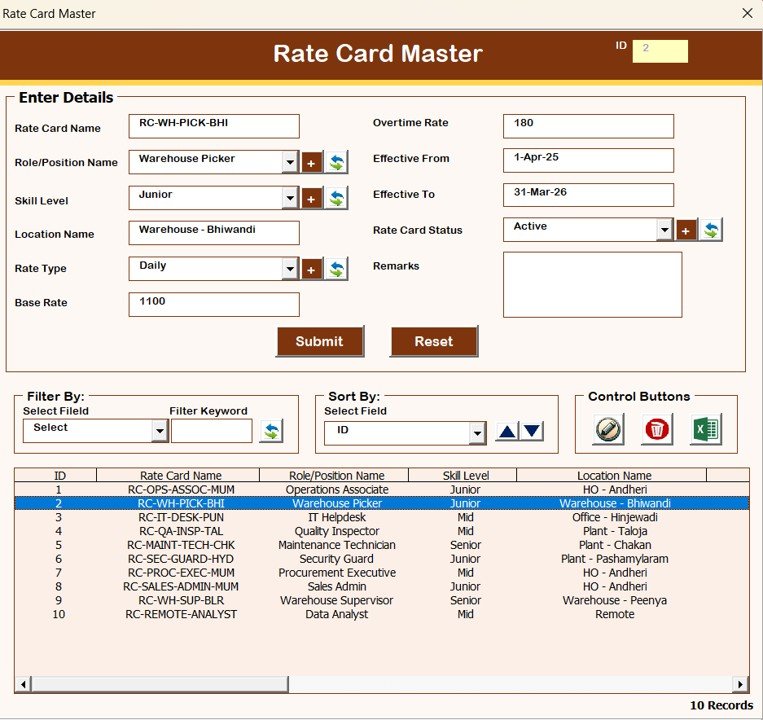
💰 Rate Card Master – Billing and payment rates
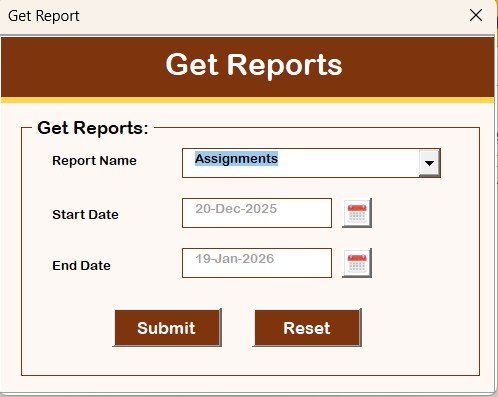
📊 Reports – Generate filtered Excel reports
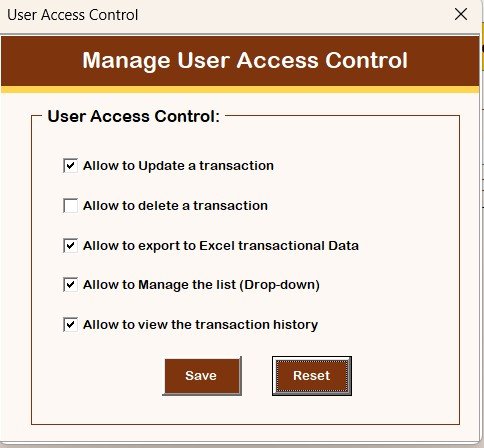
🔐 Access Control Management (Admin Only)
Admins can:
Assign module-level permissions
Restrict sensitive data access
Maintain compliance and security
🚪 Logout, Support & Website Access
Safe logout with auto-save
Email support for customization
Direct link to explore more tools and templates
💻 System Compatibility (Important)
✔ Windows 10 or above
✔ Microsoft Excel 2010 or later
✔ Excel Desktop version only
❌ Not supported on Mobile / Tablet
❌ Not compatible with Mac OS
🎯 Who Can Benefit from This System
🧑💼 HR Departments
🗂 Admin & Operations Teams
🏗 Staffing & Contract Agencies
📊 Project Management Offices
🏢 Organizations managing contract or outsourced staff
### Click here to read the Detailed blog post
Watch the step-by-step video tutorial:





Reviews
There are no reviews yet.