

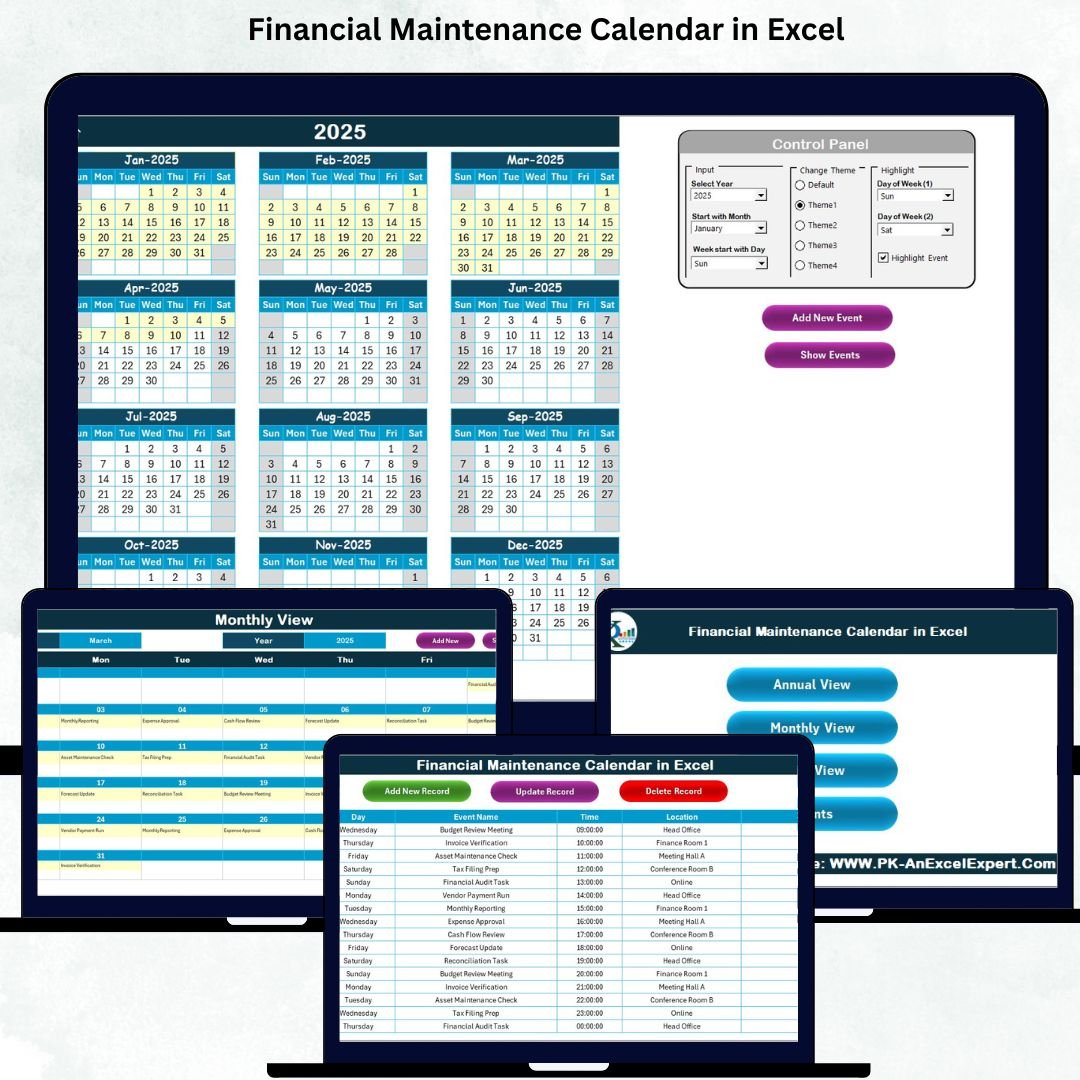

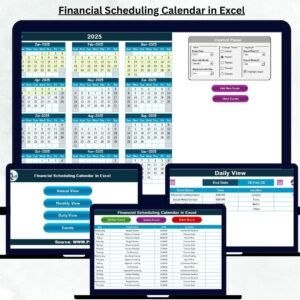
Managing financial tasks across multiple emails, notes, and spreadsheets often leads to missed deadlines and last-minute stress. The Financial Maintenance Calendar in Excel solves this problem by giving you a smart, organized, and fully automated system to track all financial activities in one place. This ready-to-use calendar helps you plan, monitor, and manage your financial workflow with complete clarity—whether you handle personal finance or business operations.Financial Maintenance Calendar in Excel.
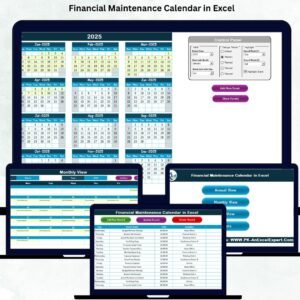
This powerful tool comes with five intelligently designed worksheets that simplify your entire financial year:
🏠 Home Page for Quick Navigation
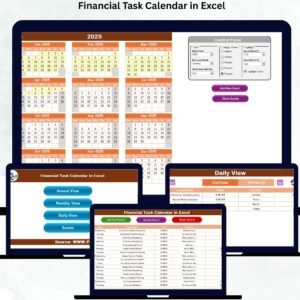
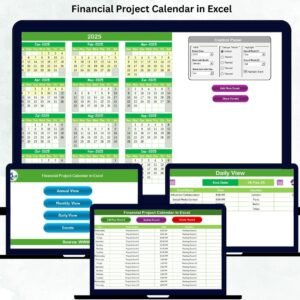
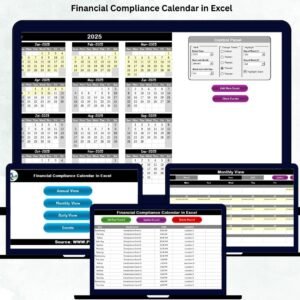
📅 Annual View Calendar
🗓️ Monthly View Calendar
📖 Daily View Tracker
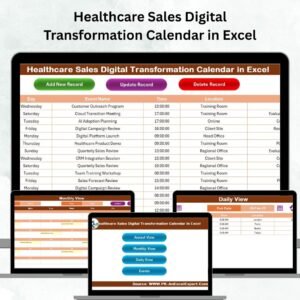
🗂️ Events Database with Add/Update/Delete Forms
From EMIs to tax filing dates, investment updates to vendor payments every financial task becomes easy to manage.Financial Maintenance Calendar in Excel
📘 What’s Inside the Financial Maintenance Calendar in Excel
This template is crafted to give you maximum control with minimum effort. Inside the file, you’ll find:Financial Maintenance Calendar in Excel
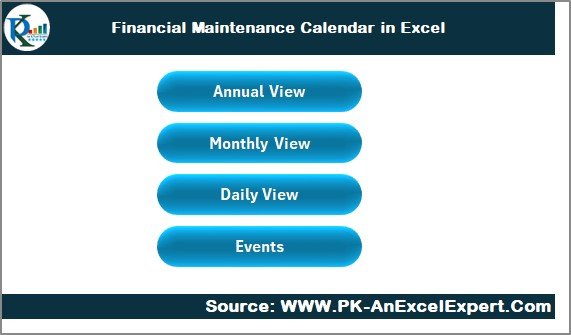
🏠 Home Sheet – Your Navigation Hub
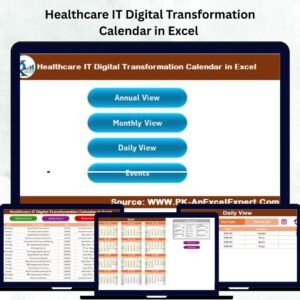
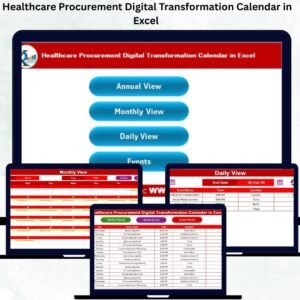
The Home sheet works as the main dashboard with four smart buttons:
Annual View
Monthly View
Daily View
Events Database
These buttons allow you to jump instantly to any section without scrolling through multiple sheets.
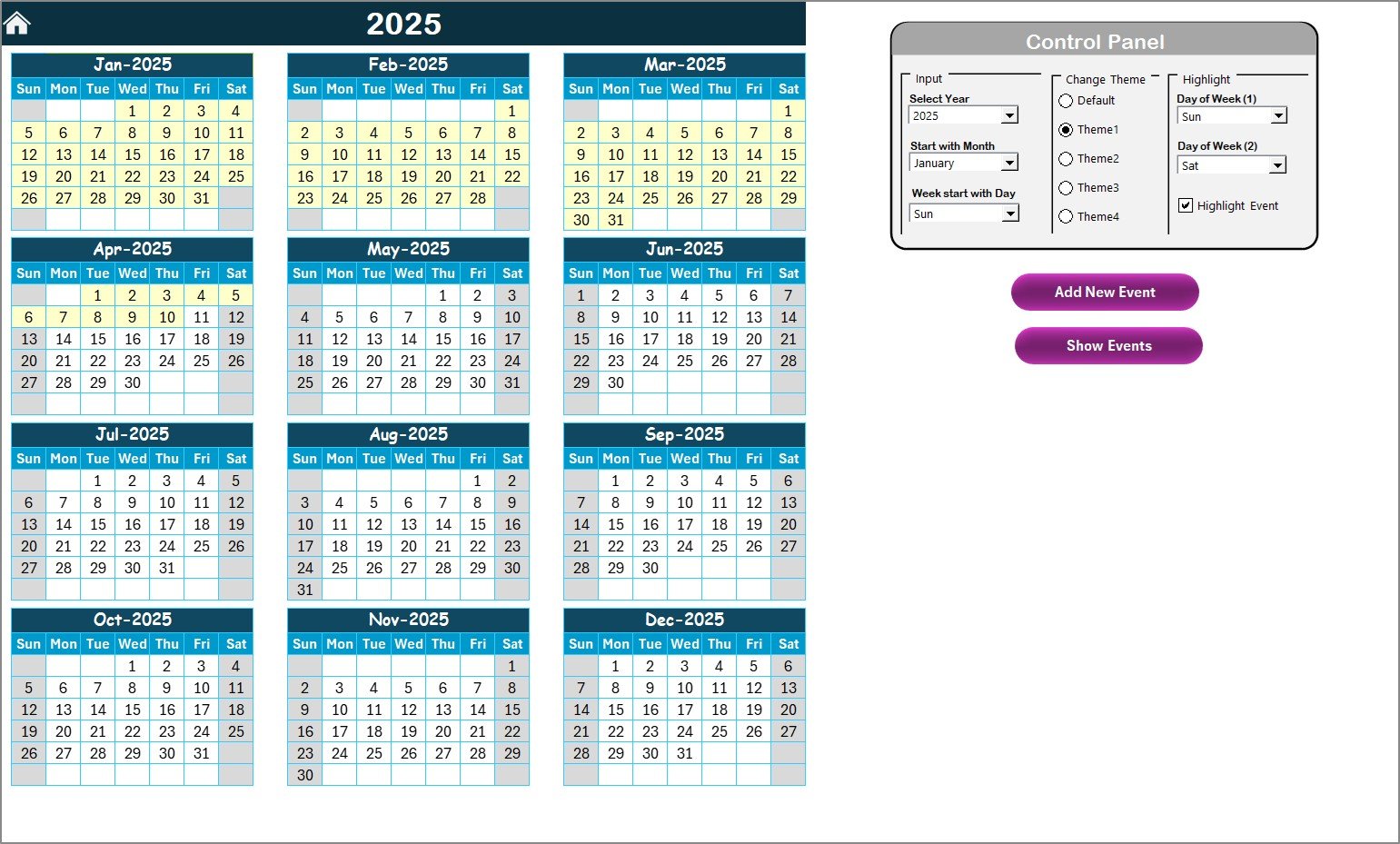
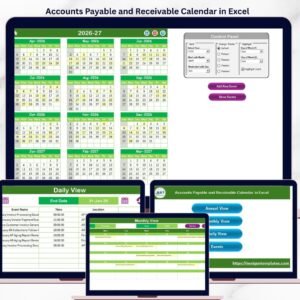
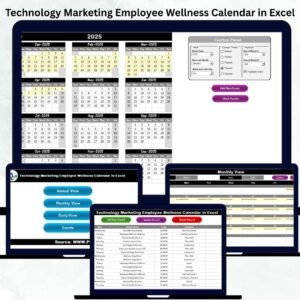
📅 Annual View – Your Year at a Glance
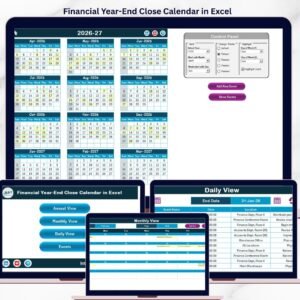
See all 12 months on one clean page. This sheet includes:
Weekend highlighting
Event highlighting
Theme selection (5 professional themes)
Control panel for year, starting month & starting weekday
Buttons to add and view events instantly
This is perfect for long-term financial planning, audits, and budgeting cycles.
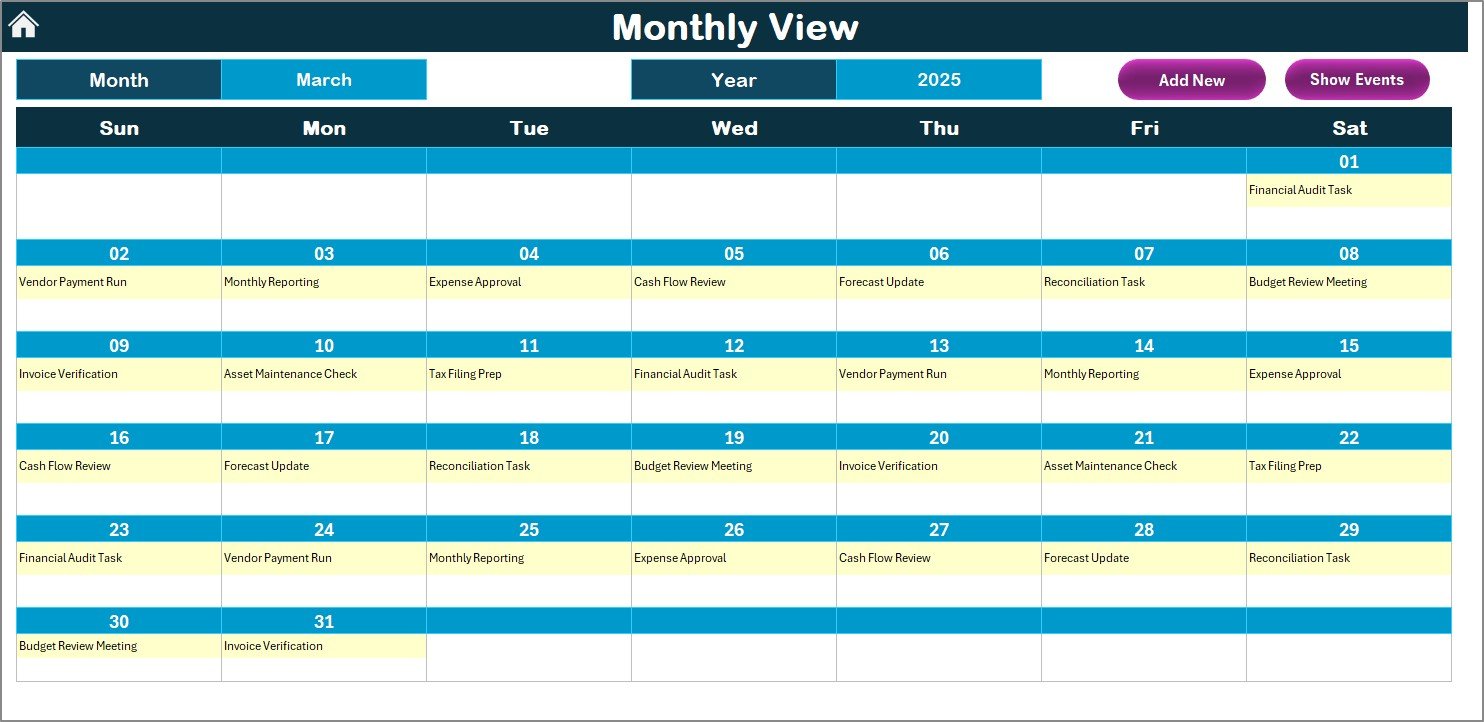
🗓️ Monthly View – Stay on Top of Monthly Tasks
This page gives you a focused monthly layout where you can:
View one event per date
See “More than 1…” for multiple events
Add or view events instantly
Track short-term tasks like payments, reviews, or monthly audits
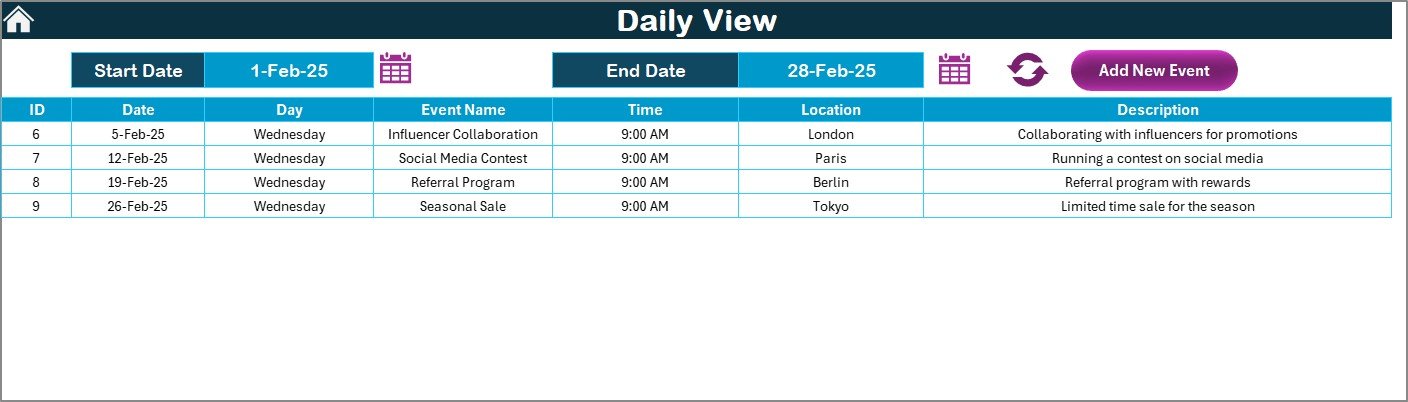
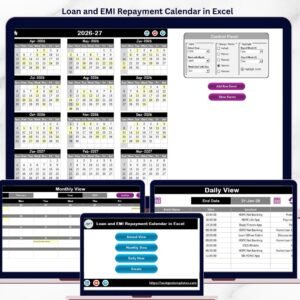
📖 Daily View – Detailed Financial Activity Tracking
Ideal for deep analysis between two dates. Select:
Start Date
End Date
Click Refresh
It instantly displays all events in your selected range—perfect for bill cycles, audit weeks, or critical deadlines.
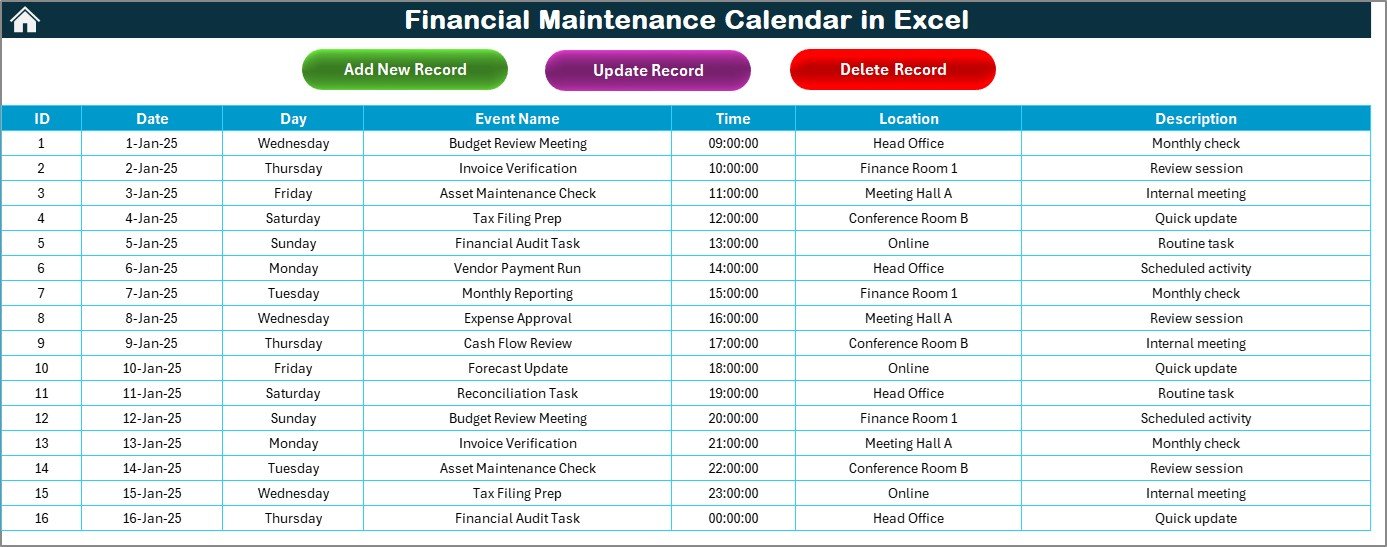
🗂️ Events Sheet – Your Financial Event Database
This is the master database storing:
ID
Date
Day
Event Name
Time
Location
Description
Plus, you can Add, Update, or Delete any entry using simple forms—no Excel formulas required.
🛠️ How to Use the Financial Maintenance Calendar in Excel
To get the best results:
🗓️ Set your Year & Starting Month
➕ Add all important financial events through simple forms
📅 Review the Annual View for long-term planning
🗓️ Use Monthly View for regular financial cycles
📖 Track tasks between dates using the Daily View
🎨 Choose a theme for better readability
🧹 Clean the event database periodically
🔁 Refresh daily or weekly to stay updated
This workflow helps you eliminate missed deadlines and improve accuracy.
⭐ Who Can Benefit from This Financial Maintenance Calendar in Excel?
This template is designed for individuals and teams who want a professional and reliable financial tracking system:
👨💼 Finance Professionals
Track payments, audits, reviews, compliance tasks, and renewal dates.
🏢 Small & Large Businesses
Manage tax deadlines, vendor cycles, contract renewals, and budget reviews.
💼 Project Finance Teams
Plan yearly, monthly, and daily financial milestones with clarity.
👨👩👧 Individuals & Families
Track EMIs, bills, investments, maintenance tasks, and household finances.
📊 Audit Teams
Maintain complete visibility of financial events for smooth audits.
Whether you’re managing personal finance or organizational financial activities, this Excel tool brings structure, confidence, and peace of mind.
Click here to read the Detailed Blog Post
Watch the step-by-step video tutorial:










Reviews
There are no reviews yet.