



Performing an internal audit doesn’t have to be overwhelming. With the Internal Audit Evaluation Checklist in Excel, you can easily organize, monitor, and execute your audit process with confidence and clarity. This ready-to-use Excel tool is designed to support risk management, compliance assessment, and operational control evaluation — all in one centralized template. 📊🔍
Whether you’re conducting audits quarterly, annually, or as part of an ongoing review, this Excel-based checklist gives you full control of your internal audit lifecycle — from task tracking to final reporting.
✨ Key Features of Internal Audit Evaluation Checklist
📋 Comprehensive Checklist Sheet

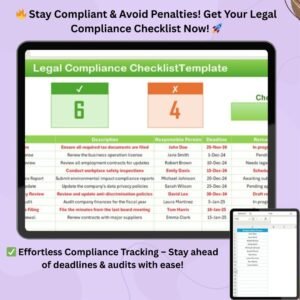
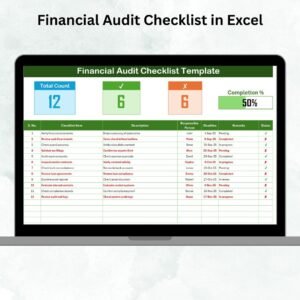
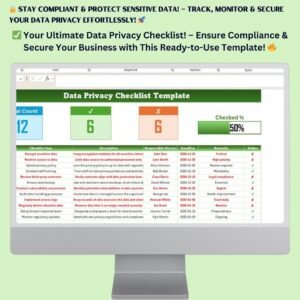
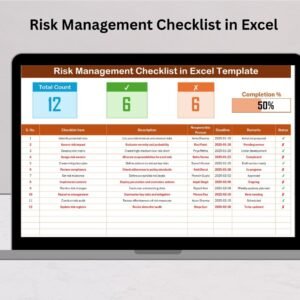
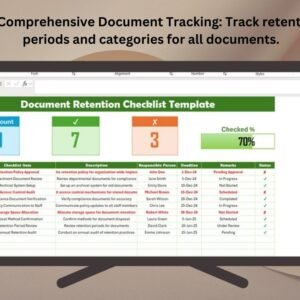
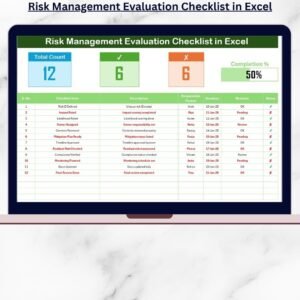
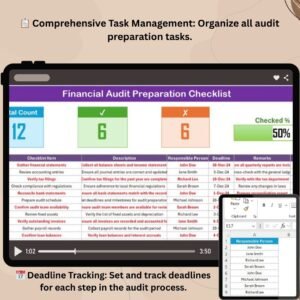
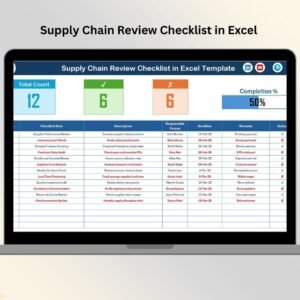
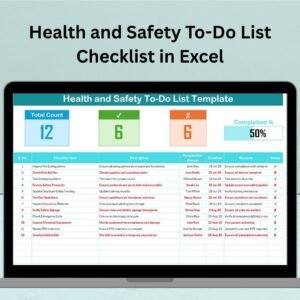
Checklist Table includes fields for serial number, audit item, description, responsible person, deadline, remarks, and status.
Dropdown status selector – choose “✔” for completed or “✘” for not completed tasks.
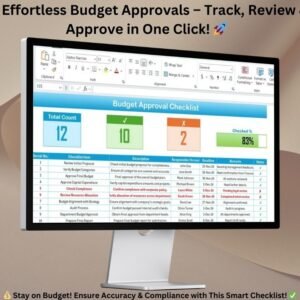
Track overall task progress with a built-in:
✅ Total Count
🧾 Checked Count
❌ Crossed Count
📈 Progress Bar that updates automatically
📑 List Sheet for Team Management
Maintain a unique list of responsible persons
Drop-down menus automatically pull names into the main checklist
Keeps assignment organized and consistent
📊 Built-in Automation
Excel formulas auto-calculate task completion progress
Visual indicators reduce manual effort and increase accuracy
📦 What’s Inside the Product?
✅ 1 Excel file with:
Main checklist tab (with real-time tracking)
List sheet for dropdown population
Progress bar automation
Ready-to-edit fields
✅ Supports:
Risk evaluation
Compliance tracking
Operational checks
Assignments and deadlines
🛠️ How to Use the Checklist
1️⃣ Open the Template
Navigate to the main checklist tab
2️⃣ Enter Audit Items
Fill in each task, description, person in charge, deadline, and remarks
3️⃣ Set Status
Use the drop-down to mark each task as ✔ or ✘
4️⃣ Monitor Progress
The progress bar and counters update in real-time
5️⃣ Customize as Needed
Add your own columns or rules using Excel’s flexibility
🎯 Who Can Benefit from This Tool?
🔒 Internal Auditors – Evaluate compliance and controls
🏢 Compliance Officers – Ensure policy alignment
🧑💼 Operations Managers – Identify inefficiencies
📁 Risk Managers – Track corrective actions
📊 Audit Teams – Collaborate in real-time
💼 Consultants – Use as a professional evaluation tool
This checklist saves time, boosts clarity, and ensures a smooth and systematic audit process.
✅ Click here to read the Detailed blog post
🔗 Visit our YouTube channel to learn step-by-step video tutorials
Watch the step-by-step video tutorial:
Compatibility and Requirements
- Works in Microsoft Excel desktop (Excel 2016 or later, or Microsoft 365).
- You mark each audit task with a dropdown and assign it to a person from the list sheet. Microsoft explains dropdowns in Create a drop-down list.
Frequently Asked Questions
What columns does the checklist have?
Serial number, audit item, description, responsible person, deadline, remarks and status.
How do I mark a task as done?
Use the status dropdown on each row. Choose ✔ for completed or ✘ for not completed.
Does the progress update by itself?
Yes. Excel formulas count the total, checked and crossed tasks, and the progress bar updates as you change statuses.
How do I add the people who are responsible for tasks?
Add each name once on the list sheet. The responsible person dropdown in the main checklist uses that list.
Is there a version for Google Sheets?
Yes. See the Internal Audit Checklist in Google Sheets.
Related Internal Audit Templates
- Internal Audit Checklist in Excel: a general checklist for your audit steps
- Internal Audit Action Plan Checklist in Excel: track follow-up actions after the audit
- Internal Audit Compliance Checklist in Excel: a compliance-focused checklist
- Internal Audit Schedule Checklist in Excel: plan when each audit takes place
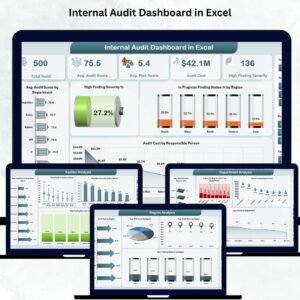
- Internal Audit Dashboard in Excel: a dashboard view of audit results
Browse all Excel checklist templates.






















Reviews
There are no reviews yet.