

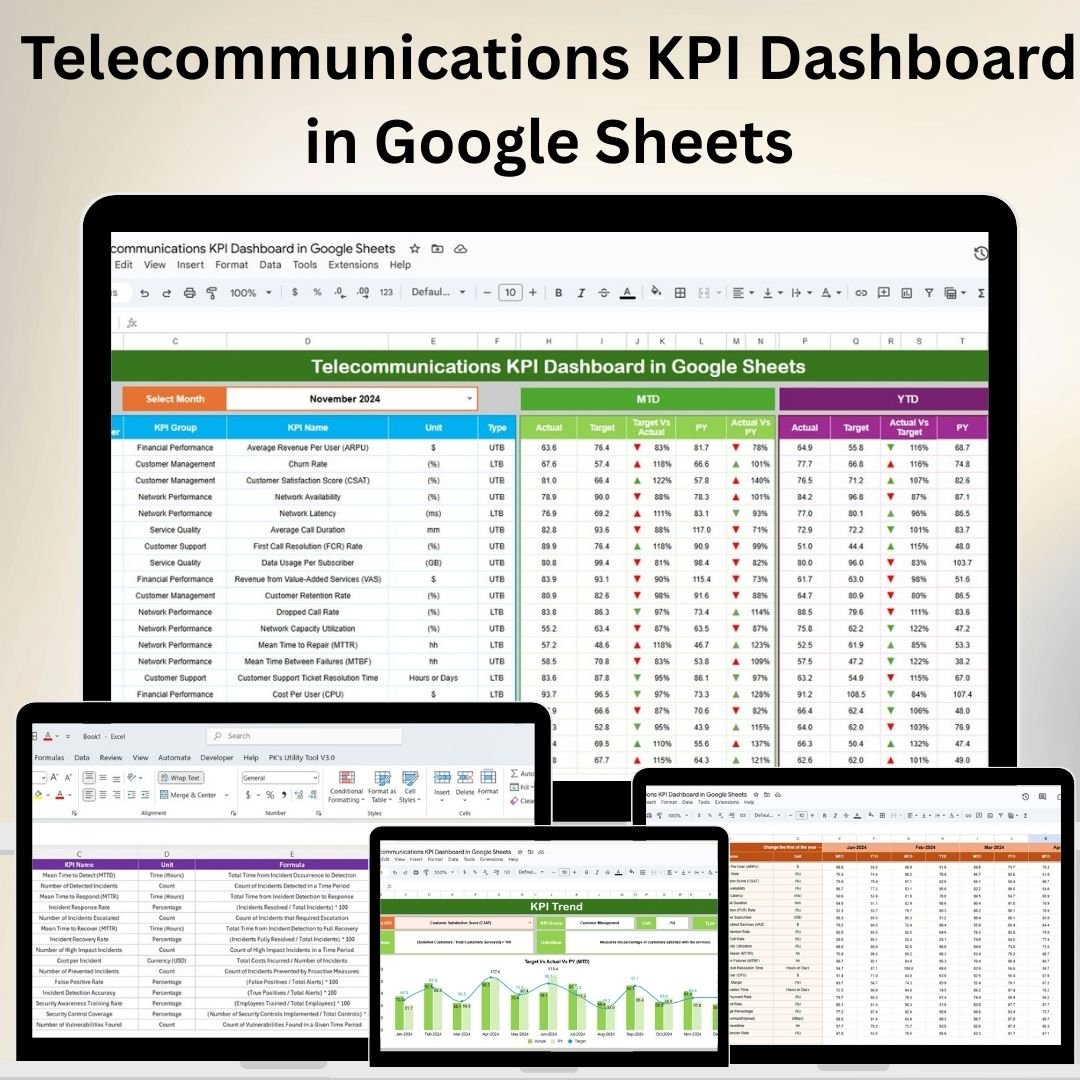
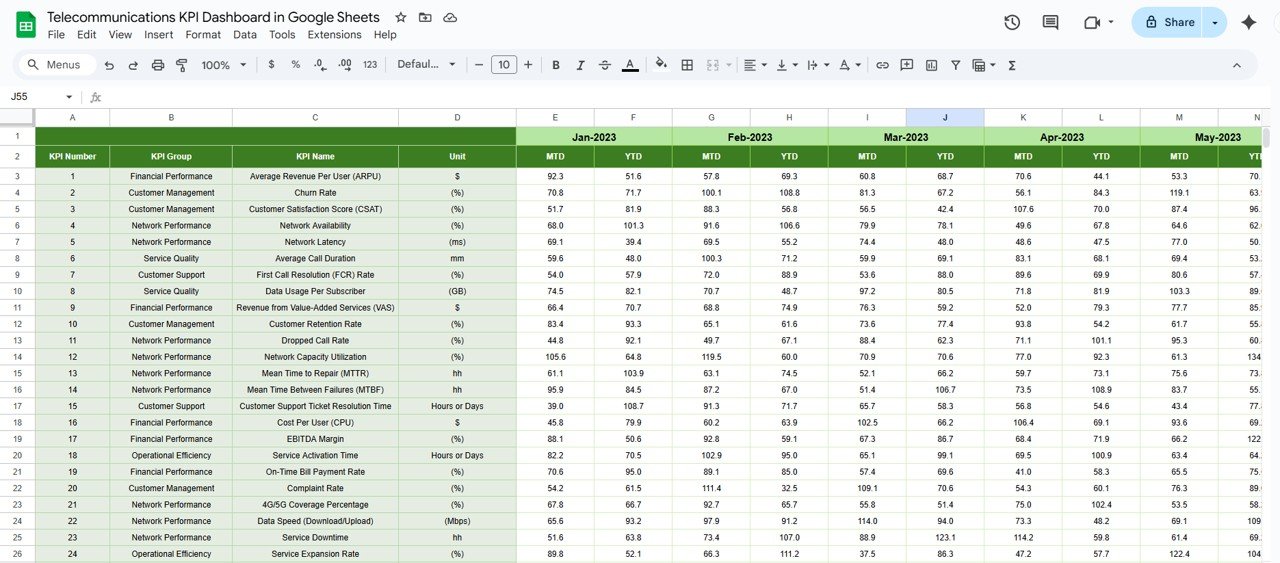
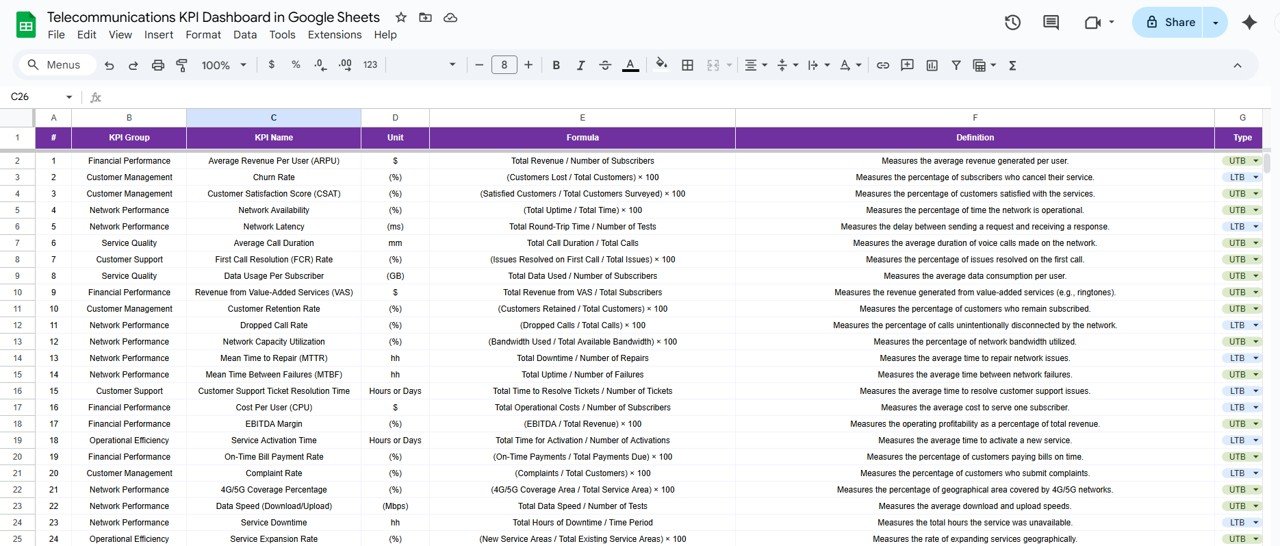

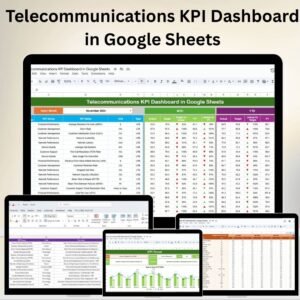
The Telecommunications KPI Dashboard in Google Sheets is a comprehensive and efficient tool designed to help telecom companies monitor and analyze their key performance indicators (KPIs). This dashboard provides a centralized platform to track critical metrics like call drop rates, average handling time, customer satisfaction, and network performance, giving teams real-time insights into the overall operations.
By utilizing this Google Sheets-based tool, organizations can make data-driven decisions, improve service delivery, and optimize operational performance across different business functions.
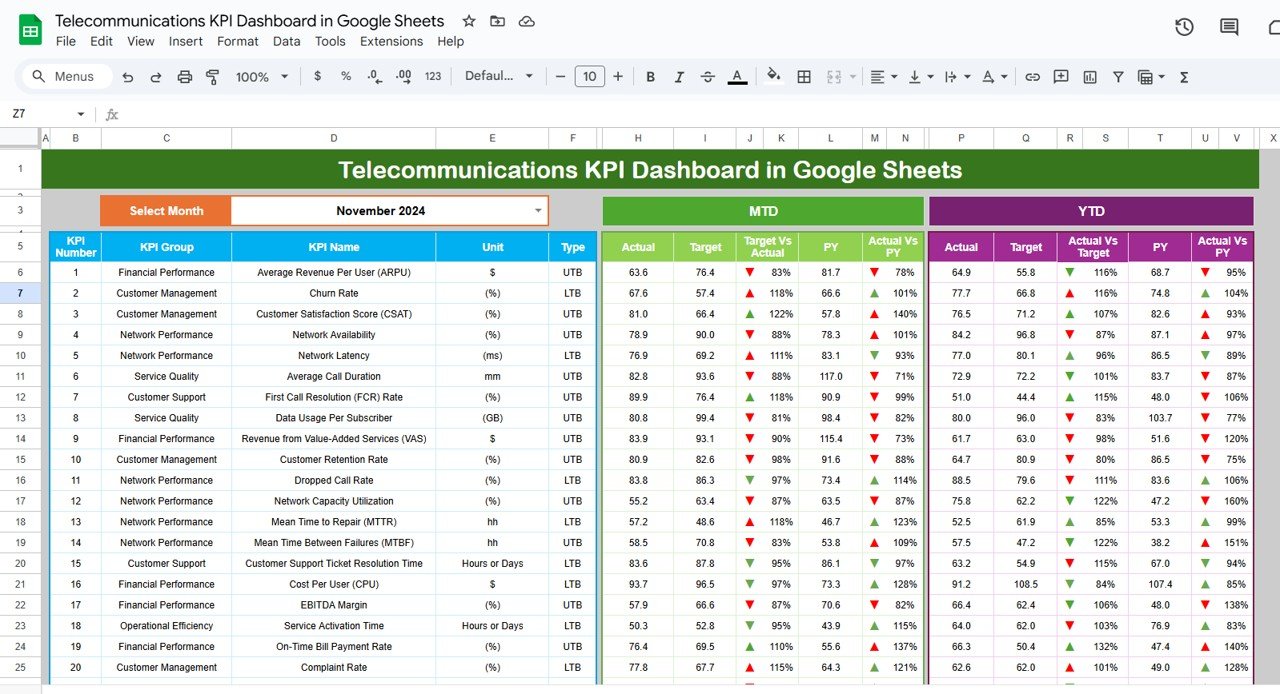
Key Features of the Telecommunications KPI Dashboard in Google Sheets
📊 Centralized KPI Tracking
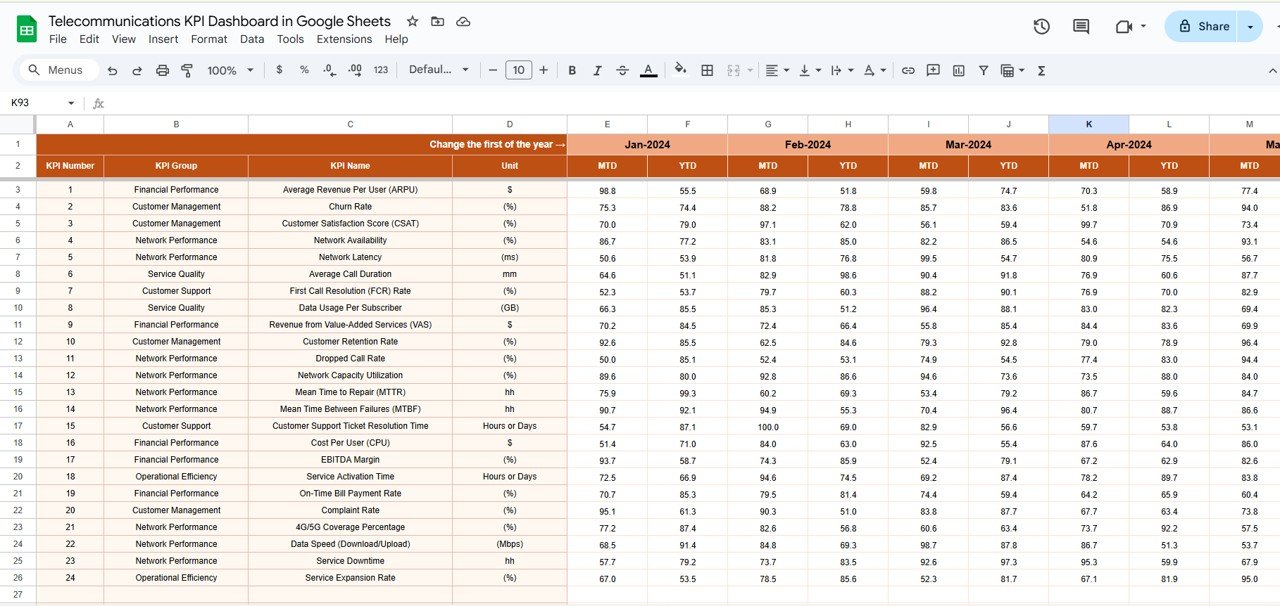
Comprehensive Metric Monitoring: Track essential telecommunications KPIs such as network uptime, customer churn rate, call quality, response time, and more, all in one centralized dashboard.
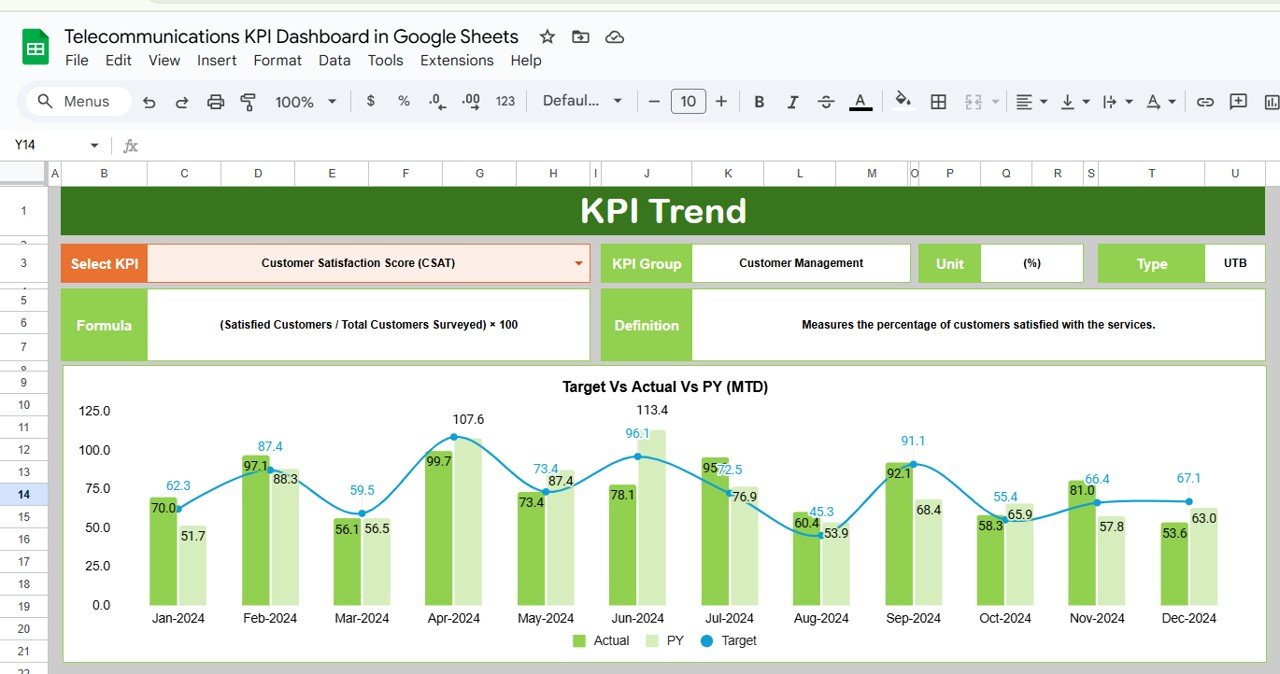
Real-Time Data Visualization: Use dynamic charts, graphs, and tables to visualize trends in performance, making it easier to analyze the data at a glance.
Customizable Metrics: Tailor the dashboard to include KPIs specific to your organization’s goals and performance objectives, ensuring relevance and focus.
📈 Performance Analysis and Monitoring
Trend Tracking: Monitor KPIs over time, comparing actual data against targets and previous periods to assess improvements or identify areas needing attention.
Comprehensive Breakdown: Break down performance by region, team, or other categories to gain a more granular view of where challenges may lie and where performance is excelling.
🔧 Data Integration and Reporting
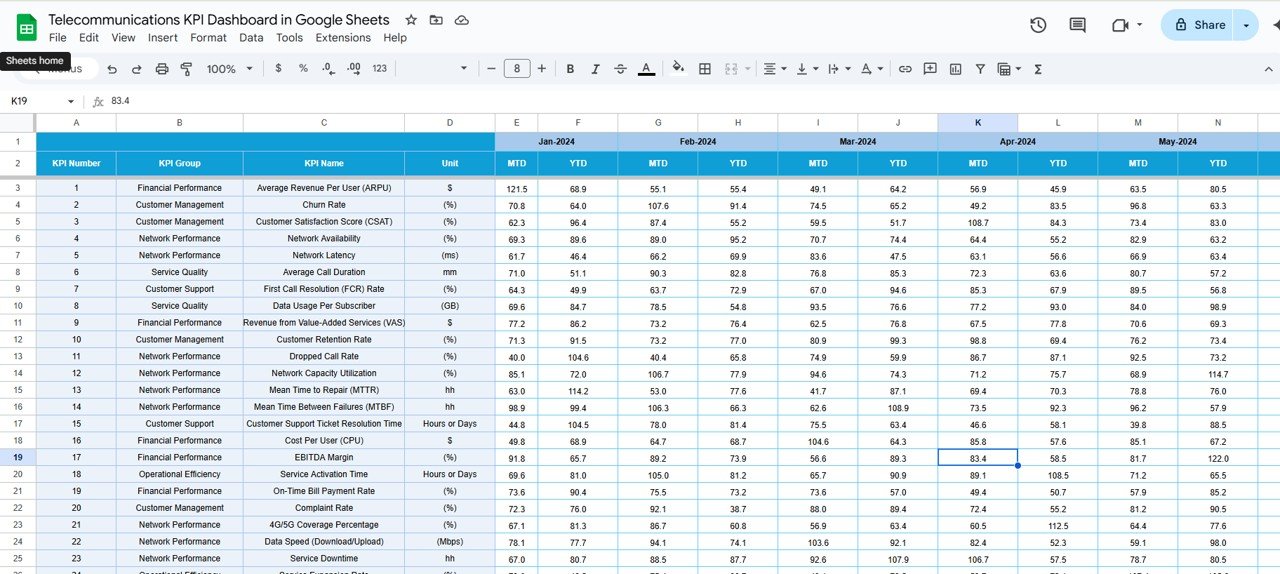
Easy Data Import: Import data directly from your systems or analytics platforms to keep the dashboard updated with real-time information.
Actionable Insights: Gain actionable insights by identifying performance bottlenecks, inefficiencies, and opportunities for improvement.
💡 User-Friendly Interface
Simplified Dashboard: Designed to be intuitive and easy to use, even for those without technical expertise. The dashboard is set up in a way that allows teams to instantly grasp performance metrics and make necessary adjustments.
Customizable Layouts: Adjust the layout and features of the dashboard according to your team’s needs, ensuring the tool is flexible and adaptable.
Benefits of Using the Telecommunications KPI Dashboard in Google Sheets
✅ Informed Decision-Making
Having all your KPIs in one place enables data-driven decisions, allowing your team to prioritize areas that need attention and capitalize on strengths.
✅ Increased Operational Efficiency
Track performance across multiple metrics in real-time, enabling timely interventions and improvements in processes.
✅ Optimized Service Quality
By monitoring key metrics such as network performance and customer satisfaction, you can ensure that service quality is consistently high and that customer needs are met effectively.
✅ Cost-Efficient Solution
The Google Sheets template provides an affordable solution for tracking KPIs, removing the need for costly software and making it accessible to businesses of all sizes.
Getting Started with Your Telecommunications KPI Dashboard in Google Sheets
Download the Template: Get started by downloading the Telecommunications KPI Dashboard template to begin customizing it for your business.
Set Up Your KPIs: Identify the key KPIs that are most relevant to your business and add them to the dashboard.
Import Your Data: Import relevant data from your analytics platforms, ensuring your dashboard reflects the most up-to-date performance metrics.
Track Performance: Use the real-time visualizations to monitor your KPIs regularly and identify any areas that require improvements.
Adjust and Improve: Make adjustments to your strategies and operations based on insights gathered from the dashboard to optimize overall performance.
By using the Telecommunications KPI Dashboard in Google Sheets, your organization can improve operational efficiency, enhance service quality, and make more informed decisions to drive business growth.
Click here to read the Detailed blog post
Telecommunications KPI Dashboard in Google Sheets
Visit our YouTube channel to learn step-by-step video tutorials
YouTube.com/@PKAnExcelExpert
Watch the step-by-step video Demo:
Compatibility and Requirements
- Works in Google Sheets. You need a free Google account and a web browser.
- Charts, graphs and tables show KPI trends. Google explains this in Add & edit a chart or graph.
Who Uses This Dashboard
Telecom operators and service teams that monitor network uptime, customer churn, call quality and response times.
Frequently Asked Questions
Which telecom KPIs can I track?
Network uptime, customer churn rate, call quality and response time, plus any KPI you add.
Can I compare results with targets?
Yes. Trend tracking compares actual data with targets and previous periods.
Can I break results down?
Yes. Break down performance by region, team or other categories.
Can I bring in my own data?
Yes. Import data from your own systems or analytics platforms.
Is there an Excel or Power BI version?
Yes. See the Telecommunications KPI Dashboard in Excel and the Telecommunications KPI Dashboard in Power BI.
Related Telecom Templates
- Telecommunications KPI Dashboard in Excel: the same KPIs in Excel
- Telecommunications KPI Dashboard in Power BI: the Power BI edition
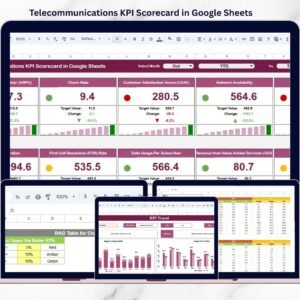
- Telecommunications KPI Scorecard in Google Sheets: a scorecard view of telecom KPIs
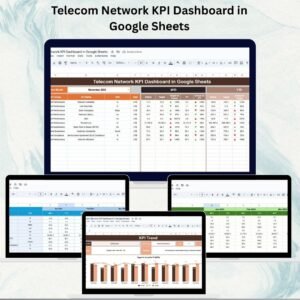
- Telecom Network KPI Dashboard in Google Sheets: track network KPIs in Google Sheets
- Telecommunications Dashboard in Google Sheets: a telecommunications dashboard in Google Sheets
Browse all Google Sheets KPI dashboards.





















Reviews
There are no reviews yet.