Managing supply chain planning without a structured checklist often leads to missed activities, delayed decisions, and operational inefficiencies. That is exactly where the Supply Chain Planner Checklist in Excel becomes a game changer 🚀. This ready-to-use Excel checklist helps supply chain professionals organize, monitor, and control every critical planning task from one centralized file.
Instead of relying on emails, handwritten notes, or scattered spreadsheets, this checklist transforms your planning workflow into a clear, trackable, and accountable process. Because it is built entirely in Excel, you can start using it immediately—no training, no extra software, and no complexity.
✅ Key Features of Supply Chain Planner Checklist in Excel
The Supply Chain Planner Checklist in Excel is designed to keep planning activities structured and visible at all times 📊.
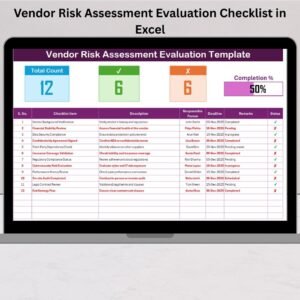
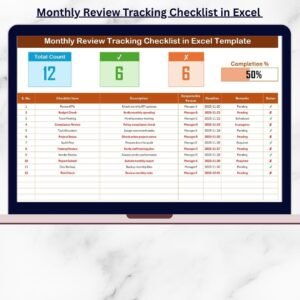
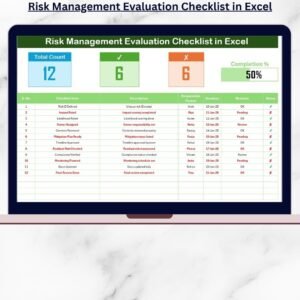
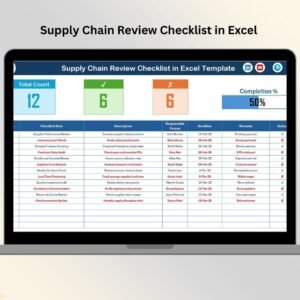
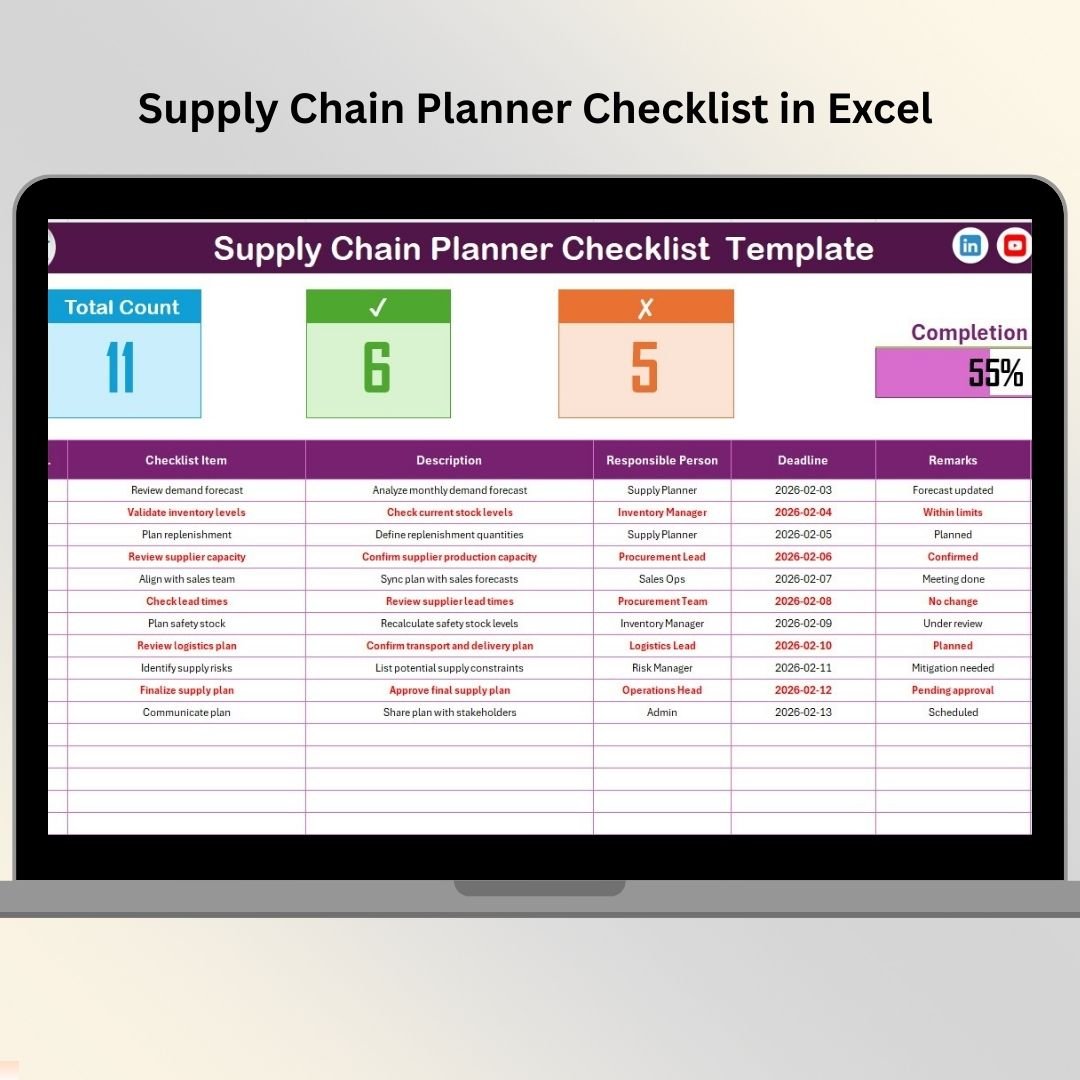
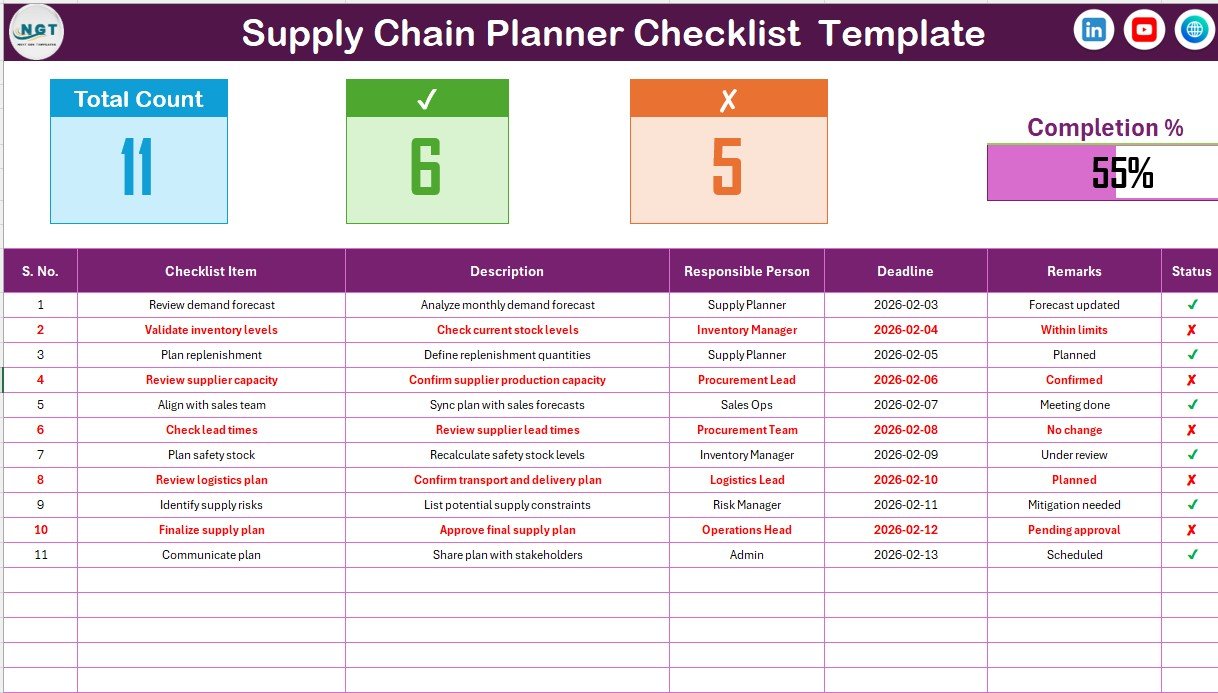
It includes a clean checklist table where you can record every supply chain task along with its description, responsible person, deadline, and remarks. A dedicated Status column (✔ / ✘) allows you to instantly mark tasks as completed or pending.
At the top of the checklist, a smart summary section automatically displays:
-
Total checklist items
-
Completed tasks
-
Pending tasks
-
A dynamic progress bar showing completion percentage
As soon as you update the task status, the summary updates automatically. This ensures faster reviews, better control, and improved accountability across planning cycles.
📦 What’s Inside the Supply Chain Planner Checklist in Excel
This product includes two structured Excel worksheets that work together seamlessly:
1️⃣ Supply Chain Planner Checklist Sheet
This is the main working sheet where all planning activities are tracked. It includes:
-
Serial number for easy sequencing
-
Short checklist item names
-
Clear task descriptions
-
Responsible person assignment
-
Deadline tracking
-
Remarks for additional notes
-
Status indicator with ✔ and ✘
2️⃣ List Sheet
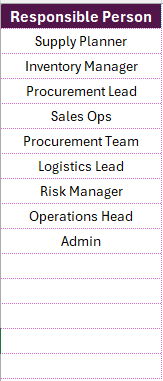
The List sheet stores a clean and standardized list of responsible persons. This list is used to create dropdown selections in the main checklist table, ensuring consistent naming and accurate data entry.
Together, these sheets help planners avoid errors, maintain clarity, and manage tasks efficiently.
🛠️ How to Use the Supply Chain Planner Checklist in Excel
Using this checklist is simple and intuitive 👍:
First, list all your supply chain planning activities in the checklist table.
Next, assign a responsible person and deadline for each task.
Then, update the task status as ✔ when completed or ✘ when pending.
Finally, review the summary section and progress bar to understand overall planning status.
Because everything updates automatically, you always know what is done, what is pending, and what needs immediate attention.
👥 Who Can Benefit from This Supply Chain Planner Checklist
This Excel checklist is ideal for a wide range of professionals, including:
-
Supply Chain Planners
-
Demand Planners
-
Procurement Teams
-
Inventory Managers
-
Operations Managers
-
Logistics Coordinators
Whether you manage daily inventory checks, weekly demand reviews, or monthly planning cycles, this checklist adapts easily to your workflow.
It is especially useful for teams that want structure without expensive software and prefer Excel’s flexibility and familiarity.
🔗 Click here to read the Detailed blog post
🎥 Visit our YouTube channel to learn step-by-step video tutorials
👉 https://www.youtube.com/@PKAnExcelExpert