

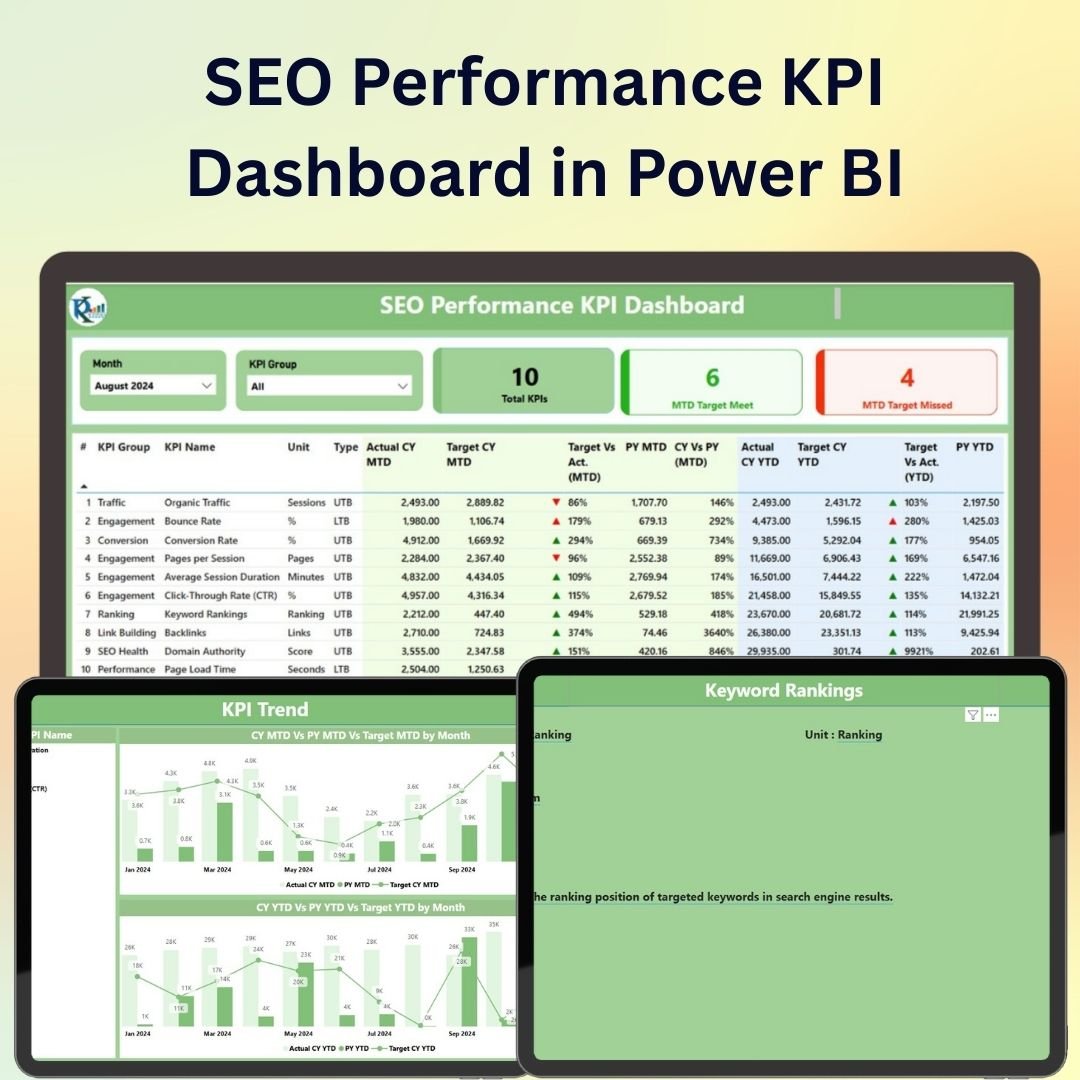
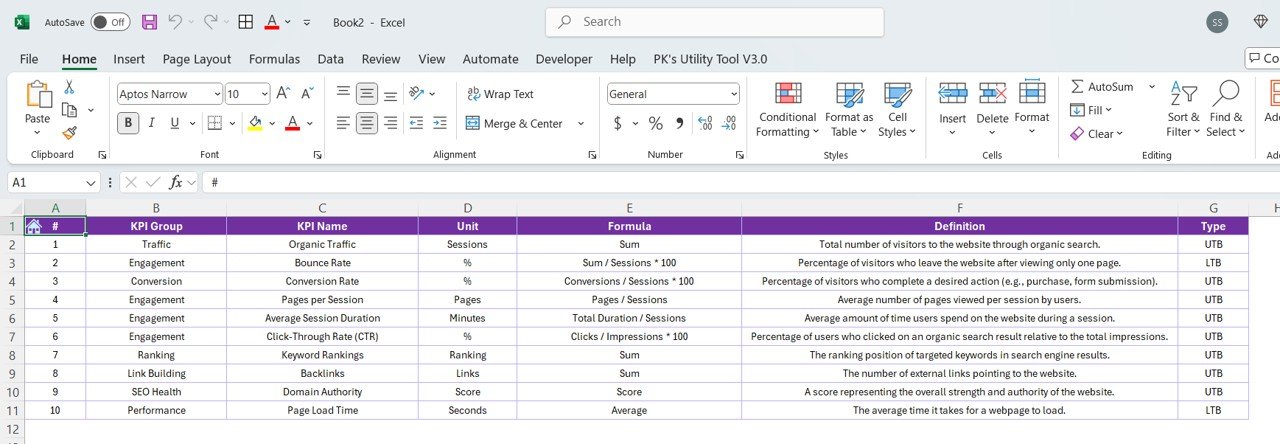
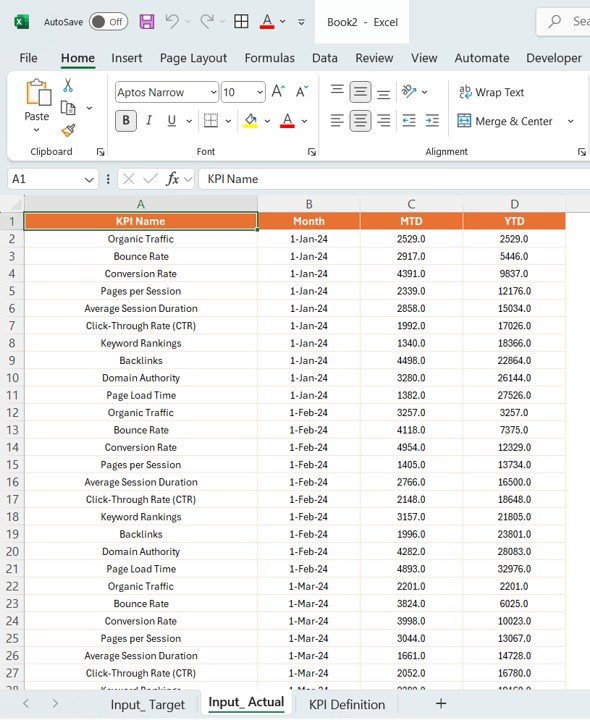
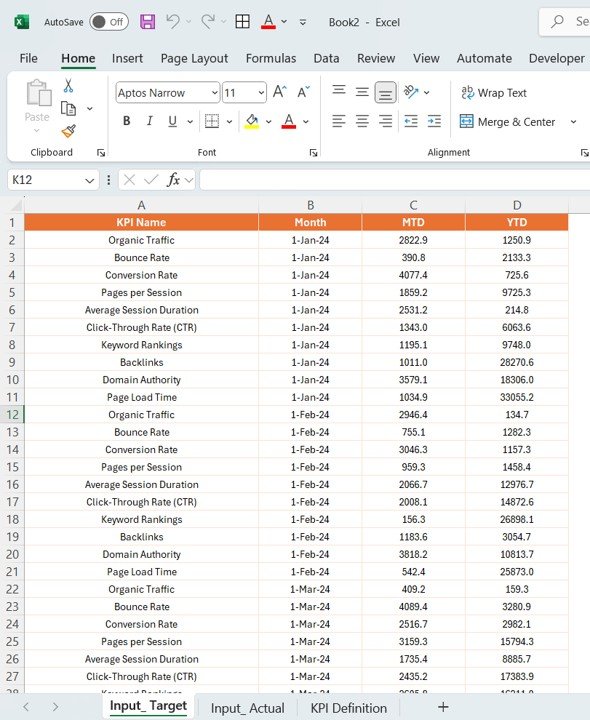
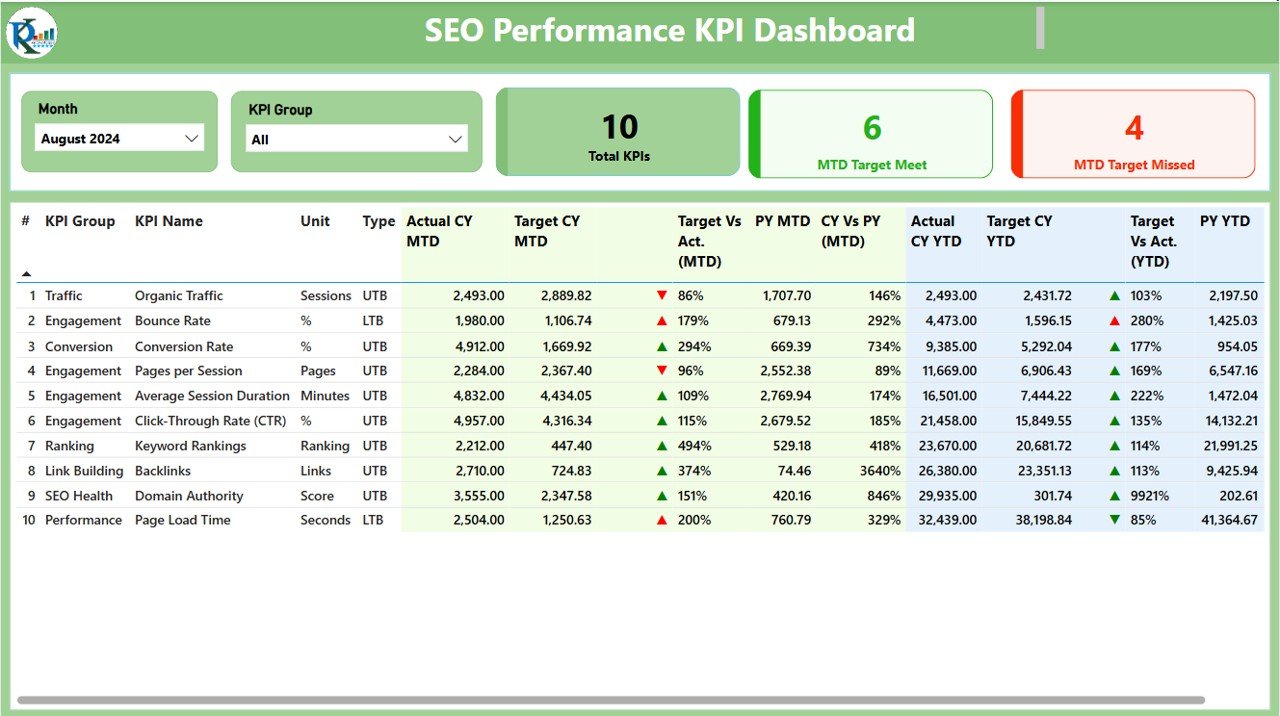
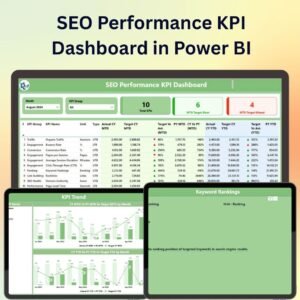
The SEO Performance KPI Dashboard in Power BI is an advanced tool designed to help you monitor and optimize your SEO strategies by tracking key performance indicators (KPIs) in a visually compelling and interactive format. This Power BI dashboard consolidates your SEO data into one comprehensive view, allowing digital marketers, SEO professionals, and business owners to track important SEO metrics in real-time.
With powerful features like real-time data updates, customizable KPIs, and dynamic visualizations, this dashboard helps you track rankings, organic traffic, conversions, bounce rates, and more. Whether you’re managing multiple websites or focusing on one, the SEO Performance KPI Dashboard helps you gain a clear, data-driven understanding of your SEO performance, enabling better decision-making and improvements.
Key Features of the SEO Performance KPI Dashboard in Power BI
📌 Comprehensive SEO Data Overview
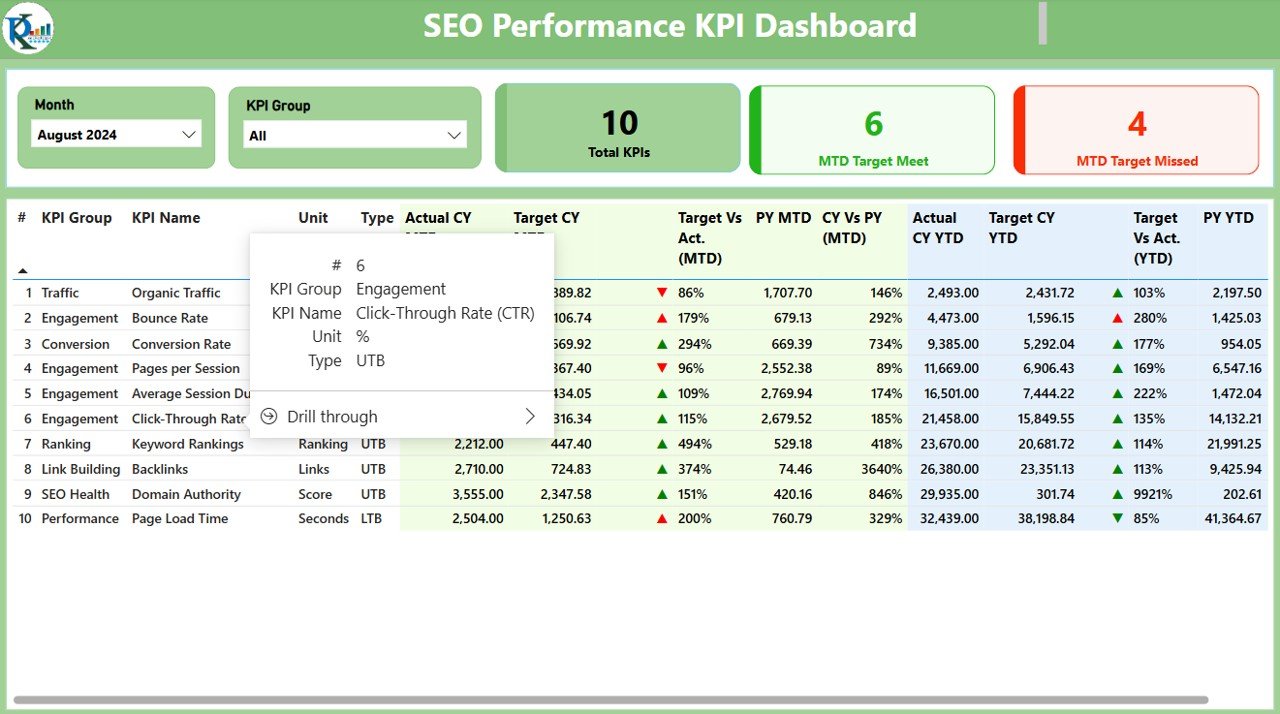
The dashboard offers a full view of key SEO metrics, including organic search traffic, page rankings, bounce rates, and conversions. Track how your SEO efforts are impacting overall performance with a single glance.
🛠 Customizable KPIs
Easily modify the KPIs to suit your specific SEO goals. Track metrics such as keyword rankings, organic traffic growth, backlinks, and more. You can even add custom KPIs to reflect your unique business needs.
💡 Real-Time Data Updates
The dashboard connects to your SEO tools, ensuring real-time updates and providing you with the most current data to make timely and informed decisions about your SEO strategy.
🔢 Dynamic Visualizations
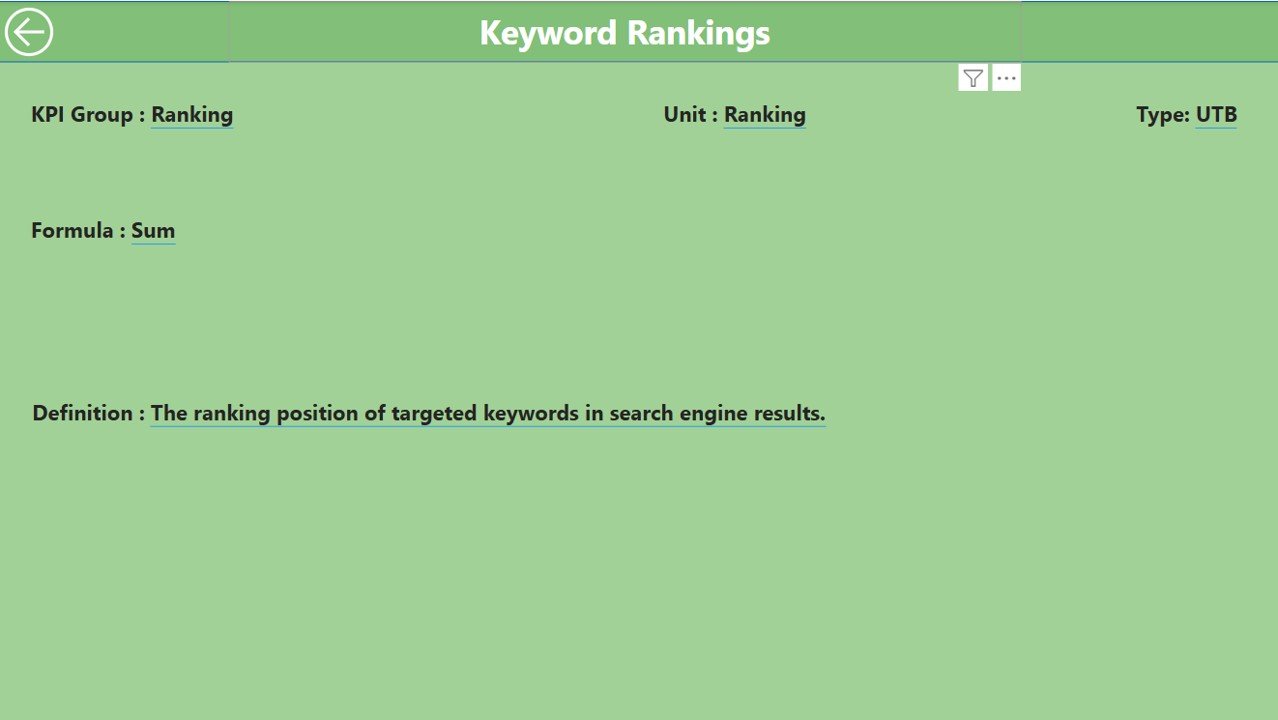
With interactive charts, graphs, and tables, you can dive deeper into your data. Filter and drill down into specific periods, keywords, or pages to gain a more detailed analysis of your SEO performance.
🚀 SEO Insights and Trends
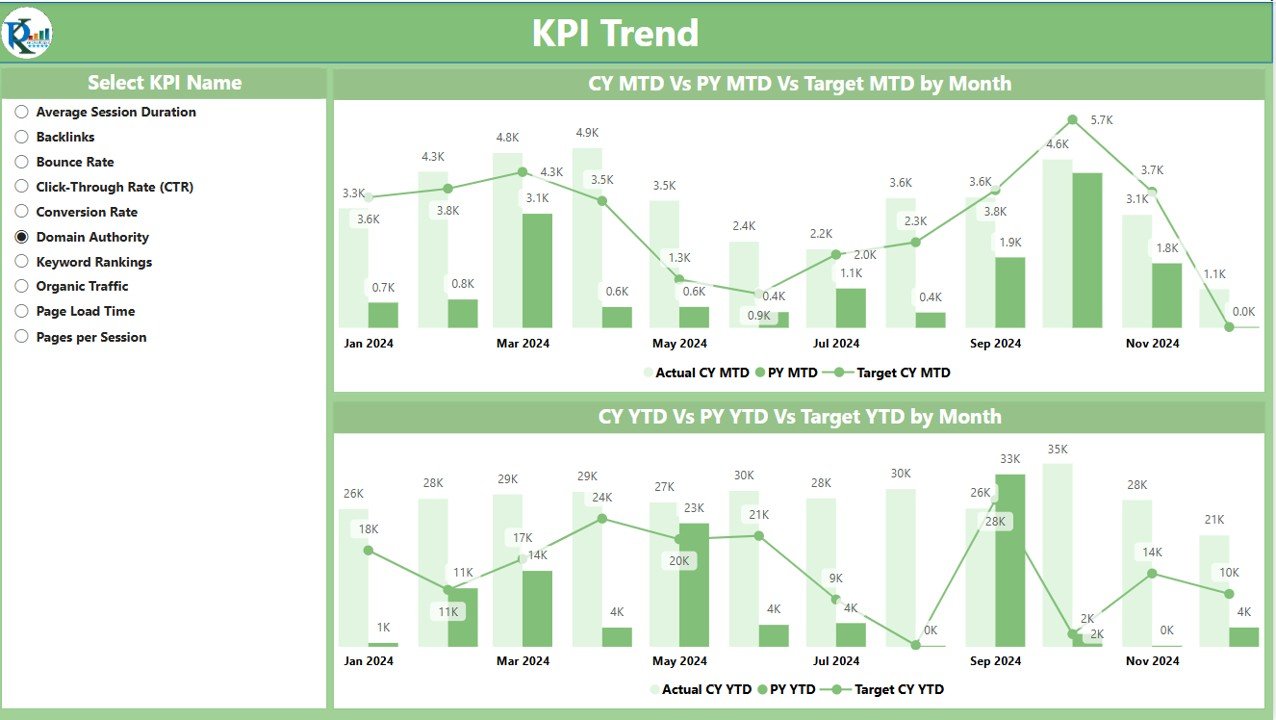
Track SEO performance over time with trend lines, percentage changes, and performance comparisons. Identify improvements, declines, or opportunities for optimization based on historical data.
📊 SEO Ranking Performance
Monitor keyword rankings for both global and local searches, analyze your site’s visibility, and keep track of how you rank against your competitors in search engine results.
⚙ Easy Setup and Integration
The dashboard is designed to be easy to set up and integrate with various data sources, including Google Analytics, Google Search Console, and other SEO tracking tools. It comes with straightforward instructions to help you get started quickly.
🚀 Why You’ll Love the SEO Performance KPI Dashboard in Power BI
✅ All-In-One SEO Dashboard – Track all your SEO KPIs in one place, from traffic to conversions. ✅ Customizable and Flexible – Tailor the dashboard to track the SEO metrics that matter most to you. ✅ Real-Time Insights – Automatically update your data to ensure you’re making decisions with the latest information. ✅ Interactive Visualizations – Dive deep into your data with interactive charts and graphs. ✅ Easy to Use – Quick setup and integration with your existing SEO data sources.
📂 What’s Inside the SEO Performance KPI Dashboard in Power BI?
- Comprehensive SEO Overview: Visualize your SEO metrics such as organic traffic, bounce rate, keyword rankings, and conversions.
- Customizable KPIs: Modify and track KPIs that align with your SEO goals.
- Real-Time Data Updates: Get updated data automatically to ensure accuracy.
- Dynamic Visuals: Interactive charts and graphs that make it easy to analyze trends and changes.
- SEO Insights and Trends: Identify opportunities and gaps by tracking changes over time.
🔍 How to Use the SEO Performance KPI Dashboard in Power BI
1️⃣ Download the Dashboard – Get immediate access to the Power BI file upon purchase. 2️⃣ Integrate Your Data – Connect your existing SEO tools and data sources such as Google Analytics or Google Search Console. 3️⃣ Customize Your KPIs – Modify the default KPIs to suit your SEO goals and business needs. 4️⃣ Visualize Your Data – Use the interactive visuals to explore your SEO performance in detail. 5️⃣ Make Data-Driven Decisions – Use the insights from the dashboard to refine your SEO strategy and track your progress over time.
🎯 Who Can Benefit from the SEO Performance KPI Dashboard in Power BI? 🔹 Digital Marketers 🔹 SEO Professionals 🔹 Content Strategists 🔹 Business Owners 🔹 Marketing Teams 🔹 Anyone interested in tracking and optimizing their SEO efforts
Track your SEO performance like a pro with the SEO Performance KPI Dashboard in Power BI. Gain real-time insights, identify trends, and make data-driven decisions that can improve your SEO strategy and drive better results.
Click here to read the Detailed blog post
https://www.pk-anexcelexpert.com/seo-performance-kpi-dashboard-in-power-bi/
Visit our YouTube channel to learn step-by-step video tutorials
Compatibility and Requirements
- Opens in Power BI Desktop, which is free from Microsoft. Download it from Get Power BI Desktop.
Frequently Asked Questions
Which SEO metrics does it show?
It shows organic traffic, bounce rate, keyword rankings and conversions, with trends over time.
Can I connect my own SEO data?
Yes. You can connect existing sources such as Google Analytics or Google Search Console.
Can I change the KPIs?
Yes. You can modify the default KPIs to suit your SEO goals.
Is there an Excel or Google Sheets version?
Yes. The SEO Performance KPI Dashboard in Excel and the SEO Performance KPI Dashboard in Google Sheets cover the same job.
Related SEO and Web Analytics Templates
- SEO Performance KPI Dashboard in Excel: the same KPIs in Excel
- SEO Performance KPI Dashboard in Google Sheets: the Google Sheets edition
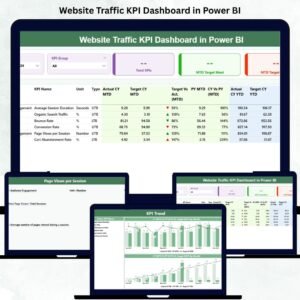
- Website Traffic KPI Dashboard in Power BI: track website traffic in Power BI
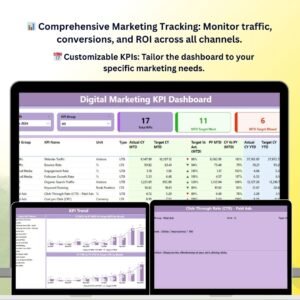
- Digital Marketing KPI Dashboard in Power BI: a digital marketing KPI dashboard in Power BI
- Power BI Dashboard Mega Collection: 15 Power BI dashboards in one download
Browse all Power BI KPI dashboards or the Power BI dashboards.




Reviews
There are no reviews yet.