

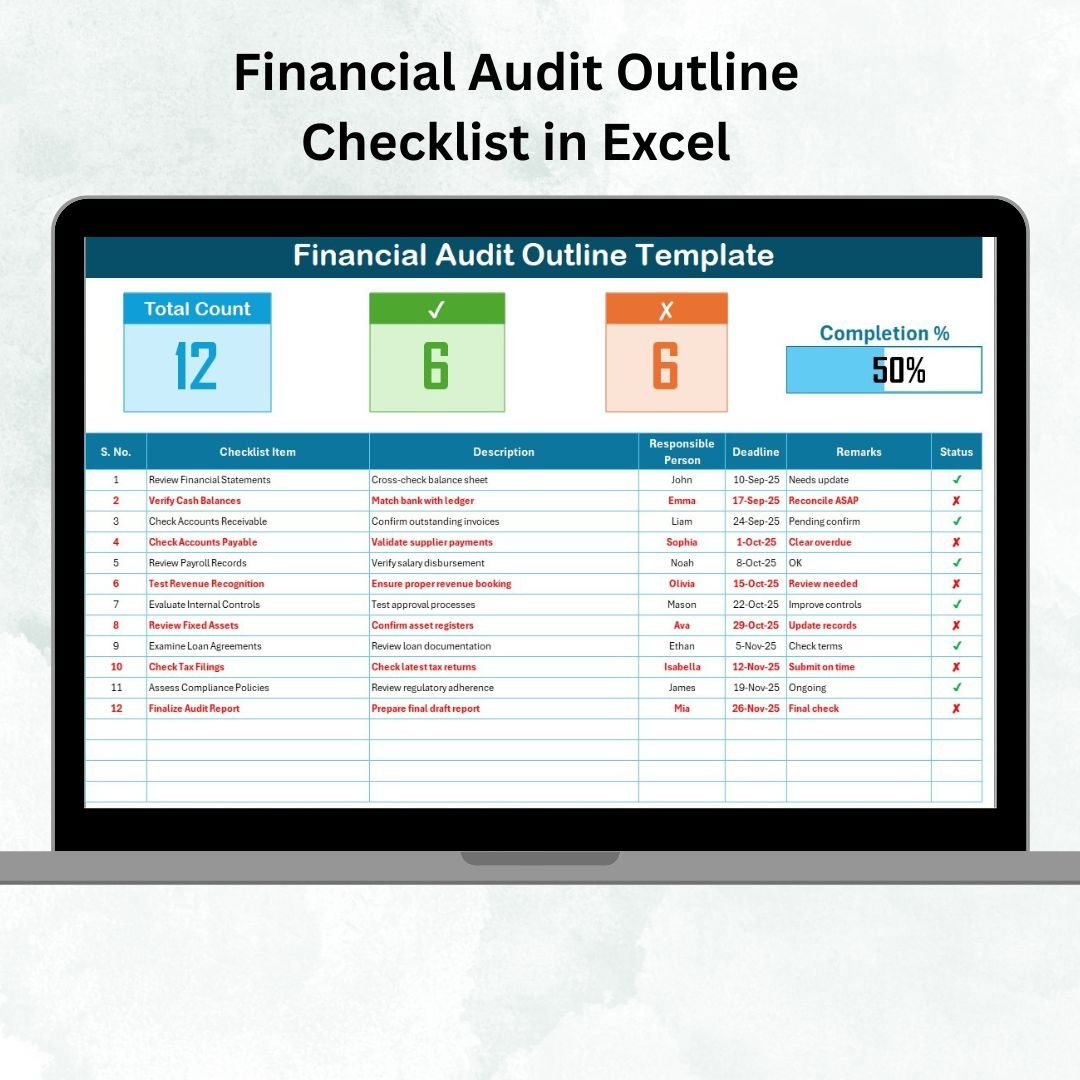

Financial audits are critical for ensuring transparency, accountability, and compliance in every organization. But without a structured system, audits can quickly become overwhelming, leading to missed tasks, confusion, or non-compliance issues. The Financial Audit Outline Checklist in Excel solves this problem by providing a ready-to-use, organized, and easy-to-manage template for financial audit preparation and execution.
This Excel-based checklist is more than just a list—it’s a digital audit management system that ensures every task is captured, responsibilities are assigned, deadlines are set, and progress is tracked in real-time. Whether you are a small business or a large enterprise, this template adapts to your needs and provides a professional framework for managing audits seamlessly.
✨ Key Features of the Financial Audit Outline Checklist
✅ Main Checklist Sheet
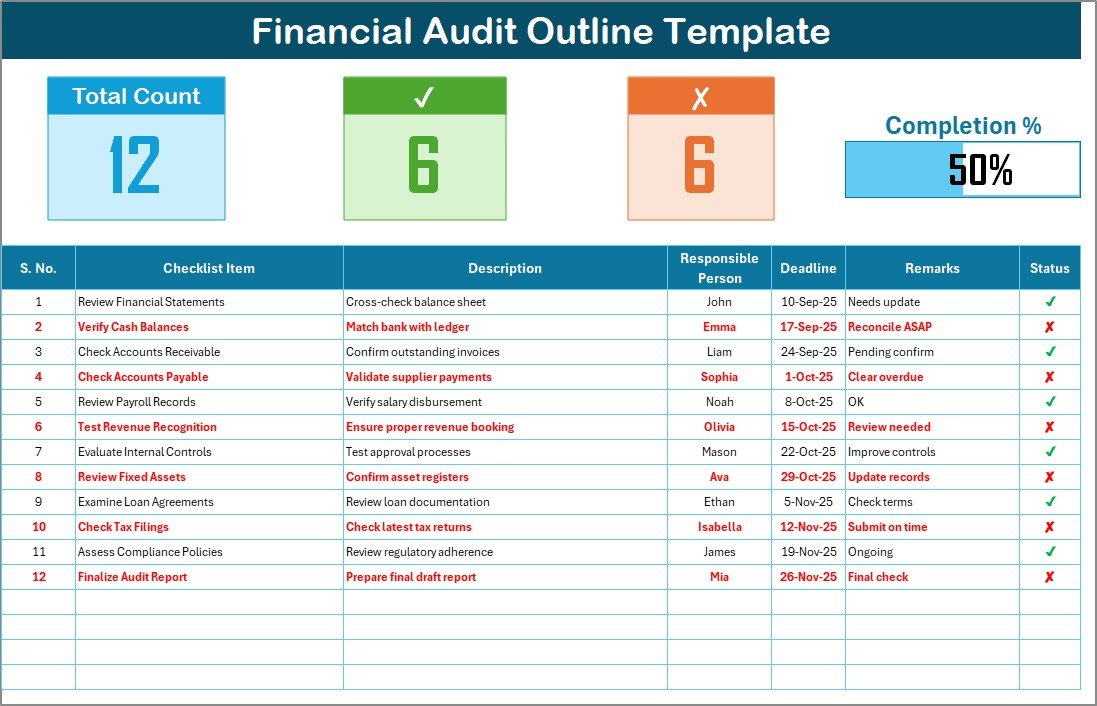
Centralized table for capturing all audit tasks.
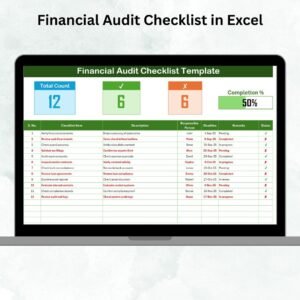
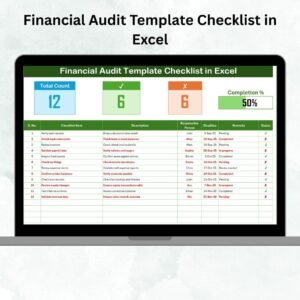
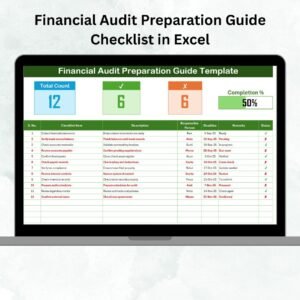
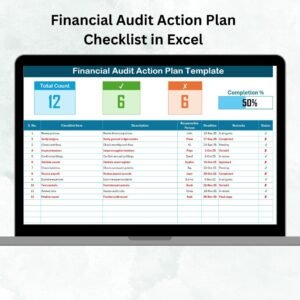
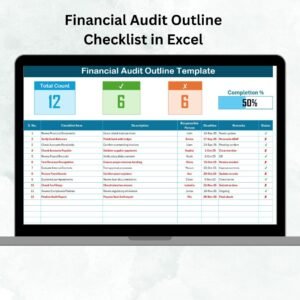
Displays total tasks, completed tasks, pending tasks, and a visual progress bar.
Columns include Serial No., Checklist Item, Description, Responsible Person, Deadline, Remarks, and Status (✔ / ✘).
✅ List Sheet Tab
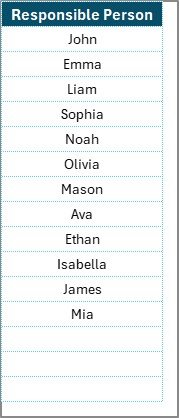
Stores a unique list of responsible persons.
Supports drop-down menus in the checklist for easy task assignment.
Reduces duplication and errors while ensuring accountability.
✅ Progress Tracking
Automatically updates counts of completed and pending tasks.
Visual progress bar provides instant audit readiness status.
✅ Customizable & Flexible
Add or remove audit tasks based on scope.
Modify deadlines, responsible persons, or remarks easily.
Beginner-friendly—no advanced Excel knowledge required.
📦 What’s Inside the Template
Financial Audit Outline Checklist Sheet – The main working sheet with progress tracking.
List Sheet – A reference sheet with responsible persons for easy drop-down assignment.
Prebuilt Sample Checklist Items – Helps you get started quickly with common audit steps.
🛠️ How to Use the Financial Audit Outline Checklist
Download & Open – Enable editing in Excel.
Fill Audit Items – Add tasks such as “Verify General Ledger” or “Check Tax Compliance.”
Assign Responsibility – Select team members from the drop-down menu.
Set Deadlines – Enter realistic completion dates.
Track Progress – Mark ✔ when completed or ✘ when pending.
Review Progress Bar – Analyze overall audit readiness at a glance.
Finalize Audit – Once all items are ✔, share the checklist with auditors or management.
👩💼 Who Can Benefit from This Checklist?
Finance Teams – To stay audit-ready and ensure compliance.
Internal Auditors – To track responsibilities and avoid missed steps.
Small Businesses – To maintain financial transparency without costly software.
Large Enterprises – To assign tasks across departments efficiently.
Consultants & Audit Firms – To manage multiple client audits.
🚀 Advantages of Using the Financial Audit Outline Checklist
Organized Workflow – All audit steps captured in one file.
Clear Accountability – Assign tasks with deadlines and responsible persons.
Time-Saving – Reduces duplicate efforts and manual tracking.
Real-Time Tracking – Progress bar and task counts show instant readiness.
Error Reduction – Prevents missing critical steps in the audit.
Compliance Assurance – Covers all mandatory financial checks.
Customizable – Adaptable for different audit cycles and industries.
📈 Opportunities for Improvement
Add conditional formatting to highlight overdue tasks.
Link supporting documents (e.g., financial reports, tax filings).
Use VBA macros to automate progress updates.
Build a dashboard sheet with charts and audit KPIs.
Store on OneDrive or Google Drive for team collaboration.
✅ Best Practices for Using the Checklist
Keep checklist items short and clear.
Update the file regularly during audit cycles.
Use colors to highlight urgent or overdue items.
Share the file securely with all stakeholders.
Archive completed checklists for compliance history.
Break long audits into phases for milestone tracking.
🏆 Real-World Applications
SMEs – Use it to prepare for external audits.
Corporates – Manage cross-departmental audit responsibilities.
Nonprofits – Maintain donor trust through transparent financial reporting.
Consulting Firms – Apply it across multiple client audits.
👉 Click here to read the Detailed blog post
Visit our YouTube channel to learn step-by-step video tutorials
Watch the step-by-step video tutorial:
Compatibility and Requirements
- Works in Microsoft Excel desktop (Excel 2016 or later, or Microsoft 365).
- You pick each responsible person from a dropdown that reads from the List sheet. Microsoft explains dropdowns in Create a drop-down list.
Frequently Asked Questions
Which sheets are included?
Two sheets: the Financial Audit Outline Checklist sheet and the List sheet. The template also comes with sample checklist items.
What columns does the checklist have?
Serial No., Checklist Item, Description, Responsible Person, Deadline, Remarks and Status. You mark Status with a tick or a cross.
How do I assign tasks to people?
Add each name once on the List sheet. The Responsible Person column then offers those names in a dropdown.
How do I see how far along the audit is?
The top of the checklist sheet shows total tasks, completed tasks and pending tasks, plus a progress bar. They update when you change the Status column.
Can I change the checklist items?
Yes. You can add or remove audit tasks and edit deadlines, responsible persons and remarks to fit your audit scope.
Is there a Google Sheets version?
There is a Google Sheets version of a related template, the Financial Audit Preparation Checklist in Google Sheets.
Related Financial Audit Templates
- Financial Audit Preparation Checklist in Excel: a checklist for getting ready before the audit starts
- Financial Audit Checklist in Excel: a general checklist for audit tasks
- Financial Audit Action Plan Checklist in Excel: a checklist for follow-up actions
- Financial Audit Calendar in Excel: a calendar to schedule audit dates
- Financial Auditing KPI Dashboard in Excel: a dashboard to track audit KPIs
Browse all Excel checklists.

























Reviews
There are no reviews yet.