



In today’s digital world, cybersecurity is a business necessity, not a choice. Every organization—from startups to enterprises—faces constant threats that can lead to data loss, downtime, and financial damage. To stay secure, companies must track measurable performance metrics across their entire cybersecurity ecosystem.
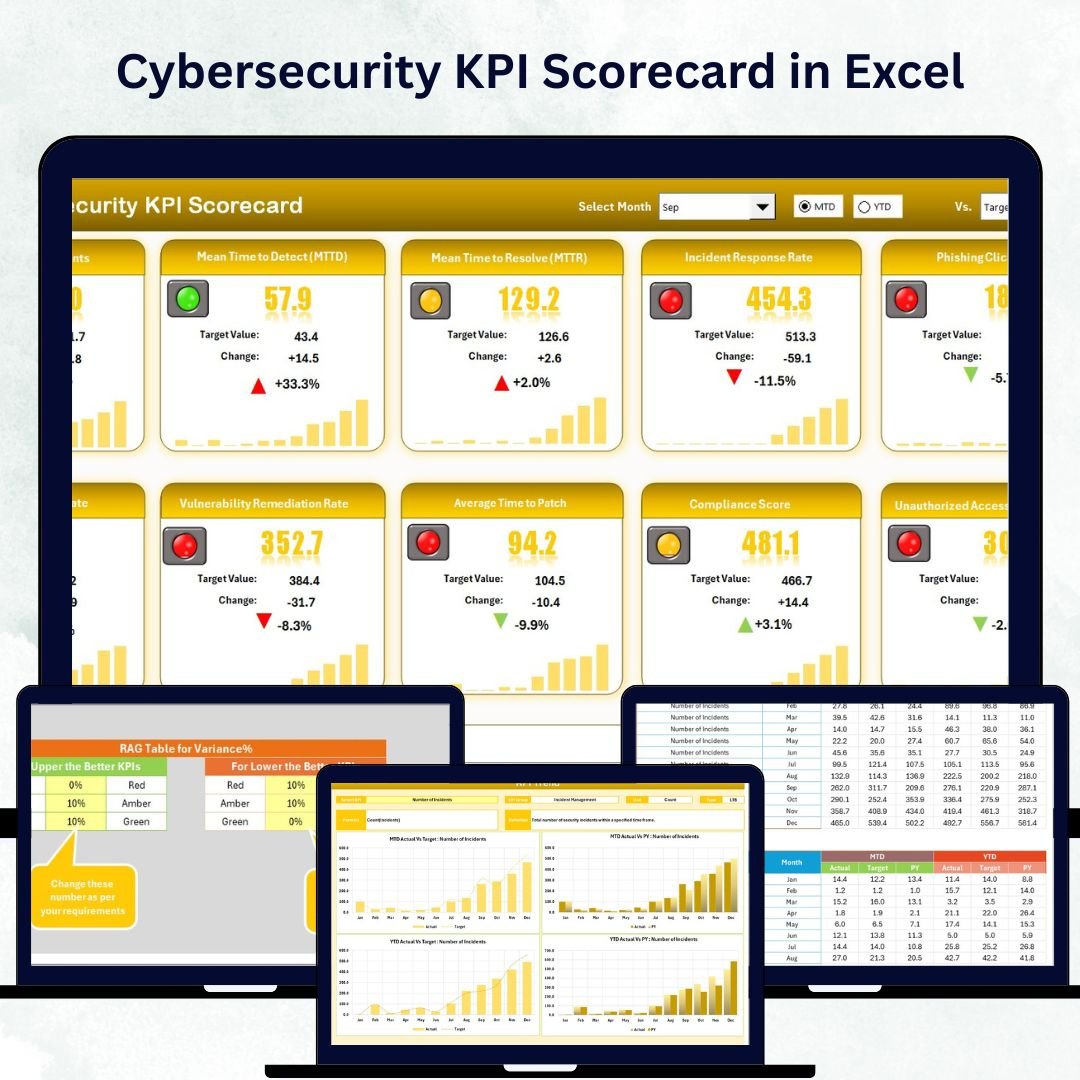
The Cybersecurity KPI Scorecard in Excel is your all-in-one solution for monitoring, analyzing, and improving security performance. This ready-to-use template helps organizations evaluate their digital defenses with precision, bringing together real-time insights and clear visuals — all within Excel’s familiar interface 🔒📊.
Whether you’re tracking threat detection rates, response times, or system uptime, this scorecard enables data-driven decision-making to strengthen your security posture and compliance standards.
⚙️ Key Features of the Cybersecurity KPI Scorecard in Excel
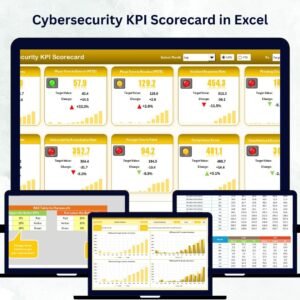
📋 4 Functional Worksheets – Scorecard, KPI Trend, Input Data, and KPI Definition.
🎯 MTD & YTD Analysis – Track Month-to-Date and Year-to-Date results in real time.
📈 Actual vs Target Comparison – Instantly see where you stand.
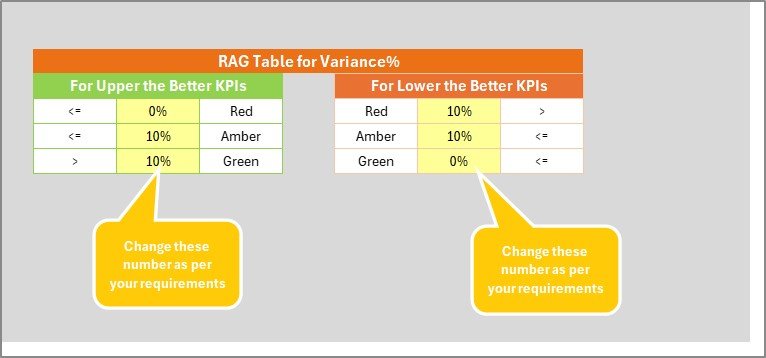
🟢 Color-Coded Indicators – Green = On Target | Yellow = Warning | Red = Needs Action.
📊 Interactive Dropdowns – Select any month or KPI for detailed insights.
🧮 Automatic Calculations – Update data once and the entire workbook refreshes.
🔒 Compliance Tracking – Monitor ISO 27001, GDPR, or HIPAA readiness.
⚙️ Easy Customization – Add KPIs, tweak formulas, or adjust charts anytime.
💰 No Software Needed – Works entirely within Excel for maximum flexibility.
📦 What’s Inside the Scorecard Template
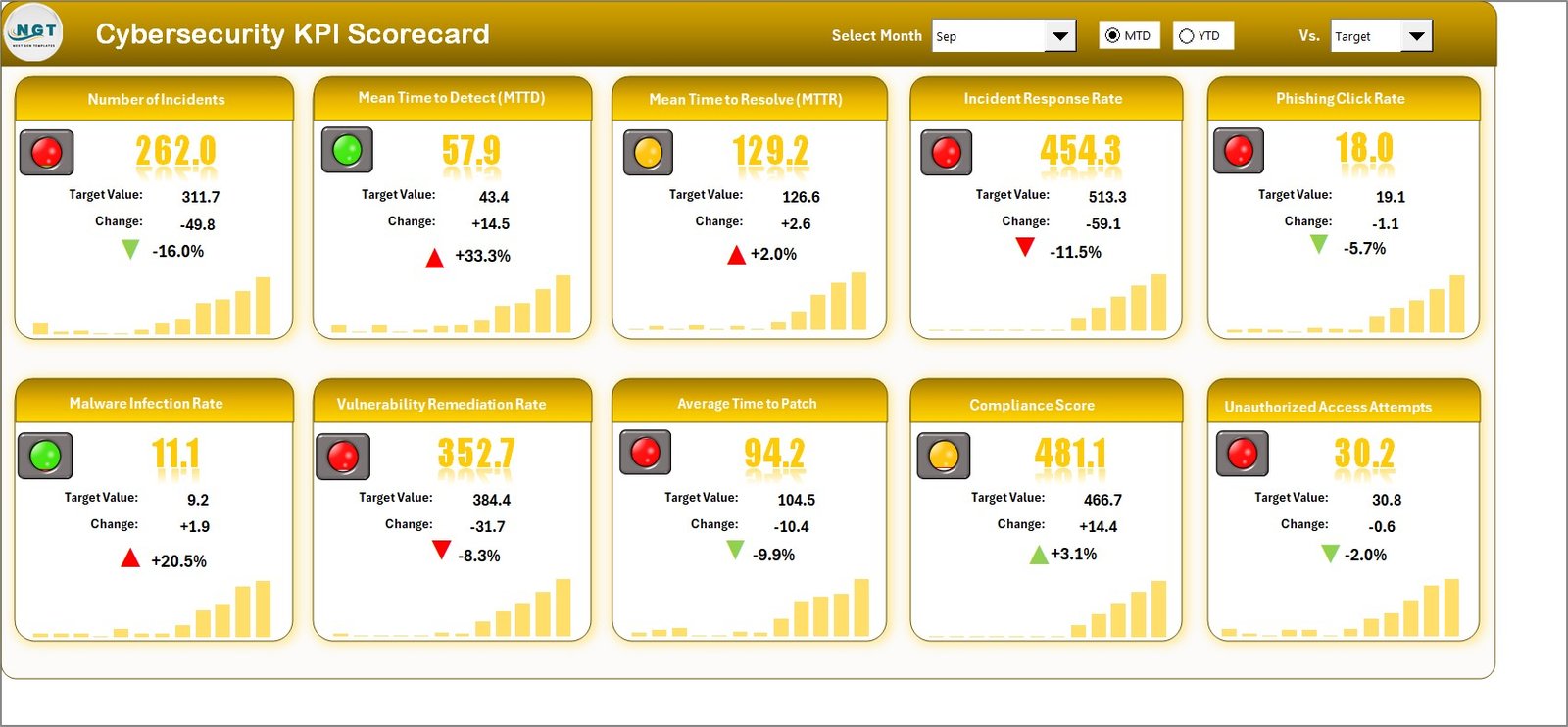
1️⃣ Scorecard Sheet – Your Security Command Center
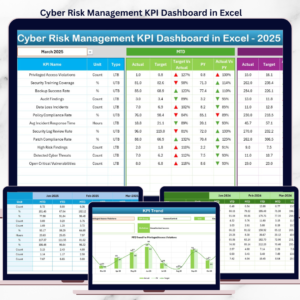
The main dashboard provides an overview of all critical cybersecurity metrics.
Select any month via dropdown to view MTD and YTD results.
Compare Actual vs Target performance side by side.
Instantly see green, yellow, or red indicators for each KPI.
View 10 KPIs at once for a clear, clutter-free snapshot.
2️⃣ KPI Trend Sheet – Analyze Performance Over Time
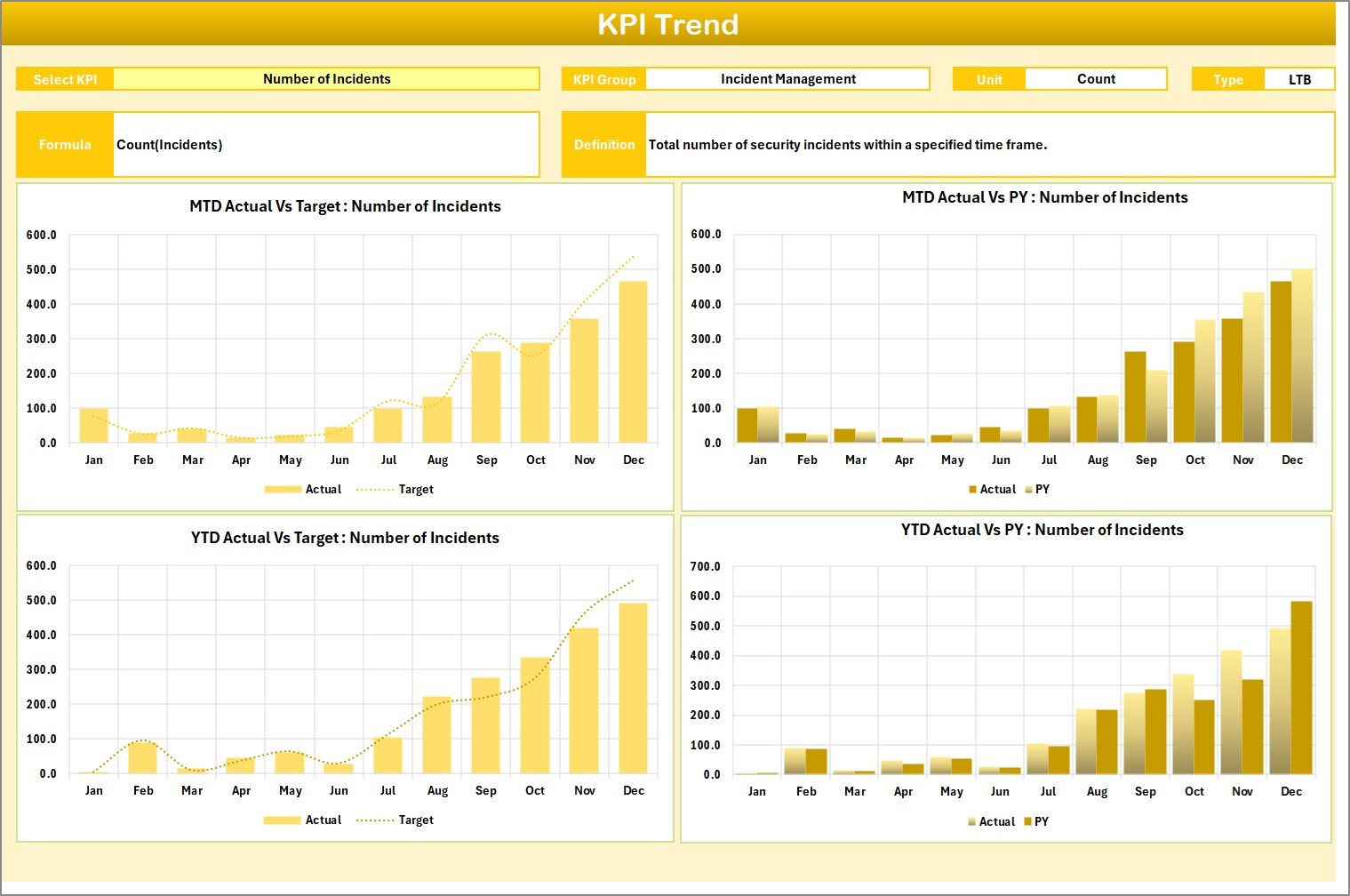
Dive deeper into individual KPIs using interactive trend charts.
Choose any KPI from the dropdown (cell C3).
Automatically display its Group, Unit, Type (UTB/LTB), Formula, and Definition.
Visualize Actual, Target, and Previous Year values in MTD and YTD charts.
Perfect for detecting patterns, forecasting risks, and benchmarking improvements 📉.
3️⃣ Input Data Sheet – The Data Backbone
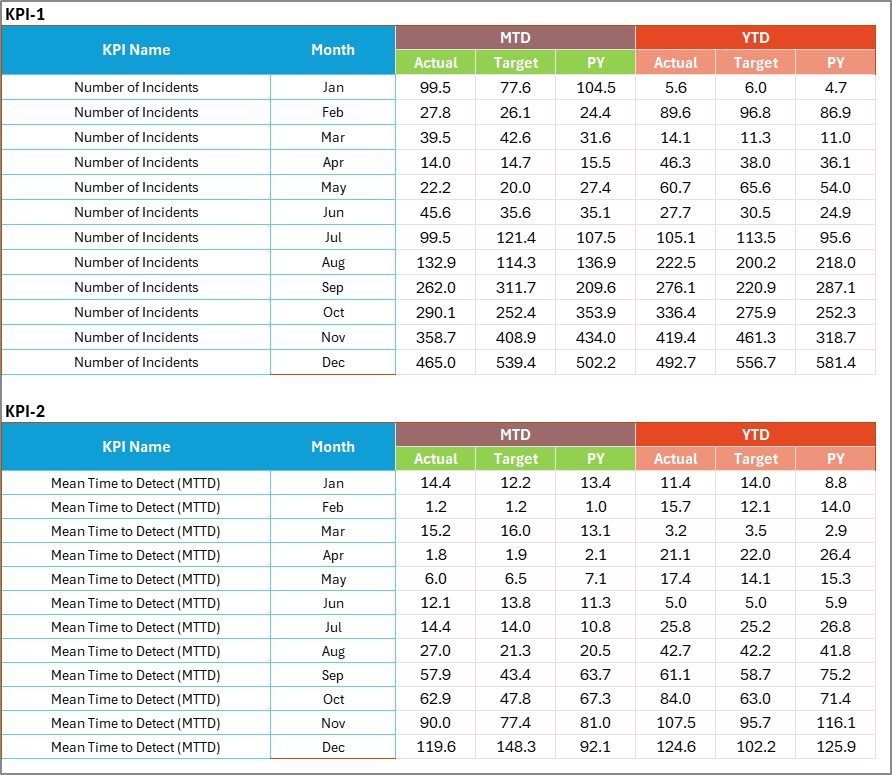
Keep your metrics organized and up to date.
Enter Actual and Target values monthly or quarterly.
Automatic formulas instantly update dashboards.
No coding needed — just simple, structured data entry.
4️⃣ KPI Definition Sheet – Your Reference Library
Ensure consistency and clarity across teams.
Define each KPI’s Group, Unit, Formula, and Type.
Standardize how metrics are measured and interpreted.
This sheet keeps everyone aligned on what each indicator means and why it matters 🧠.
💡 Why Use the Cybersecurity KPI Scorecard in Excel?
🔍 Centralized Monitoring – View all metrics in one place.
⚡ Real-Time Updates – Charts refresh automatically after data entry.
📉 Early Threat Detection – Spot trends before they become issues.
🧑💻 Accountability – Assign KPIs to teams or owners for transparency.
📋 Audit-Ready Documentation – Generate reports for compliance reviews.
💸 Cost-Effective & Customizable – No software subscriptions required.
🔐 Key Cybersecurity KPIs You Can Track
🛡️ Security Efficiency KPIs:
Threat Detection Rate (%)
Average Incident Response Time (hrs)
Mean Time to Contain (MTTC)
💾 System Performance KPIs:
Network Uptime (%)
Patch Compliance Rate (%)
Number of Vulnerabilities Detected
👥 User & Awareness KPIs:
Employee Training Completion Rate (%)
Phishing Test Success Rate (%)
⚖️ Compliance KPIs:
Policy Adherence Score (%)
Security Audit Findings Closed on Time (%)
Each metric is designed to help you quantify risk levels and optimize response efficiency.
🌟 Advantages of Using This Scorecard
✅ Holistic View – Financial, technical, and compliance KPIs combined.
✅ Visual Reporting – Instantly grasp performance through charts and colors.
✅ Transparency & Control – Assign ownership and monitor progress.
✅ Time Efficiency – Update once and see results everywhere.
✅ Scalable – Ideal for SMBs and large enterprises alike.
💼 Best Practices for Effective Use
🧩 Assign each KPI to a specific owner.
📆 Update monthly or quarterly for accurate insights.
🎯 Set SMART targets (Specific, Measurable, Achievable, Relevant, Time-bound).
🧮 Review MTD & YTD comparisons to spot long-term patterns.
🔒 Back up data securely for audits and trend analysis.
🧠 Conclusion
The Cybersecurity KPI Scorecard in Excel transforms cybersecurity management from chaos to clarity. It gives leaders a clear, data-driven view of their organization’s security performance, helping them react faster, plan smarter, and reduce risk effectively.
With automatic charts, intuitive layouts, and customizable KPIs, this template is the ultimate tool for strengthening your cyber defense — without expensive software or technical complexity.
Protect your organization’s data, reputation, and compliance with a proactive approach to performance management in Excel.
🔗 Click here to read the Detailed Blog Post
🎥 Visit our YouTube Channel for step-by-step tutorials
Watch the step-by-step video tutorial:
Compatibility and Requirements
- Works in Microsoft Excel desktop (Excel 2016 or later, or Microsoft 365).
- KPIs are marked green, yellow or red against target. Microsoft explains color rules in Use conditional formatting to highlight information.
Frequently Asked Questions
Which sheets are in the scorecard?
Four: Scorecard, KPI Trend, Input Data and KPI Definition.
How many KPIs can I see at once?
The Scorecard sheet shows 10 KPIs at once, with MTD and YTD actual versus target for the month you pick.
What does the KPI Trend sheet show?
Pick a KPI in cell C3 to see its group, unit, type (UTB or LTB), formula and definition, plus MTD and YTD charts of actual, target and previous year values.
Can I add my own KPIs?
Yes. You define each KPI’s group, unit, formula and type in the KPI Definition sheet and enter actual and target values in the Input Data sheet.
Is there a Power BI version?
There is a Cybersecurity KPI Dashboard in Power BI for teams that report in Power BI.
Related Cybersecurity Templates
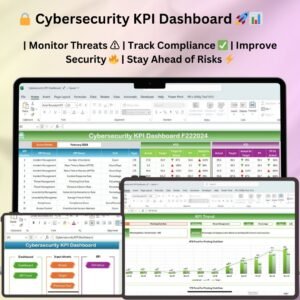
- Cybersecurity KPI Dashboard in Excel: a dashboard view of security KPIs
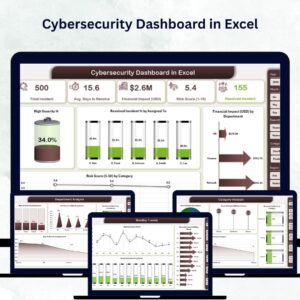
- Cybersecurity Dashboard in Excel: a full security dashboard in Excel
- Cybersecurity Risk Assessment KPI Dashboard in Excel: track cyber risk scores
- Cybersecurity KPI Dashboard in Google Sheets: security KPIs in Google Sheets
- IT and Cybersecurity Operations Bundle: 8 IT and security templates in one download
Browse all Excel KPI dashboards or the Excel IT templates.













Reviews
There are no reviews yet.