
Managing customer service schedules manually often leads to missed follow-ups, overlapping tasks, delayed responses, and frustrated customers. Emails, sticky notes, and unstructured Excel files only make the problem worse.
That is exactly where the Customer Service Scheduling Calendar in Excel becomes a powerful game-changer.
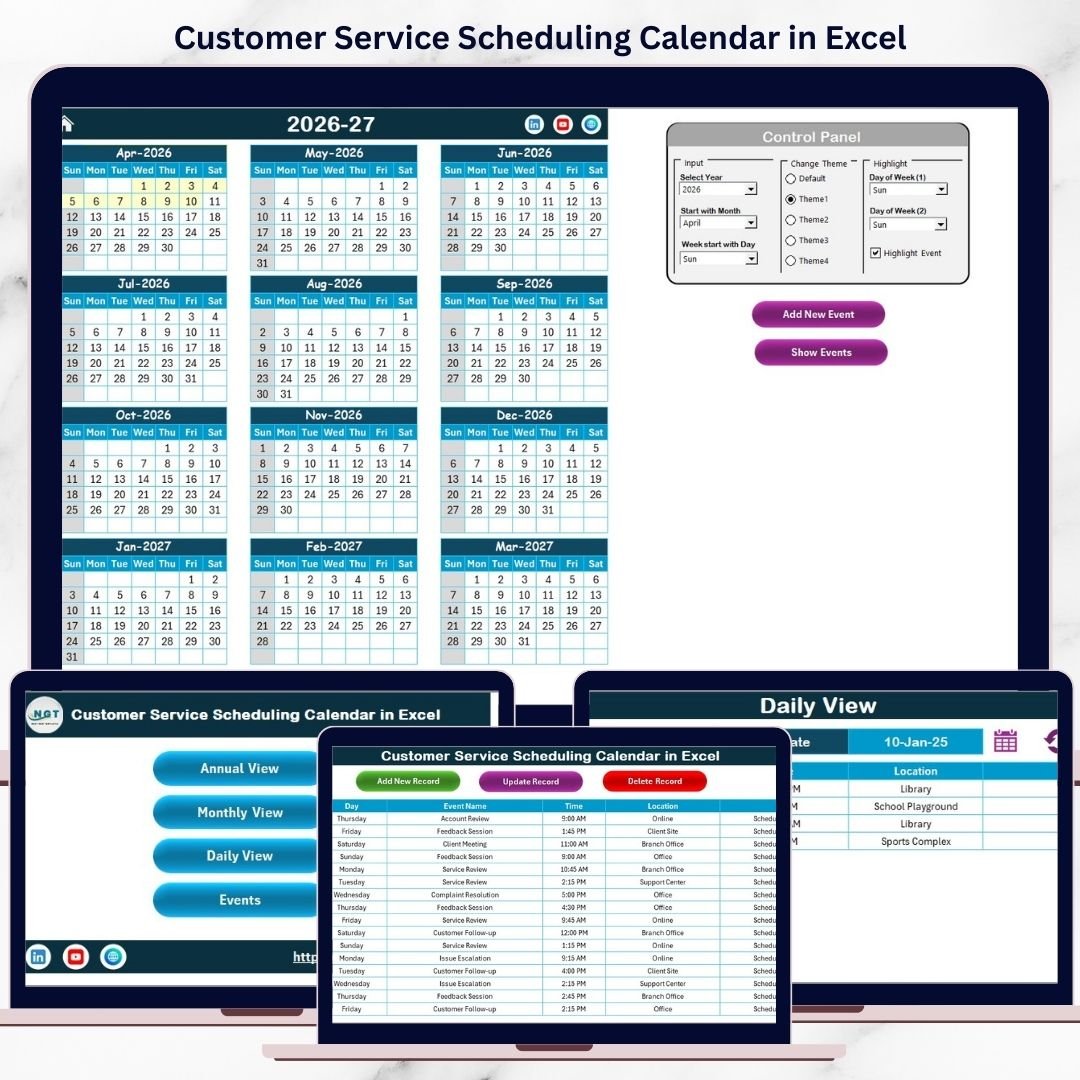
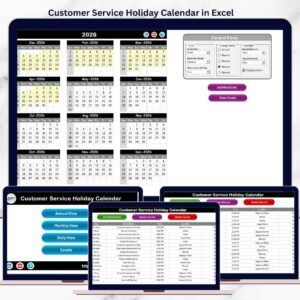
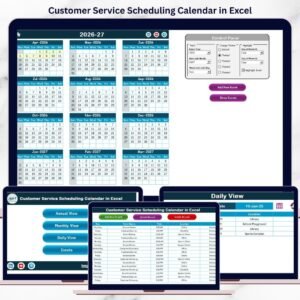
This professionally designed, ready-to-use Excel template helps you plan, track, and manage customer service activities effortlessly using a single centralized workbook. With annual, monthly, and daily views, smart navigation buttons, and an integrated event database, this calendar transforms chaotic scheduling into a smooth, reliable system.
Whether you manage a call center, customer support team, or service operations, this Excel calendar gives you clarity, control, and confidence—without using complex tools or expensive software.
🚀 Key Features of Customer Service Scheduling Calendar in Excel
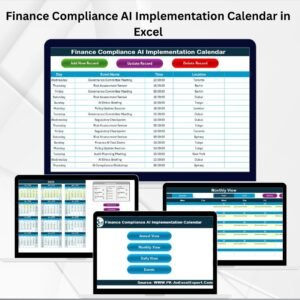
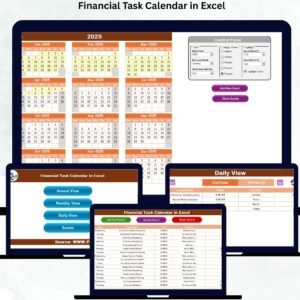
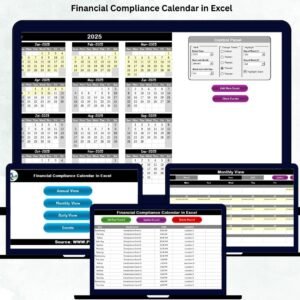
📅 Annual, Monthly & Daily Views
Plan long-term schedules, manage monthly workloads, and track daily events—all in one Excel file.
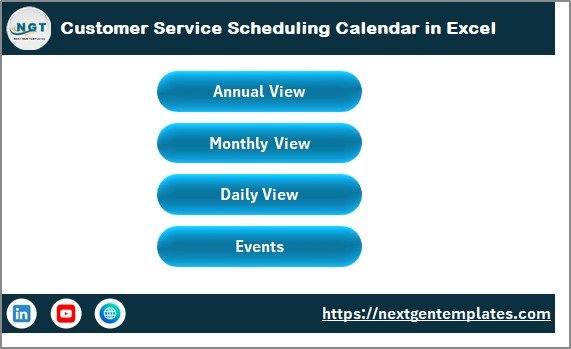
🧭 One-Click Navigation Home Sheet
Quickly jump between Annual View, Monthly View, Daily View, and Events sheet using intuitive buttons.
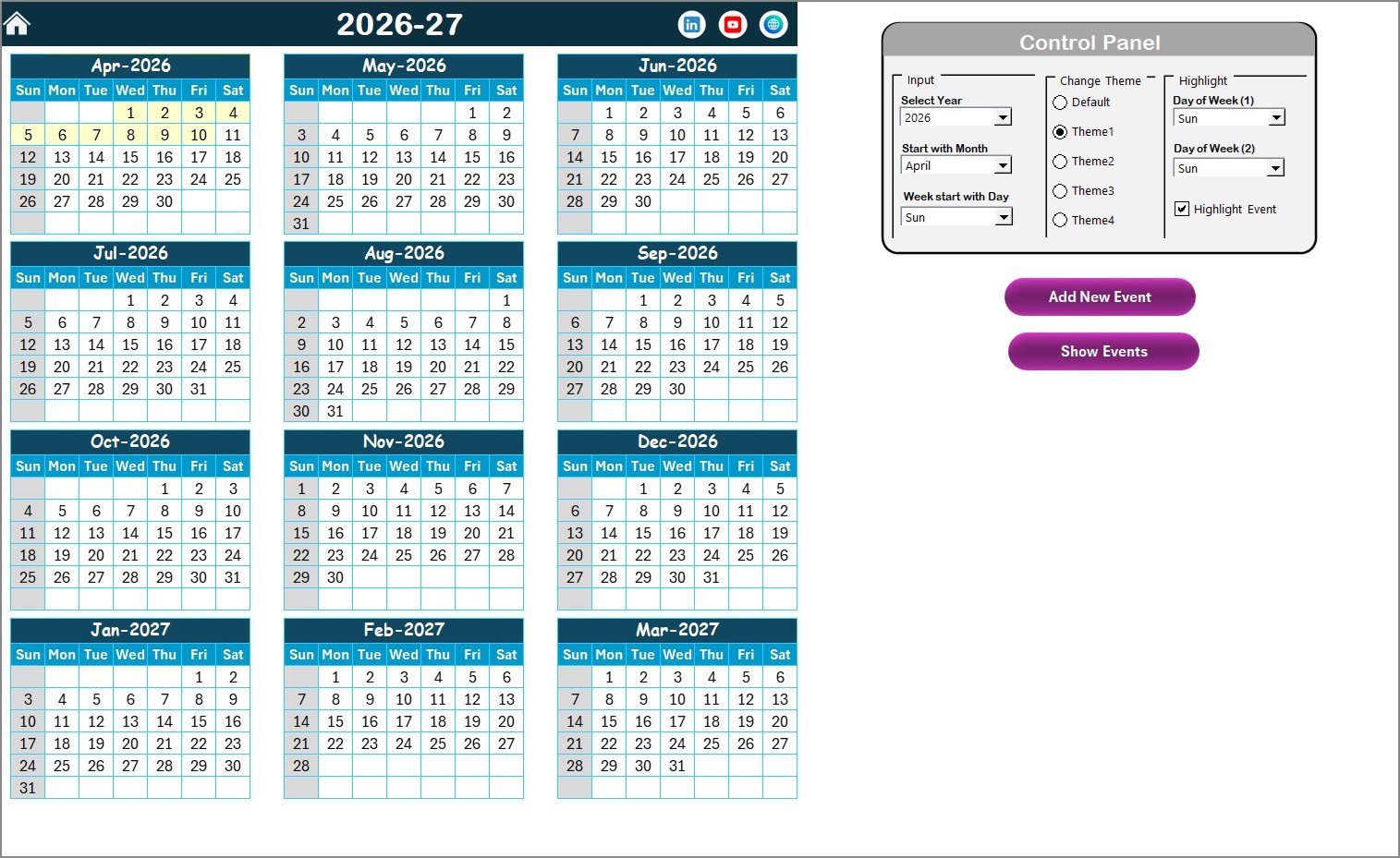
🎨 5 Built-In Color Themes
Instantly change the look and feel of the entire workbook with a single click.
🖍️ Smart Highlight Options
Highlight weekends, specific weekdays, or important events to improve visibility.
📝 User-Friendly Event Forms
Add, update, or delete events without touching complex formulas or tables.
📊 Centralized Event Database
All events are stored in one structured table, ensuring data accuracy and consistency.
⚡ Instant Updates Across Views
Any change in events reflects automatically across Annual, Monthly, and Daily views.
📦 What’s Inside the Customer Service Scheduling Calendar in Excel
This template includes 5 well-structured worksheets, each designed for a specific purpose:
🏠 Home Sheet
Acts as the control center with clean layout and one-click navigation buttons.
📆 Annual View Sheet
Displays all 12 months on one screen, helping you plan workloads, holidays, and busy periods at a glance.
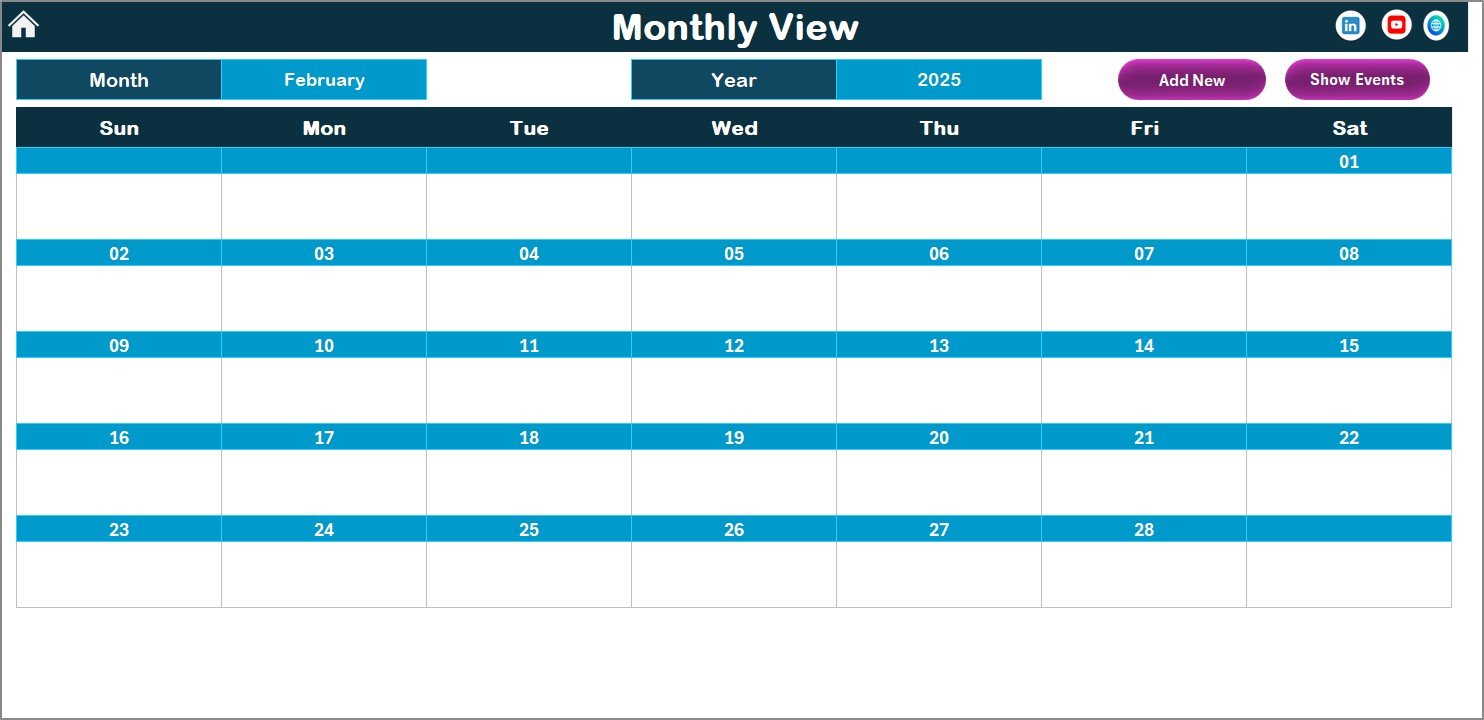
🗓️ Monthly View Sheet
Shows a focused month calendar with clearly visible events and smart handling of multiple events per day.
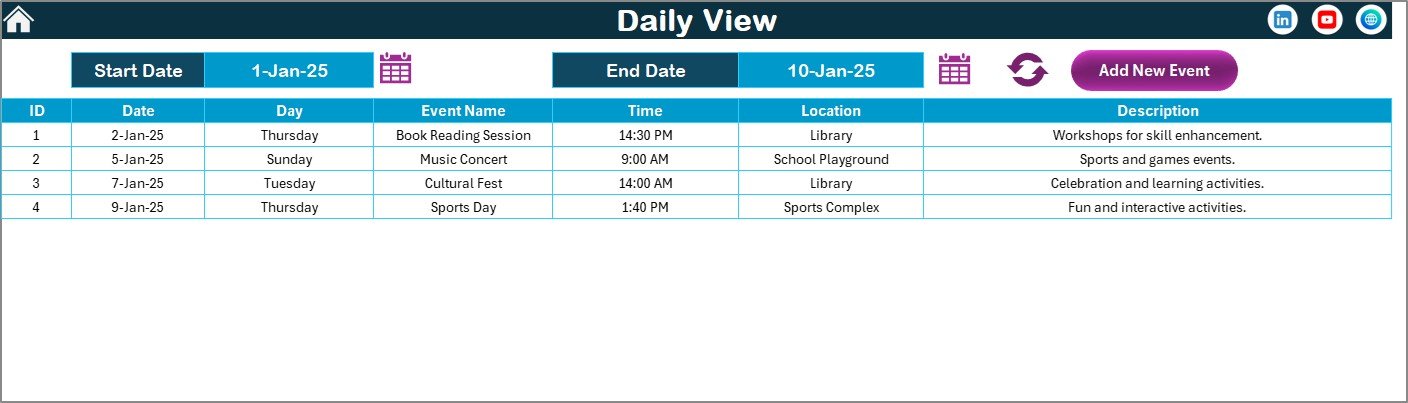
📋 Daily View Sheet
Provides detailed event tracking for selected date ranges—perfect for supervisors and coordinators.
🗂️ Events Sheet
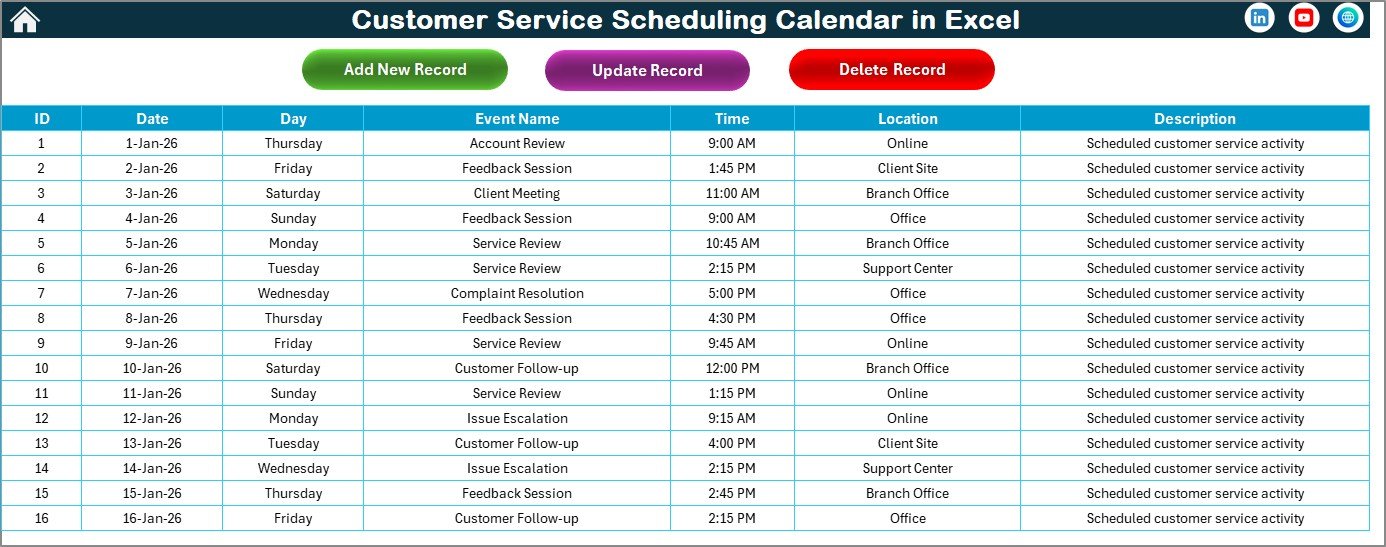
Stores all event records including Date, Day, Event Name, Time, Location, and Description.
🛠️ How to Use the Customer Service Scheduling Calendar in Excel
Using this calendar is simple—even for beginners:
1️⃣ Open the Home Sheet and navigate to your desired view
2️⃣ Select Year, Month, or Date Range using dropdowns
3️⃣ Click Add New Event to open the event entry form
4️⃣ Enter event details and submit
5️⃣ View or manage events instantly across all views
6️⃣ Use highlight and theme options to customize your calendar
No advanced Excel skills required—everything works through buttons and simple controls.
🎯 Who Can Benefit from This Customer Service Scheduling Calendar in Excel
👨💼 Customer Service Managers – Track team schedules and workloads
📞 Call Center Supervisors – Manage daily tasks and follow-ups
🧑💻 Support Team Coordinators – Avoid overlapping assignments
🏢 Small Business Owners – Organize service activities efficiently
📈 Service Operations Teams – Improve planning, visibility, and accountability
If your team handles multiple customer interactions every day, this calendar is built for you.
Click here to read the Detailed Blog Post
Watch the step-by-step video tutorial:
Visit our YouTube channel to learn step-by-step video tutorials
https://www.youtube.com/@PKAnExcelExpert







Reviews
There are no reviews yet.