

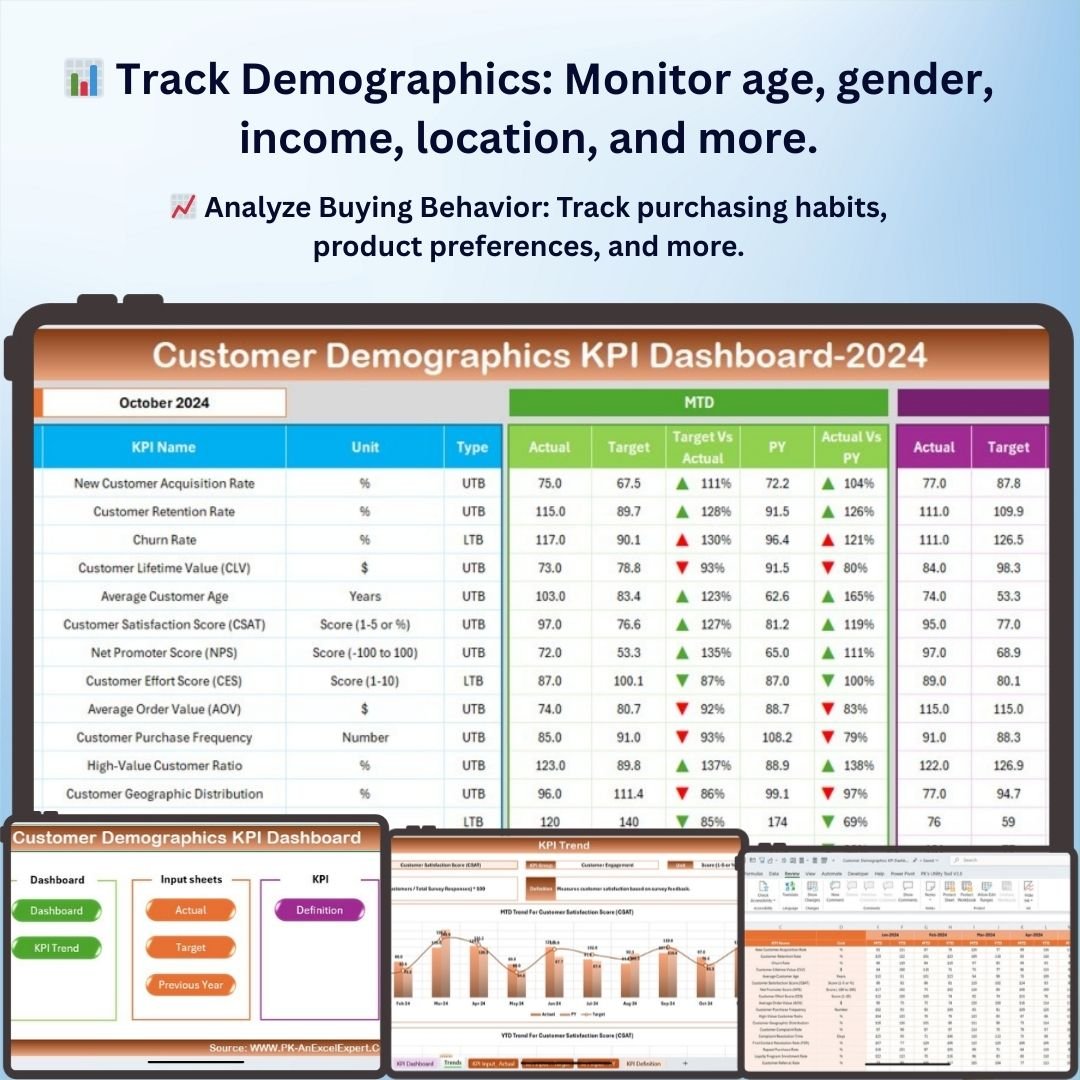
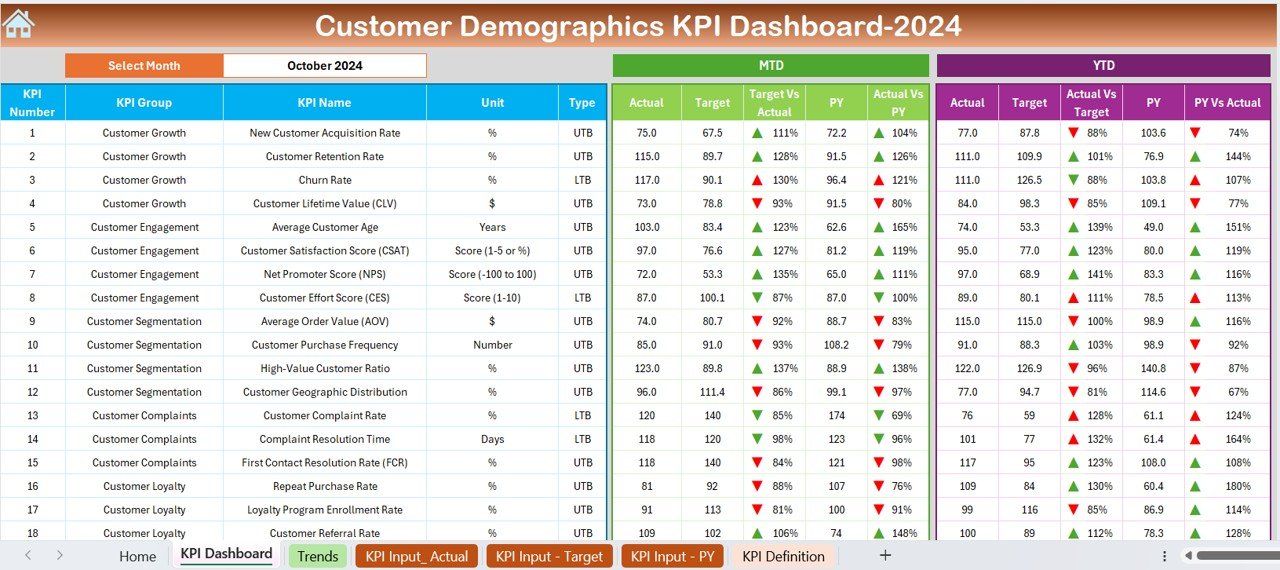
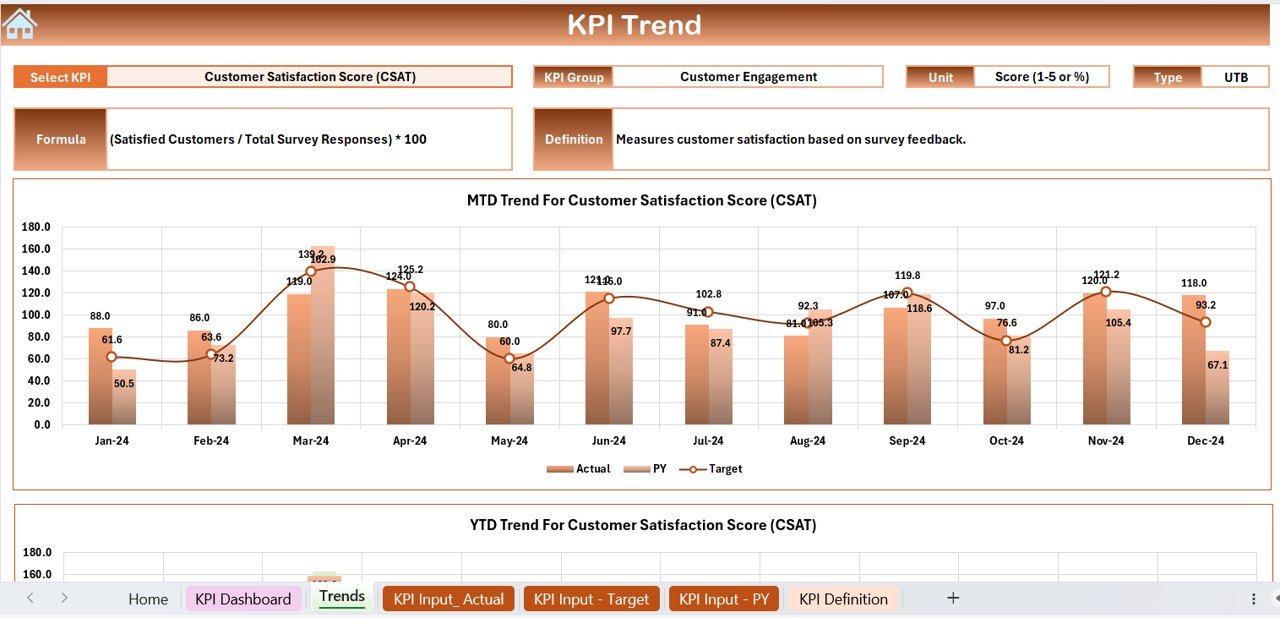

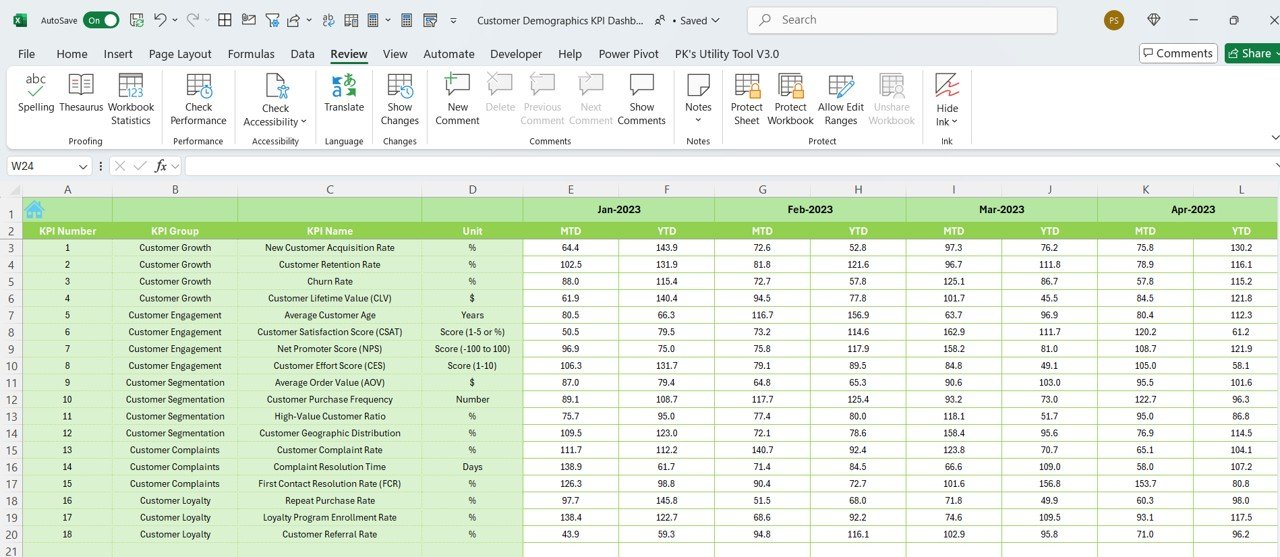


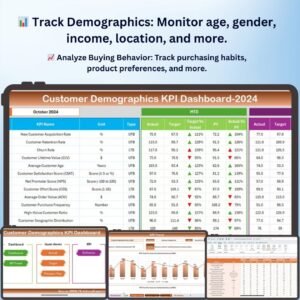
The Customer Demographics KPI Dashboard in Excel is an essential tool for businesses looking to gain deep insights into their customer base. Whether you’re an e-commerce store owner, marketing professional, or business analyst, this Excel-based dashboard allows you to track, analyze, and visualize key customer demographics and behavior. With this dashboard, you can segment your customer base based on various demographics, identify key trends, and optimize marketing strategies to target the right audience.
This powerful tool helps you understand critical metrics such as customer age, location, gender, buying preferences, and more. With visually appealing charts and interactive features, you can track and analyze customer data to uncover valuable insights that will help grow your business.
Key Features of the Customer Demographics KPI Dashboard in Excel
📊 Track Key Customer Demographics
Easily track and monitor customer data, including age, gender, location, income level, and buying preferences. Use this information to segment your audience and make data-driven decisions for targeted marketing campaigns.
🌍 Geographical Insights
Analyze where your customers are located and identify key markets. Use geographic data to optimize your marketing efforts, adjust pricing strategies, and personalize offerings based on customer location.
📈 Buying Behavior & Preferences
Track and analyze customer purchasing habits, including product categories, average order value, and frequency of purchase. Understand which products are most popular among different demographics and tailor your sales strategies accordingly.
📅 Customer Segmentation Analysis
Segment your customers based on different demographics and analyze each group’s buying patterns, engagement, and preferences. This segmentation enables more effective targeting of promotions and campaigns.
💡 Real-Time Analytics & Insights
Get up-to-date insights into your customer base. The interactive dashboard allows you to filter and analyze data in real-time, helping you quickly identify key trends and areas for improvement.
🖥️ Customizable & Interactive Dashboard
The Excel dashboard is fully interactive, allowing you to drill down into specific customer segments, track KPIs, and visualize data in customizable charts. Tailor it to meet your specific business needs.
Why You’ll Love the Customer Demographics KPI Dashboard in Excel
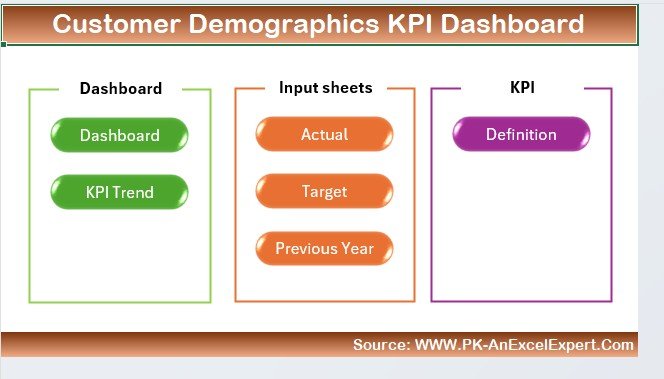
✅ Understand Your Customer Base
Gain a detailed understanding of your customer demographics, helping you identify key customer segments and target them more effectively.
✅ Segment Your Audience
Segment customers based on demographics like age, gender, and location, and use this data to personalize marketing strategies and promotions.
✅ Track Buying Behavior
Analyze buying behavior to identify popular products, average order values, and customer retention rates, helping you optimize your offerings and increase sales.
✅ Optimize Marketing Strategies
Use demographic insights to tailor your marketing campaigns, improve customer targeting, and increase conversion rates.
✅ Fully Customizable & Scalable
Customize the dashboard to fit your business’s unique needs. Whether you’re a small business or a large enterprise, this template scales to accommodate your growing customer base.
What’s Inside the Customer Demographics KPI Dashboard Template in Excel?
- Demographic Data Tracking: Track key demographics such as age, gender, income, and location.
- Geographical Insights: Analyze customer locations and optimize marketing strategies accordingly.
- Buying Behavior Metrics: Monitor purchasing habits, popular products, and order frequency.
- Customer Segmentation: Segment customers by demographic groups to personalize your marketing efforts.
- Real-Time Analytics: Use interactive features to view up-to-date data and key insights.
- Customizable Charts & Visuals: Tailor the dashboard to your business needs with customizable charts and filters.
How to Use the Customer Demographics KPI Dashboard in Excel
1️⃣ Download the Template: Get instant access to the Customer Demographics KPI Dashboard in Excel.
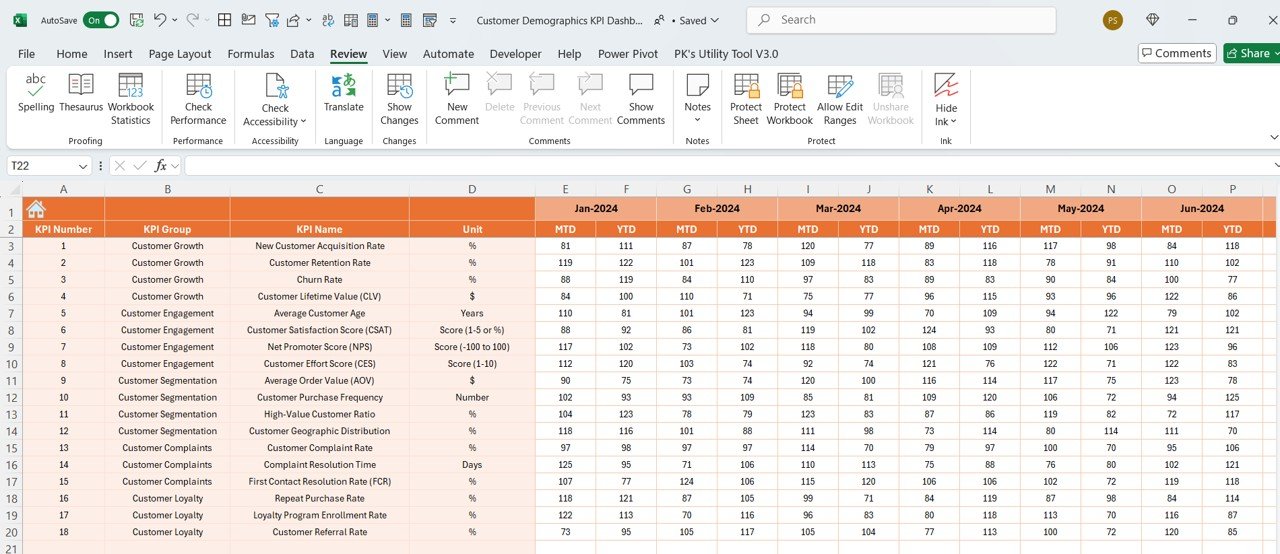
2️⃣ Input Customer Data: Enter your customer data, including demographics, purchasing history, and location.
3️⃣ Analyze & Track Demographics: Use the dashboard to monitor and analyze customer demographics, buying behavior, and preferences.
4️⃣ Segment Your Audience: Segment your customers into different groups and track how each segment performs.
5️⃣ Optimize Marketing & Sales: Use the insights to adjust your marketing strategies, optimize product offerings, and increase customer engagement.
Who Can Benefit from the Customer Demographics KPI Dashboard in Excel?
🔹 E-commerce Business Owners
🔹 Marketing & Sales Teams
🔹 Customer Analysts & Data Analysts
🔹 Retail Businesses & Online Stores
🔹 Business Owners Looking to Target Specific Audiences
🔹 Marketing Consultants & Agencies
Understand your customer base and optimize your marketing efforts with the Customer Demographics KPI Dashboard in Excel. Gain insights into customer behaviors, segment your audience, and make data-driven decisions to drive business growth.
Click here to read the Detailed blog post
Visit our YouTube channel to learn step-by-step video tutorials
Youtube.com/@PKAnExcelExpert
Compatibility and Requirements
- Works in Microsoft Excel desktop (Excel 2016 or later, or Microsoft 365).
- Microsoft’s guide Create a chart from start to finish explains the Excel feature this file is built on.
Frequently Asked Questions
Which customer details does the dashboard track?
Age, gender, location, income level and buying preferences, along with purchase data such as product categories, average order value and purchase frequency.
Can I segment customers?
Yes. Group customers by demographics such as age, gender or location, and compare how each segment buys.
Can I filter the charts?
Yes. The dashboard is interactive, so you can filter and drill down into a customer segment and the charts update.
Can I change the charts and KPIs?
Yes. The charts, filters and KPIs can be adjusted to suit your business.
Related Customer Analytics Templates
- Customer Demographics KPI Dashboard in Power BI: the same topic in Power BI
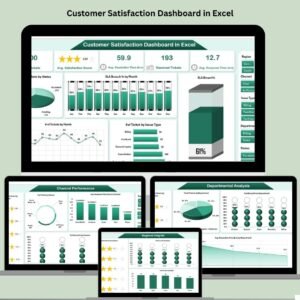
- Customer Satisfaction Dashboard in Excel: see how each customer group rates you
- Customer Service Dashboard in Excel: follow service tickets and response times
- Customer Experience & Satisfaction Dashboard in Google Sheets: a browser edition for customer feedback
- KPI Dashboard Library (Excel): 15 Excel KPI dashboards in one bundle
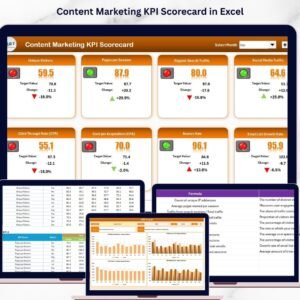
Browse all Excel KPI dashboards or the Sales and Marketing templates.






















Reviews
There are no reviews yet.