
Employee morale is one of the most powerful drivers of organizational success. When employees feel valued, motivated, and satisfied with their workplace environment, they naturally perform better, collaborate effectively, and contribute positively to company growth. However, many organizations struggle to measure employee morale accurately because employee engagement data is often scattered across surveys, HR reports, spreadsheets, and internal systems.
Without a structured monitoring system, HR leaders often find it difficult to evaluate workforce satisfaction trends, identify morale issues early, and make informed decisions to improve employee engagement.
This is exactly where the Employee Morale KPI Dashboard in Google Sheets becomes extremely valuable.
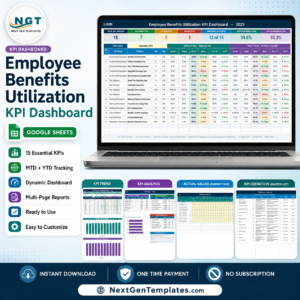
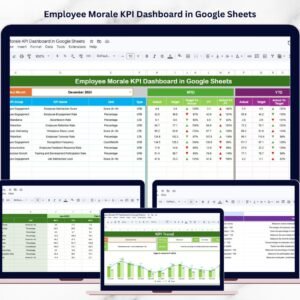
The Employee Morale KPI Dashboard in Google Sheets is a ready-to-use and interactive HR analytics template designed to help organizations track employee engagement, satisfaction levels, absenteeism trends, training participation, and workforce performance indicators. Instead of analyzing multiple HR reports manually, this dashboard consolidates all critical employee morale metrics into a centralized reporting system.
Using dynamic charts, KPI indicators, and automated calculations, the dashboard transforms raw HR data into easy-to-understand visual insights. Because the template is built in Google Sheets, HR teams can collaborate in real time, track KPI progress from anywhere, and generate data-driven workforce insights quickly.
Whether you manage HR operations, employee engagement programs, or workforce planning initiatives, this dashboard provides the clarity needed to monitor morale indicators and improve workplace culture.
🚀 Key Feature of Employee Morale KPI Dashboard in Google Sheets
📊 Interactive HR KPI Dashboard
Monitor key employee morale metrics such as engagement scores, absenteeism rates, turnover trends, and satisfaction indicators.
📅 Monthly Performance Analysis
Use dropdown filters to select months and instantly analyze workforce morale performance.
📈 MTD & YTD KPI Comparisons
Track both Month-to-Date and Year-to-Date KPI performance to understand short-term and long-term workforce trends.
📉 Previous Year Performance Comparison
Compare current employee morale metrics with historical data to identify improvement or decline patterns.
⚡ Automated KPI Calculations
The dashboard automatically calculates performance differences between targets and actual results.
📋 Structured KPI Framework
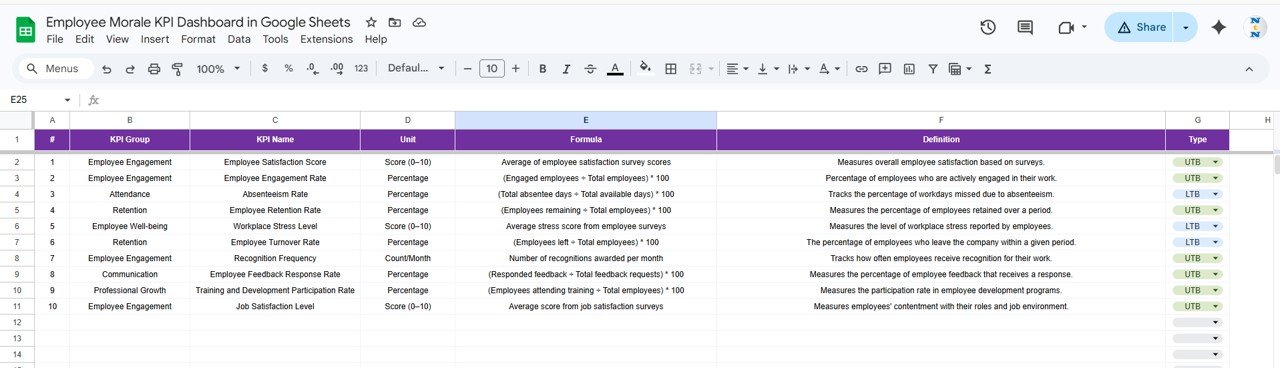
All KPIs are clearly defined with formulas, units, and definitions for consistent reporting.
🔍 Visual Performance Indicators
Conditional formatting icons instantly highlight positive and negative performance trends.
☁️ Cloud-Based Collaboration
Since the dashboard is built in Google Sheets, teams can collaborate and update data from anywhere.
📦 What’s Inside the Employee Morale KPI Dashboard in Google Sheets
This ready-to-use HR analytics template includes six structured worksheets, each designed to manage specific parts of employee morale data.
1️⃣ Dashboard Sheet
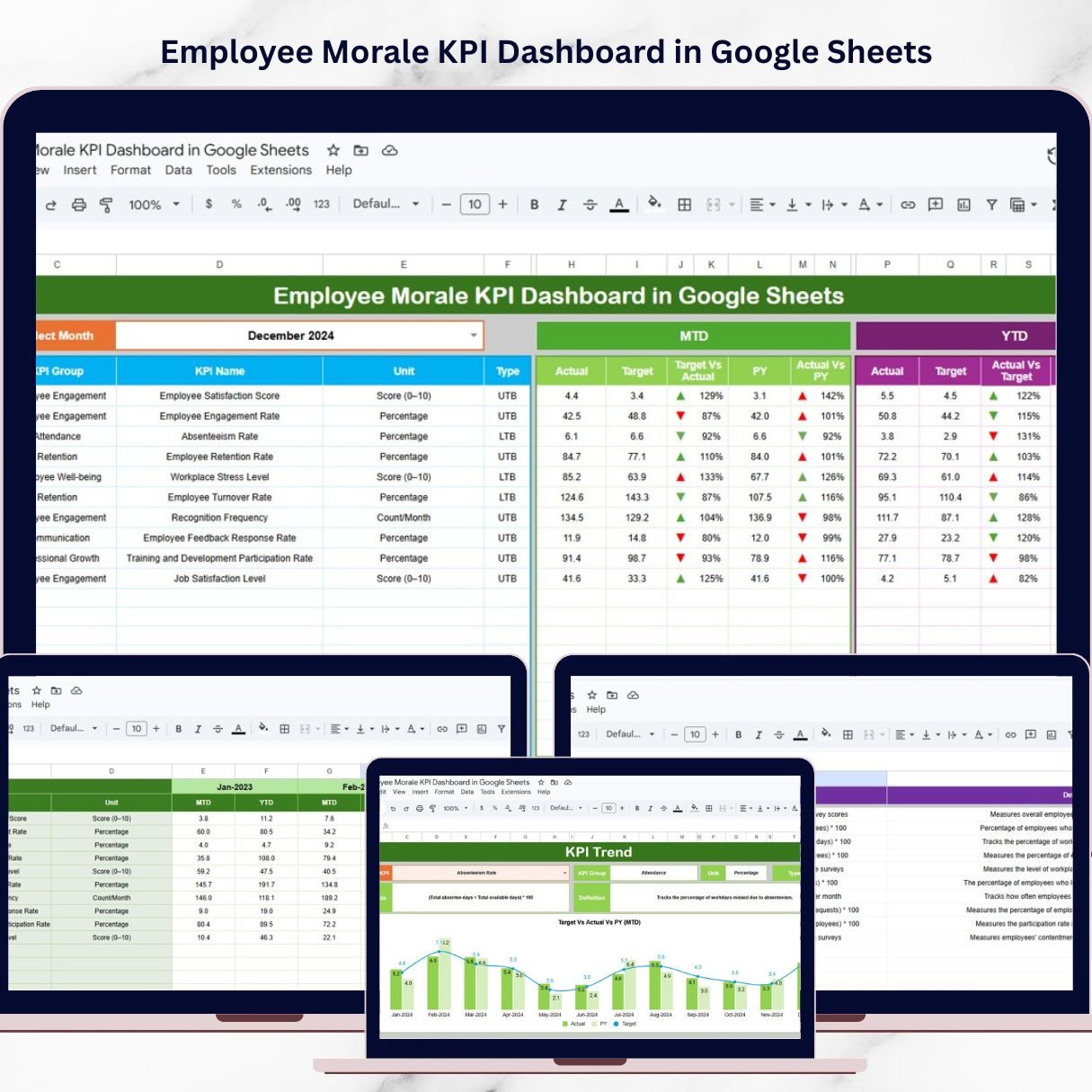
This is the main KPI monitoring page where HR managers can review employee morale metrics.
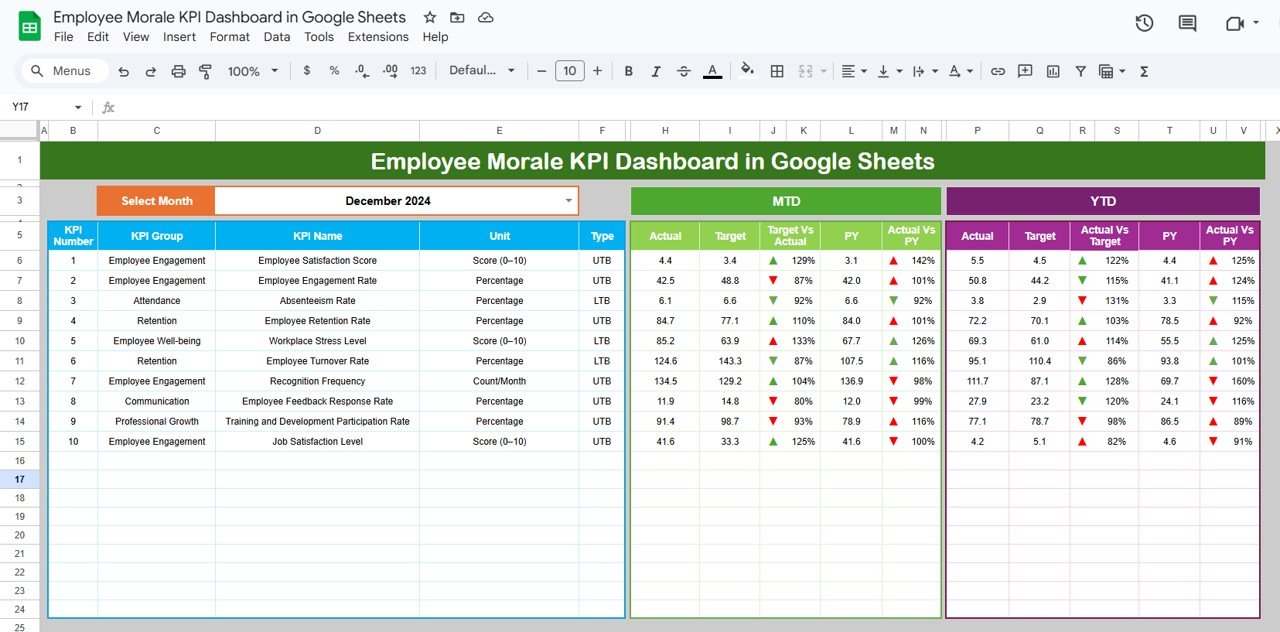
At cell D3, users can select a month using a dropdown menu. Once the month changes, the dashboard automatically updates all KPI metrics and charts.
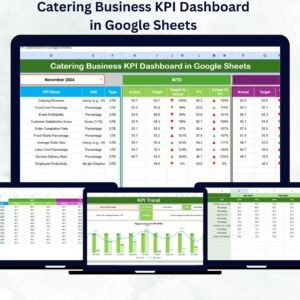
The dashboard displays the following MTD KPI metrics:
MTD Actual
MTD Target
Previous Year MTD
Target vs Actual (MTD)
PY vs Actual (MTD)
Performance indicators display KPI status using icons:
▲ Green arrow indicates positive performance
▼ Red arrow indicates negative performance
Additionally, the dashboard shows YTD metrics including:
YTD Actual
YTD Target
Previous Year YTD
Target vs Actual (YTD)
PY vs Actual (YTD)
2️⃣ KPI Trend Sheet
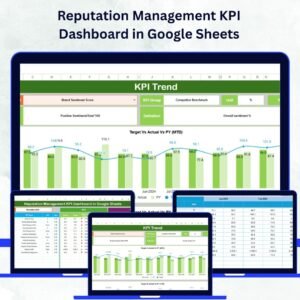
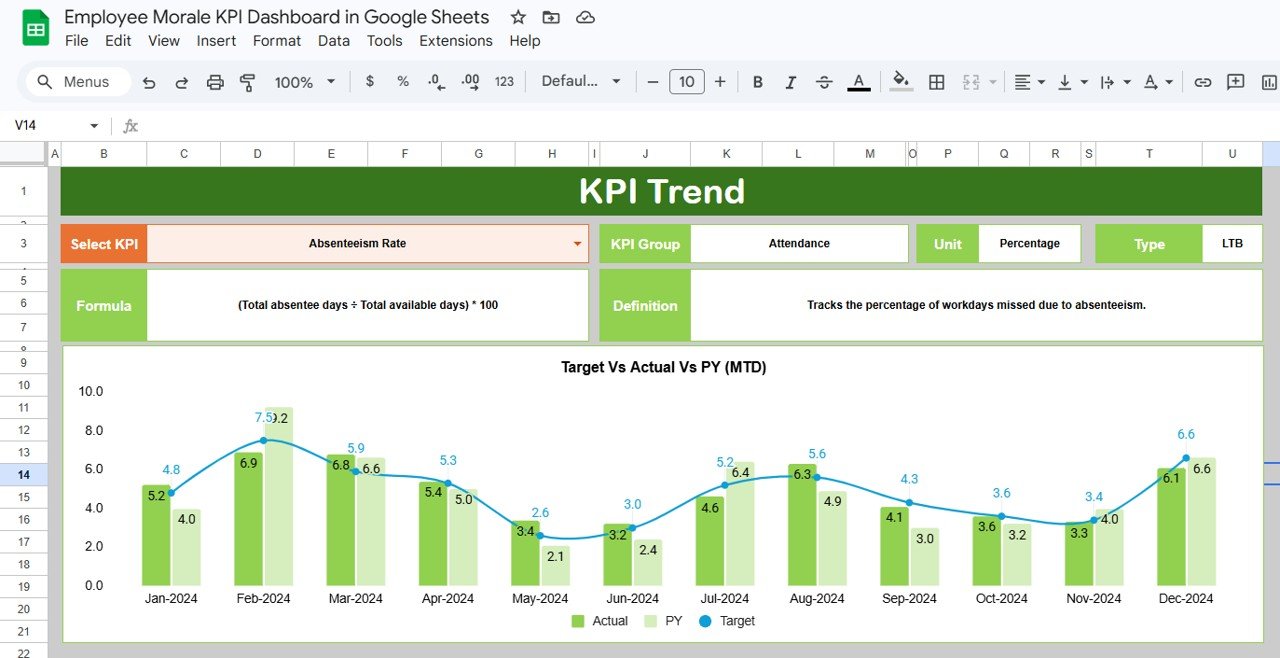
This sheet allows HR teams to analyze performance trends for individual KPIs.
Users can select a KPI from the dropdown at cell C3. Once selected, the sheet displays detailed KPI information including KPI group, formula, unit, and definition along with performance trend charts.
3️⃣ Actual Number Sheet
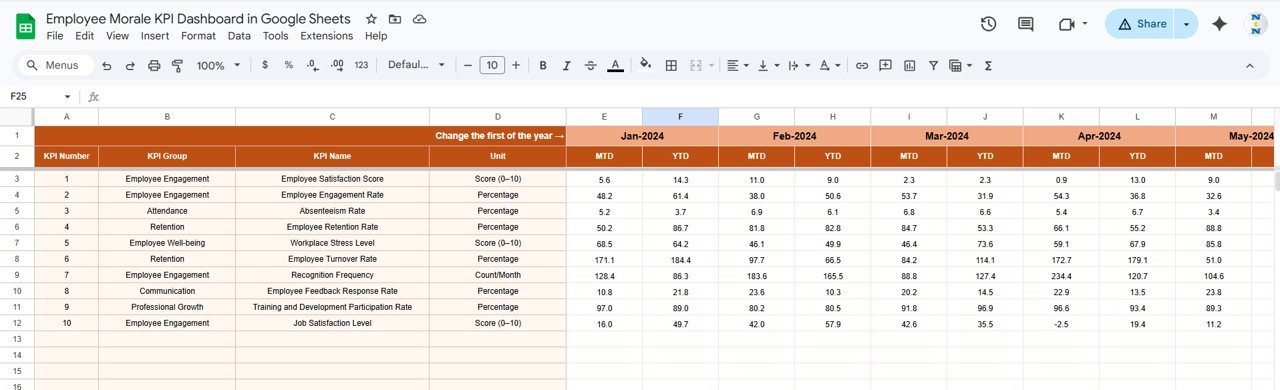
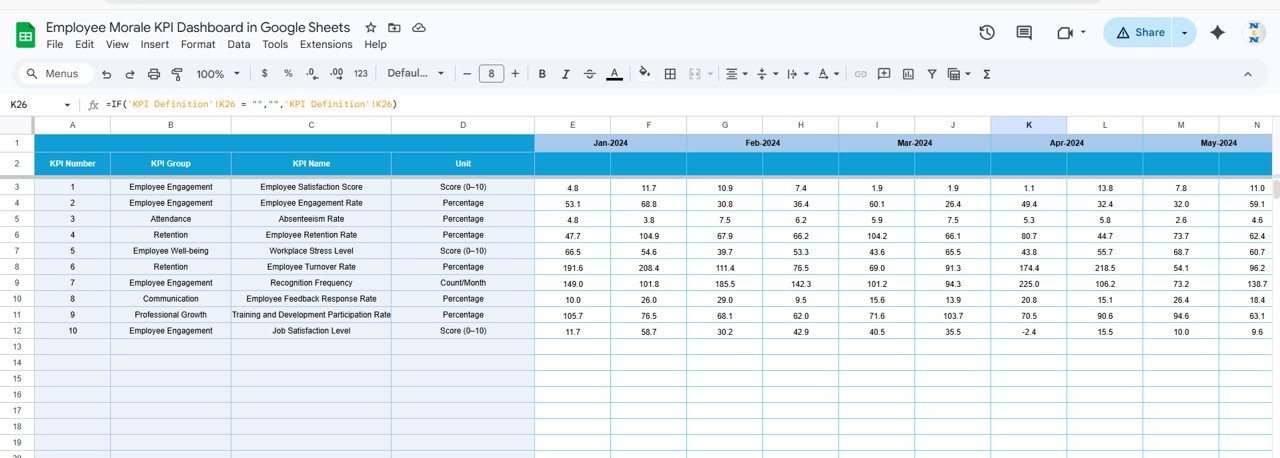
This sheet stores the actual KPI performance data. HR teams enter monthly KPI values, and the dashboard automatically updates.
4️⃣ Target Sheet
The target sheet contains target values for all KPIs. These targets allow the dashboard to evaluate performance differences.
5️⃣ Previous Year Number Sheet
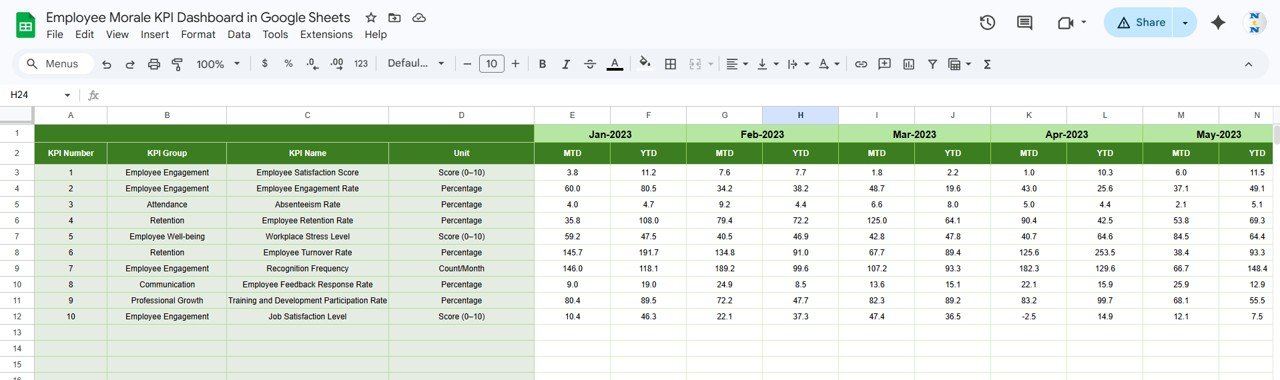
This sheet stores historical KPI values so organizations can compare current performance with previous year metrics.
6️⃣ KPI Definition Sheet
This sheet defines the KPI framework including KPI name, group, unit, formula, and KPI type.
⚙️ How to Use the Employee Morale KPI Dashboard in Google Sheets
Using the dashboard is simple and requires no advanced technical skills.
Step 1: Enter employee morale KPI data in the Actual Number Sheet.
Step 2: Define KPI targets in the Target Sheet.
Step 3: Enter previous year data in the Previous Year Sheet.
Step 4: Select the month in the Dashboard Sheet to analyze KPI performance.
The dashboard automatically generates charts, indicators, and insights for HR teams.
👨💼 Who Can Benefit from This Employee Morale KPI Dashboard in Google Sheets
This dashboard is ideal for organizations that want to monitor workforce engagement and employee satisfaction systematically.
It is especially useful for:
👩💼 HR Managers – Monitor employee engagement and morale metrics.
📊 HR Analysts – Analyze workforce trends and engagement patterns.
🏢 Business Leaders – Understand workplace culture and employee satisfaction levels.
📈 Workforce Planning Teams – Track productivity, retention, and workforce performance.
🧑💻 HR Consultants – Provide data-driven HR insights for clients.
Any organization focused on improving employee satisfaction and workplace culture can benefit from this dashboard.
Click here to read the Detailed blog post
Watch the step-by-step video tutorial:
Visit our YouTube channel to learn step-by-step video tutorials
Compatibility and Requirements
- Works in Google Sheets. You need a free Google account and a web browser.
- You pick the month and the KPI from dropdown lists. Google explains dropdowns in Create an in-cell dropdown list.
Frequently Asked Questions
Which sheets are included?
Six sheets: Dashboard, KPI Trend, Actual Number, Target, Previous Year Number and KPI Definition.
How do I change the month on the dashboard?
Select a month from the dropdown in cell D3 of the Dashboard sheet. The MTD and YTD metrics and the charts update for that month.
Can I compare this year with last year?
Yes. Enter last year’s values in the Previous Year Number sheet. The Dashboard shows Previous Year MTD and YTD next to your actuals and targets, with PY vs Actual comparisons.
How do I see the trend for one KPI?
Open the KPI Trend sheet and choose a KPI from the dropdown in cell C3. It shows the KPI group, formula, unit, definition and a trend chart.
Is there an Excel version?
Yes. See the Employee Morale KPI Dashboard in Excel.
Related HR Templates
- Employee Morale KPI Dashboard in Excel: the same morale KPIs in Excel
- Employee Productivity Dashboard in Google Sheets: productivity view in Google Sheets
- Employee Complaint Resolution Tracker in Google Sheets: track employee complaints to resolution
- Employee Turnover Dashboard in Power BI: turnover analysis in Power BI
- HR Google Sheets Pack: 10 HR templates for Google Sheets in one download
Browse all Google Sheets KPI dashboards or HR and Payroll templates for Google Sheets.