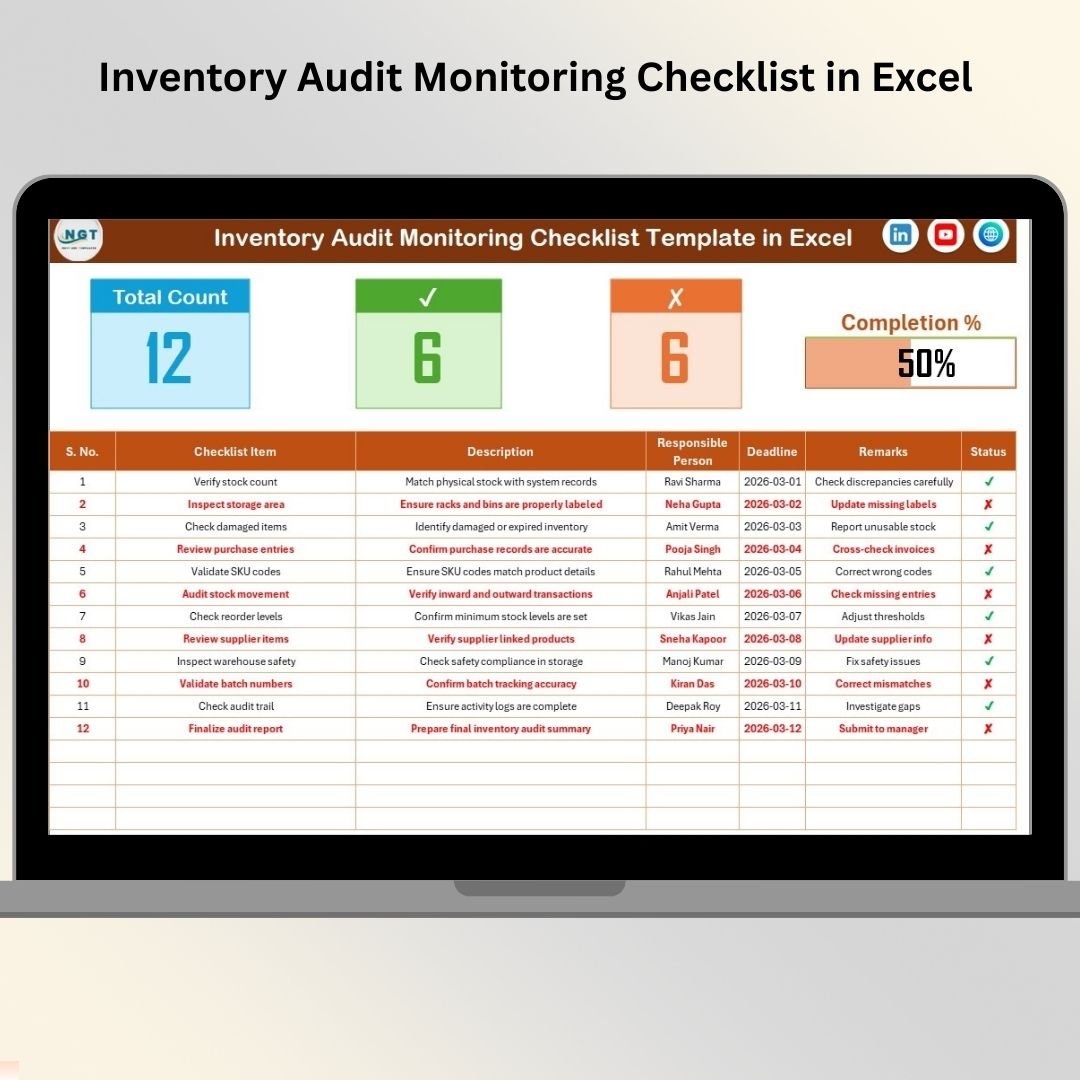

Inventory accuracy is the backbone of every successful business. Whether you operate a warehouse, retail outlet, manufacturing facility, or distribution center, poor inventory control can quickly lead to financial losses, stock discrepancies, and operational inefficiencies. Unfortunately, many organizations still manage inventory audits using handwritten notes, emails, or scattered spreadsheets, making audit monitoring complicated and unreliable.
The Inventory Audit Monitoring Checklist in Excel is a smart, ready-to-use solution designed to simplify inventory audit tracking and improve accountability across teams. Instead of managing multiple files or manual follow-ups, this structured Excel template allows organizations to organize audit activities, assign responsibilities, track progress, and ensure every audit task gets completed on time.
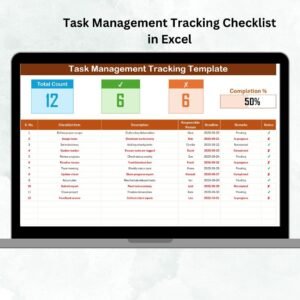
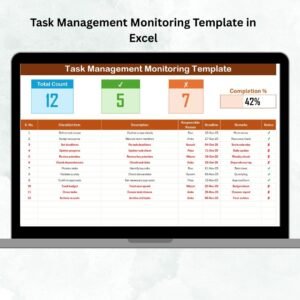
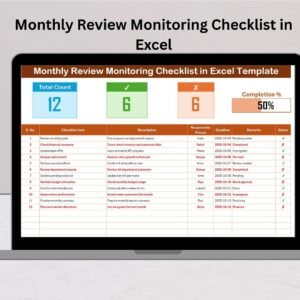
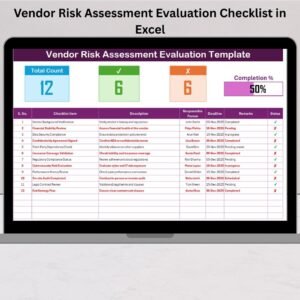
Built within a familiar Excel environment, the checklist provides real-time visibility into audit progress through automated counts, status indicators, and a dynamic progress bar. As a result, managers can instantly monitor audit completion without reviewing each task individually.
This template transforms inventory audits from a stressful manual process into a structured, transparent, and efficient workflow. Whether your goal is improving compliance, reducing stock variance, or enhancing operational control, this checklist helps you execute audits consistently and professionally.
✅ Key Feature of Inventory Audit Monitoring Checklist in Excel
📋 Centralized Audit Tracking — Manage all inventory audit tasks in one organized workbook.
📊 Real-Time Progress Dashboard — Automatically view total tasks, completed items, pending items, and completion percentage.
✅ Simple Status Updates — Mark tasks using ✔ Completed or ✘ Pending indicators.
👤 Responsibility Assignment — Clearly assign audit ownership to team members.
📅 Deadline Monitoring — Track due dates to ensure timely audit completion.
📉 Automated Progress Bar — Visual indicators instantly show audit progress.
🔽 Dropdown List Management — Prevent errors using standardized responsible person lists.
⚡ Easy-to-Use Design — No advanced Excel skills required.
📦 What’s Inside the Inventory Audit Monitoring Checklist in Excel
This ready-to-use template contains two structured worksheets designed for efficient audit monitoring:
🧾 Inventory Audit Monitoring Checklist Sheet (Main Sheet)
The main working area where audit activities are tracked.
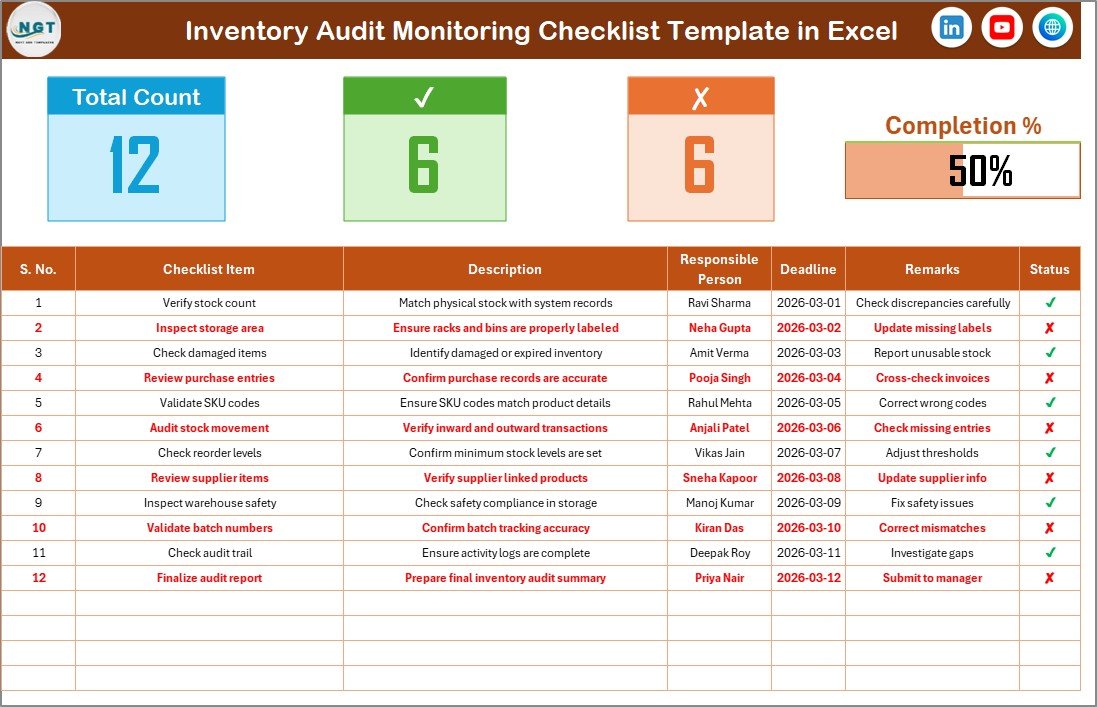
Includes:
Audit summary dashboard
Total checklist count
Completed and pending task tracking
Visual progress bar
Structured checklist table
Checklist columns include:
Serial Number
Checklist Item
Description
Responsible Person
Deadline
Remarks
Status (✔ / ✘)
📘 List Sheet (Drop-Down Management)
This sheet stores standardized responsible person names to create dropdown selections and maintain consistent data entry.
Together, these sheets ensure organized, accurate, and professional audit monitoring.
⚙️ How to Use the Inventory Audit Monitoring Checklist
The workflow is simple and practical:
1️⃣ Add inventory audit tasks to the checklist.
2️⃣ Assign responsible persons using dropdown selections.
3️⃣ Set task deadlines.
4️⃣ Perform audit activities.
5️⃣ Update status using ✔ or ✘.
6️⃣ Monitor progress automatically through the dashboard section.
Because calculations update instantly, managers always know the audit status in real time.
👥 Who Can Benefit from This Inventory Audit Monitoring Checklist
This template is ideal for professionals responsible for inventory accuracy and compliance:
🏭 Warehouse Managers overseeing stock verification
📦 Inventory Controllers managing audit processes
🏬 Retail Store Managers ensuring stock accuracy
🏭 Manufacturing Supervisors monitoring materials
📊 Internal Audit Teams tracking audit completion
💼 Finance & Compliance Departments maintaining reporting accuracy
Since the template is flexible, organizations of any size or industry can implement it easily.
By introducing structure and accountability into inventory audits, this checklist reduces missed tasks, improves audit transparency, and strengthens operational control. Instead of relying on manual tracking methods, businesses gain a reliable system that ensures every audit step is completed efficiently.
Consistent audit monitoring ultimately leads to improved inventory accuracy, reduced losses, stronger compliance, and better decision-making.
### Click here to read the Detailed blog post
Visit our YouTube channel to learn step-by-step video tutorials:
👉 https://youtube.com/@PKAnExcelExpert