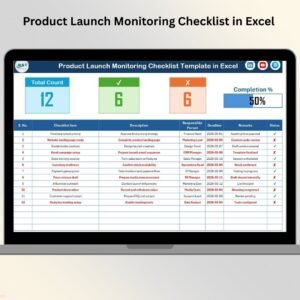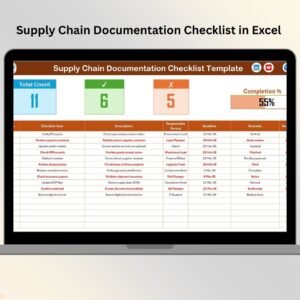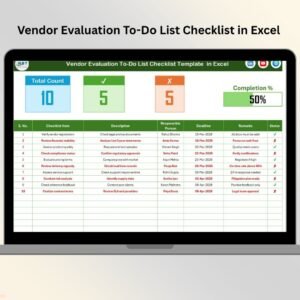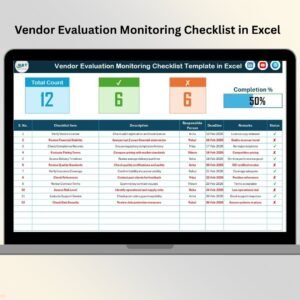
The Product Launch Review Checklist in Excel is a ready-to-use, professionally structured template designed to track every pre-launch task in one centralized sheet. Instead of relying on scattered emails or verbal follow-ups, you manage everything inside a clear and organized Excel system.
You do not just prepare for launch.
You control it.
Key Feature of Product Launch Review Checklist in Excel 📋🚀
This structured Excel template helps you monitor every critical launch activity with clarity.
✨ Automatic Progress Bar (Completion %)
📊 Total Task, Completed & Pending Counters
👤 Responsible Person Assignment (Dropdown)
📅 Deadline Tracking
✔ Simple Status Control (✔ / ✘)
📝 Remarks Column for Notes
📂 Structured Two-Sheet System
⚙ Fully Customizable Format
Because it runs in Excel, you can adapt it to any product type — physical goods, digital products, SaaS, manufacturing, or services.
What’s Inside the Product Launch Review Checklist in Excel 📁
This template includes 2 structured worksheets, each designed to maintain clarity and efficiency.
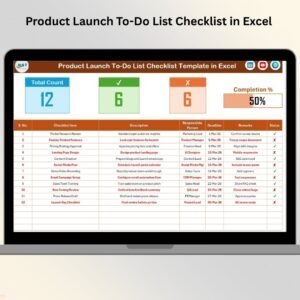
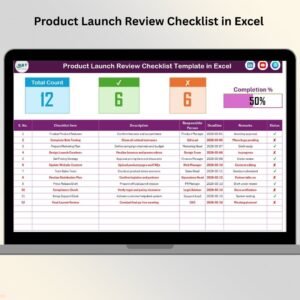
1️⃣ Product Launch Review Checklist Sheet – The Main Tracking Page
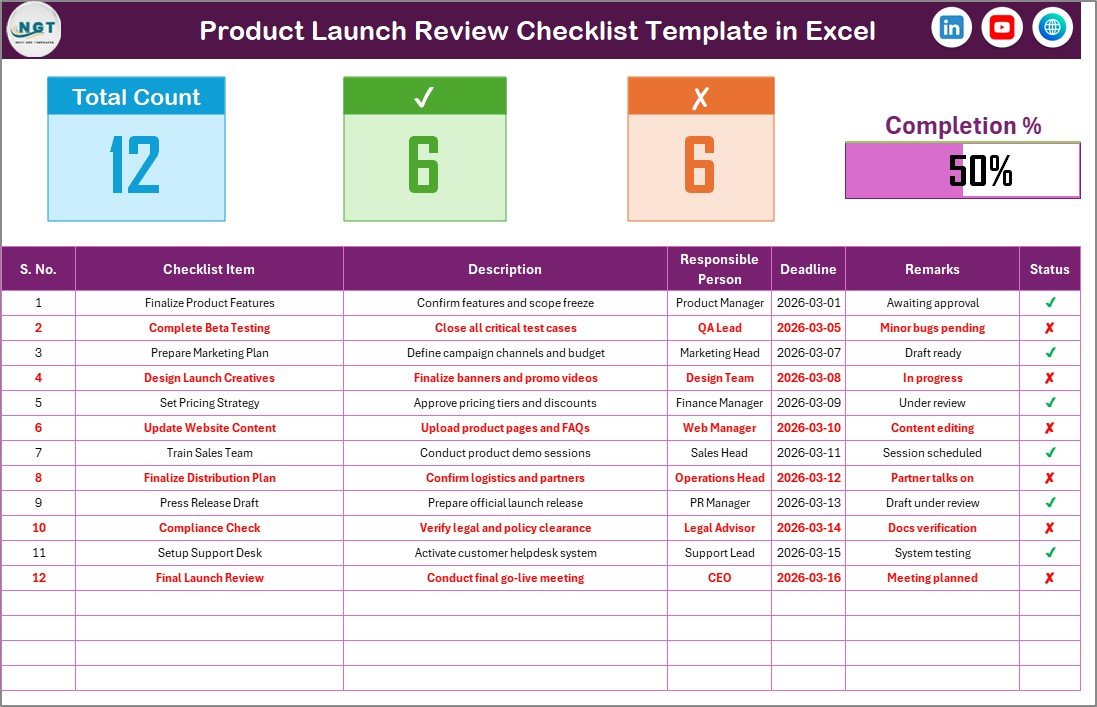
This is the core of the template.
It includes two major sections:
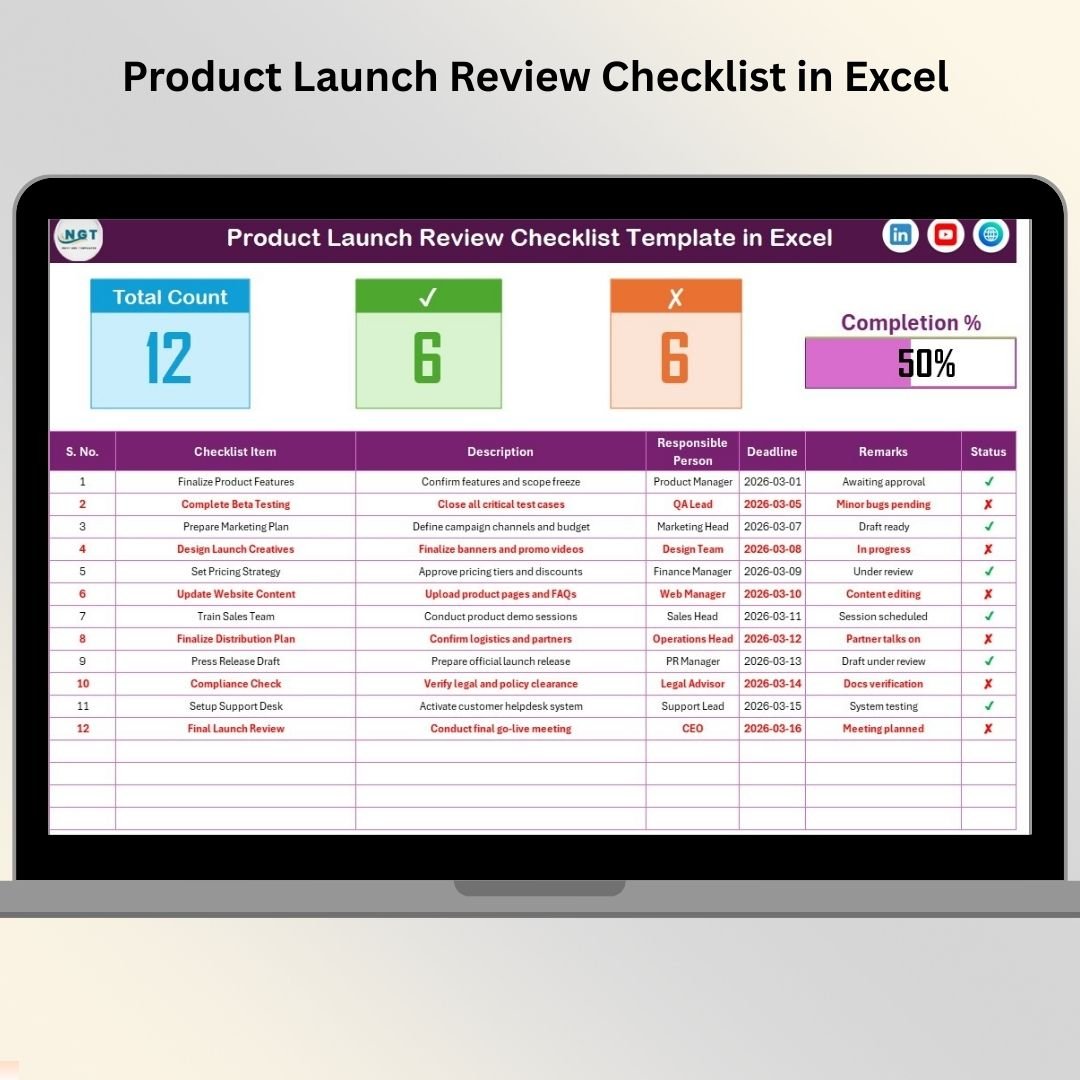
🔹 Top Summary Section – Instant Launch Readiness
At the top, you will see:
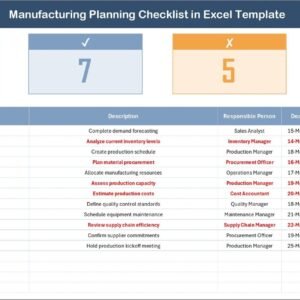
Total Task Count
Checked Count (Completed Tasks)
Crossed Count (Pending Tasks)
Progress Bar (Completion Percentage)
As soon as you update task status, the progress bar updates automatically.
For example:
If progress shows 90%, your launch is almost ready.
If progress shows 45%, you still need focused execution.
This section gives leadership instant visibility.
🔹 Checklist Table – Complete Task Control
Below the summary section, you manage all launch tasks.
Columns Included:
Serial No.
Checklist Item
Description
Responsible Person
Deadline
Remarks
Status (✔ / ✘)
Each column plays a critical role:
✔ Checklist Item defines the task clearly
👤 Responsible Person ensures accountability
📅 Deadline keeps execution on track
📝 Remarks provide real-time updates
✔ Status tracks completion
You simply mark ✔ for completed tasks and ✘ for pending tasks.
Because of this structured design, nothing gets missed.
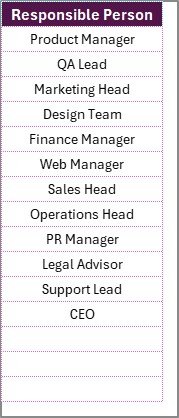
2️⃣ List Sheet – Responsible Person Setup
The second sheet stores the list of team members.
This sheet creates a drop-down menu in the main checklist.
Benefits:
Prevents spelling errors
Maintains standardized names
Simplifies data entry
Keeps reporting clean
If a new team member joins, simply add the name in the List sheet.
How to Use the Product Launch Review Checklist 🛠️
Using this template is simple and structured.
Step 1: Define All Launch Tasks
Include tasks such as:
Final product testing
Website updates
Marketing campaign setup
Sales training
Inventory readiness
Customer support preparation
Step 2: Assign Responsible Owners
Use the dropdown to assign one owner per task.
Clear ownership reduces confusion.
Step 3: Set Realistic Deadlines
Deadlines ensure focused execution.
Step 4: Update Status Regularly
Mark tasks ✔ once completed.
Review pending tasks weekly.
Step 5: Monitor the Progress Bar
Use the completion percentage as a launch readiness indicator.
Who Can Benefit from This Product Launch Review Checklist 👥
This template is ideal for:
✔ Startup Founders
✔ Product Managers
✔ Marketing Teams
✔ SaaS Companies
✔ E-commerce Businesses
✔ Manufacturing Firms
✔ Consultants
Whether you launch digital or physical products, this checklist keeps your team aligned.
How This Checklist Improves Launch Success 💡
When you use structured monitoring:
🚀 You avoid missed marketing activities
📦 You ensure inventory coordination
👥 You align cross-functional teams
📊 You reduce last-minute stress
📅 You improve deadline discipline
Instead of reacting to problems, you prevent them.
Small improvements in coordination create massive impact on launch performance.
Why Choose Excel for Launch Tracking? 📊
Excel offers:
✔ Easy customization
✔ No subscription cost
✔ Familiar interface
✔ Simple automation
✔ Shareable format
You do not need complex project management tools.
You need clarity — and Excel delivers it.
Launch with Confidence and Control 🚀
A product launch is not just about creativity.
It is about execution.
The Product Launch Review Checklist in Excel gives you:
📋 Structured task visibility
👤 Clear accountability
📅 Deadline monitoring
📊 Real-time progress tracking
⚙ Flexible customization
When you follow a structured checklist, you reduce risk and increase launch success rate significantly.
Stop guessing.
Start tracking.
Launch professionally — every time.
Click here to read the Detailed blog post
Visit our YouTube channel to learn step-by-step video tutorials
👉 https://youtube.com/@PKAnExcelExpert