
Launching a Product Soon? Don’t Let One Missed Task Ruin Everything 🚀
A product launch is exciting. It brings momentum, visibility, and growth opportunities. However, it also brings pressure. Marketing campaigns must go live on time. Sales teams must be trained. Inventory must be ready. Customer support must prepare for inquiries.
If even one task slips, your entire launch can suffer.
The Product Launch Monitoring Checklist in Excel gives you a structured, ready-to-use system to manage every launch activity in one organized sheet.
Instead of juggling emails and notes, you track tasks clearly. Instead of confusion, you create accountability. Instead of uncertainty, you gain confidence.
This powerful Excel template centralizes planning, monitoring, and execution — helping you launch professionally and successfully.
Key Feature of Product Launch Monitoring Checklist in Excel 📋
This template is designed to simplify launch execution with structured monitoring tools:
✅ Centralized Task Tracking – Manage all launch activities in one sheet.
✅ Clear Responsibility Assignment – Assign ownership to each task.
✅ Deadline Monitoring – Track due dates to avoid delays.
✅ Status Tracking System (✔ / ✘) – Mark tasks completed or pending.
✅ Dynamic Progress Bar – Instantly view overall completion percentage.
✅ Real-Time Task Count – View total, completed, and pending tasks.
✅ Dropdown Responsible List – Prevent typing errors and maintain consistency.
✅ Fully Customizable Layout – Modify columns and tasks easily.
Because it runs entirely in Excel, your team can use it immediately without learning new software.
What’s Inside the Product Launch Monitoring Checklist in Excel 📁
You receive a structured Excel file with 2 worksheets designed for clarity and efficiency.
📌 1️⃣ Product Launch Monitoring Checklist Sheet (Main Sheet)
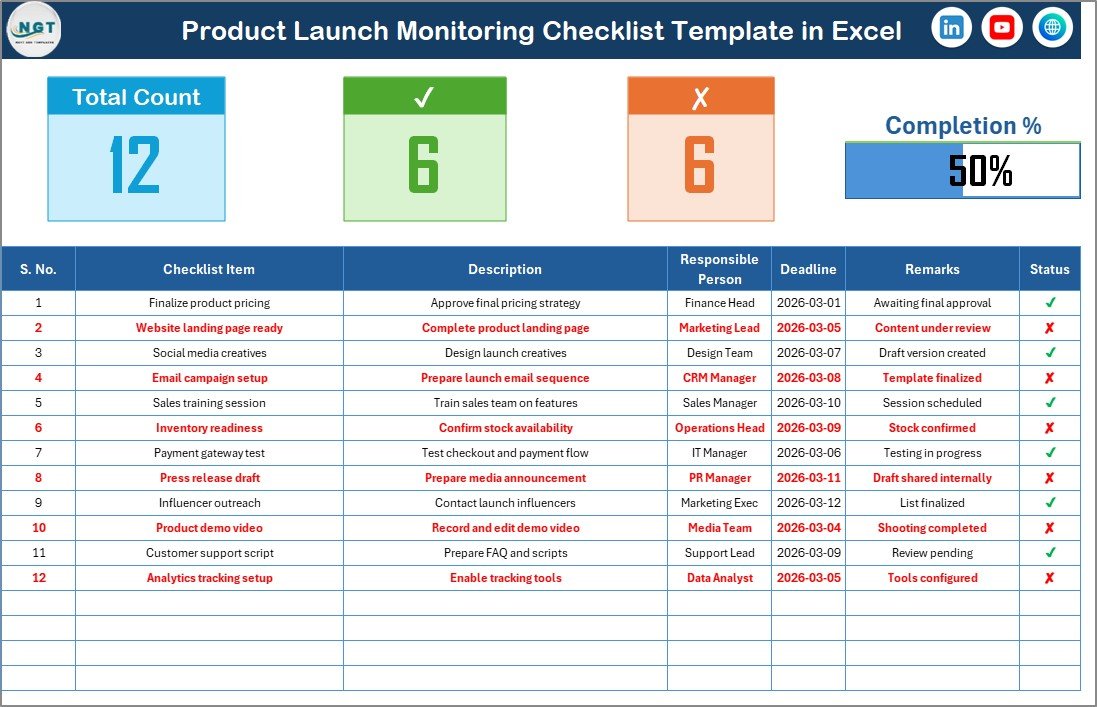
This is the core management dashboard.
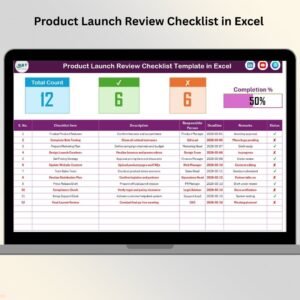
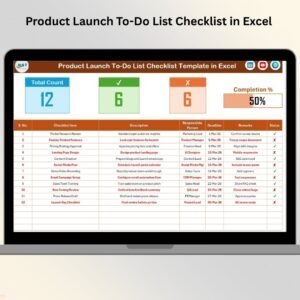
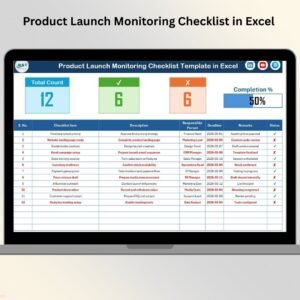
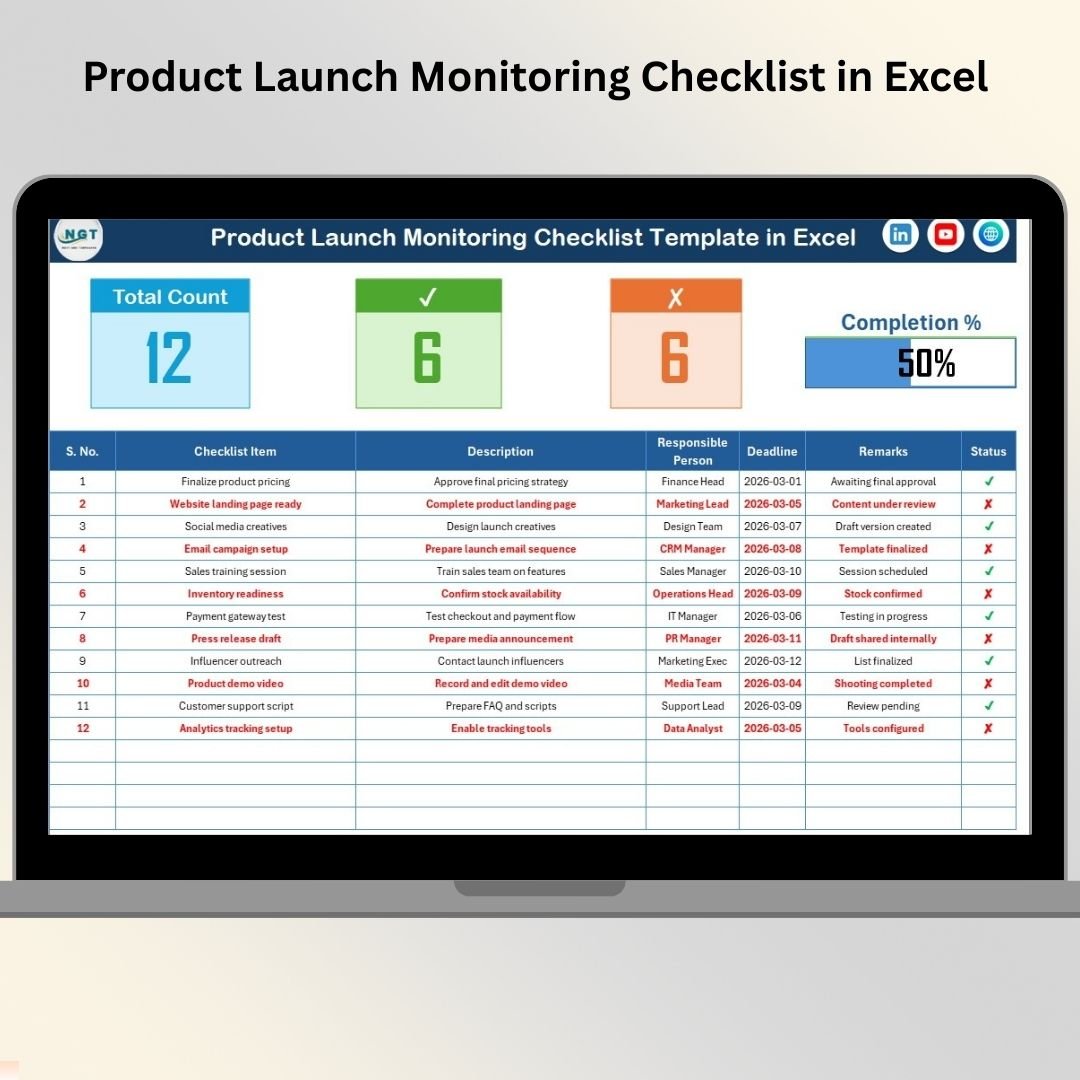
🔹 Top Section Overview Displays:
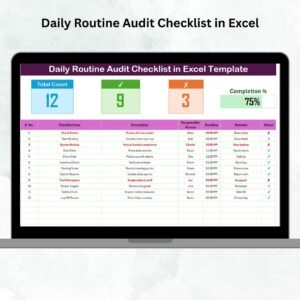
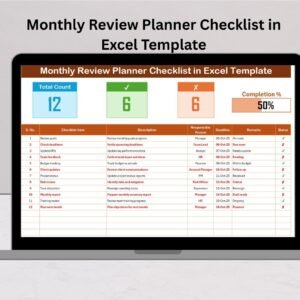
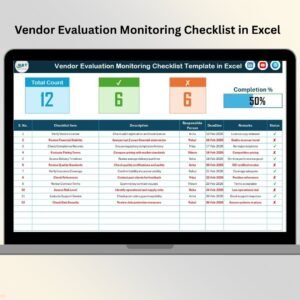
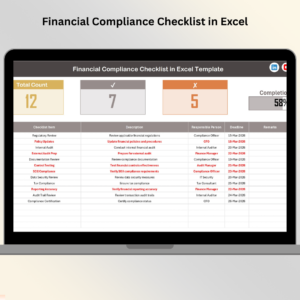
Total Count of Tasks
Checked Count (Completed Tasks)
Crossed Count (Pending Tasks)
Progress Bar showing Checked %
As soon as you update a task status, the summary section updates automatically.
If progress shows 80%, you know you’re close to launch readiness.
If progress shows 40%, you know immediate action is required.
🔹 Checklist Table Includes:
Serial No.
Checklist Item
Description
Responsible Person
Deadline
Remarks
Status (✔ / ✘)
Each column ensures clarity and structure.
When you mark ✔ for completed tasks and ✘ for pending ones, progress updates instantly.
Everything remains visible in one professional layout.
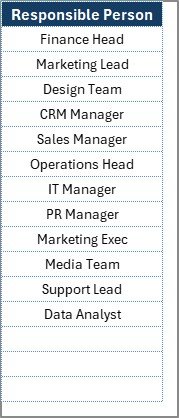
📌 2️⃣ List Sheet – Responsible Person Management
This sheet stores the unique list of team members.
It powers the dropdown in the main sheet.
Because of this structure:
You avoid duplicate entries
You maintain clean data
You ensure consistent naming
Simply add new names to the List sheet if your team expands.
How to Use the Product Launch Monitoring Checklist in Excel ⚙️
Step 1: Define All Launch Tasks
List product, marketing, sales, operations, and financial activities.
Step 2: Assign Responsible Person
Choose a team member from the dropdown list.
Step 3: Set Clear Deadlines
Define realistic completion dates.
Step 4: Update Task Status
Mark ✔ when completed and ✘ if pending.
Step 5: Review Progress Weekly
Use the progress bar as a performance indicator during meetings.
Within minutes, your product launch planning becomes structured and professional.
Who Can Benefit from This Product Launch Monitoring Checklist in Excel 👥
This template is ideal for:
✔ Startup Founders
✔ Product Managers
✔ Marketing Teams
✔ Sales Managers
✔ E-commerce Businesses
✔ SaaS Companies
✔ Entrepreneurs
✔ Manufacturing Firms
Whether you are launching a physical product, digital service, or software application, this checklist adapts to your needs.
How This Checklist Improves Launch Success 📈
It helps you:
🔹 Prevent missed tasks
🔹 Improve accountability
🔹 Monitor deadlines clearly
🔹 Reduce communication gaps
🔹 Track real-time progress
🔹 Increase launch success rate
Because every task is visible and assigned, execution becomes smoother.
Instead of reacting to mistakes, you prevent them.
If you want structured planning, team alignment, and professional launch execution — this checklist becomes your secret weapon.
Click here to read the Detailed blog post
Visit our YouTube channel to learn step-by-step video tutorials
👉 Youtube.com/@PKAnExcelExpert
Watch the step-by-step video tutorial:
Compatibility and Requirements
- Works in Microsoft Excel desktop (Excel 2016 or later, or Microsoft 365).
- You pick the responsible person for each task from a dropdown that reads the names on the List sheet. Microsoft explains dropdowns in Create a drop-down list.
Frequently Asked Questions
How many worksheets does the template have?
Two: the Product Launch Monitoring Checklist sheet, which is the main sheet, and the List sheet, which stores the names of your team members.
How is progress calculated?
Mark each task with ✔ when it is done or ✘ when it is pending. The top section then shows the total count of tasks, the checked count, the crossed count and a progress bar with the checked percentage.
How do I add a new team member to the dropdown?
Add the name to the List sheet. The Responsible Person dropdown on the main sheet reads its names from that sheet, so each name is entered once and spelled the same way every time.
Can I change the tasks and columns?
Yes. The layout is fully customizable, so you can edit the checklist items, descriptions, deadlines and remarks to match your own launch.
Is there a Google Sheets version for product launches?
Yes. See the Product Launch Checklist in Google Sheets.
Related Product Launch Templates
- Product Launch Checklist Template in Excel: a general checklist for launch tasks
- Product Launch Calendar in Excel: plan launch dates on a calendar
- Product Launch KPI Dashboard in Excel: track launch results with KPIs
- Product Launch Checklist in Google Sheets: the same topic in Google Sheets
- Product Launch Review Checklist in Excel: review the launch once it is done
Browse all Excel checklist templates.