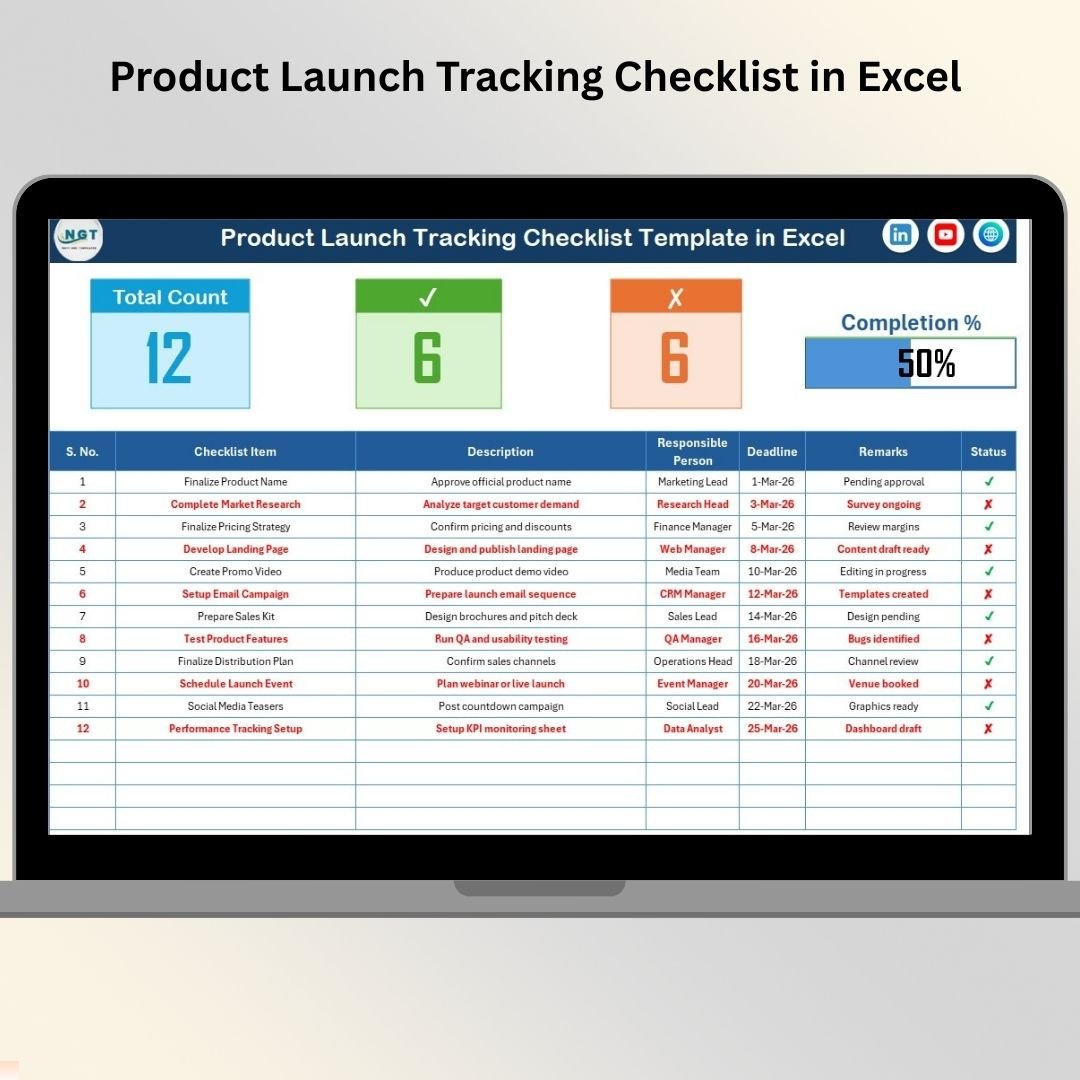
Launching a Product Soon? Don’t Let Small Mistakes Destroy Big Opportunities 🚀
A successful product launch is never accidental. It requires planning, coordination, and precise execution. However, many businesses miss critical tasks because they rely on scattered emails, sticky notes, or multiple spreadsheets. As a result, deadlines slip, teams miscommunicate, and launch performance suffers.
The Product Launch Tracking Checklist in Excel gives you a structured, ready-to-use system to manage every launch activity in one centralized place.
Instead of chaos, you get clarity.
Instead of confusion, you get control.
This powerful Excel template helps you capture tasks, assign responsibilities, set deadlines, and monitor progress visually — all inside a simple and professional dashboard.
Key Feature of Product Launch Tracking Checklist in Excel 📋
This ready-to-use template includes intelligent features designed to simplify your launch process:
✅ Centralized Task Management – Track every launch activity in one sheet.
✅ Responsible Person Assignment – Assign clear ownership to each task.
✅ Deadline Tracking – Monitor due dates to avoid delays.
✅ Status Update System (✔ / ✘) – Mark tasks as completed or pending.
✅ Automatic Progress Calculation – Visual progress bar updates instantly.
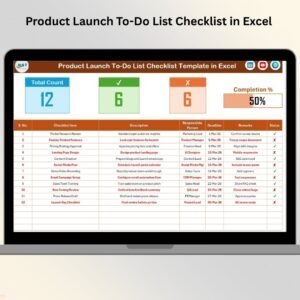
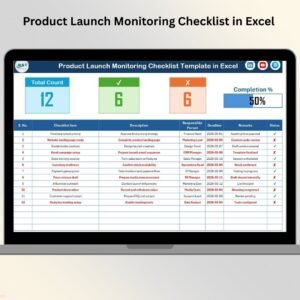
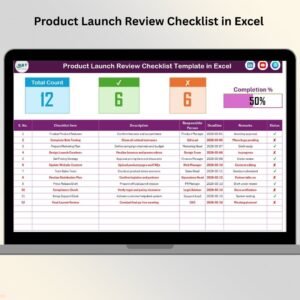
✅ Summary Dashboard Section – View Total Tasks, Completed, Pending, and Completion %.
✅ Dropdown-Based Responsible List – Avoid typing errors and maintain consistency.
✅ Fully Customizable Structure – Add tasks, modify columns, and tailor to your workflow.
Because everything runs inside Excel, you get flexibility without complexity.
What’s Inside the Product Launch Tracking Checklist in Excel 📁
You receive a professionally structured Excel file with 2 organized worksheets:
📌 1️⃣ Product Launch Tracking Checklist Sheet (Main Control Panel)
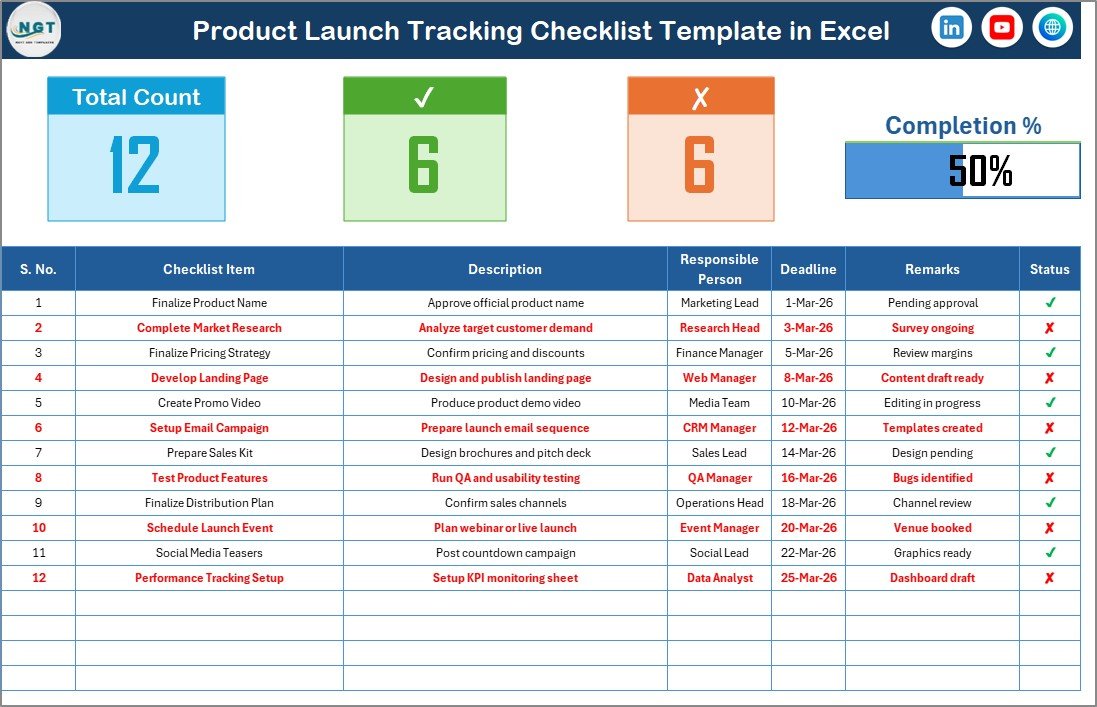
This is the heart of the template.
🔹 Top Summary Section Displays:
Total Count of Tasks
Checked Count (Completed Tasks)
Crossed Count (Pending Tasks)
Dynamic Progress Bar
As soon as you update task status, the progress percentage updates automatically.
🔹 Detailed Checklist Table Includes:
Serial No.
Checklist Item
Description
Responsible Person (Dropdown)
Deadline
Remarks
Status (✔ / ✘)
To update progress, simply mark ✔ for completed tasks and ✘ for pending ones. The dashboard reflects changes instantly.
You always know where your launch stands.
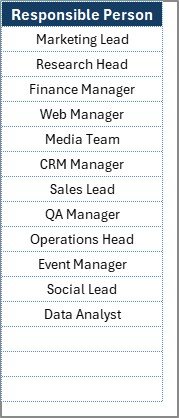
📌 2️⃣ List Sheet (Dropdown Management)
This sheet stores unique Responsible Person names.
Because it feeds the dropdown in the main table:
You avoid spelling errors
You maintain consistency
You manage team members easily
If someone new joins the team, just add their name in the List sheet.
Simple. Organized. Efficient.
How to Use the Product Launch Tracking Checklist in Excel ⚙️
Using this template is straightforward:
Step 1: Define All Launch Tasks
List every marketing, sales, product, and operations activity.
Step 2: Assign Owners
Select responsible persons using the dropdown.
Step 3: Set Deadlines
Enter realistic deadlines for each task.
Step 4: Update Status
Mark ✔ for completed tasks and ✘ for pending ones.
Step 5: Review Progress Weekly
Use the progress bar and summary metrics during team meetings.
Within minutes, you transform your launch from chaotic to structured.
Who Can Benefit from This Product Launch Tracking Checklist in Excel 👥
This template is perfect for:
✔ Startup Founders
✔ Product Managers
✔ Marketing Teams
✔ Sales Managers
✔ Operations Leaders
✔ Project Managers
✔ Digital Product Creators
Whether you are launching software, SaaS, physical products, or online courses — this checklist adapts to your needs.
Why This Checklist Increases Launch Success 📈
It helps you:
🔹 Prevent missed tasks
🔹 Improve accountability
🔹 Reduce deadline delays
🔹 Enhance team coordination
🔹 Track readiness visually
🔹 Reduce launch risk
Because you monitor every activity in one structured sheet, nothing slips through the cracks.
Instead of reacting to problems, you prevent them.
Instead of confusion, you create confidence.
If you want structured planning, clear accountability, and smooth execution, this Product Launch Tracking Checklist in Excel becomes your secret weapon.
Click here to read the Detailed blog post
Visit our YouTube channel to learn step-by-step video tutorials
👉 Youtube.com/@PKAnExcelExpert