Managing consultants and freelancers sounds simple—until assignments grow, invoices pile up, payments need tracking, expenses increase, and multiple users access the same data. When businesses rely on scattered Excel files or manual registers, errors increase, control weakens, and productivity drops fast.
That is exactly why we built the Consultant and Freelancer Management System V1.0 in Excel VBA.
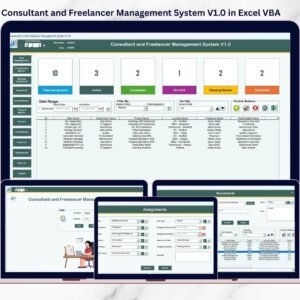
This ready-to-use Excel & VBA-based management system is designed to help businesses manage consultants and freelancers from one secure, centralized, offline platform. Instead of juggling multiple sheets, emails, and folders, you get a structured, role-based system that handles everything—from assignments to payments—smoothly and securely.
Built entirely in Microsoft Excel with VBA, this system is perfect for organizations that want a powerful yet simple desktop solution without monthly subscriptions or complex software installations.
## 🚀 Key Features of Consultant and Freelancer Management System V1.0
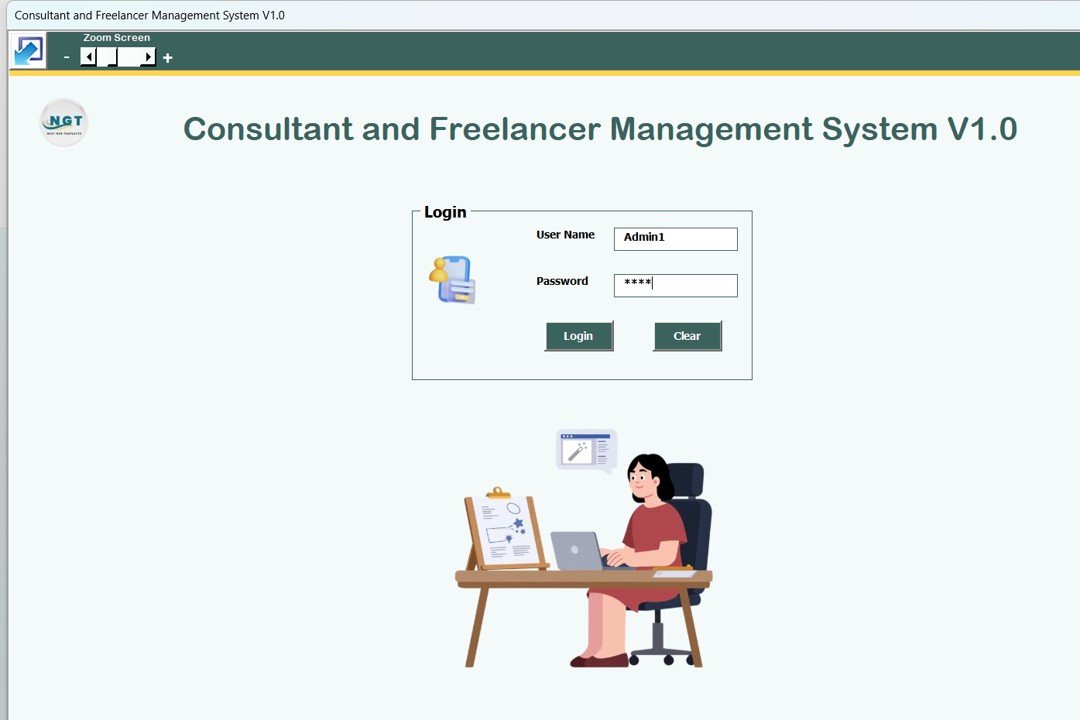
🔐 Secure Login System (Admin & User Roles)
Protect your data with role-based login access and controlled navigation.
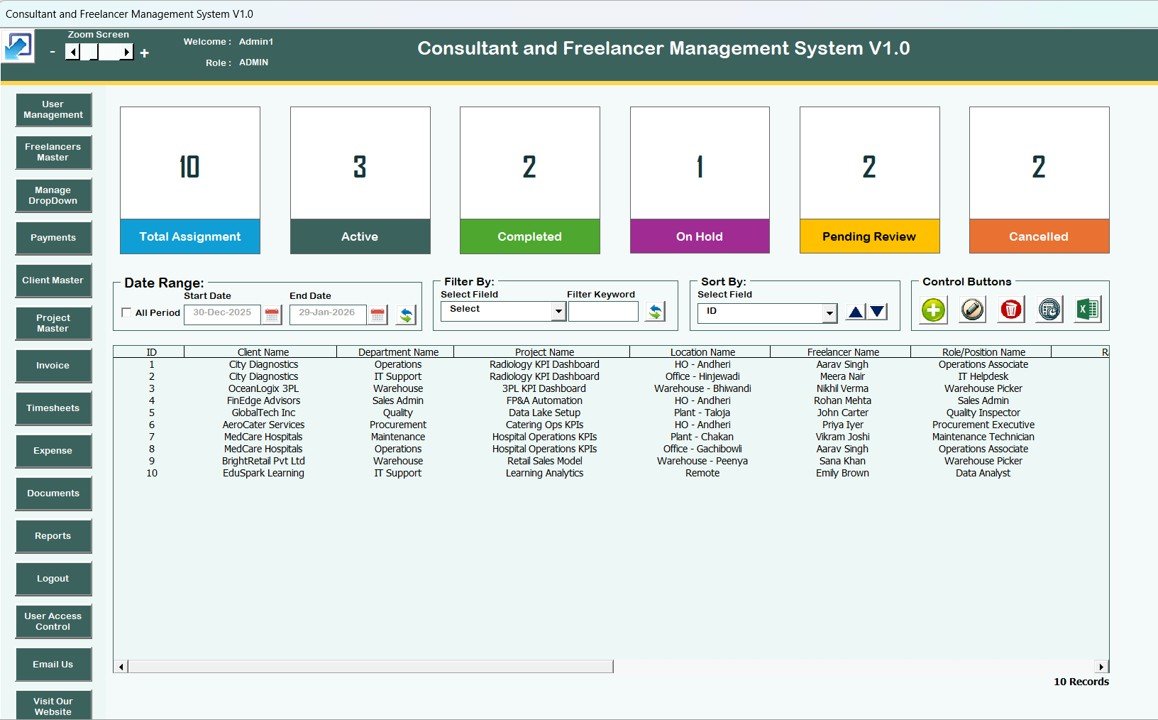
🧩 Centralized Main Form Dashboard
Manage all records from a single control panel with dynamic list views.
📋 Smart List Box with Filters & Sorting
Quickly filter data by date range, columns, or sort records for fast analysis.
➕ Add, Update & Delete Records Easily
Full CRUD operations with double-click editing and secure deletion.
🕒 Record History Tracking
View complete modification history to maintain transparency and audit trails.
📤 Export to Excel Feature
Export records instantly for sharing, backup, or reporting.
🧭 Left-Side Navigation Menu
Quick access to all modules without searching or scrolling.
👥 Role-Based User Access Control
Admins control which modules users can view or edit.
📧 Email & Website Quick Access
Built-in buttons for support, customization, and product exploration.
## 📦 What’s Inside the Consultant and Freelancer Management System
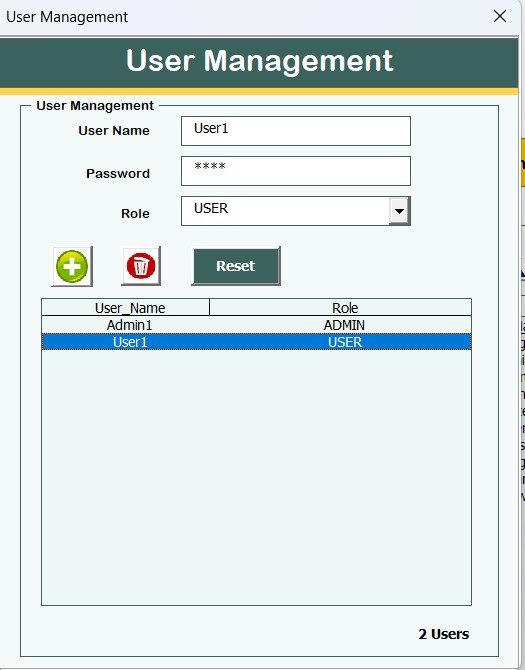
🧑💼 User Management Module
Add users, reset passwords, assign roles, and manage access securely.
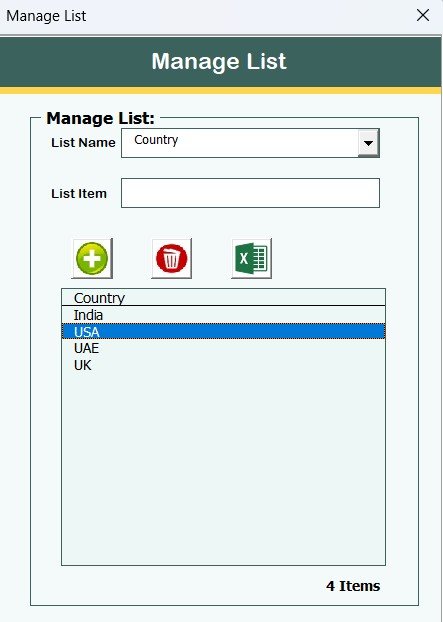
📂 Manage List Module
Control dropdown values and master lists for clean data entry.
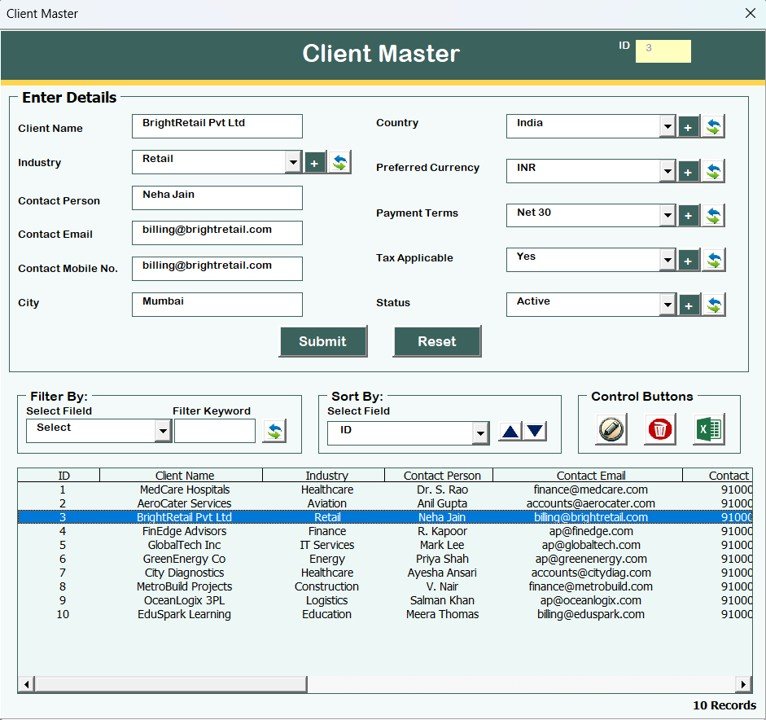
🏢 Client Master
Store and manage complete client details in one place.
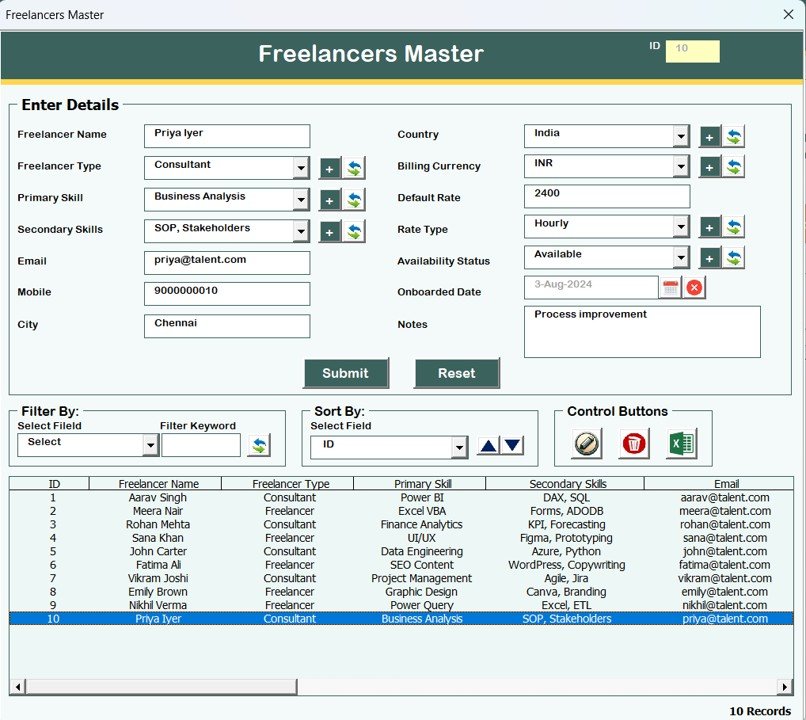
👤 Freelancers Master
Maintain structured freelancer profiles and related information.
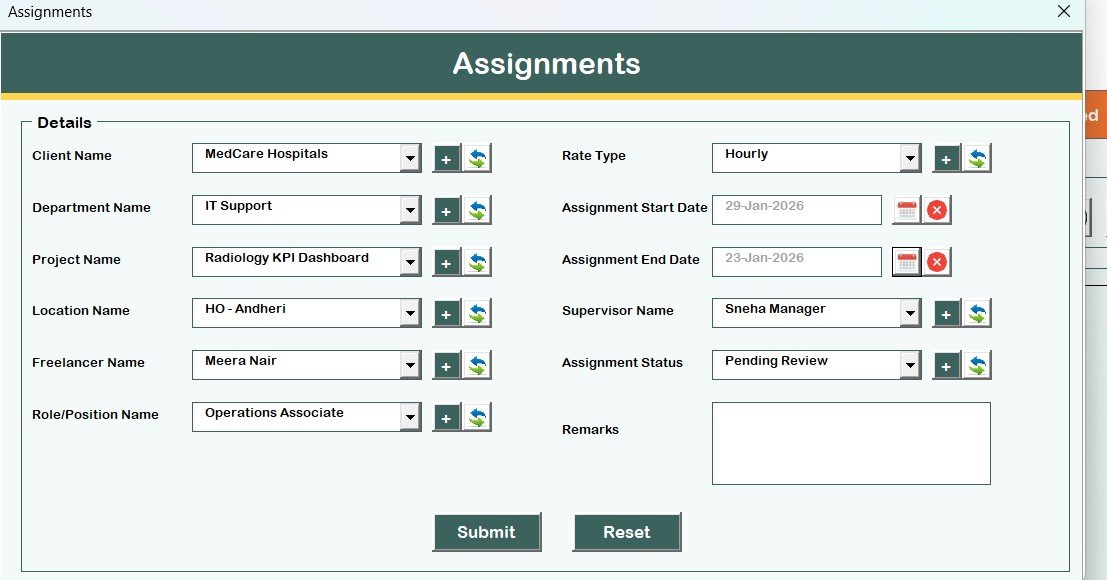
📁 Assignments Module
Add and update consultant or freelancer assignments easily.
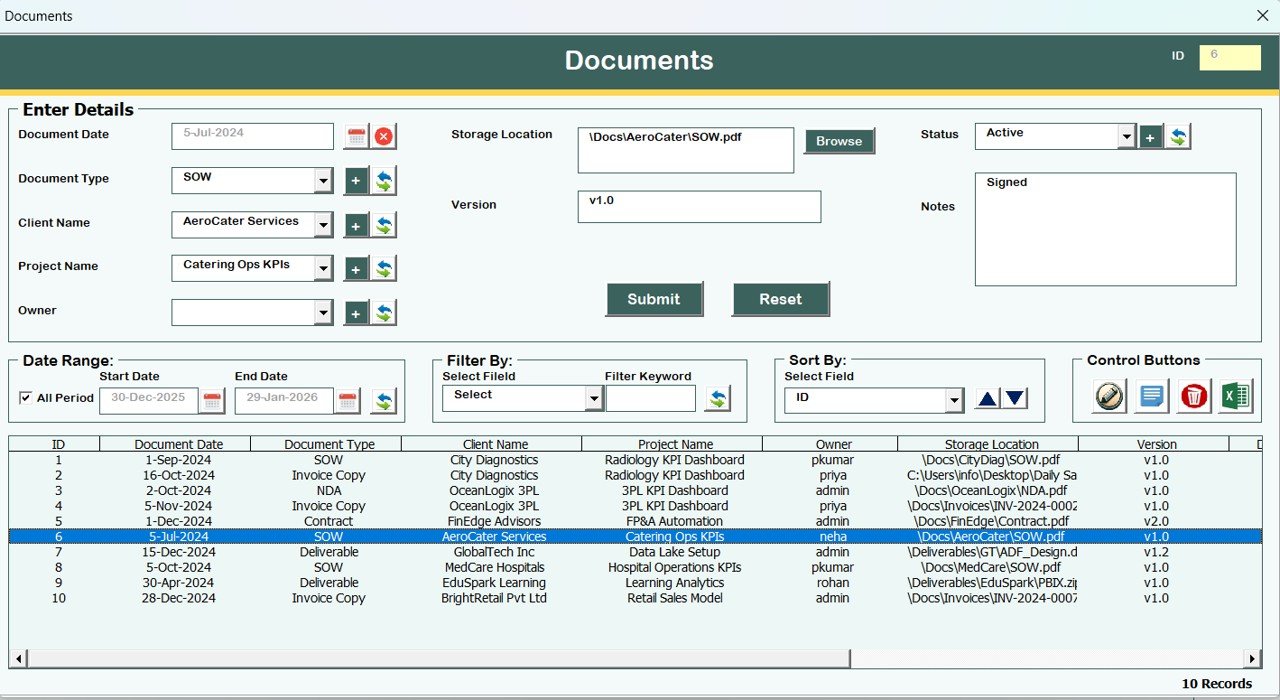
📄 Documents Management
Track and manage documents linked to consultants, freelancers, or projects.
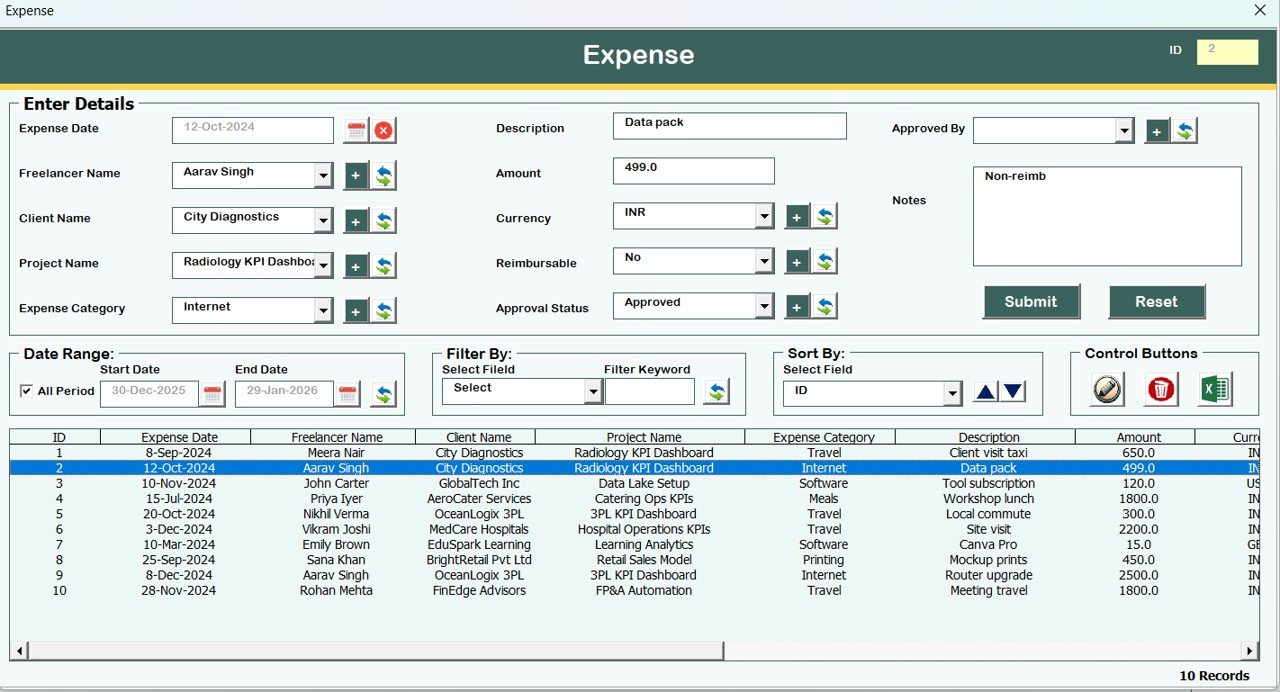
💰 Expense Management
Record and monitor expenses for cost control and analysis.
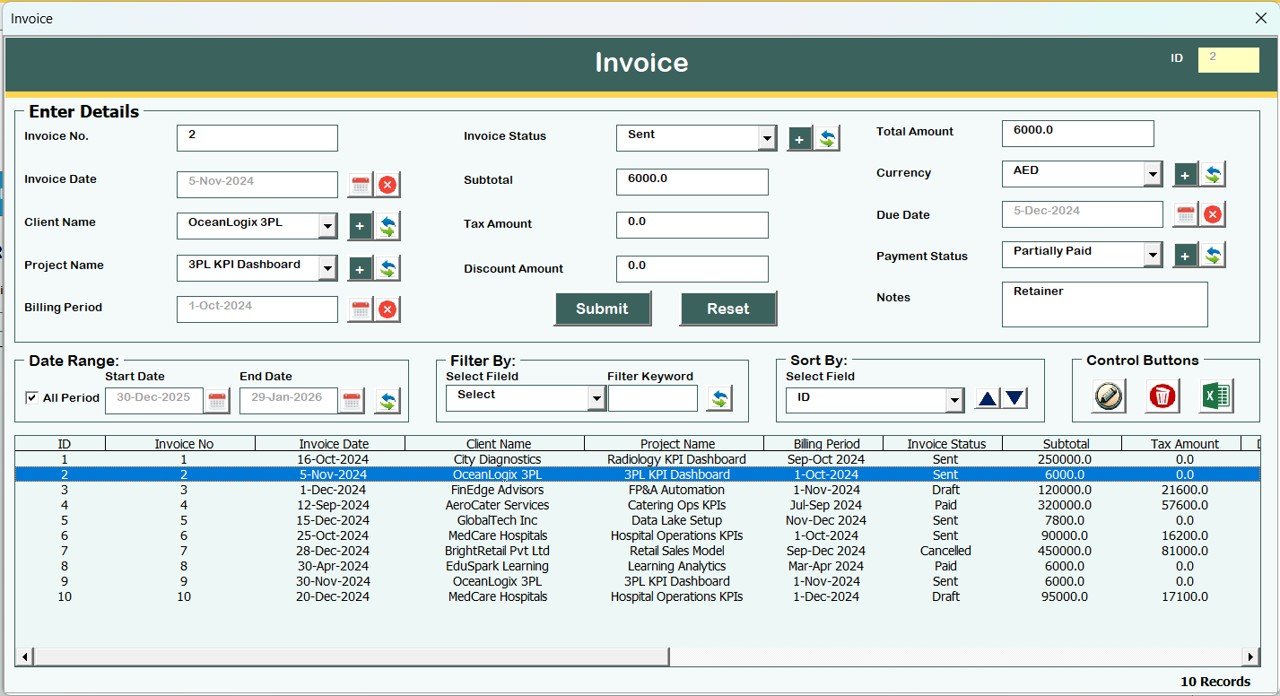
🧾 Invoice Management
Track invoice details for better billing accuracy.
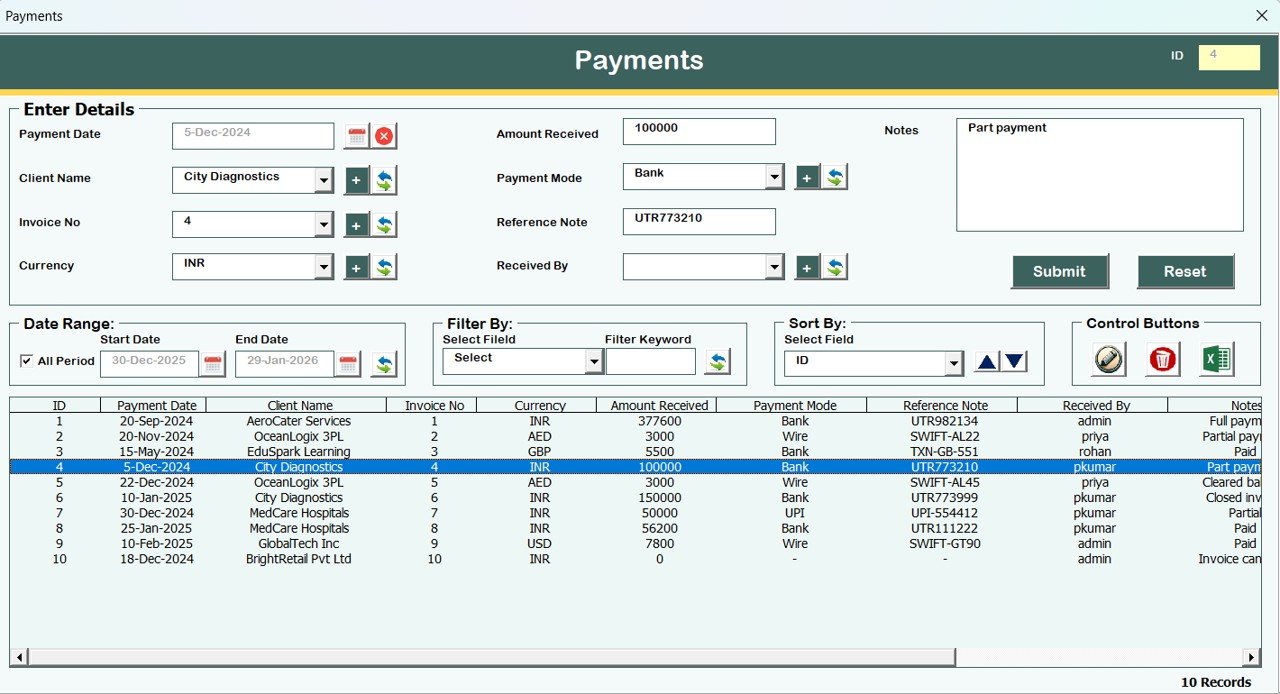
💳 Payments Management
Monitor paid and pending payments clearly.
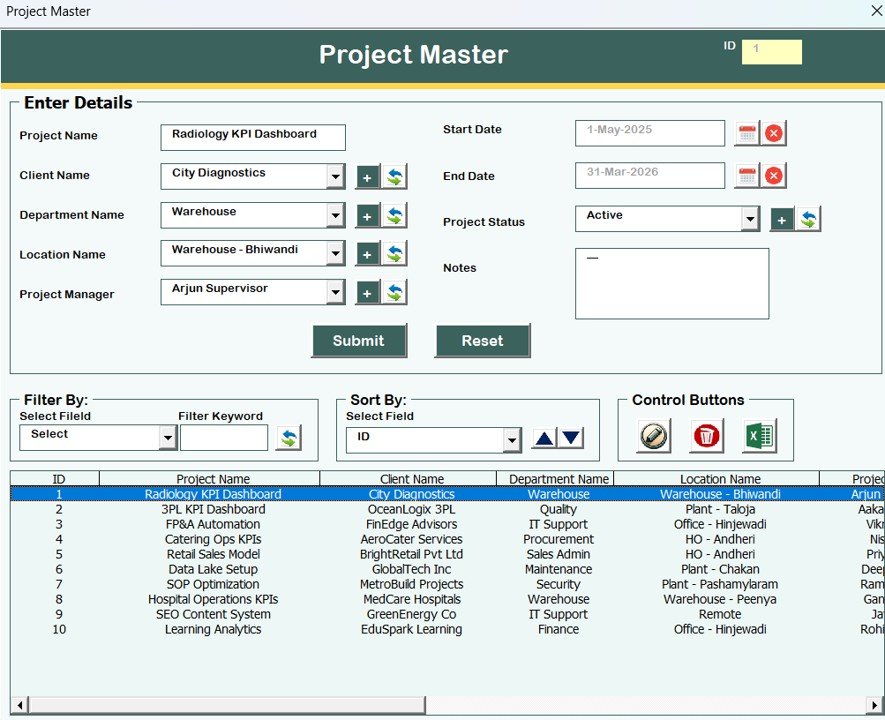
📊 Project Master
Link projects with clients, consultants, and freelancers seamlessly.
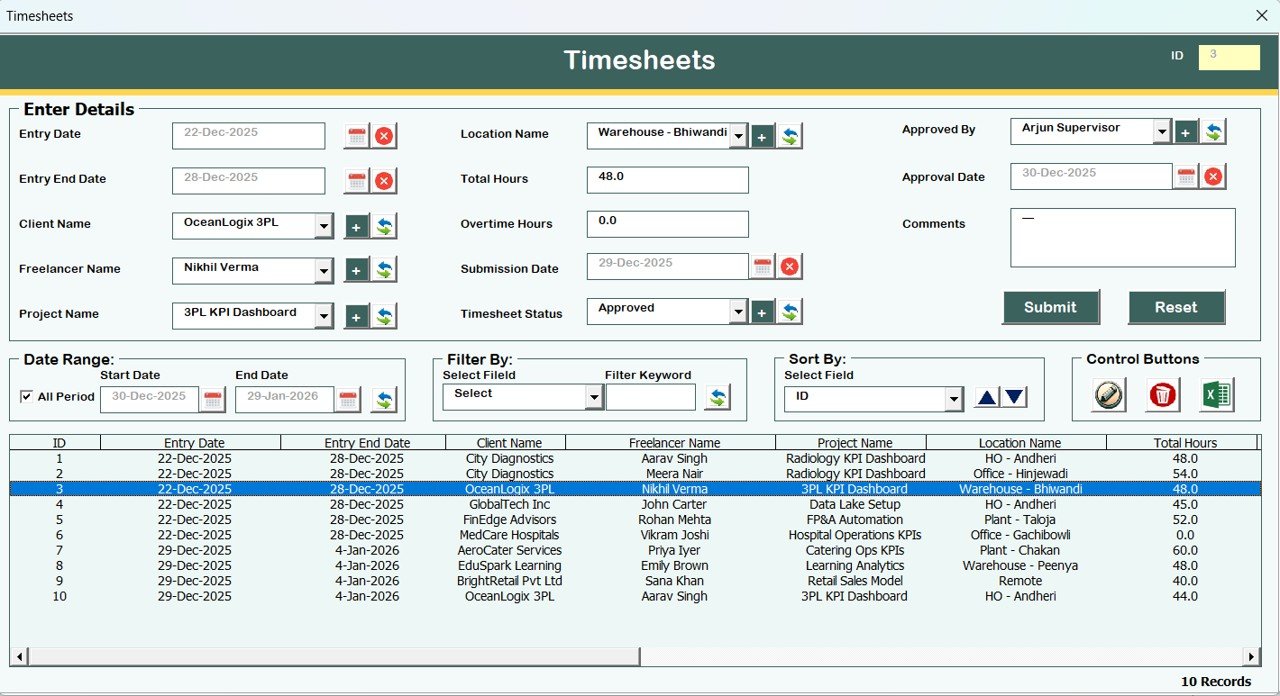
⏱️ Timesheets Module
Track working hours to support billing and performance analysis.
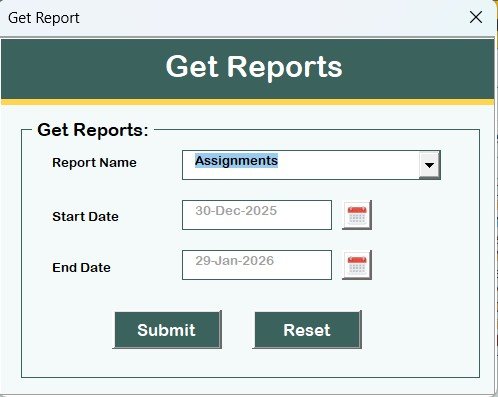
📑 Reports Module
Generate Excel-based reports using selected date ranges.
🔒 User Access Control (Admin Only)
Assign module-level permissions for maximum system security.
🚪 Safe Logout Function
Automatically saves data and closes the system securely.
## 🛠️ How to Use the Consultant and Freelancer Management System
1️⃣ Open the Excel file and log in using Admin or User credentials
2️⃣ Access the Main Form based on your role
3️⃣ Add or update records using structured data entry forms
4️⃣ Filter, sort, and manage records from the list box
5️⃣ Track assignments, invoices, payments, expenses, and timesheets
6️⃣ Export reports and records when required
7️⃣ Log out safely to save all data
No advanced Excel or VBA knowledge required—everything is menu-driven and user-friendly.
## 🎯 Who Can Benefit from This Consultant and Freelancer Management System
🏢 Business Owners managing external resources
📊 Finance & Accounts Teams handling invoices and payments
👥 HR & Operations Teams managing assignments and timesheets
🧑💼 Project Managers tracking consultants and freelancers
🏗️ Startups and SMEs needing an offline management solution
This tool is ideal for organizations that want control, clarity, and efficiency without expensive software.
### 👉 Click here to read the Detailed blog post
Watch the step-by-step video tutorial: