


In today’s business world, ethics and conduct define organizational integrity. 🌍 Companies that prioritize transparency, fairness, and accountability not only protect their reputation but also build long-lasting trust among employees, customers, and investors. To ensure these values are consistently practiced—not just preached—organizations need a structured way to plan, monitor, and evaluate ethical actions.
That’s where the Ethics and Conduct Action Plan Checklist in Excel comes in. 📊
This ready-to-use Excel tool helps you manage, track, and reinforce ethical standards across every level of your organization. It transforms ethics management from theory into measurable, actionable results—ensuring that your workplace remains compliant, responsible, and value-driven.
✨ Key Features of Ethics and Conduct Action Plan Checklist in Excel
✔ Two Structured Worksheets – Includes Main Checklist Sheet and List Sheet for seamless tracking.
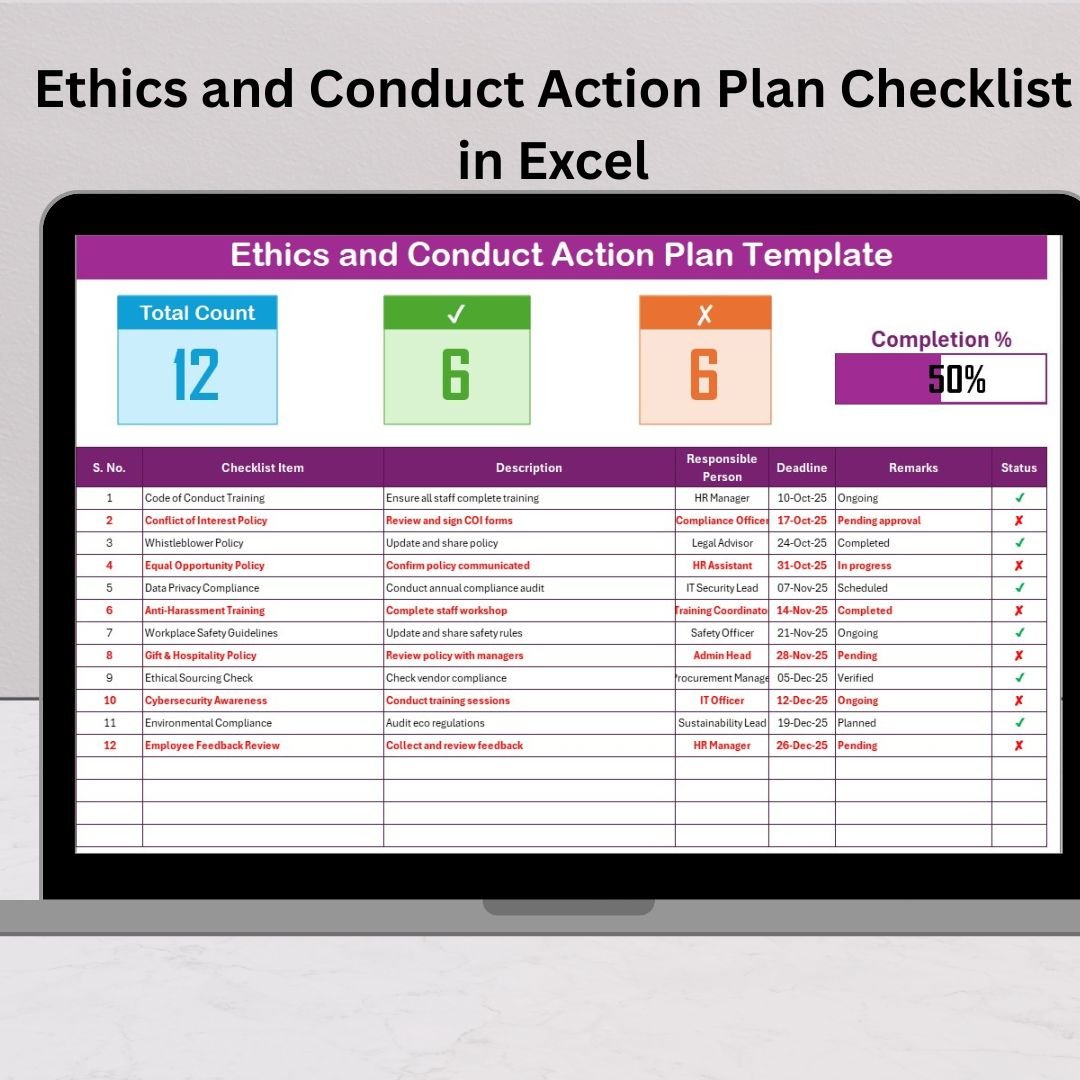
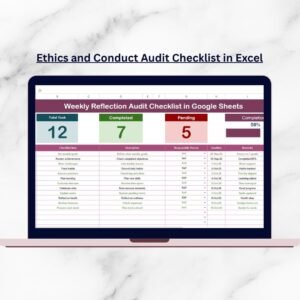
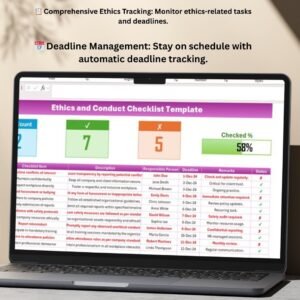
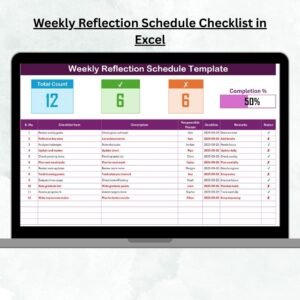
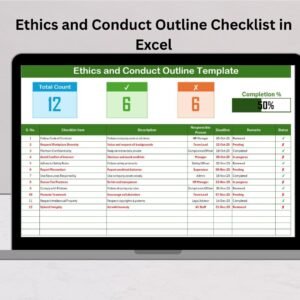
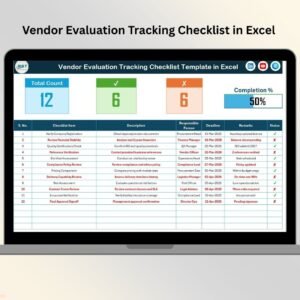
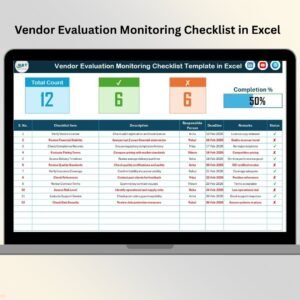
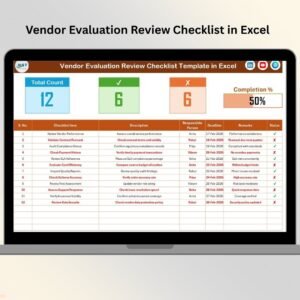
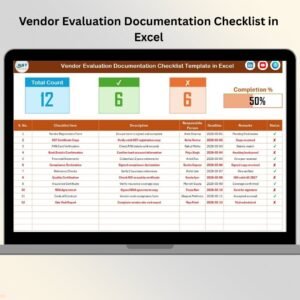
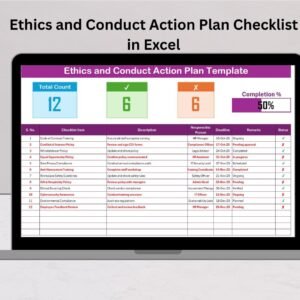
✔ Interactive Dashboard Section – Displays total items, completed (✔), pending (✘), and a dynamic progress bar showing completion %.
✔ Comprehensive Checklist Table – Columns include Serial No., Checklist Item, Description, Responsible Person, Deadline, Remarks, and Status.
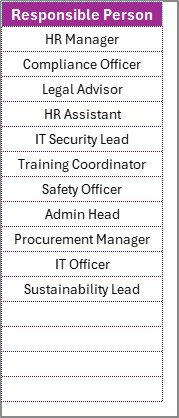
✔ Automated Dropdown Lists – The List Sheet ensures clean data entry and assigns accountability to specific individuals.
✔ Deadline Tracking – Keep an eye on upcoming due dates to ensure timely action.
✔ Error-Free & User-Friendly – Predefined structure reduces manual mistakes and simplifies data entry.
✔ Fully Customizable Design – Modify checklist items, formatting, or logic to suit your company’s policies.
✔ Visual Progress Tracking – Instantly understand compliance progress through visual indicators.
📂 What’s Inside the Ethics and Conduct Action Plan Checklist
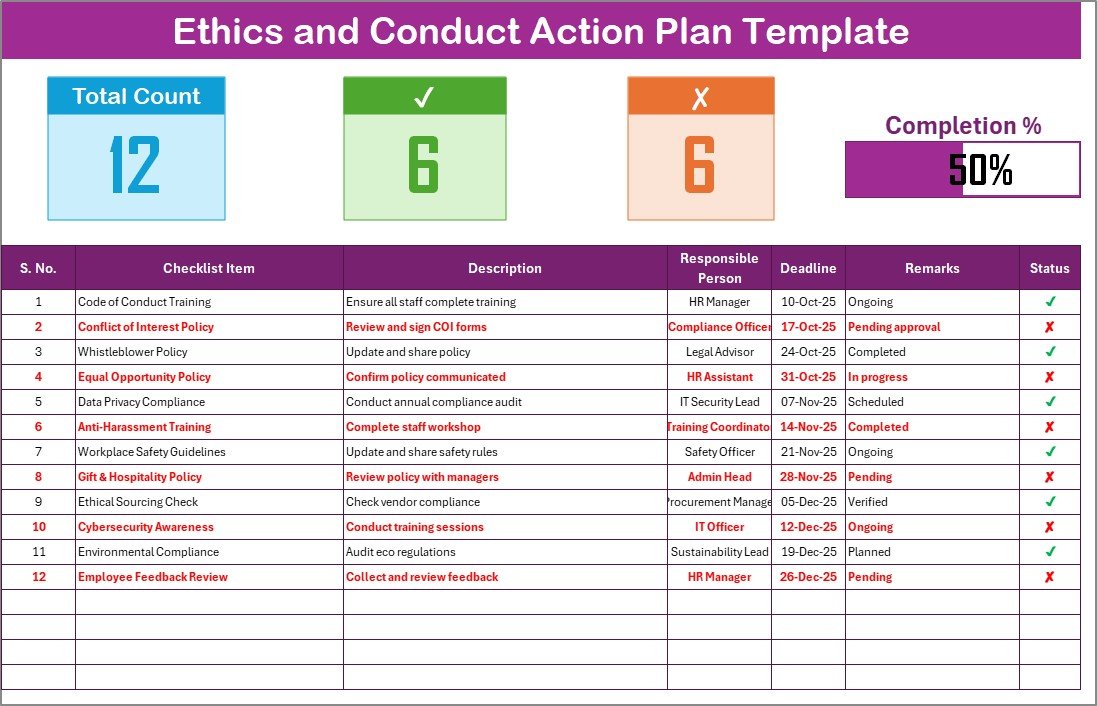
🔹 Checklist Sheet Tab – The main workspace to record all ethical actions, responsibilities, and compliance activities.
🔹 List Sheet Tab – A supporting sheet with a unique list of responsible persons used for dropdown selections, ensuring consistency and accuracy.
🔹 Progress Bar Section – Automatically updates as you check completed items.
🔹 Ready-to-Use Columns – Capture vital details like task name, description, accountability, and remarks—all in one organized layout.
🛠️ How to Use the Ethics and Conduct Action Plan Checklist
Open the Template – Start by opening the Excel file. You’ll see two sheets: Checklist and List.
Set Responsible Persons – Go to the List tab and add the names of employees responsible for ethics compliance.
Add Checklist Items – Populate tasks like Code of Conduct Training, Data Privacy Audit, or Conflict of Interest Declaration.
Assign Deadlines – Set target completion dates to track timely actions.
Update Progress – Use ✔ for completed and ✘ for pending tasks. The progress bar updates automatically.
Review Regularly – Conduct periodic reviews to assess performance, identify gaps, and take corrective action.
👥 Who Can Benefit from This Template?
✅ HR Teams – Track employee ethics training and compliance sessions.
✅ Compliance Officers – Maintain up-to-date ethical audit records.
✅ Executives & Managers – Monitor conduct standards across departments.
✅ Internal Auditors – Use data for audit verification and reporting.
✅ Project Leaders – Align project ethics with corporate values.
✅ Small to Large Enterprises – Scalable structure suitable for all business sizes.
By using the Ethics and Conduct Action Plan Checklist in Excel, organizations can:
💡 Promote ethical awareness at every level.
💡 Build accountability through assigned responsibilities.
💡 Save time with automated calculations and progress bars.
💡 Support compliance audits with transparent documentation.
💡 Create a culture of trust, fairness, and consistency.
Whether you are an HR professional, compliance manager, or business leader, this template helps turn ethical principles into measurable results. 🌟
👉 Click here to read the Detailed blog post
👉 Visit our YouTube channel to learn step-by-step video tutorials
Watch the step-by-step video tutorial:
Compatibility and Requirements
- Works in Microsoft Excel desktop (Excel 2016 or later, or Microsoft 365).
- The List sheet feeds the Responsible Person dropdowns. Microsoft explains how they work in Create a drop-down list.
Frequently Asked Questions
How many worksheets does the template have?
Two: the Checklist sheet and the List sheet. The Checklist sheet holds the dashboard and the action table. The List sheet holds the names used in the dropdowns.
Which columns are in the checklist table?
Serial No., Checklist Item, Description, Responsible Person, Deadline, Remarks and Status.
How is progress calculated?
Mark each item with a tick for completed or a cross for pending. The dashboard shows total, completed and pending items, and the progress bar updates with the completion percentage.
How do I assign a task to a person?
Add the person’s name on the List sheet. Then pick that name from the Responsible Person dropdown on the Checklist sheet.
Can I change the checklist items and formatting?
Yes. The design is fully customizable, so you can edit the items, the layout and the logic to match your company’s policies.
Related Ethics and Compliance Checklists
- Ethics and Conduct Checklist Template in Excel: a general conduct checklist
- Ethics and Conduct Evaluation Checklist in Excel: for evaluating conduct standards
- Ethics and Conduct Audit Checklist in Excel: for ethics audits
- Ethics and Conduct Checklist in Google Sheets: the Google Sheets edition
- Internal Audit Action Plan Checklist in Excel: an action plan for audit follow-up
Browse all Excel checklist templates.























Reviews
There are no reviews yet.