


Managing contracts is one of the most important responsibilities in any organization. Contracts define partnerships, outline responsibilities, and safeguard businesses from legal and financial risks. But when not properly evaluated, contracts can quickly lead to compliance issues, missed deadlines, and even financial losses.
That’s why we created the Contract Management Evaluation Checklist in Excel — a ready-to-use, structured tool that helps businesses review, assess, and track contracts systematically. It transforms Excel into a powerful contract evaluation system that is easy to use, cost-effective, and highly adaptable for businesses of any size.
✨ Key Features of Contract Management Evaluation Checklist in Excel
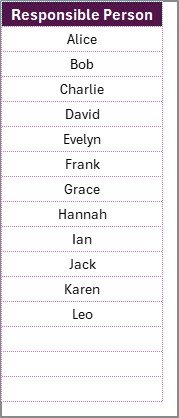
✅ Two-Sheet Template – Includes a main evaluation checklist sheet and a list sheet for responsible persons.
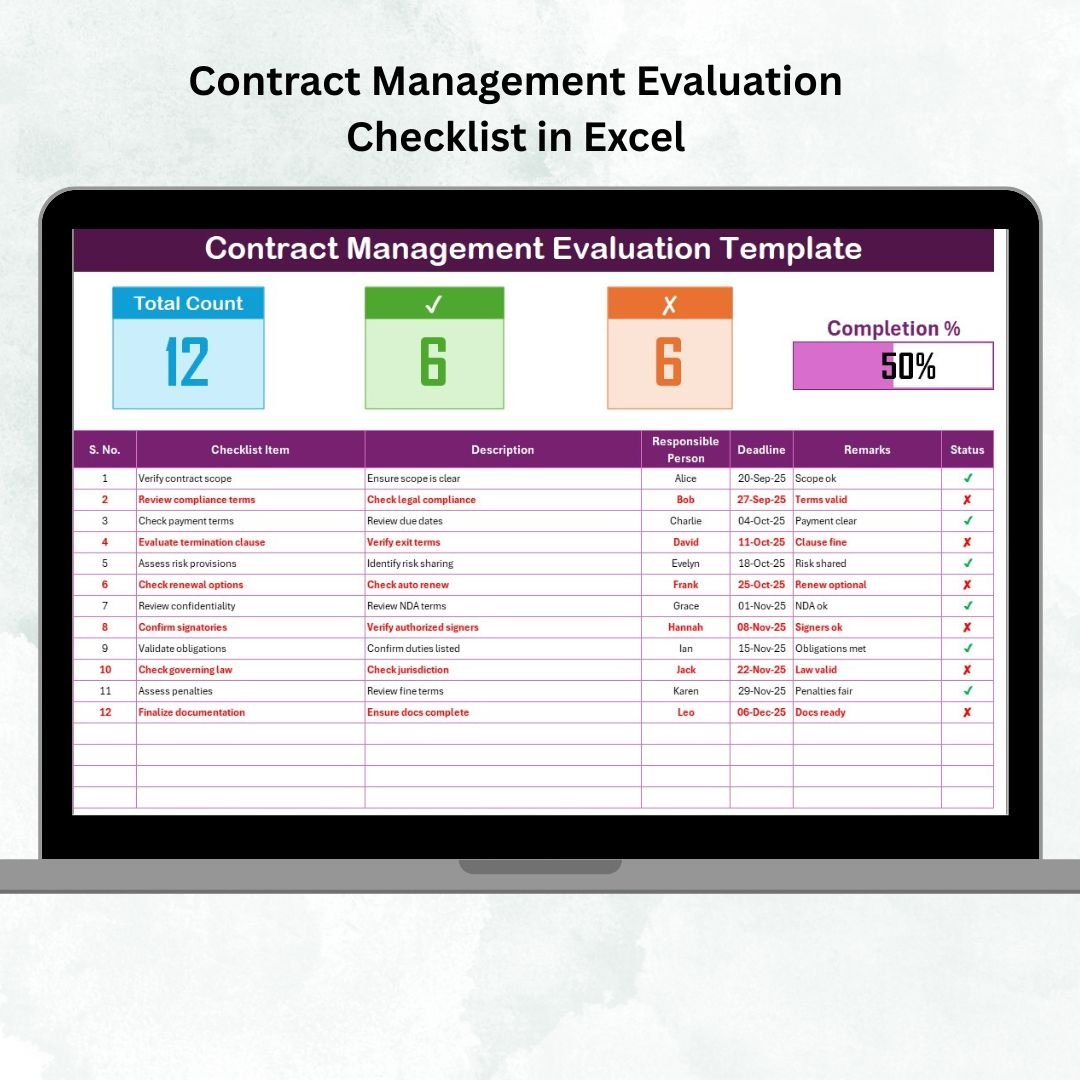
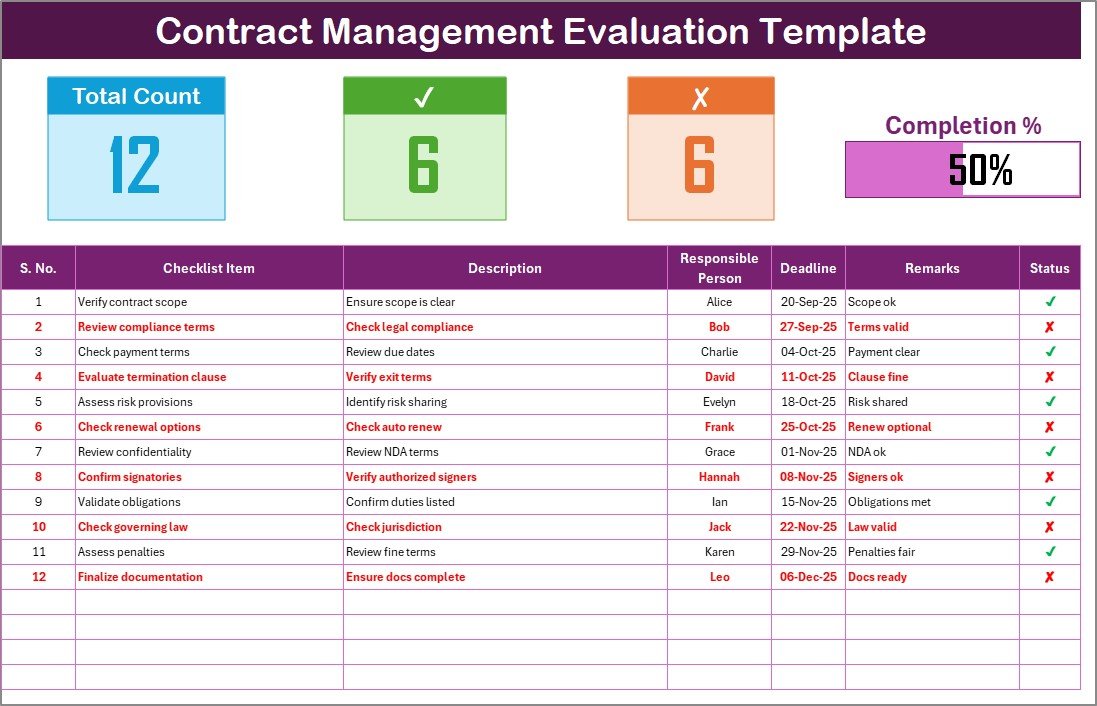
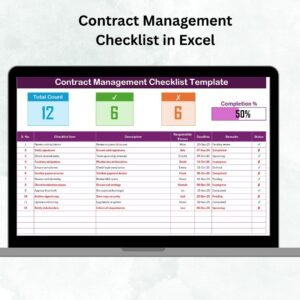
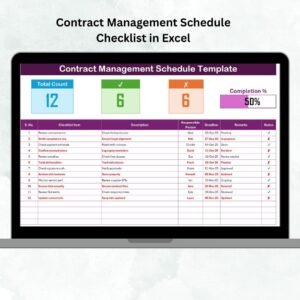
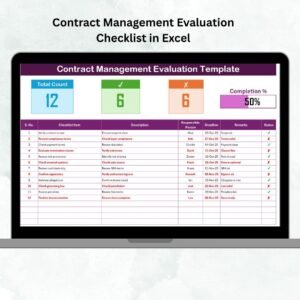
📊 Top Dashboard Cards – Displays total tasks, completed tasks, pending tasks, and progress percentage.
📝 Comprehensive Checklist Table – Columns include Serial No., Checklist Item, Description, Responsible Person, Deadline, Remarks, and Status (✔ or ✘).
🔄 Dropdown Assignments – Assign tasks seamlessly with a preloaded list of responsible persons.
⚡ Real-Time Tracking – Progress bar automatically updates as you mark tasks complete.
🎯 Fully Customizable – Modify or add new contract evaluation points to suit your business.
📈 Analysis-Ready – Use Excel filters, pivot tables, and charts to create instant insights.
📂 Error-Free Data Entry – Standardized dropdowns reduce mistakes and keep reporting consistent.
📦 What’s Inside the Contract Management Evaluation Checklist?
Your download includes a structured, easy-to-use Excel file with:
Main Evaluation Checklist Sheet
Record all contract obligations, milestones, and compliance tasks.
Track responsibilities, deadlines, and remarks in a clear tabular format.
Monitor overall completion with progress indicators.
List Sheet Tab
Store a master list of responsible persons.
Auto-feeds dropdowns in the main sheet for consistent task assignments.
Simplifies updates when personnel change.
This setup ensures clarity, accountability, and transparency in every step of contract evaluation.
🛠️ How to Use the Contract Management Evaluation Checklist in Excel
📥 Download the Template – Get started with the predesigned Excel file.
📝 List Obligations – Enter all contract milestones, terms, and compliance items.
👤 Assign Tasks – Use dropdowns to assign each responsibility.
📅 Set Deadlines – Add realistic completion dates for timely execution.
✔️ Update Status – Mark tasks ✔ when complete or ✘ if pending.
📊 Monitor Progress – Review the progress bar and dashboard cards for quick insights.
📈 Review Results – Generate reports with Excel’s filters or pivot tables.
👥 Who Can Benefit from This Checklist?
This template is built for any business managing multiple contracts. Ideal users include:
🏭 Manufacturing Firms – Track supplier commitments and delivery schedules.
🏗️ Construction Companies – Monitor subcontractor milestones and obligations.
🏢 Corporate Enterprises – Oversee employee contracts, vendor agreements, and compliance.
🏥 Healthcare Organizations – Manage service contracts with vendors and partners.
💻 IT & Software Firms – Track license renewals, SLAs, and client contracts.
🎓 Educational Institutions – Audit faculty, staff, and third-party service agreements.
If your organization relies on contracts, this template helps ensure compliance, accountability, and performance evaluation.
📖 Click here to read the Detailed blog post
Visit our YouTube channel to learn step-by-step video tutorials
Watch the step-by-step video tutorial:
Compatibility and Requirements
- Works in Microsoft Excel desktop (Excel 2016 or later, or Microsoft 365).
- The Responsible Person column is a drop-down list fed by the List sheet. Microsoft’s guide to creating a drop-down list explains how these lists work.
Frequently Asked Questions
What is in the Contract Management Evaluation Checklist?
A main evaluation checklist sheet and a List sheet for responsible persons. Cards at the top show total tasks, completed tasks, pending tasks and progress percentage.
Which columns does the checklist have?
Serial No., Checklist Item, Description, Responsible Person, Deadline, Remarks and Status (✔ or ✘).
How does the progress bar update?
It recalculates as you mark items ✔, so you can see how much of the evaluation is done.
Can I report on the results?
Yes. Use Excel filters, pivot tables or charts on the checklist table to summarize items by person, status or deadline.
Related Contract Management Templates
- Contract Management Checklist in Excel: a general checklist for contract tasks.
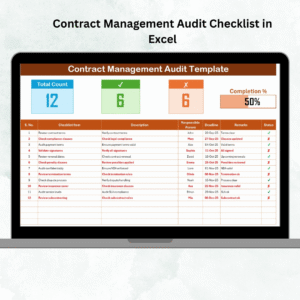
- Contract Management Audit Checklist in Excel: review contracts before an audit.
- Contract Management Tracker in Excel: log every contract with its key dates.
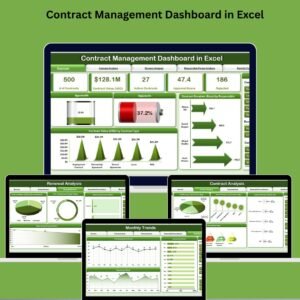
- Contract Management Dashboard in Excel: charts for contract status across your portfolio.
- Checklist & SOP Pack: 12 Excel and Google Sheets checklist templates.
Browse all Excel checklist templates or the Excel tracker templates.
























Reviews
There are no reviews yet.