

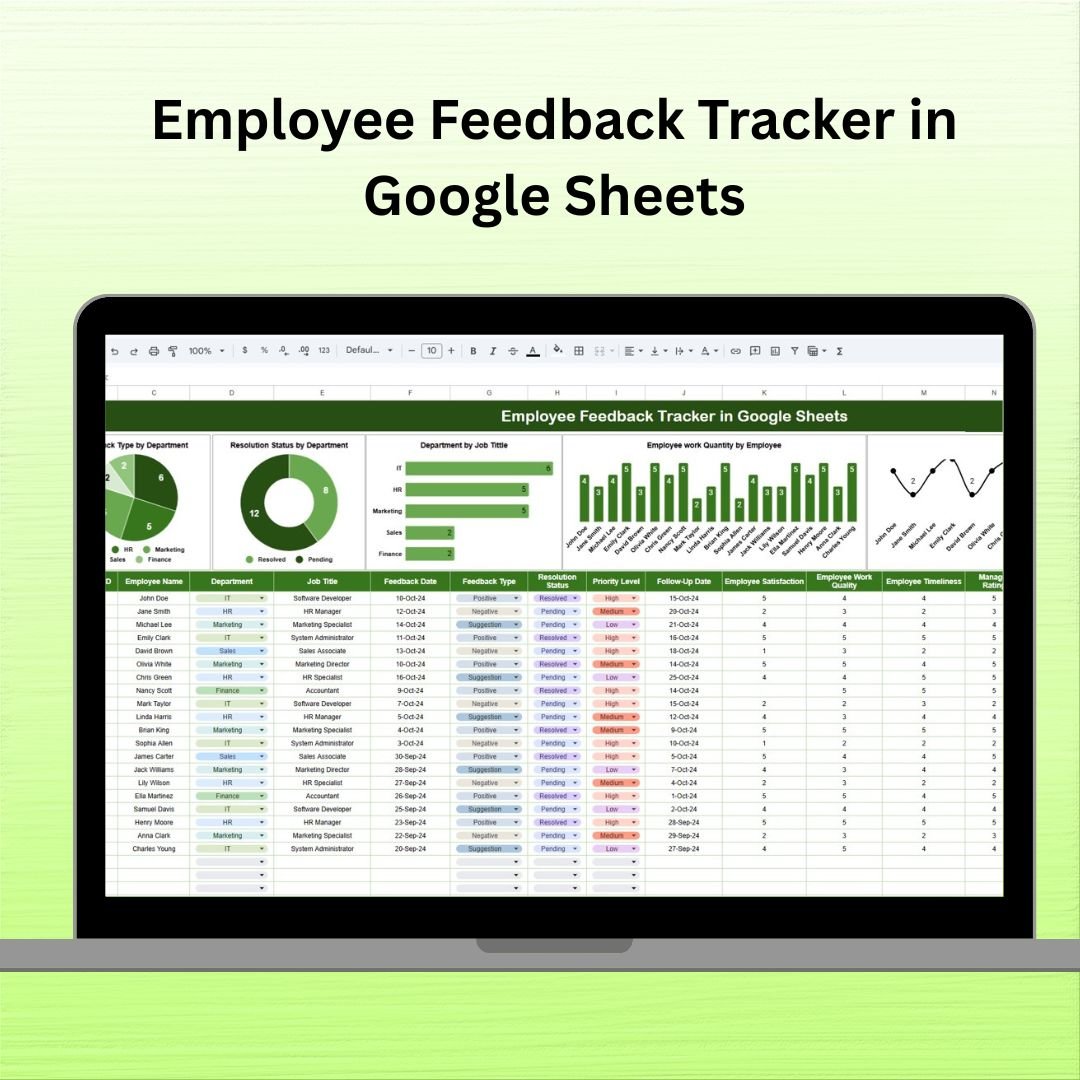

In any thriving organization, employee feedback is the key to a productive and happy team. The Employee Feedback Tracker in Google Sheets is a ready-to-use, customizable solution that helps HR professionals, managers, and team leaders capture, organize, and act on employee input efficiently. Whether it’s suggestions, concerns, or praises, this tracker brings all your feedback data into one centralized dashboard so nothing slips through the cracks!
With built-in visual charts, real-time tracking, and easy-to-use features, this template enables quick responses and helps measure satisfaction and performance at scale.
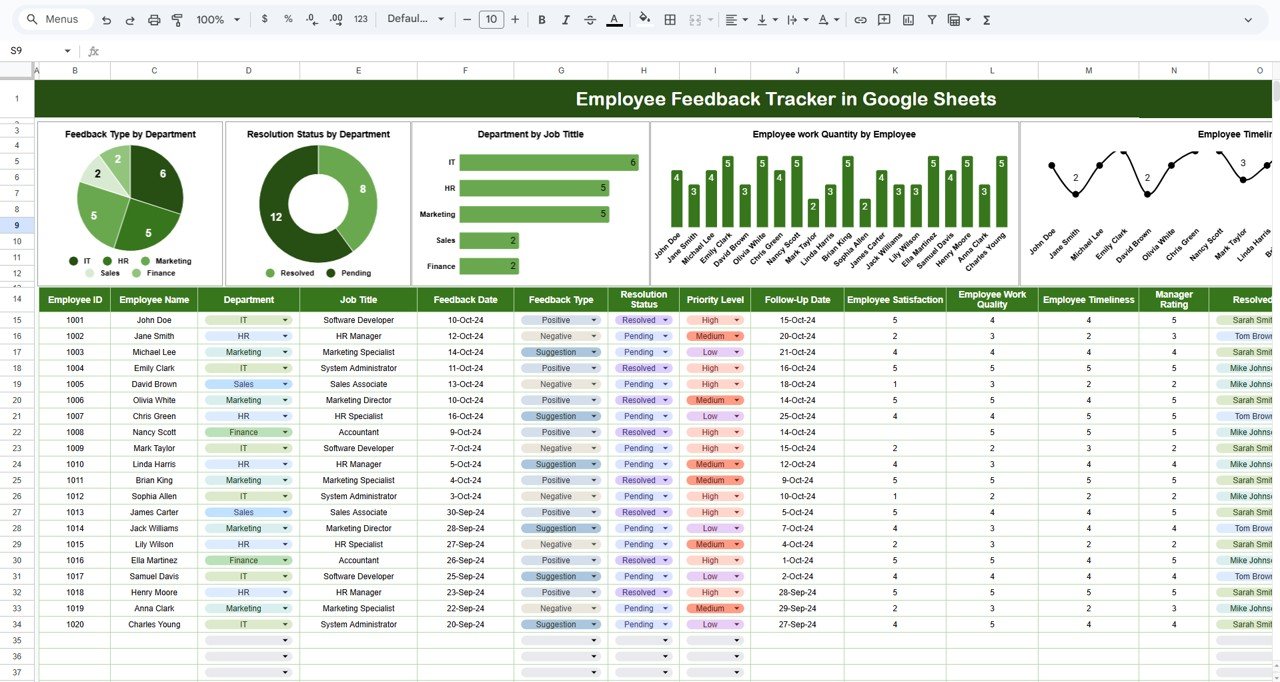
✨ Key Features of the Employee Feedback Tracker
📊 1. Tracker Sheet Tab
This is your command center for monitoring all feedback activity.
Feedback Type by Department – See what kind of feedback is trending and where.
Resolution Status by Department – Know which teams are responding quickly and which ones need attention.
Department by Job Title – View team structure for deeper analysis.
Work Quantity & Timeliness by Employee – Visualize productivity insights based on feedback data.
🧾 What’s Inside the Employee Feedback Tracker
This tracker covers every detail you need to turn feedback into actionable outcomes:
🆔 Employee ID & Name
🏢 Department & Job Title
🗓️ Feedback Date & Type (Suggestion, Complaint, Praise)
✅ Resolution Status (Pending, In Progress, Resolved)
⚠️ Priority Level (Low, Medium, High)
🔁 Follow-Up Date
😊 Satisfaction Score (1–5)
📈 Work Quality & Timeliness Ratings
⭐ Manager Rating & Resolution Status
📝 Remarks & Feedback Verification
🛠️ How to Use the Employee Feedback Tracker
Open the template in Google Sheets
Enter employee and feedback details in the Tracker Sheet Tab
Use built-in charts to analyze resolution speed, satisfaction scores, and trends
Assign responsibilities and track resolution progress
Customize the fields and metrics based on your organization’s unique needs
👥 Who Can Benefit from This Tracker?
👨💼 HR Managers – Monitor workplace health and feedback patterns
👩💻 Team Leads – Identify team-specific issues and solve them early
🏢 Executives – Gain high-level insight into employee morale
📊 People Analysts – Track and report on workplace trends
🧑🏫 Culture Champions – Promote transparency and continuous improvement
📘 Click here to read the Detailed blog post
Watch the step-by-step video Demo:
📺 Visit our YouTube channel to learn step-by-step video tutorials
Compatibility and Requirements
- Works in Google Sheets. You need a free Google account and a web browser.
- The tracker uses charts to show feedback type, resolution status and ratings by department. Google explains charts in Add and edit a chart or graph.
Frequently Asked Questions
What details can I record for each piece of feedback?
You can record employee ID and name, department, job title, feedback date and type (Suggestion, Complaint or Praise), resolution status, priority level, follow-up date, satisfaction score, work quality and timeliness ratings, manager rating, remarks and feedback verification.
What resolution statuses and priority levels are available?
Resolution status is Pending, In Progress or Resolved. Priority level is Low, Medium or High.
What does the Tracker sheet show?
It shows feedback type by department, resolution status by department, department by job title, and work quantity and timeliness by employee, all as charts.
What scale is used for satisfaction scores?
Satisfaction is scored from 1 to 5.
Can I change the fields to fit my organization?
Yes. The fields and metrics can be customized to match your own needs.
Related HR Templates
- Employee Complaint Resolution Tracker in Google Sheets: follow complaints through to resolution
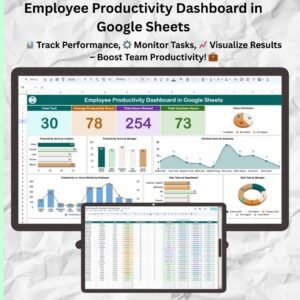
- Employee Productivity Dashboard in Google Sheets: a dashboard view of productivity
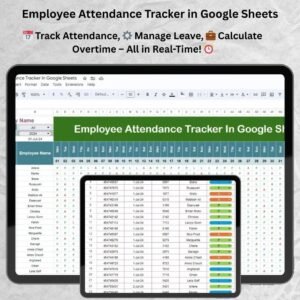
- Employee Attendance Tracker in Google Sheets: record attendance for your team
- Employee Grievance Tracker in Excel: an Excel tracker for employee grievances
- HR Google Sheets Pack: 10 HR templates for Google Sheets in one download
Browse all Google Sheets HR and Payroll templates or Google Sheets trackers.

















Reviews
There are no reviews yet.