

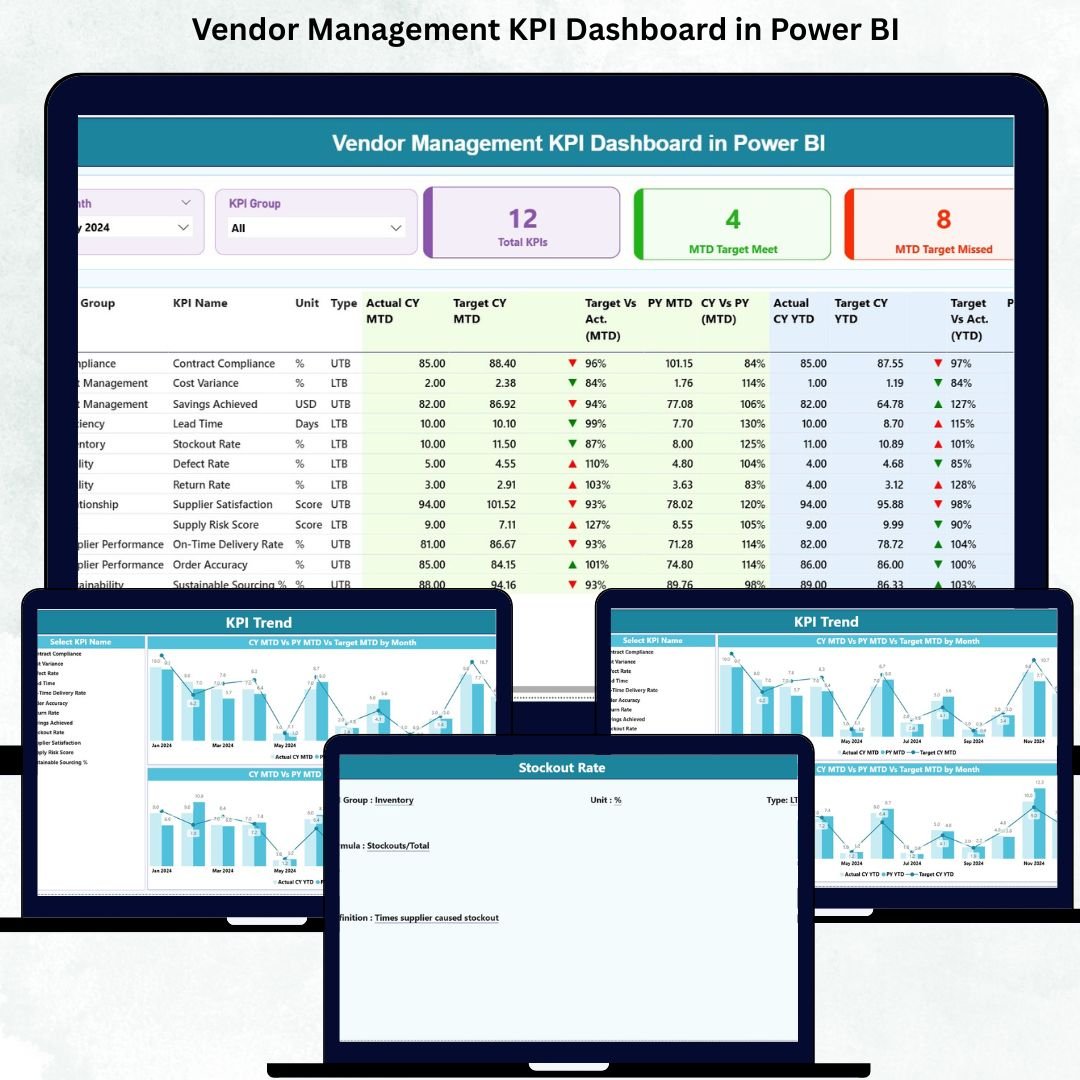

Managing vendor performance is no longer optional—it is a strategic necessity. Vendors directly influence cost control, quality standards, delivery timelines, compliance, and overall customer satisfaction. Vendor Management KPI Dashboard in Power BI However, many organizations still rely on scattered spreadsheets, manual tracking, and delayed reports. As a result, vendor issues stay hidden until they become costly problems.
The Vendor Management KPI Dashboard in Power BI solves this challenge by transforming raw vendor data into clear, interactive, and actionable insights. Vendor Management KPI Dashboard in Power BI This ready-to-use dashboard gives procurement teams, supply-chain leaders, and finance managers a centralized view of vendor performance—updated in real time and backed by structured Excel inputs.
With this dashboard, you no longer chase reports. Instead, you monitor vendor KPIs confidently, detect risks early, compare targets vs actuals, and make data-driven vendor decisions that strengthen long-term partnerships and business performance.
🚀 Key Features of the Vendor Management KPI Dashboard in Power BI
📊 Centralized Vendor KPI Monitoring – Track all vendor performance metrics in one interactive dashboard
✅ MTD & YTD Performance Tracking – Measure monthly and year-to-date vendor performance easily
🎯 Target Achievement Indicators – Instantly identify KPIs meeting or missing targets with visual icons
📅 Dynamic Slicers – Analyze vendor KPIs by month and KPI group
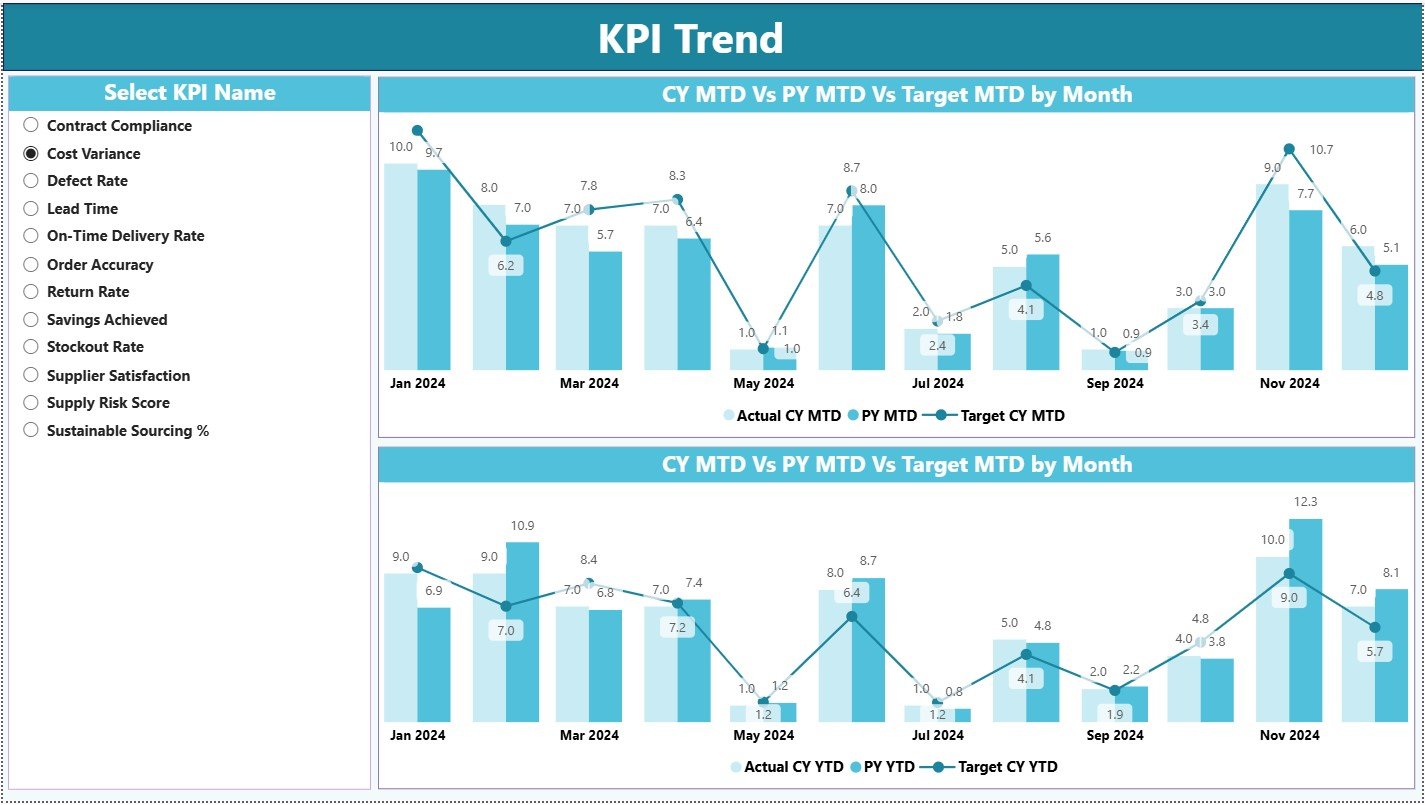
📈 Trend Analysis Charts – Compare current year, previous year, and targets visually
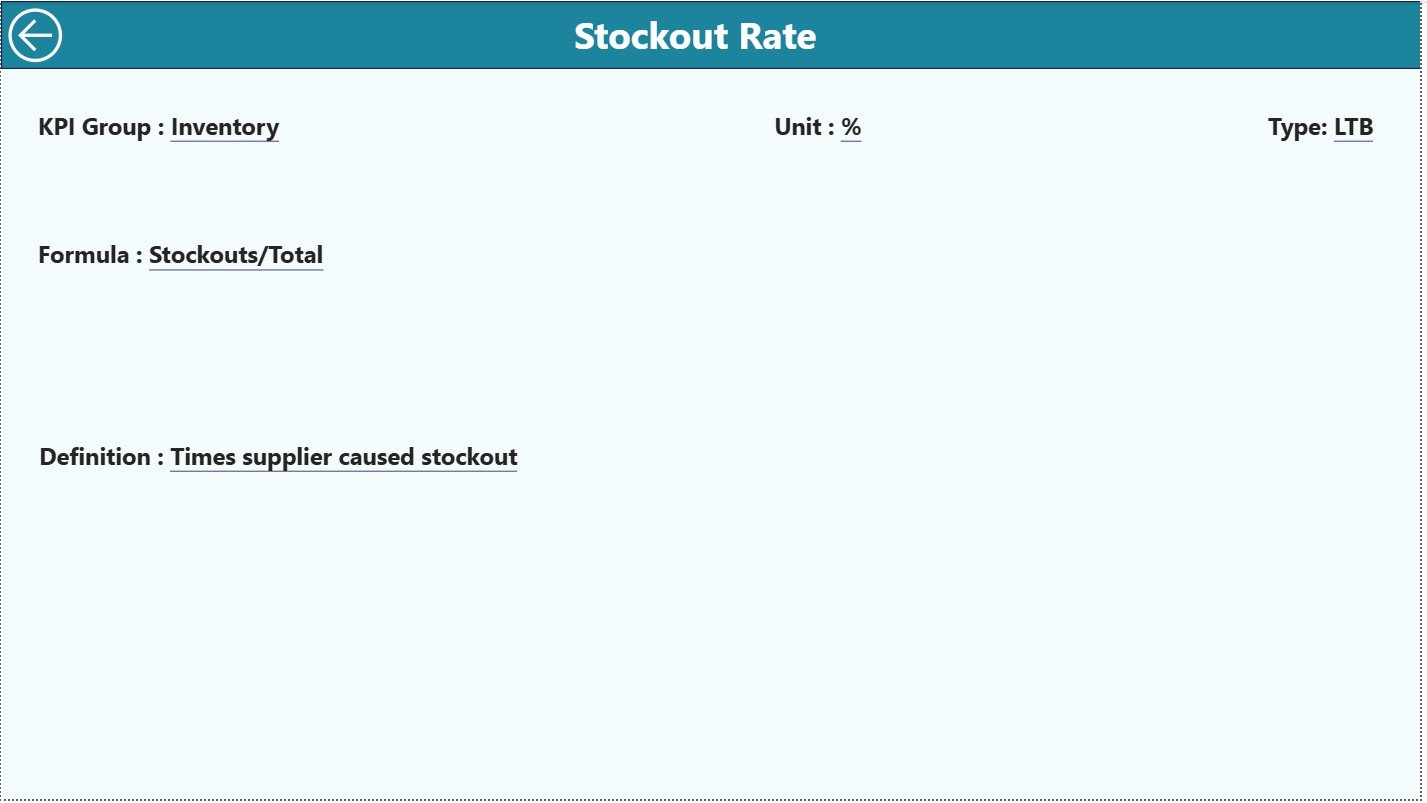
🔍 Drill-Through KPI Definitions – View definitions, formulas, and logic with one click
📁 Excel-Driven Data Model – Simple Excel sheets for actuals, targets, and KPI setup
🧭 User-Friendly Navigation – Smooth dashboard experience with back-button navigation
📦 What’s Inside the Vendor Management KPI Dashboard
This Power BI dashboard is built using three powerful analytical pages, each designed to answer important vendor management questions:
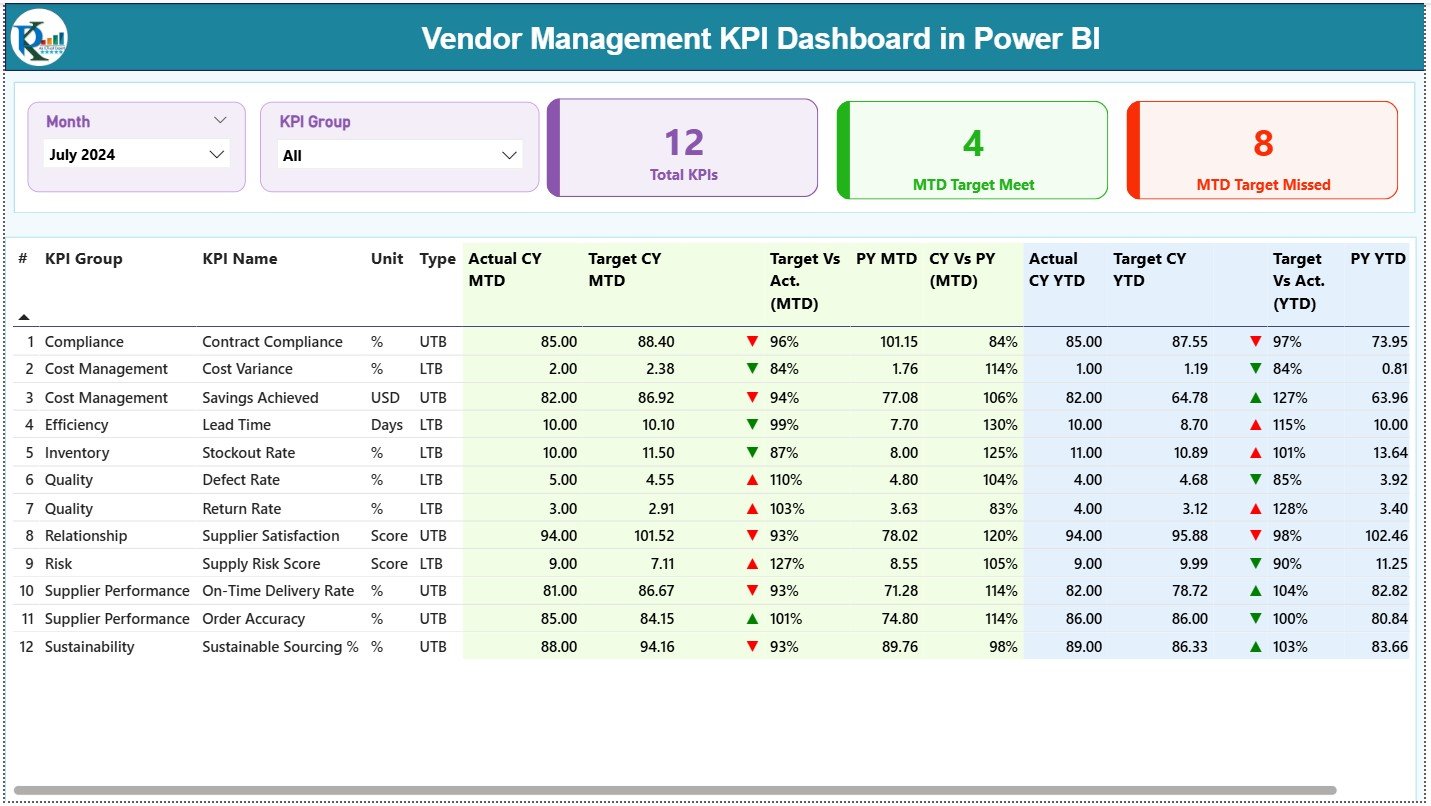
🟢 Summary Page
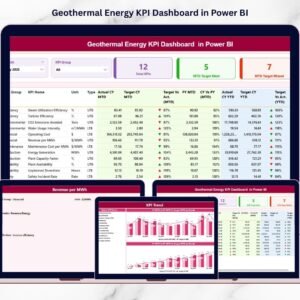
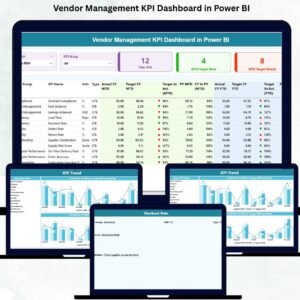
Acts as the command center for vendor performance. It displays KPI cards for Total KPIs, MTD Targets Met, and MTD Targets Missed. A detailed KPI table shows MTD and YTD actuals, targets, previous-year values, and performance ratios—giving instant visibility into vendor health.
📉 KPI Trend Page
Designed for time-based analysis. Select any vendor KPI and instantly view MTD and YTD trend charts comparing targets, current year, and previous year results. This helps detect patterns, monitor improvements, and identify early risk signals.
📘 KPI Definition Page
A drill-through page that ensures transparency and consistency. It displays KPI formulas, definitions, units, and performance logic so every stakeholder understands the metrics clearly.
The dashboard is powered by three structured Excel sheets:
Input Actual – Vendor MTD and YTD actual performance
Input Target – Defined vendor performance targets
KPI Definition – KPI metadata, grouping, and logic
🛠️ How to Use the Vendor Management KPI Dashboard
✅ Step 1: Enter vendor actual values into the Input Actual Excel sheet
✅ Step 2: Update vendor targets in the Input Target sheet
✅ Step 3: Define or modify KPIs using the KPI Definition sheet
✅ Step 4: Refresh the Power BI dashboard
✅ Step 5: Analyze KPIs using slicers, cards, tables, and trend charts
No advanced Power BI expertise is required. The dashboard is fully plug-and-play.
👥 Who Can Benefit from This Vendor Management Dashboard?
🎯 Vendor Managers
📊 Procurement Teams
🚚 Supply Chain Professionals
💰 Finance & Cost Controllers
🏭 Operations Leaders
📉 Business & Performance Analysts
Any organization aiming for proactive, data-driven vendor management will benefit from this solution.
🔗 Click here to read the Detailed blog post
🎥 Visit our YouTube channel to learn step-by-step video tutorials
Watch the step-by-step video tutorial:
Compatibility and Requirements
- Opens in Power BI Desktop, which is free from Microsoft. See Get Power BI Desktop.
- You enter actuals, targets and KPI definitions in the included Excel sheets, so you also need Excel or another app that edits .xlsx files.
Frequently Asked Questions
Which pages does the dashboard have?
Three pages: Summary, KPI Trend and a KPI Definition drill-through page.
What does the Summary page show?
KPI cards for Total KPIs, MTD Targets Met and MTD Targets Missed, plus a table of MTD and YTD actuals, targets, previous year values and ratios.
Where do I enter my vendor data?
In three Excel sheets: Input Actual for MTD and YTD actuals, Input Target for targets, and KPI Definition for KPI names, groups and logic. Then refresh the dashboard.
Can I filter by month?
Yes. Slicers let you analyze the KPIs by month and by KPI group.
Is there an Excel version?
Yes. The Vendor Management KPI Dashboard in Excel tracks vendor KPIs in Excel.
Related Vendor Management Templates
- Vendor Management KPI Dashboard in Excel: the same KPIs in Excel
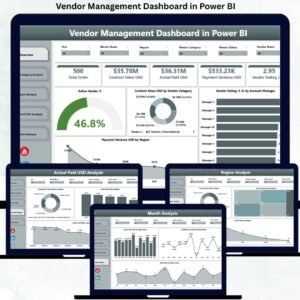
- Vendor Management Dashboard in Power BI: a full vendor dashboard in Power BI
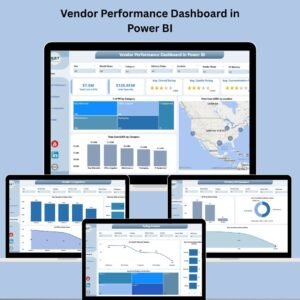
- Vendor Performance Dashboard in Power BI: delivery and rating analysis
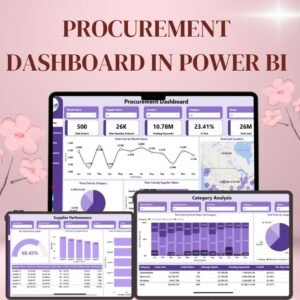
- Procurement Dashboard in Power BI: the wider purchasing picture
- Procurement and Vendor Management Kit: 7 procurement templates in one download
Browse all Power BI KPI dashboards.





























Reviews
There are no reviews yet.