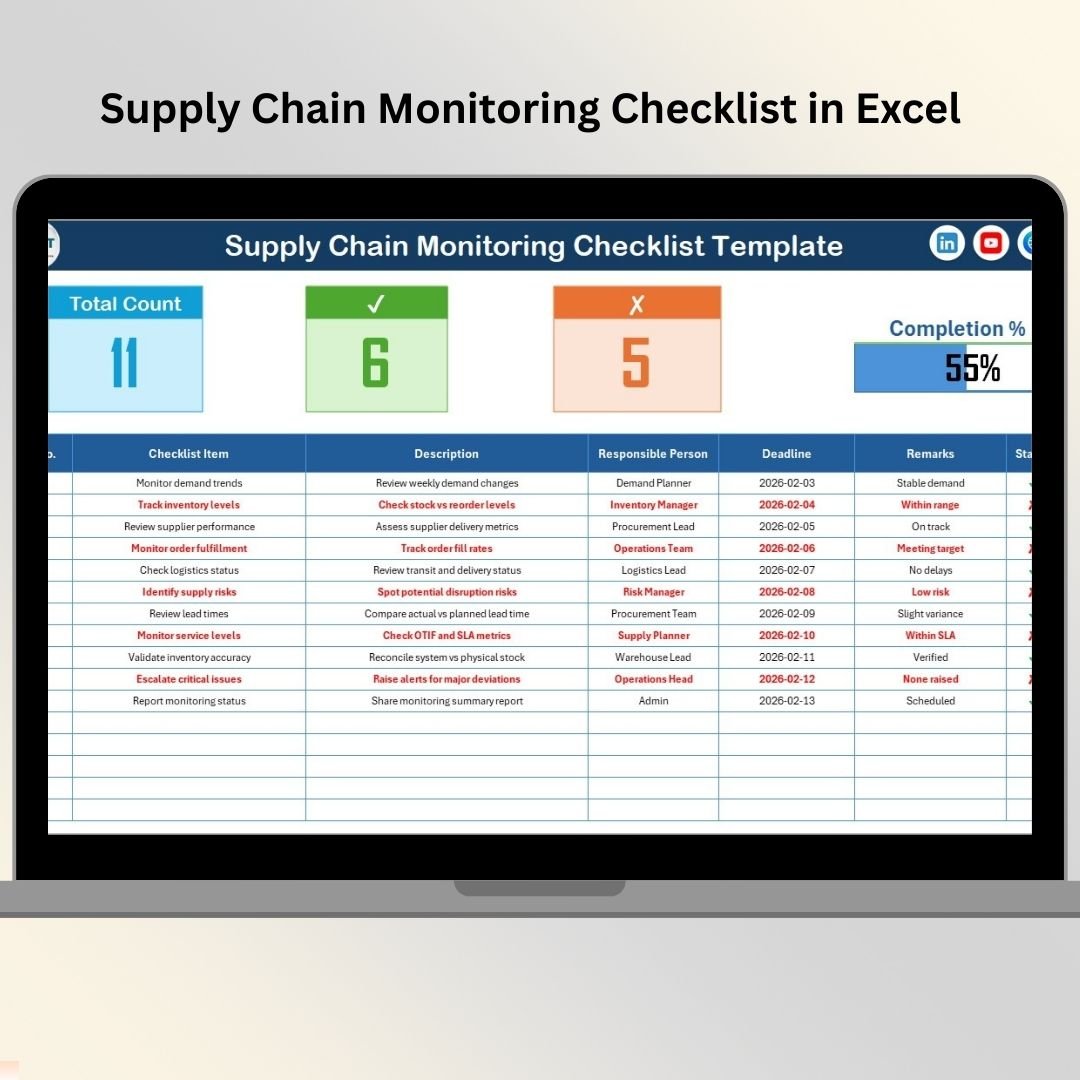
Managing supply chain operations today is no longer simple. Businesses deal with multiple vendors, tight delivery schedules, fluctuating inventory levels, and constant operational pressure. Even a small, missed task can lead to delays, cost overruns, or customer dissatisfaction. That is exactly why a Supply Chain Monitoring Checklist in Excel becomes an essential operational tool.
Instead of relying on emails, verbal follow-ups, or unstructured spreadsheets, this ready-to-use Excel checklist provides a clear, visual, and accountable system to monitor every critical supply chain activity. With simple check marks, deadlines, and responsibility tracking, teams gain instant control over daily operations and ensure nothing falls through the cracks.
This Excel checklist is designed to be simple for users but powerful for managers. You can track procurement, logistics, inventory, warehousing, and delivery activities in one centralized file. As a result, supply chain execution becomes smoother, faster, and more disciplined.
🔑 Key Features of Supply Chain Monitoring Checklist in Excel
✅ Interactive Checklist Tracking – Mark tasks as completed (✔) or pending (✘) with ease
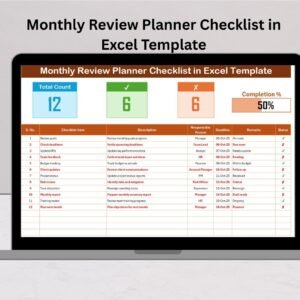
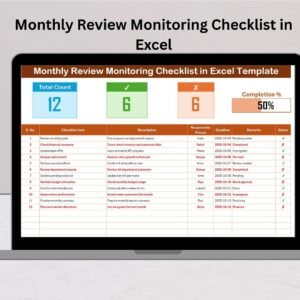
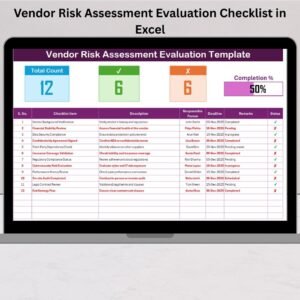
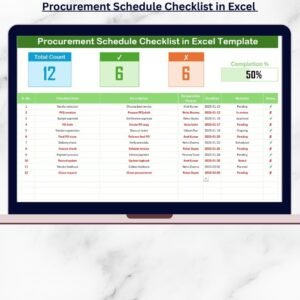
📊 Automatic Progress Summary – Instantly view total tasks, completed count, pending count, and completion percentage
📈 Visual Progress Bar – Understand overall supply chain status at a glance
👤 Clear Responsibility Assignment – Assign each task to a specific owner
📅 Deadline Monitoring – Track due dates to reduce missed or delayed activities
🧾 Remarks & Notes Column – Capture exceptions, delays, or follow-up comments
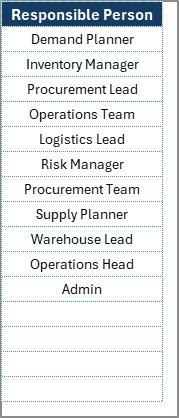
📋 Drop-Down for Responsible Person – Ensures consistency and avoids manual typing errors
🛠️ No Macros Required – Works with simple Excel formulas only
📂 What’s Inside the Supply Chain Monitoring Checklist
This ready-to-use Excel template includes two well-structured worksheets, each serving a specific purpose.
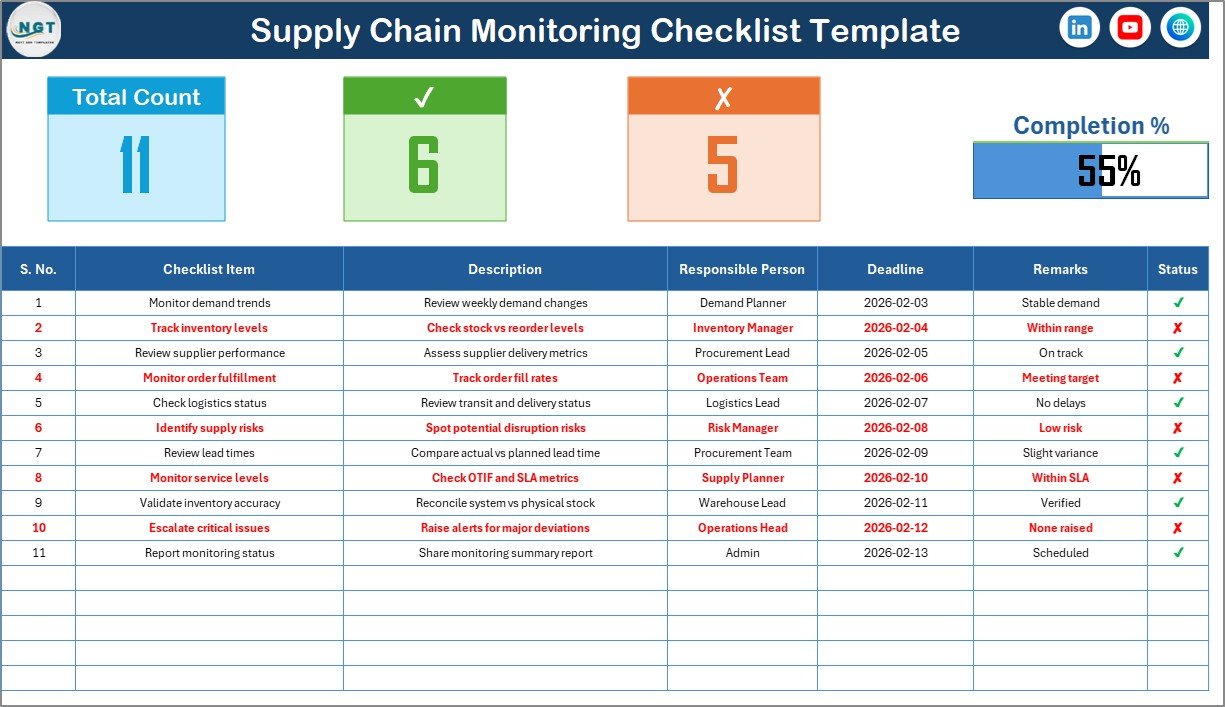
📄 Supply Chain Monitoring Checklist (Main Sheet)
This is the primary working sheet where users capture and track all supply chain tasks. It includes:
-
Serial Number
-
Checklist Item
-
Description
-
Responsible Person
-
Deadline
-
Remarks
-
Status (✔ / ✘)
At the top, you get a quick summary dashboard showing total tasks, completed tasks, pending tasks, and a dynamic progress bar. This allows managers to understand performance without scanning the full table.
📄 List Sheet (Supporting Sheet)
This sheet stores the unique list of responsible persons. It powers the drop-down selection in the main checklist and keeps data clean, consistent, and professional.
🧭 How to Use the Supply Chain Monitoring Checklist in Excel
Using this checklist is extremely simple:
1️⃣ Enter supply chain tasks in the checklist table
2️⃣ Assign responsible persons and deadlines
3️⃣ Update status using ✔ for completed or ✘ for pending
4️⃣ Excel automatically updates counts and progress
5️⃣ Review pending tasks and take corrective action
Because everything updates dynamically, managers always know what is completed and what needs attention.
👥 Who Can Benefit from This Supply Chain Monitoring Checklist
This Excel checklist is ideal for:
-
📦 Supply Chain Managers
-
🧾 Procurement Teams
-
🚚 Logistics Coordinators
-
🏬 Warehouse Supervisors
-
⚙️ Operations Managers
-
🏢 Small and Medium Businesses
If your organization handles supply chain tasks regularly, this checklist will quickly become an indispensable tool.
🔗 Click here to read the Detailed Blog Post
🎥 Visit our YouTube channel to learn step-by-step video tutorials