Tracking SEO performance should be simple, measurable, and actionable. However, many businesses still struggle with scattered reports, multiple SEO tools, and complex spreadsheets that slow down analysis. Marketing teams spend hours collecting ranking data, traffic numbers, and performance metrics but often fail to transform them into clear insights.
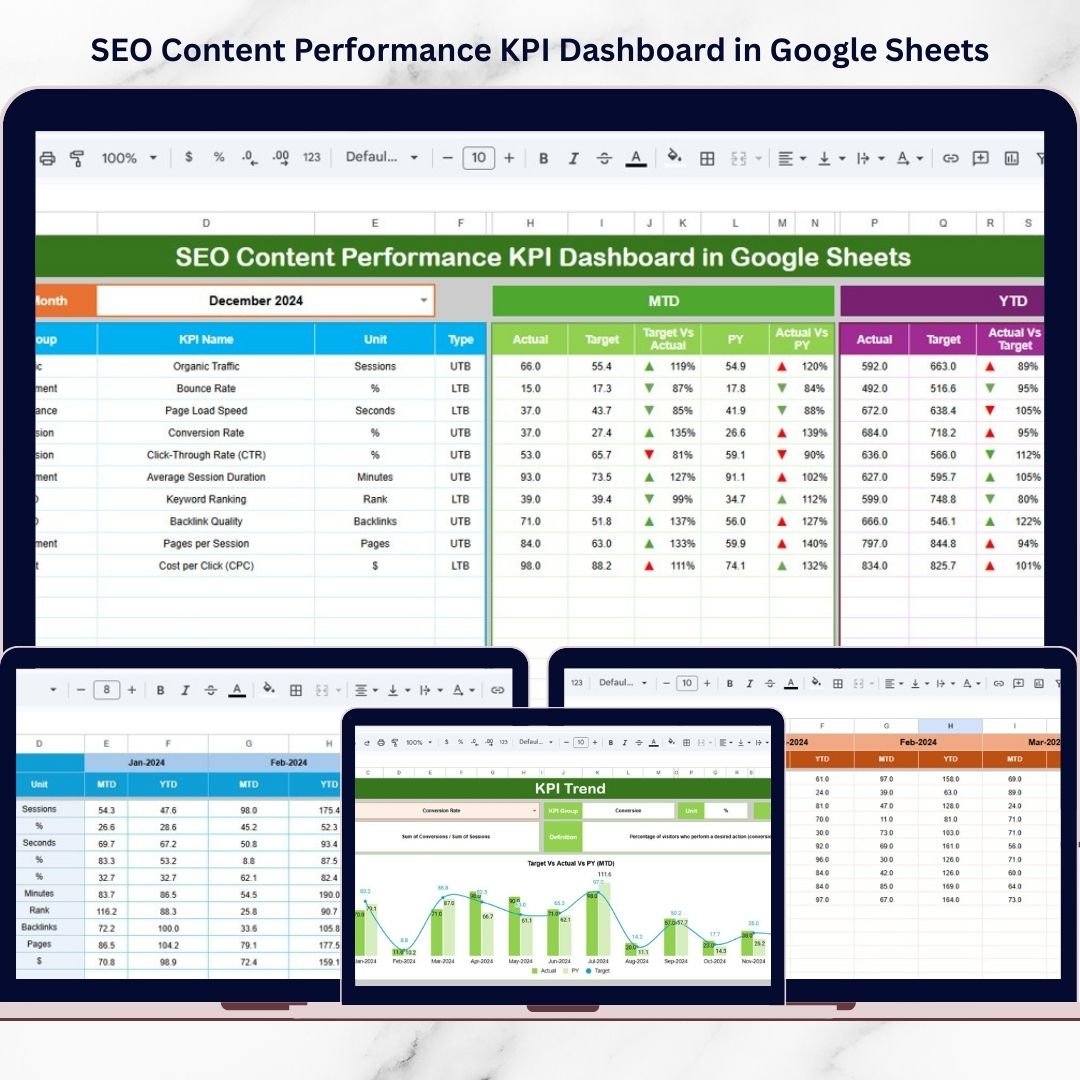
The SEO Content Performance KPI Dashboard in Google Sheets solves this challenge by providing a centralized, automated system to monitor SEO performance using structured KPIs. Instead of manually calculating results, you can instantly analyze Month-To-Date (MTD) and Year-To-Date (YTD) performance through an interactive and easy-to-use dashboard.
Built entirely in Google Sheets, this dashboard combines automation, collaboration, and performance analytics into one powerful solution. Whether you manage SEO campaigns, content marketing strategies, or website growth initiatives, this tool helps you make faster, data-driven decisions.
🚀 Key Feature of SEO Content Performance KPI Dashboard in Google Sheets
📊 Centralized SEO Performance Monitoring
Track all SEO KPIs in one dashboard without switching between multiple tools.
📅 Dynamic Month Selection
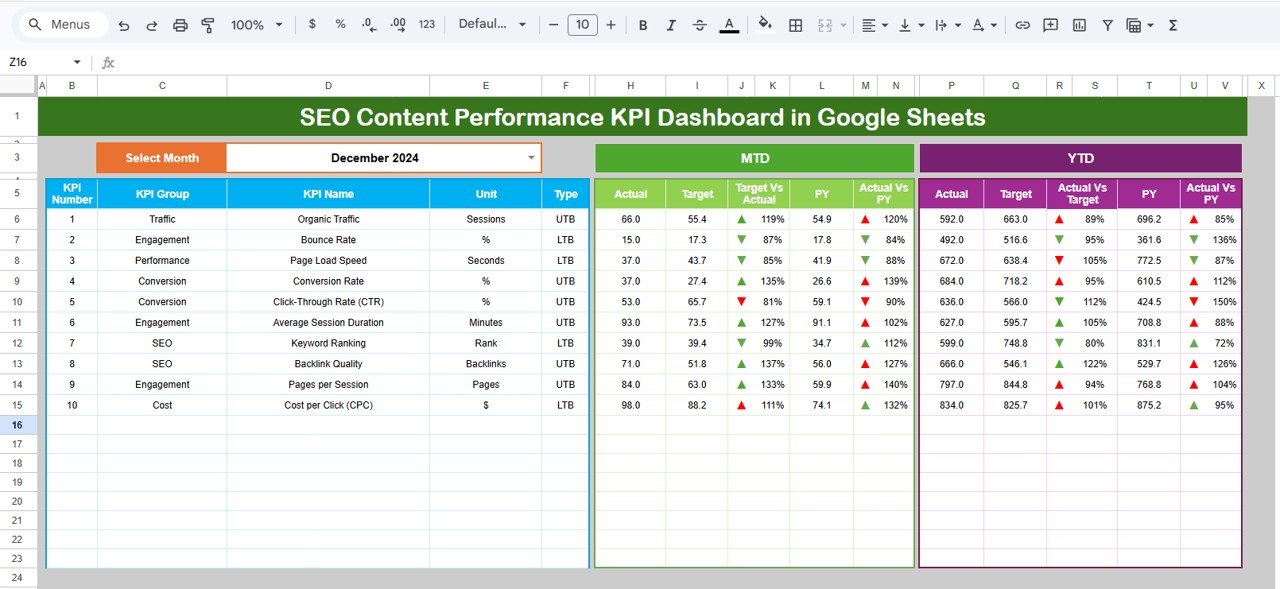
Select a reporting month using a dropdown, and the entire dashboard updates automatically.
📈 MTD & YTD Performance Analysis
Monitor short-term and long-term SEO progress simultaneously.
🎯 Target vs Actual Comparison
Instantly evaluate whether SEO performance meets business goals.
🔁 Previous Year Comparison
Measure growth trends and seasonal improvements using historical data.
🚦 Visual Performance Indicators
Up and down arrows instantly highlight performance direction.
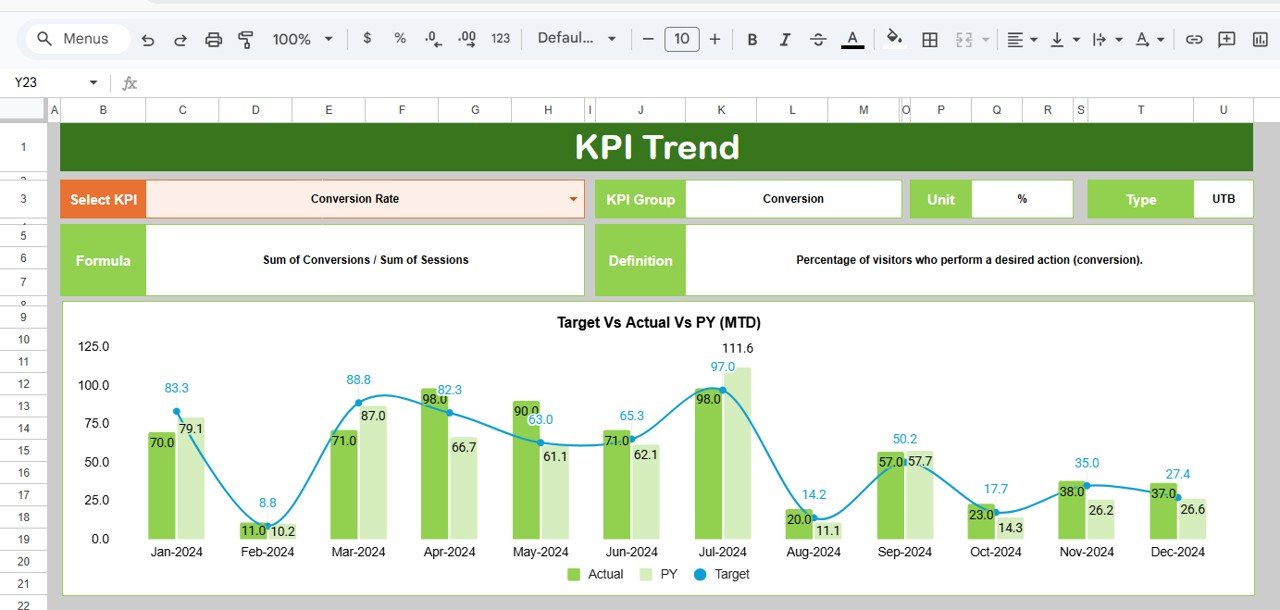
📉 Interactive KPI Trend Analysis
Analyze individual KPIs with detailed definitions, formulas, and performance logic.
☁️ Cloud-Based Collaboration
Access and update the dashboard anytime using Google Sheets.
📦 What’s Inside the SEO Content Performance KPI Dashboard in Google Sheets
This ready-to-use template includes six structured worksheets, each designed for a specific analytical purpose:
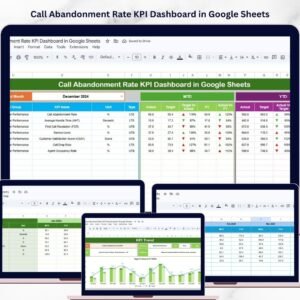
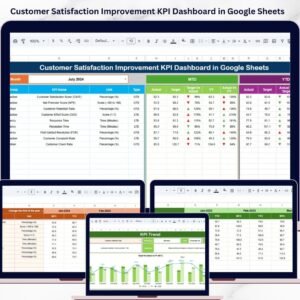
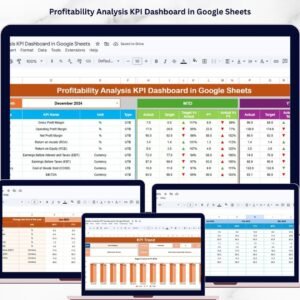
✅ Dashboard Sheet – Central overview displaying MTD and YTD KPI performance with automated comparisons.
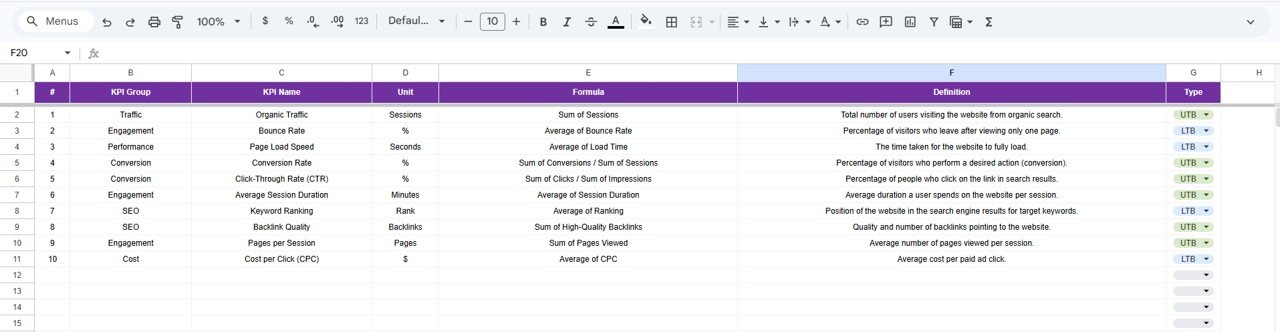
✅ KPI Trend Sheet – Detailed KPI analysis including KPI group, unit, type, formula, and definition.
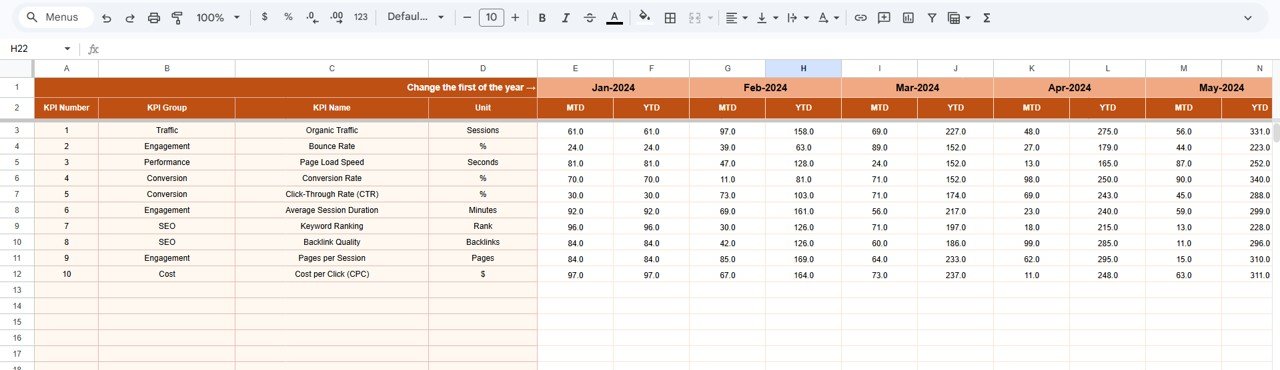
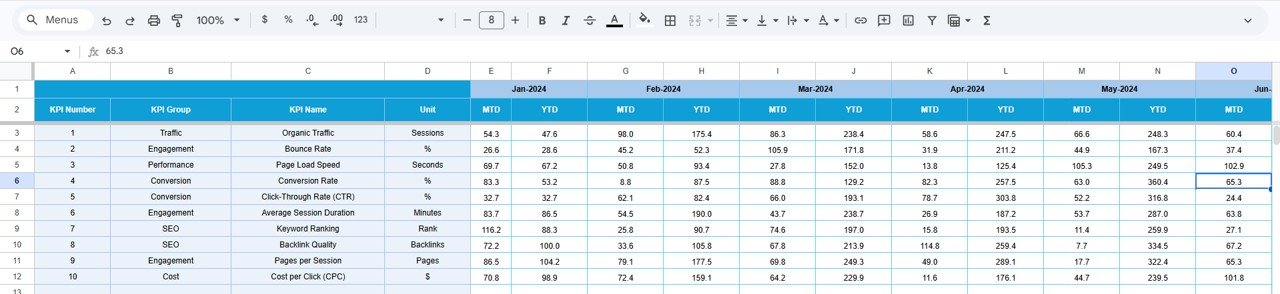
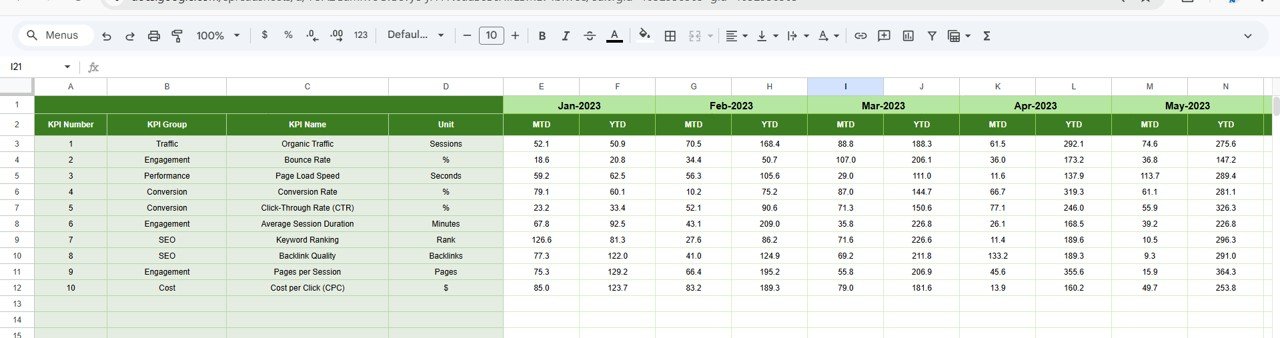
✅ Actual Number Sheet – Enter current-year SEO performance data easily.
✅ Target Sheet – Define monthly and yearly SEO goals for performance evaluation.
✅ Previous Year Number Sheet – Compare historical performance for growth analysis.
✅ KPI Definition Sheet – Maintain standardized KPI documentation for team consistency.
Every sheet works dynamically together, ensuring seamless reporting and automated updates.
🛠️ How to Use the SEO Content Performance KPI Dashboard in Google Sheets
Getting started requires only a few simple steps:
1️⃣ Enter SEO KPI definitions and targets.
2️⃣ Input actual monthly performance data.
3️⃣ Add previous-year numbers for comparison.
4️⃣ Select the reporting month from the dropdown.
5️⃣ Instantly analyze KPI performance through automated visuals.
Because formulas and logic are prebuilt, users only need to update data — the dashboard handles calculations automatically.
🎯 Who Can Benefit from This SEO Content Performance KPI Dashboard in Google Sheets
🔎 SEO Specialists – Track rankings, traffic performance, and optimization results.
✍️ Content Marketing Teams – Measure content effectiveness using structured KPIs.
📢 Digital Marketing Agencies – Deliver professional performance reports to clients.
🌐 Website Owners & Bloggers – Monitor growth without complex analytics tools.
📊 Marketing Managers – Compare targets with results for strategic planning.
🚀 Growth Strategists – Identify opportunities using performance trends.
Whether you manage one website or multiple campaigns, this dashboard provides clarity and control over SEO performance.
Modern SEO requires measurable insights, not guesswork. This dashboard transforms raw SEO data into meaningful analytics that help teams optimize strategies faster, improve content performance, and achieve consistent growth.
Stop managing multiple spreadsheets and start tracking SEO success with a structured KPI system designed for real marketing results.