



Key Features of Office Parking Utilization Maintenance Calendar In Excel
Maximize your office parking space efficiency with our Office Parking Utilization Maintenance Calendar In Excel. This ready-to-use Excel template is designed to streamline the management and maintenance of office parking schedules with ease and precision. It includes five comprehensive worksheets to give you detailed views and control over your parking utilization throughout the year.
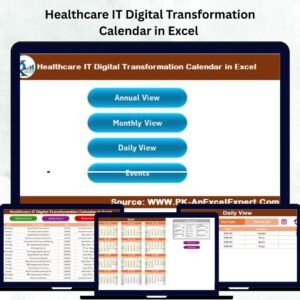
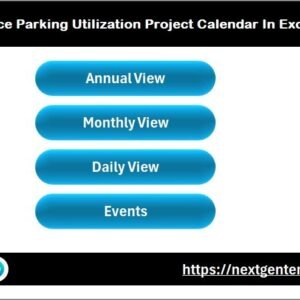
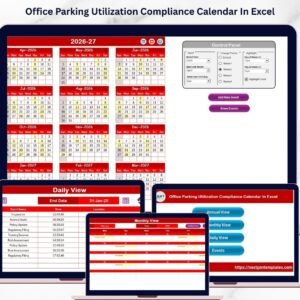
Starting with the Home sheet tab, this acts as an interactive index with four intuitive buttons enabling quick navigation to the Annual View, Monthly View, Daily View, and Events sheets, ensuring seamless user experience without wasting time searching for information.
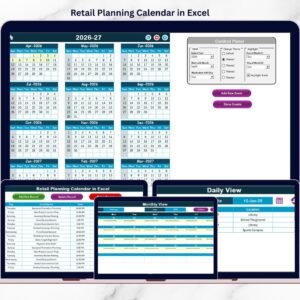
The Annual View Sheet tab displays all 12 months in a single glance. It features a powerful control panel divided into three groups:
- 🎯 Input Group: Select the year, starting month, and the first day of the week to customize your calendar automatically.
- 🎨 Change Theme Group: Choose from five vibrant color themes to personalize the entire workbook and enhance visibility.
- 🌟 Highlight Group: Highlight specific days of the week (e.g., weekends) and events in distinct colors like grey or yellow to make important dates stand out.
Additionally, two handy buttons allow you to Add New Event on selected dates and Show Event lists for quick event overview.
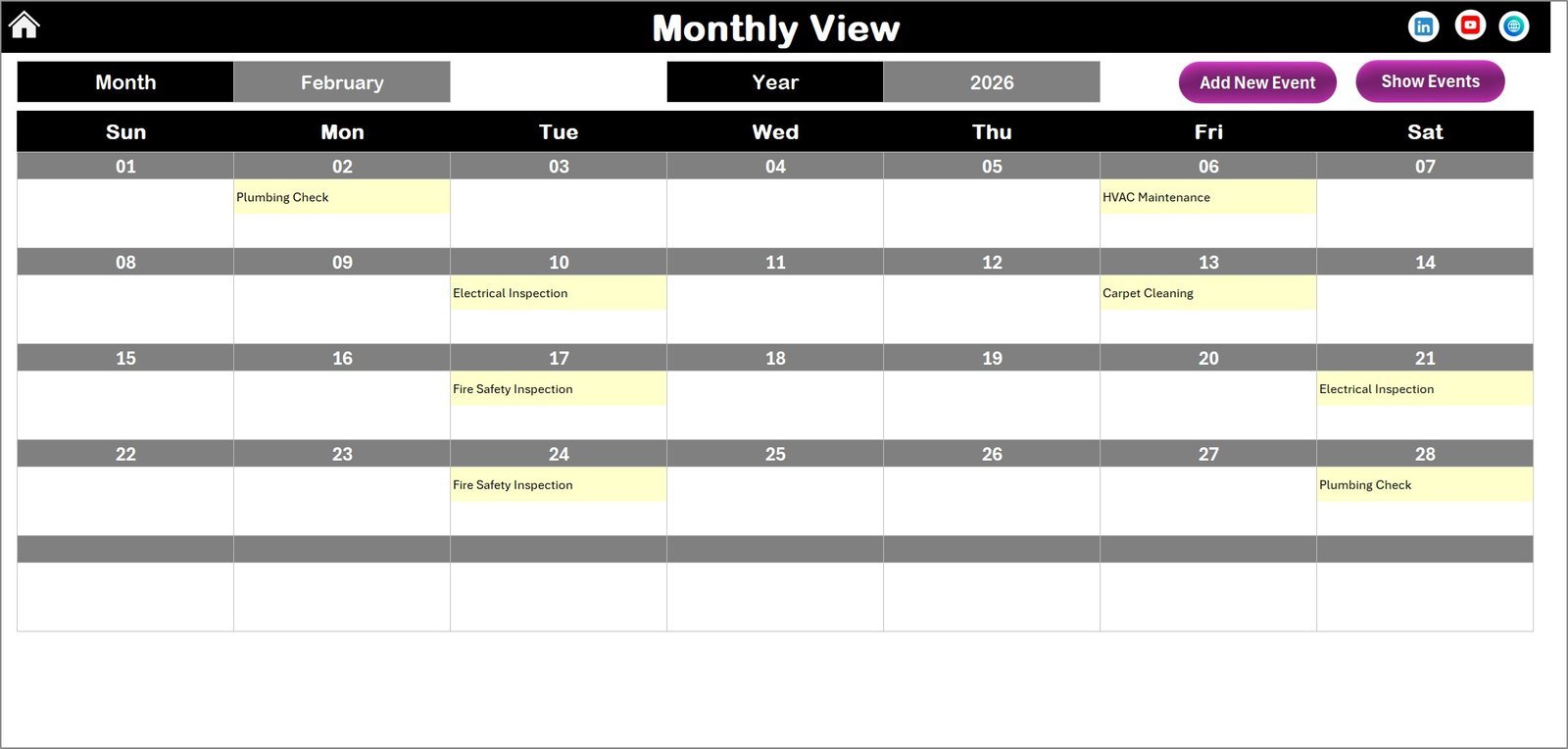
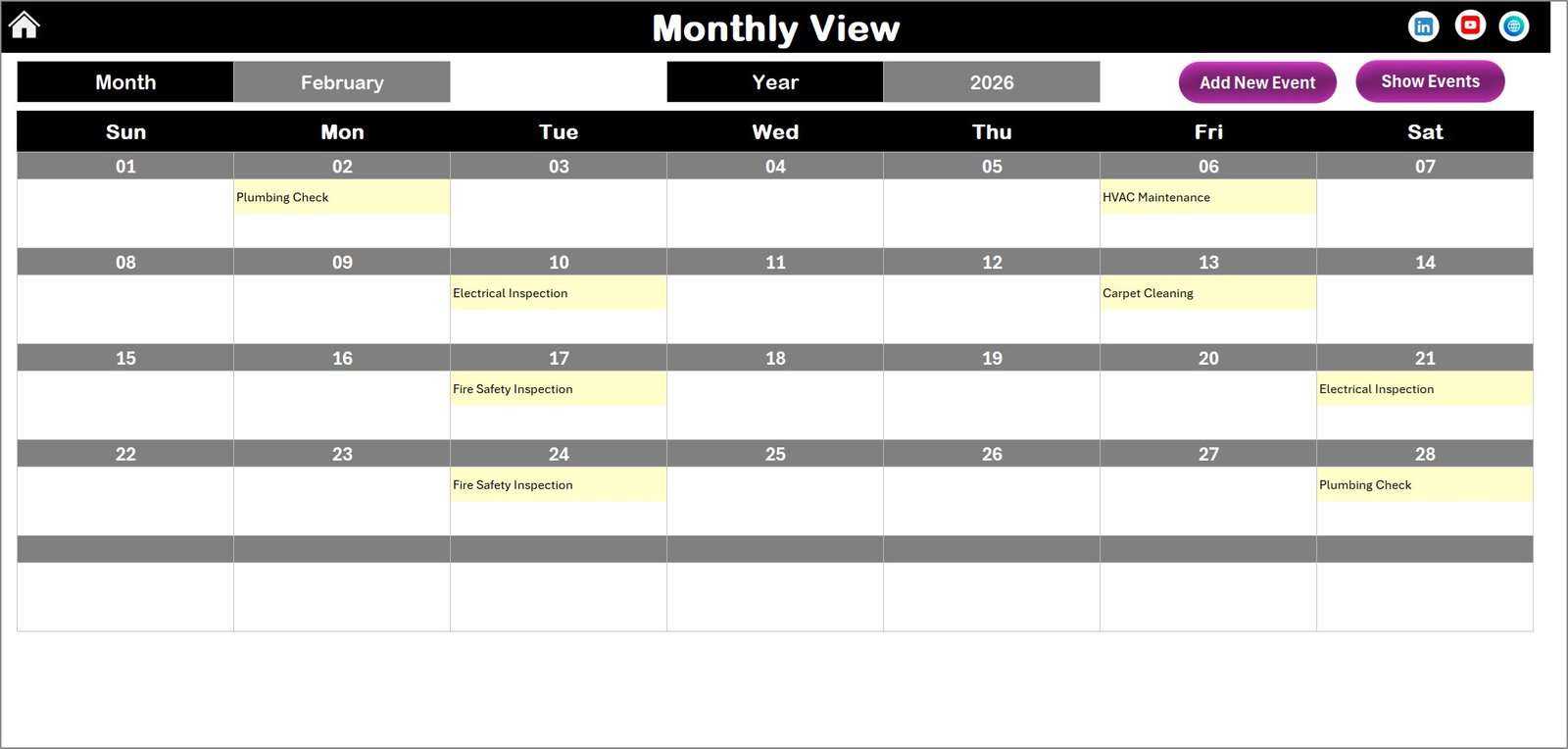
The Monthly View Sheet tab zooms into a single month, dynamically adjusting based on your selected month and year. It clearly displays events on each date, indicating when multiple events occur with a “more than 1…” label. Two buttons let you add new events or view existing ones right from the calendar.
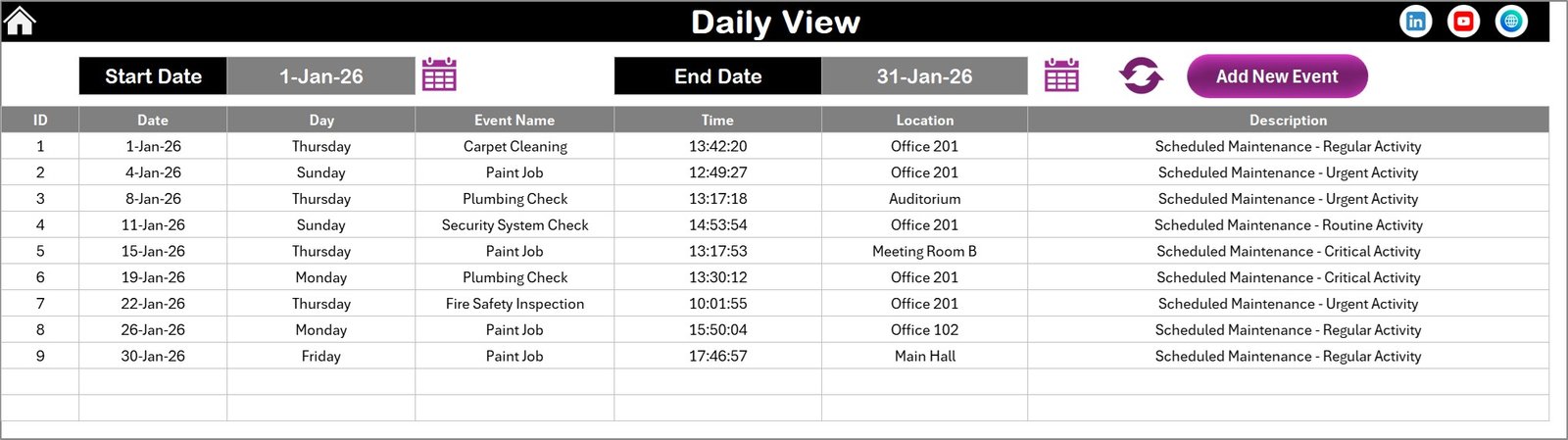
For detailed day-to-day management, the Daily View Sheet tab provides a detailed list of events within any selected date range. Use the start and end date pickers to filter your data and refresh to get the latest updates instantly. Adding events is just a click away with the “Add New Event” button.
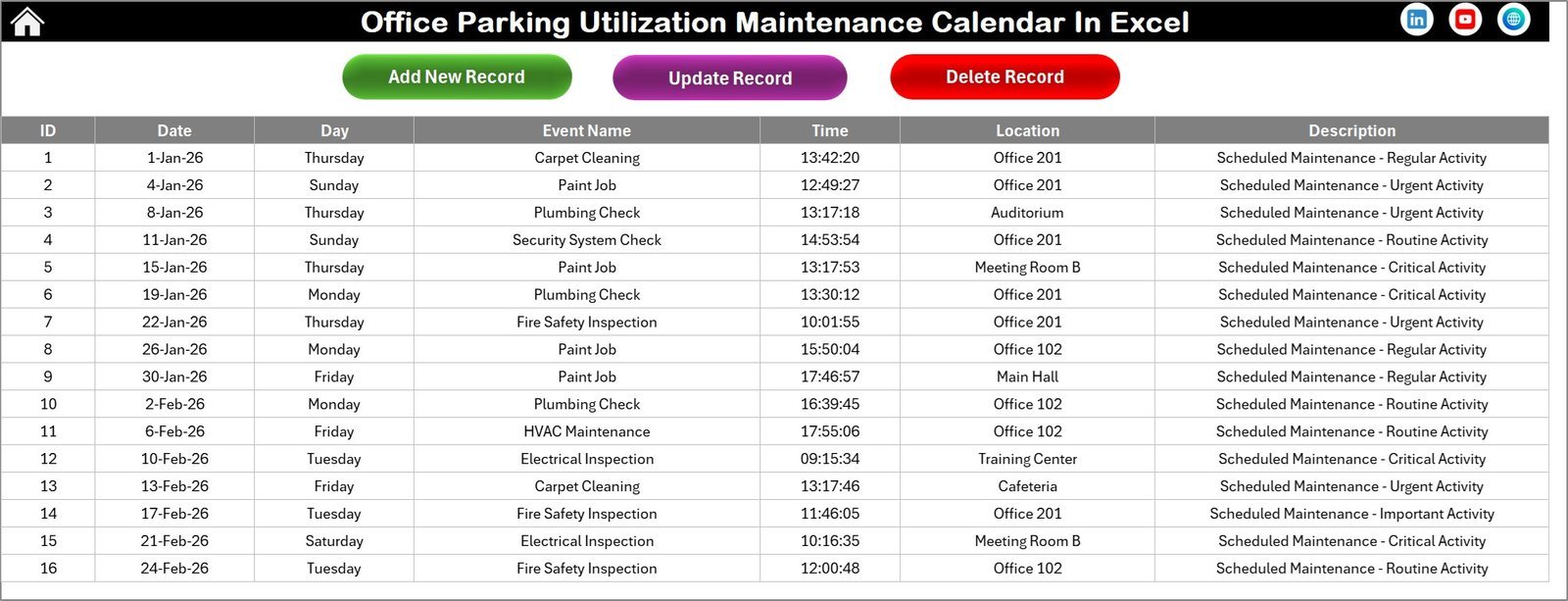
Lastly, the Events Sheet tab serves as a robust event database. Here, every event is recorded with essential details such as:
- 🆔 ID (Auto-generated unique number)
- 📅 Date of the event
- 📆 Day of the week
- 📝 Event Name
- ⏰ Time
- 📍 Location
- 🗒️ Short Description
You can easily add, update, or delete records using three dedicated buttons for complete database control.
What’s Inside the Office Parking Utilization Maintenance Calendar In Excel
- 📑 Five well-structured worksheets: Home, Annual View, Monthly View, Daily View, and Events database.
- 🎛️ User-friendly control panel for year, month, theme, and highlight customization.
- 🖌️ Five color themes for visual appeal and clarity.
- 🗓️ Interactive buttons to add and view events instantly.
- 🔍 Detailed event tracking with filtering by date range and event details.
- 🧾 Auto-generated IDs for easy event management.
- 🛠️ Full event CRUD (Create, Read, Update, Delete) capabilities.
- 💡 Designed specifically to optimize office parking utilization and maintenance scheduling.
How to Use the Office Parking Utilization Maintenance Calendar In Excel
Getting started with this calendar is simple and requires no technical expertise:
- 🔢 Open the Excel file and navigate using the Home sheet buttons to your desired view.
- 📅 Use the Annual View to get a yearly overview. Select the year, starting month, and customize themes and highlights using the control panel.
- ➕ Add new parking utilization or maintenance events by selecting the date and clicking the “Add New Event” button.
- 📊 Switch to the Monthly View for a focused look at a specific month with events clearly marked.
- 📋 Use the Daily View to track all events within custom date ranges. Refresh the data after changing the range to see updates.
- 🗃️ Manage all event data in the Events sheet – add, update, or delete records quickly to keep your calendar accurate.
- 🎨 Customize the look and feel with color themes to match your office branding or personal preferences.
- 🖥️ Save your changes regularly and share the file with your team for collaborative planning.
Who Can Benefit from This Office Parking Utilization Maintenance Calendar In Excel
This versatile calendar template is perfect for a wide range of users involved in managing office parking and maintenance schedules:
- 🏢 Office managers who need to optimize parking space usage and avoid conflicts.
- 🚗 Facility coordinators responsible for scheduling maintenance and ensuring smooth parking operations.
- 📅 HR teams planning employee parking allocations and event scheduling.
- 🛠️ Maintenance supervisors tracking recurring service dates and upkeep tasks.
- 👥 Property managers overseeing multiple office buildings and parking lots.
- 📊 Data analysts who require detailed tracking to identify parking utilization trends.
- 💼 Small to large enterprises seeking an easy-to-use, customizable digital solution without investing in complex software.
With this calendar, anyone can efficiently manage office parking and related maintenance activities without hassle or confusion.

Office Parking Utilization Maintenance Calendar In Excel

Annual View Sheet tab
Monthly View Sheet tab
Daily View Sheet tab

Events Sheet tab
Click here to read the Detailed blog post.
Visit our YouTube channel to learn step-by-step video tutorials.








Reviews
There are no reviews yet.