
Managing workforce duties in a manufacturing environment can quickly become chaotic. Shift rotations, overtime, holidays, training sessions, and maintenance activities all compete for attention. When these schedules live in scattered files or manual registers, mistakes are inevitable.
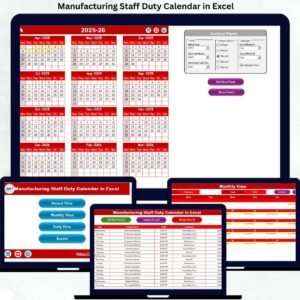
The Manufacturing Staff Duty Calendar in Excel solves this problem with a ready-to-use, automated, and visually structured Excel calendar. It allows manufacturing teams to plan, monitor, and control staff duties efficiently—without complex software or technical skills.
Designed for real-world factory operations, this calendar transforms manual scheduling into a clear, organized, and productivity-driven system.
🚀 Key Features of Manufacturing Staff Duty Calendar in Excel
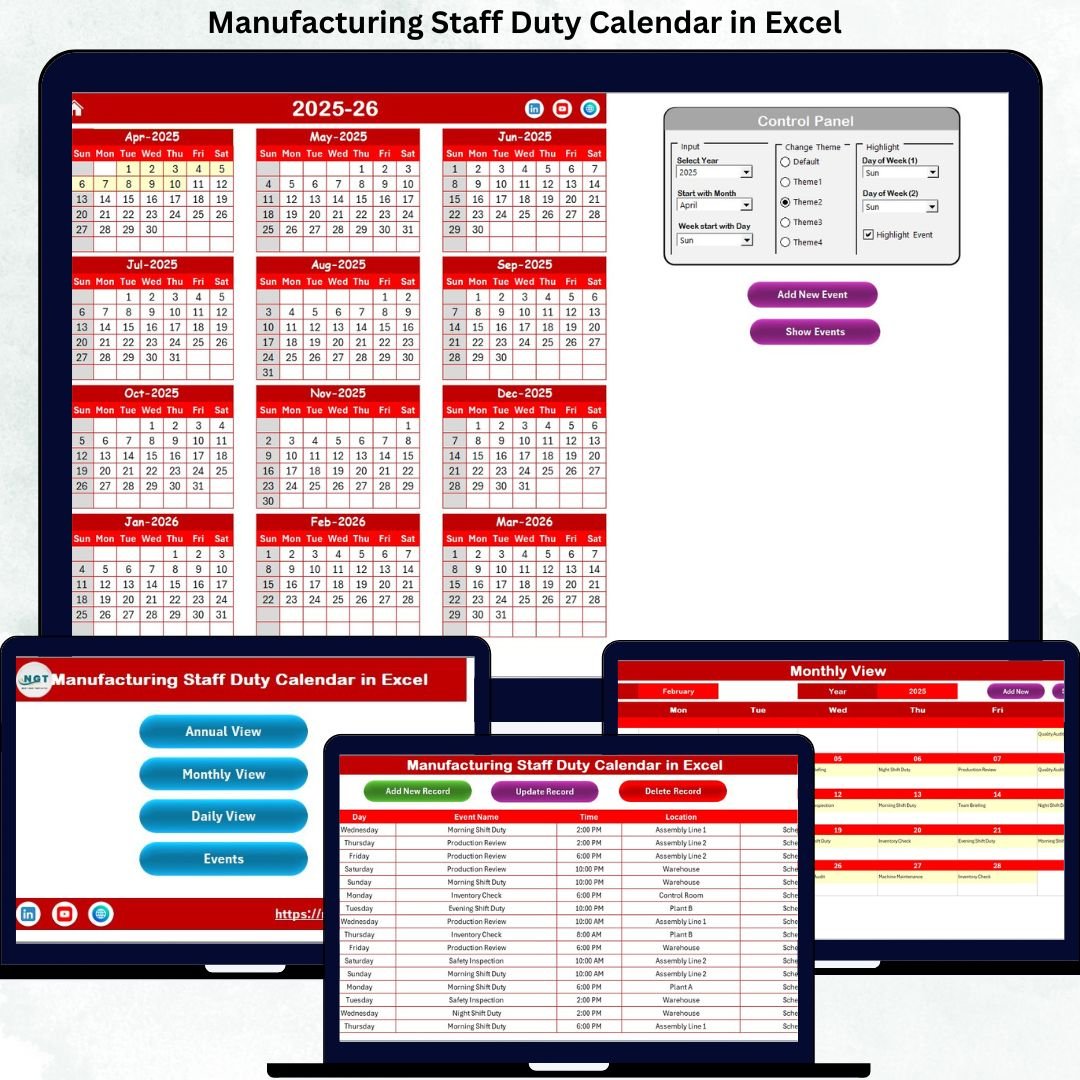
📆 Multi-View Scheduling System
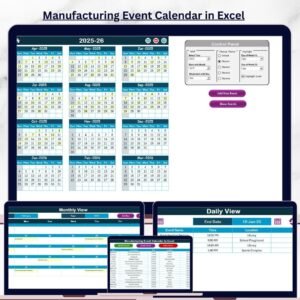
Plan staff duties using Annual, Monthly, and Daily views, ensuring both long-term planning and short-term control.
🎛️ Smart Control Panel
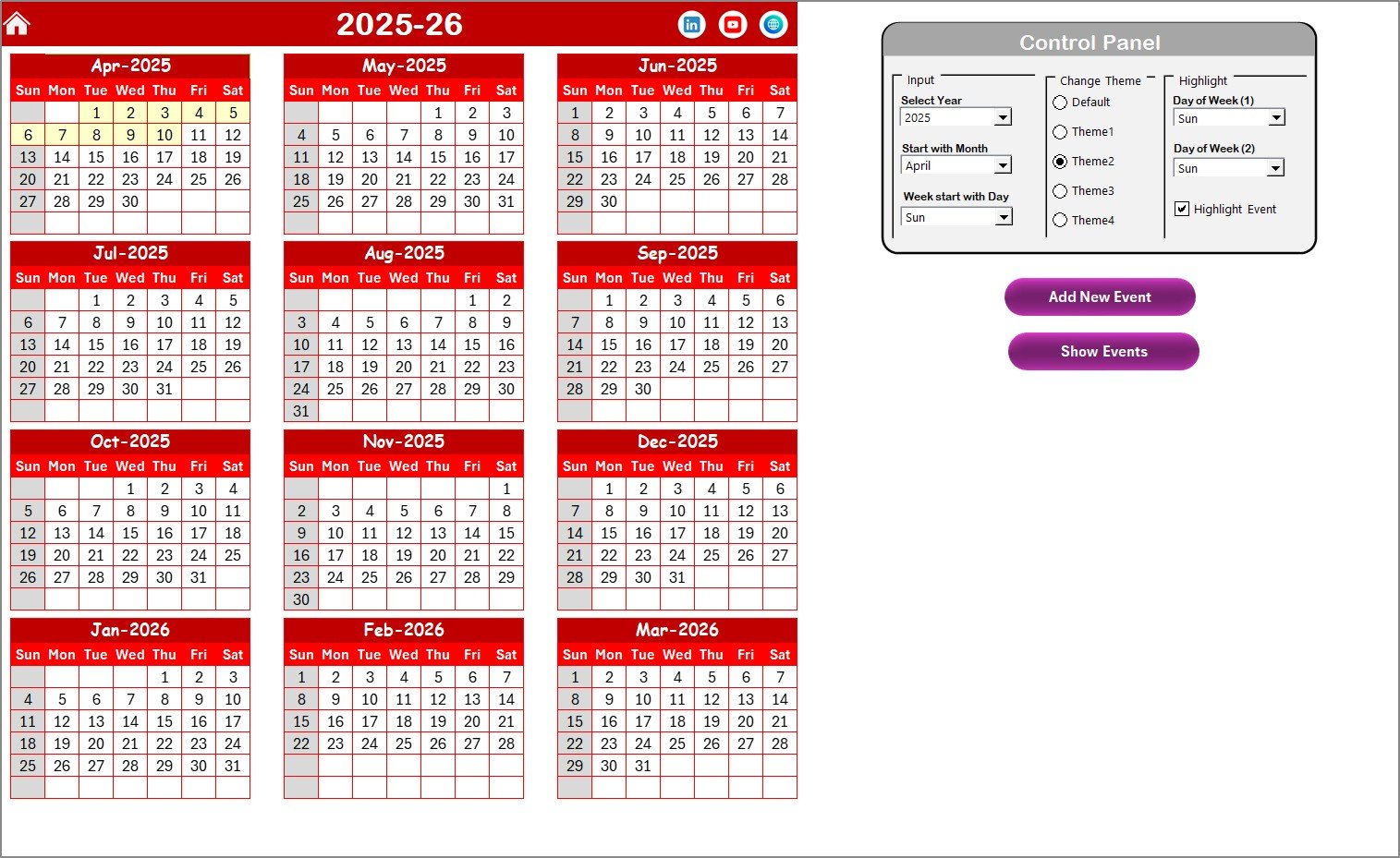
Change the year, starting month, and starting weekday instantly—your entire calendar updates automatically.
🎨 Custom Color Themes
Choose from multiple professional themes and apply them across the workbook in one click.
🟡 Weekend & Event Highlighting
Highlight weekends, holidays, and special events to avoid scheduling confusion.
🧾 Built-in Event Forms
Add, view, update, or delete duties using simple buttons—no manual data entry errors.
🔄 Automatic Data Sync
One update reflects instantly across all calendar views, saving time and effort.
📂 What’s Inside the Manufacturing Staff Duty Calendar
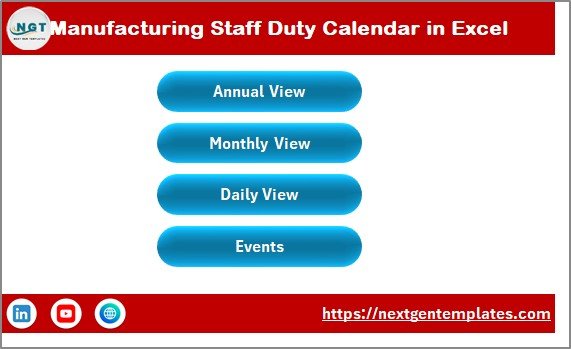
📌 Home Sheet (Navigation Hub)
Jump instantly to Annual, Monthly, Daily, or Events views using intuitive buttons.
📅 Annual View Sheet
See all 12 months at once for workforce forecasting, capacity planning, and holiday visibility.
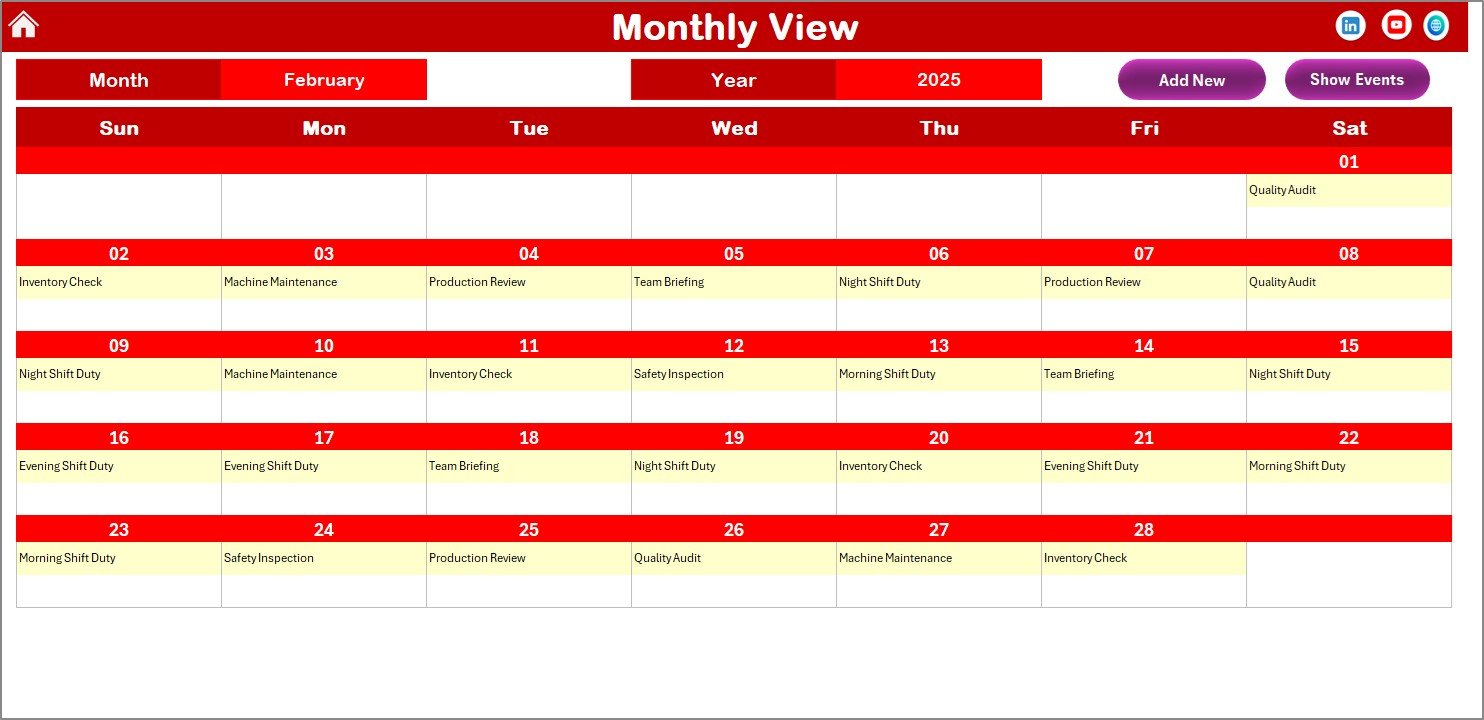
🗓️ Monthly View Sheet
Manage month-wise duties with clear indicators for multiple events on the same date.
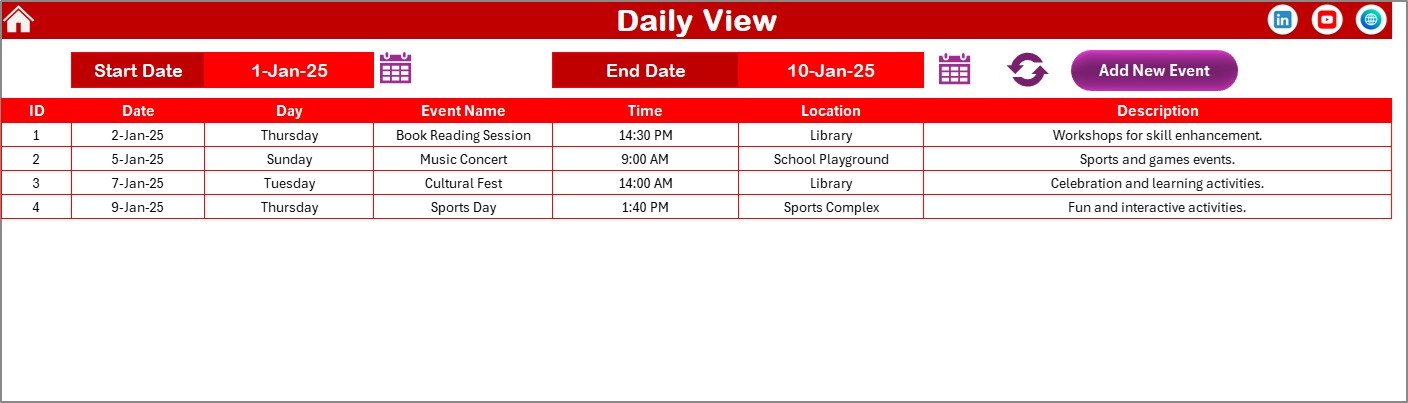
📋 Daily View Sheet
Track detailed staff duties within a selected date range—ideal for audits and reviews.
🗄️ Events Sheet (Backend Database)
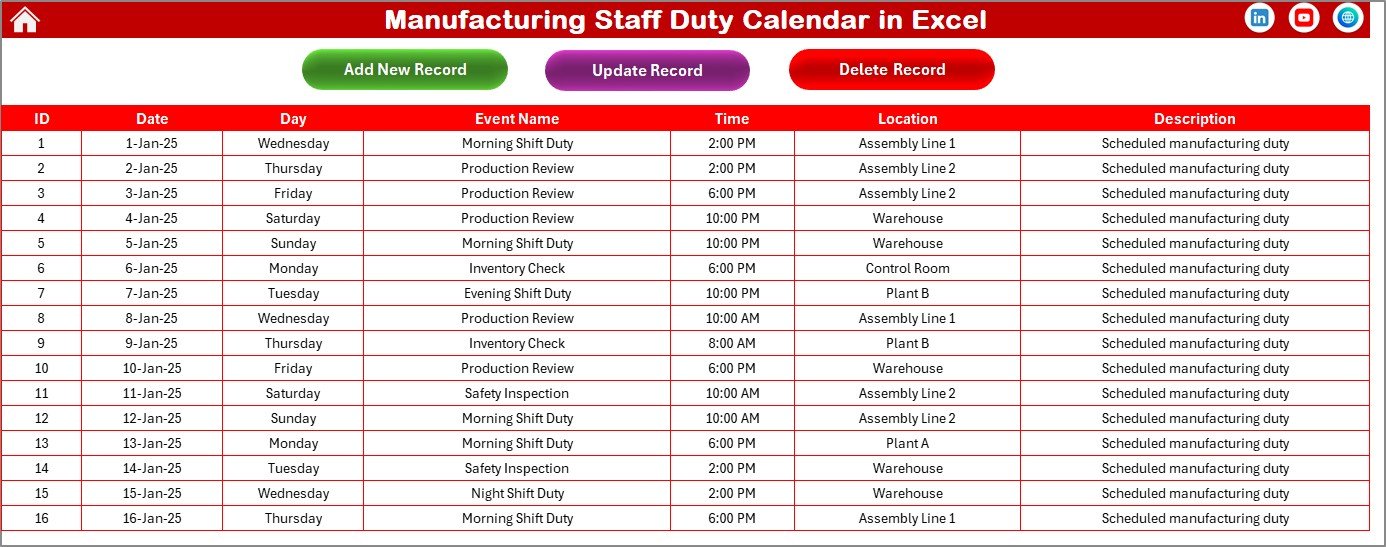
Centralized data storage with structured fields like Date, Event Name, Time, Location, and Description.
Together, these sheets provide complete workforce visibility in a single Excel file.
🛠️ How to Use the Manufacturing Staff Duty Calendar
1️⃣ Select the year, month, and starting weekday from the control panel
2️⃣ Use Add New Event to enter duty details through a simple form
3️⃣ View schedules instantly in Annual, Monthly, or Daily views
4️⃣ Highlight weekends and special events for better clarity
5️⃣ Update or delete records easily from the Events sheet
Because everything is automated, no advanced Excel knowledge is required.
👥 Who Can Benefit from This Manufacturing Staff Duty Calendar
🏭 Manufacturing Plant Managers – Gain full workforce visibility
👨🏭 Shift Supervisors – Reduce overlap and scheduling conflicts
📊 HR & Workforce Planners – Improve accountability and accuracy
🔧 Maintenance Coordinators – Track shutdowns and service duties
🏢 Operations Managers – Improve production planning and efficiency
Whether you manage a small factory or a large manufacturing unit, this tool scales with your needs.
Click here to read the Detailed blog post
Watch the step-by-step video tutorial:
Visit our YouTube channel to learn step-by-step video tutorials

















Reviews
There are no reviews yet.