

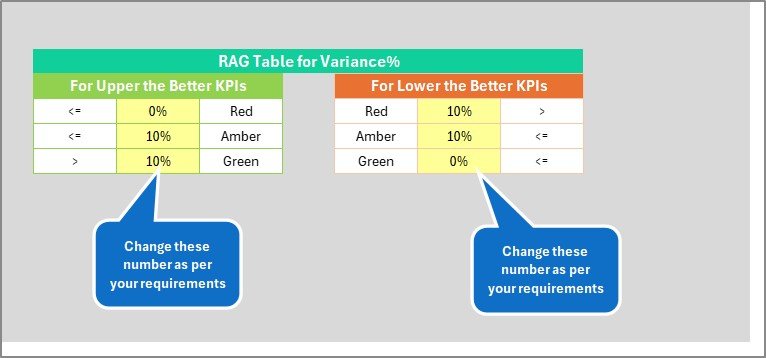
Key Features of Library Services KPI Scorecard
Introducing the Library Services KPI Scorecard – a powerful, ready-to-use digital template designed to help you effortlessly monitor and analyze the performance of your library services. This comprehensive scorecard streamlines your Key Performance Indicator (KPI) tracking, giving you instant insights into how your library is performing against its targets.
Our template features 4 dedicated worksheets, each crafted to deliver precise, actionable data with ease and clarity.
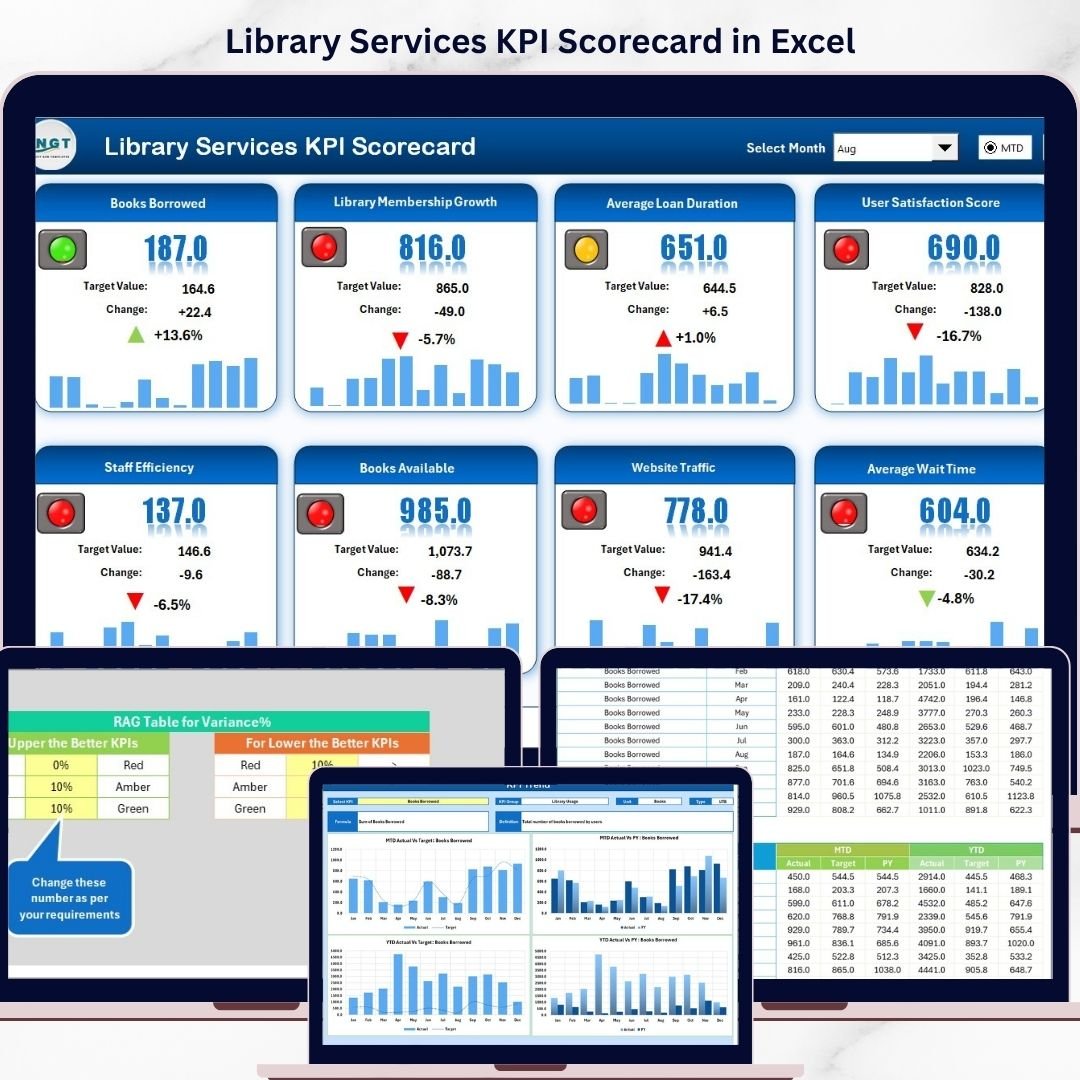
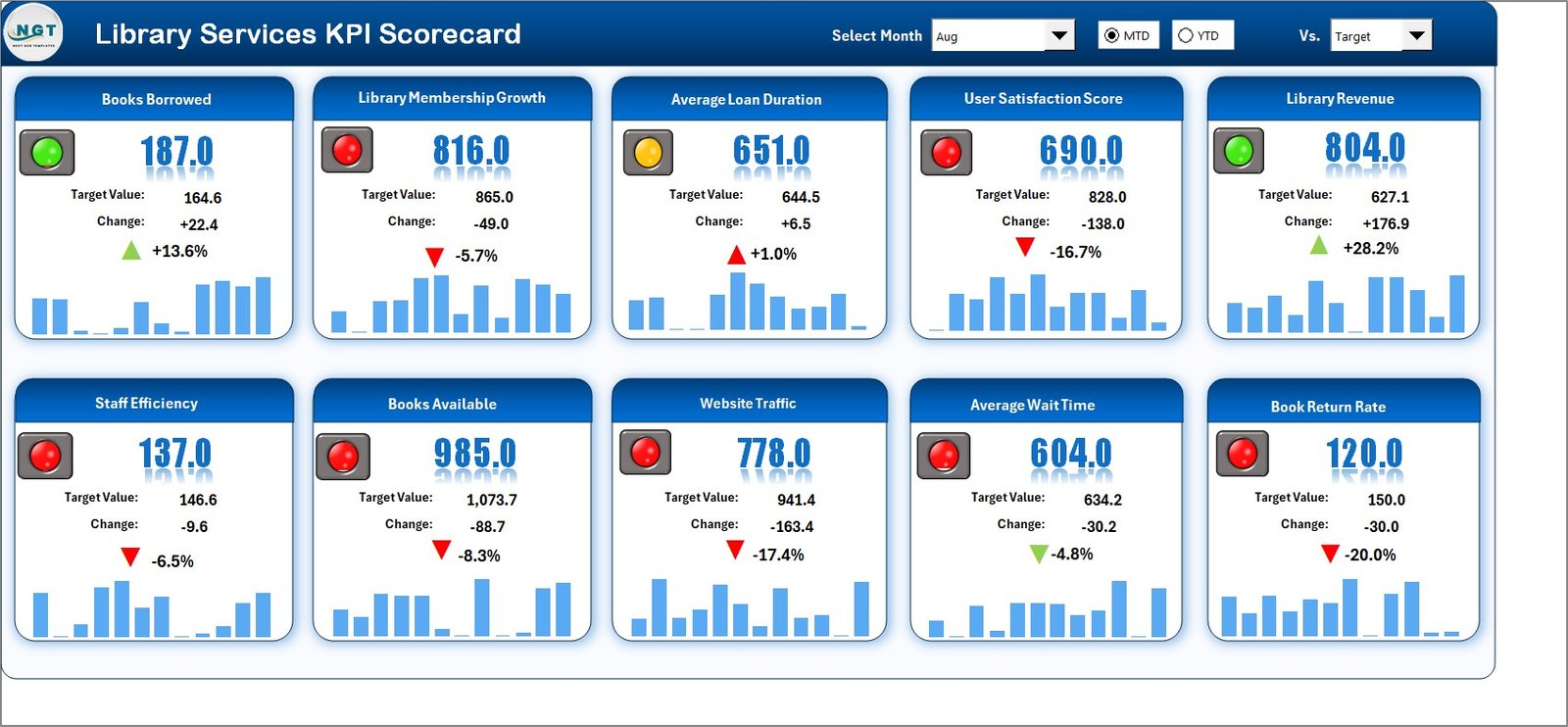
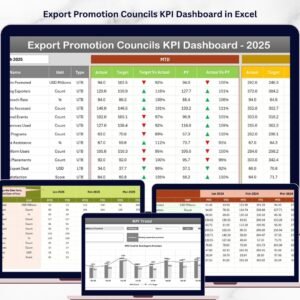
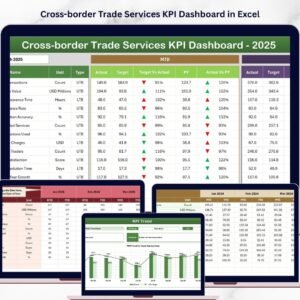
- 📊 Scorecard Sheet: The heart of the template, this sheet offers a sleek interface where you can select the month, MTD (Month-to-Date), or YTD (Year-to-Date) views to analyze KPI performance. It provides a clear comparison of actual versus target values, enhanced with intuitive color-coded visuals and conditional formatting. This allows you to quickly identify areas excelling or needing attention.
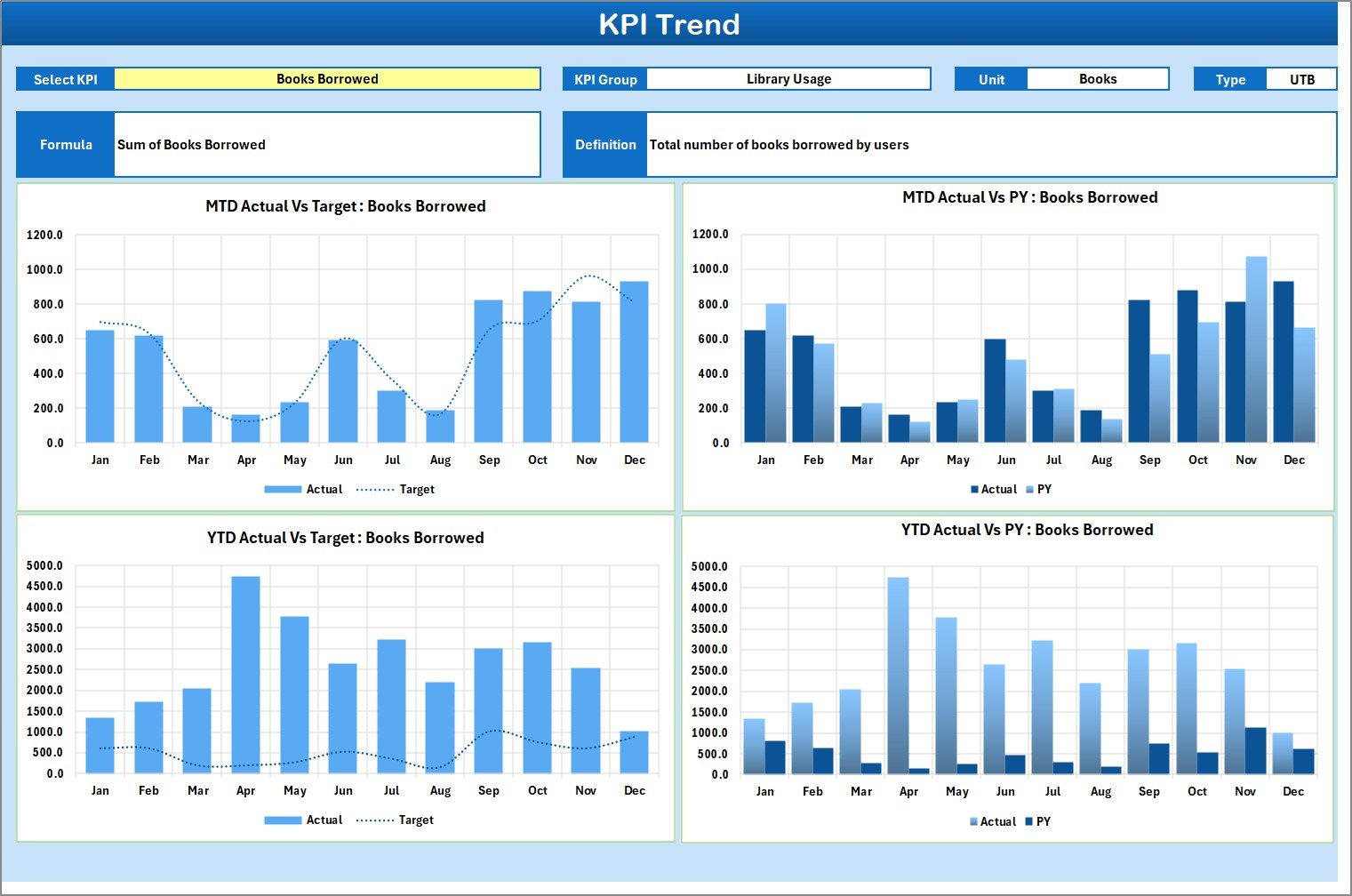
- 📈 KPI Trend Sheet: Track your KPIs over time by selecting the KPI name from a dropdown menu. This sheet displays essential details such as KPI Group, Unit of KPI, KPI type (whether lower or upper values are better), formula, and definition. Additionally, it features dynamic MTD and YTD trend charts illustrating actual, target, and prior year (PY) performance, enabling long-term performance tracking.
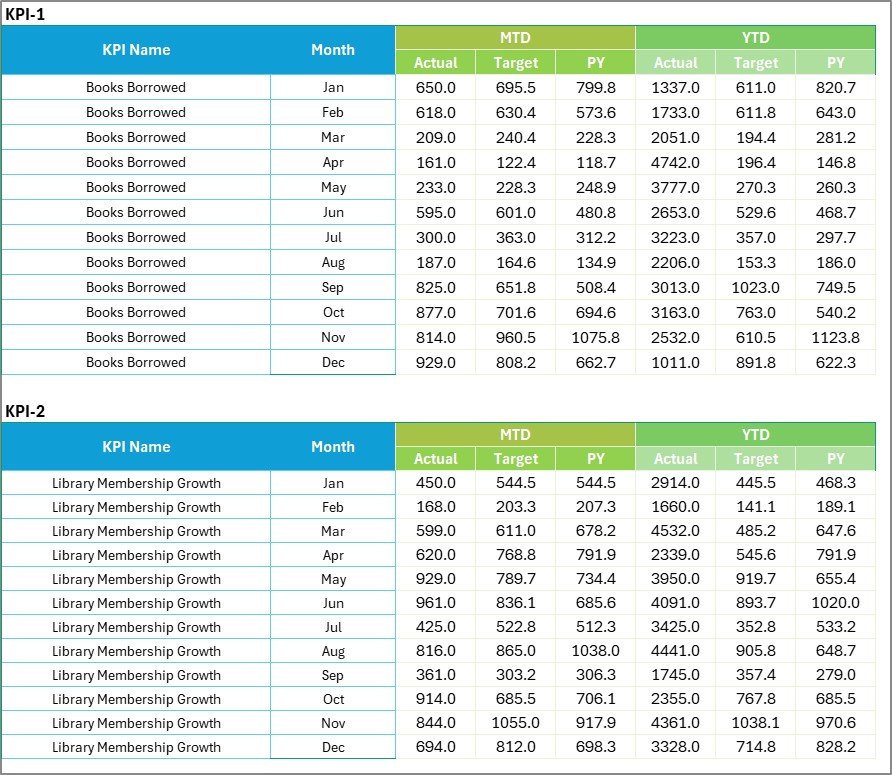
- 📝 Input Data Sheet: Easily enter and update your KPI data here. This sheet supports recording actual values, targets, and other relevant metrics. Its flexible design ensures that your scorecard remains current and accurate as new data becomes available.
- 📚 KPI Definition Sheet: Define the KPIs by entering their name, group, unit, formula, and detailed description. This ensures clarity and consistency across your reporting and helps all stakeholders understand each KPI’s purpose and calculation.
What’s Inside the Library Services KPI Scorecard
This digital product includes a fully editable Excel template with four comprehensive worksheets that cover every aspect of KPI management for library services:
- 📅 Scorecard Sheet for real-time performance analysis with dropdown filters.
- 📊 KPI Trend Sheet to visualize and compare performance trends over time.
- ✍️ Input Data Sheet for seamless data entry and updates.
- 📖 KPI Definition Sheet to clearly define and document each KPI.
Every element is designed to provide clarity, speed, and accuracy so that your library’s performance monitoring is as efficient as possible.
How to Use the Library Services KPI Scorecard
Getting started with this scorecard is intuitive and user-friendly. Follow these simple steps to unlock its full potential:
- 🔍 Step 1: Open the Scorecard Sheet and select the desired time frame (month, MTD, or YTD) from the dropdown menus.
- 📝 Step 2: Enter your KPI data, targets, and actual values in the Input Data Sheet. Keep this updated regularly to maintain accuracy.
- 📈 Step 3: Use the KPI Trend Sheet to select specific KPIs and analyze their performance over time through dynamic charts and data tables.
- 📚 Step 4: Review and refine your KPIs by editing definitions and formulas in the KPI Definition Sheet to ensure they match your library’s goals.
- 🎯 Step 5: Monitor visual indicators on the Scorecard Sheet to quickly identify KPIs that meet or fall short of targets and take informed actions.
Who Can Benefit from This Library Services KPI Scorecard
This scorecard is perfect for:
- 🏛️ Library Managers looking to track and improve service performance effectively.
- 📊 Data Analysts who need a structured template to analyze library KPIs with visual trend charts.
- 🧑💼 Administrative Staff responsible for KPI data entry and reporting.
- 📚 Academic and Public Libraries aiming to benchmark and optimize resource utilization and user satisfaction.
- 💡 Consultants and Strategists working with library services to provide performance insights and recommendations.
- 🎯 Anyone involved in library service performance measurement, seeking an easy-to-use, comprehensive digital tool.
With its intuitive design and powerful features, this scorecard transforms complex data into clear, actionable insights, empowering you to elevate your library services to new heights.


















Reviews
There are no reviews yet.