In today’s fast-paced business environment, organizations constantly track Key Performance Indicators (KPIs) to achieve strategic objectives, improve productivity, and maintain accountability. KPI Tracking To-Do List Checklist in Excel While companies successfully define KPIs, many teams struggle with execution because KPI-related tasks are often managed through scattered emails, notes, or unstructured spreadsheets.
As a result, deadlines are missed, responsibilities become unclear, and performance tracking loses effectiveness. Businesses therefore need a structured system that converts KPI goals into actionable daily activities. This is where the KPI Tracking To-Do List Checklist in Excel becomes an essential productivity solution.
KPI Tracking To-Do List Checklist in Excel The KPI Tracking To-Do List Checklist in Excel is a ready-to-use task management template designed to organize KPI activities, track progress, assign responsibilities, and monitor completion status through a simple yet powerful checklist system. Instead of managing tasks across multiple tools, teams can control everything within one centralized Excel sheet.
Built using Excel’s familiar interface, this checklist combines automation, visual tracking, and structured workflow management. Consequently, managers gain real-time visibility into progress while team members clearly understand their assigned responsibilities.
Whether your organization tracks operational KPIs, project milestones, compliance activities, or performance reviews, this checklist transforms KPI execution into measurable and manageable steps.
🚀 Key Feature of KPI Tracking To-Do List Checklist in Excel
✅ Centralized KPI Task Management – Track all KPI-related activities in one organized checklist.
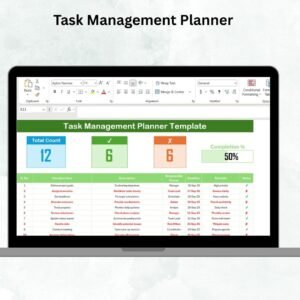
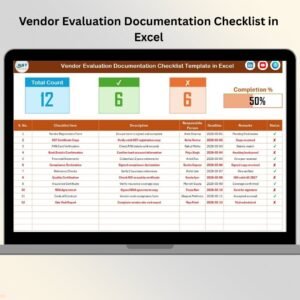
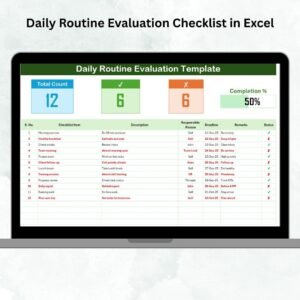
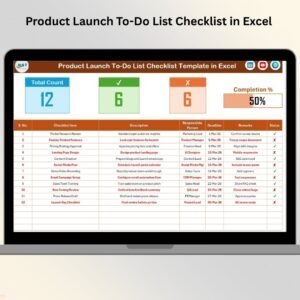
📊 Automatic Progress Dashboard – Instantly view total tasks, completed items, and pending activities.
📈 Visual Progress Bar – Monitor completion percentage through dynamic visual indicators.
👤 Responsibility Assignment – Assign task ownership to improve accountability.
📅 Deadline Tracking System – Ensure timely task completion with clear due dates.
✔️ One-Click Status Updates – Mark tasks as completed or pending using simple symbols.
🔄 Auto-Updating Metrics – Dashboard statistics update automatically when status changes.
⚙️ Easy Customization – Modify columns or workflows based on organizational needs.
📦 What’s Inside the KPI Tracking To-Do List Checklist in Excel
This professionally designed Excel template includes two structured worksheets for efficient KPI execution:
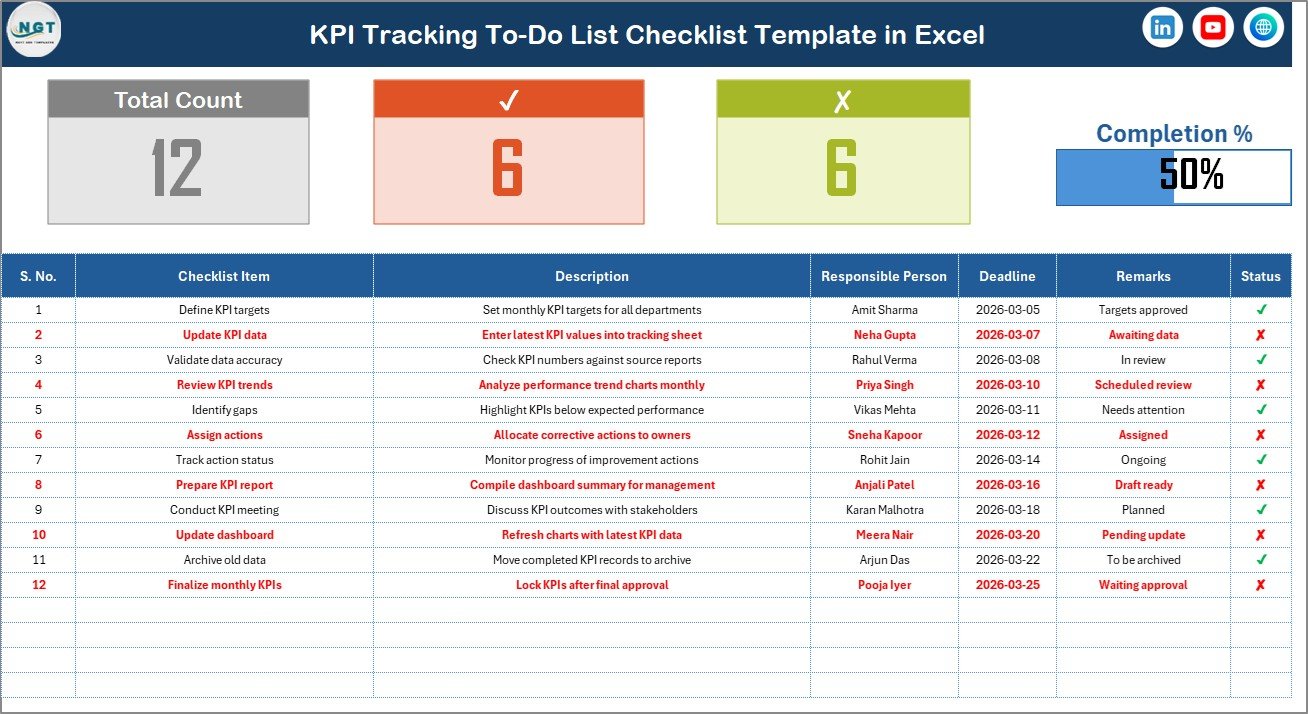
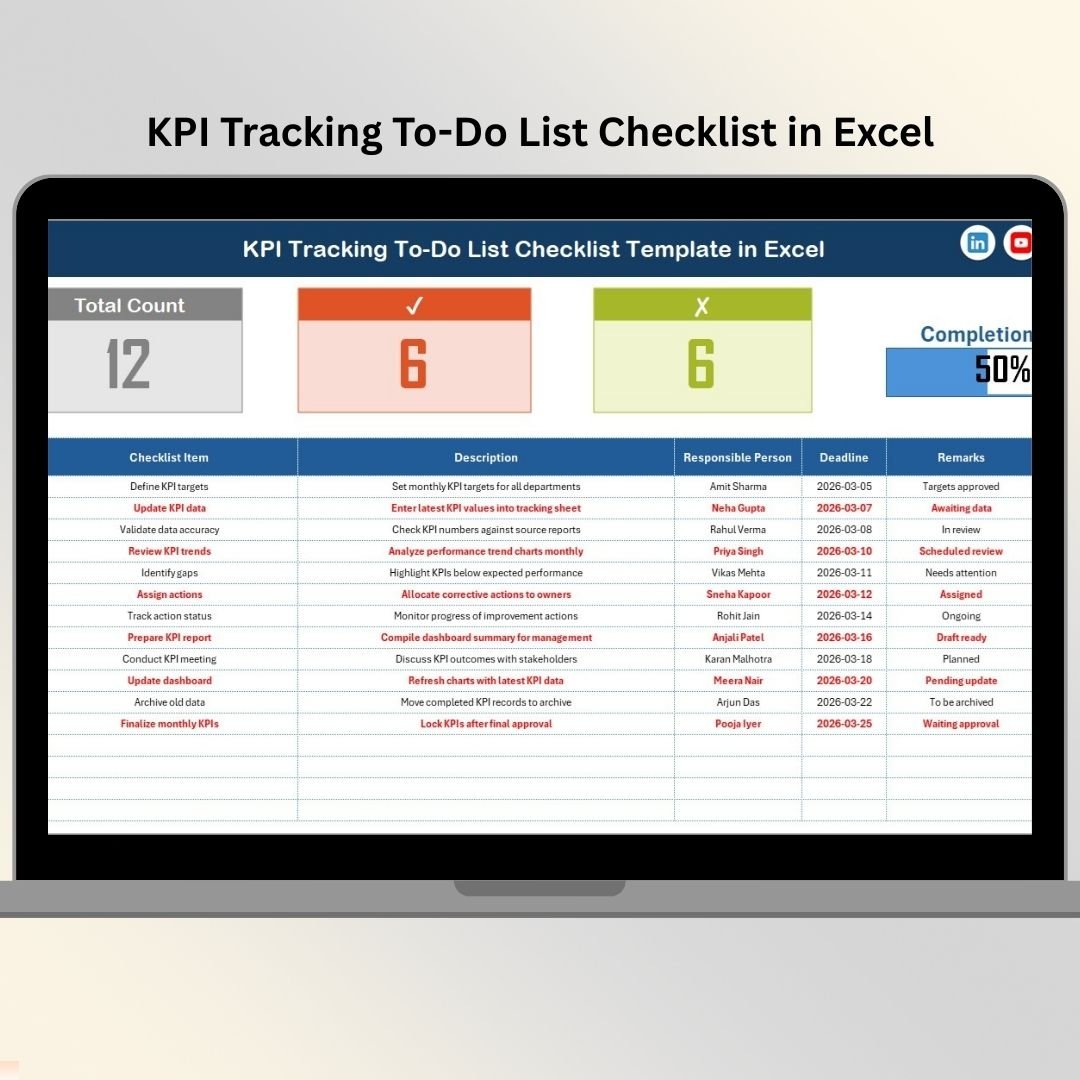
📋 KPI Tracking To-Do List Checklist Sheet (Main Sheet)
The central working area where users manage KPI tasks and monitor progress.
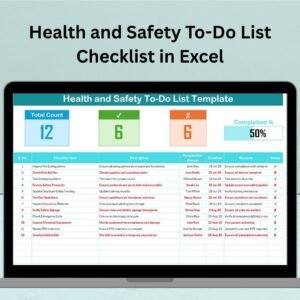
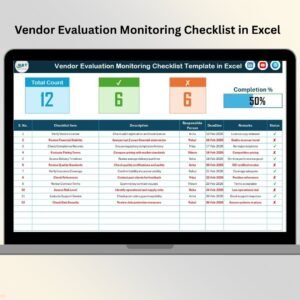
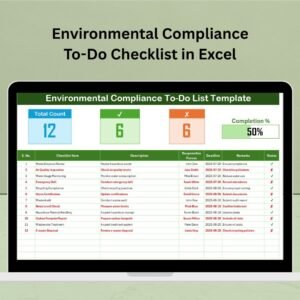
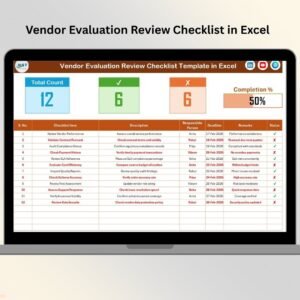
Top Dashboard Panel Displays:
-
Total checklist items
-
Completed tasks count
-
Pending tasks count
-
Visual progress bar
Checklist Table Columns:
-
Serial Number
-
Checklist Item
-
Description
-
Responsible Person
-
Deadline
-
Remarks
-
Status (✔ or ✘)
Updating the status automatically refreshes progress indicators.
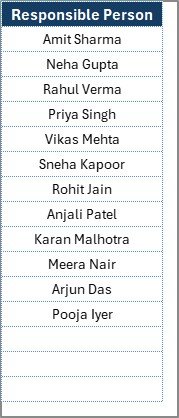
📑 List Sheet Tab
Stores the master list of responsible persons used for dropdown selections, ensuring consistent data entry and reducing errors.
Together, these sheets create a streamlined KPI task management system.
⚙️ How to Use the KPI Tracking To-Do List Checklist in Excel
The checklist is designed for quick adoption:
1️⃣ Define KPI-related tasks and activities.
2️⃣ Enter checklist items and descriptions.
3️⃣ Assign responsible team members.
4️⃣ Set realistic deadlines.
5️⃣ Update task status regularly using ✔ or ✘.
6️⃣ Monitor progress using automated dashboard metrics.
Within seconds, managers can evaluate execution status and identify delays.
👥 Who Can Benefit from This KPI Tracking To-Do List Checklist in Excel
This checklist template is suitable for multiple industries and roles:
👔 Business Managers
👥 HR Teams
💰 Finance Departments
⚙️ Operations Teams
📊 Project Managers
🏢 Small Business Owners
📈 Performance Management Teams
Any organization aiming to convert strategy into execution can benefit from this structured checklist.
By introducing clear accountability, structured workflows, and real-time visibility, the template improves collaboration, reduces confusion, and ensures KPI activities remain on track.
The KPI Tracking To-Do List Checklist in Excel helps organizations move from planning to execution — turning goals into completed actions efficiently.
### Click here to read the Detailed blog post
Visit our YouTube channel to learn step-by-step video tutorials:
👉 https://youtube.com/@PKAnExcelExpert