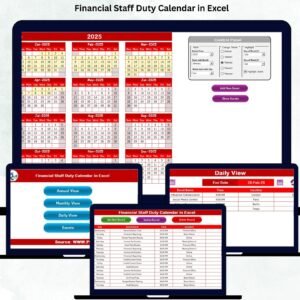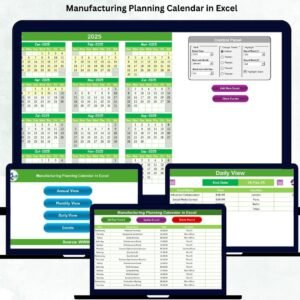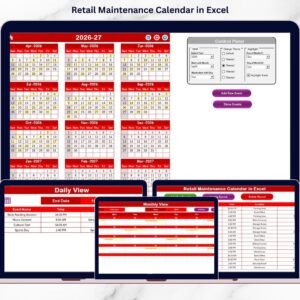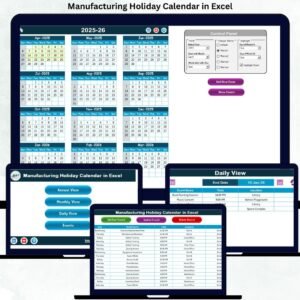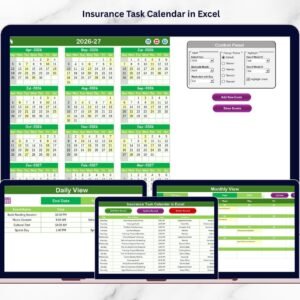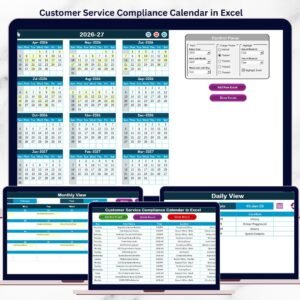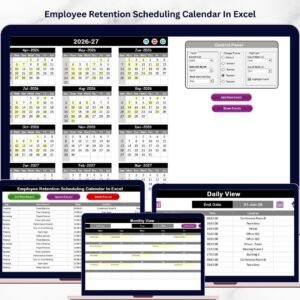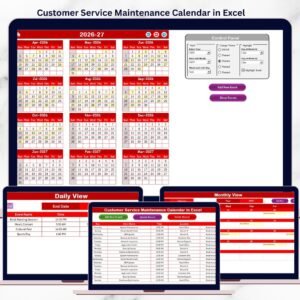
Managing insurance policies can quickly become overwhelming when multiple renewal dates, inspections, premium payments, and compliance deadlines must be tracked simultaneously. Many organizations and individuals still depend on manual reminders, emails, or scattered spreadsheets, which often leads to missed renewals, policy lapses, penalties, and unnecessary stress.
To eliminate these challenges, we created the Insurance Maintenance Calendar in Excel — a powerful, ready-to-use scheduling solution designed to organize insurance activities, track important events, and manage reminders in one centralized system.
This professionally designed Excel calendar transforms insurance management into a structured and visual workflow. Instead of manually monitoring deadlines, users can manage all insurance schedules through dynamic calendar views that provide complete visibility into upcoming events.
Whether you manage corporate insurance policies, fleet coverage, compliance schedules, or personal insurance plans, this calendar ensures you never miss an important date again.
🚀 Key Feature of Insurance Maintenance Calendar in Excel
📅 Interactive insurance scheduling system
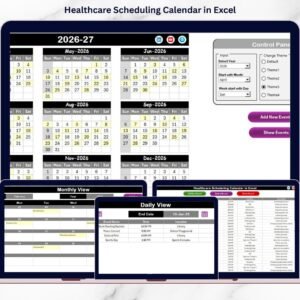
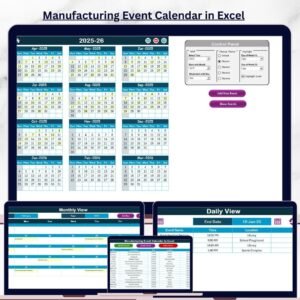
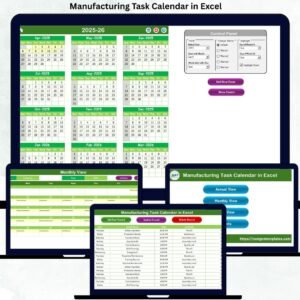
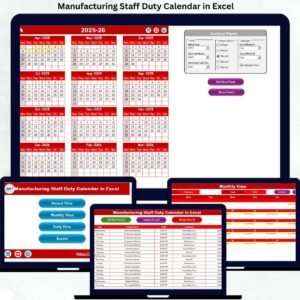
🗓 Multiple calendar views (Annual, Monthly & Daily)
⚡ Automated event tracking and updates
🎨 Customizable themes for better visualization
🔔 Event highlighting for important deadlines
📝 Easy event entry using smart forms
📊 Centralized event database management
✅ User-friendly navigation buttons
With automated updates and visual highlights, users instantly understand upcoming insurance responsibilities without manual tracking.
📦 What’s Inside the Insurance Maintenance Calendar in Excel
This ready-to-use template contains five structured worksheets; each designed for efficient schedule management.
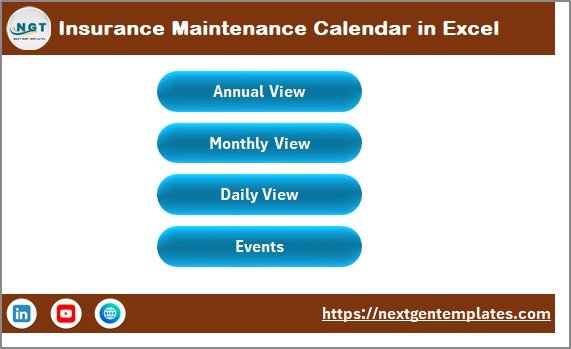
🏠 Home Sheet – Navigation Control Center
Acts as the central dashboard for easy navigation.
Quick-access buttons include:
✅ Annual View
✅ Monthly View
✅ Daily View
✅ Events Database
Users move between calendar views instantly, improving workflow efficiency.
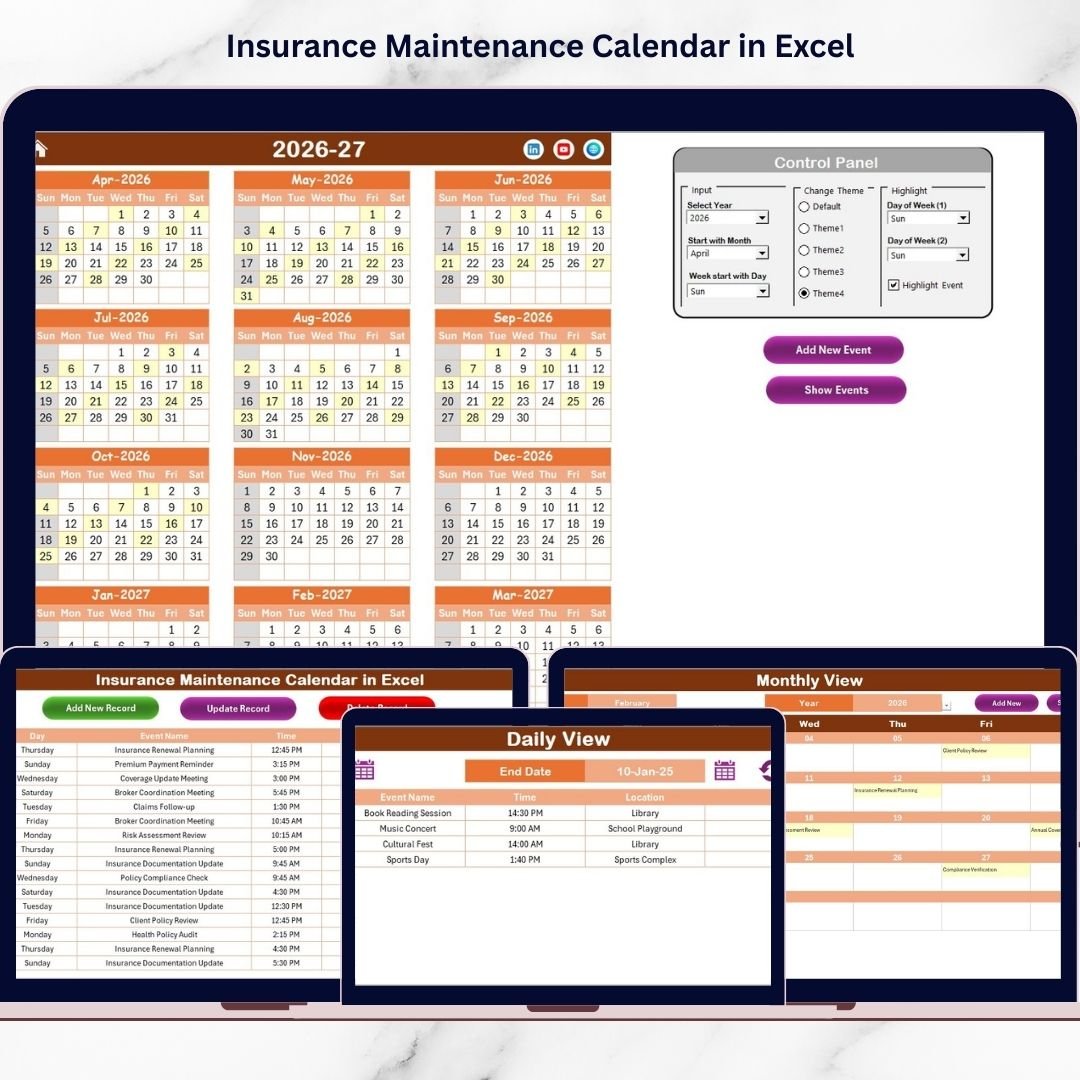
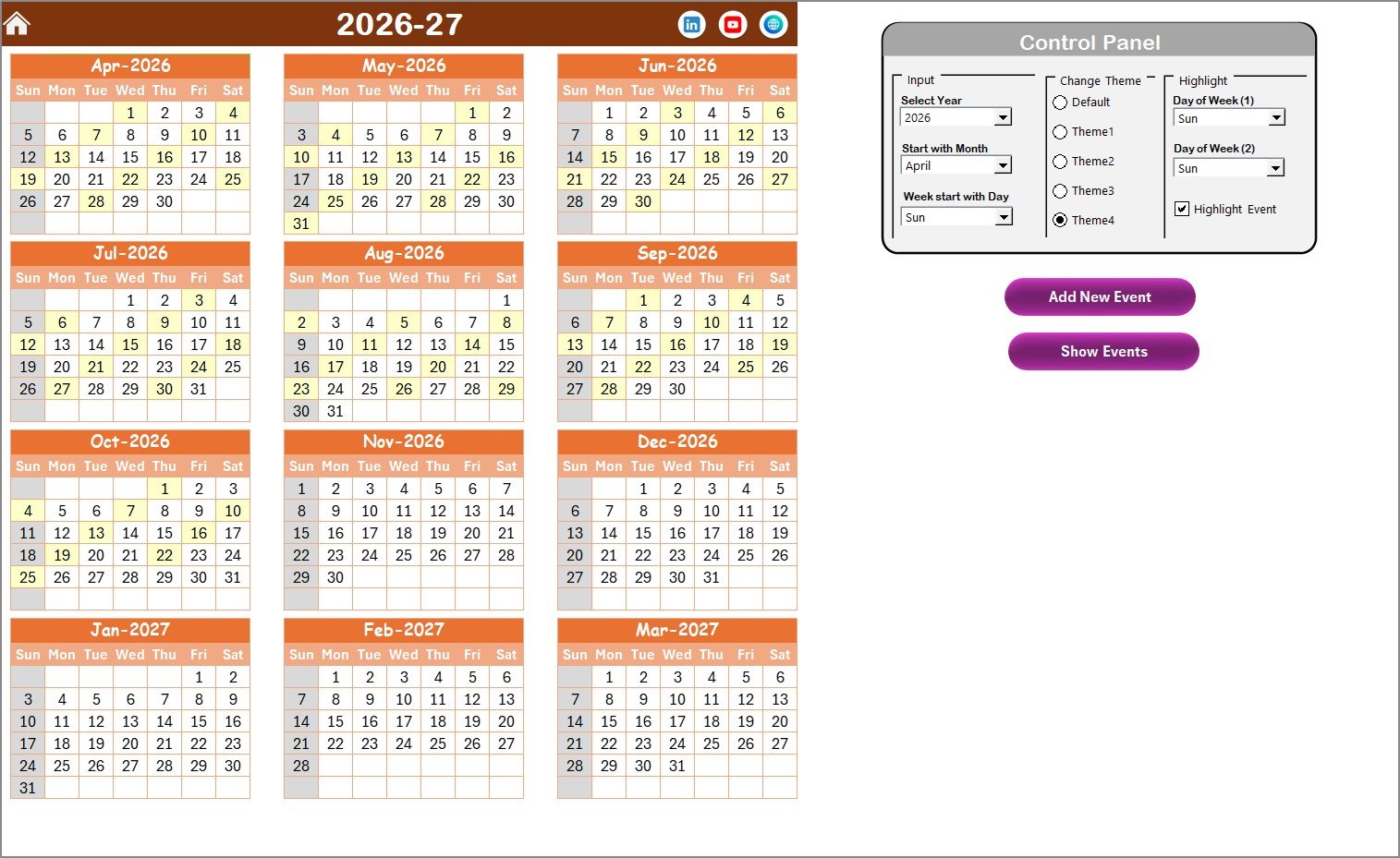
📆 Annual View Sheet – Yearly Planning Overview
Displays a full 12-month calendar for long-term planning.
Control Panel Features:
✔ Select year and starting month
✔ Adjust first weekday
✔ Apply one of five color themes
✔ Highlight selected weekdays automatically
✔ Highlight event dates in yellow
Users can add or view events directly from this sheet, making yearly insurance planning effortless.
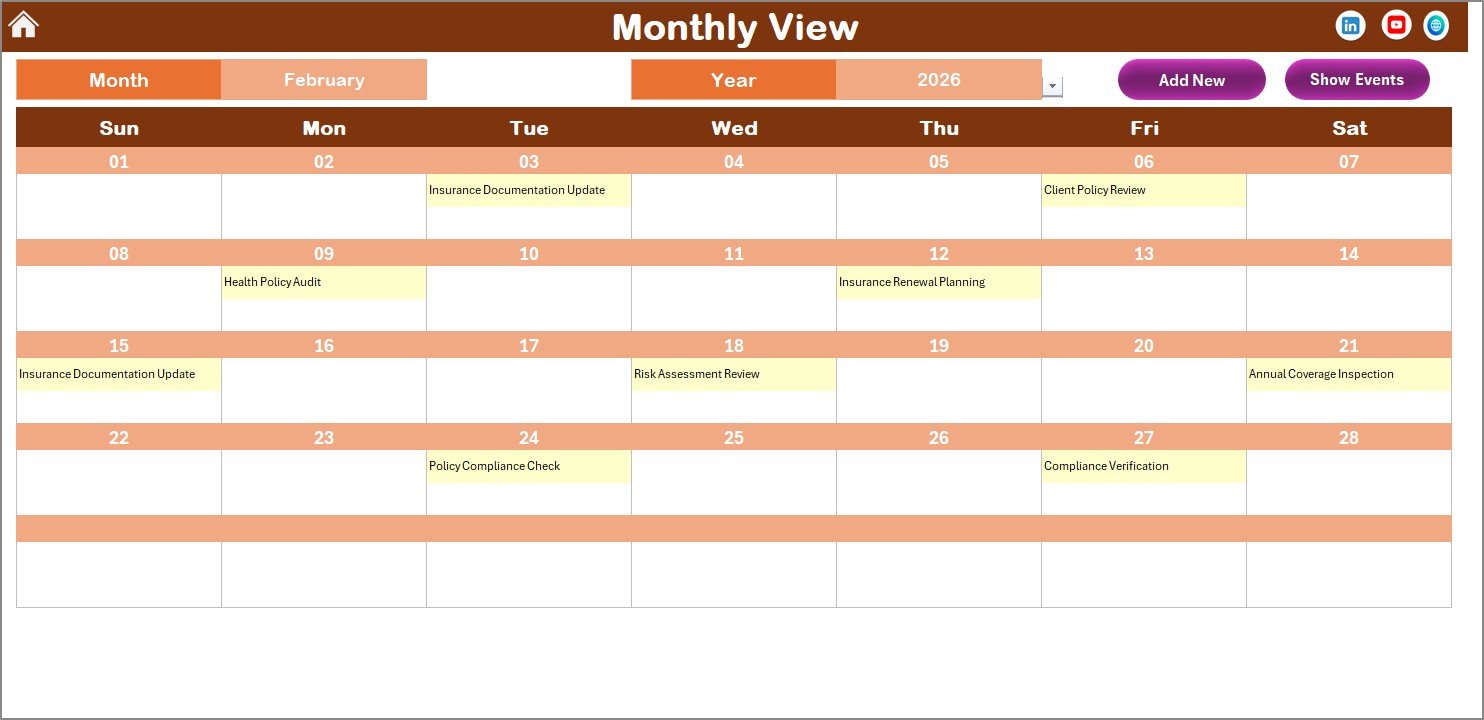
📅 Monthly View Sheet – Detailed Monthly Planning
Shows a focused monthly calendar view.
Key Functionalities:
-
Select month and year dynamically
-
Display events directly on calendar dates
-
Show “more than 1…” indicator for multiple events
-
Add or view events using quick buttons
This view prevents clutter while maintaining clarity.
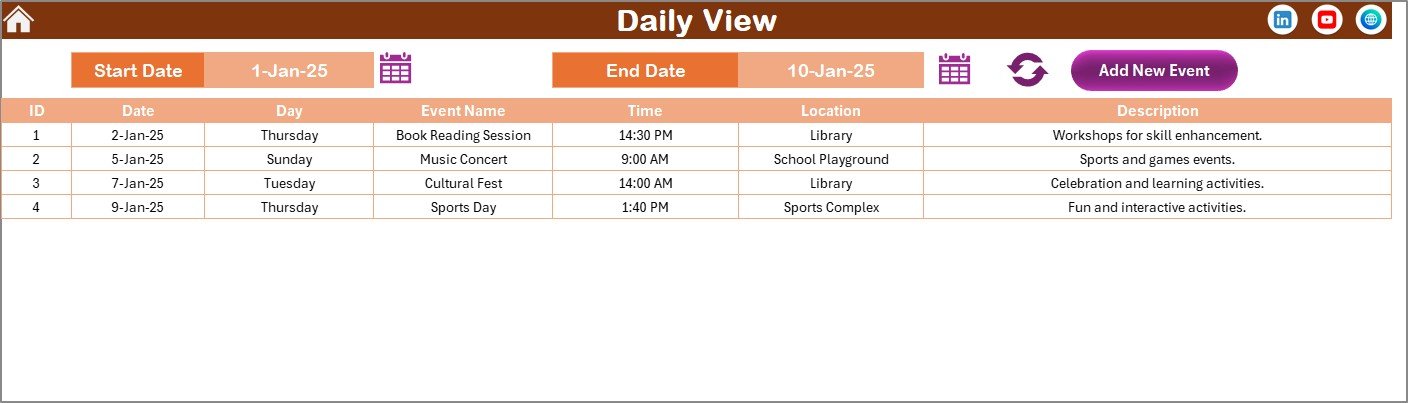
📋 Daily View Sheet – Date Range Tracking
Provides detailed event tracking within selected dates.
Users simply:
1️⃣ Enter start and end dates
2️⃣ Click refresh
3️⃣ View all scheduled insurance activities
Perfect for monitoring upcoming renewals and compliance deadlines.
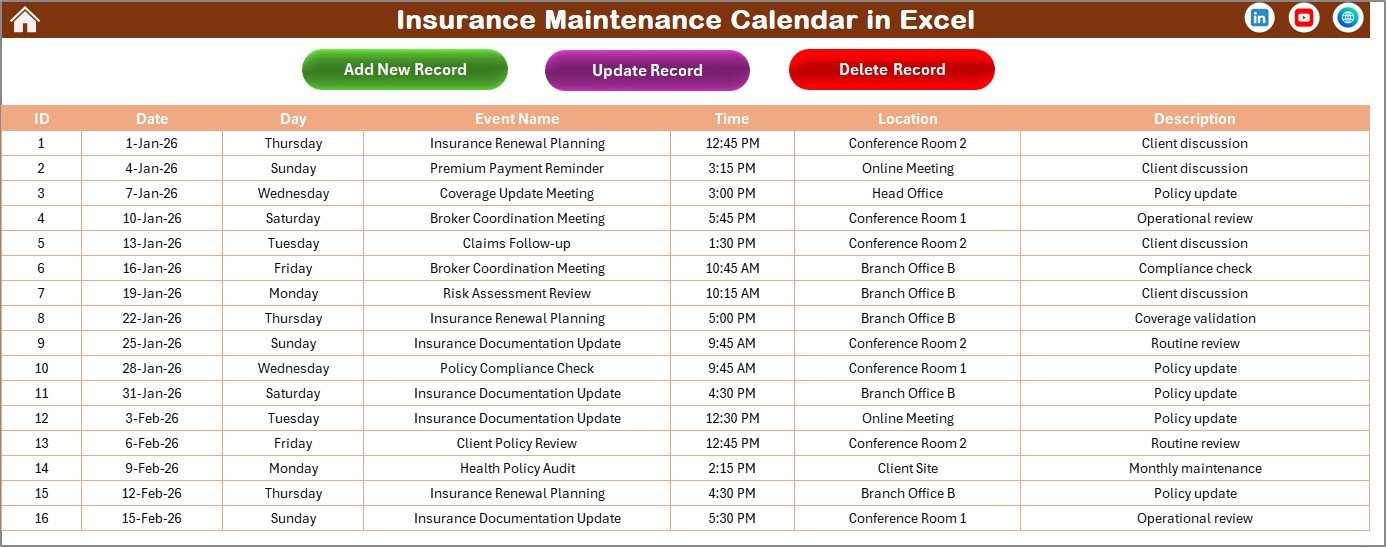
📚 Events Sheet – Central Event Database
Stores all insurance records in one place.
Captured Information Includes:
-
Auto-generated ID
-
Date & Day
-
Event Name
-
Time & Location
-
Description
Users can add, edit, or delete records easily, ensuring complete control over scheduling data.
⚙️ How to Use the Insurance Maintenance Calendar in Excel
Getting started is simple:
1️⃣ Set calendar preferences (year & settings).
2️⃣ Add insurance-related events using event forms.
3️⃣ Enter policy details and reminders.
4️⃣ Monitor schedules through annual or monthly views.
5️⃣ Track upcoming activities in daily view.
6️⃣ Update or modify events anytime.
No advanced Excel skills are required — the template is designed for immediate use.
👥 Who Can Benefit from This Insurance Maintenance Calendar
This calendar is ideal for:
✅ Insurance Managers
✅ Finance & Compliance Teams
✅ Business Owners
✅ Fleet Managers
✅ HR Departments
✅ Operations Managers
✅ Individual Policyholders
Anyone managing insurance deadlines can improve organization and reduce risks using this system.
By implementing this calendar, users can:
✔ Prevent missed renewals
✔ Improve compliance tracking
✔ Centralize insurance schedules
✔ Reduce administrative workload
✔ Enhance planning and accountability
Unlike subscription-based software, this Excel solution is flexible, cost-effective, and fully customizable.
### Click hare to read the Detailed blog post
Learn the full implementation guide, calendar features, and best practices in our detailed article.
Visit our YouTube channel to learn step-by-step video tutorials
👉 YouTube Channel – @PKAnExcelExpert