

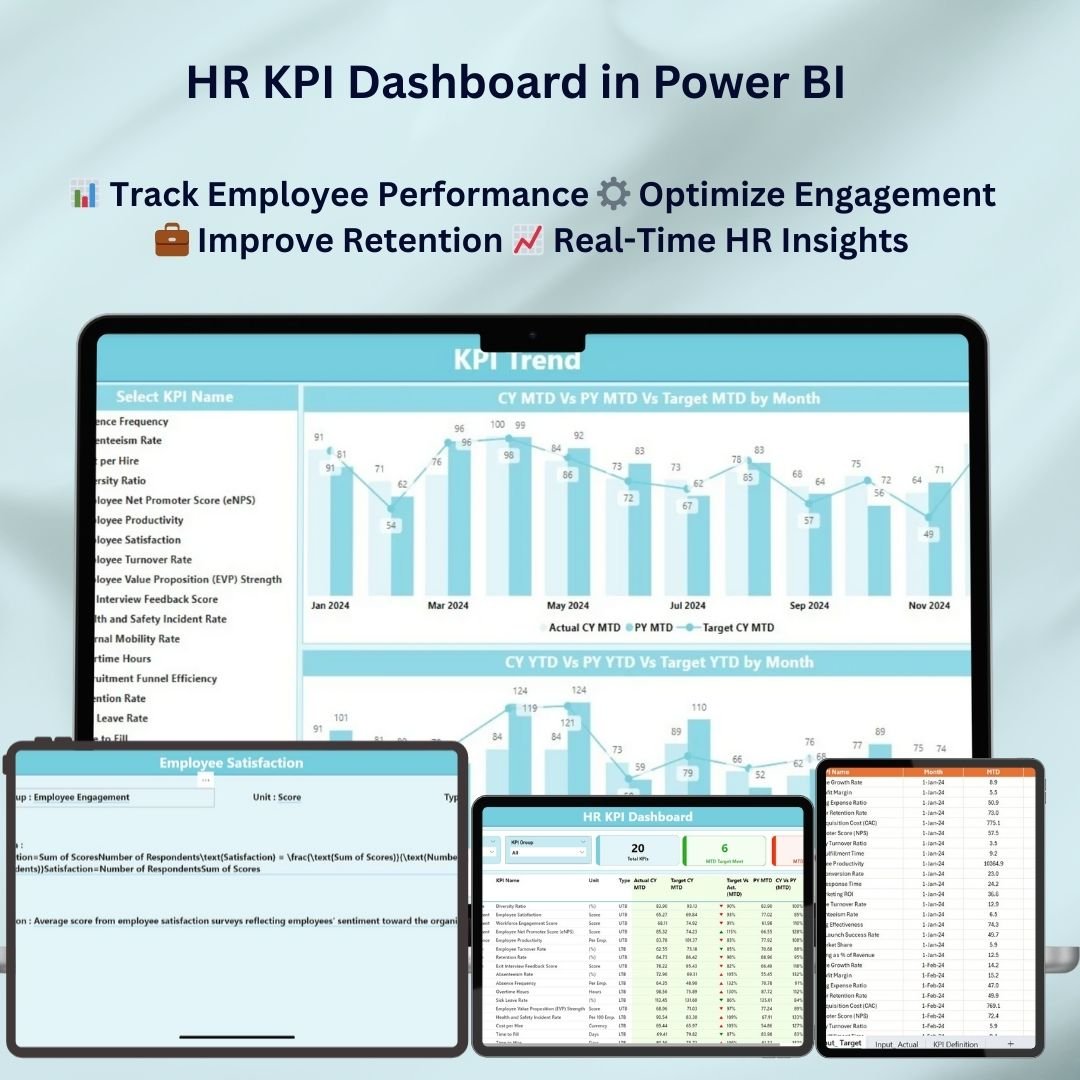
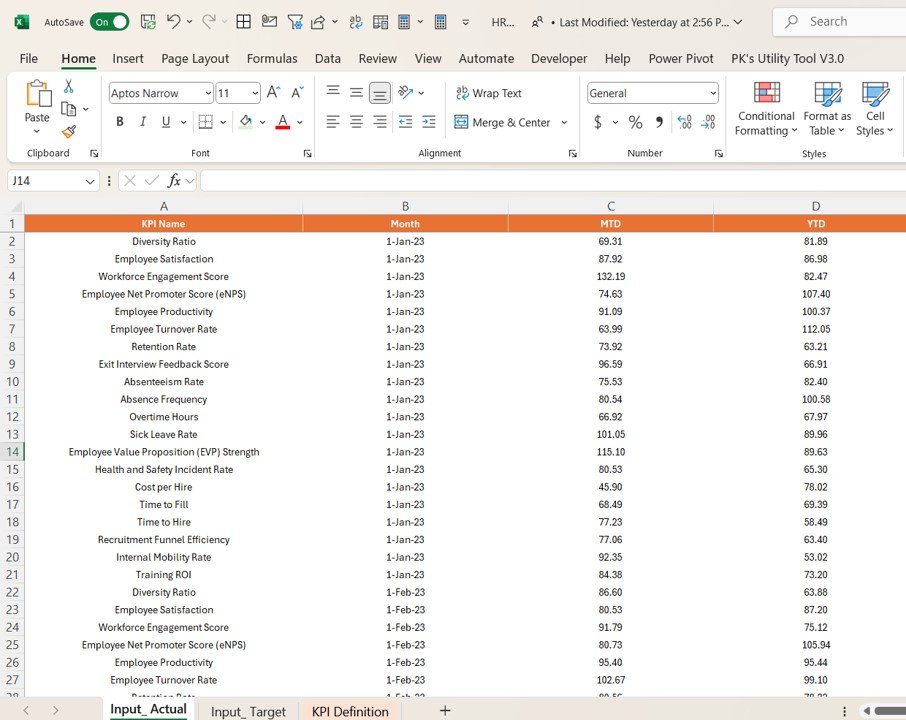
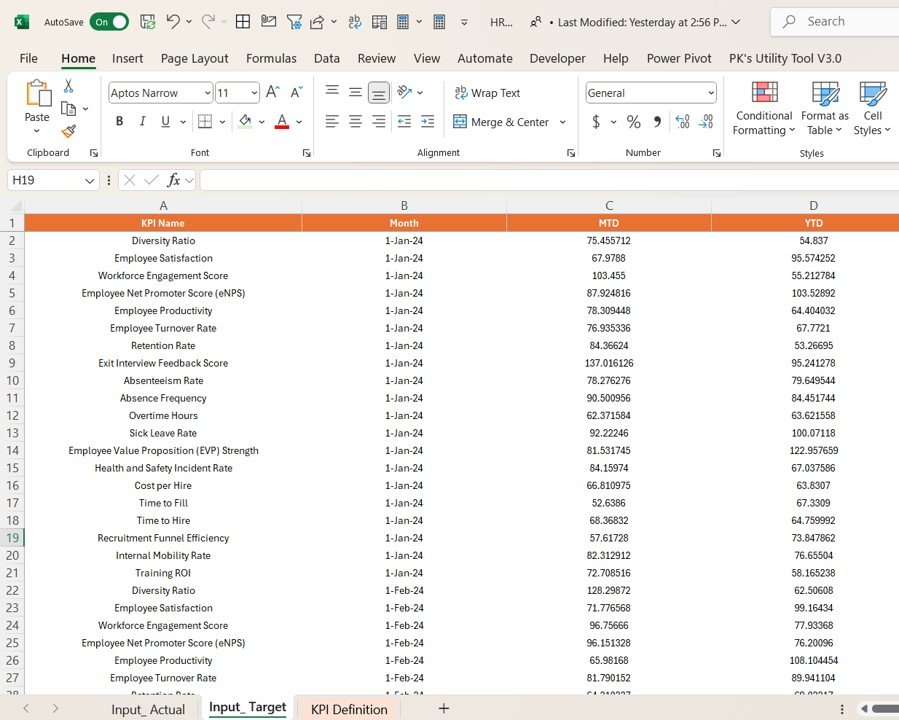
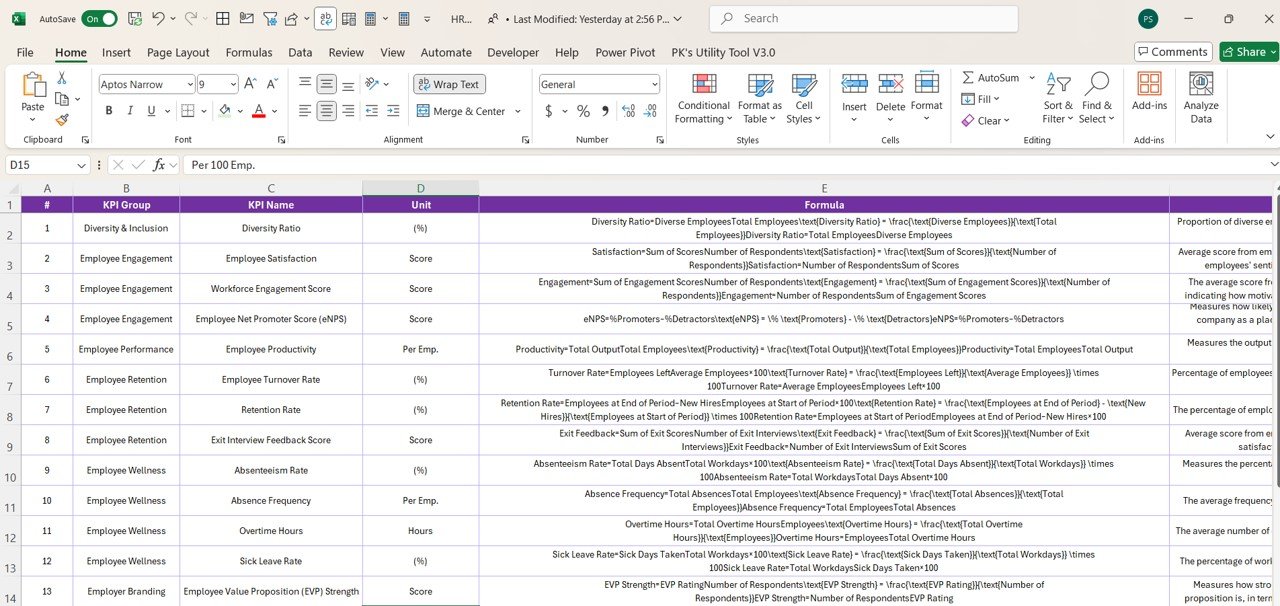

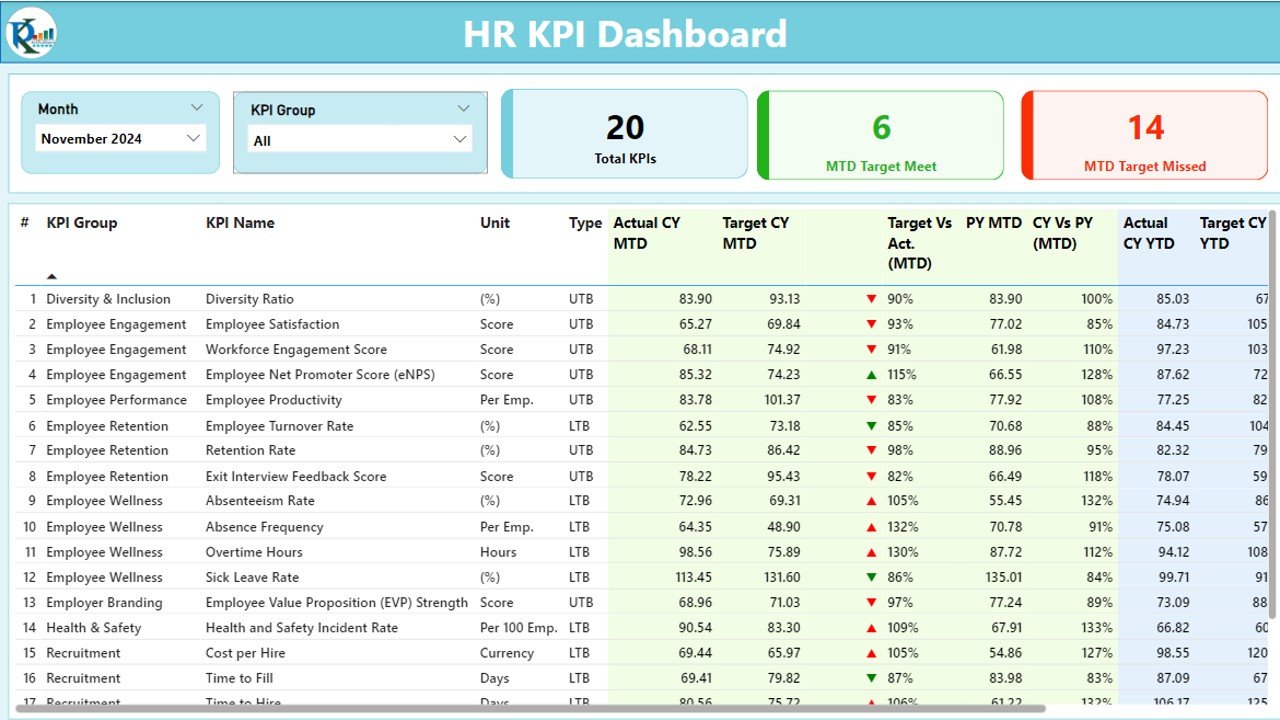
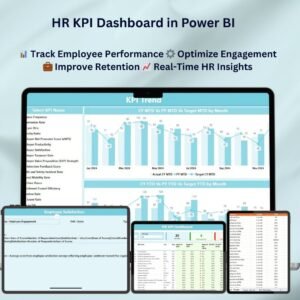
The HR KPI Dashboard in Power BI is a ready-made, interactive Power BI template that helps human resources teams track and analyze the key performance indicators behind employee performance, recruitment, retention and overall HR operations. It is built for HR managers, talent teams and business leaders who need clear, real-time insight into the health of their workforce. The result is faster, data-driven decisions from one central dashboard.
With Power BI’s dynamic data visualization, this Power BI HR dashboard lets you monitor employee engagement, track hiring and retention rates, measure absenteeism and assess training effectiveness in one place. Instead of collecting HR numbers from scattered reports, your team gets a single view that supports better workforce management and stronger organizational performance.
Key Features of the HR KPI Dashboard in Power BI
- Real-time employee monitoring: Track key HR metrics such as headcount, turnover rates, employee engagement and absenteeism in real time.
- Customizable KPIs: Adapt the dashboard to the HR metrics that matter to your organization, from recruitment to employee satisfaction.
- Workforce efficiency analysis: Analyze employee performance, training outcomes and productivity to improve workforce efficiency and operational results.
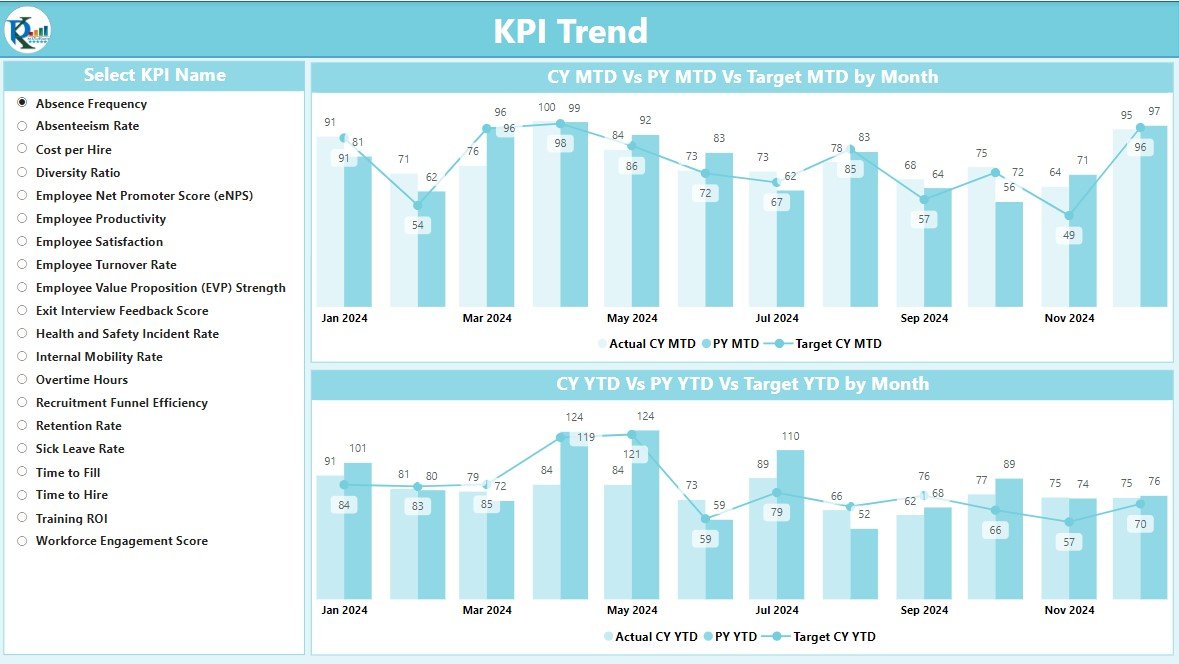
- Time-based insights: Monitor trends in HR metrics over time, comparing data across days, weeks, months or years.
- Employee retention and turnover tracking: Follow turnover rates and retention trends to build a more stable workforce.
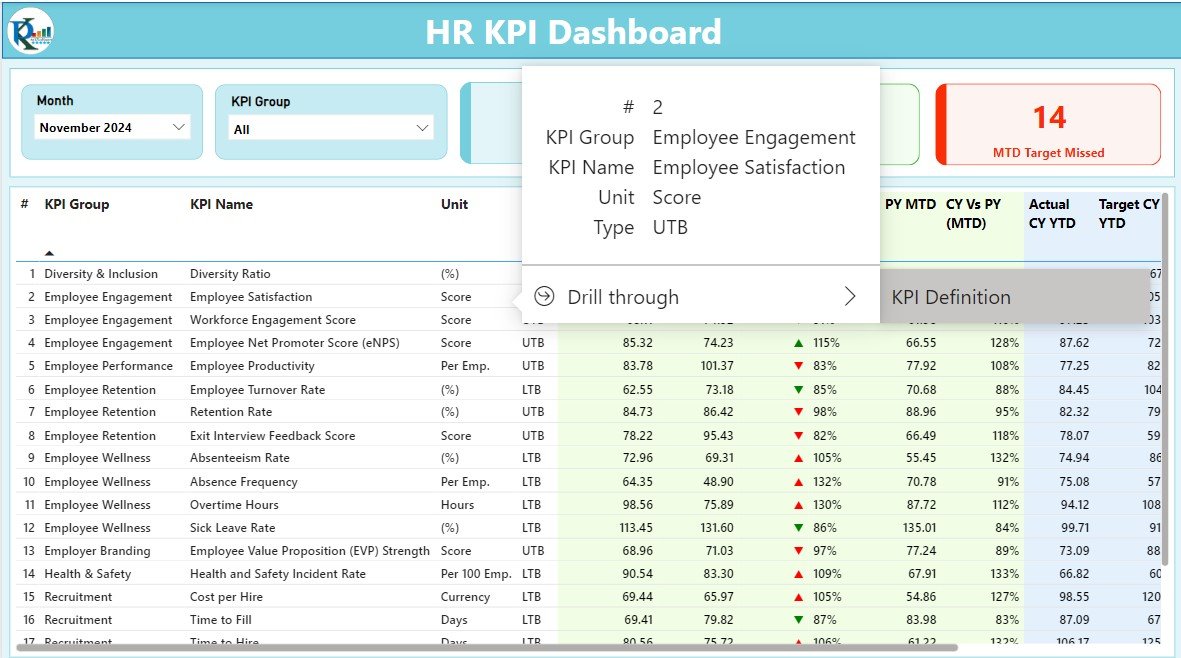
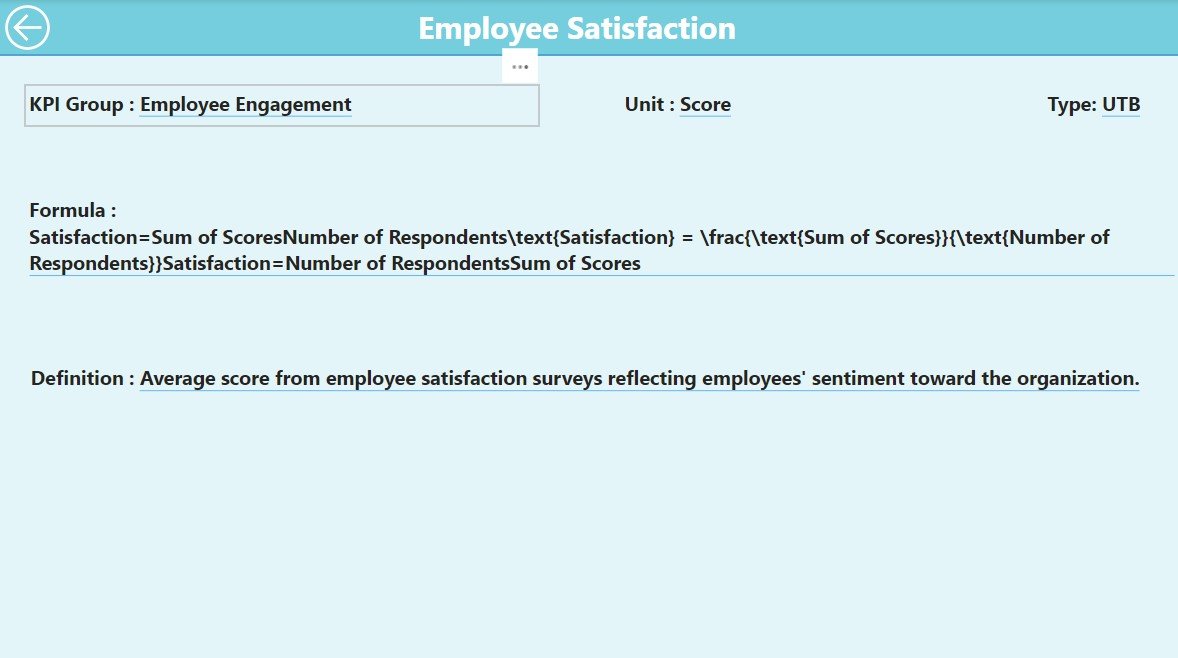
- Interactive dashboard: Explore and drill down into specific metrics for deeper insight into HR performance.
- User-friendly interface: An intuitive layout designed for HR professionals at all levels, so anyone on the team can navigate it easily.
What’s Inside the Dashboard
The template groups your HR data into focused analysis areas, so each question has a clear place to look:
| Area | What it shows |
|---|---|
| Employee Performance Metrics | Performance, productivity and goals across the workforce, supporting employee performance tracking at every level. |
| Recruitment and Retention Tracking | Hiring trends, turnover rates and employee satisfaction levels. |
| Engagement and Training Analysis | Employee engagement, training effectiveness and career development. |
| Absenteeism and Attendance Tracking | Employee absenteeism, tardiness and attendance trends. |
| Time-Based Reporting | HR metrics compared over time to uncover trends and help forecast future workforce needs. |
Why HR Teams Choose This Dashboard
- Optimizes HR operations: Real-time insight into employee performance, engagement and retention improves HR decision-making.
- Customizable to your needs: Modify the dashboard for your company’s specific HR metrics, including hiring, performance and employee satisfaction.
- Data-driven decision making: Base decisions on current data and performance trends rather than guesswork.
- Supports employee retention: Track employee satisfaction and spot trends that help you retain top talent.
- Improves workforce efficiency: Assess training effectiveness and employee productivity to raise operational efficiency.
Who It’s For
- HR Managers
- Talent Acquisition Teams
- Employee Engagement Teams
- Training and Development Managers
- Data Analysts
- Business Executives
- Executive Leadership Teams
Whether you report to leadership every month or review team metrics every week, this dashboard gives you one consistent view of workforce performance, retention and operational efficiency.
How to Use the HR KPI Dashboard in Power BI
- Download the dashboard template: Get instant access to the Power BI file upon purchase.
- Customize KPIs: Adjust the dashboard to monitor the HR metrics that matter most to your business.
- Connect your data: Link your HR data sources to Power BI for automatic updates and insights.
- Monitor and analyze: Use the interactive visuals to follow trends, track performance and make data-driven decisions.
- Generate reports: Produce detailed HR reports for leadership and stakeholders.
Click here to read the detailed blog post
Visit our YouTube channel to learn step-by-step video tutorials: Youtube.com/@PKAnExcelExpert
Watch the step-by-step video tutorial:
Frequently Asked Questions
What HR metrics does this dashboard track?
It tracks headcount, turnover rates, employee engagement, absenteeism, attendance and tardiness, hiring trends, employee satisfaction, training effectiveness, career development, productivity and employee performance against goals.
Can I customize the KPIs?
Yes. The KPIs are customizable, so you can adapt the dashboard to the specific HR metrics relevant to your organization, from recruitment to employee satisfaction.
Can I connect my own HR data?
Yes. You can link your HR data sources to Power BI so the dashboard updates and delivers insights from your own data.
Can I compare HR metrics over time?
Yes. Time-based insights let you compare data across days, weeks, months or years to uncover trends and forecast future workforce needs.
What do I receive after purchase?
You get instant access to the Power BI dashboard template file, ready to customize and connect to your data.
Is there a tutorial to help me get started?
Yes. A detailed blog post and a step-by-step video tutorial are linked above, and more tutorials are available on our YouTube channel.
Also check our Small Business KPI Dashboard
Last updated: October 2026
Compatibility and Requirements
- Works in Power BI Desktop, which is free to download from Microsoft. Get it from Get Power BI Desktop.
- You connect your own HR data sources to Power BI so the dashboard updates from your data.
Related Power BI KPI Dashboards
- Operations KPI Dashboard in Power BI: track day-to-day operations next to your HR metrics
- Workplace Safety KPI Dashboard in Power BI: a safety view for the same workforce
- Compliance Monitoring KPI Dashboard in Power BI: monitor compliance KPIs in one place
- Small Business KPI Dashboard in Power BI: a general KPI view for smaller teams
- HR & Workforce Analytics Bundle: 10 HR templates for Excel, Google Sheets and Power BI in one download
Browse all Power BI KPI dashboards.
































Reviews
There are no reviews yet.