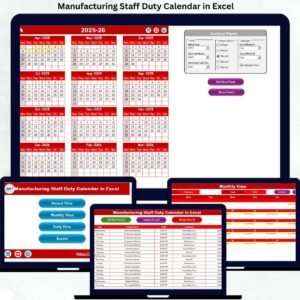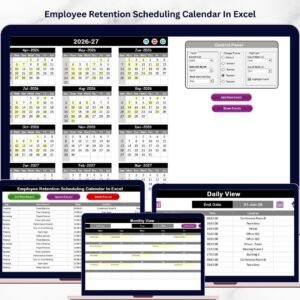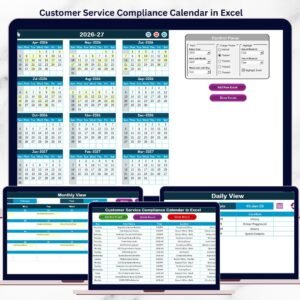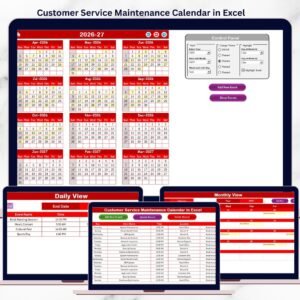
Healthcare operations demand accuracy. Hospitals manage patient appointments. Clinics coordinate staff shifts. Diagnostic centers track lab schedules. Administrative teams plan audits and meetings. Healthcare Scheduling Calendar in Excel When scheduling becomes messy, operations suffer.
Yet many healthcare facilities still depend on manual diaries or scattered spreadsheets. The result? Double bookings. Missed appointments. Staff confusion.
If you want a structured, centralized, and professional scheduling system, the solution is simple:
You need the Healthcare Scheduling Calendar in Excel.
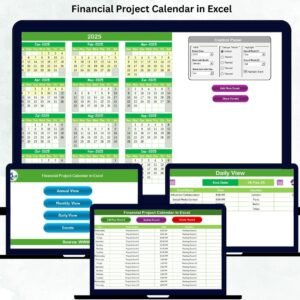
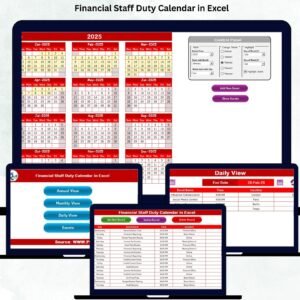
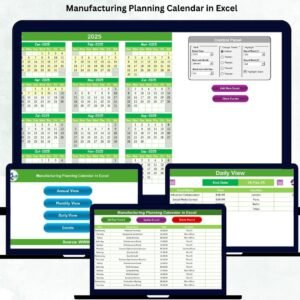
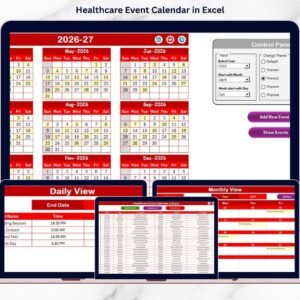
Healthcare Scheduling Calendar in Excel This ready-to-use Excel template helps you manage annual planning, monthly appointments, daily event tracking, and full event database management — all in one powerful system.
Stop juggling multiple files. Start managing healthcare schedules with clarity and control.
🚀 Key Feature of Healthcare Scheduling Calendar in Excel
This calendar is intelligently designed to simplify complex healthcare scheduling.
✅ 5 Structured Worksheets
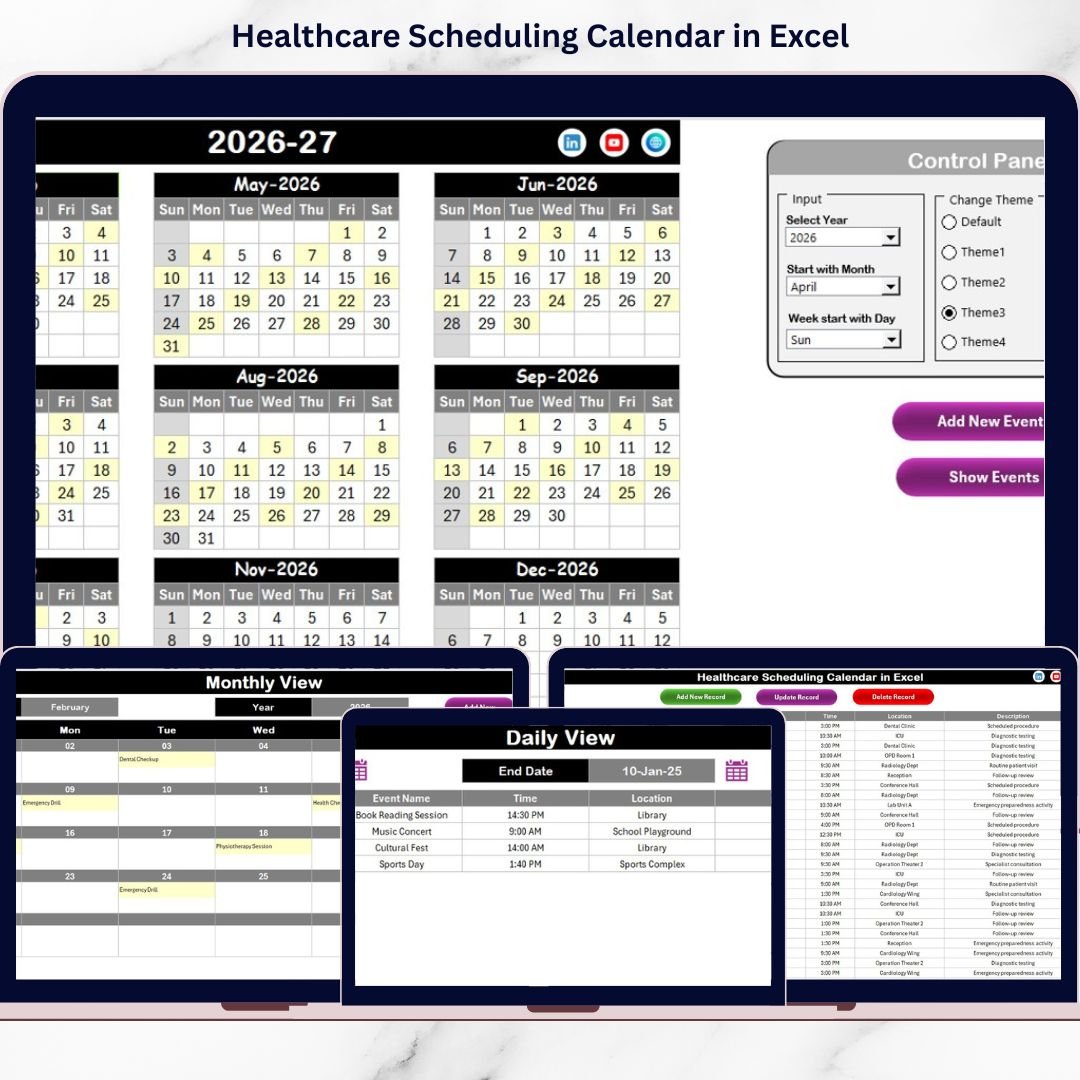
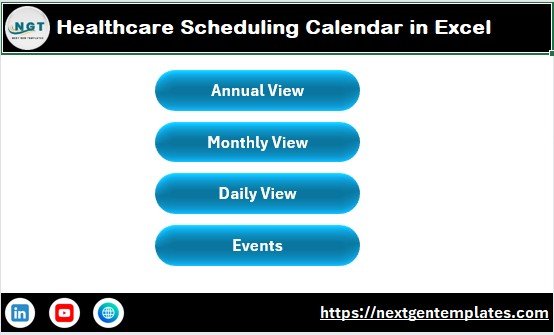
Annual View, Monthly View, Daily View, Events Database, and Home Navigation Hub.
✅ Easy Navigation Buttons
Jump instantly between Annual, Monthly, Daily, and Events sheets.
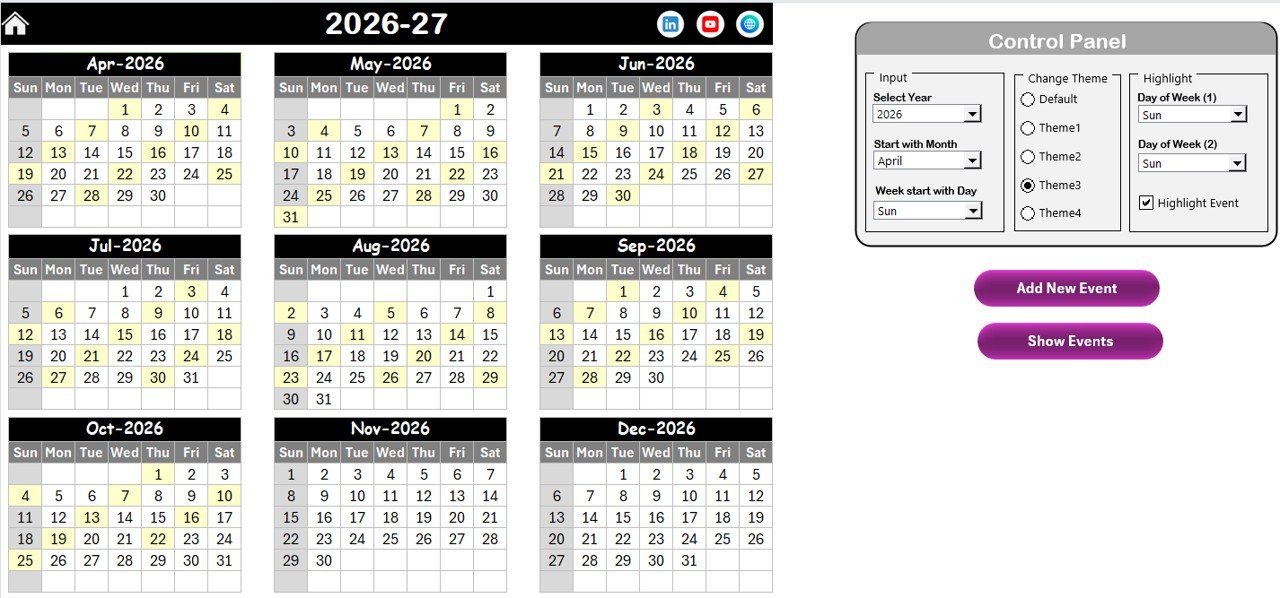
✅ Dynamic Annual Calendar Control Panel
Change Year, Starting Month, and Starting Day of Week with automatic updates.
✅ 5 Custom Color Themes
Match the calendar with hospital branding or personal preference.
✅ Highlight Important Days
Highlight weekends or specific weekdays. Activate “Highlight Event” option to display event days clearly.
✅ Add New Event Form
Select a date, click “Add New Event,” and enter Event Name, Time, Location, and Description.
✅ Auto-Generated Event ID
Every event gets a unique ID automatically to prevent duplication.
Because it runs in Excel, it is both powerful and cost-effective.
📅 What’s Inside the Healthcare Scheduling Calendar in Excel
This template includes 5 powerful sheets:
1️⃣ Home Sheet
Acts as a navigation hub with quick-access buttons.
2️⃣ Annual View Sheet
Displays all 12 months in one layout. Ideal for yearly planning and workload distribution.
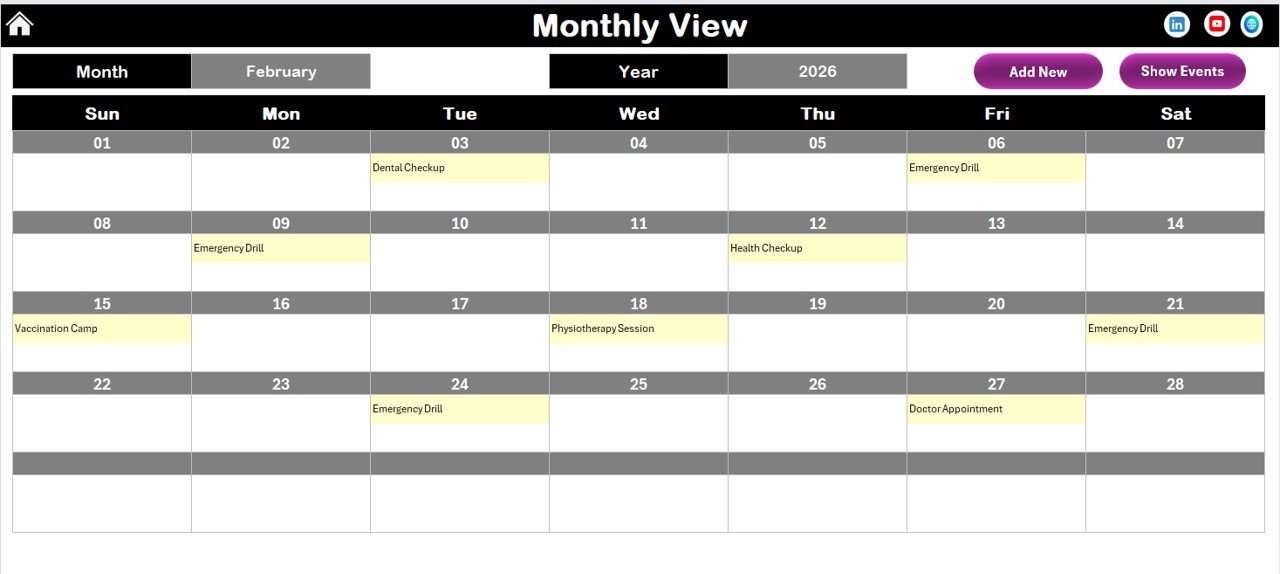
3️⃣ Monthly View Sheet
Focuses on selected Month and Year. Shows events clearly and indicates if multiple events exist on one day.
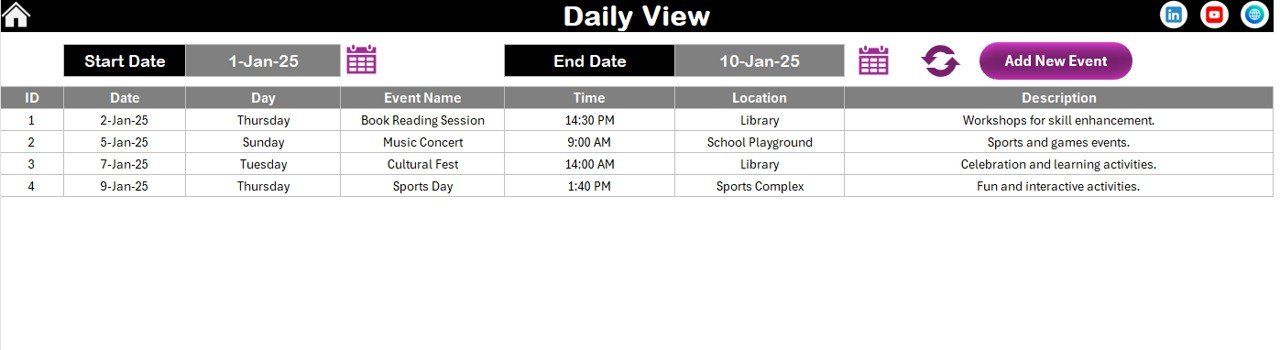
4️⃣ Daily View Sheet
Displays event list within a selected date range. Perfect for reviewing upcoming appointments.
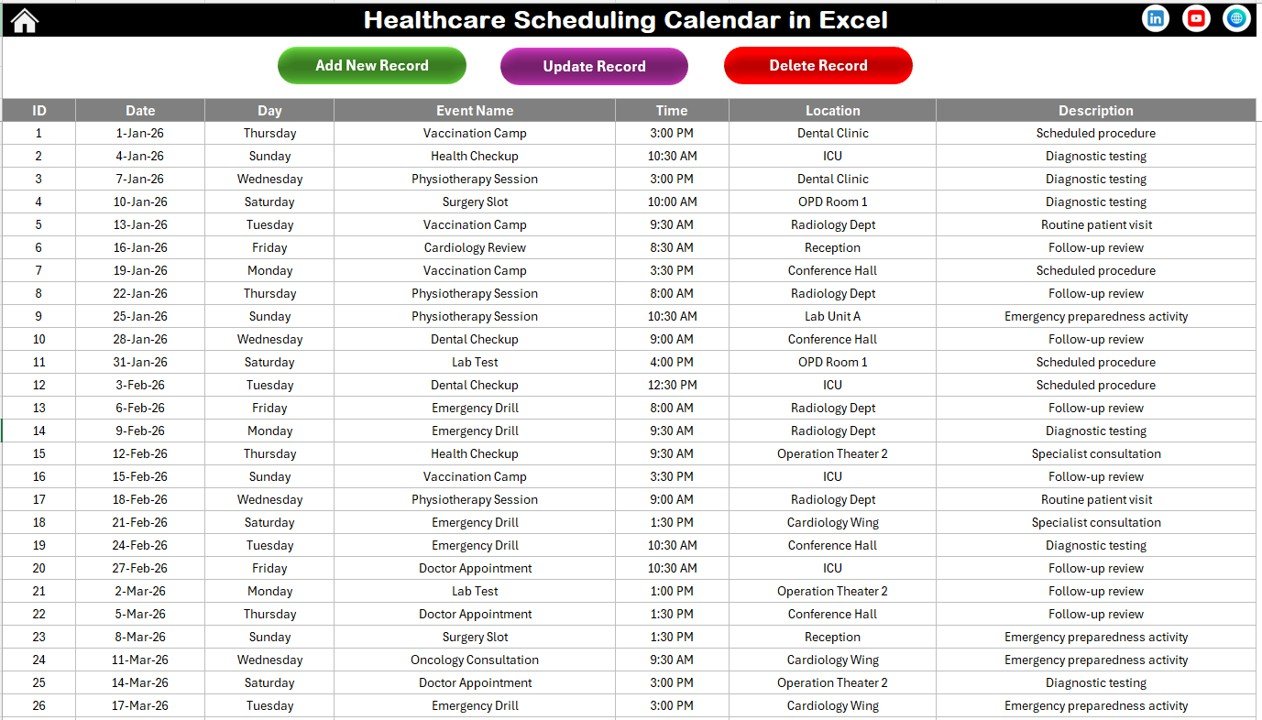
5️⃣ Events Sheet (Database)
Stores all event data with ID, Date, Day, Event Name, Time, Location, and Description.
Buttons available in Events Sheet:
✔ Add New Record
✔ Update Existing Record
✔ Delete Record
Everything remains centralized and organized.
⚙️ How to Use the Healthcare Scheduling Calendar in Excel
Using this template is simple and efficient:
Step 1: Open the Home Sheet and choose your preferred view.
Step 2: Set Year, Month, and preferences in the Annual View control panel.
Step 3: Select a date and click “Add New Event.”
Step 4: Enter event details and submit.
Step 5: Use Monthly and Daily views to monitor workload.
Within seconds, you can:
✔ Prevent double bookings
✔ Track patient appointments
✔ Monitor staff schedules
✔ Review daily workload
✔ Manage event records
Basic Excel knowledge is enough to operate this system effectively.
👩⚕️ Who Can Benefit from This Healthcare Scheduling Calendar in Excel
This calendar is ideal for:
✔ Hospitals
✔ Clinics
✔ Diagnostic Centers
✔ Nursing Homes
✔ Private Practitioners
✔ Healthcare Administrators
✔ Medical Offices
Whether you manage 20 appointments or 500 monthly events, this calendar scales according to your needs.
By using this calendar consistently, you can:
✔ Reduce scheduling conflicts
✔ Improve patient experience
✔ Strengthen staff coordination
✔ Enhance operational efficiency
✔ Maintain structured documentation
Instead of reacting to scheduling issues, you proactively manage them.
Click hare to read the Detailed blog post
Visit our YouTube channel to learn step-by-step video tutorials:
👉 https://www.youtube.com/@PKAnExcelExpert