
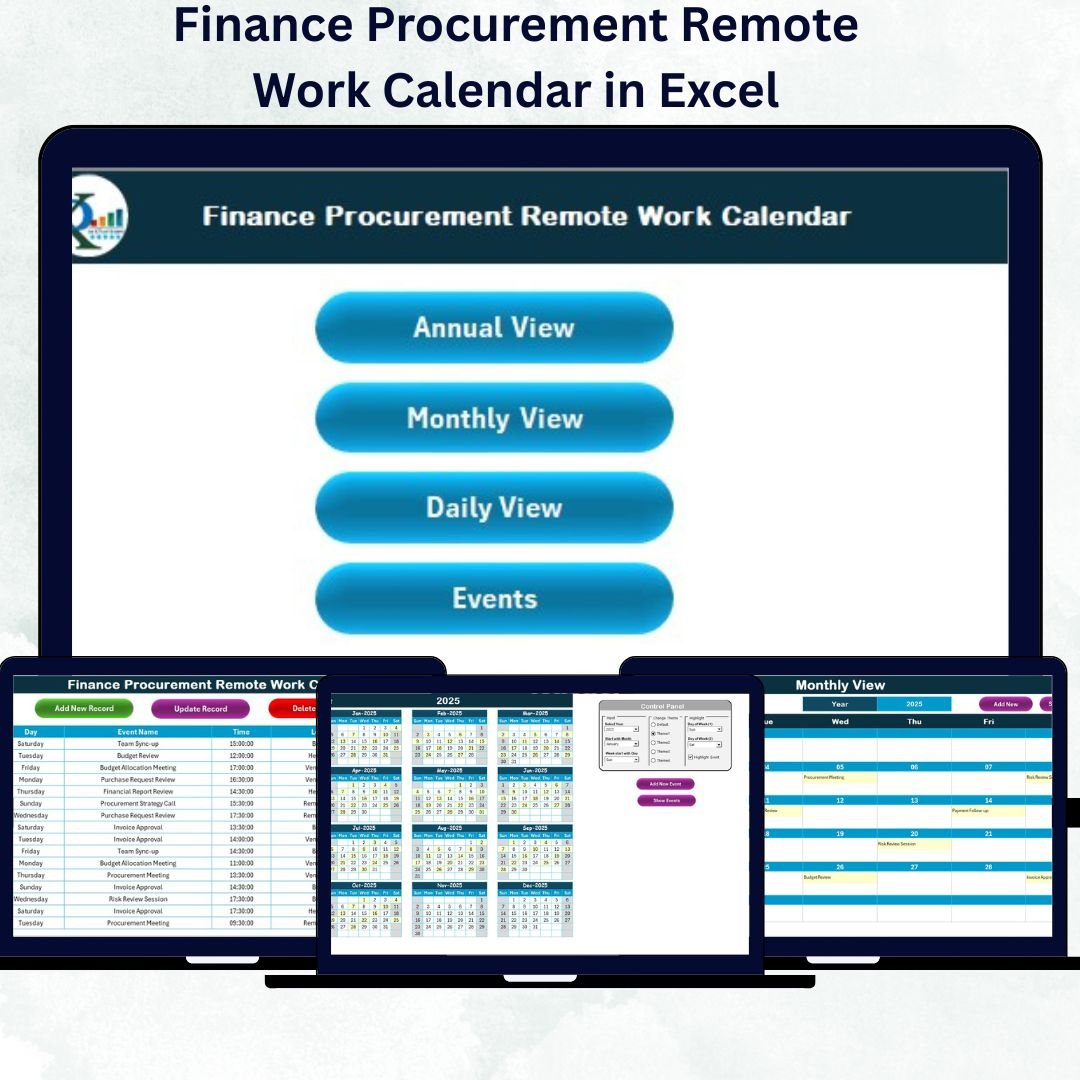
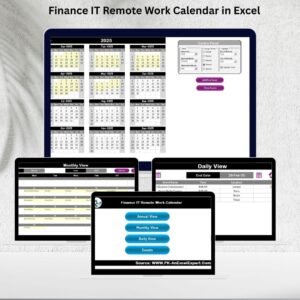
In today’s remote-first business world, finance and procurement teams often work across cities, time zones, and hybrid setups — making coordination and visibility more challenging than ever. The Finance Procurement Remote Work Calendar in Excel is a powerful, ready-to-use tool designed to help teams stay organized, transparent, and aligned throughout the year.
This Excel-based calendar consolidates all finance and procurement events — such as vendor meetings, budget reviews, audit deadlines, and payment approvals — into one interactive, color-coded system. With annual, monthly, and daily views, it ensures every task is visible, trackable, and completed on time.
⚙️ Key Features of Finance Procurement Remote Work Calendar in Excel
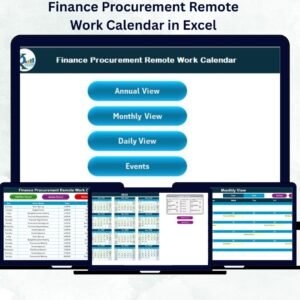
✅ Five Interactive Sheets: Home, Annual View, Monthly View, Daily View, and Events.
✅ Smart Navigation Buttons: Instantly switch between views with one click.
✅ Control Panel: Select year, start month, and theme with automatic updates.
✅ Five Professional Color Themes: Customize the look to match your company’s style.
✅ Event Management: Add, update, or delete events through built-in forms.
✅ Highlight Days: Mark weekends, holidays, or audit dates easily.
✅ Multi-Level Calendar Views: Switch seamlessly between Annual, Monthly, and Daily details.
✅ Data Synchronization: All updates feed automatically into the master Events sheet.
✅ Automation via VBA: Add events without manual typing — forms handle it all.
✅ No Complex Setup: Works out-of-the-box on any version of Excel.
This calendar gives finance professionals complete control over scheduling, making remote coordination effortless and efficient.
📊 What’s Inside the Finance Procurement Remote Work Calendar
The template includes five structured worksheet tabs, each crafted for a specific purpose 👇
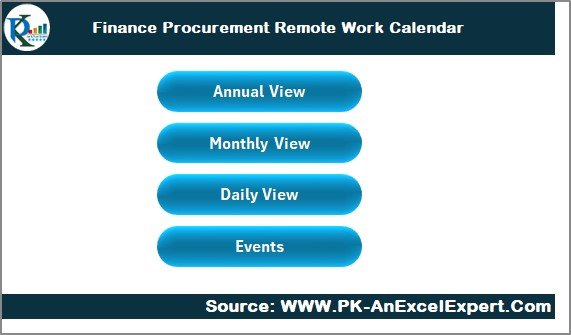
1️⃣ Home Sheet – The Navigation Hub
Your starting point!
-
Four buttons: Annual View, Monthly View, Daily View, Events.
-
Acts as the central command center for navigation.
-
Simplifies moving between sheets — no scrolling or searching required.
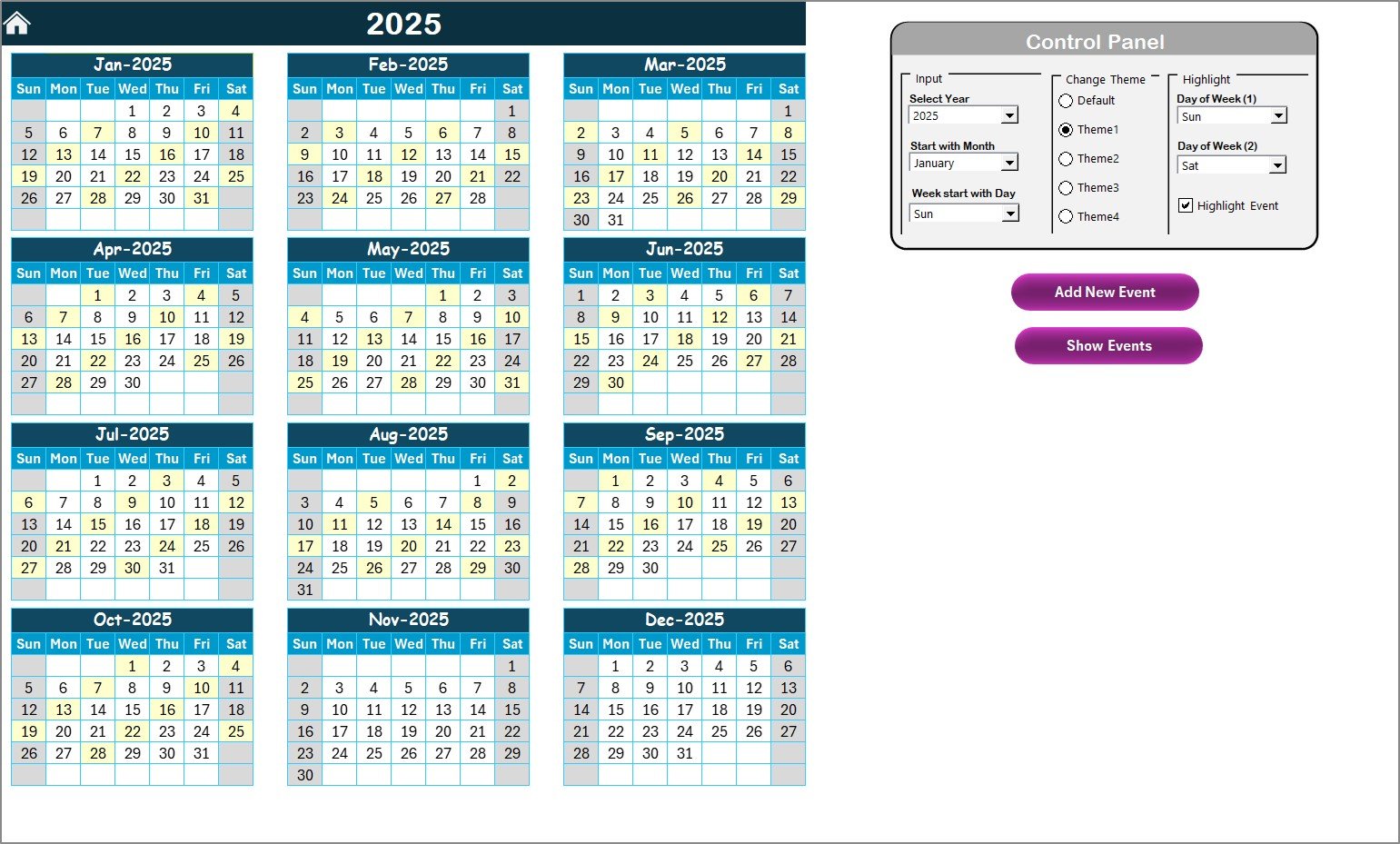
2️⃣ Annual View – Yearly Overview at a Glance
A powerful 12-month view for long-term planning.
-
Select year and start month to auto-update the calendar.
-
Highlight weekends and important financial days.
-
Choose from five color themes via the control panel.
-
Add and view events with a single click.
Perfect for CFOs or procurement heads reviewing yearly milestones.
3️⃣ Monthly View – Focused Planning
Zoom into one month for detailed task tracking.
-
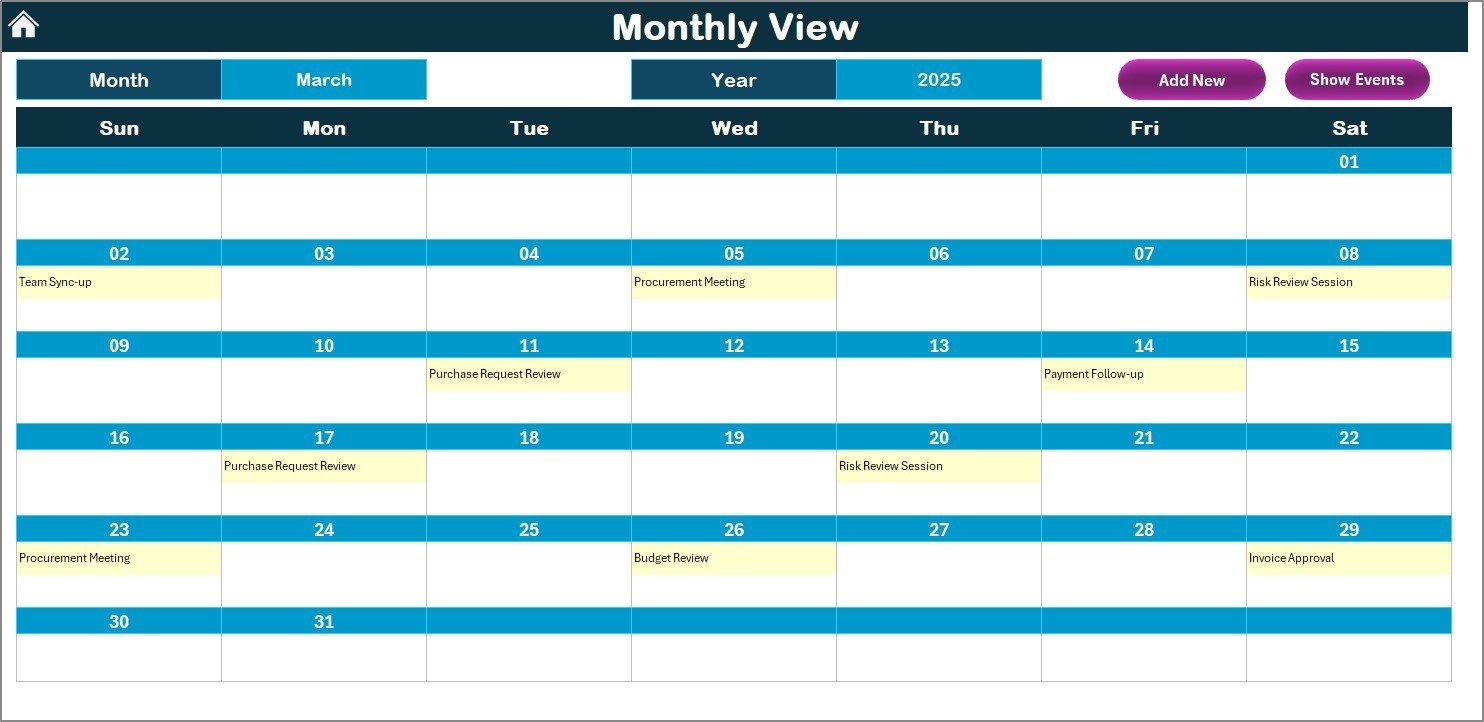
Select month and year from dropdown menus.
-
Automatically pulls data from the Events database.
-
Quick buttons to add or view daily events.
-
Displays an indicator when multiple events fall on the same day.
Ideal for managing payment cycles, vendor reviews, and audit schedules.
4️⃣ Daily View – Day-to-Day Activity Tracker
See exactly what’s happening each day.
-
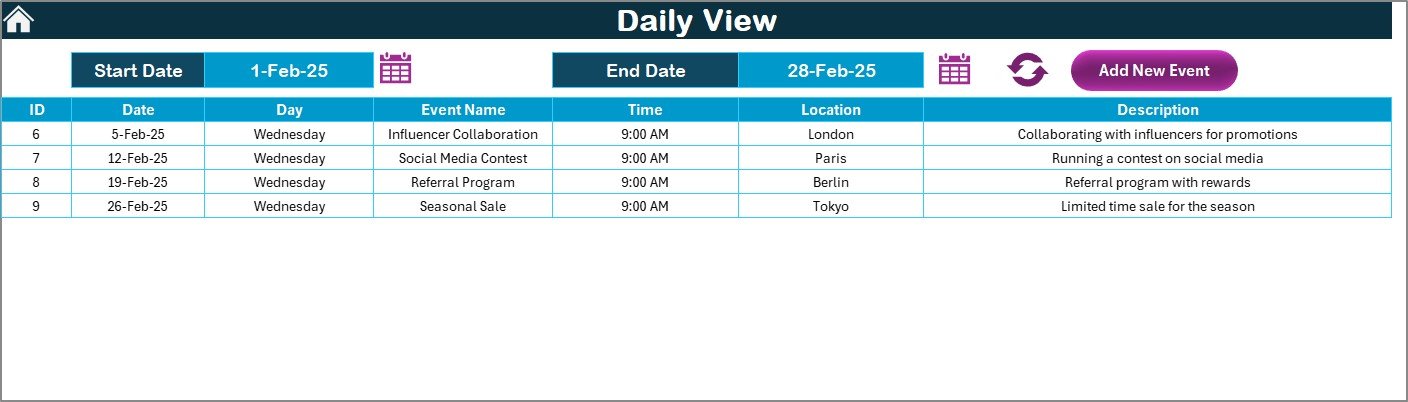
Input start and end dates to load all events in range.
-
Add new events instantly using a simple entry form.
-
Perfect for monitoring daily finance operations like approvals and verifications.
5️⃣ Events Sheet – Centralized Event Database
The foundation of the entire system.
-
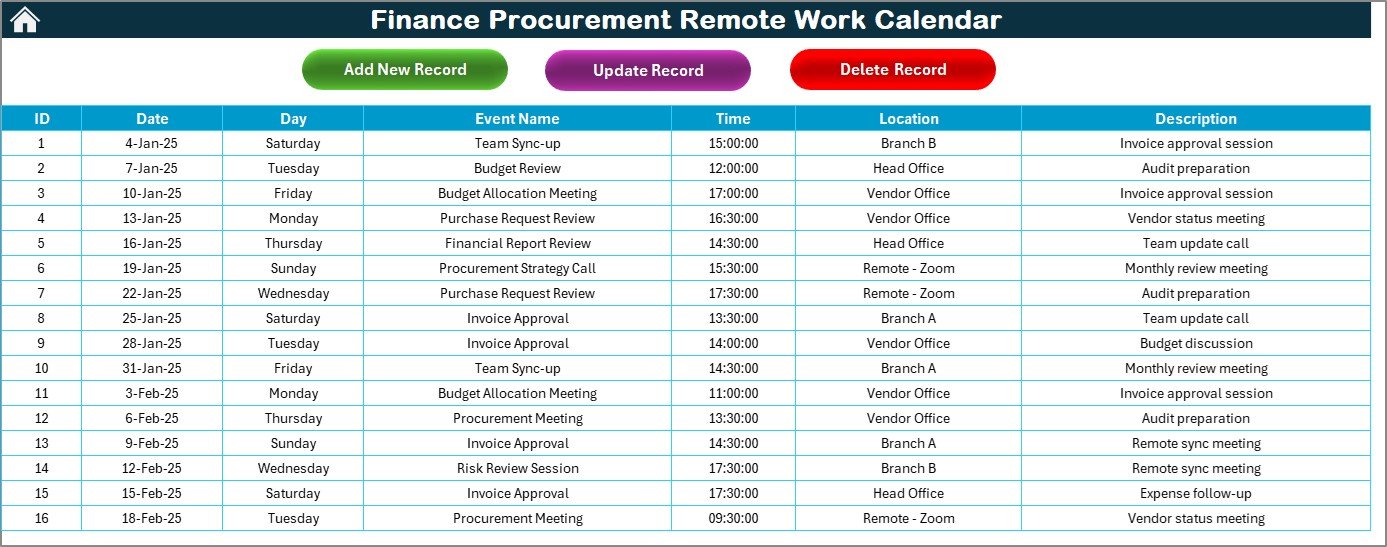
Stores event details such as ID, Date, Day, Event Name, Time, Location, and Description.
-
Includes Add, Update, and Delete buttons for easy maintenance.
-
Automatically syncs with all other sheets.
This sheet acts as the heart of the calendar, ensuring accuracy and consistency across all views.
🧠 How to Use the Calendar
1️⃣ Open the File: Start on the Home page.
2️⃣ Select Your View: Annual, Monthly, or Daily.
3️⃣ Add Events: Use built-in forms — no manual editing needed.
4️⃣ Update Automatically: All data feeds into the Events database.
5️⃣ Refresh and Navigate: Switch between views with one click.
6️⃣ Change Theme or Highlight Days: Customize from the control panel.
Within minutes, your entire finance and procurement schedule will be organized visually.
👥 Who Can Benefit from This Template
💼 Finance Managers: Track payment cycles, audits, and reports.
🧾 Procurement Officers: Schedule vendor calls, renewals, and tenders.
🏢 Remote Teams: Coordinate across departments and time zones.
📊 CFOs and Controllers: Get a holistic view of yearly operations.
👥 Corporate Planners: Align finance activities with project milestones.
🔗 Click here to read the Detailed Blog Post
🎥 Visit our YouTube channel for step-by-step tutorials
👉 YouTube.com/@PKAnExcelExpert

















Reviews
There are no reviews yet.